

NEWFAST WiFi 6 AX3000 USB Dongle (Dual Band) – USB 3.0 Wireless Adapter for Windows 10/11
Product description
The essentials: what it is and why people buy it
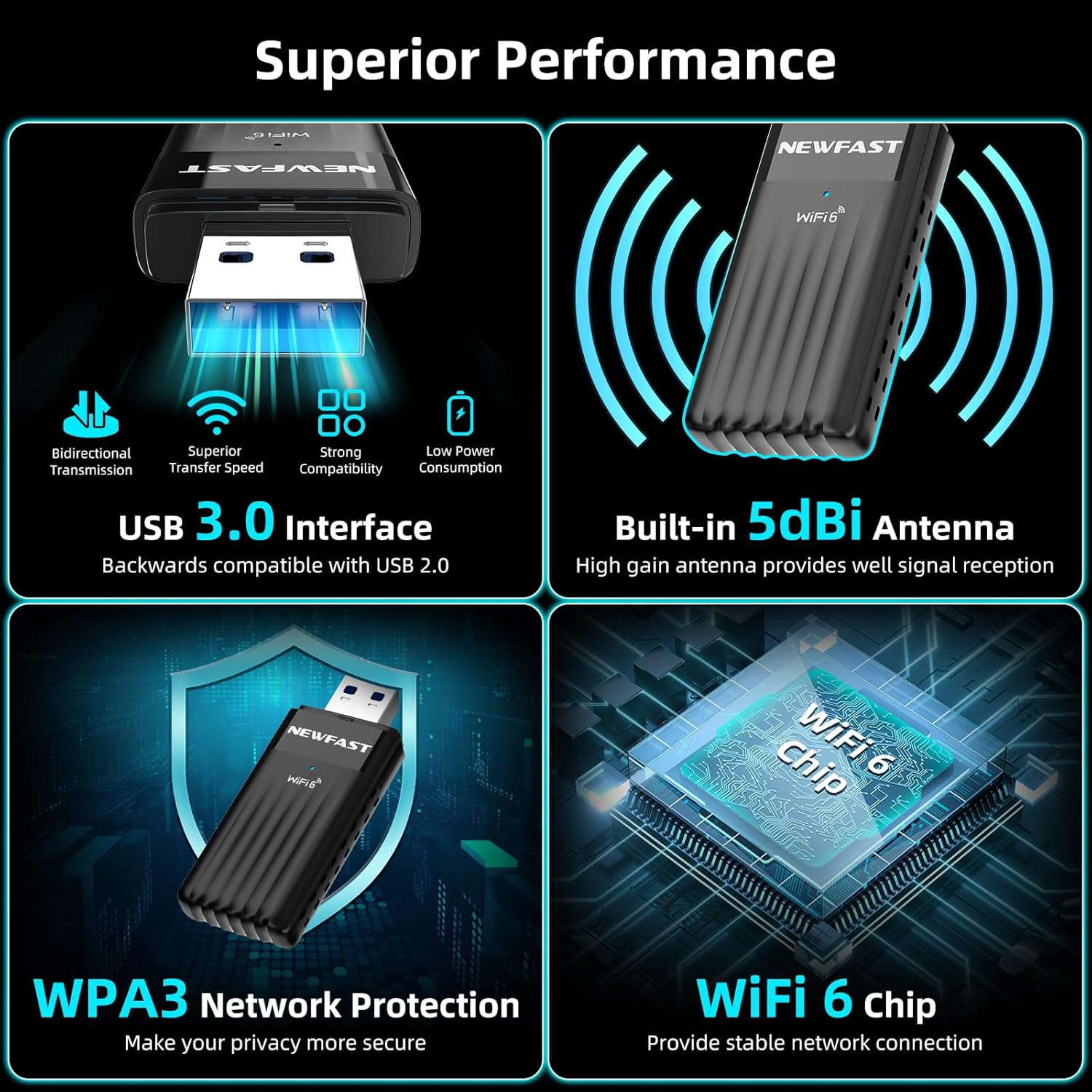
This NEWFAST WiFi 6 USB dongle is designed to bring a newer wireless standard to a PC or desktop setup that doesn’t already have WiFi built in, or where the built-in card doesn’t perform well enough. On paper, it targets everyday needs like smoother browsing and more stable connections for online gaming and streaming, thanks to dual-band WiFi 6 features.
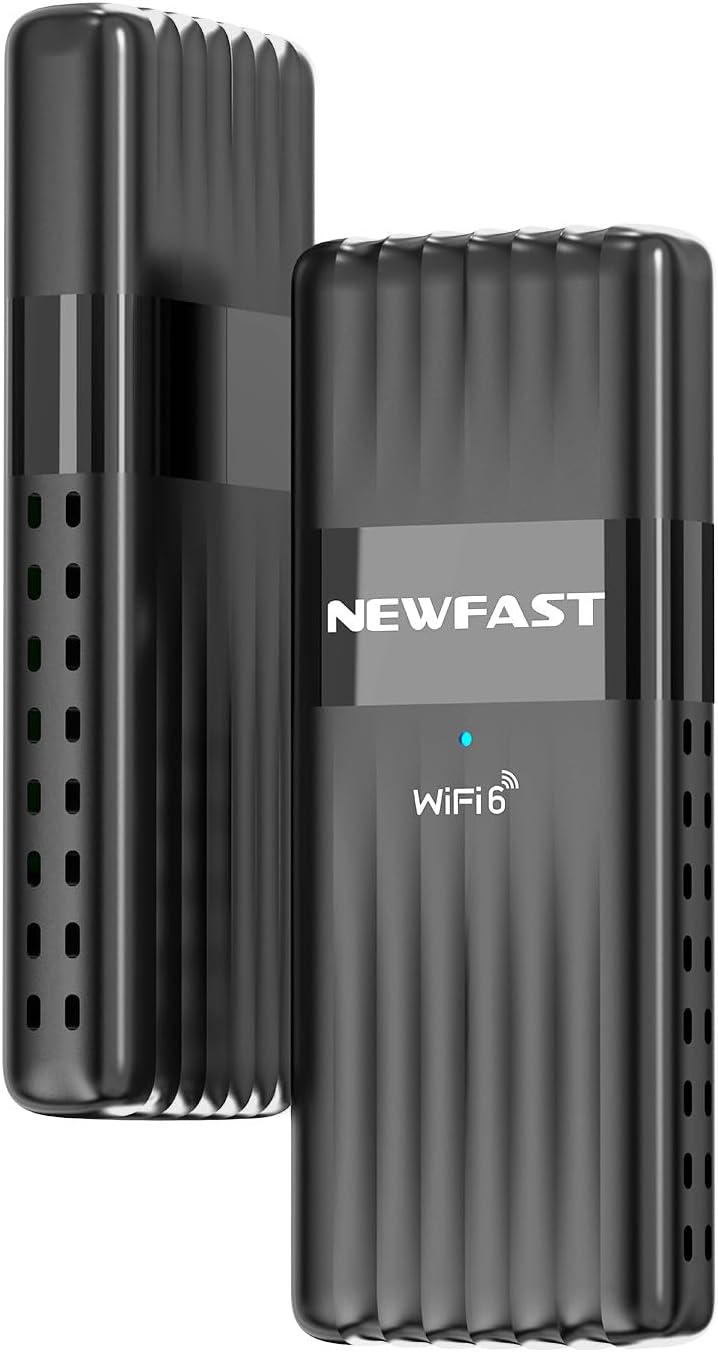
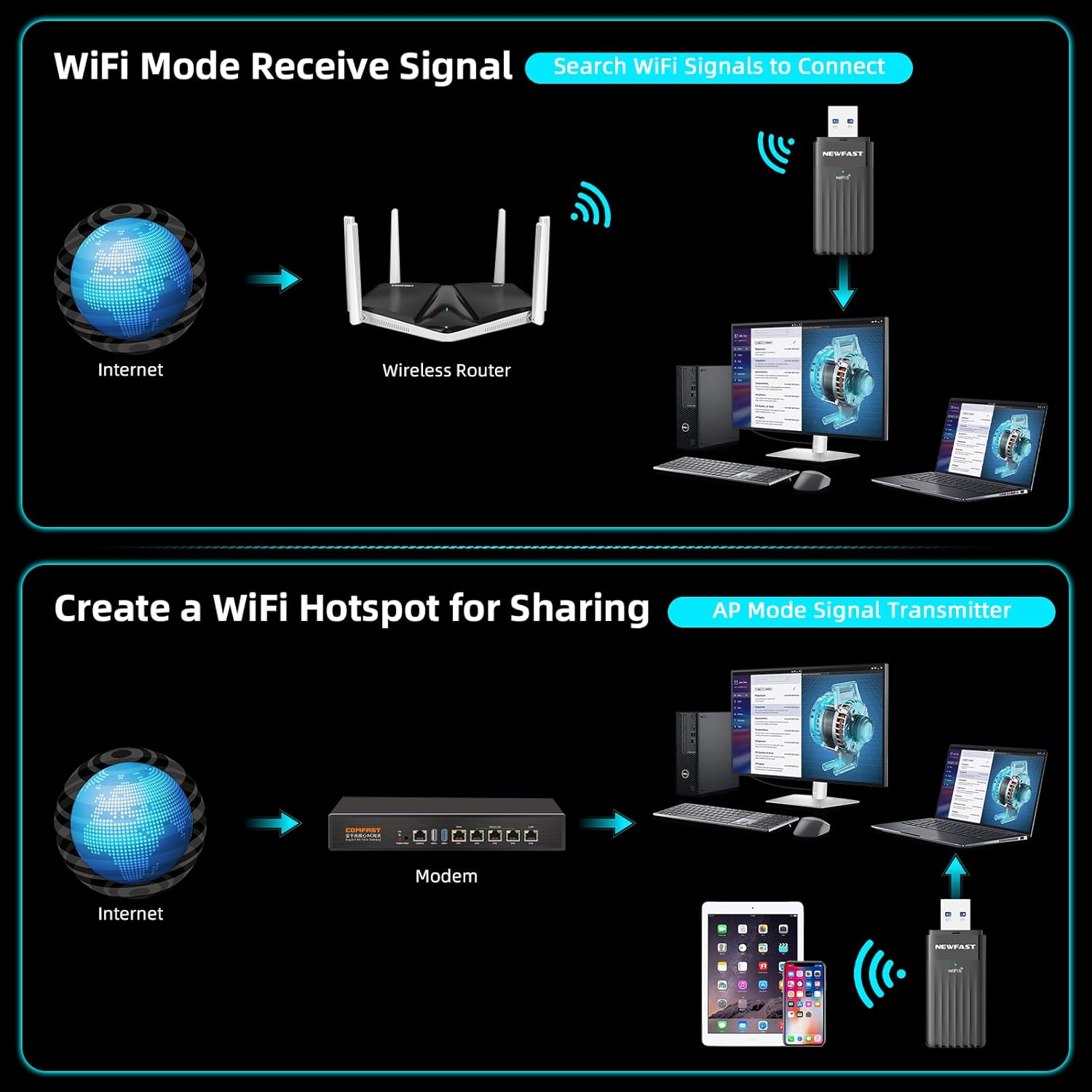
The key idea is simple: plug it into a USB port, connect to a WiFi 6 (or compatible) router, and avoid the hassle of adding an internal network card. It’s also positioned as a “receiver” style solution with external dual antennas, which can help with signal coverage compared with some smaller, internal-only adapters.
Key specifications to understand before buying
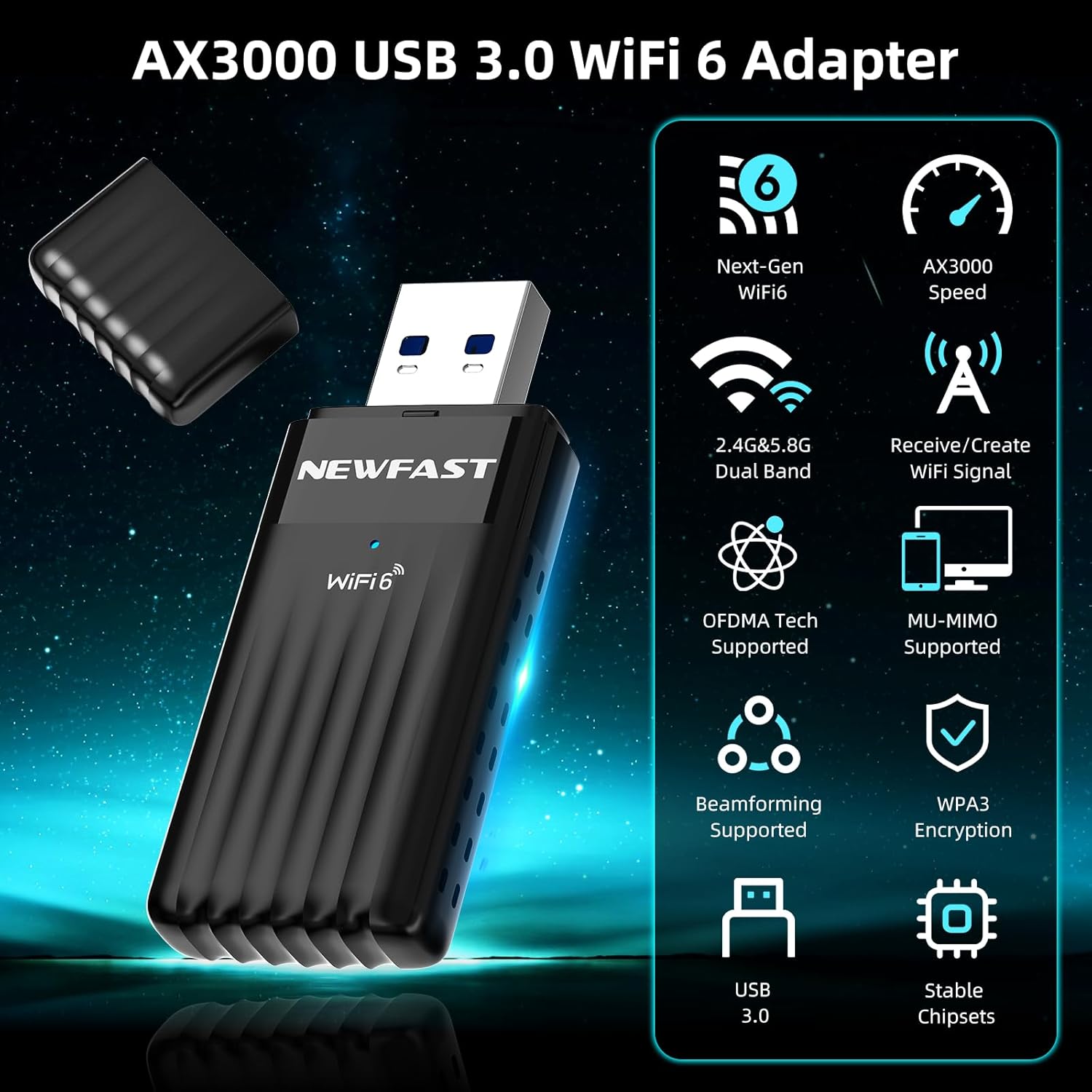
You’ll see this dongle described as AX3000 and as a dual-band adapter, with different maximum speeds for each band. It supports the WiFi 6 family of standards (IEEE 802.11ax) as well as older standards, so it should connect to a range of WiFi networks rather than requiring a very specific router.
The headline connection approach is also built around efficiency features associated with WiFi 6: OFDMA and MU-MIMO are mentioned as ways to improve performance, particularly in busy or high-density environments. That matters if you’re in a home with multiple devices competing for airtime, or if your router sits in a packed block of flats.
On the security side, it includes WPA3 encryption, which is a sensible upgrade versus older encryption methods.
What you’ll notice day to day
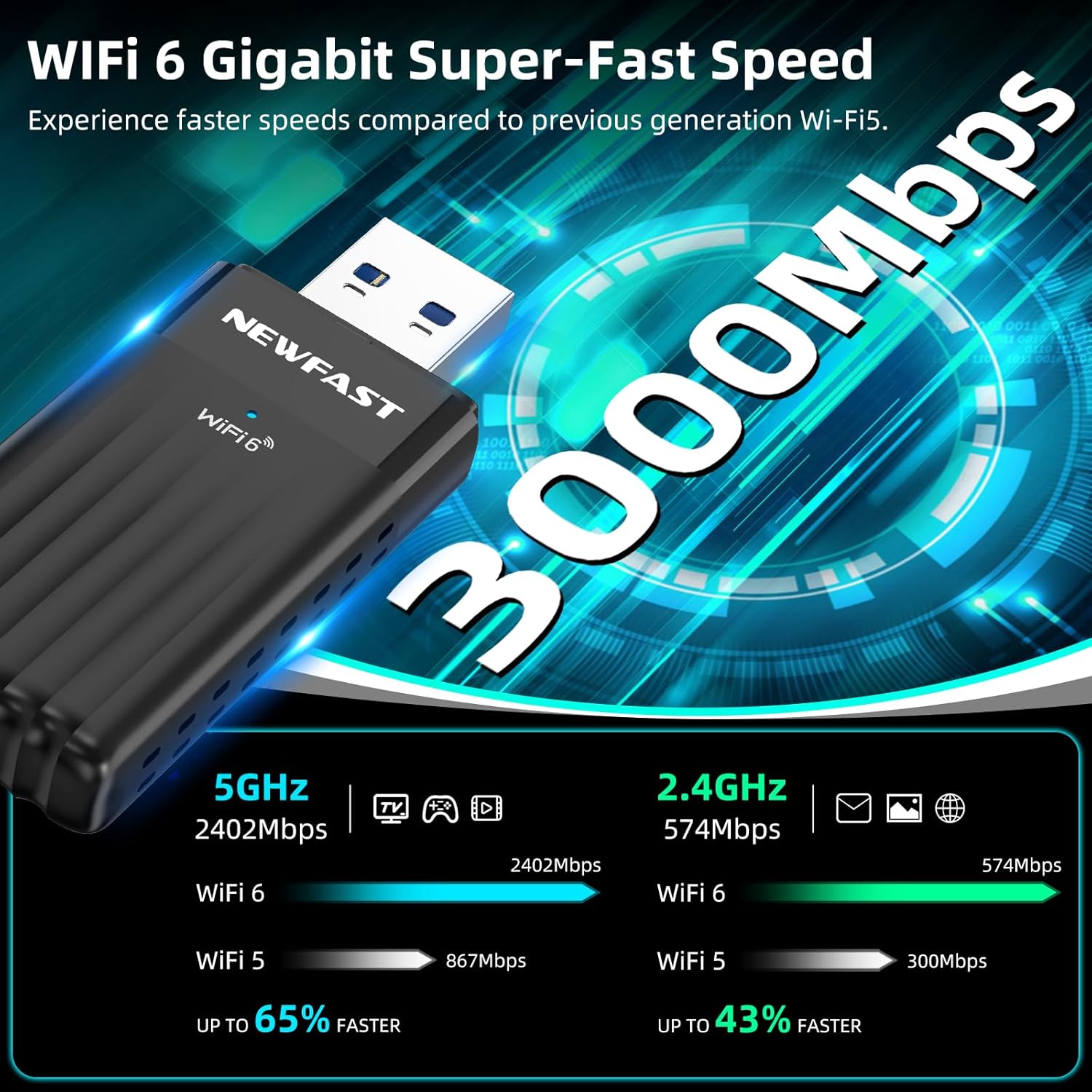
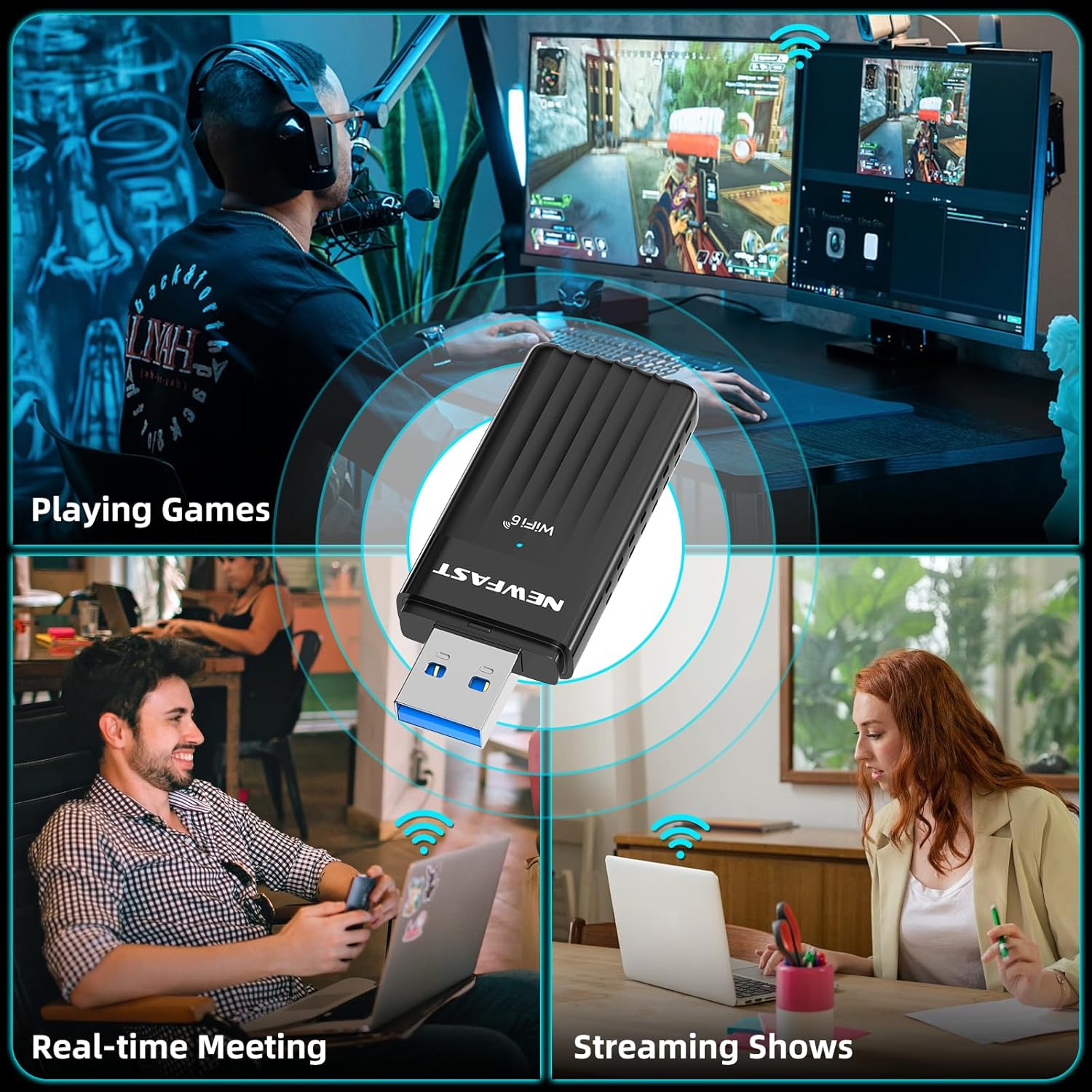
In real-life terms, WiFi 6 dongles tend to feel most beneficial when lots of devices are active at the same time, or when you’re trying to get steadier performance for latency-sensitive activities. So if your use includes online gaming, webcasts, or heavy streaming, the AX3000 class and WiFi 6 efficiency features are meant to reduce buffering and delays.
One practical way to think about it: imagine you’re working from your desk and your partner is streaming in another room while your phone and laptop are both online. In that “everyone’s awake” scenario, the OFDMA/MU-MIMO approach is meant to handle the traffic more efficiently than simpler WiFi adapters.
Still, it’s worth keeping expectations grounded: your actual speed and stability will depend heavily on your router, the WiFi signal quality where the PC sits, and how busy the network is.
Where it shines (and where it may fall short)
This dongle makes the most sense if you want WiFi on a desktop or PC without opening the case, and you care about using WiFi 6 features where available. The external dual high gain antennas and USB 3.0 connection are there to support better signal reach and performance.
However, it may not be the best move if your goal is “maximum range in a difficult dead-spot”. Antennas help, but WiFi is still WiFi, and thick walls or a weak router signal can limit what any USB adapter can do. Also, if you only ever use a very basic router or your environment isn’t particularly busy, you might not feel the full advantage of WiFi 6 features.
Finally, while the listing states it is plug and play and needs no drive, you’ll still want to confirm your system meets the stated Windows support and that you have a suitable USB port available.
Tech-focused but human: compatibility and security
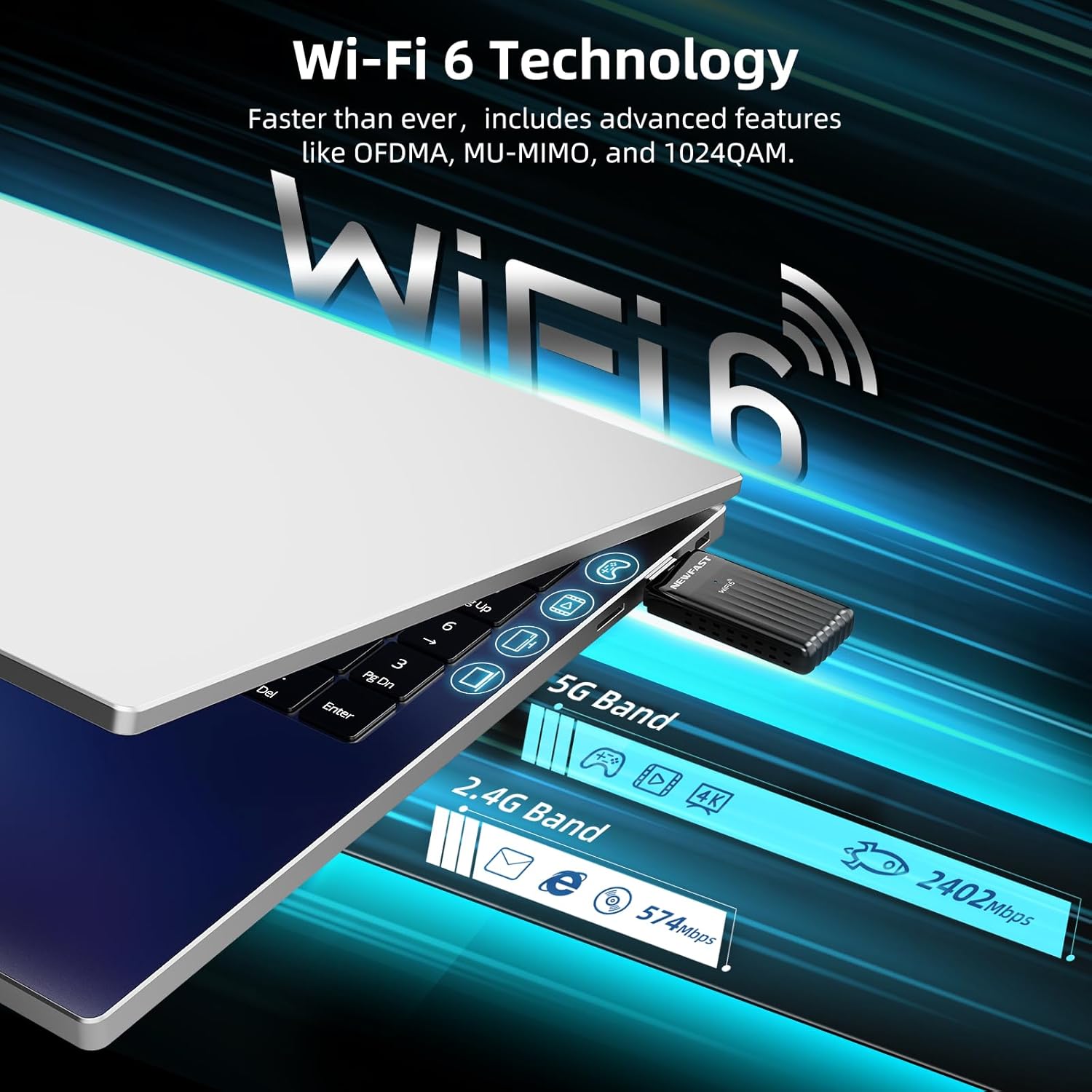
The product description states compatibility with Windows 10 (32-bit and 64-bit) and Windows 11 (64-bit). It also says it follows IEEE 802.11ax/ac/a/b/g/n standards, which is reassuring if your home WiFi setup isn’t exclusively WiFi 6.
Security is clearly part of the pitch, with WPA3 encryption mentioned. If you’re setting up a new connection and you’d like to avoid older encryption approaches, that’s a solid checkbox.
It supports USB 3.0, and it notes compatibility with USB 2.0 as well. On balance, you should aim to use a USB 3.0 port if you have one, simply because that’s the environment it’s designed to perform in.
Who it’s for (and who should probably skip it)
It’s a sensible pick if you: - Need WiFi for a PC or desktop and prefer a USB dongle over internal upgrades. - Have a WiFi 6 router and want the PC to take advantage of it. - Care about smoother performance for gaming, webcasts, or high-definition streaming. - Want WPA3 support as part of your setup.
It’s not the best match if you: - Expect miracles from a far-from-router location, signal strength still matters more than the adapter on its own. - Only use a very limited setup where WiFi 6 features won’t really be leveraged. - Don’t have a spare USB port, or you’re relying on a USB 2.0 port and can’t improve placement.
Mini FAQ
Does it need drivers or setup?
The description says it’s plug and play and “no drive”, so it’s intended to be straightforward to use. If your Windows installation doesn’t automatically recognise it, you’d need to handle driver availability through Windows support, but the listing itself frames it as low-effort.
What’s the difference between the 5 GHz and 2.4 GHz bands here?
The product is dual band, and it provides separate maximum speeds for each frequency band in its AX3000-style spec summary. In day-to-day use, 5 GHz is often better for performance, while 2.4 GHz is often better for reach—your router settings and environment will decide what you actually experience.
Is WPA3 supported?
Yes, WPA3 encryption is mentioned, which is a welcome security detail if your router supports it.
Final verdict
When it makes sense
This NEWFAST WiFi 6 AX3000 USB dongle is worth considering if you want a practical WiFi upgrade for a Windows 10/11 PC setup, especially when you have (or plan to have) a WiFi 6 router. The external dual antennas, USB 3.0 focus, and the WiFi 6 efficiency features make it a good “plug in and improve things” approach.
If your connection depends on a weak signal far from the router, it might feel less convincing than you’d hope—placement and router quality will still be the big winners. And if you’re only after very basic web/email use, you may not feel the benefit of WiFi 6 as much as you would with gaming or heavy streaming.