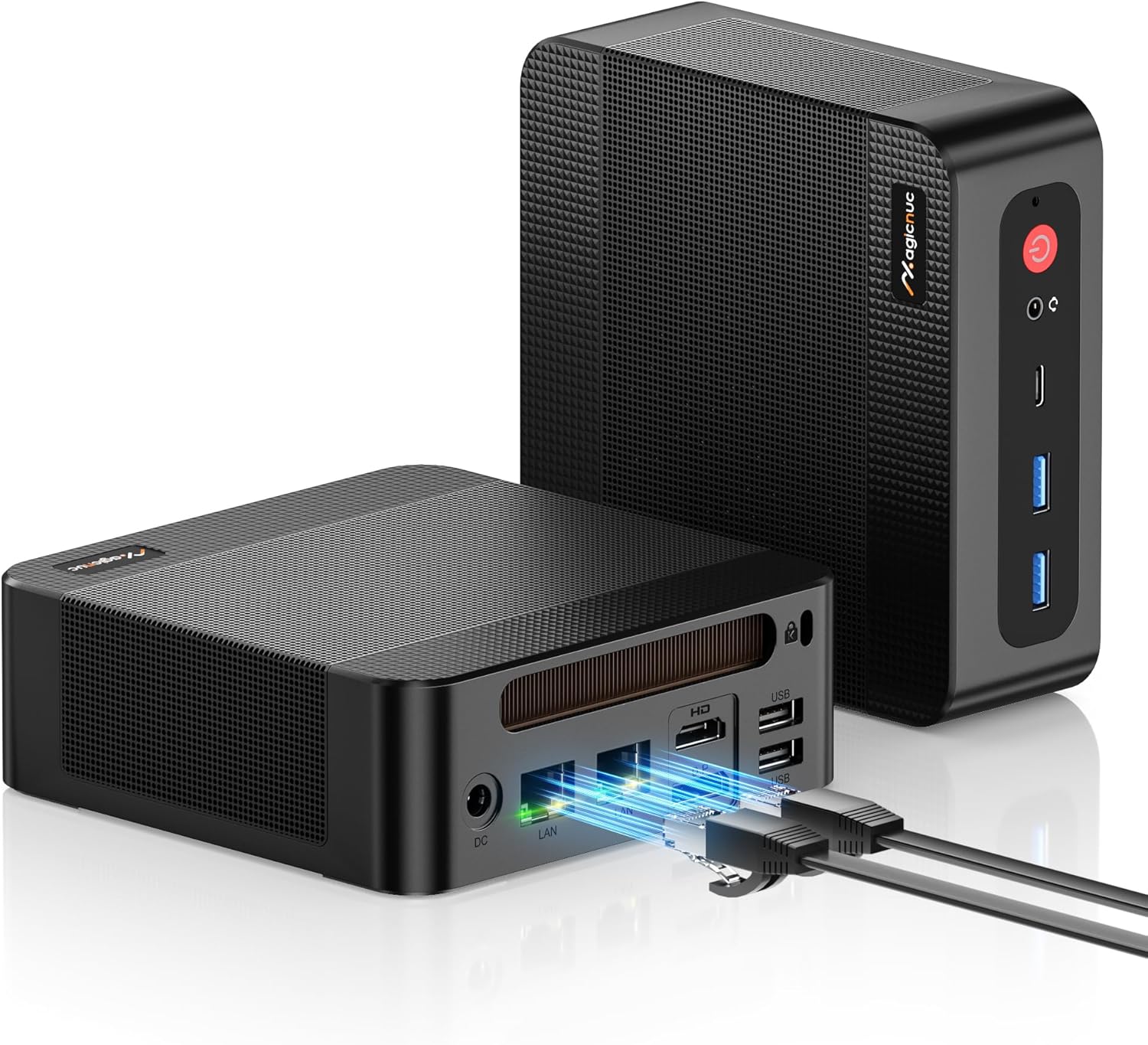
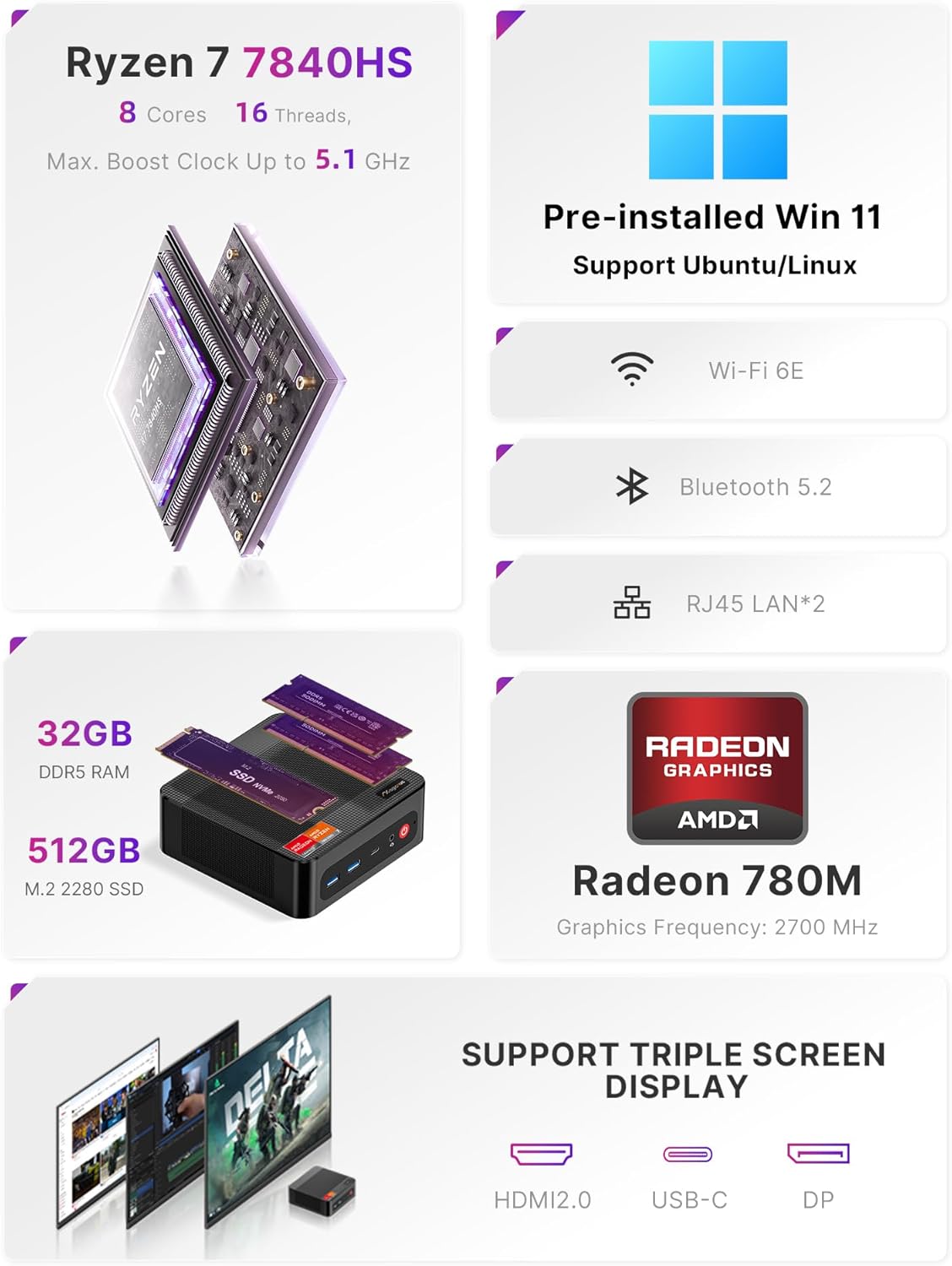
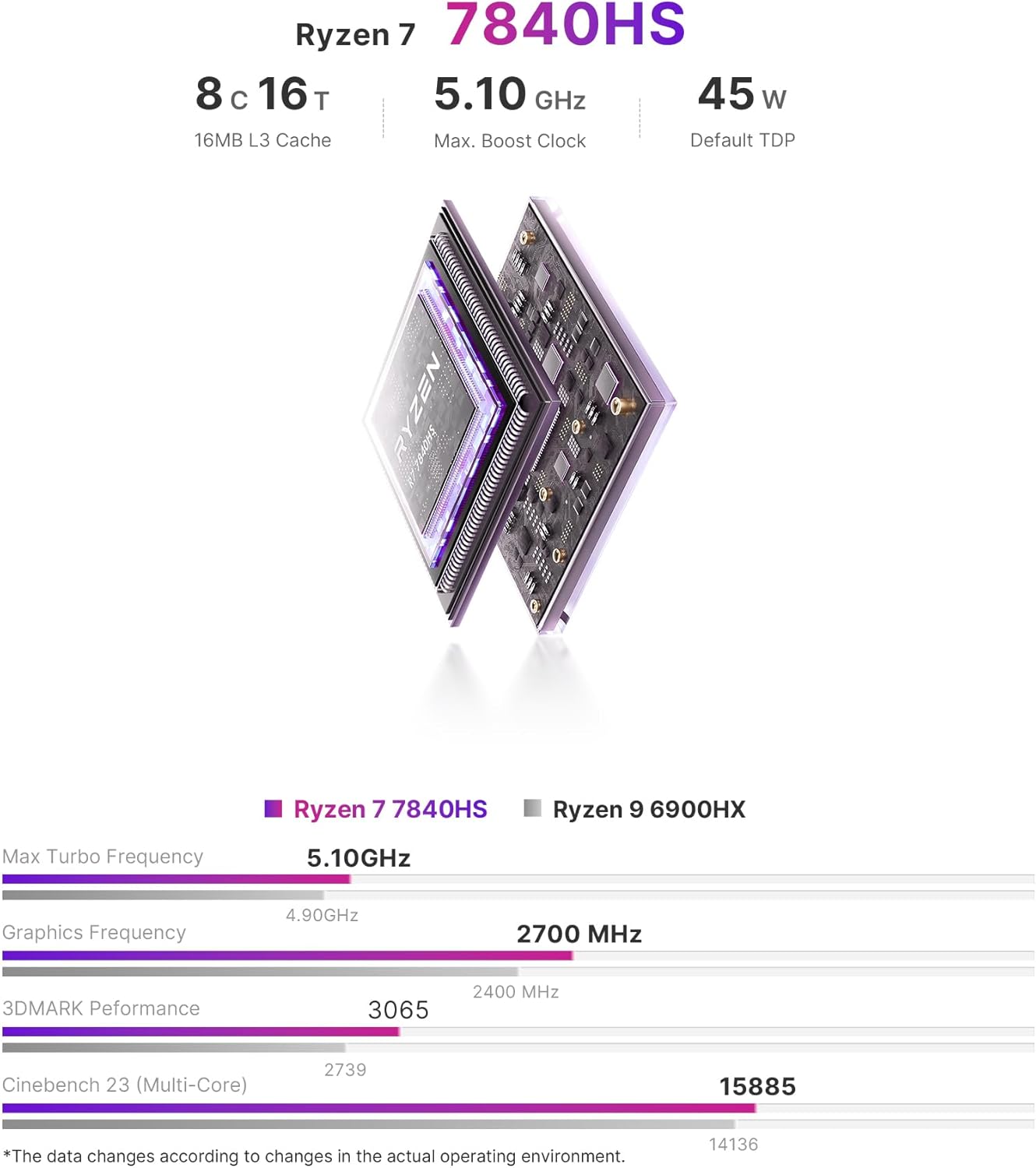
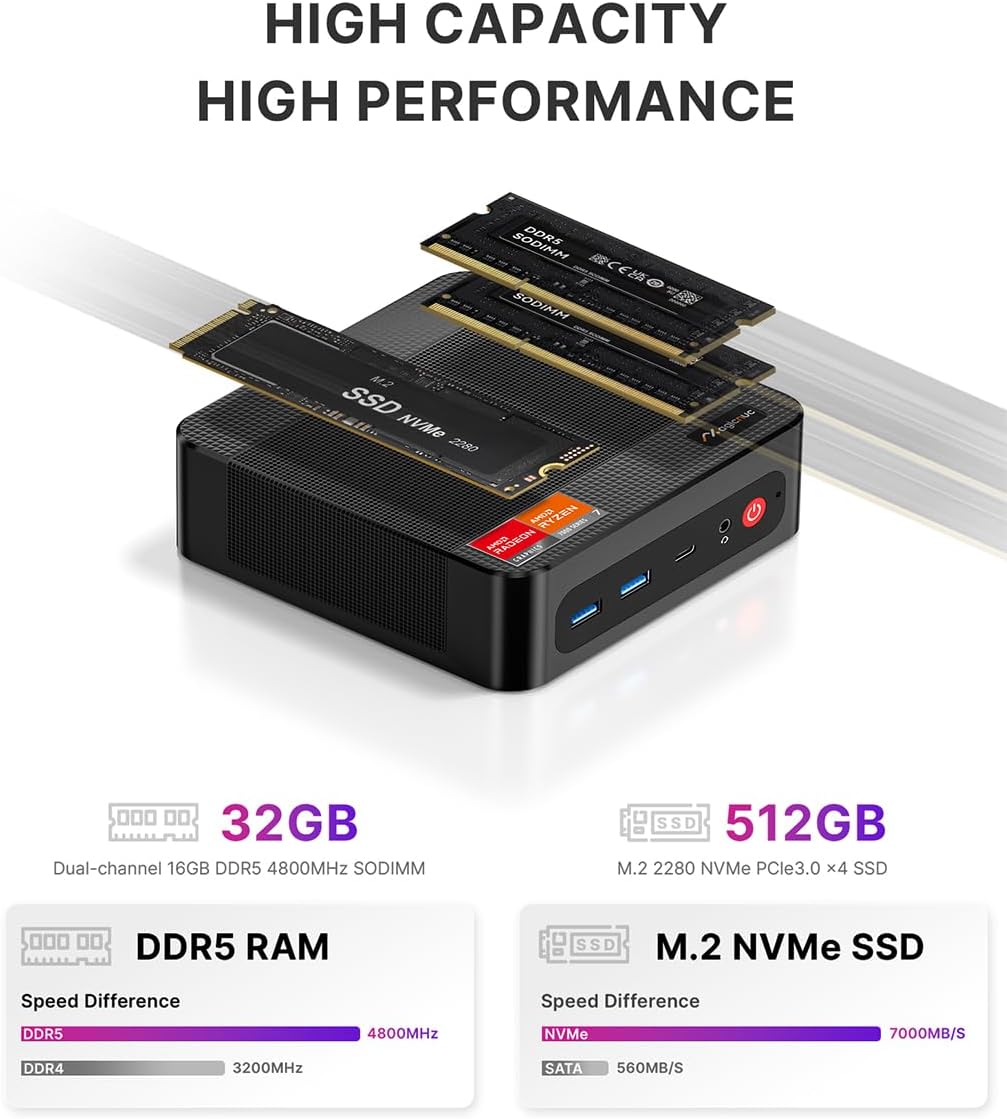
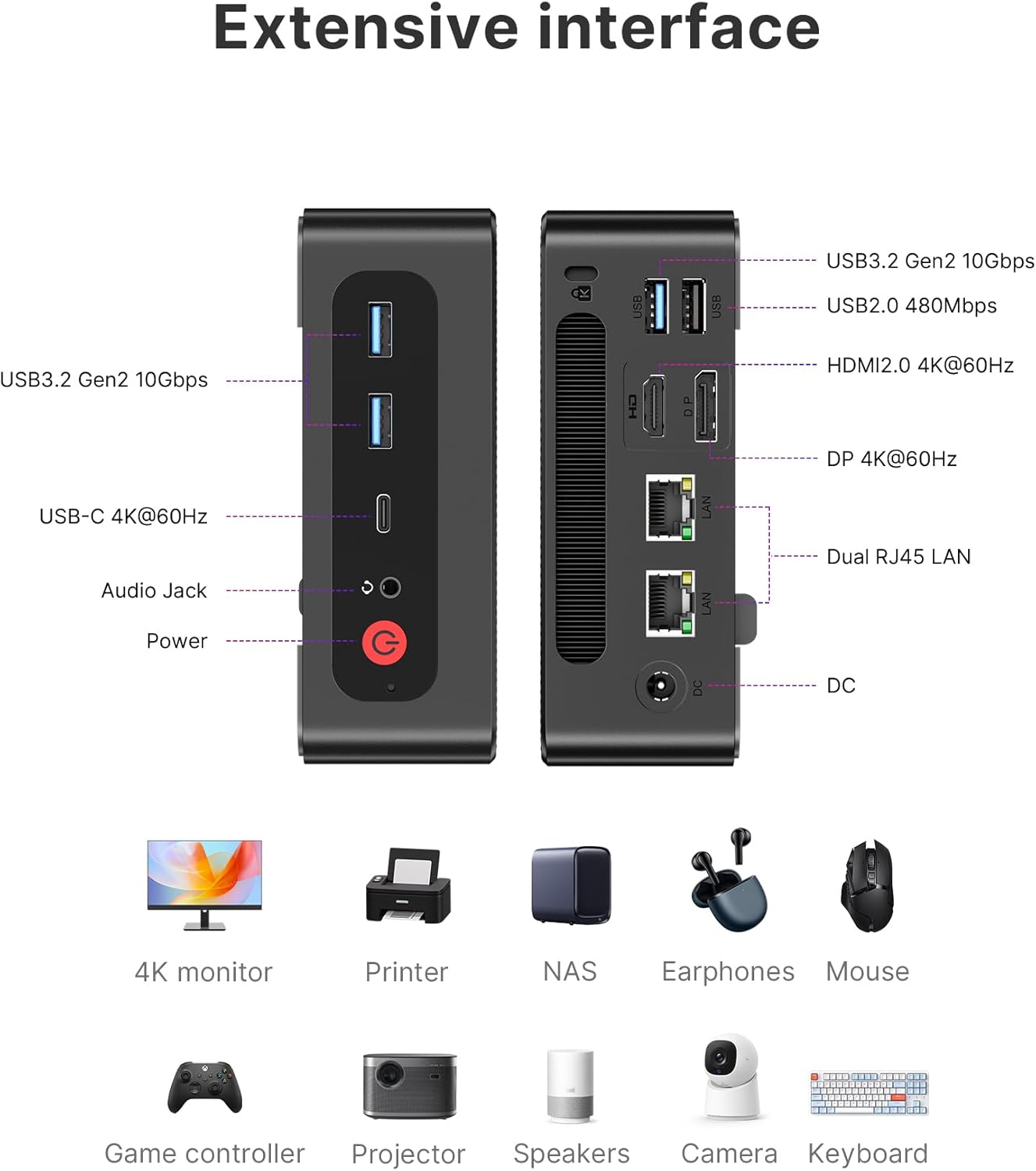
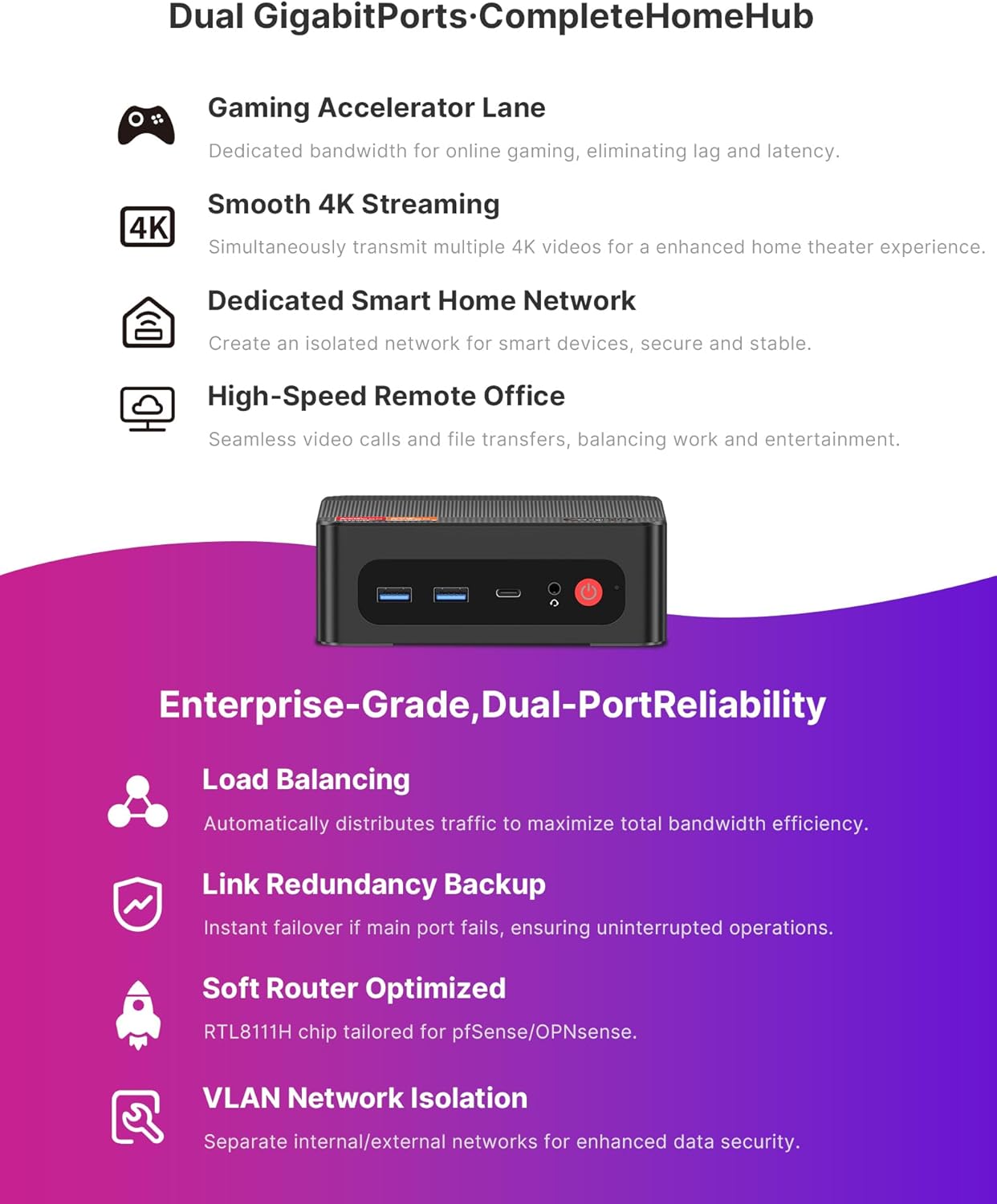
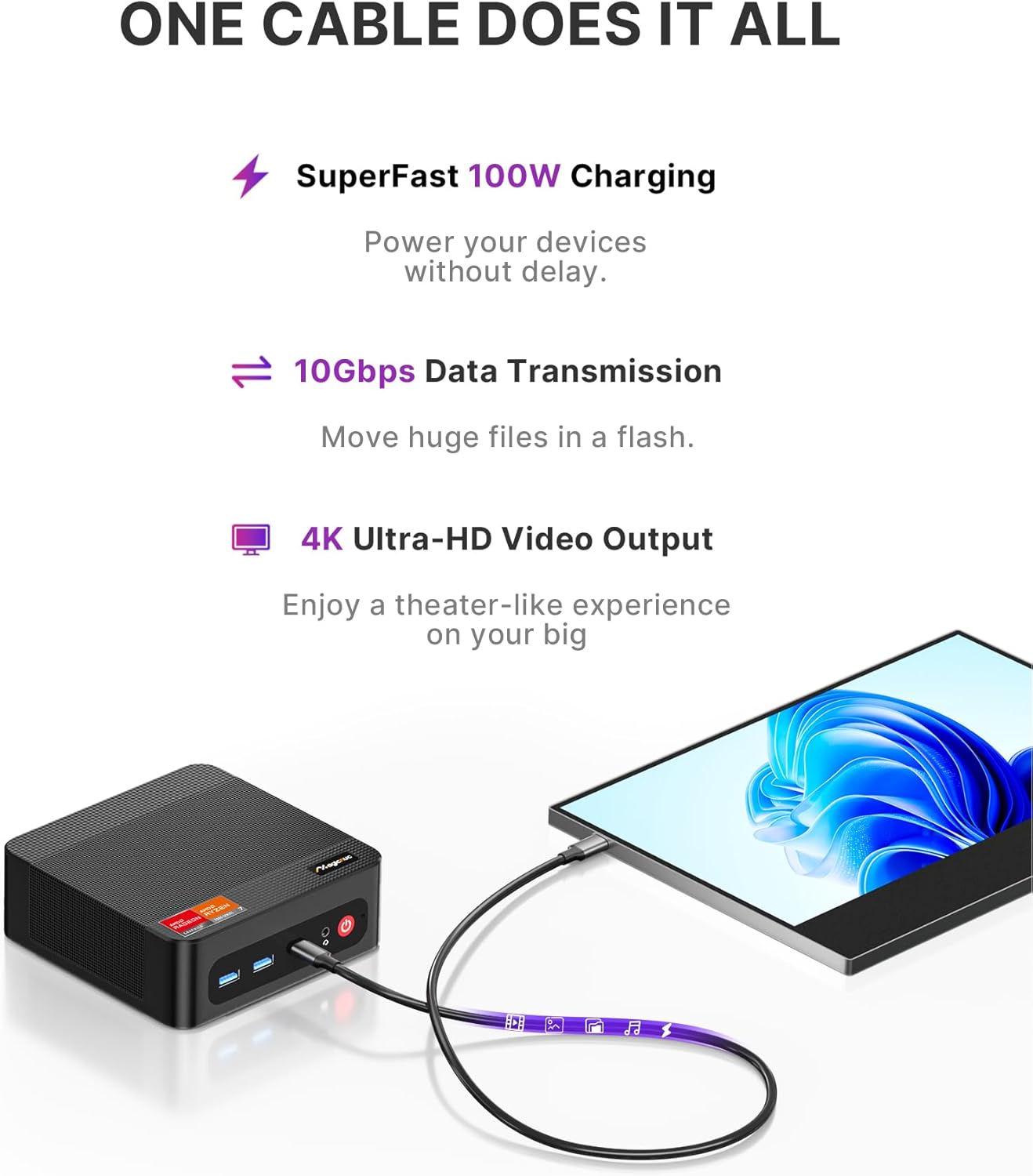
What it is and what it solves\nThe MAGICNUC AG2 is a compact, high-performance mini PC built around the Ryzen 7 7840HS. It targets home offices, compact workstations and living room setups where desk space is precious but power is not, think demanding multitasking, photo editing, light gaming, and smooth 4K media handling. On paper, you get eight cores and sixteen threads with a boost up to 5.1GHz, plus 32GB of DDR5 RAM and a 512GB PCIe SSD. The system is designed to stay cooler and quieter under load thanks to a dual-copper pipe cooling solution, which is reassuring if you expect long sessions without cranking the fans up.\n\n## How it performs in everyday use\nIf your daily tasks include multiple browser tabs, office apps, and occasional creative work, the AG2 should feel responsive. The 32GB RAM helps with multitasking, and the M.2 slot gives room to grow storage, which is useful if you’re accumulating media or projects. For more strenuous workloads such as professional photo editing, you’ll likely notice benefit from the additional RAM and faster SSD speeds, though the system is still a compact mini PC rather than a full-fledged workstation.\n\n## Why triple 4K outputs matter\nThe AG2 comes with a mix of USB-C, HDMI and DisplayPort connections that enable up to three 4K displays. That’s appealing if you want a home setup for productivity, media consumption or light gaming across multiple screens. The USB-C port adds docking flexibility, data transfer speed, and even charging potential for compatible devices. If you value a tidy desk with one central hub, this can be a real plus.\n\n## What stands out (and where it may fall short)\nOn the plus side, the combination of a powerful mobile-class CPU, substantial RAM and quick storage makes for a capable all-rounder in a tiny footprint. The dual LAN ports improve wired networking stability and throughput for tasks like video calls or local file transfers, which can be a real benefit in a busy home or small office. On the downside, while the Ryzen 7 7840HS is strong for a mini PC, this isn’t a dedicated gaming rig or a top-tier creator workstation. If you’re after ultra-high-end gaming at max settings or professional-grade 3D rendering, you’ll likely want to consider more powerful or upgrade-friendly desktop options.\n\n## Who it’s for\nThis is a sensible choice for someone who wants a compact, quiet machine for everyday productivity, light photo/video editing, media streaming, and multi-monitor setups at home or in a small office. It suits those who value expandability within a small form factor (two SODIMM slots and an extra M.2 slot), and who appreciate robust network capability with dual Ethernet and fast wireless.\n\n## Who it isn’t the best for\nIf your priority is maximum gaming performance at high resolutions, or heavy 3D workloads, the AG2’s compact design and lower-end (for gaming) cooling profile could bottleneck long sessions. Also, if you require RAM and storage without planning future upgrades, you might hit limits sooner than you’d like, despite the two RAM slots and extra M.2 bay.\n\n## What to check before buying\n- Verify RAM configuration and expansion potential (2x16GB slots, upgrade up to 64GB).\n- Confirm I/O needs align with your display setup (HDMI, DisplayPort and USB-C for 4K output).\n- Consider your network layout: dual LAN is beneficial, but ensure your NAS or router supports link aggregation if that’s a use case.\n- Check operating system expectations: pre-installed Windows 11 Pro and compatibility with Linux/Ubuntu offers flexibility, but make sure your software stack is supported.\n- Think about space and where you’ll place it, VESA mounting is available, which helps in a compact living-room or office environment.\n\n## How it compares to other approaches\nIf you’re weighing this against a traditional desktop, the AG2 trades raw expansion headroom for size and quietness. It’s a practical middle-ground for those who want a neat desk, decent multitasking and multi-monitor capability without the bulk of a full desktop PC. For users who don’t need compactness, a mid-range desktop with more upgrade headroom could outperform it in sustained heavy workloads or modern gaming. If portability and a compact footprint are essential, the AG2 stands out as a well-rounded option within its class.\n\n## Practical use case example\nA typical setup might be a home office where you run a web browser with numerous tabs, photo editing in a light to moderate workflow, and an occasional video conference. With three 4K displays, you can dedicate one screen to reference material, another to the editing timeline, and a third for communication or streaming content, all while keeping the system relatively quiet during long work sessions.\n\n## Decision time: Is it worth it?\nThis is a sensible buy if you prioritise a compact, quiet, well-rounded mini PC with strong multitasking ability and solid connectivity. It makes sense for multi-monitor work-from-home setups, light content creation, and general productivity at home. It may not be the best option if your primary need is high-end gaming or heavy professional rendering, where more processing headroom and cooling are critical.\n\n## FAQ (short and practical)\n- Can I upgrade RAM and storage easily? Yes, the unit provides two SODIMM slots and an extra M.2 slot for storage expansion.\n- Is it suitable for 4K video editing? It’s capable for light to moderate tasks, for intensive timelines you’ll benefit from the RAM and storage headroom, but plan for heavier workloads elsewhere.\n- How quiet is it under load? The dual-copper pipe cooling aims to keep temperatures reasonable, real-world noise depends on workload and ambient conditions.\n