

ProtoArc EM25 ergonomic wireless mouse (2.4G + Bluetooth) with fast flywheel scrolling, thumb wheel and custom button
Product description
The essentials
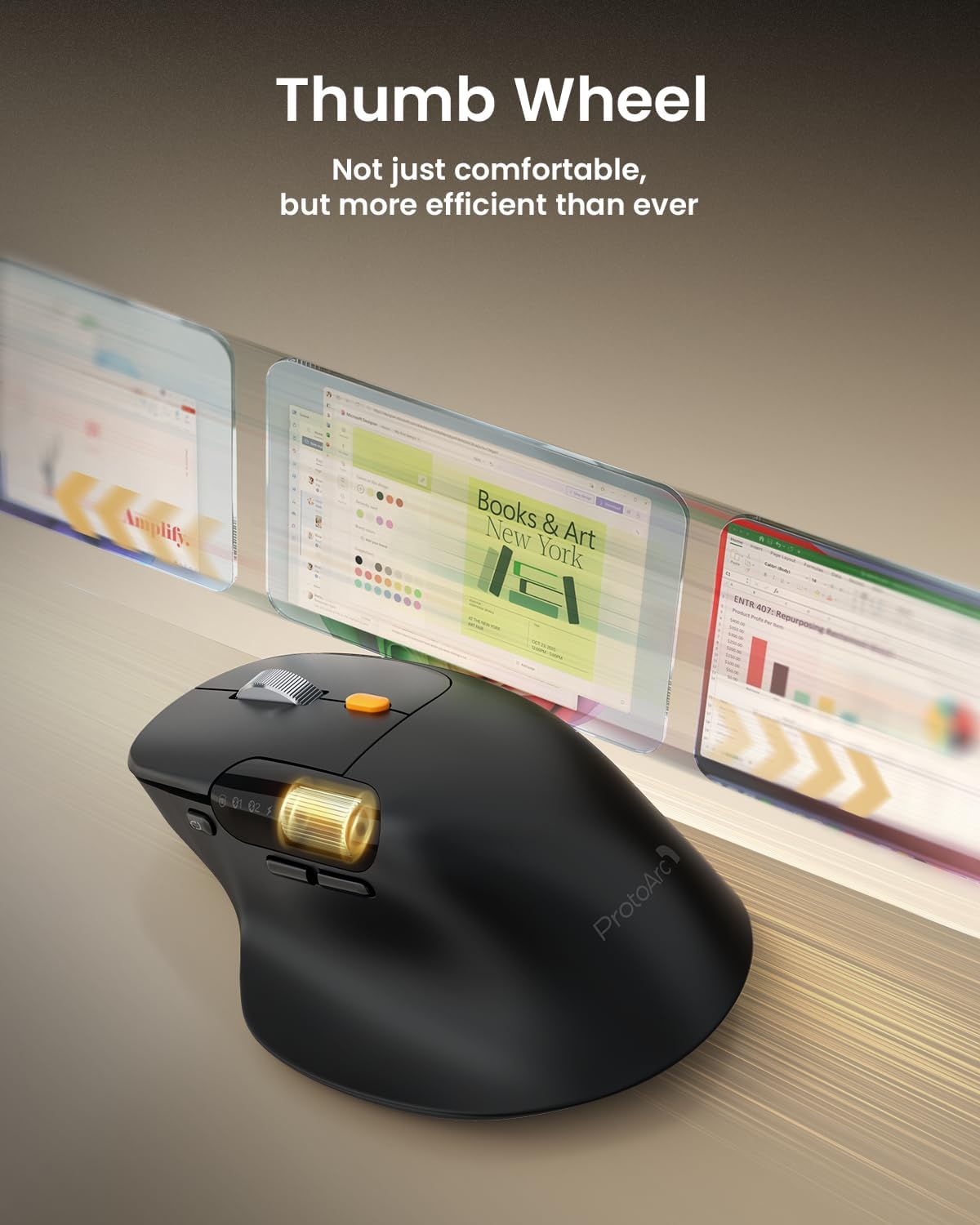
The ProtoArc EM25 is an ergonomic, curved wireless mouse built around one clear idea: make scrolling feel faster and more effortless than with a standard wheel. On paper, it leans into two different scrolling styles — a super-fast “flywheel” mode for quickly moving through long pages and a dedicated thumb wheel for horizontal scrolling, which can be handy for spreadsheets, timelines and wide documents.
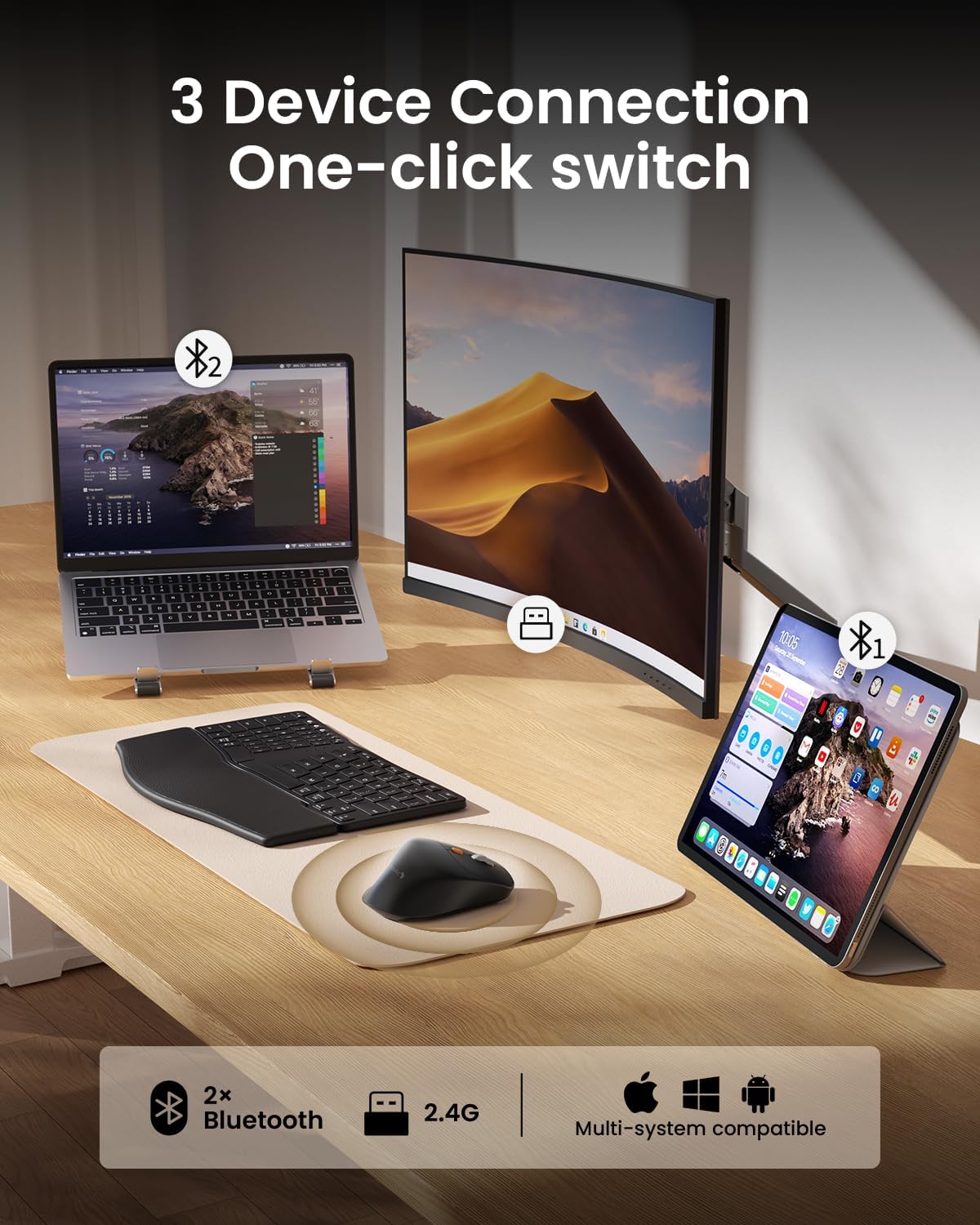
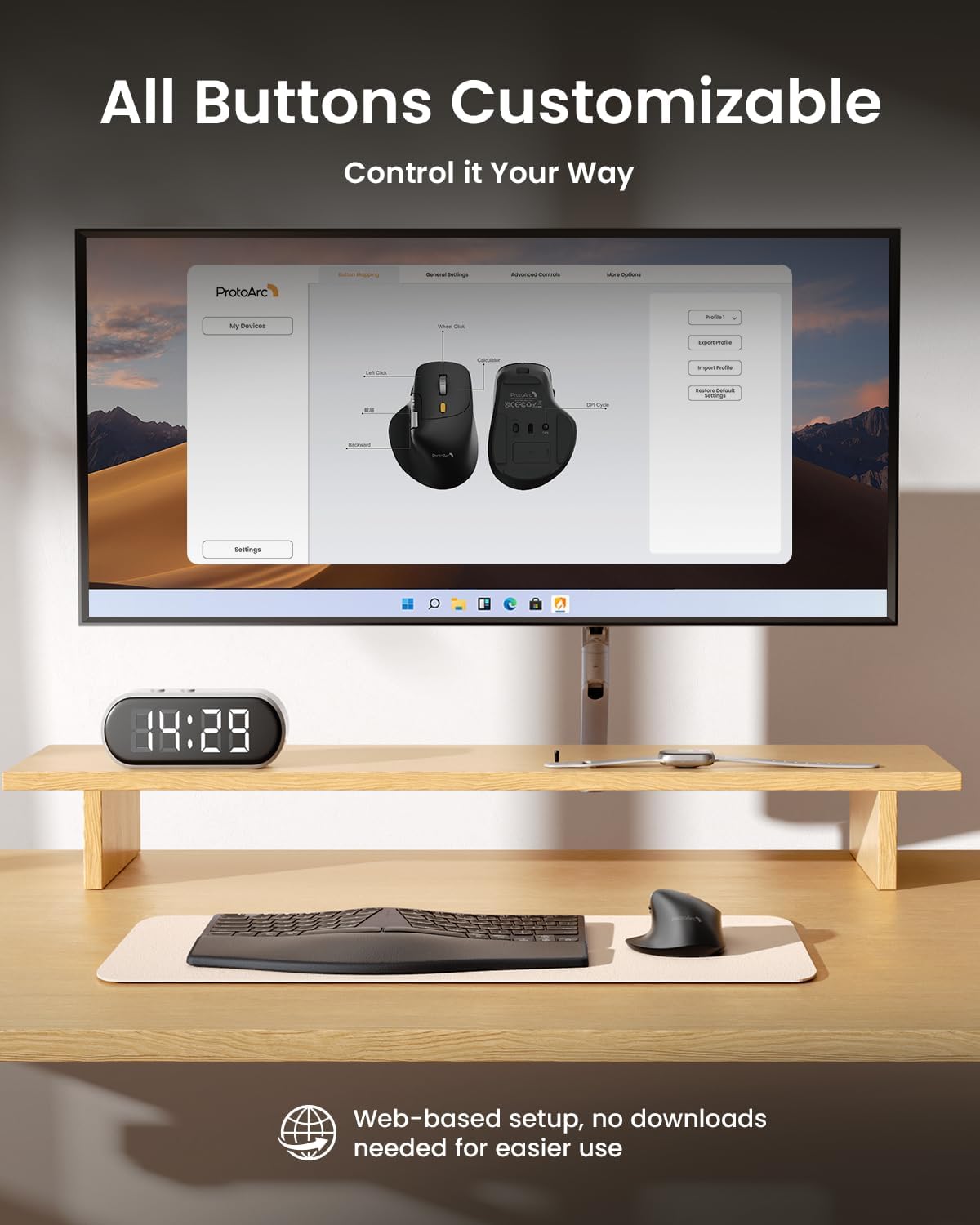
It also tries to cover the day-to-day workflow side. You get customisable buttons via a web-based interface (with no software downloads), plus multi-device connectivity using a 2.4G USB receiver and two Bluetooth channels for switching between devices. The model is positioned as a practical, productivity-focused mouse rather than a pure gaming tool, though the fast-scrolling concept will appeal to anyone who spends a lot of time reading or navigating dense pages.
What to know about the scrolling
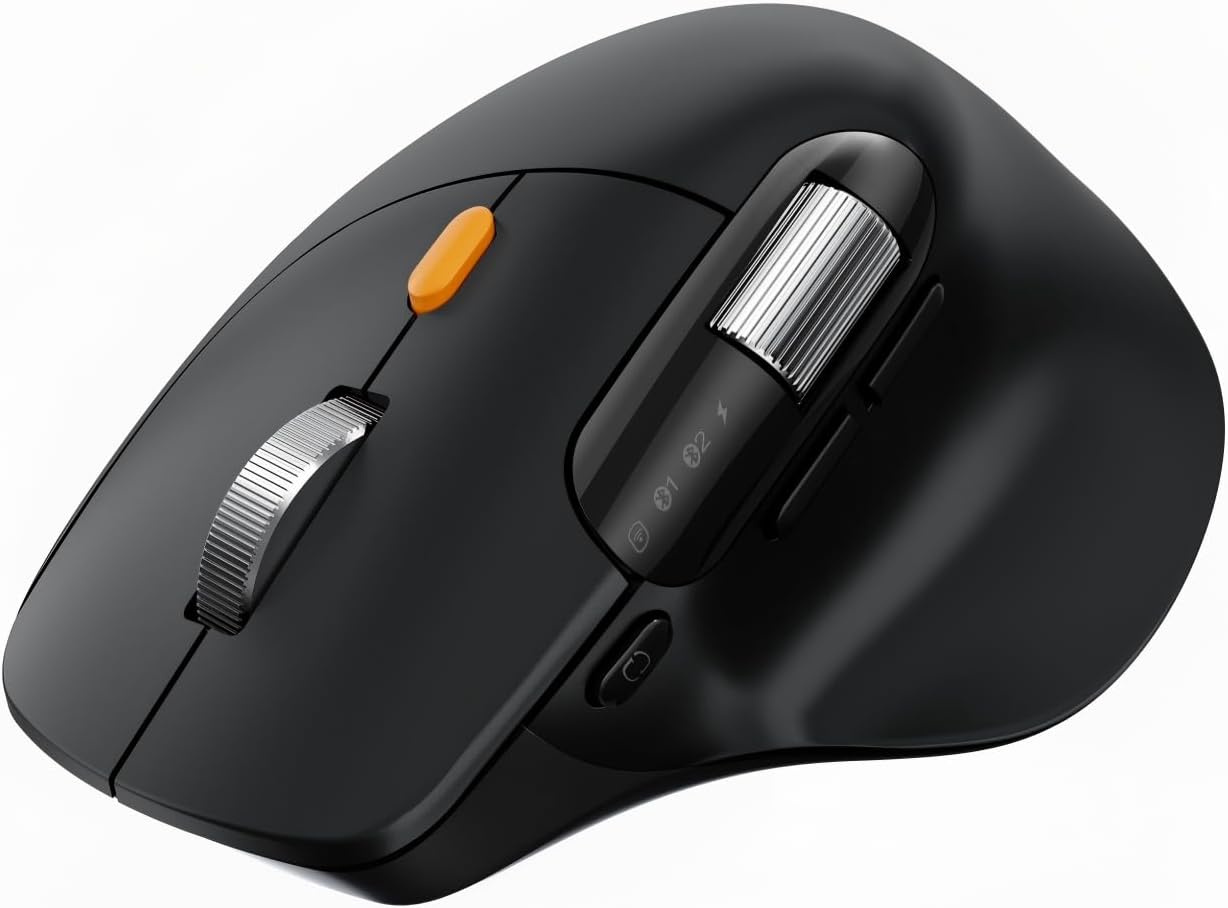
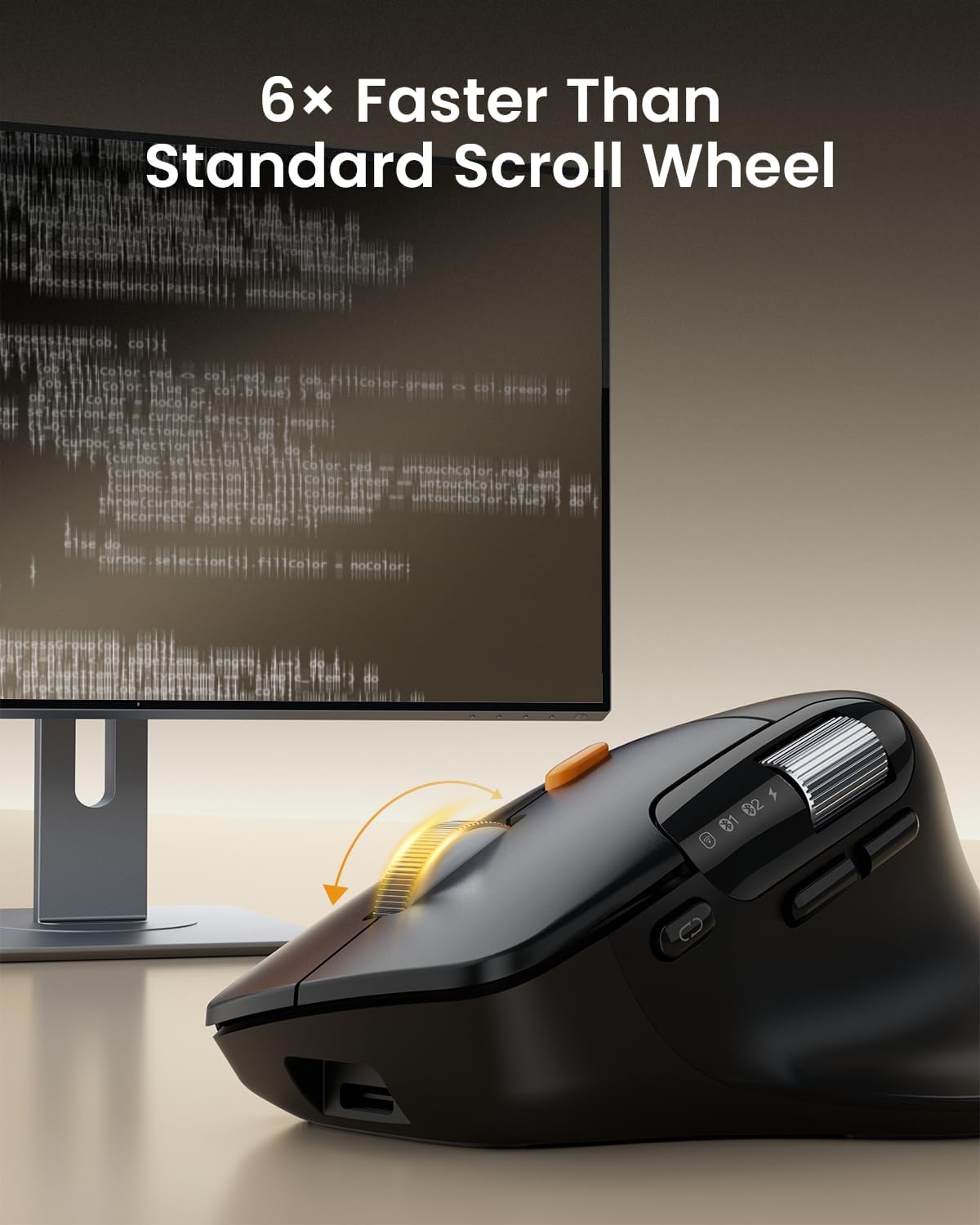
The headline feature is the flywheel scroll wheel. The description explains that flywheel mode is designed to be much quicker than ordinary scrolling — you spin once and then “fly through” long documents or web pages. There’s an important caveat though: flywheel mode isn’t implied to be automatic. You’re told to press the top orange button fully to switch to flywheel mode, while the default is standard roller mode.
So, the mouse makes the most sense if you’re the type of person who actively uses different scrolling behaviours — for example, standard wheel for precise movement in the middle of a paragraph, then flywheel mode when you need to jump through a long report or a lengthy webpage.
The dedicated thumb wheel is the other big usability angle. It’s described as ideal for effortless horizontal scrolling, which can translate to smoother navigation across spreadsheets and other wide layouts.
Ergonomic shape and all-day comfort (and its limits)
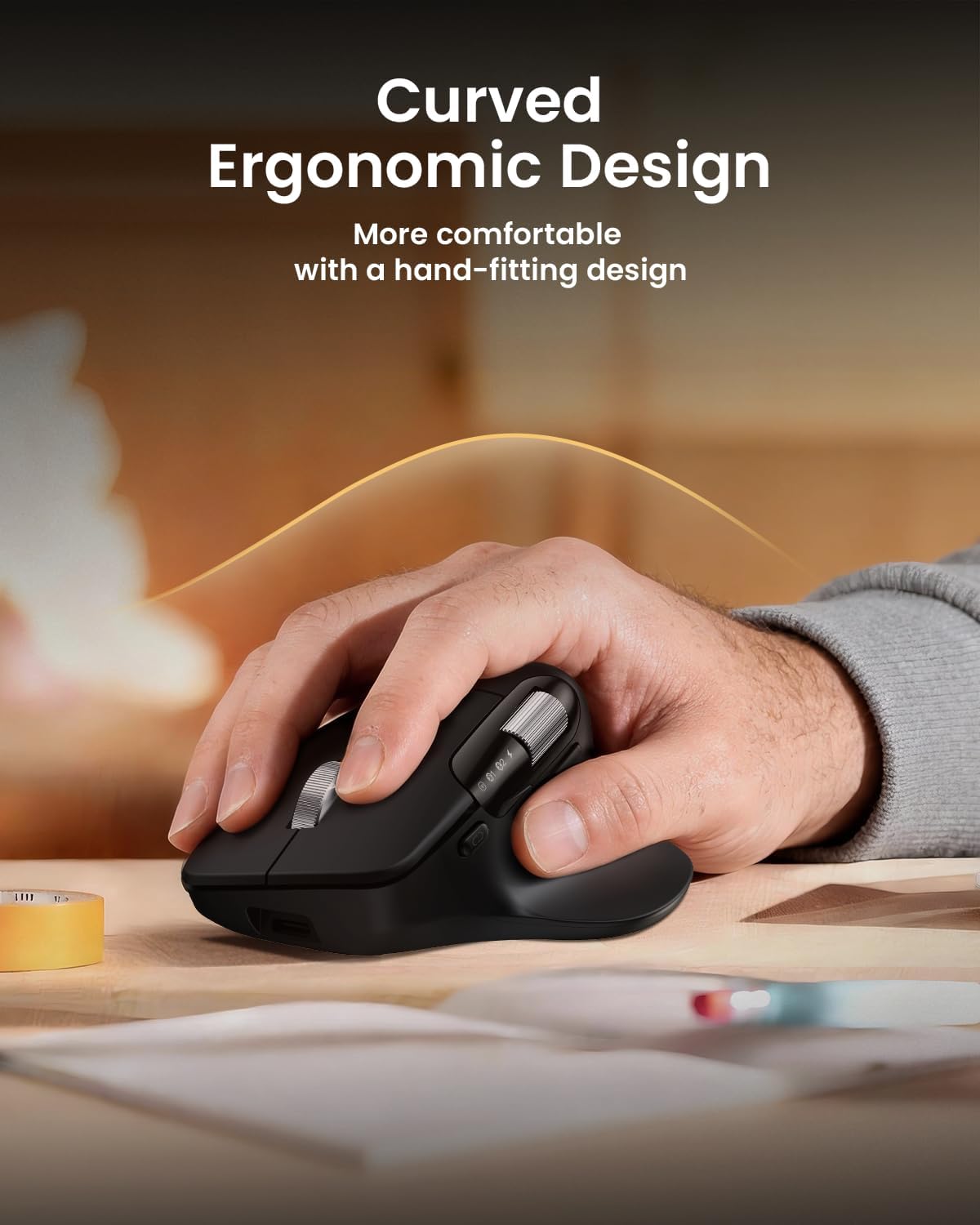
The EM25 uses a curved, hand-fitting design that supports your palm and wrist, aiming to reduce strain during extended use. In real buying terms, this matters most if you already find yourself tensing up with flatter mice or if you’ve been using a generic model for too long.
That said, ergonomics are personal. A curved shape that feels right for one hand size and grip style can feel awkward for another. If you’re very picky about mouse feel, it’s worth considering that “comfortable for all day” is a goal, not a guarantee.
Buttons, customisation and the web-based approach
There are “fully customisable” buttons described as being programmable via an intuitive web-based interface, specifically with supported browsers including Chrome and Edge. The big advantage here is convenience: no software downloads are required for customising buttons.
However, the details also come with limitations. Customisation doesn’t appear to apply to every control — it’s stated that the channel switch button, flywheel switch button and side scroll do not support customisation. Also, the customisation approach isn’t compatible with Linux or Firefox browsers.
If you’re someone who wants to remap commands and keep your setup lightweight (no extra apps running), this will likely feel sensible. If you rely on a different browser or want full control over every button, you may find these constraints annoying.
Tech summary you’ll care about before buying
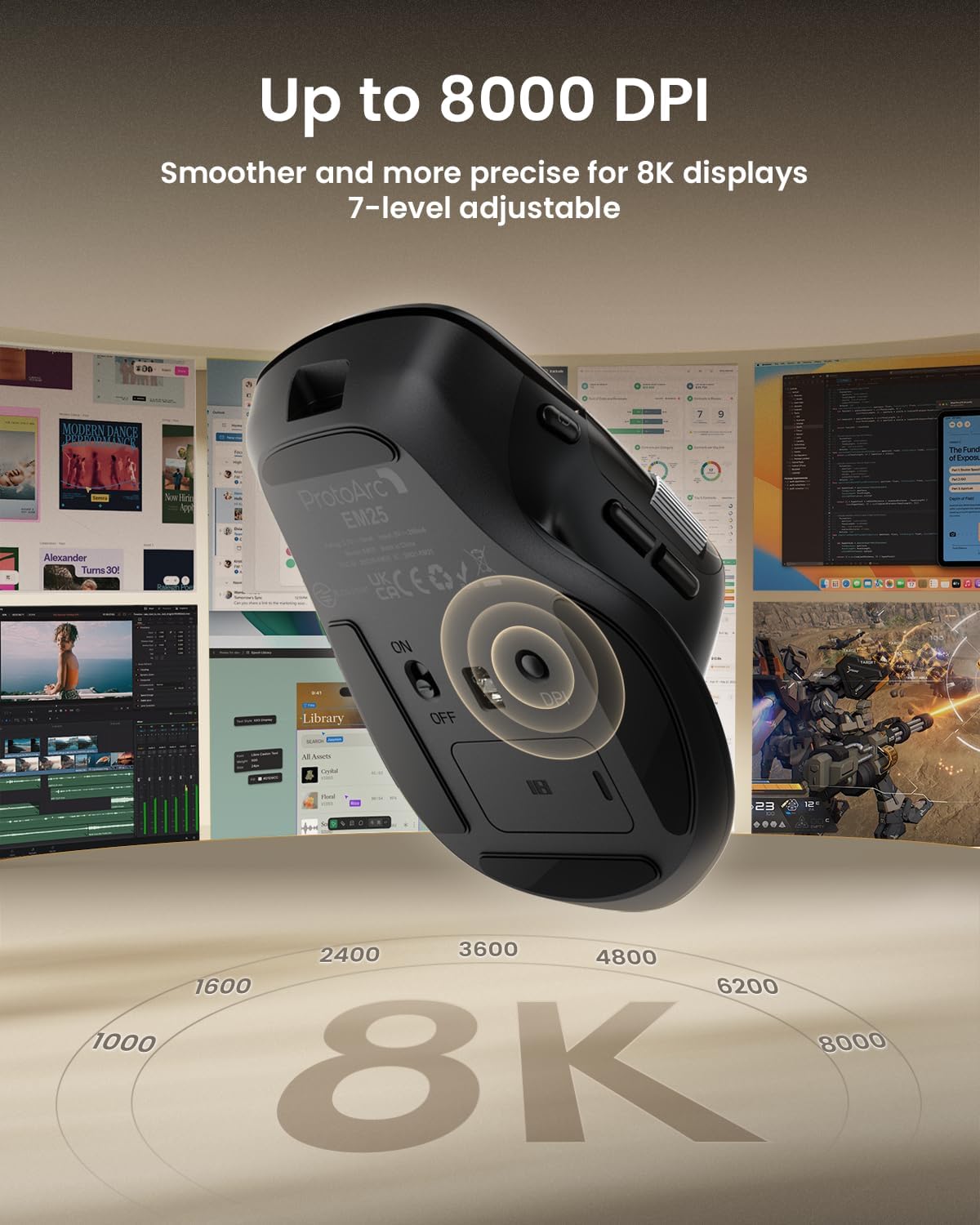
- High precision sensitivity: up to 8K DPI, adjustable across 7 levels for smooth cursor control.
- Wireless options: 2.4G USB receiver plus dual Bluetooth channels, with one-touch switching.
- Multi-device use: described as supporting use across laptop, tablet and phone at the same time via the multi-connection setup.
- Charging and battery claim: includes Type-C fast charging, charging is stated as taking 2–3 hours, with battery life claimed up to 90 days. The note says the Type-C cable is for charging.
- Operating systems mentioned: Windows, macOS, Chrome OS, iPadOS and Android are listed.
Who it suits — and who might want to look elsewhere
It’s not perfect for every buyer, but it can be a strong fit if your routine involves lots of scrolling, reading, and horizontal navigation. For example, if you spend your day jumping through long documents, research pages, or browsing through large tables, flywheel mode plus the thumb wheel could reduce the “endless wheel” feeling.
It might not be a great match if: - you need full button customisation on every control (some switches/side scroll can’t be remapped) - you use Linux or Firefox for the configuration step - you prefer a simple, single scrolling behaviour without having to switch modes using the top orange button
If you’re mainly doing brief, precise scrolling and you don’t care about fast navigation across long pages, you could find simpler mice fit the job without the extra complexity.
Is it worth it?
The ProtoArc EM25 makes sense if scrolling speed and horizontal navigation are genuinely part of your workload, and if you’re happy to use flywheel mode actively (not just assume it’s always on). Its ergonomic curved shape and multi-device connectivity are the kind of “everyday” details that can make long sessions feel less strained.
But if you’re looking for a mouse with frictionless setup across every system/browser, or if you want every physical control to be customisable, the stated restrictions are worth weighing up. For the right workflow, it’s a considered productivity mouse — for everything else, it may feel more complicated than necessary.
Mini FAQ
Does flywheel mode work automatically?
No — the instructions say you should press the top orange button fully to switch to flywheel mode. The default is standard roller mode.
Can I customise every button?
Not fully. Channel switch, flywheel switch and side scroll are stated as not supporting customisation.
What browsers are supported for customisation?
The web-based customisation is described as supported on Chrome and Edge. It’s not compatible with Linux or Firefox browsers.
Can it connect to multiple devices?
Yes. It’s described as connecting up to 3 devices using a 2.4GHz USB receiver and two Bluetooth channels, with one-touch switching.
How long does it take to charge?
Type-C fast charging is stated as fully charging in 2–3 hours, with battery life claimed up to 90 days on a single charge.