


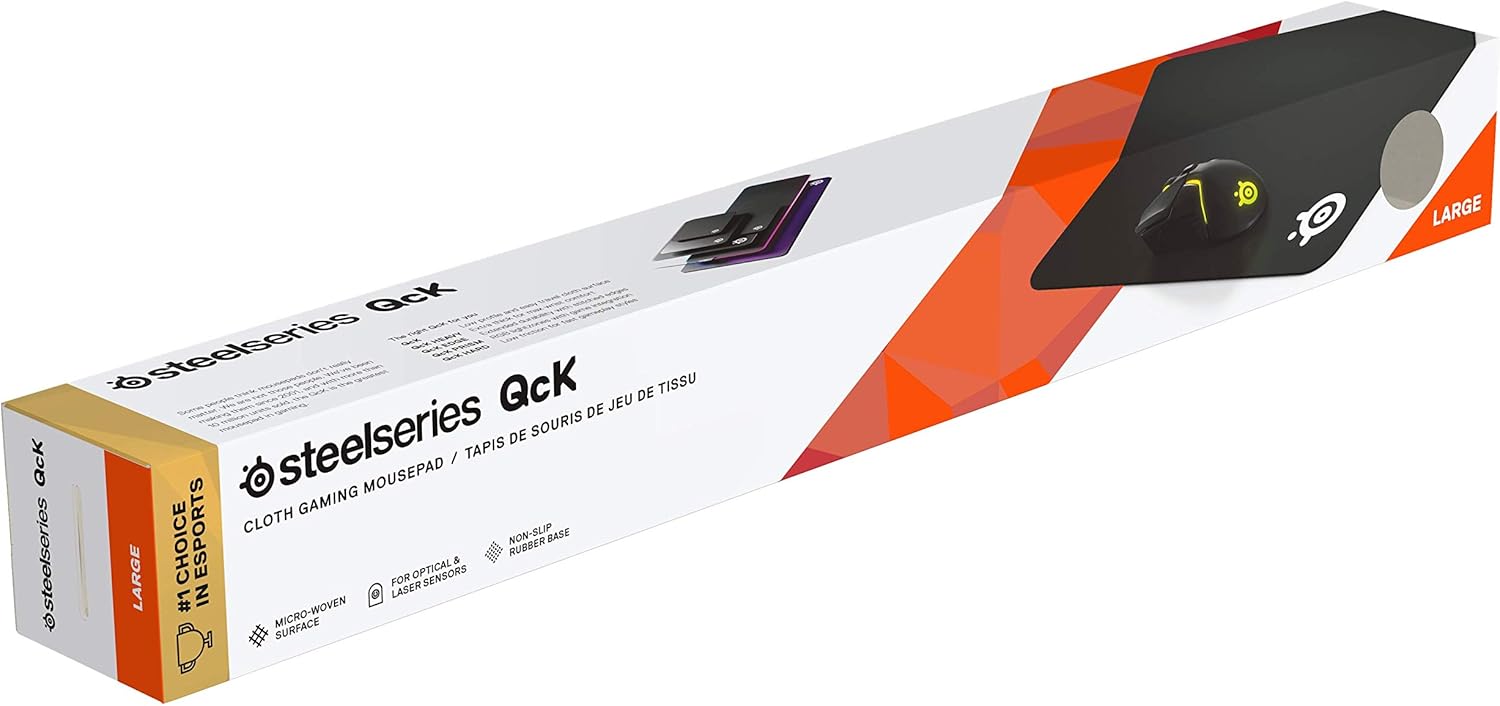
SteelSeries QcK+ large gaming mouse mat (450mm x 400mm x 2mm) with non-slip rubber backing
Reviews
Price
Product description
If you’re serious about keeping your mouse movement consistent, a good mat is one of those unglamorous upgrades that actually shows up in day-to-day use. The SteelSeries QcK+ is built around a woven QcK micro-textured cloth surface and a rubber back so your aim doesn’t get nudged around by the mat shifting.
On paper it’s a straightforward combo: a tightly-controlled glide surface for tracking, plus grip underneath to stop unwanted slide. But depending on your desk setup and how your mouse feet behave, it may be exactly what you want—or it might feel a bit too “locked in” if you prefer a very different glide.
What it is and what it’s for
The QcK+ is a large gaming mouse pad designed for both low and high DPI tracking. In practical terms, that means the surface is made to stay consistent whether you’re making small, careful corrections or moving further across the mat for faster turns.
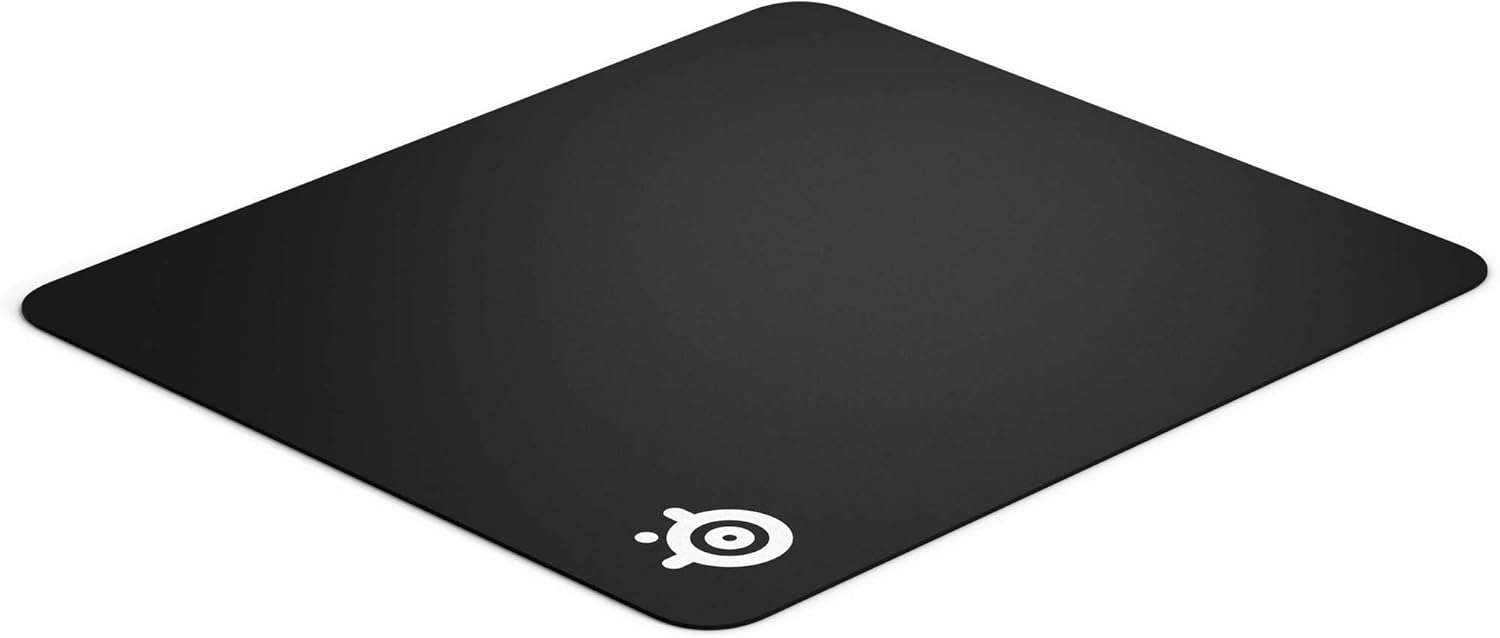
It’s also positioned as a long-running esports staple: the brand notes QcK has been a professional esports pick for over 15 years. That doesn’t make it automatically perfect for everyone, but it does suggest it’s a familiar style of surface rather than a weird experiment.
Where the QcK+ feels different in use
The headline feature is the exclusive QcK micro-weave fabric. With mouse mats, the “feel” is usually the deciding factor: how smoothly your skates glide, how easy it is to micro-adjust, and whether the surface stays predictable over time.
In everyday sessions, you’re likely to notice two things. First, the surface aims for maximum control—particularly during tracking movements, not just broad sweeps. Second, the rubber backing is there to reduce unwanted mat movement, which matters more than people think once you start playing at speed.
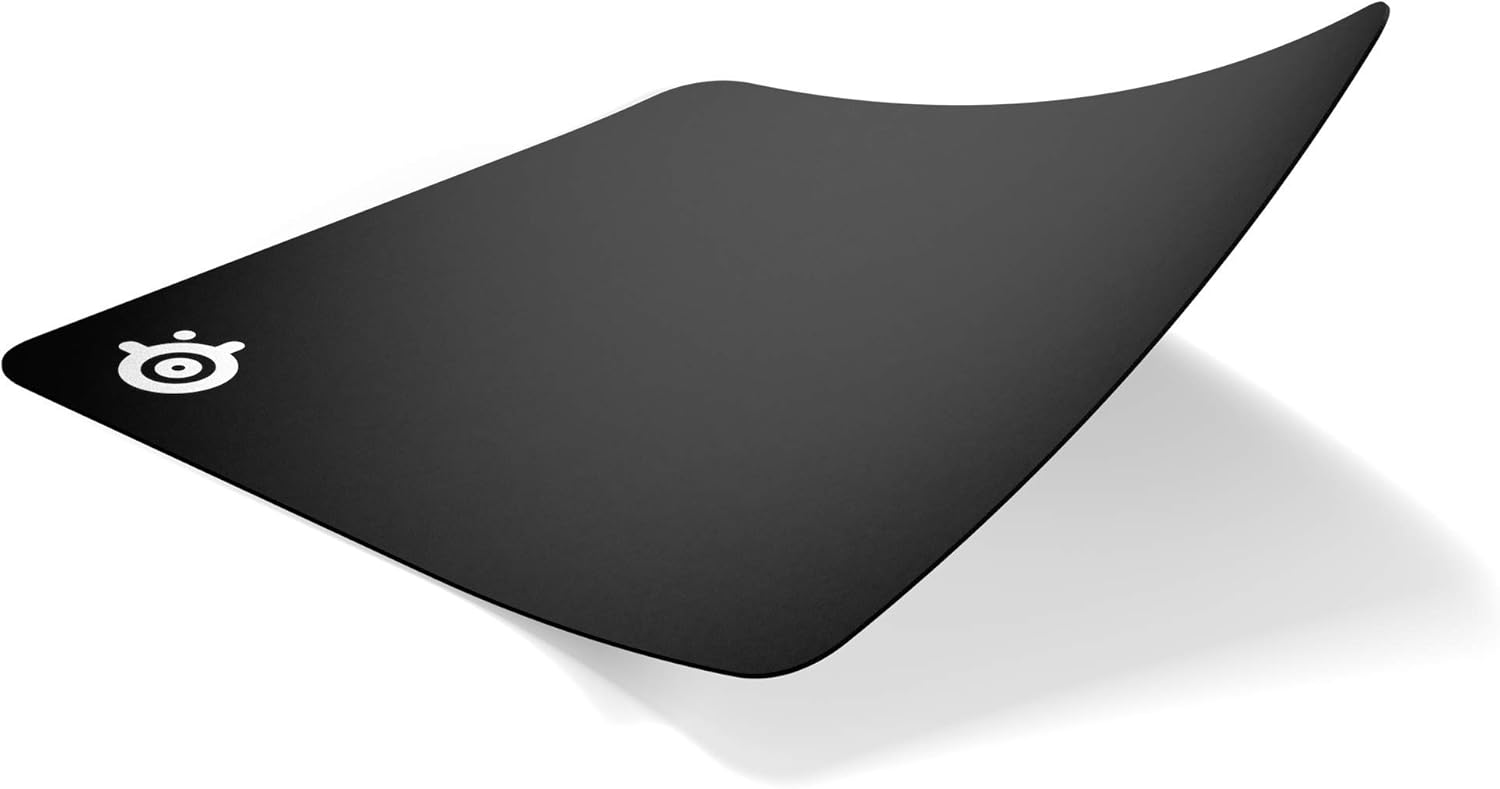
It’s also described as durable and washable, which is a big deal if you use the mat daily, eat at your desk, or simply get dust and skin oils building up over months.
Key takeaways (the bits to weigh before buying)
You’re buying into a controlled glide style: the QcK+ cloth surface is engineered for tracking across a wide range of DPI movement styles, while the rubber backing focuses on stability.
Worth considering if you want a large footprint to keep your cursor movement comfortable, and you’d rather spend once on a mat that can handle regular cleaning than constantly replace worn pads.
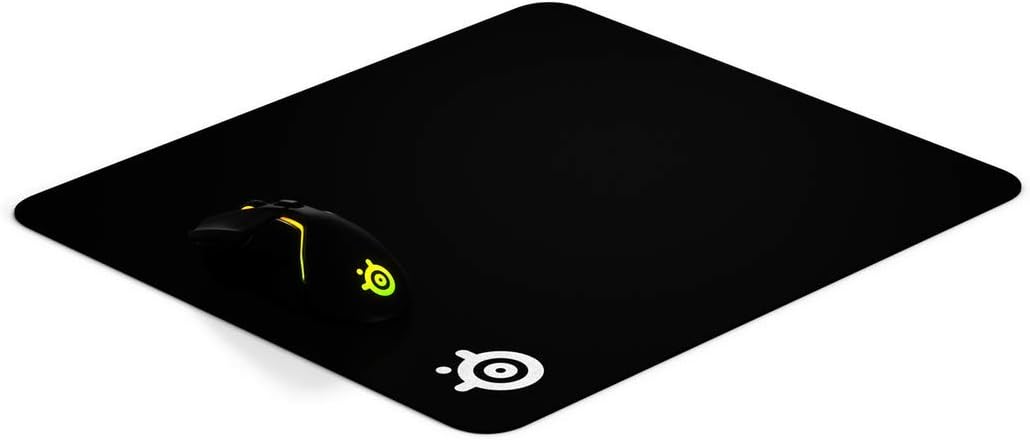
It may not suit you if you strongly prefer a different kind of glide—some people like a slower, more controlled feel, others find that they get better results with a faster, smoother surface. Since the only clear details here are about QcK cloth and grip, you’ll want to judge this based on what you already like in mouse-mat feel.
Also, note the guidance about firmware updates: the input mentions updating firmware regularly using SteelSeries Engine. That’s relevant if your setup includes a compatible SteelSeries device that uses that software, but it won’t be a deciding factor if you’re not in that ecosystem.
Tech specs
- Name: SteelSeries QcK+
- Type: Gaming mouse pad
- Surface: QcK micro-weave fabric
- Base: Non-slip rubber backing
- Colour: Black
- Size: 450mm x 400mm
- Thickness: 2mm
Pros and potential downsides
What stands out - Non-slip rubber backing designed to reduce unwanted sliding - QcK micro-textured cloth surface aimed at maximum control - Made for tracking across low and high DPI movement styles - Durable and washable, helping it stay usable over time
What to be mindful of - “Control” and “glide” are personal: if you already know you prefer a much faster or a very different surface texture, this may not match your tastes. - The mention of firmware updates applies to updating through SteelSeries Engine, but the pad itself doesn’t give you firmware details—so don’t expect this to be about pad firmware management.
Who it’s for (and who should skip it)

It suits you if you want a stable, large desk surface that helps keep mouse movement predictable, and you prefer a control-focused cloth feel for both careful adjustments and quicker tracking.
You may want to skip it if your current setup depends on a specific mat type you already know you like, or if your main priority is something else (for example, portability or a very thin, minimal desk footprint). Also, if your goal is purely comfort for very heavy desk use rather than tracking consistency, you might not need this style of esports-oriented cloth.
Buying verdict
If you’re deciding whether the SteelSeries QcK+ is worth it, it leans towards a sensible, low-drama pick: large size, a rubber back to keep things in place, and a cloth surface described as optimised for tracking at both low and high DPI.

Buy it if you care about consistent mouse control and you’re happy with a fabric glide feel that’s built for esports-style tracking. Don’t buy it if you already know you dislike the feel of micro-textured cloth surfaces, or if you’re specifically after something more specialised than a stable, washable, control-oriented mat.
Mini FAQ
How does the non-slip backing help?
The rubber backing is designed to limit unwanted movement of the mat while you play, which can otherwise throw off your aim and muscle memory.
Is it washable?
Yes—it's described as durable and washable, so you can clean it more easily than many mats that quietly degrade with dust and grime.
Is it suitable for both low and high DPI?
The product description says it’s optimised for movements of both low and high DPI tracking, so it’s meant to stay consistent across different play styles.
Does firmware matter for this mat?
The notes mention updating firmware regularly using SteelSeries Engine, but the information given doesn’t specify mat firmware. If you don’t use SteelSeries devices that rely on that software, this point is likely less relevant to your purchase.