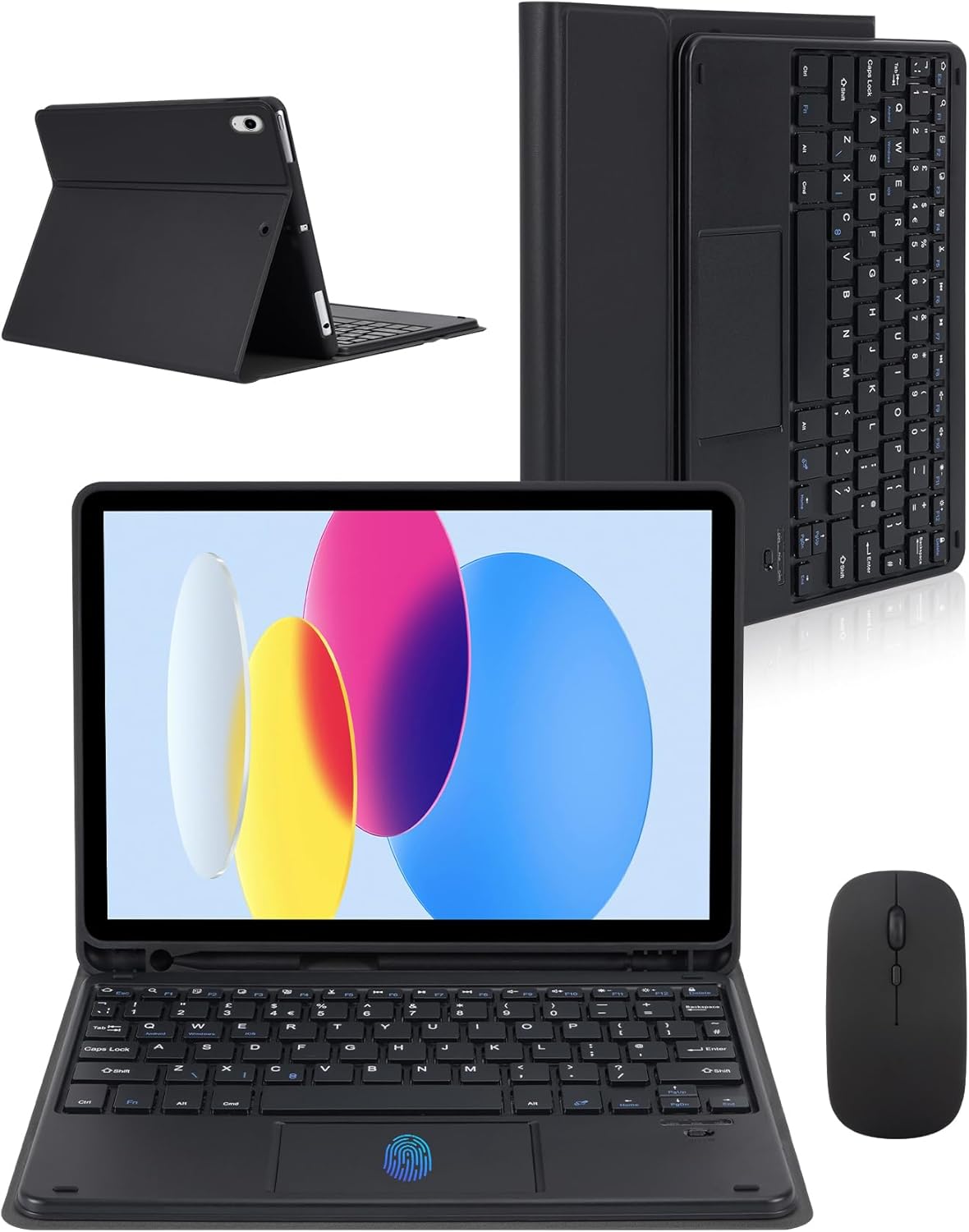
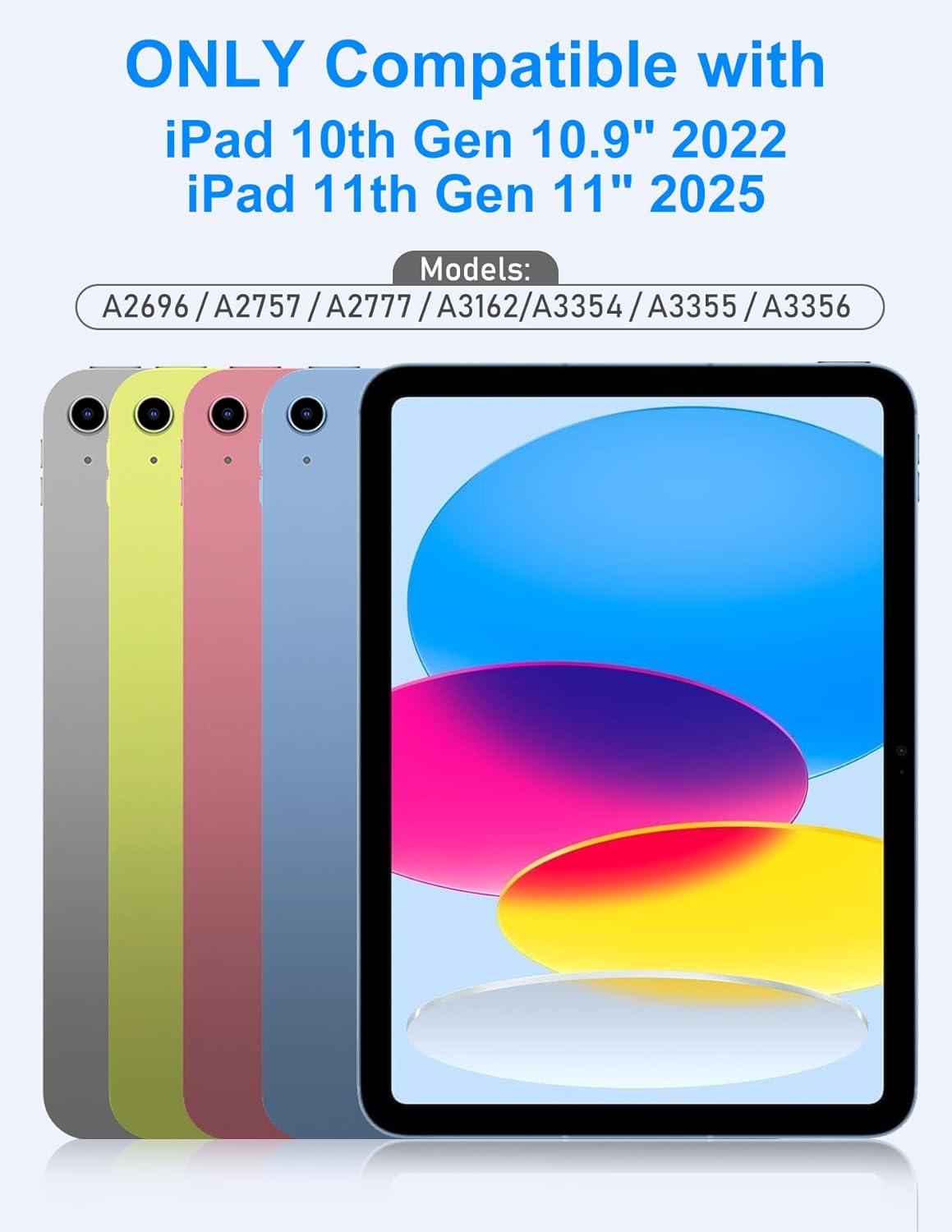
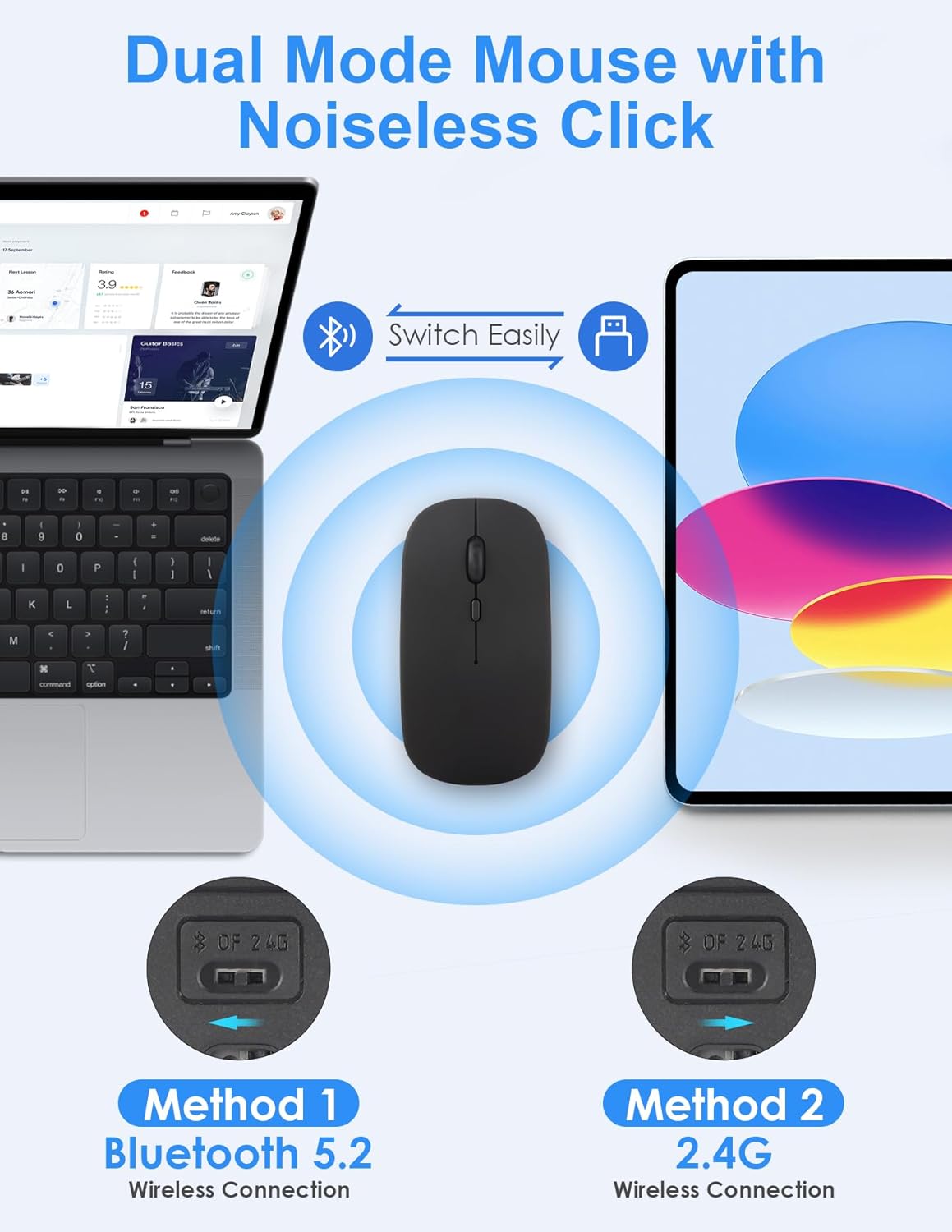
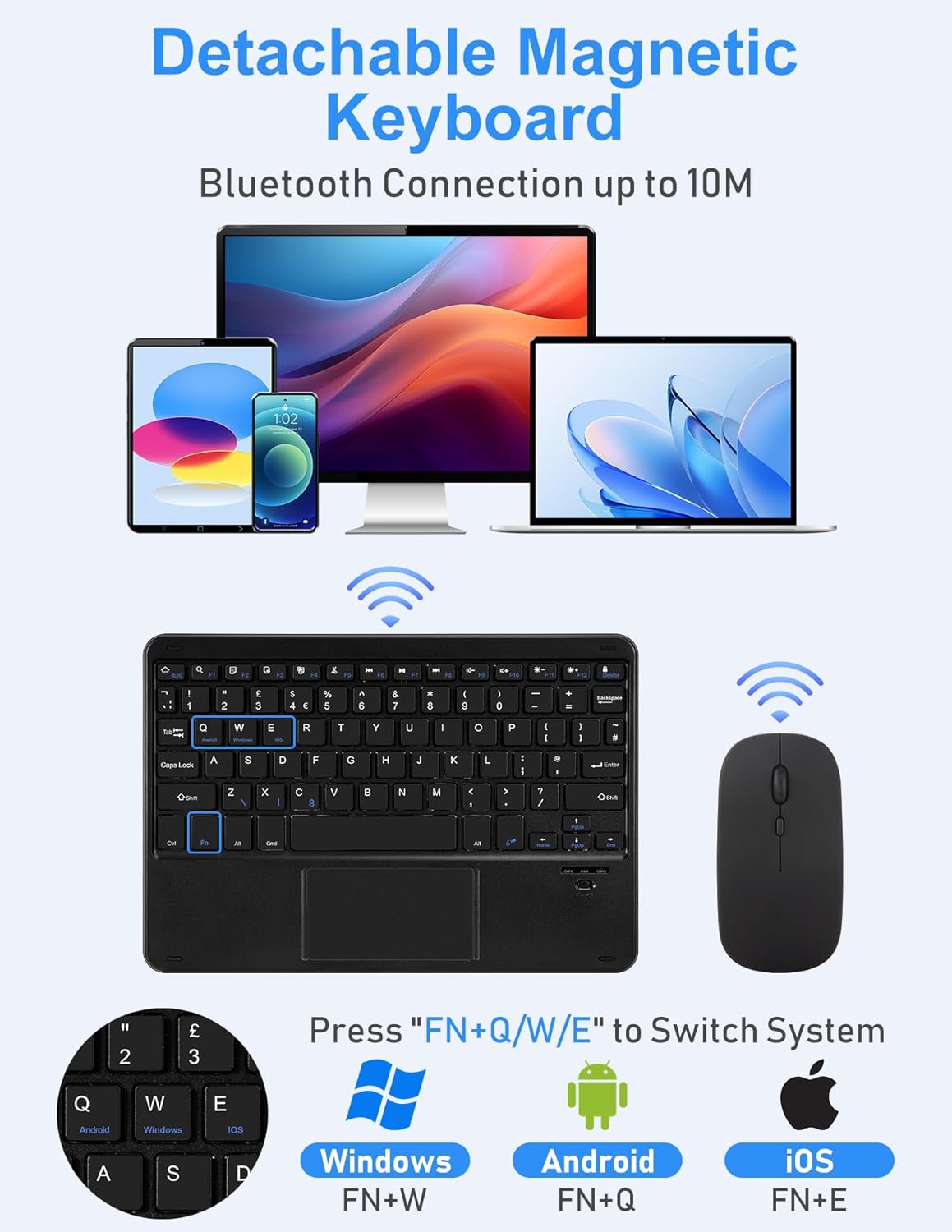
What it is and who it’s for\n\nThe Nsyee keyboard case combines a Bluetooth-enabled, 2.4G slim wireless keyboard with an integrated touchpad and an additional palm-supporting mouse. It’s designed specifically for the iPad 11th Gen (A16, 2025) and the iPad 10th Gen (10.9", 2022). If you’re looking to transform your tablet into a more workstation-like setup for work or study, this bundle targets that use case without needing a separate laptop.\n\n## How it works and what you gain\n\nThe built-in touchpad lets you navigate the cursor without touching the screen, and the detachable keyboard offers multiple viewing angles via magnetic connectors. The protective shell and reinforced hinge help guard against scratches and wear, while auto sleep and wake aim to conserves battery life. A pencil holder adds practical transport for compatible accessories.\n\n## Battery life and daily use\n\nOn a full charge, the system promises up to 100 hours of continual use and around 100 days in standby. Realistically, that means fewer frequent charges—though you’ll need to plan a charging cycle every few months depending on use. Keep in mind the keyboard’s initial charge should be around 3 hours.\n\n## What to check before buying\n\nImportant: confirm your iPad model by checking the back logo or model number as described (Axxxx). The touchpad requires turning on the assistive touch feature in iPad accessibility settings to work. The keyboard supports IOS, Android and Windows, but you’ll want to verify that your preferred devices and apps work smoothly with the touchpad and 2.4G connection.\n\n## How it feels in use\n\nOn the desk, the setup can feel like using a portable mini-laptop: solid casing, a soft-touch finish, and a1 lightweight, compact form. However, the experience is contingent on the iPad model and system settings, if you’re hoping for laptop-grade precision across demanding creative software, results may vary.\n\n## Pros and cons at a glance\n\nPros: laptop-like navigation with a touchpad, extra mouse for comfort, detachable keyboard for flexible angles, long theoretical battery life, pencil holder included.\nCons: requires enabling assistive touch for the touchpad to function, exact compatibility limited to listed iPad models, and it’s not a universal iPad keyboard replacement for every app or workflow.\n\n## Why it makes sense (or not) for you\n\nIt’s worth considering if you value a portable, keyboard-and-mouse workflow for light productivity on the go, especially when you need multiple viewing angles and a protective shell. If you prioritise a compact, affordable solution vs. a dedicated laptop replacement, this combo could fit your needs. It might not be ideal if you rely on intensive touch input or non-supported devices beyond the stated iPads.\n\n## Final check before purchase\n\n- Verify compatibility with your exact iPad model (A3354/3355/3356 for 11" 2025 or A2696/2757/2777 for 10th Gen 2022).\n- Plan for proper setup in Accessibility > AssistiveTouch for the touchpad to work.\n- Consider the trade-off between portability and the experience of a full keyboard and precision mouse.\n\n## Practical use example\n\nDuring a long reading session, you can attach the case for a stable typing surface and use the touchpad to scroll and click without leaning over the screen, then detach the keyboard when you want to switch to casual reading or drawing with a Pencil.\n\n## FAQ\n\n- Q: Will the touchpad work with all apps on iPad? A: It will enable cursor navigation, but functionality may vary by app and accessibility settings.\n- Q: How long does the battery last in typical use? A: Up to 100 hours of continual use, or about 100 days in standby on a full charge.\n- Q: Is the Pencil included? A: No, the Pencil is not included, a built-in holder is present for convenience.\n- Q: Can I use the keyboard with other tablets or devices? A: The keyboard supports IOS, Android and Windows, but the case is designed for the specific iPad models listed and may not fit others.\n