

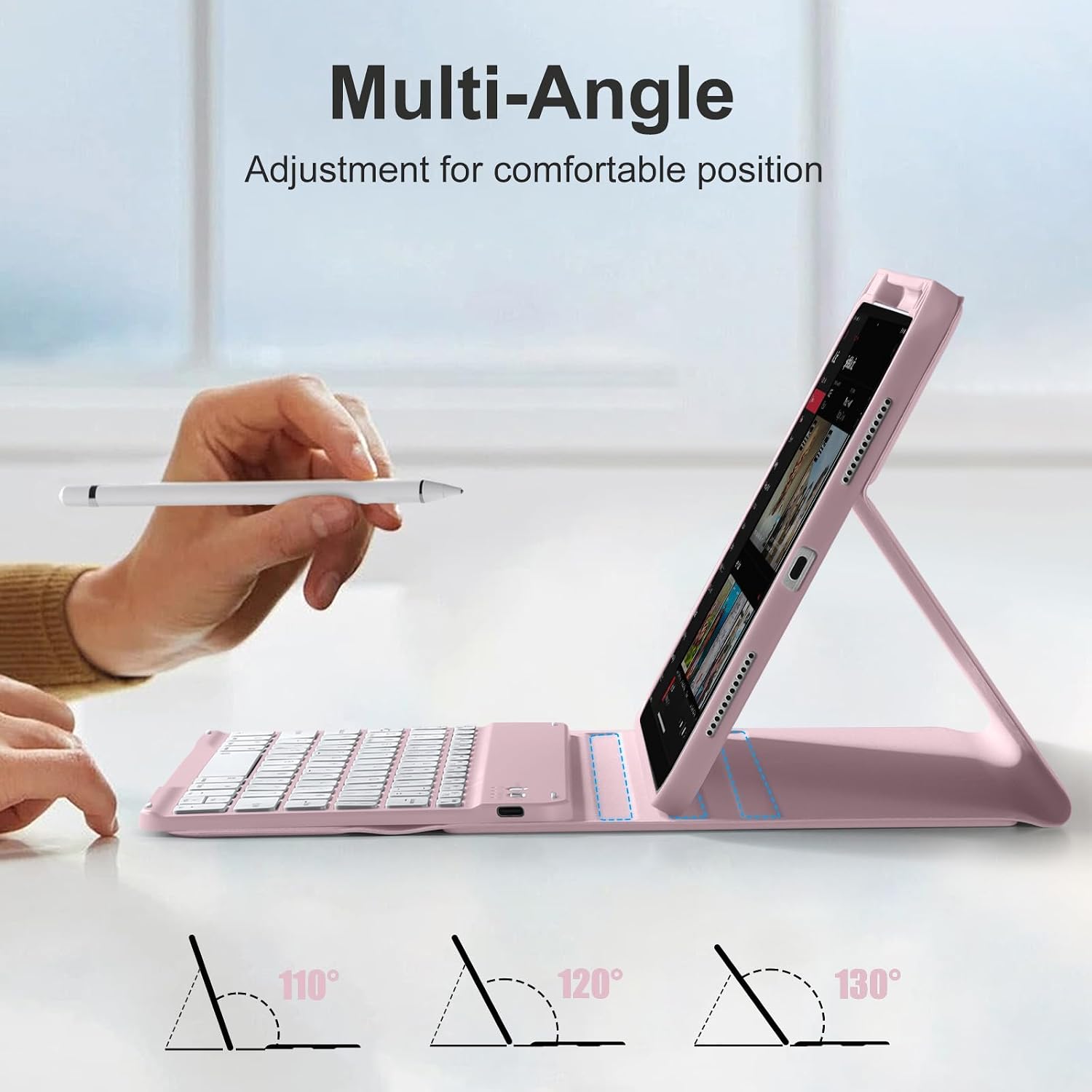
drivego Keyboard Case for iPad A16 11th/10th Gen with Pencil Holder (Pink) – UK QWERTY, Detachable Keyboard
Product description
What this is and who it’s for
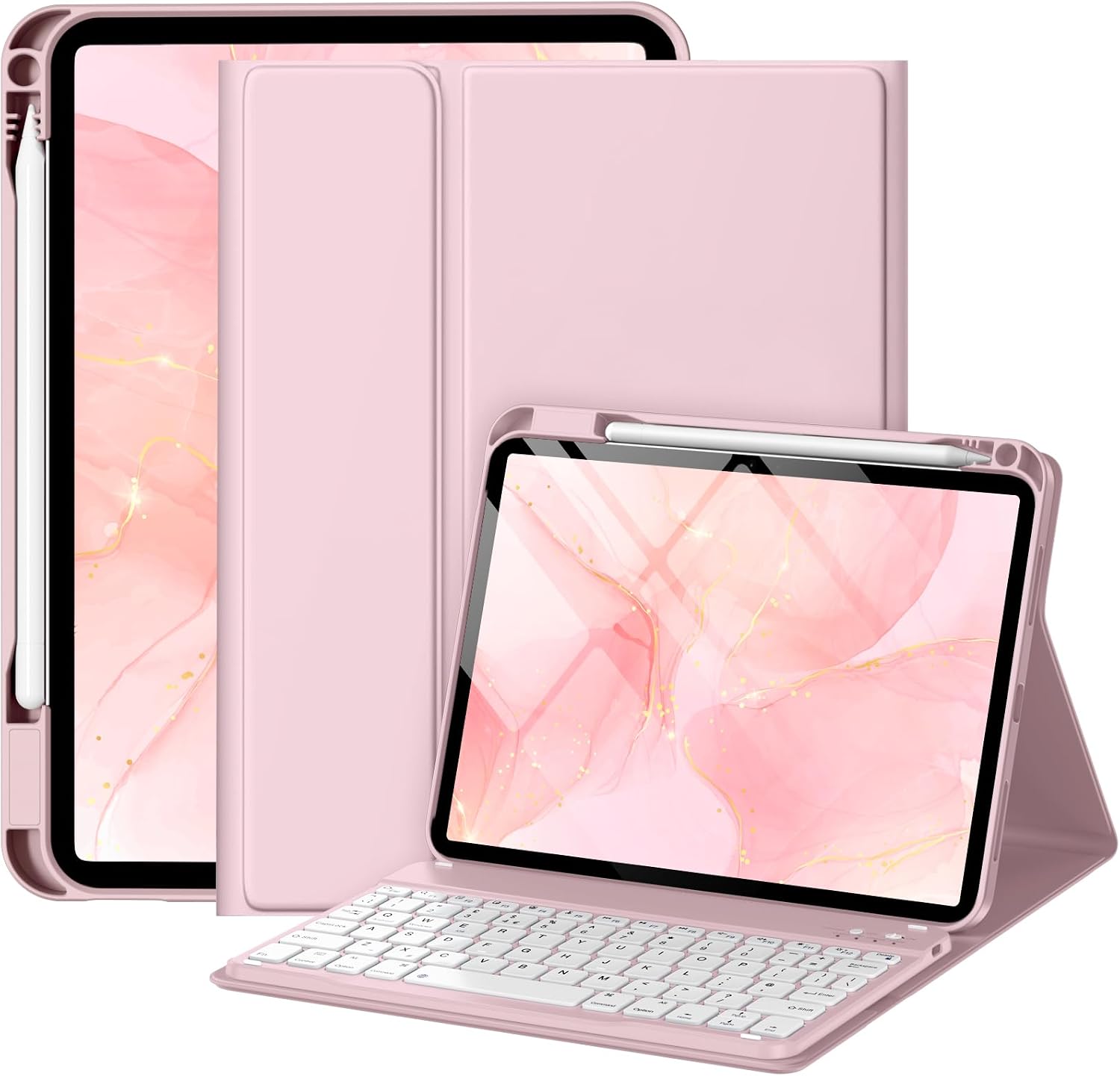
The drivego Keyboard Case is a combined protective folio and Bluetooth keyboard designed specifically for the iPad A16 11th generation (2025, 11 inch) and the iPad 10th generation (2022, 10.9 inch). It includes a built‑in Pencil holder and a detachable keyboard that can work separately from the tablet. If you want to type more comfortably or convert your iPad into a small workstation without sacrificing portability, this set-up is aimed at you. The pink colour adds a touch of personality without compromising the practical, workhorse nature of the product.
Compatibility you can rely on
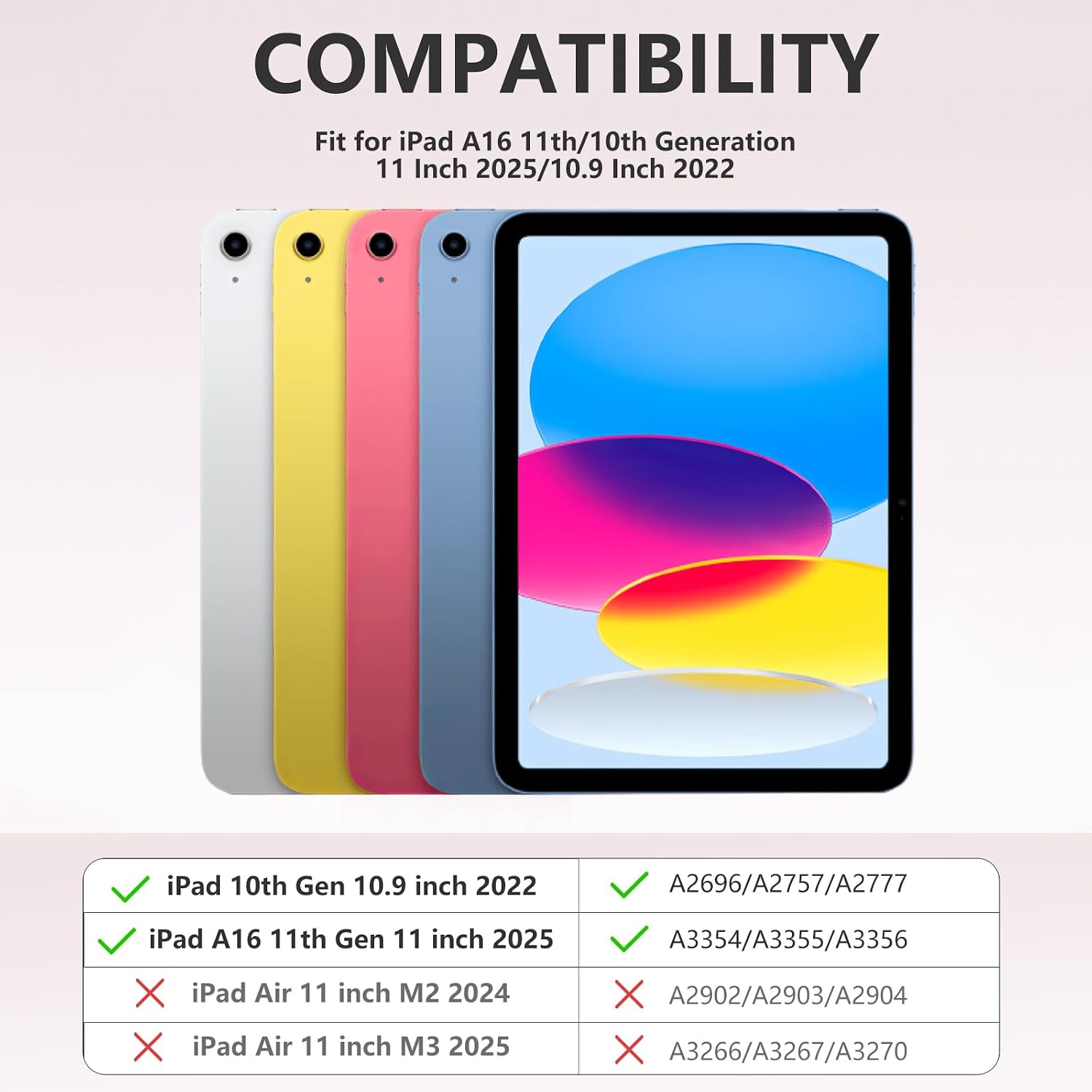
On the page you’ll see the note that this case is suitable only for the iPad A16 11th generation (2025, 11 inch, model numbers A3354/A3355/A3356) and the iPad 10th generation (2022, 10.9 inch, model numbers A2696/A2757/A2777/A3162). It’s not a universal case, if you own an Air model or a different generation, this particular configuration won’t fit. This matters because trying to force a fit can lead to protection gaps or misalignment for the keyboard.
How it’s designed to protect and feel nice to use
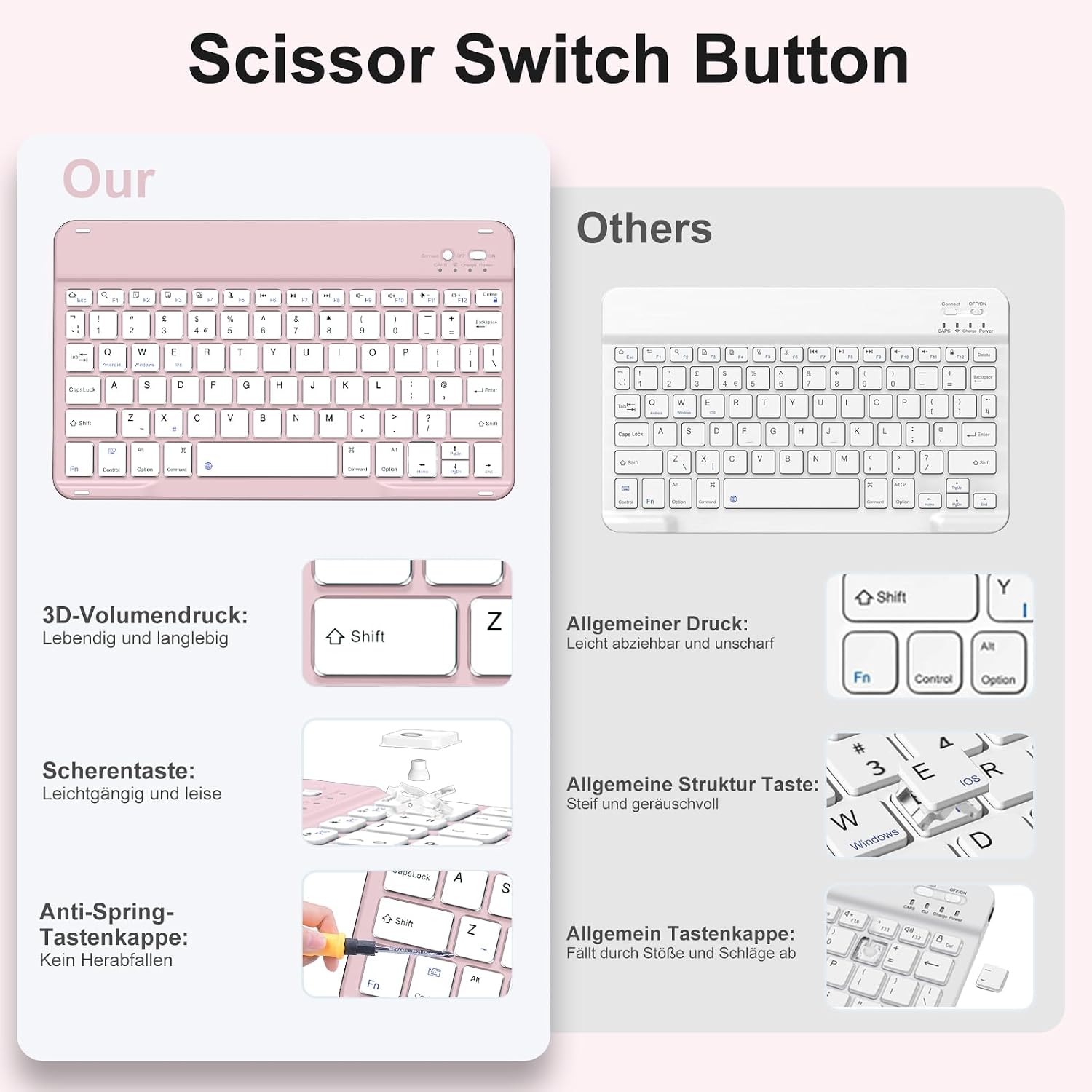
The case uses PU material for a skin‑friendly, soft touch feel while offering durable protection against bumps and drops. A noteworthy feature is the anti‑fall keycaps design, described as anti‑pry and anti‑detach, which helps keep the keys securely attached in everyday use. The mechanical scissor keys offer a fast, quiet, and precise typing experience, with a rebound that reduces noise during long typing sessions. If you’ve ever worried about keys loosening after a knock or a drop, this detail is meant to reassure you.
The keyboard and power model
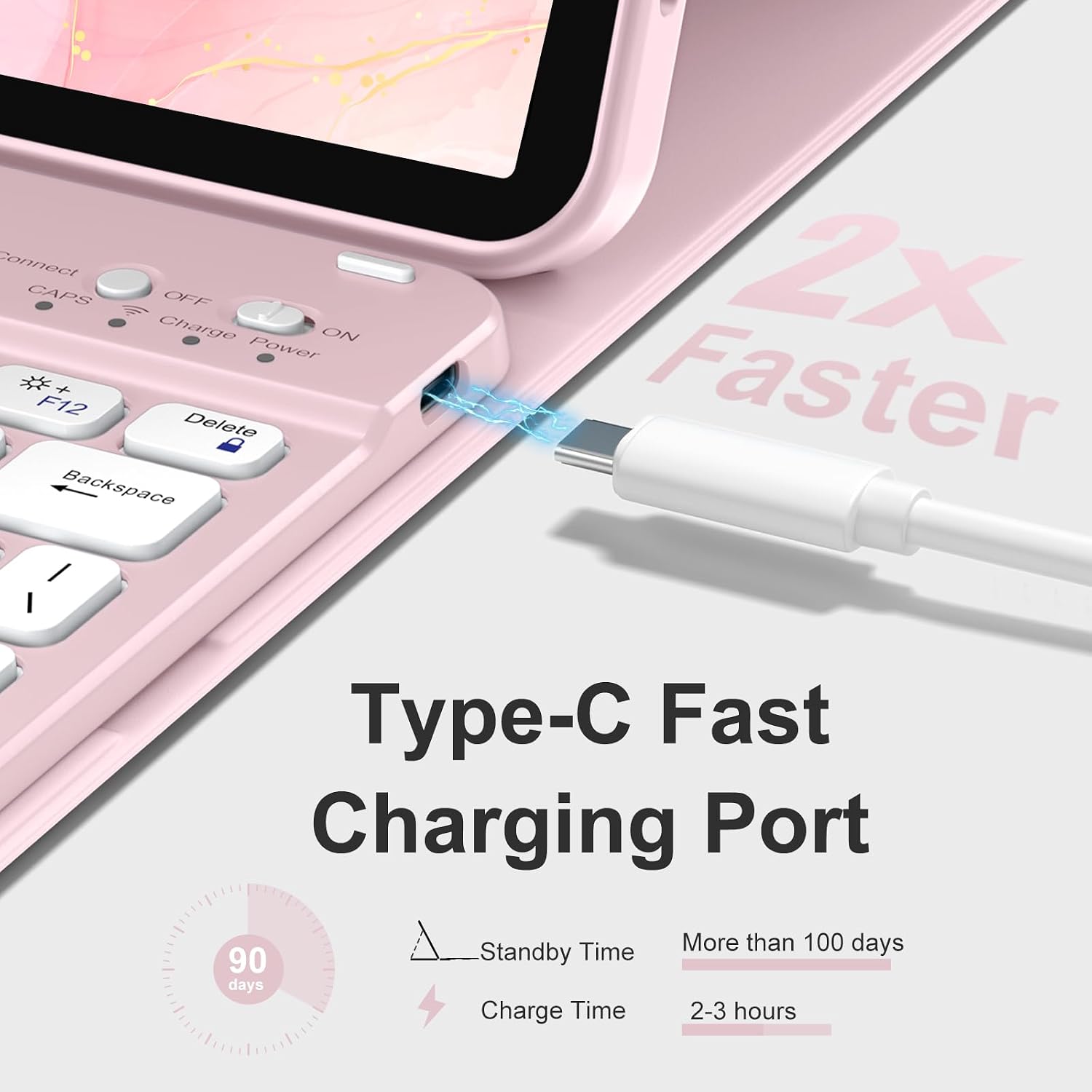
The included Bluetooth keyboard is built to pair with the iPad via Bluetooth, and there is a built‑in battery in the case‑keyboard unit. The manufacturer mentions a long usage time of at least 100 hours and notes that the device can be fully charged in about 2 hours using a Type‑C cable. It’s worth noting that battery life claims depend on usage (key backlight, connectivity, and standby modes can alter actual longevity in practice). If you’re a heavy typer who travels light, the promise of extended use between charges is appealing, if you have predictable, shorter sessions, the battery should feel responsive for daily tasks.
Versatility in how you use it
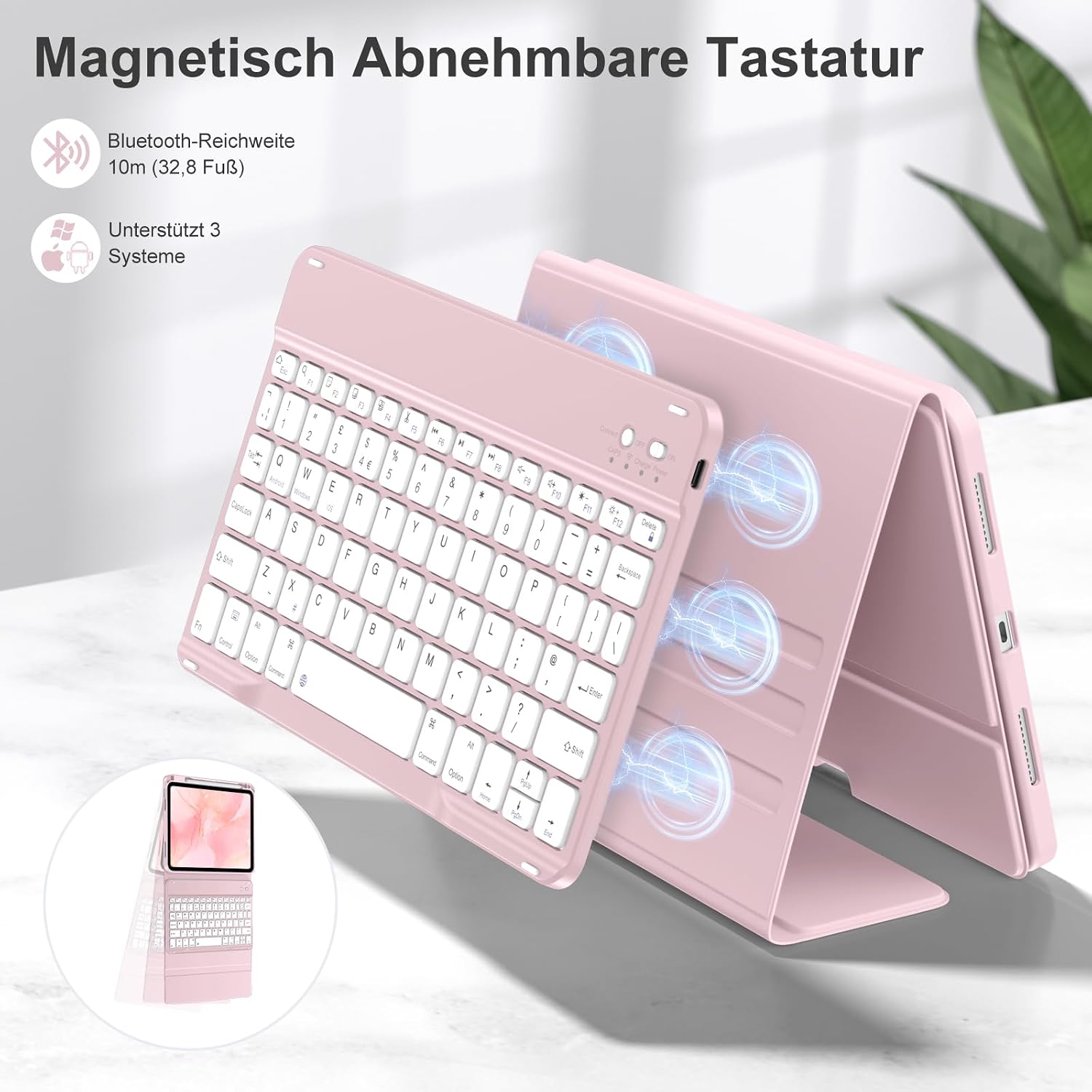
A core benefit here is the detachable keyboard concept. The iPad 10th generation case and keyboard can work independently, letting you position the iPad at your preferred angle on a desk while you type on a separate surface or sit back and use it as a tablet. This flexibility is particularly helpful for hybrid workflows, casual browsing, or writing on the sofa where you don’t want to be tethered to a single configuration.
What you’ll notice in everyday use
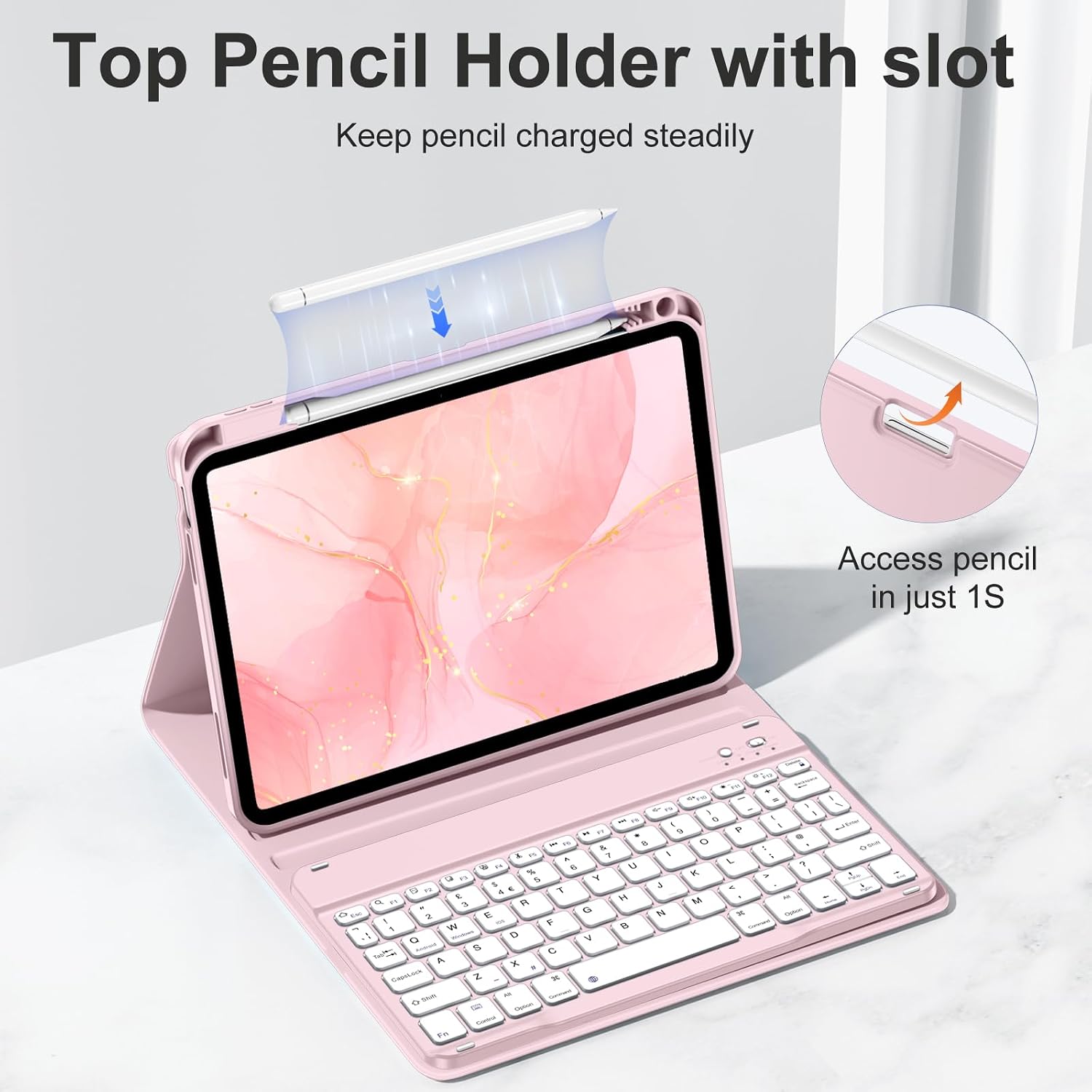
If you prioritise a more tactile, low‑noise typing experience on a compact device, the scissor keys and their lower profile could feel better than a soft membrane alternative. The built‑in pencil holder is a practical touch for on‑the‑go note‑taking, though you’ll want to be mindful that the Pencil is not included. The pink finish gives a visual cue that this is a device meant to be seen and used as part of your daily setup, not merely tucked away in a bag.
Pros and potential drawbacks in practice
Pros: targeted compatibility, detachable separation for flexibility, anti‑fall keycaps for durability, long standby/usage potential, built‑in Pencil holder for convenience. Cons: it’s not a universal case, so if your iPad model doesn’t fall into the specified range or you need Air/M3 compatibility, it won’t fit. Battery performance will vary with use, and Apple Pencil is not included, which means an extra purchase if you don’t already own one.
Who it’s best for
This product suits users with iPad A16 11th gen or 10th gen 10.9 inch devices who want a combined protective case and keyboard, especially if they value an adjustable stand and a Pencil holder as part of a compact, integrated setup. It’s a sensible option for students, remote workers, or anyone who wants to elevate typing comfort without adding the bulk of a traditional laptop.
When it may not be the best choice
If you require the widest compatibility across many iPad models, or if you already own a different generation that isn’t listed, you’ll want to look elsewhere. If you prioritise a matte or non‑pink colour, or if you rely heavily on backlit keys, you might find this setup less aligned with your preferences. And as always with built‑in batteries, it’s prudent to consider how you’ll recharge if you’re often away from power sources for extended periods.
What to check before buying
- Confirm your iPad model matches either 11th gen (2025) 11 inch A3354/A3355/A3356 or 10th gen (2022) 10.9 inch A2696/A2757/A2777/A3162.
- Consider how you’ll use the keyboard: will you occasionally detach it and type on a desk or lap, or do you want the keyboard to stay attached for most sessions?
- Think about pencil access and portability: the built‑in holder is useful, but you’ll still need to carry your Apple Pencil separately if you don’t own one already.
- Be mindful of the colour and overall aesthetic if that matters for your daily setup.
Practical use case snapshot
Imagine you’re preparing notes in a lecture hall. You snap the iPad into the case, place the iPad at a steep desk angle for easy viewing, and type away with the detached keyboard while your notes sync in the background. If you need to jot down ideas on the move, you pop the keyboard away, slide the iPad into tablet mode and carry on with a more relaxed posture.
What alternatives or related approaches you might consider
If this exact model isn’t a perfect fit, you may want to explore universal iPad keyboard cases with a similar detachable setup or other iPad models that offer compatible keyboards. For some users, a dedicated stand‑alone Bluetooth keyboard paired with a separate protective case could be a lighter or more flexible option, depending on how you plan to use the device day to day.
Is it worth it?
A solid pick if you prioritise a combined protective shell with a detachable UK‑layout keyboard and want to keep your Apple Pencil accessible. It serves well for those who value function and a neat, compact desk setup over sheer feature count. It may not be perfect if you need broad device compatibility or if you strongly prefer a non‑pink aesthetic. Overall, it’s sensible for its targeted audience and use cases, especially for students and remote workers who value a ready‑to‑use typing solution without adding unnecessary bulk.
FAQ
- Does the keyboard work with all iPad A16 generations? It’s designed for the 11th generation 2025 model and the 10th generation 2022 model, other iPads aren’t guaranteed to fit.
- Is Apple Pencil included? No, the pencil is not included, but there is a built‑in holder for convenient transport.
- How long does the battery last? The built‑in battery is claimed to last at least 100 hours in typical use, actual duration depends on usage patterns and backlight settings.
Final note
If you’re after a practical, space‑saving setup that combines protection, typing comfort, and Pencil accessibility for the specified iPad models, this drivego case and keyboard setup delivers a coherent, purpose‑built option. It won’t suit every ipad user, but it aligns well with a specific way of working and learning on the move.