

Inateck Keyboard Case for iPad Air 13 inch (M4/M3/M2) & iPad Pro 12.9 inch – UK backlit detachable keyboard case with large trackpad, white
Product description
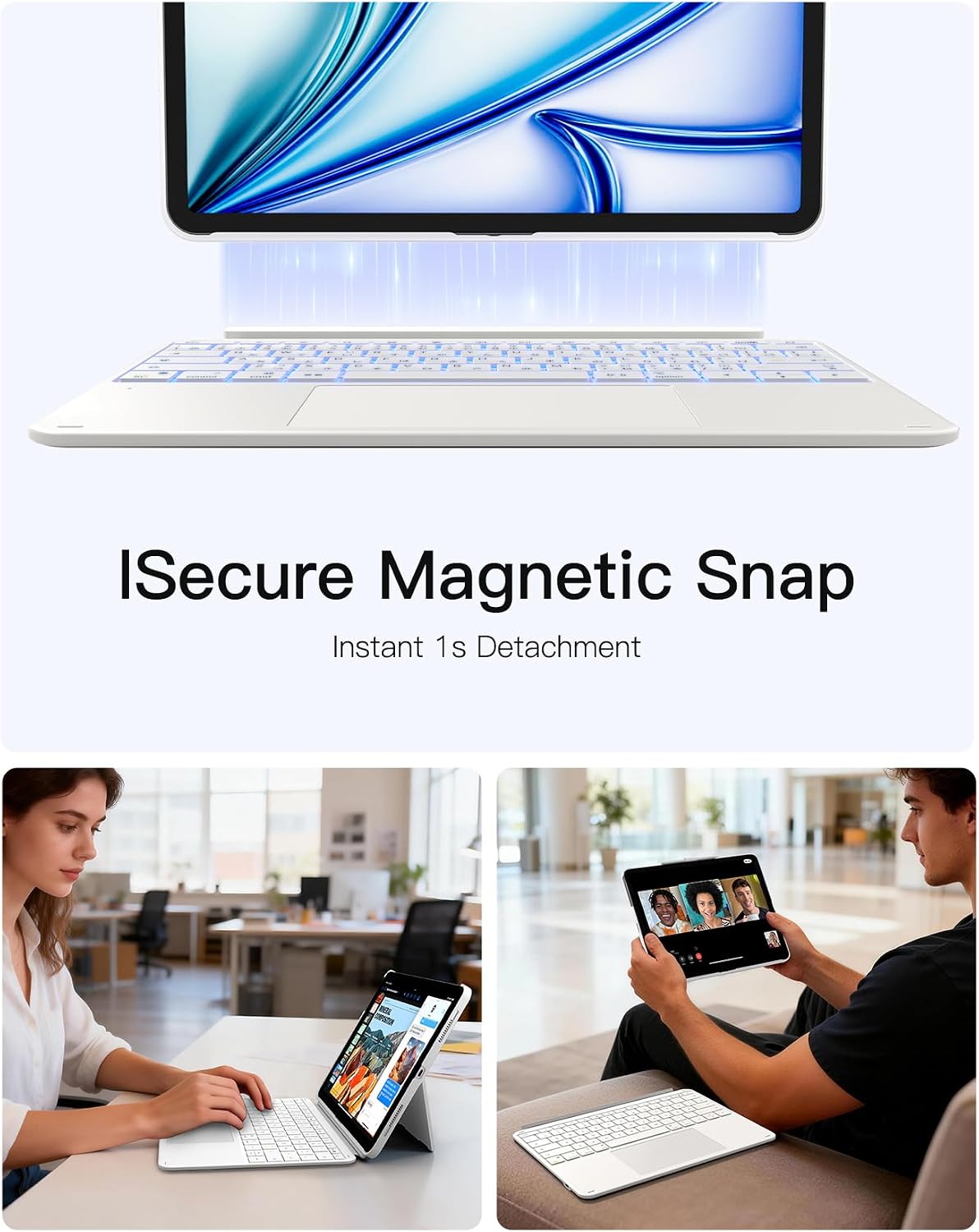
If you want a keyboard-and-case setup for your iPad, this Inateck Keyboard Case is aiming at one thing: making the iPad feel more like a proper writing and trackpad device when you’re on the move. The keyboard and protective cover connect magnetically and can be detached quickly, which is handy if you switch between “laptop mode” and “tablet mode” through the day.
It’s not trying to be a full replacement for a desktop setup. On paper, it’s more about productivity basics—typing, cursor control, and quick multitasking—wrapped into a protective case.
Key points (the essentials)
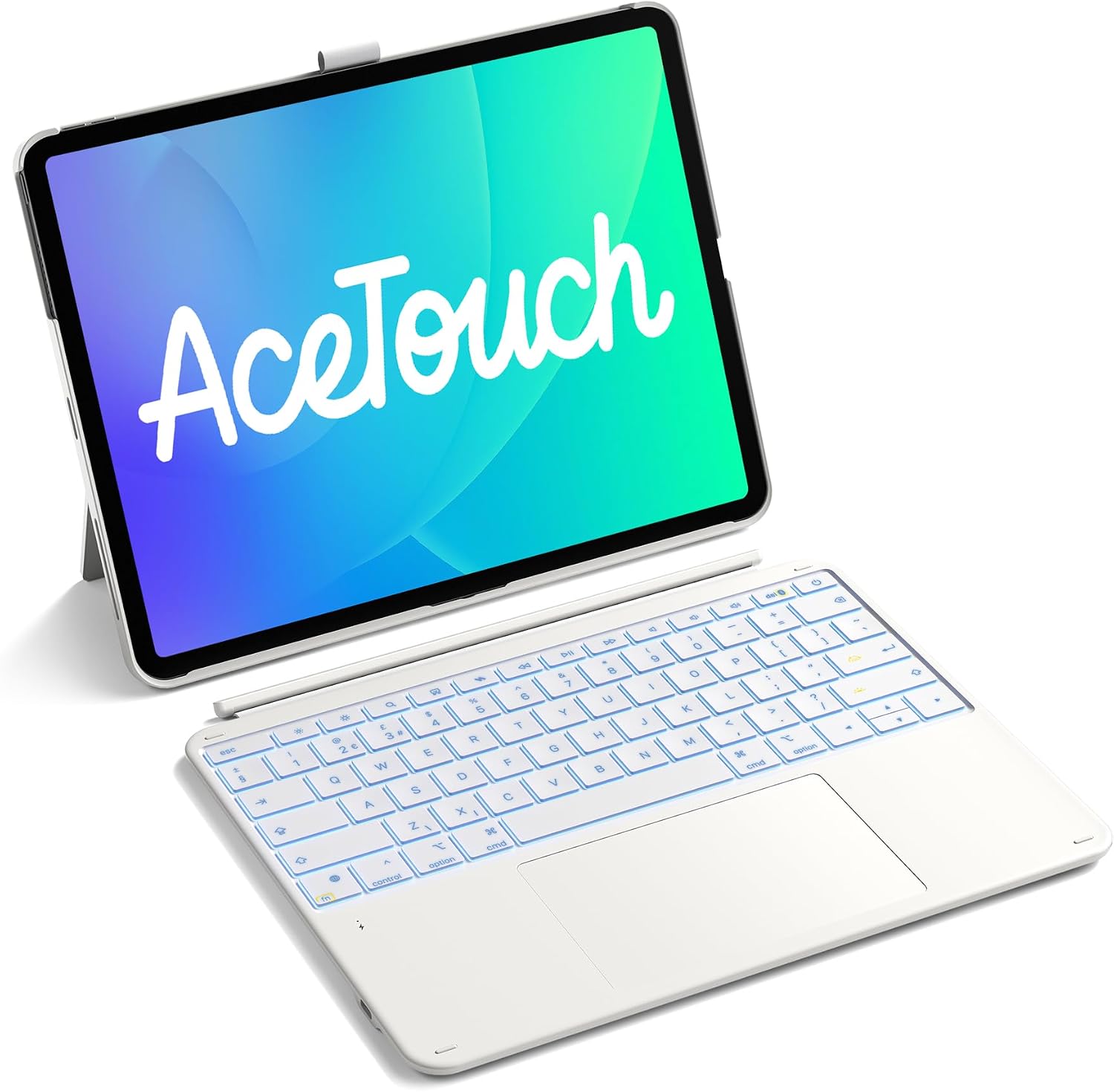
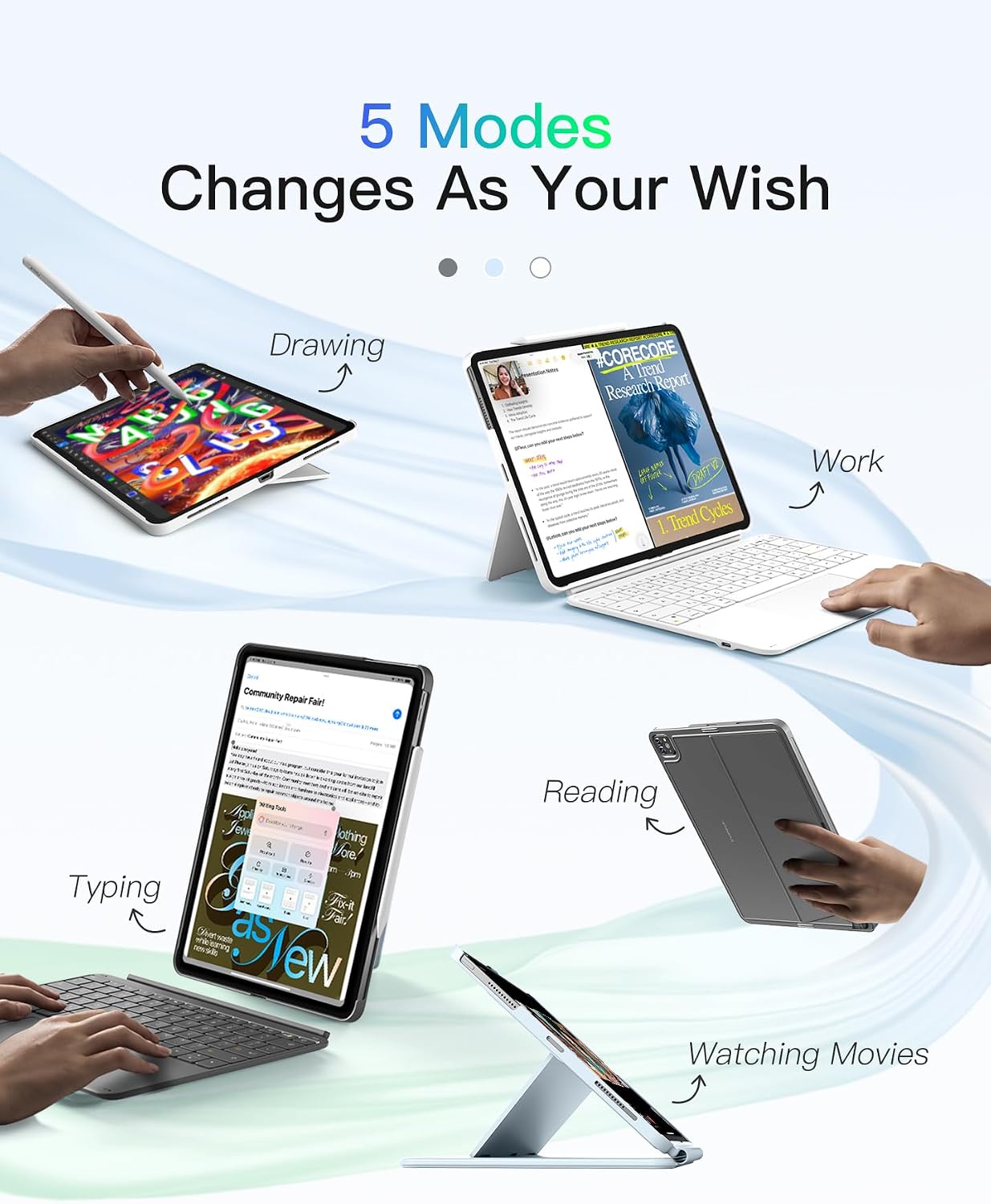
This keyboard case pairs a detachable UK-layout backlit keyboard with a large multi-touch trackpad, plus a protective cover that can be used in both landscape and portrait orientations. That combination is designed for everyday tasks like taking notes, writing documents, studying, reading, or watching content while keeping the iPad stable.
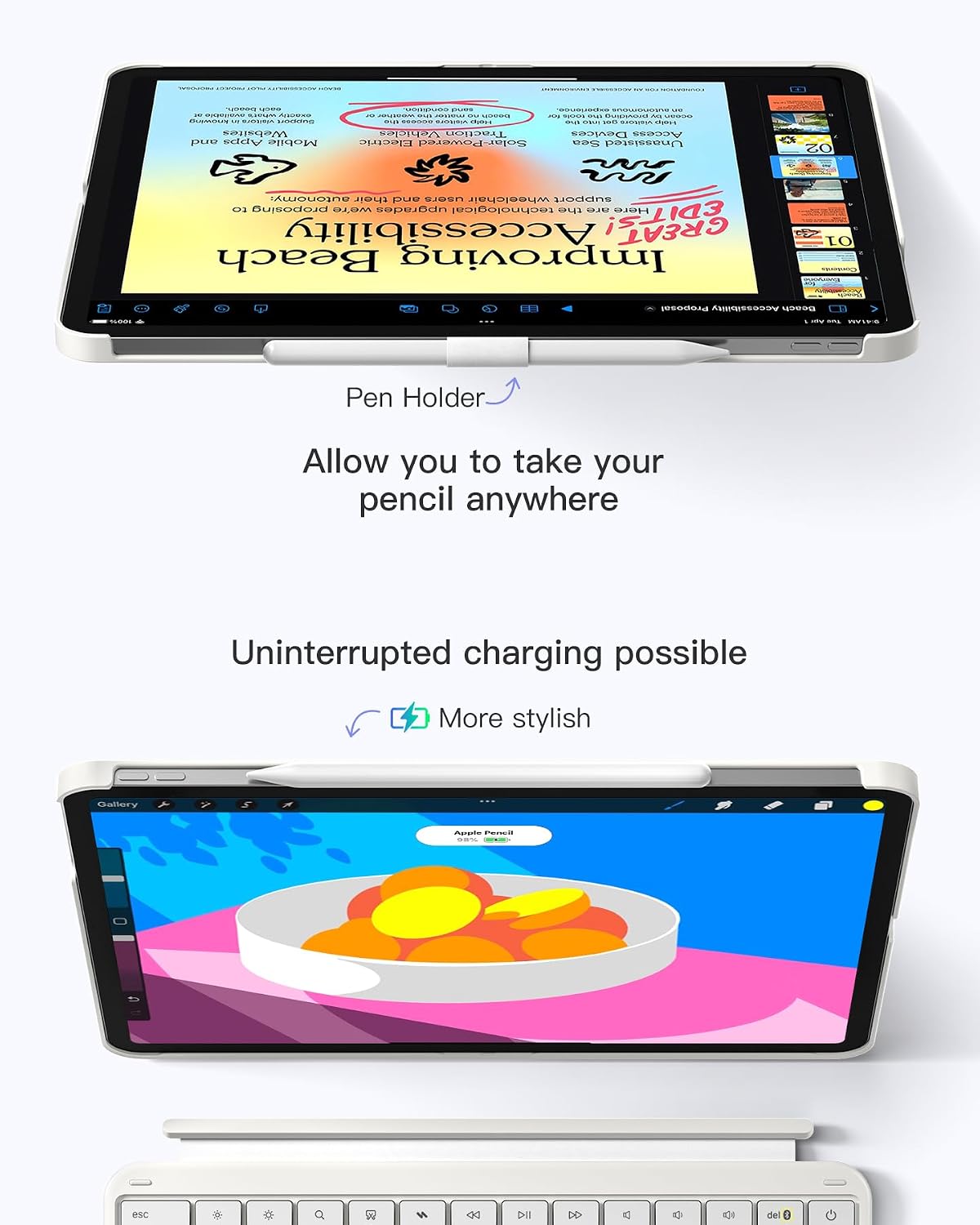
One detail worth noting is the pencil holder that’s described as “invisible” when you don’t need it. If you carry an Apple Pencil around, that’s the kind of convenience you either appreciate immediately or you don’t—so it depends on your routine.
Also, keyboard cases like this tend to live or die by responsiveness and comfort. Inateck’s pitch here focuses on key travel and Bluetooth behaviour, while the trackpad is positioned as “full-surface” and gesture-friendly.
What’s especially useful in day-to-day use
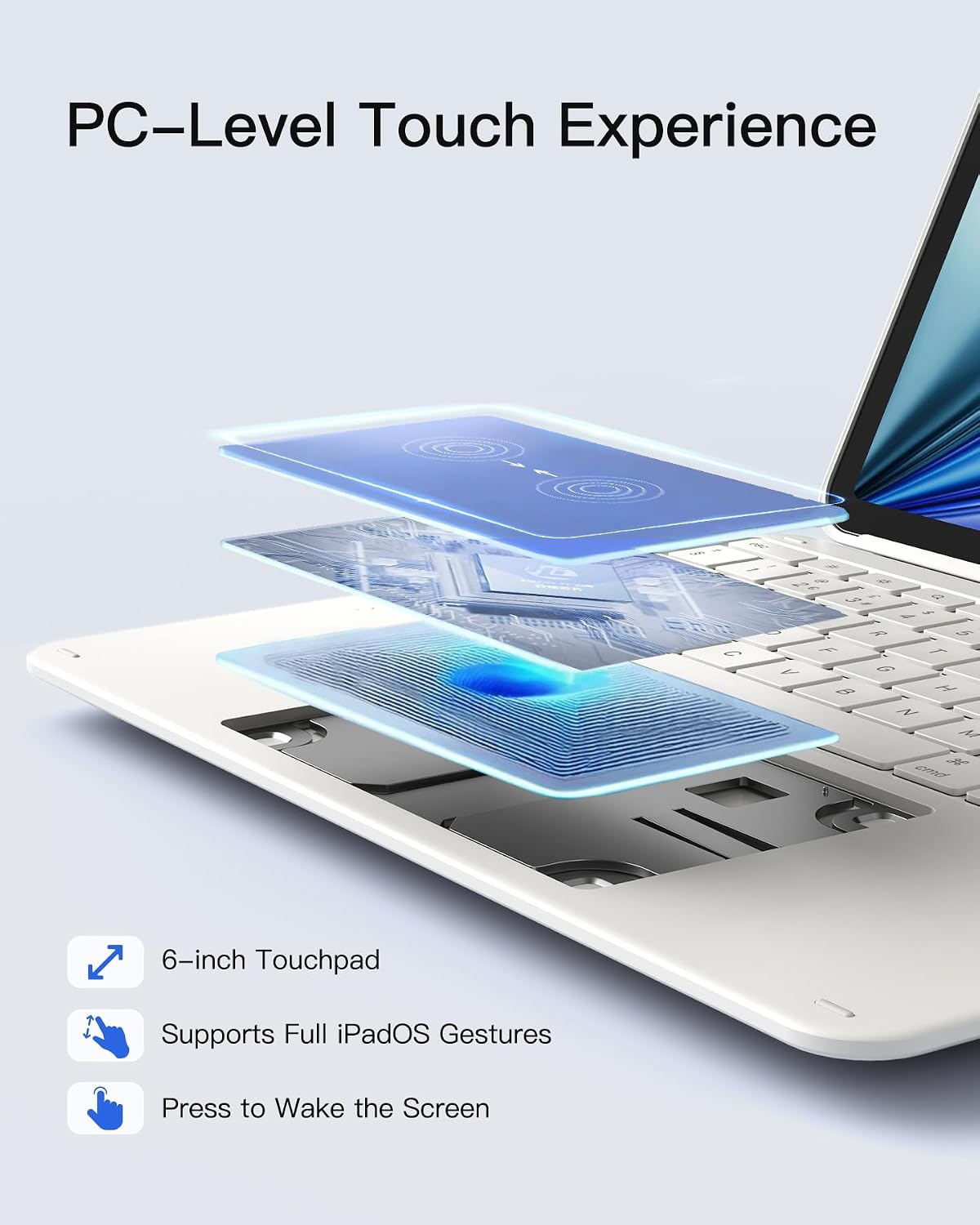
The big differentiator is the trackpad area and how it’s positioned. The listing describes a full-surface multi-touch trackpad with a panel size of 6 inches (126 × 82 mm), claiming a “60% larger” surface. In practical terms, that means fewer awkward micro-movements if you’re doing anything document-based, like selecting text, moving the cursor around, or navigating through a workflow.
The keyboard side is also meant to feel more sustained for longer sessions. Key travel is listed as 1 mm, and the keys are described as larger (1.6 mm) to fit the hand better. That’s a reasonable attempt to avoid the “tiny keys, sore fingers” problem that can come with slimmer keyboard covers.
The backlight support is there for low-light use—useful on trains, in bedrooms, or when you’re working late. It’s not framed as a premium gaming keyboard, though, so if you’re after maximum typing feel above all else, you may find yourself wanting more.
Trackpad setup and iPad gestures
Getting a trackpad working comfortably is often more about settings than hardware. The listing even includes a recommended setup:
- Go to Settings > General > Trackpad
- Move the slider towards the centre for pointer speed
- Enable “Tap to Click” and “Secondary click with two fingers”
What matters here is that this case is described as compatible with iPad OS gestures, plus it includes an “anti-mistouch”/anti-erroneous operation claim. That’s relevant if you sometimes rest your palms or hover your fingers near the trackpad while typing.
If you’ve tried cheaper keyboard cases before and felt the cursor jumped around, the control and gesture compatibility angle is exactly what you’d want to check.
Keyboard and connectivity (what the listing claims)
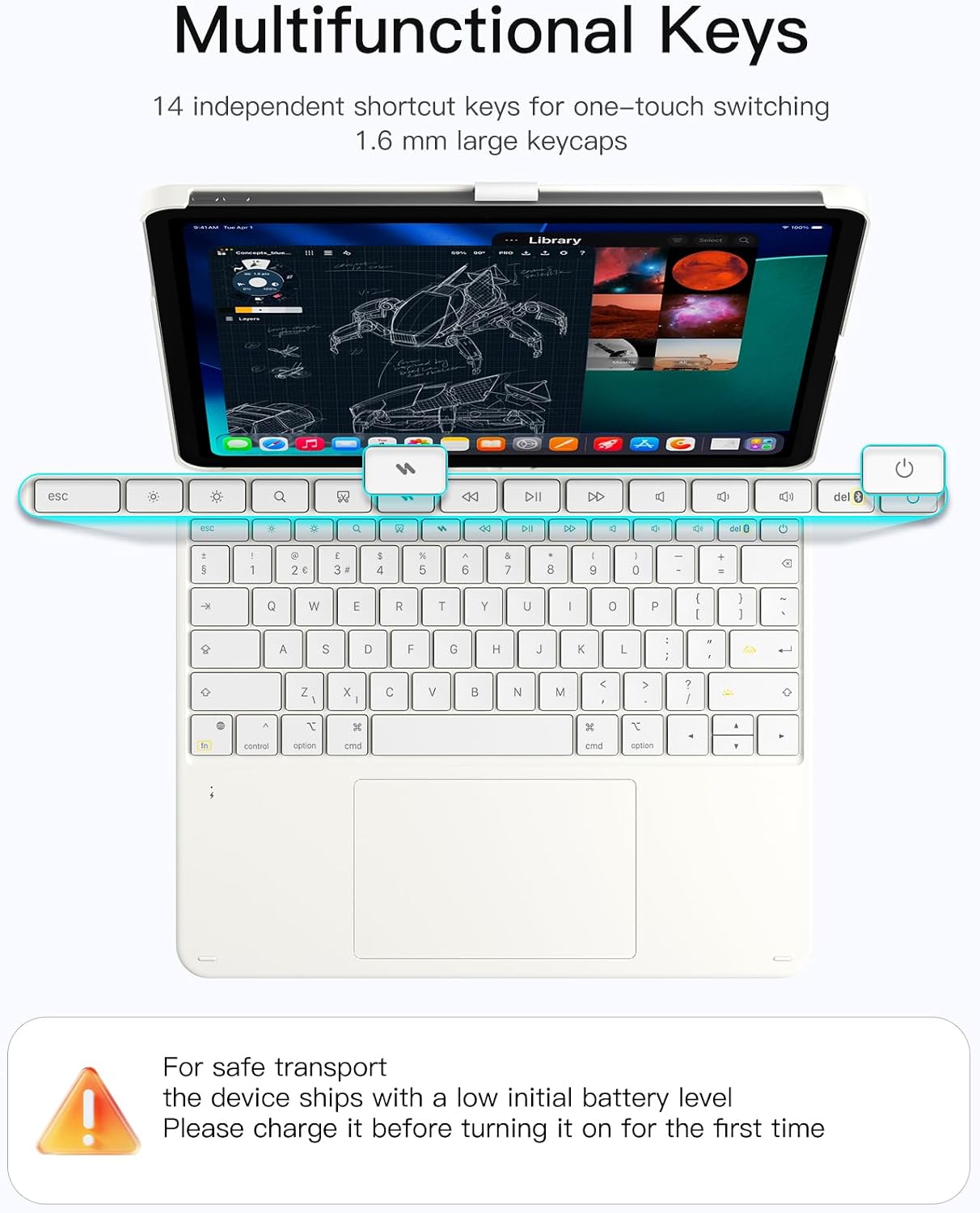
The keyboard uses a Bluetooth chip listed as Bluetooth 5.3, with the goal of reducing latency and improving anti-interference. It also mentions independent shortcut combinations (14) for quick multitasking.
Whether those shortcut combinations will match what you personally rely on depends on your workflow, but having built-in shortcuts can noticeably speed up common tasks.
One limitation to keep in mind: the listing provides claims, but it doesn’t include any real-world testing notes like battery life, maximum continuous use, or durability over heavy everyday travel. So it’s smart to treat this as a “solid productivity case” rather than a fully specified workstation.
Compatibility and model checks you should do first
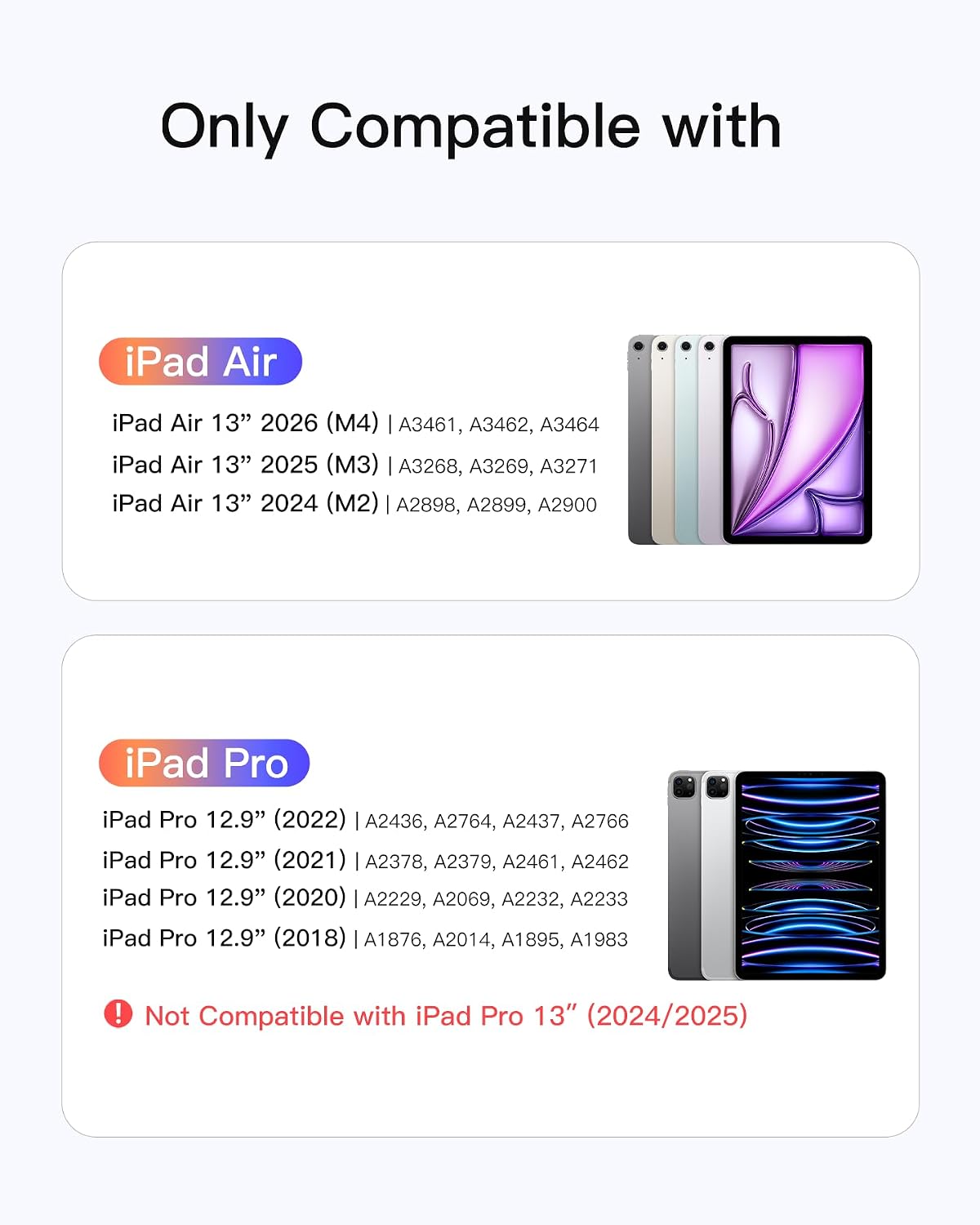
This case is developed specifically for: - iPad Air 13 inch (M3/M2, 2025/2024) - iPad Pro 12.9 inch 6th/5th/4th/3rd generation
The listing also provides iPad Pro 12.9 model numbers (A2436/A2764/A2437/A2766, A2378/A2379/A2461/A2462, A2229/A2069/A2232/A2233, and A1876/A2014/A1895/A1983).
It’s worth being careful here: keyboard cases are one of those accessories where “similar size” still doesn’t guarantee correct fit. Before you buy, confirm your iPad’s exact model number and the generation, not just the screen size.
Pencil holder design: nice idea, but consider your setup
The listing describes an “invisible” pencil holder that can be pulled out for secure storage and hidden again to keep the lines smooth. That’s convenient if you want to carry everything in one place.
But if you don’t use a Pencil, you may find the space and mechanism are just extra bulk or a distraction. It’s not a deal-breaker, it’s just something to factor into whether you actually need pencil storage.
Pros, cons, and who this keyboard case suits
Pros
- Detachable keyboard and magnet connection for quick switching between modes
- Large multi-touch trackpad (full-surface, gesture-focused)
- Backlit UK layout keyboard for low-light typing
- Case can be positioned horizontally or vertically
- Pencil holder designed to be concealed when not in use
It might not suit you if
- You’re expecting top-tier desktop-like typing feel, this is aimed more at everyday productivity than “premium keyboard” territory
- You want maximum clarity on long-term durability or battery performance (not provided in the listing)
It makes sense if you regularly type on your iPad—notes, reports, study, or admin work—and you want trackpad control without taking a laptop everywhere.
Is it worth it?
This Inateck Keyboard Case is worth considering if your priority is practical iPad productivity: a detachable UK backlit keyboard, a large multi-touch trackpad, and the ability to rotate between landscape and portrait. The trackpad and gesture setup guidance suggests it’s designed to be used properly, not just “tacked on”.
It’s less compelling if you only type occasionally, or if you’re the sort of buyer who needs detailed, verified information about battery life and long-term comfort before committing. In that case, you may prefer to spend time narrowing down keyboard cases that match your exact model and your expected usage hours.
Mini FAQ
Does the keyboard detach easily?
The listing states the keyboard and protective cover connect magnetically and can be detached in about one second, so swapping between tablet and laptop-style use is intended to be quick.
Is it compatible with all iPad models?
No—compatibility is described for specific iPad Air 13 inch (M3/M2, 2025/2024) and iPad Pro 12.9 inch generations, including particular model numbers for the Pro range. You’ll want to double-check your iPad model number before buying.
Can I use it in portrait and landscape?
Yes. The listing says the setup can be configured horizontally or vertically for different scenarios.
Does it support iPadOS gestures?
The listing claims it supports iPad OS gestures and is designed to reduce mistouches, alongside precise and low-lag control.
What if I don’t use a Pencil?
The pencil holder is described as optional in practice (it can be hidden), but if you never carry a Pencil you might decide it’s extra hardware you don’t need.