

Microsoft Surface Pro (power supply not included) | Copilot+ PC — 13” OLED, Snapdragon X Elite, 16GB/256GB, Black (11th Edition)
Reviews
Price
Product description
What it is
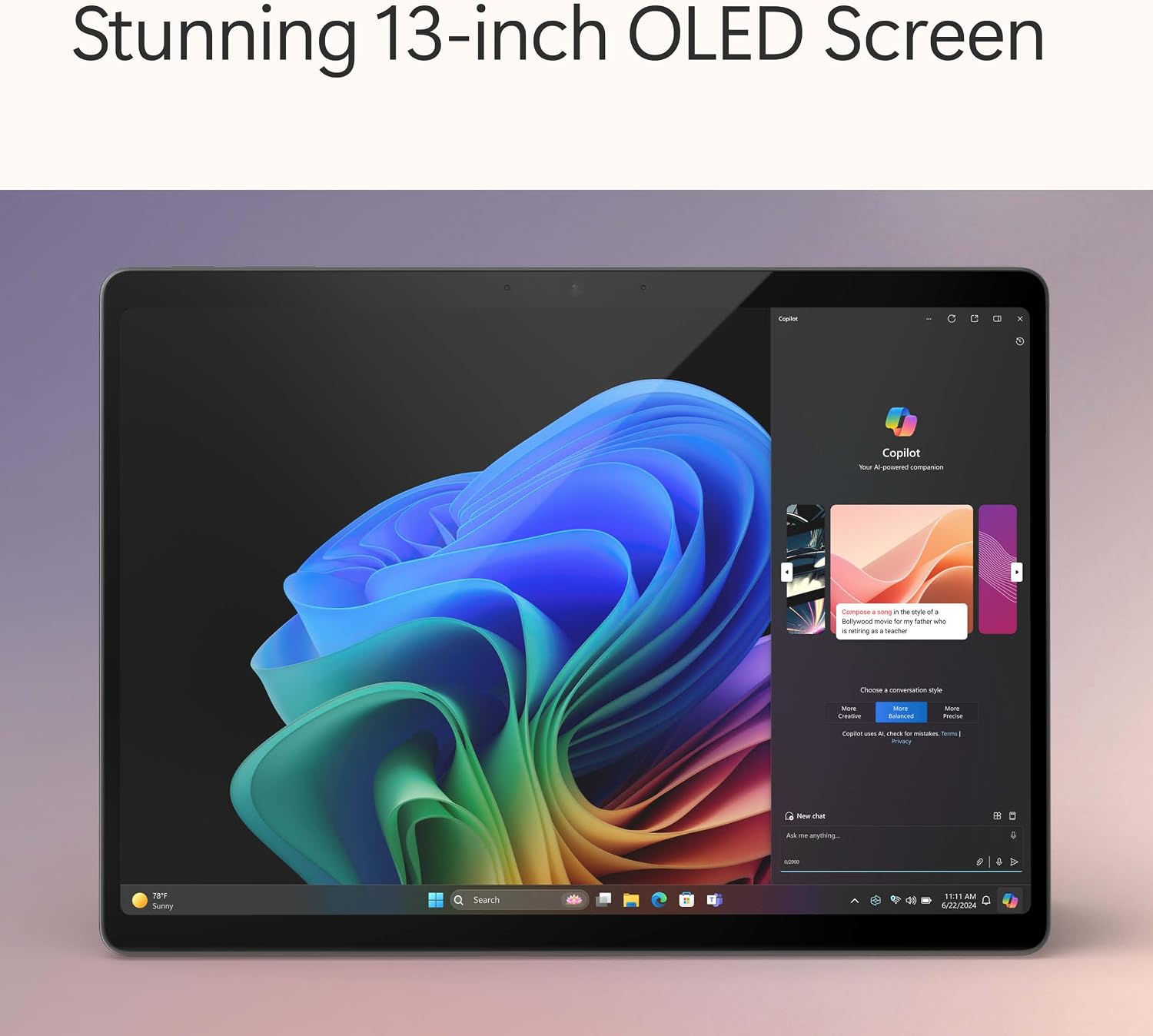
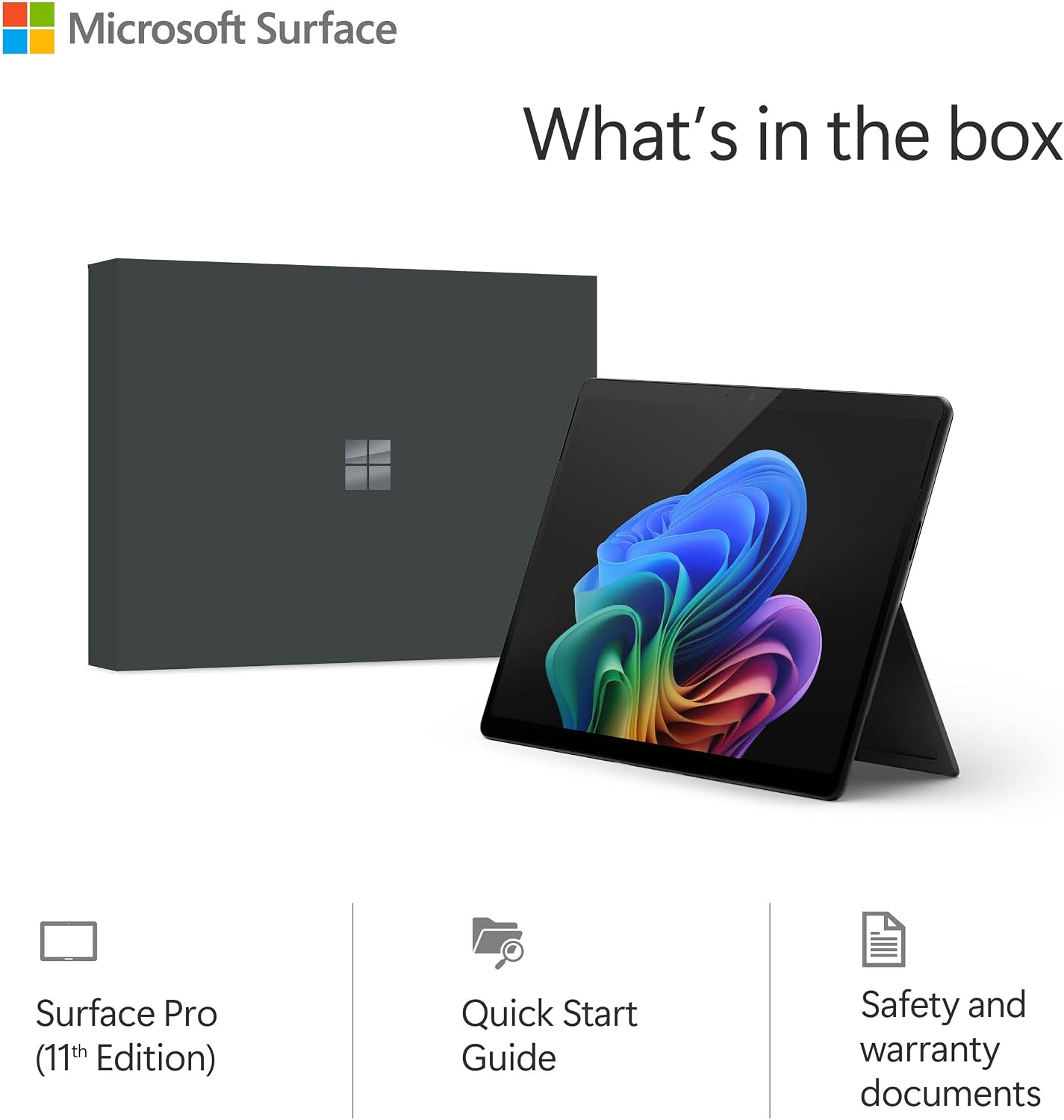
The Microsoft Surface Pro described here is the device-only version of a high-end 2-in-1 that pairs a 13” OLED touchscreen with an all-new processor line and an AI-enabled software layer. Notably, the power supply is sold separately, which is why this entry is framed as “device only” for those who already have compatible charging options or are aiming to reduce e-waste by existing hardware reuse. On the surface, this looks like a premium portable PC with a tablet-like flexibility and the promise of AI-assisted productivity.
Performance on paper
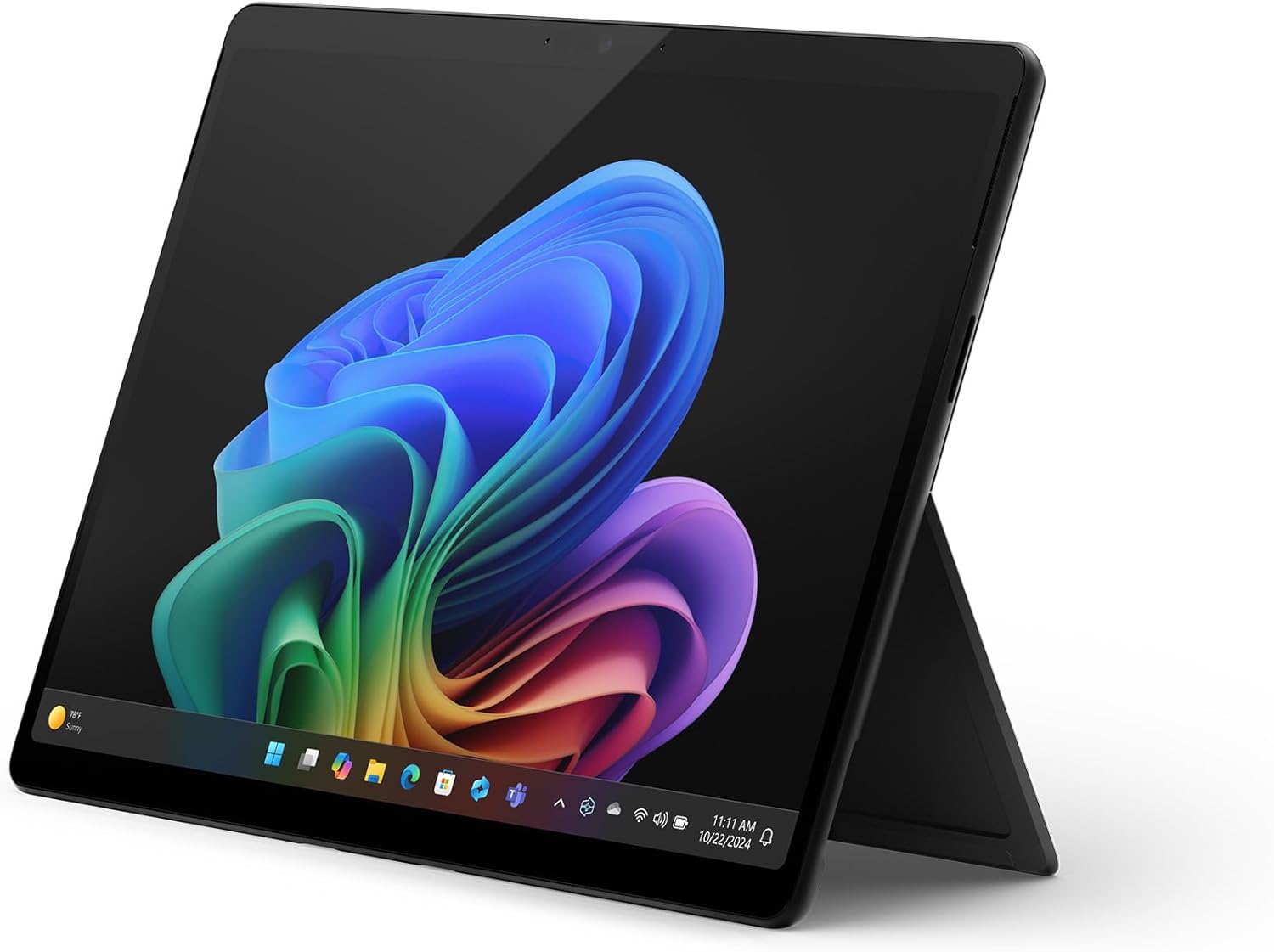
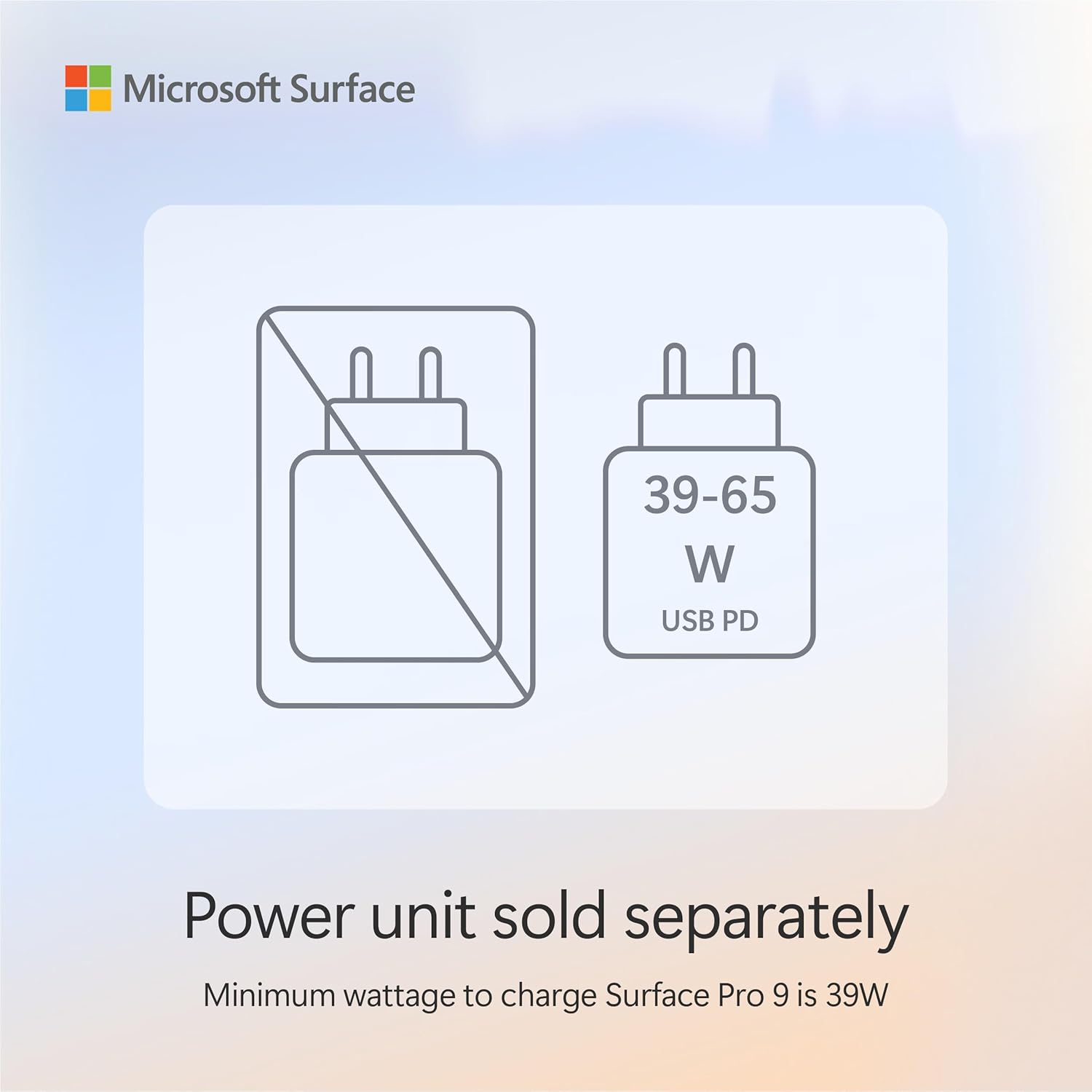
According to the description, it runs on a Snapdragon® X Elite with 12 cores, backed by 16GB of memory and a 256GB SSD. These specifications suggest solid multitasking capability and quick local storage for everyday apps and documents. The 13” OLED touchscreen is highlighted, implying vibrant visuals and responsive touch input, while the design retains the familiar 2-in-1 form factor with a traditionally flexible kickstand.
What stands out
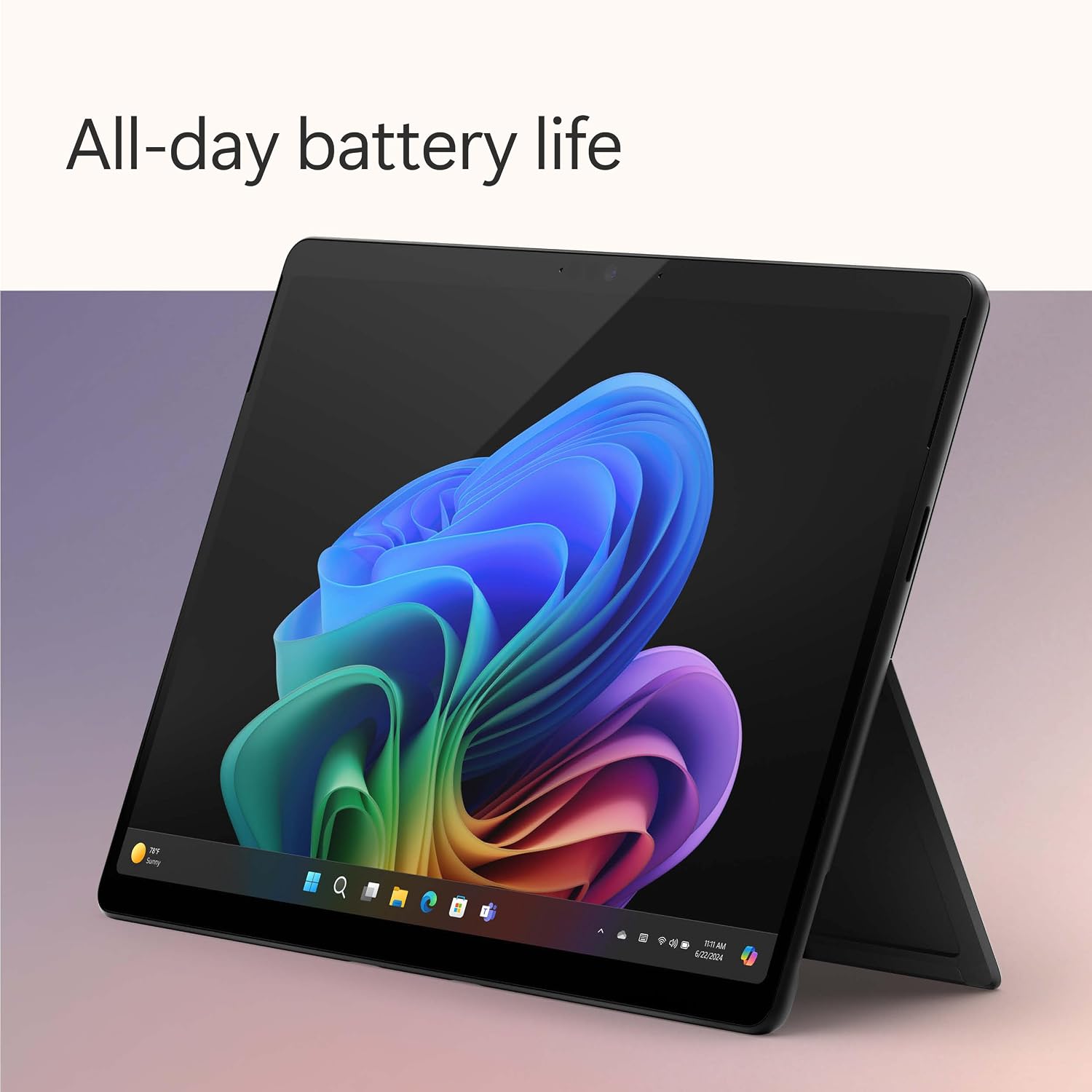
The combination of an OLED display and the latest AI-driven Copilot+ PC features points to a device aimed at demanding, on-the-go work. The touted AI acceleration and Recall feature imply snappier search and context-aware assistance across platforms. Ultra-fast wireless connectivity (Wi‑Fi 7) is noted, which could translate into smoother cloud-based tasks and streaming when connected to a fast network. Battery life is claimed as all-day (14 hours) with potential for faster charging, depending on usage and accessory compatibility.
Who it’s for
This model is likely to appeal to professionals who want a compact, flexible machine for note-taking, document work, and light-content creation, especially if they value an OLED screen and AI-assisted productivity features. It may suit students, mobile professionals, or creative workflows that benefit from the 2-in-1 form factor and quick access to AI-powered search and recall functions.
What to consider before buying
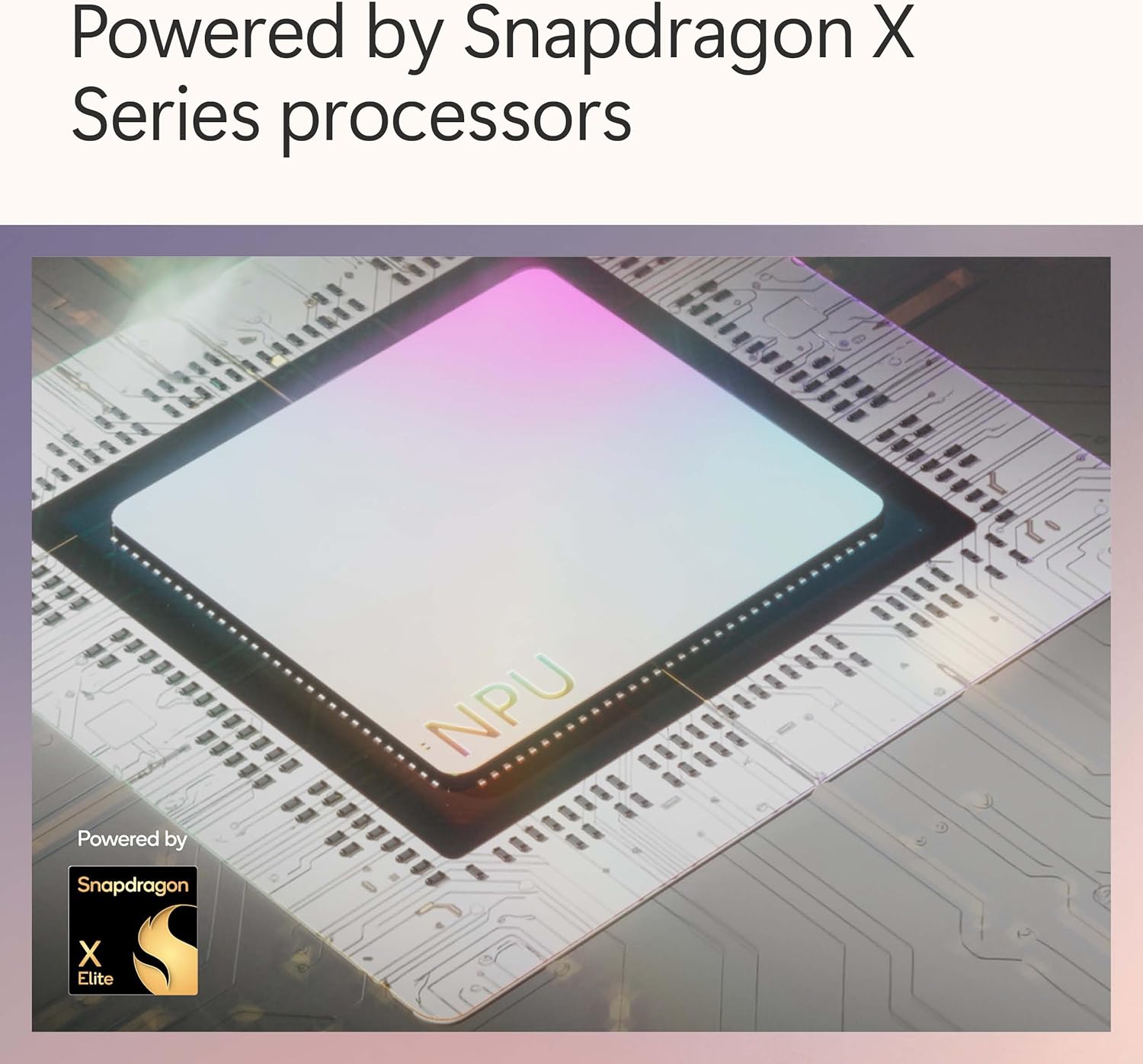
- Power supply sold separately: plan for an external charger or reuse an existing compatible charger. If you prioritise continuity of use away from desk or want few accessories, this could add cost and management considerations.
- The device-only spec claims are important—confirm whether your typical tasks (video calls, photo edits, large spreadsheets) remain smooth with 16GB/256GB in real-world use.
- Battery and charging: the 14-hour claim is a guideline and may vary with screen brightness, AI features active, and network usage. Fast charging support is mentioned, but details depend on the charger you pair with it.
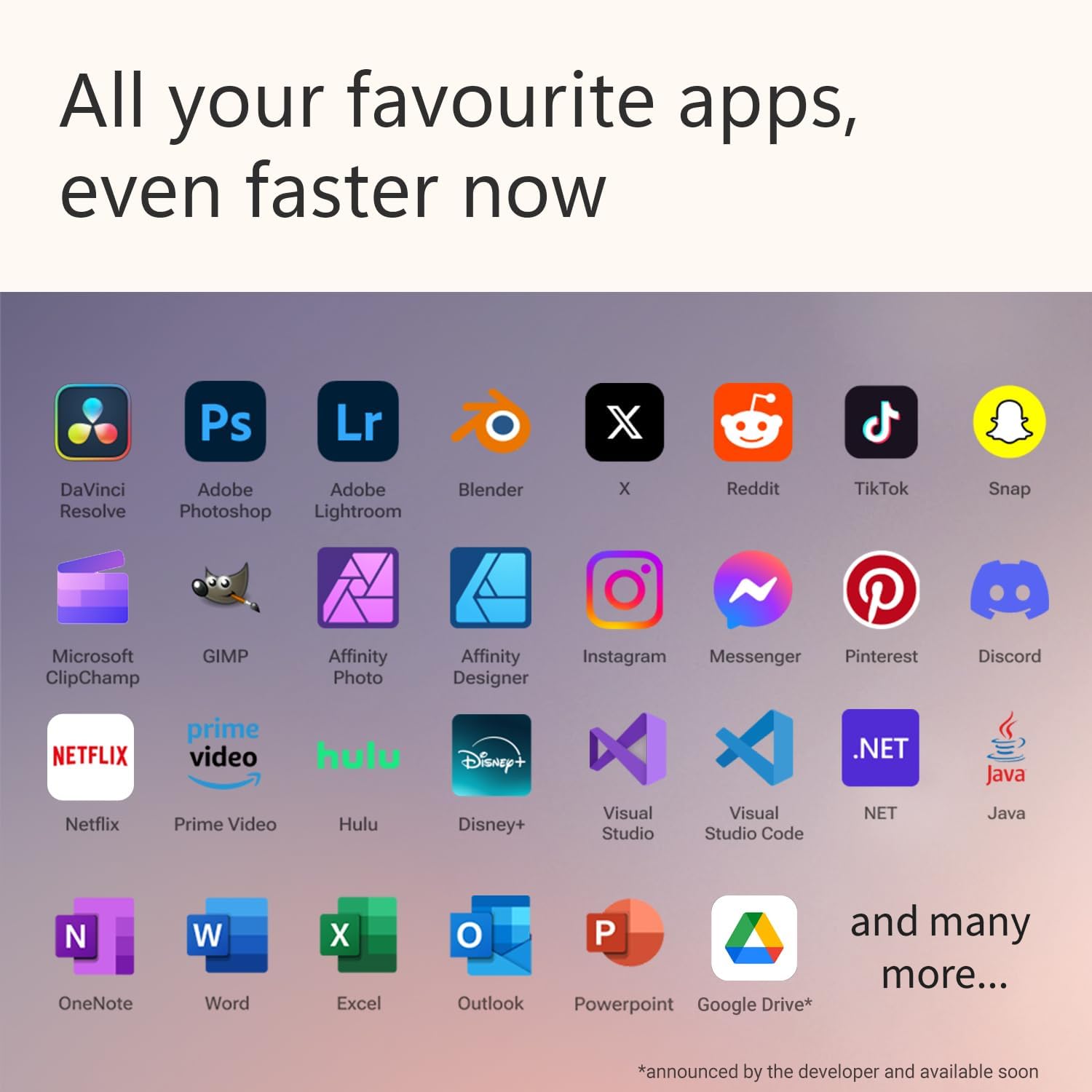
- Software ecosystem: Copilot+ PC promises AI enhancements, consider whether your workflow benefits from this level of integration and how it integrates with existing apps across platforms.
In use: how it feels on a day-to-day basis
Imagine drafting a report on the train, snapping quick notes with the OLED screen, and asking Copilot+ toSummarise research without leaving the document. The kickstand’s 180-degree flexibility remains handy for impromptu presentations or sharing content with a colleague. Real-world limits will hinge on how demanding your apps are and whether 16GB is enough headroom for your multitasking mix.
Practicalities and comparisons
If you’re weighing options, the device-focused approach of this Surface Pro sits between premium tablets and light-to-midweight laptops. It’s not described as a high-end workstation, instead, it leans on agile versatility and AI features to justify its role for daily productivity. Alternatives in this space typically differ on display quality, battery endurance, or overall raw performance, here the OLED panel and AI features are the standouts, with the caveat that you may need compatible accessories (like a charger) to optimise use.
What to check before you buy
- Verify compatible charging options for the required power supply and estimate ongoing costs if you don’t already own a compatible charger.
- Consider storage needs beyond 256GB if you work with large media projects, you may want to rely on cloud storage or external drives.
- Assess whether you’ll benefit from Copilot+ PC features in your day-to-day tasks and how these integrate with your existing software toolkit.
- Think about how you’ll use the device’s 13” OLED screen in varying light conditions, and whether you need a keyboard and stand combo that complements the device-only package.
The bottom line for buying
If you prioritise portability, a vivid OLED display, and AI-assisted task handling, this Surface Pro offers a compelling package on paper. It leans more toward everyday productivity and creative flexibility than brute performance, so it isn’t necessarily the best choice if you need a power-heavy workstation or maximised local storage out of the box. It may be ideal for users who already have charging options and want a sophisticated, compact device to bridge notes, documents, and quick AI-enabled searches on the move.
Final thoughts
Is it worth it? It depends on how much you value the combination of a high-quality display, AI-enabled features, and the flexibility of a 2-in-1. If those align with your typical tasks and you’re comfortable sourcing a charger separately, this model could offer good value for money in the right context.
FAQ
- How does Copilot+ PC integrate with everyday apps on this Surface Pro?
- Is 16GB RAM enough for my multitasking needs with this device?
- What should I expect in terms of battery life with AI features enabled?