


Milikilo Stylus Pen for iPad with 14‑Minute Fast Charge, Palm Rejection & Tilt Sensitivity (Pink)
Product description
What it is and why people buy it
If you want a stylus for your iPad that’s more than just a basic pointer, this Milikilo Stylus Pen is aimed at everyday writing, note-taking and drawing. It’s built around a “charge quickly, then get going” approach, with palm rejection and tilt sensitivity called out in the feature list.
A practical benefit here is that it positions itself as a value alternative to pricier stylus options, while still focusing on features you actually notice during use—like avoiding accidental touches from your hand and getting different line thickness depending on tilt.
Compatibility and the one thing to double-check
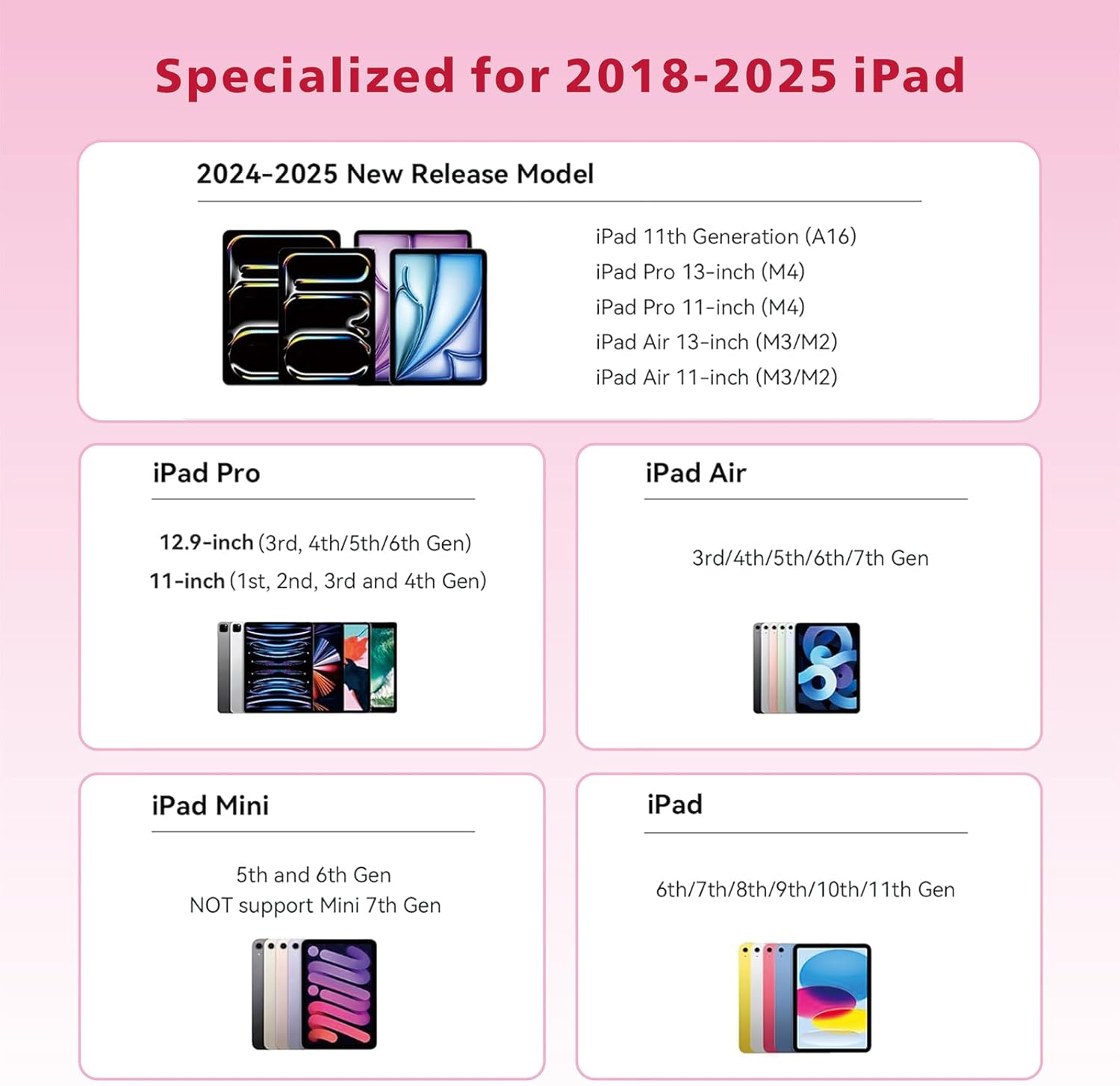
This stylus is described as compatible with iPad models from 2018 to 2025, including: - iPad 11th/10th/9th/8th/7th/6th - iPad Pro 11 inch and 12.9 inch - iPad Mini 5th/6th - iPad Air 5th/4th/3rd - iPad Pro 11 inch and 13 inch (M4, 2024) - iPad Air 11 inch and 13 inch (M3/M2, 2025)
The limitation is equally important: it’s stated not to work with Android phones/tablets or Microsoft devices. Also, the brand explicitly asks you to check your exact iPad model before ordering—because with iPad accessories, one mismatch can mean a frustrating non-start.
Key features that affect day-to-day use
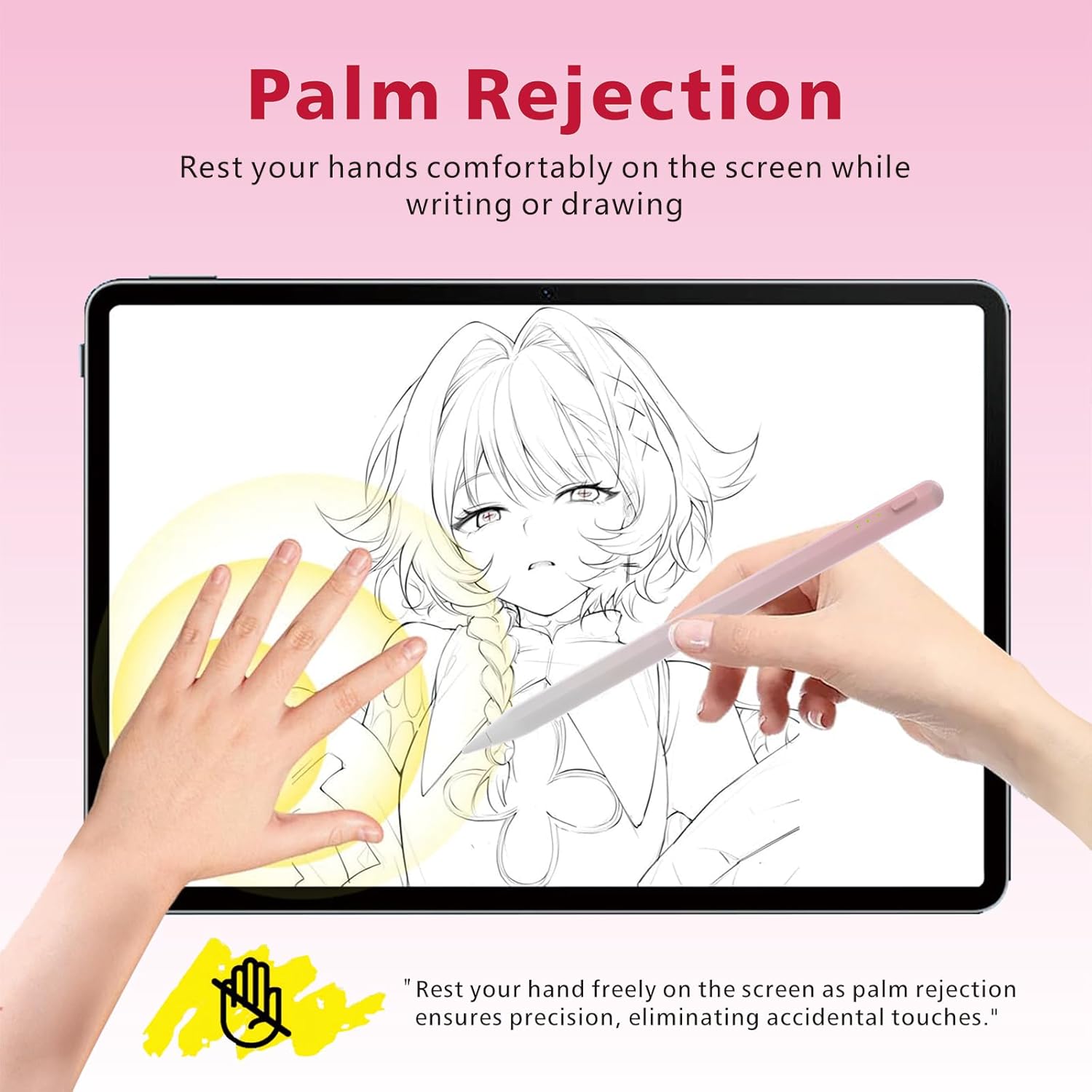
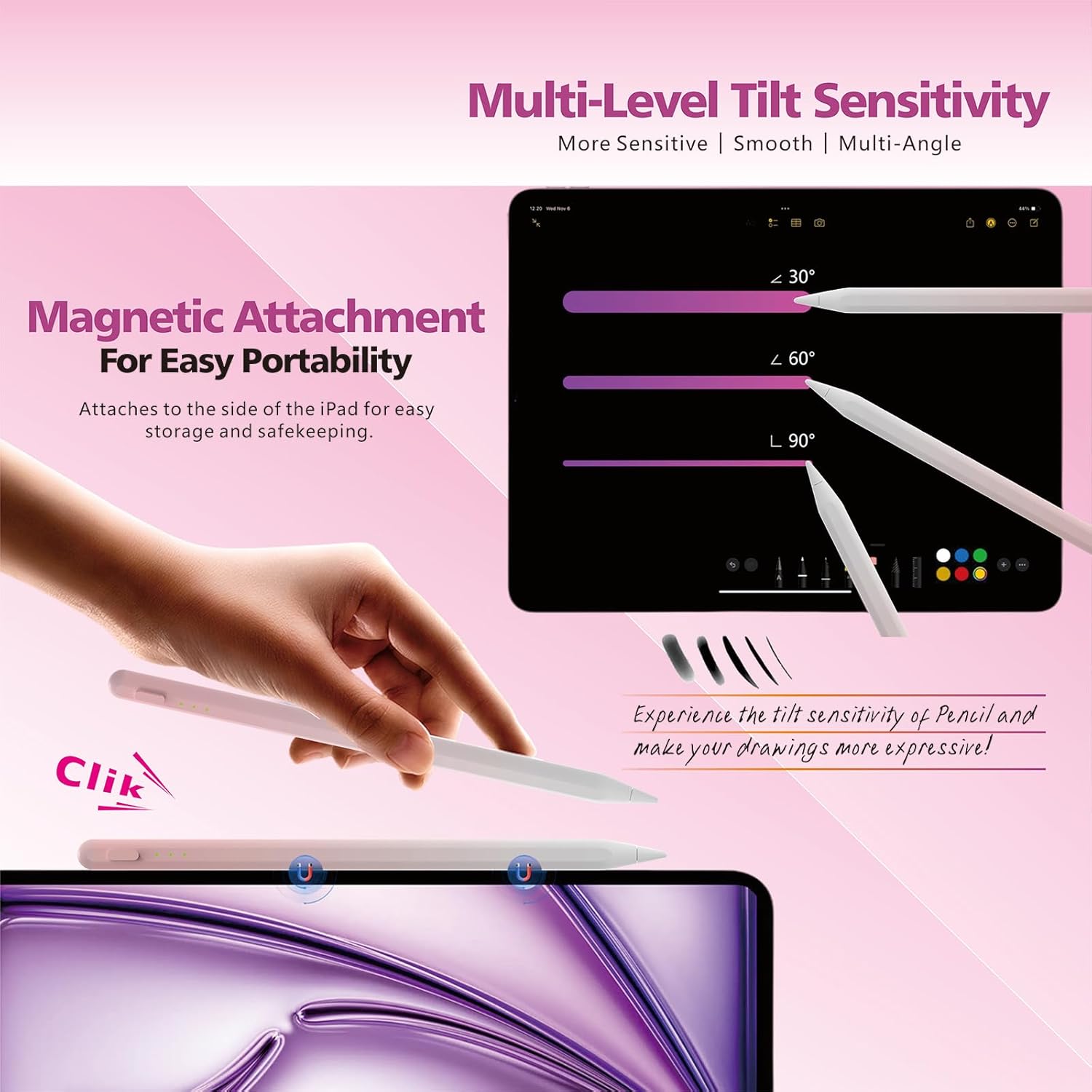
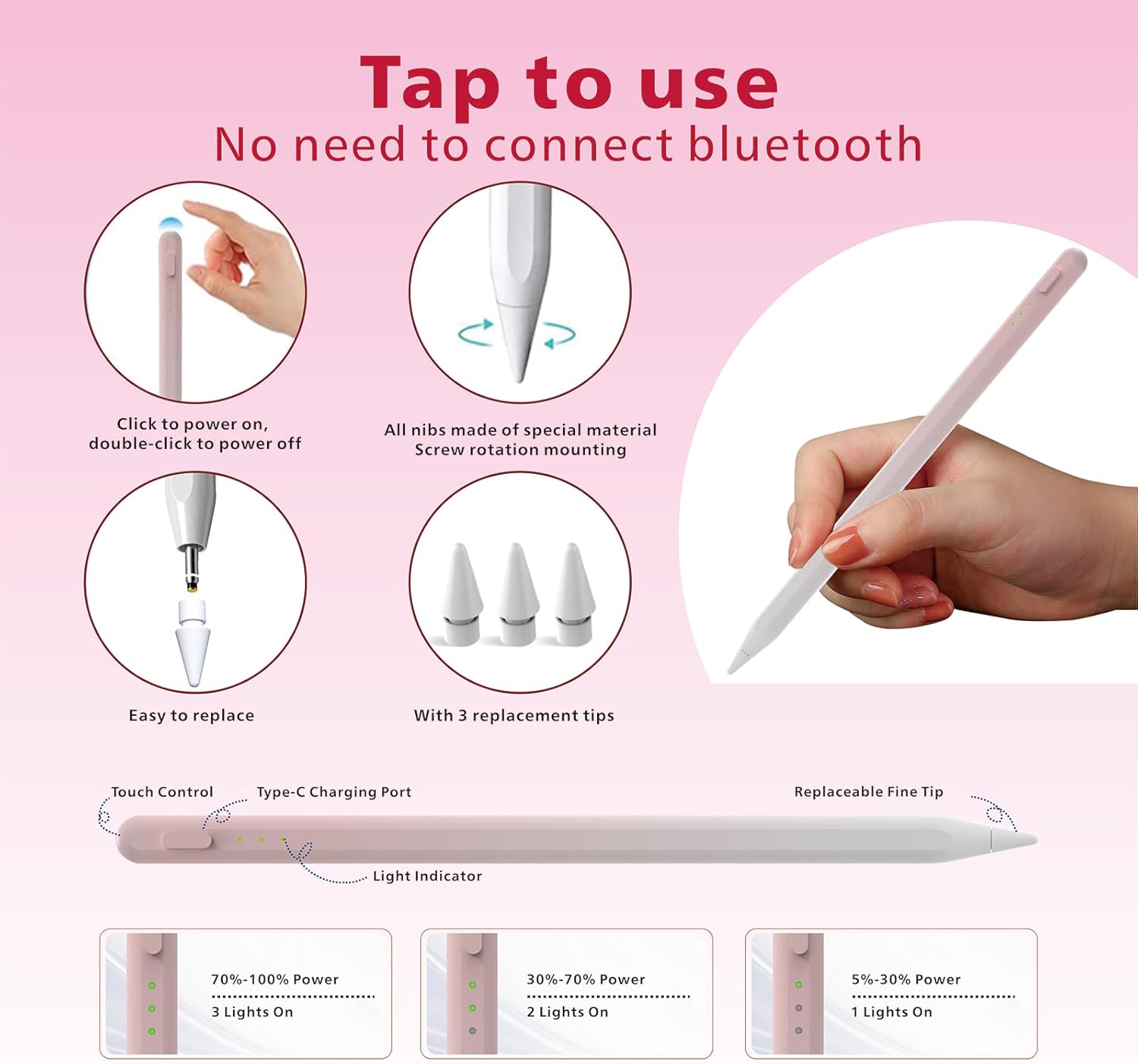
What stands out on paper is the mix of accuracy and control: - Palm rejection: the “palm rejection” design is intended to make it easier to write with your hand resting on the screen, rather than having to hover awkwardly. - Tilt sensitivity: it’s described as using tilt technology so you can create different strokes by varying the angle. If you do sketches or want more expressive handwriting, that’s the sort of feature you’ll feel. - Precision-focused tip: the stylus uses an improved POM tip (0.9 mm) and claims no delays, no jumps and no scratching.
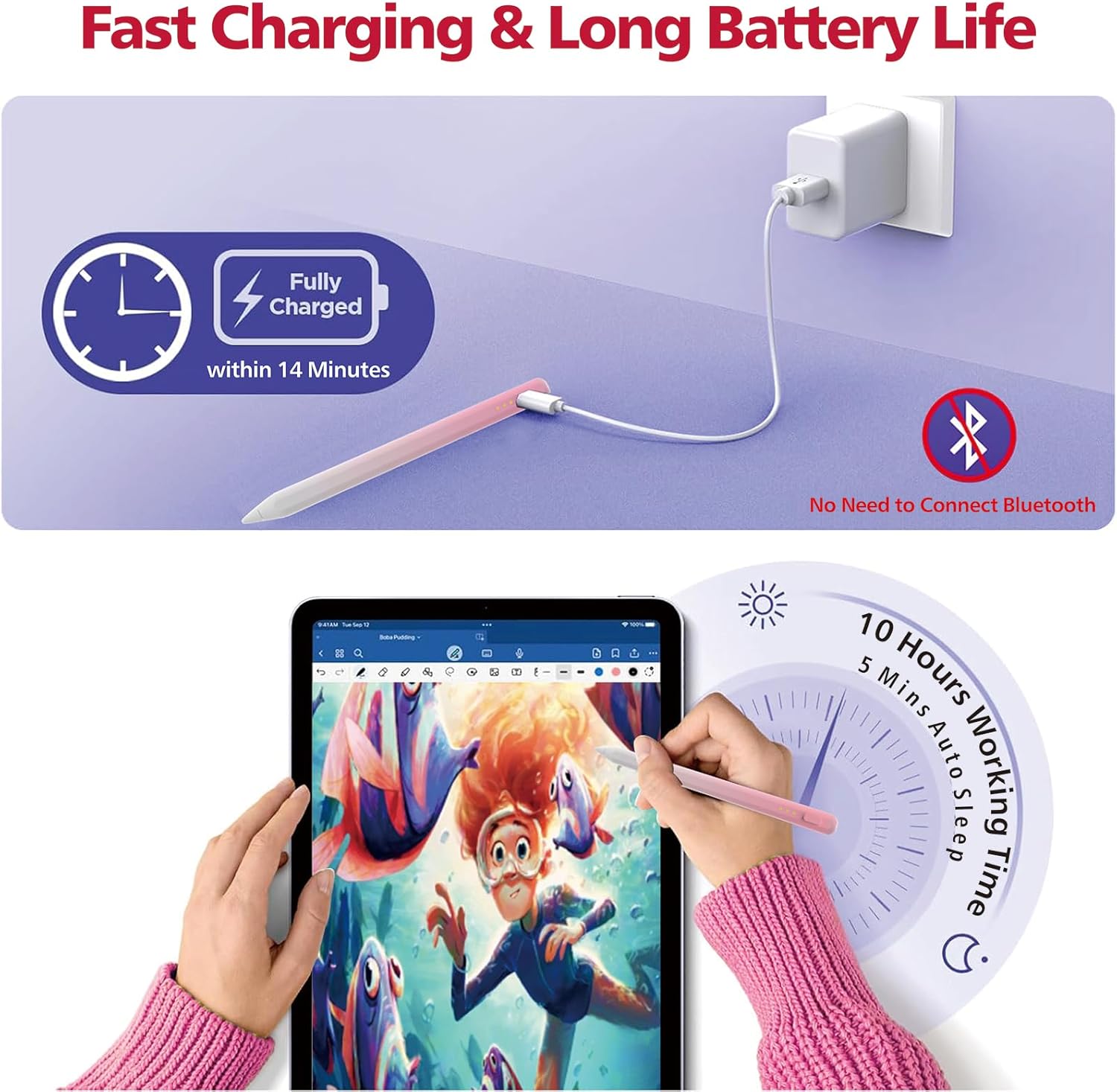
There’s also a power-management angle: it includes automatic sleep behaviour (described as switching off after 2 hours) to help protect battery life and reduce eye-fatigue from long sessions. The text also notes that there’s no automatic shut-off in 5 minutes, which suggests they’ve tried to balance convenience with energy saving.
Charging and battery indicators (the “time saved” angle)
The charging story is a big part of the pitch: a full charge is claimed to take 14 minutes, with up to 10 hours of work time. The inclusion of 3 LED indicators is meant to show remaining battery duration and charging progress.
In real-world terms, this kind of charging speed can be handy if you forget to top up. It’s not magic—heavy daily use will still drain it—but the fast-charge concept is a sensible match for students and home workers who don’t want to be tethered to a charger all the time.
What you get in the box, plus consumables to expect
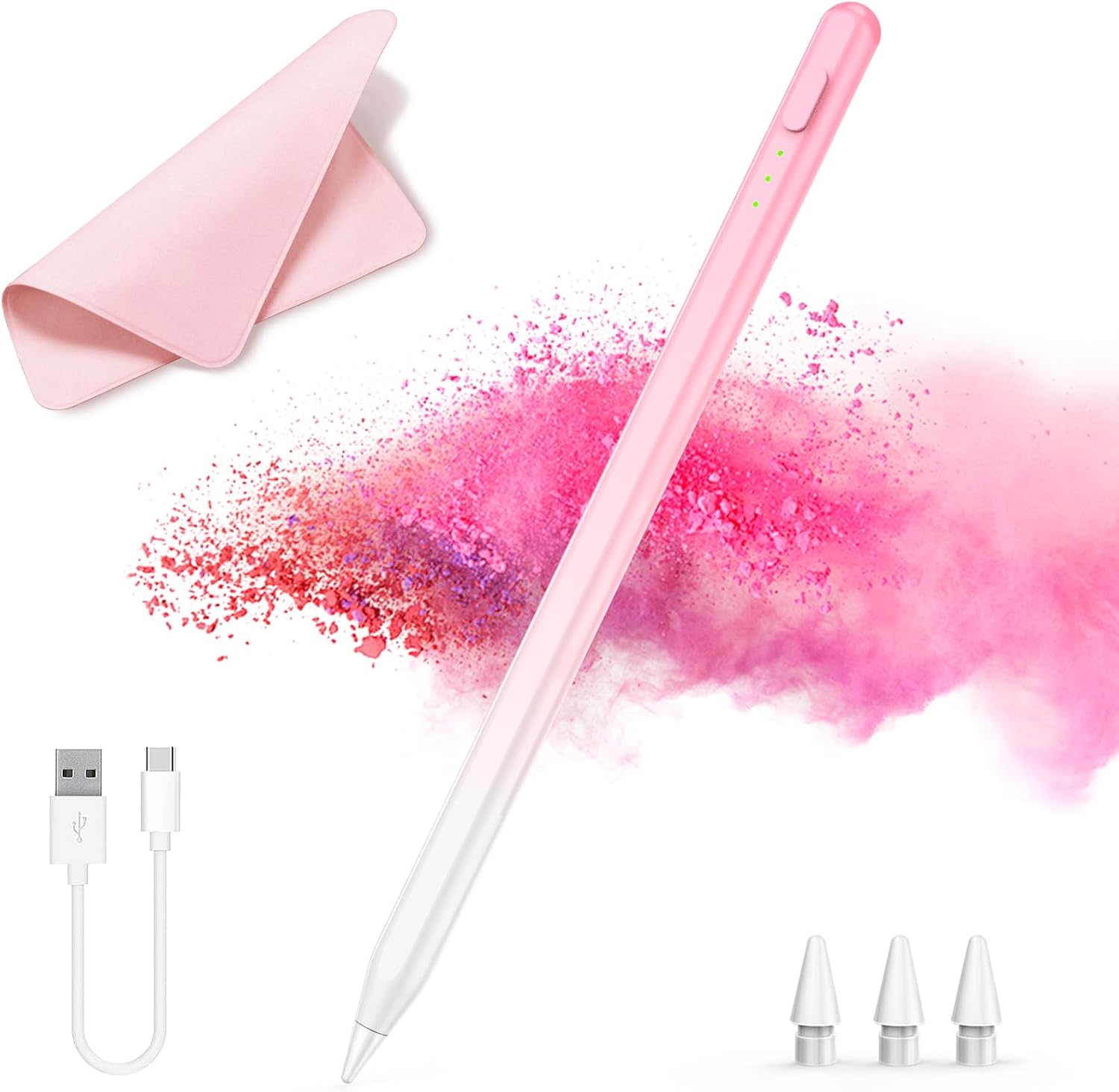
The bundle includes a few practical extras: - the stylus pen - a polishing cloth - 3 replacement tips - a USB‑C charging cable
The tips are described as ABS/PC material, and the cloth is said to clean screens (including nano-texture glass) without being abrasive. That matters because the stylus tip and screen cleanliness often go together—if you’re using it frequently, you’ll want the option to keep things neat rather than “making do” with a worn tip.
Who it’s for (and who may want to skip it)
It makes sense if you’re looking for a stylus for iPad that supports pen-style writing and basic drawing, and you care about palm rejection and tilt sensitivity rather than just “touch support”. It’s also positioned as family-friendly, with a lightweight feel mentioned (0.4 ounces), so it could suit younger users learning to draw or write—assuming the iPad compatibility checks out.
It might not be the best fit if you’re the sort of user who needs a fully “pro-grade” stylus experience and expects advanced features beyond what’s listed here. On the information provided, this comes across as a solid mid-range/value option rather than a top-tier flagship, so expectations should stay realistic.
And one more limitation: if you’re using an Android device (or anything outside the listed iPad range), this won’t help.
Is it worth it?
Worth considering if you want a practical iPad stylus with palm rejection, tilt sensitivity, and fast charging, and you’re buying for note-taking, schoolwork, journalling or casual sketching. The replacement tips and polishing cloth are also a nice touch for long-term day-to-day use.
You may want to skip it if you’re not sure your exact iPad model is compatible, or if you’re after a more premium stylus feature set not covered in the description. In short: it looks like a sensible value pick—just make compatibility your first checkpoint.
Mini FAQ
Does it need Bluetooth to work?
No. It’s described as not requiring Bluetooth—turn it on using the top touch control.
How fast does it charge?
The description states a full charge can be done in 14 minutes.
Is there an automatic shut-off?
Yes. It’s described as switching off automatically after 2 hours, and it also notes there’s no 5-minute auto shut-off.
What’s included besides the stylus?
A polishing cloth, 3 replacement tips, and a USB‑C charging cable are included.