

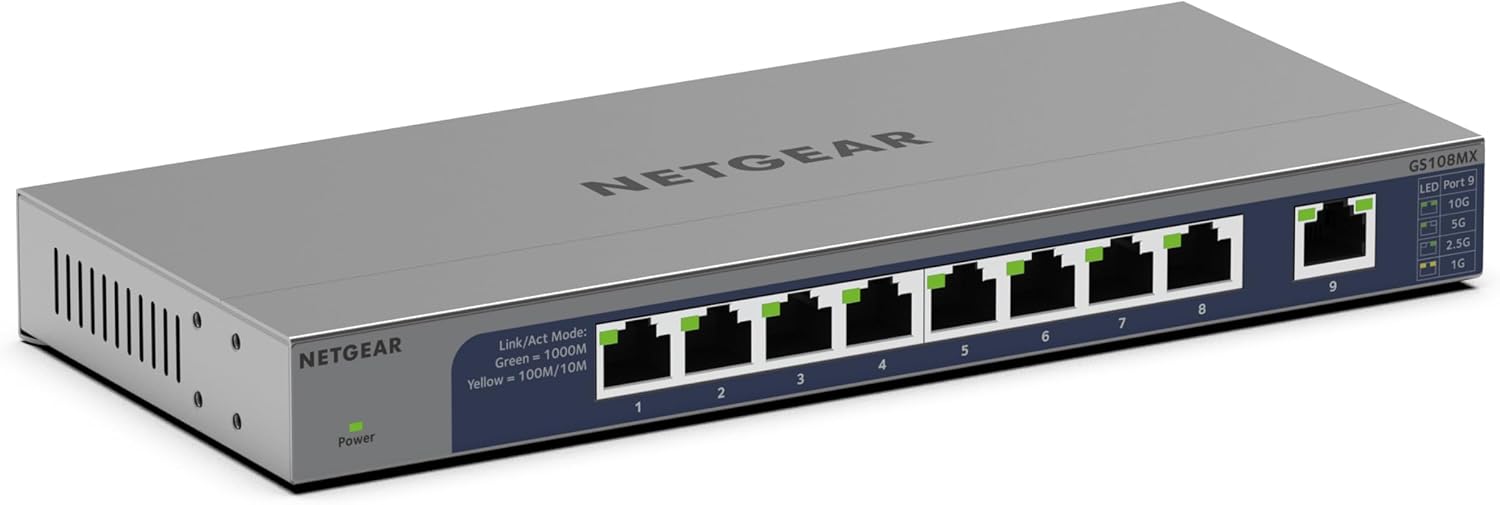
NETGEAR GS108 8-Port Gigabit Ethernet Switch – Unmanaged, Desktop or Wall Mount
Product description
What it is
The NETGEAR GS108 is an 8-port unmanaged Gigabit Ethernet switch. It’s designed to provide straightforward, reliable Ethernet expansion for small offices, home offices or desks, without the need for complex configuration.
What it solves
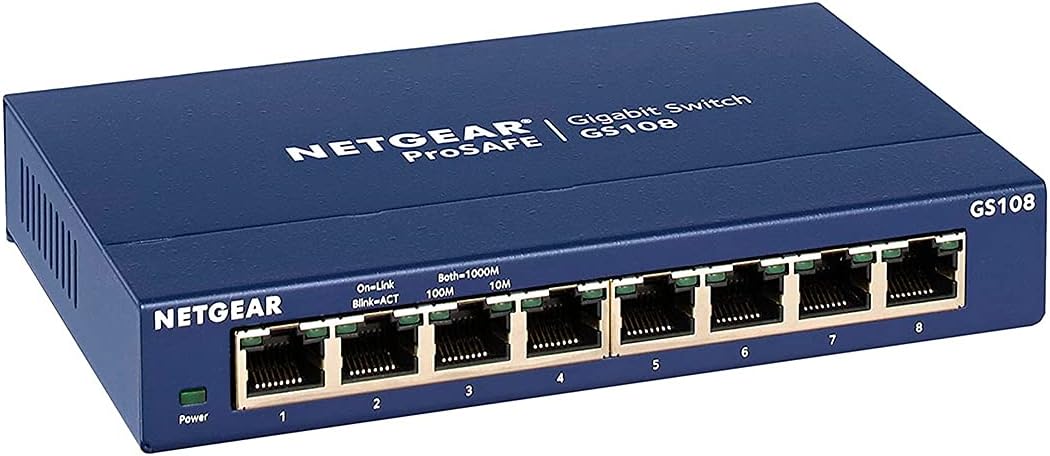
If you’ve run out of ports on a router or a larger switch, this device offers extra wired connections to keep devices connected with steady 1 Gbps performance per port. It supports auto-switching between 10/100/1000 Mbps, letting devices negotiate the best speed automatically.
How it performs on paper
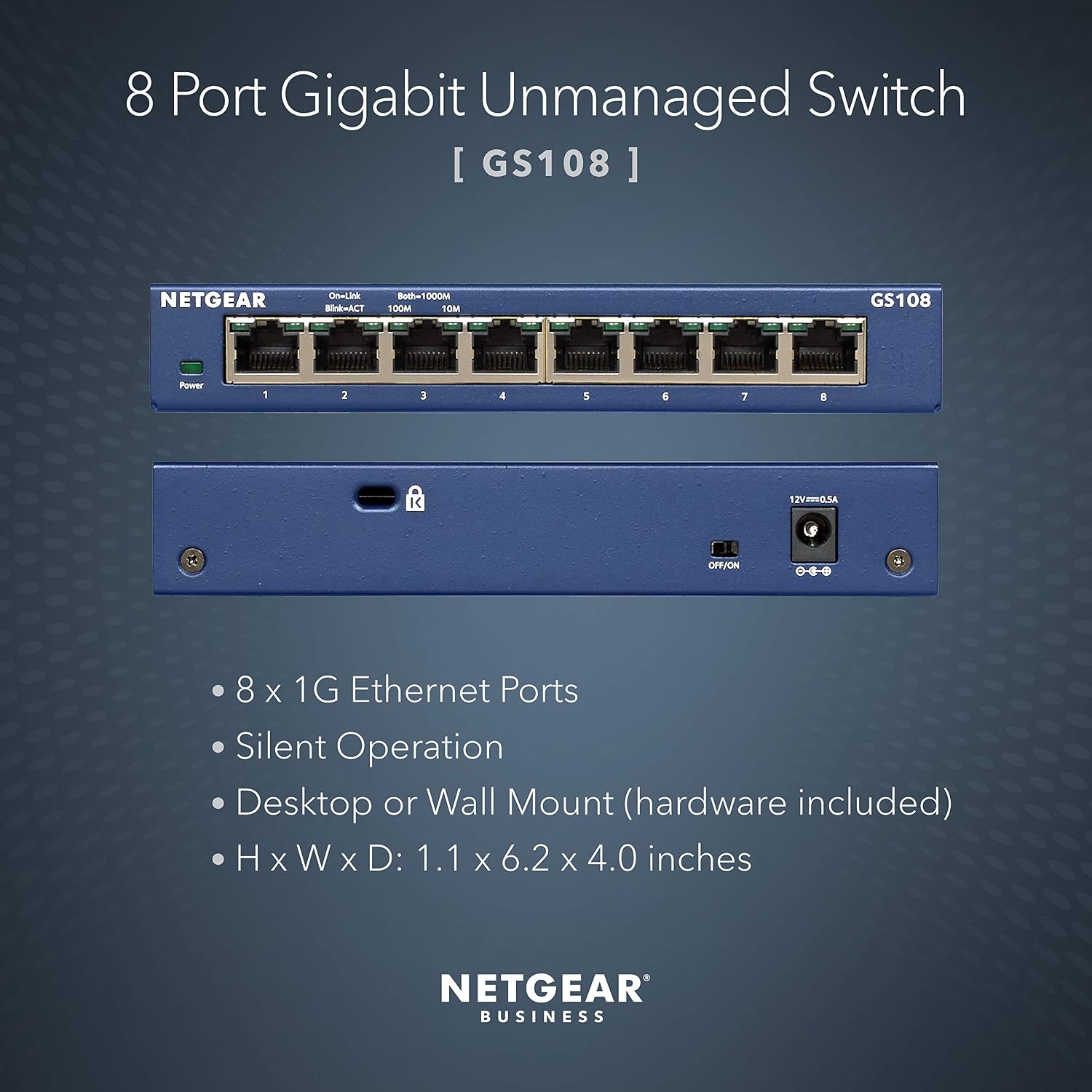
Each port can reach up to 2000 Mbps, enabling decent headroom for typical home or small‑office networks. The switch includes auto uplink functionality across all eight RJ‑45 ports, which simplifies linking to a router or another switch. It ships in packaging designed to be frustration‑free, reducing the barrier to setup.
Who it’s for
This model is well suited to users who want a hassle-free way to add more wired connections without extra management overhead. It’s practical for desks or workstations that need reliable Ethernet connectivity, such as PCs, printers, or network storage devices, where plug‑and‑play simplicity is valued.
What stands out (pros)
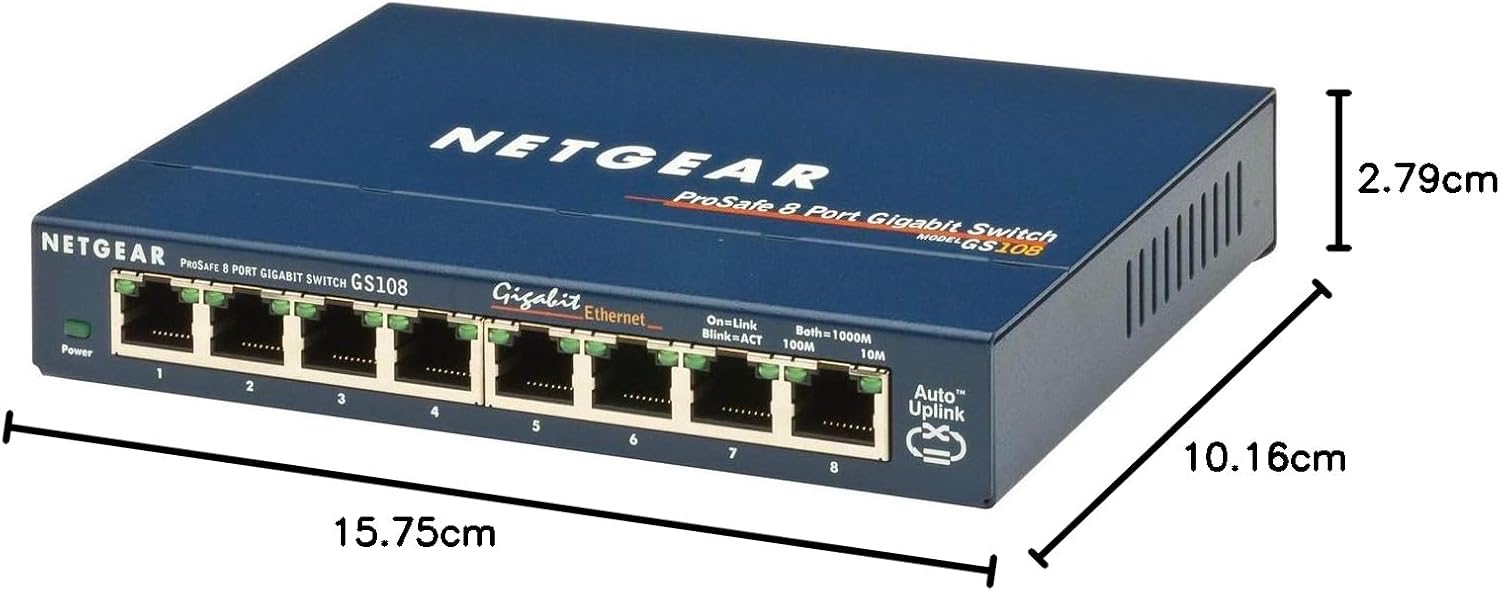
- Eight Gigabit ports in a compact form, suitable for desktop or wall mounting.
- Auto negotiation and auto uplink simplify connections and reduce setup time.
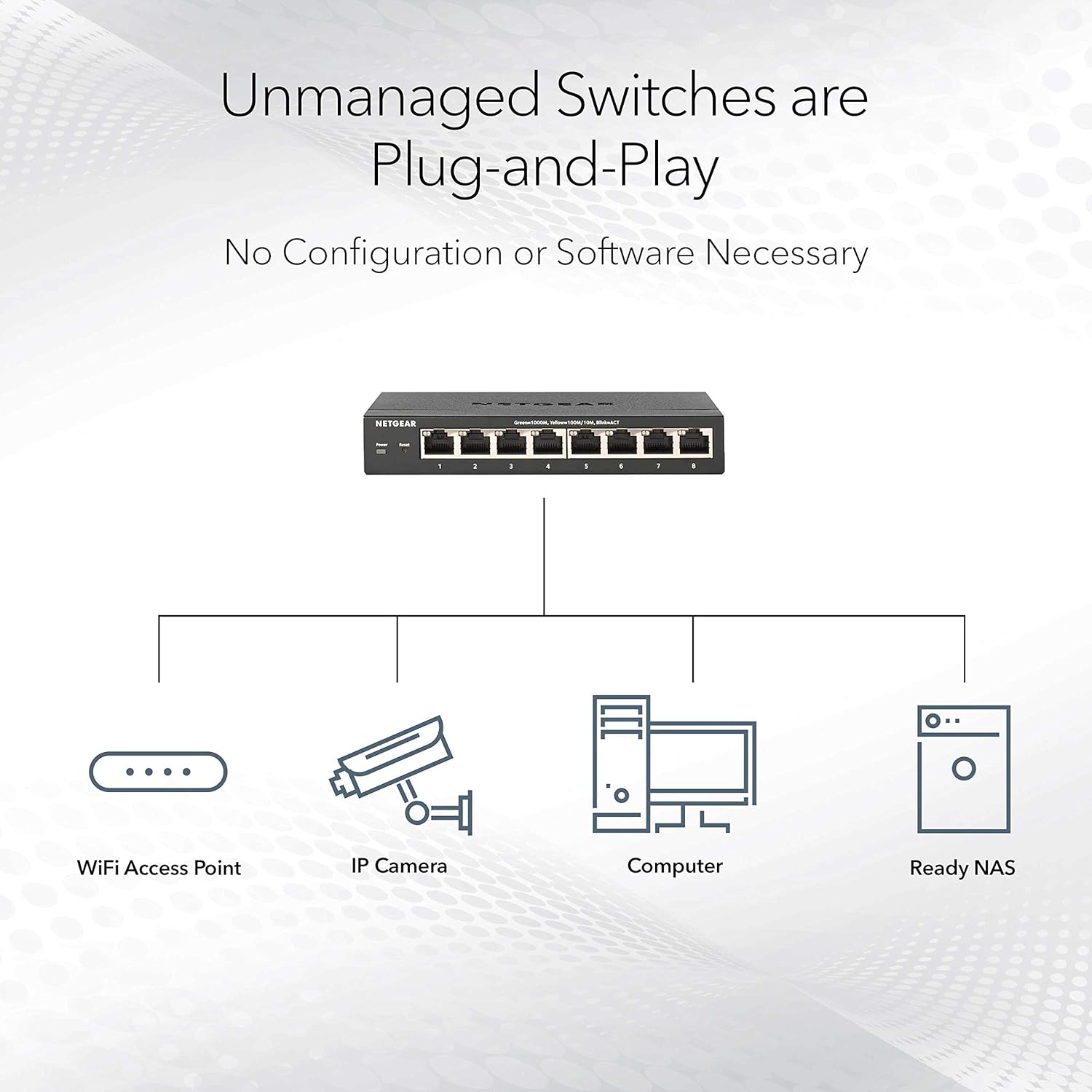
- No management interface required, which keeps things straightforward if you don’t need traffic controls.
What may not convince everyone (cons/limitations)
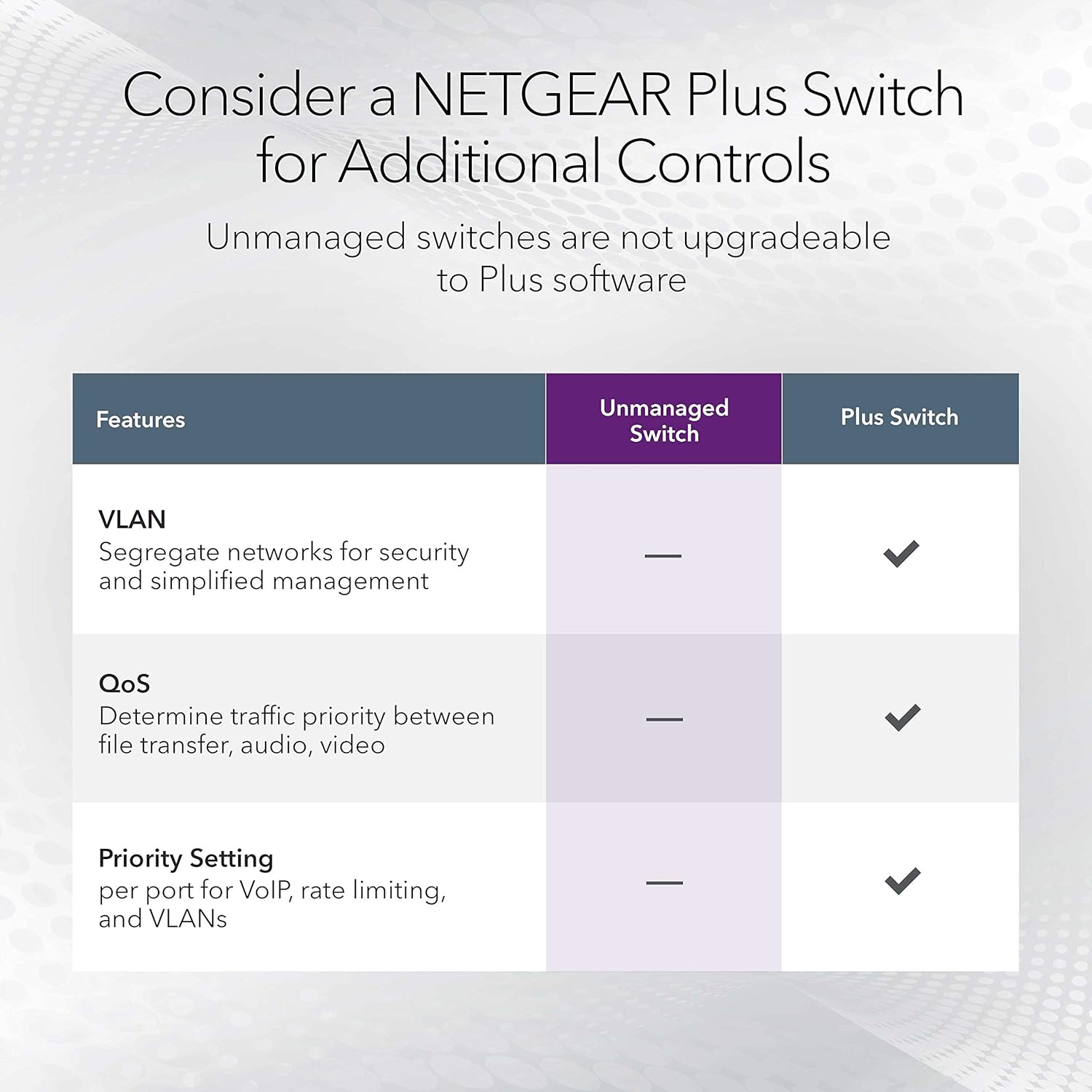
- As an unmanaged switch, there are no prioritisation, QoS or other advanced features. If you require granular control over traffic, this may feel limited.
- The description specifies per-port speeds up to 2,000 Mbps on each port, in practice, real‑world speeds depend on linked devices and overall network conditions.
Practical use cases
For a small home office with multiple wired devices, or a compact team space needing a few extra ports, the GS108 can sit on a desk or mount on a wall to keep cables tidy. It’s especially helpful when you want reliable, automatic connections without configuring VLANs or port settings.
What to check before buying

- Ensure you need an unmanaged, plug‑and‑play switch without the need for traffic management features.
- Verify there is a suitable space for desktop placement or wall mounting, and that you have accessible power nearby.
- Consider your existing network topology—an eight‑port switch is ideal for modest expansion but not a replacement for a managed switch in larger, traffic‑sensitive networks.
How it compares to common alternatives
If you’re weighing this against a managed switch or a switch with QoS, the primary difference is simplicity versus control. For simple expansion of wired devices in a low‑traffic environment, the GS108 offers a clean, reliable option. If you anticipate needing prioritised bandwidth, VLANs, or port statistics, a more feature‑rich model would be worth considering.
Should you buy it?
Is it worth it?
Yes, if you want a straightforward way to add multiple wired connections without setup complexity and you don’t require advanced traffic controls. It fits well for entry‑level needs or as a starter upgrade for a small desk cluster.
FAQ
- Do I need to configure anything to start using it? No. It is unmanaged and works out of the box with auto‑negotiation.
- Can I mount it on a wall? Yes, it supports desktop or wall mounting.
- What speeds can I expect per port? Up to 2000 Mbps per port, subject to connected devices and network conditions.