

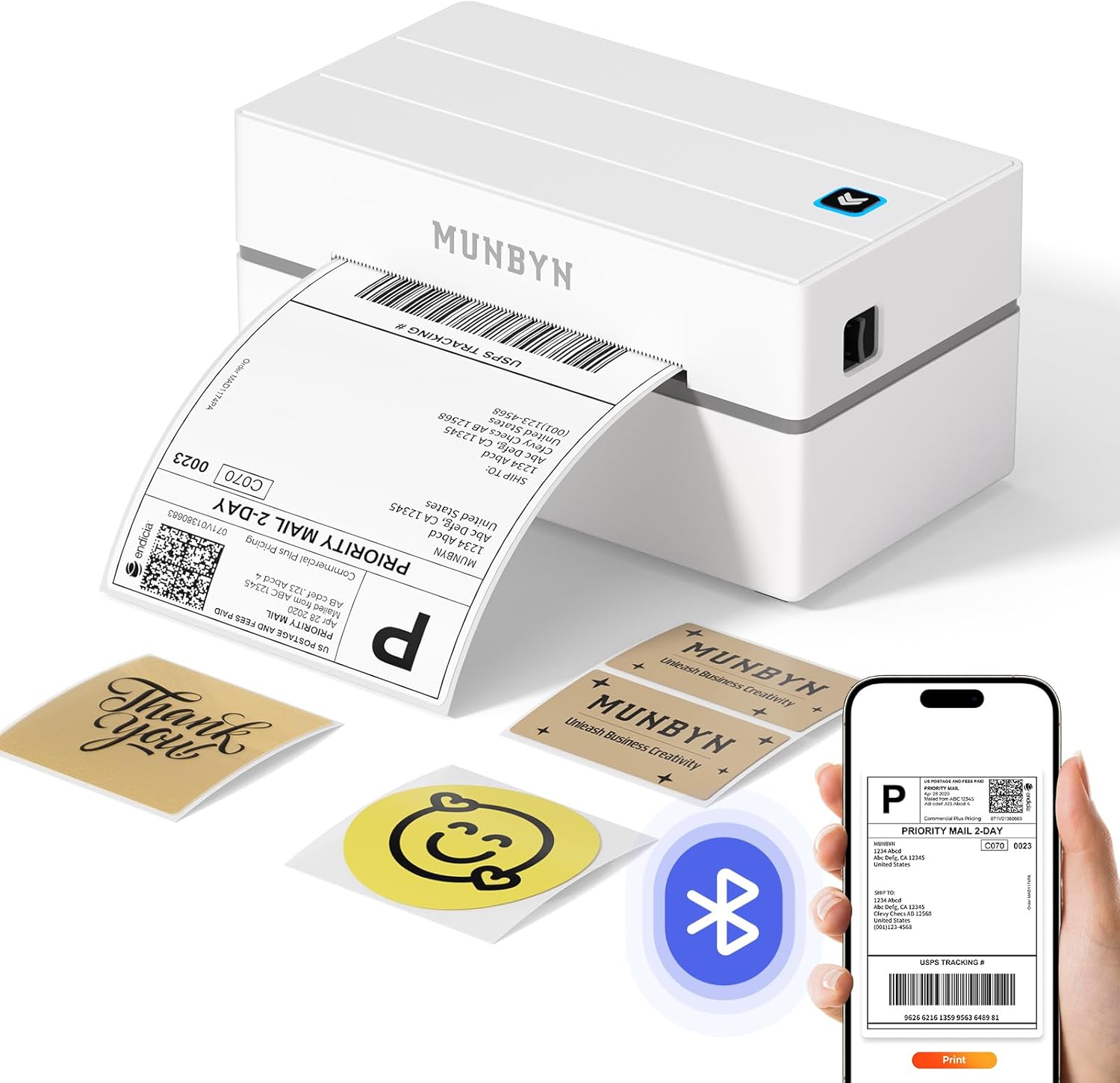
MUNBYN RealWriter 130B Bluetooth Shipping Label Printer (4x6) for business postage labels
Product description
The essentials for printing shipping labels
If you run a small business that ships regularly, a thermal shipping label printer can be a big quality-of-life upgrade. The MUNBYN RealWriter 130B is designed to print postage and shipping labels without ink or toner, using direct thermal technology, so you’re not paying running costs for cartridges. It’s also positioned as a “works across desk and mobile” type of printer: the listing describes Bluetooth setup with desktop and mobile apps, so you’re not stuck at one desk.
On paper, the strongest draw here is the combination of Bluetooth connectivity and a software workflow (Munbyn Editor in Google Chrome, plus the MUNBYN App for iOS/Android) that’s meant to reduce the friction of preparing labels. There’s also a useful content toolkit mentioned in the description: thousands of label elements, templates, and fonts, plus support for PDF/TXT import and OCR.
That said, it’s not perfect for everyone. Direct thermal printing is convenient, but it does make label choice important. The listing even notes potential issues with UPS thermal paper and recommends MUNBYN labels for best results.
Key takeaways for what it actually does
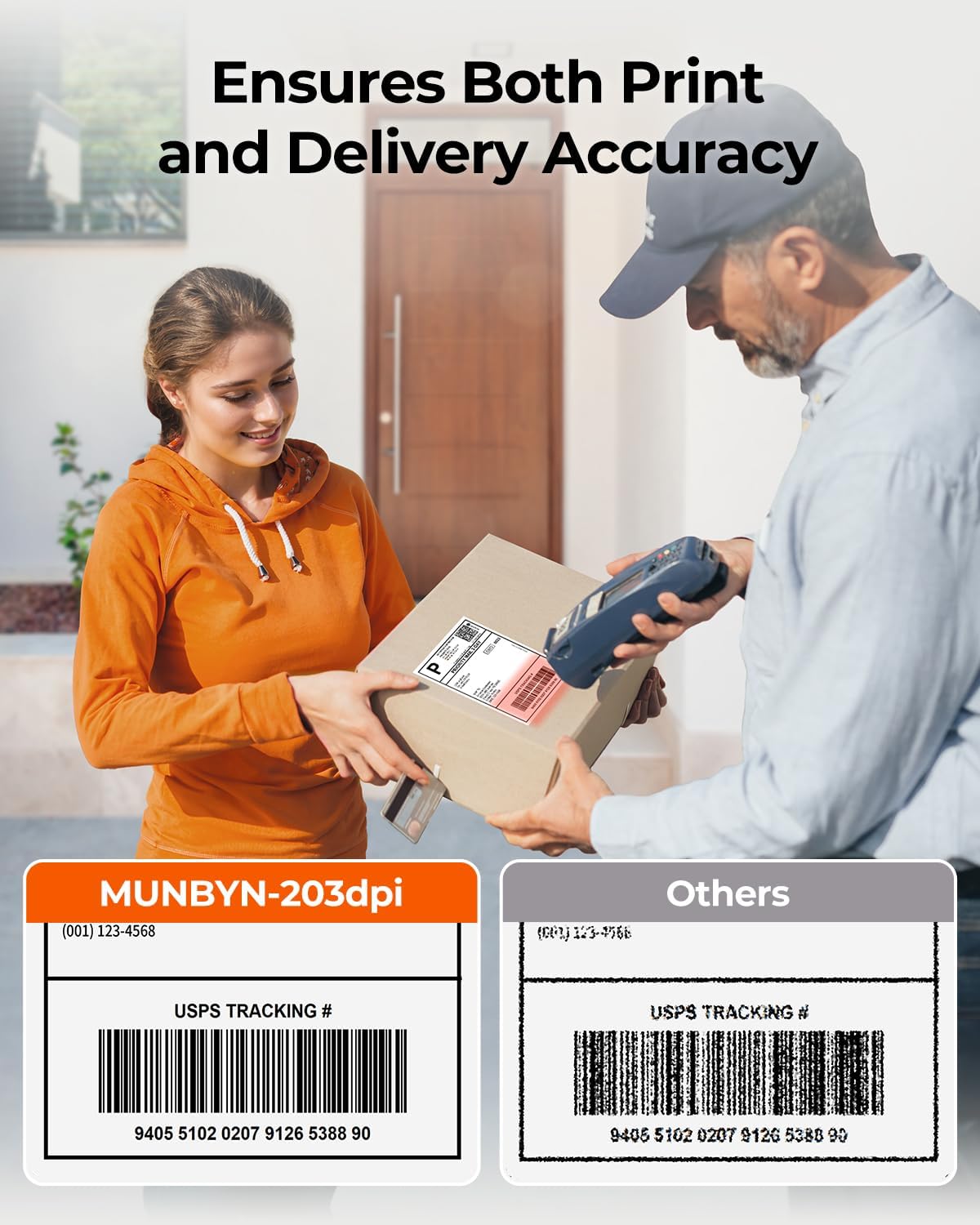
This is a thermal label printer intended for practical shipping workflows: postage and shipping labels, QR/bar codes, pricing labels, and more general sticker-style uses. The description highlights “203dpi precision”, which is a decent indicator for print sharpness for codes and text, especially if you’re printing on standard business label sizes.
It also leans into marketplace and platform usage. The listing says it’s compatible with major shipping platforms and marketplaces such as Etsy, Shopify, eBay and amazon, alongside shipping carriers like Royal Mail, DHL, DPD, Evri (and also mentions FedEx and UPS/USPS in the wider compatibility wording). If your day-to-day involves printing labels from multiple places, that kind of broad support can save time.
For a micro example: imagine you’ve packed orders in a morning batch. You design a label layout (or load a template), generate your codes, then send the print job over Bluetooth rather than running a cable to a single laptop. That “print where you are” workflow is the kind of convenience that tends to matter more on busy shipping days than the spec sheet.
What stands out in day-to-day use
Bluetooth setup across devices
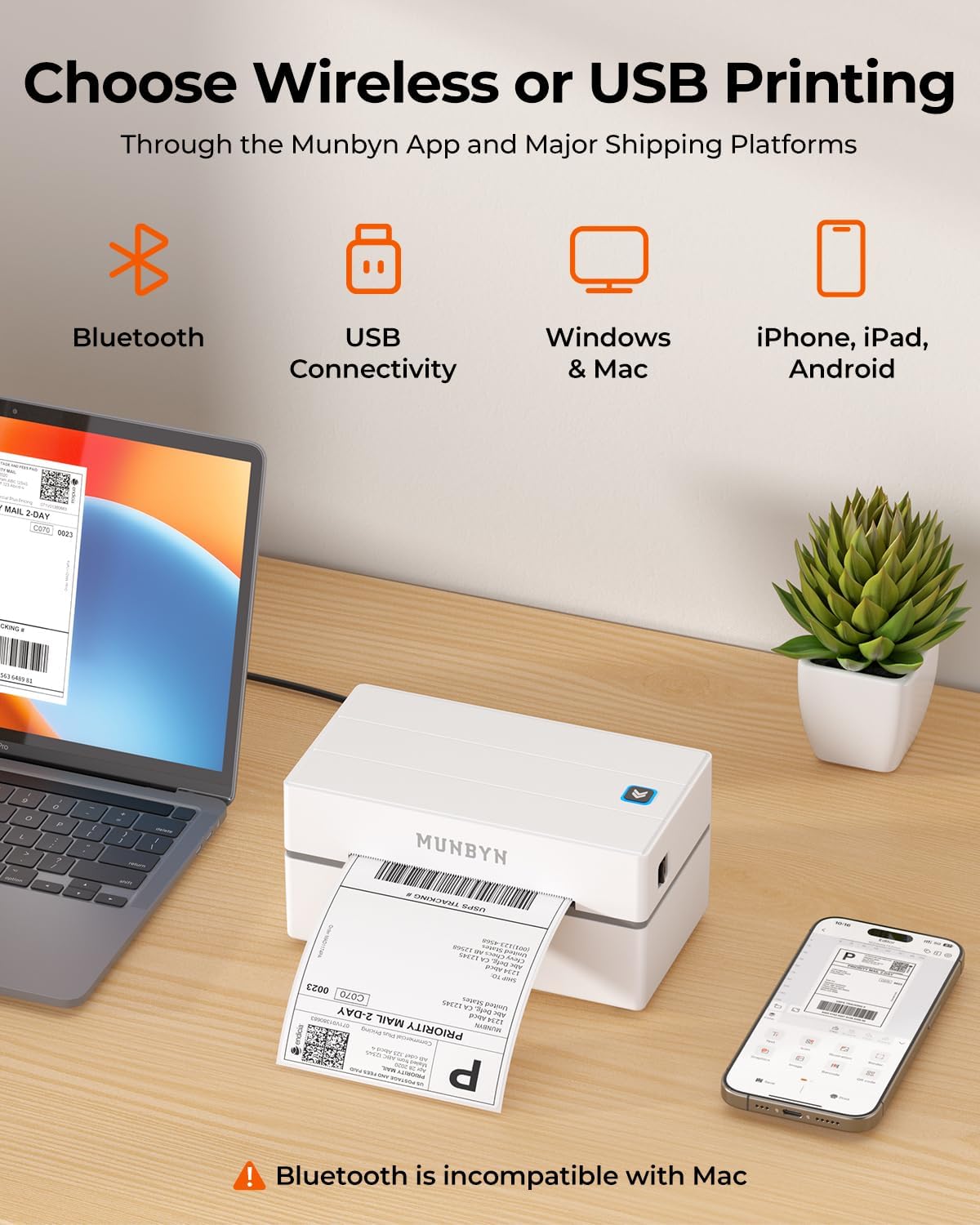
The listing describes driver-free connection via Bluetooth for Windows, macOS and ChromeOS using the Munbyn Editor in Google Chrome, plus seamless pairing for iOS and Android through the MUNBYN App. For Windows Bluetooth direct connection, it says you may need to download a driver as detailed in the user manual. That nuance matters: if you’re on Windows, it’s worth checking the manual instructions before you assume it will be truly “plug-and-play”.
Label design support
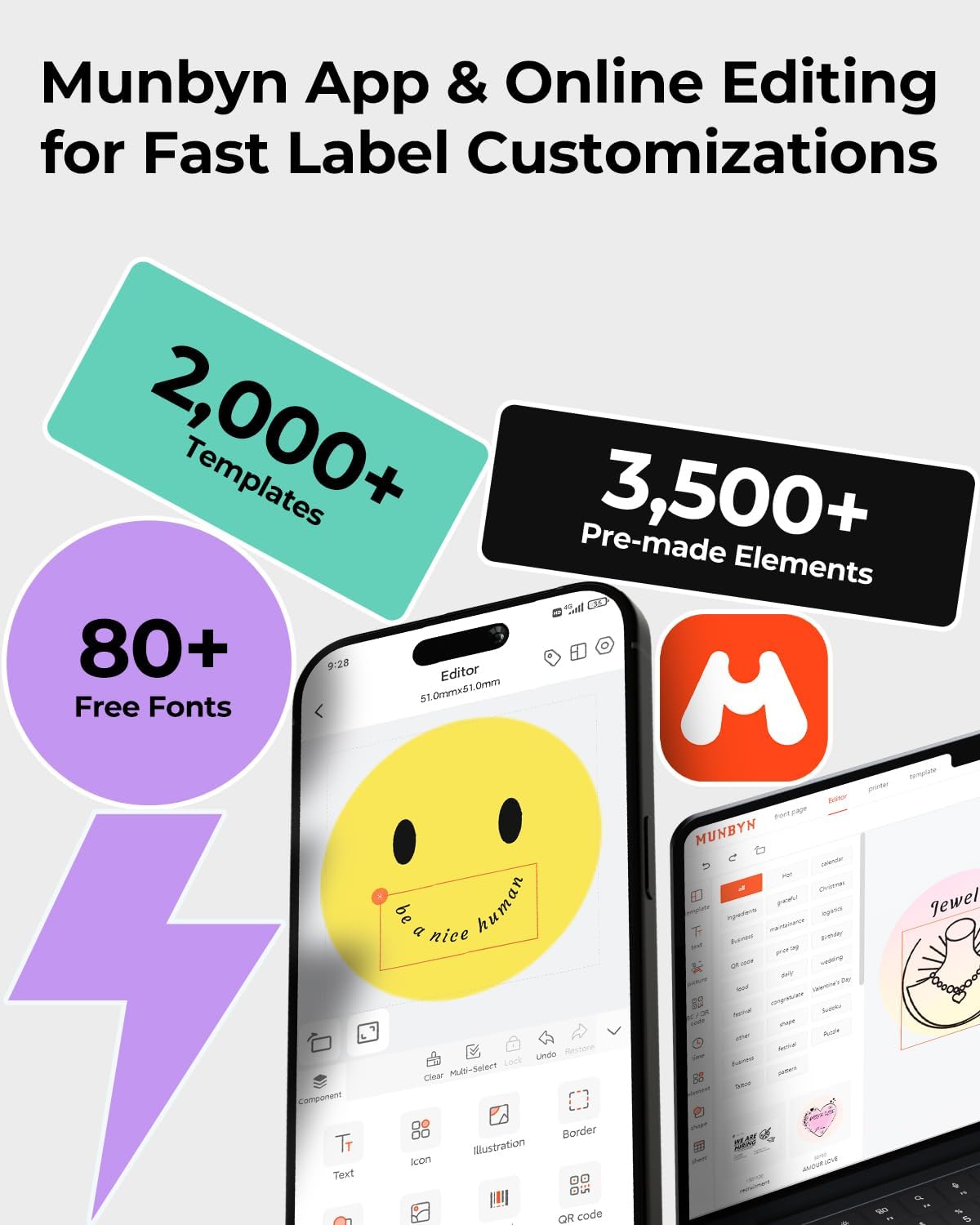
You’re not limited to simple text. The description states access to 3,500+ elements, 2,000+ templates, and 80+ fonts. It also mentions multi-language support across platforms. If you’re printing not just address labels but also branding stickers, QR labels, or pricing labels, this type of built-in design support can reduce the need for third-party tools.
Direct thermal printing (no ink/toner)
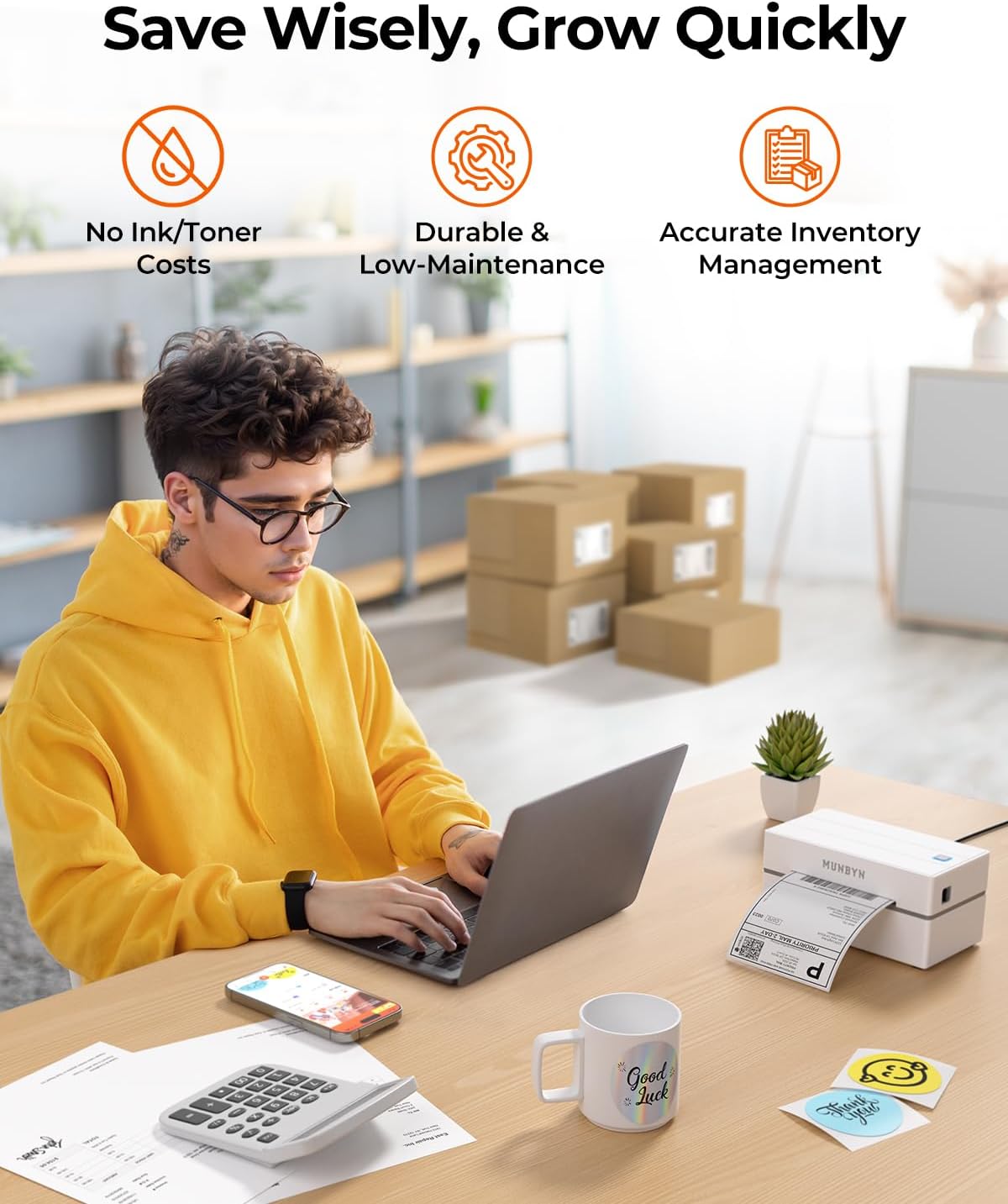
Direct thermal printing means you should not need ink or toner, which can lower recurring costs and reduce messy consumables. The listing also recommends pairing with genuine MUNBYN thermal label paper for consistently crisp, long-lasting results, which is a sensible practical point.
Tech specs
- Type: thermal label printer (direct thermal)
- Connectivity: Bluetooth
- Print precision: 203dpi
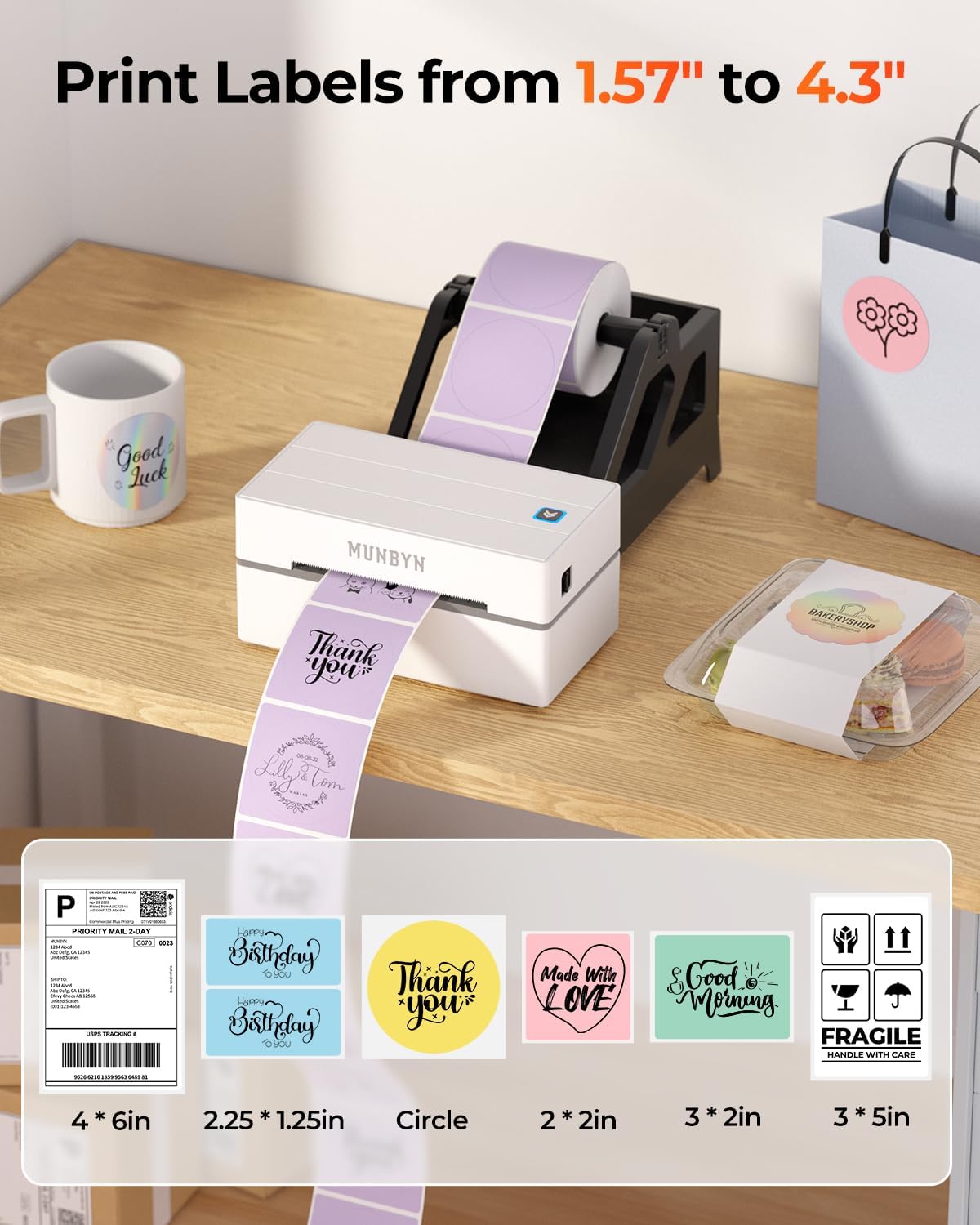
- Label width range: 40mm to 110mm
- Compatible label size examples: 4 x 6 (101.6mm x 152.4mm), circle formats, rectangle formats (various listed dimensions)
- In the box (listing detail): 25 labels included
- Model/series mentioned: Realwriter Series 130B
- Colour option mentioned: White
Where it shines, and where it may fall short
This printer makes the most sense if you want a portable, business-focused setup that can handle shipping labels and basic label design without ink or toner. It’s a good fit for entrepreneurs and small businesses who regularly print labels and want a workflow that works from both desktop and mobile.
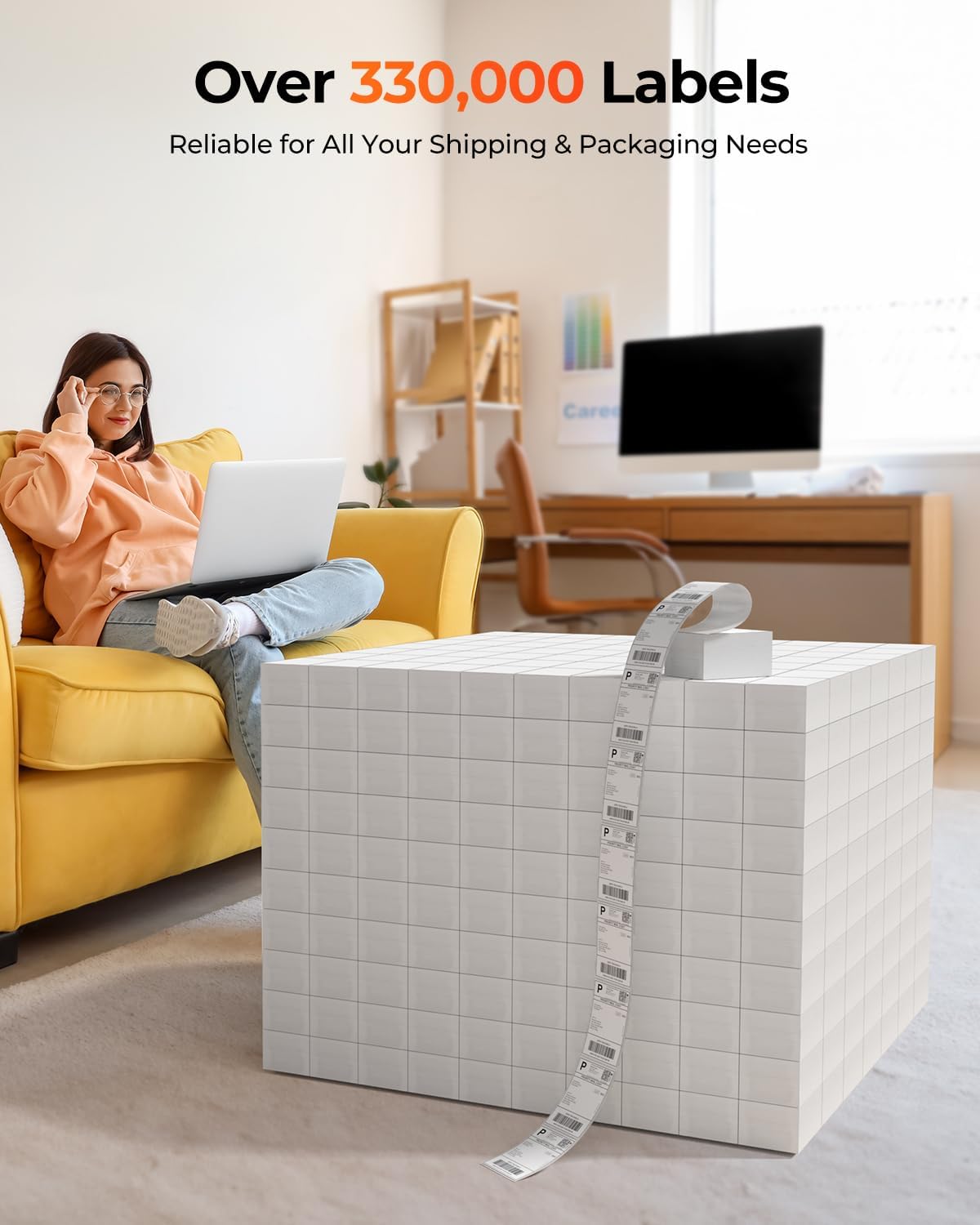
It may not be the best choice if you rely heavily on third-party thermal label stocks. The listing specifically warns that the 130B Bluetooth thermal printer may have issues with UPS thermal paper and recommends MUNBYN thermal labels. If you already have a large inventory of a particular label brand, it’s worth considering whether you’ll be able to standardise.
Also, while the description stresses broad compatibility with platforms and marketplaces, “compatible with everything” is rarely how software tools behave in real life. If your exact shipping flow is complex, it’s wise to double-check that your preferred platform’s label output style matches what the printer and editor workflow expect.
Care & limitations to keep in mind before you buy
Thermal printers are generally straightforward, but they are picky about consumables. Stick to the recommended thermal label paper approach if you want the crispness the listing promises.
On connectivity, the driver note for Windows is a practical limitation: depending on your setup, you might need to follow the user manual for the Bluetooth direct connection.
Finally, the description mentions the printer is available in different label colour options (it references pink and Lavender Purple in the broader context). That’s more about label style than printer capability, but if you’re expecting a particular aesthetic, it’s worth checking what’s actually included in the pack.
The buying verdict
Is it worth it?
Worth considering if you’re a UK-based seller or small business that prints shipping labels often, wants Bluetooth printing across desktop and mobile, and prefers direct thermal printing over ink/toner running costs. It also suits you if you plan to do more than addresses—like QR/bar codes, pricing labels, and simple branded stickers—because the listing highlights a template and design toolkit.
It might not suit you if you already depend on a specific UPS thermal paper workflow, or if you don’t want to standardise on the recommended label paper. In that case, you could end up troubleshooting rather than shipping.
Mini FAQ
How do I set it up on Windows?
The listing says Bluetooth connection for Windows, macOS and ChromeOS is described as driver-free via the Munbyn Editor in Google Chrome, but it also notes that for Windows Bluetooth direct connection you may need to download the driver in the user manual. Checking that manual before you start is sensible.
Does it work with mobile phones?
Yes, the description says iOS and Android pair seamlessly through the MUNBYN App, so you can print from mobile/tablet alongside desktop use.
Does it need ink or toner?
No. It uses direct thermal technology (the listing mentions a Japanese ROHM print head), which is meant to eliminate ink or toner.
What label sizes does it support?
The listing states it supports labels from 40mm to 110mm in width, and it lists multiple compatible formats including 4 x 6.
Should I buy Munbyn labels with it?
The listing explicitly recommends pairing the printer with genuine Munbyn thermal label paper for optimal performance and warns that the 130B may have issues with UPS thermal paper. So yes, it’s a point worth taking seriously.