Phomemo PM64D Thermal Label Printer with Touch Screen (4x6) – Bluetooth & USB, Ideal for Postage, Addresses and Barcodes
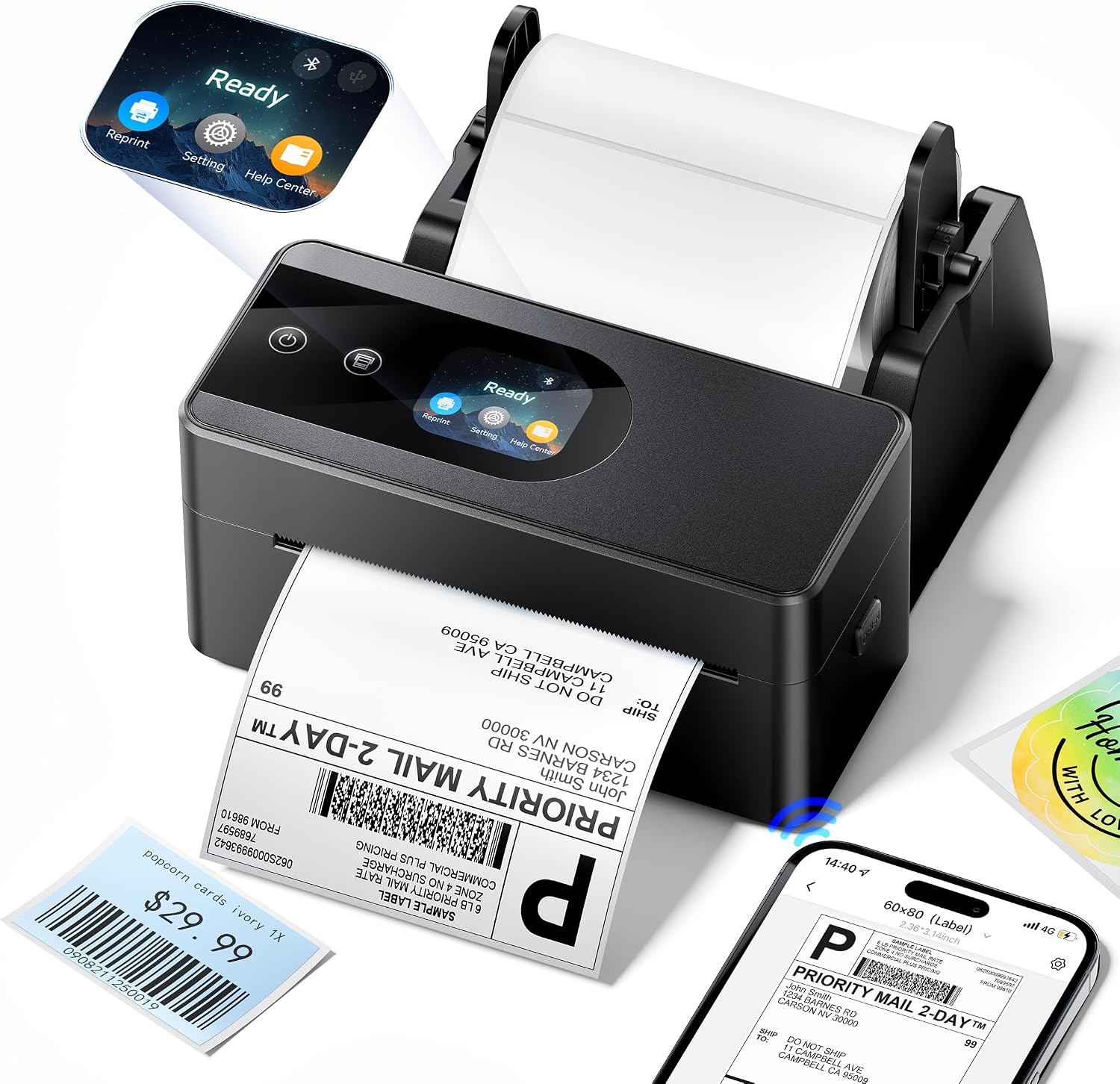
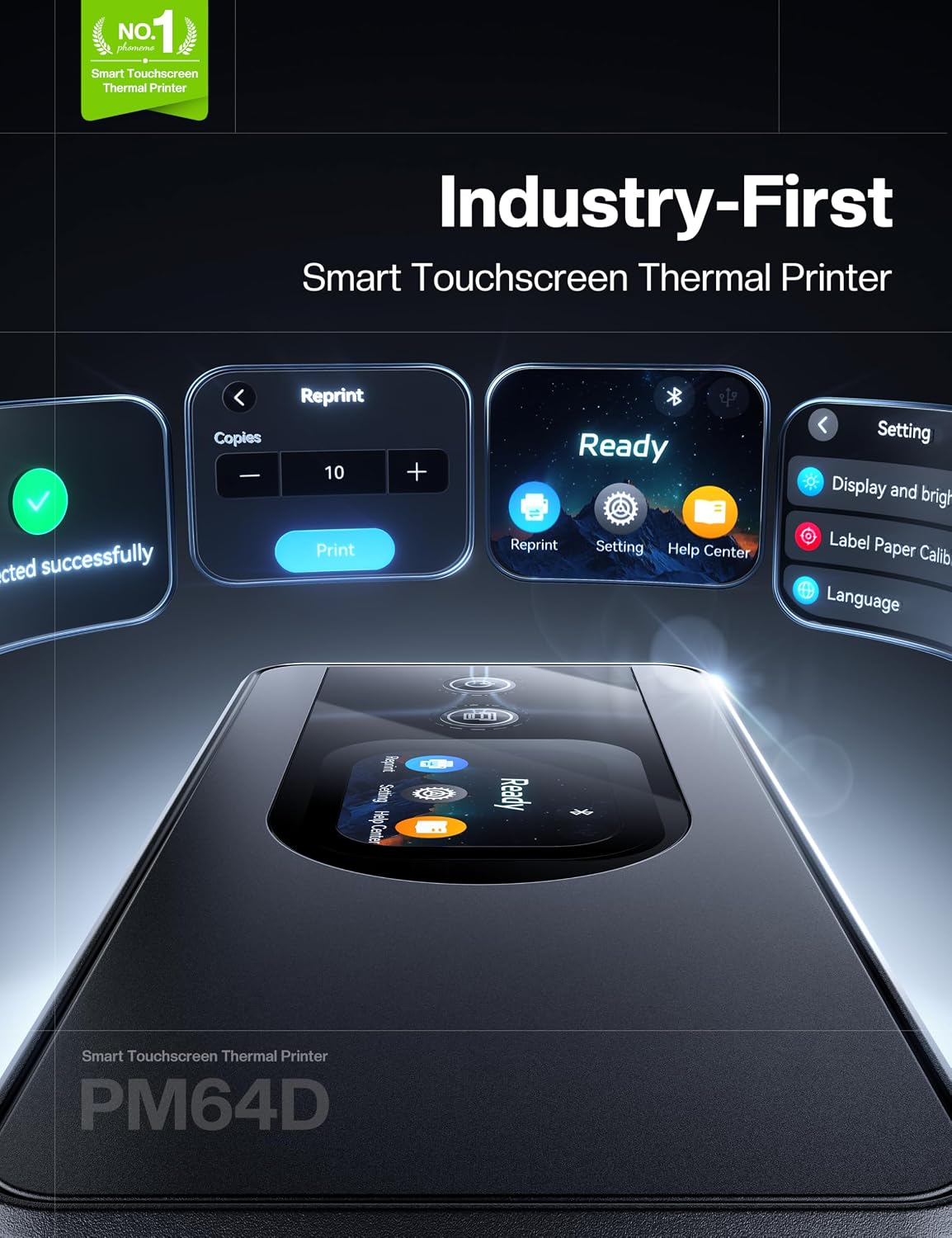
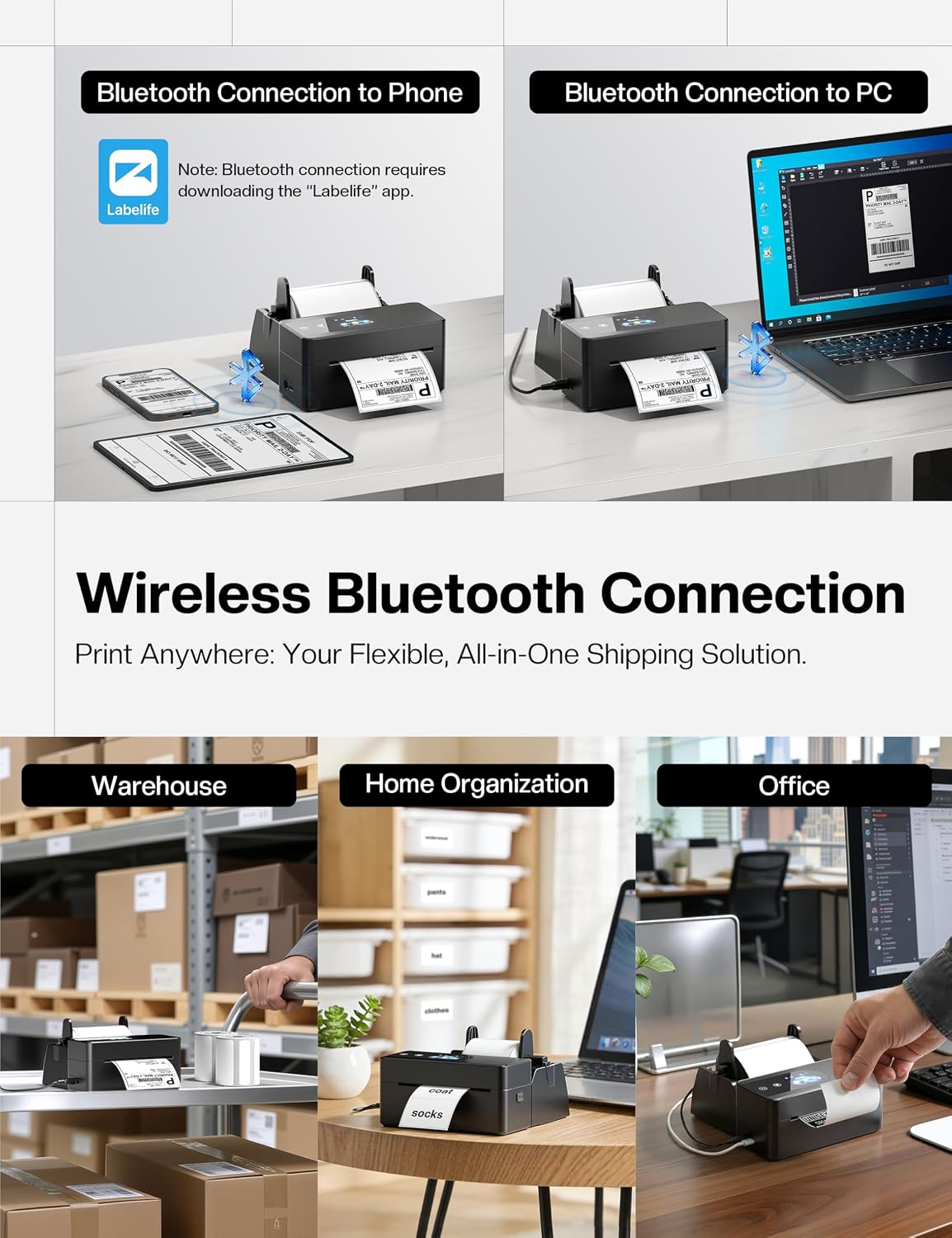
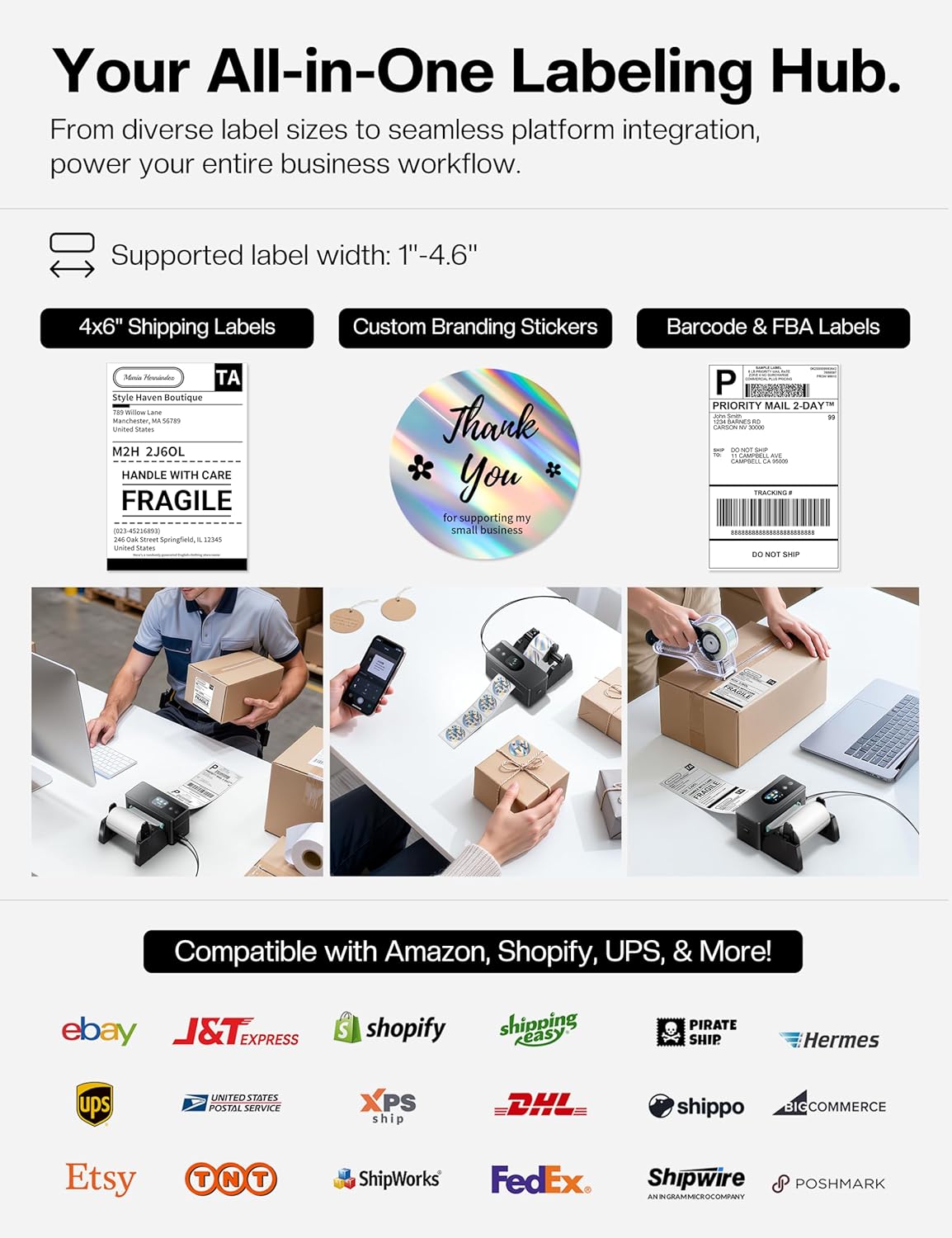
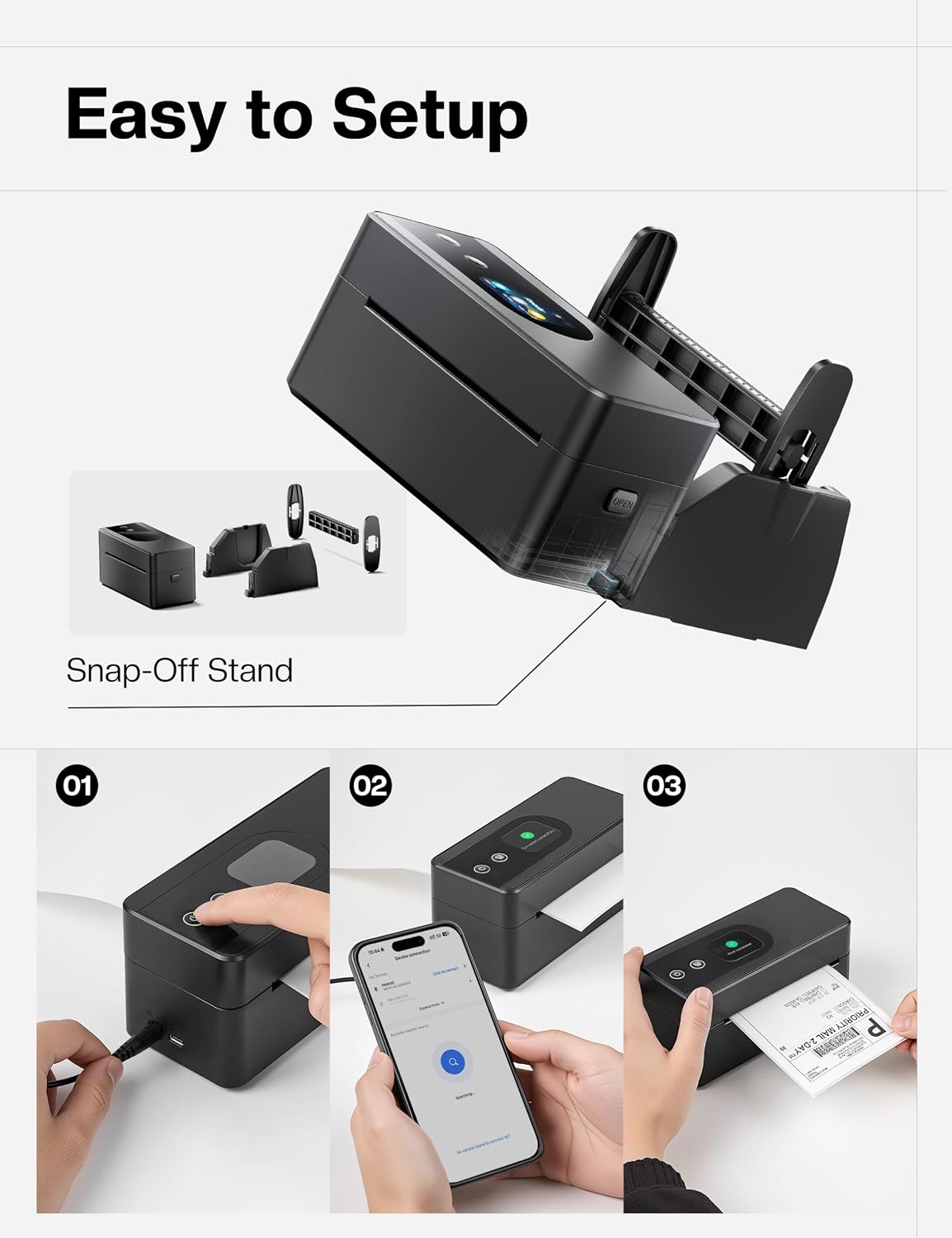
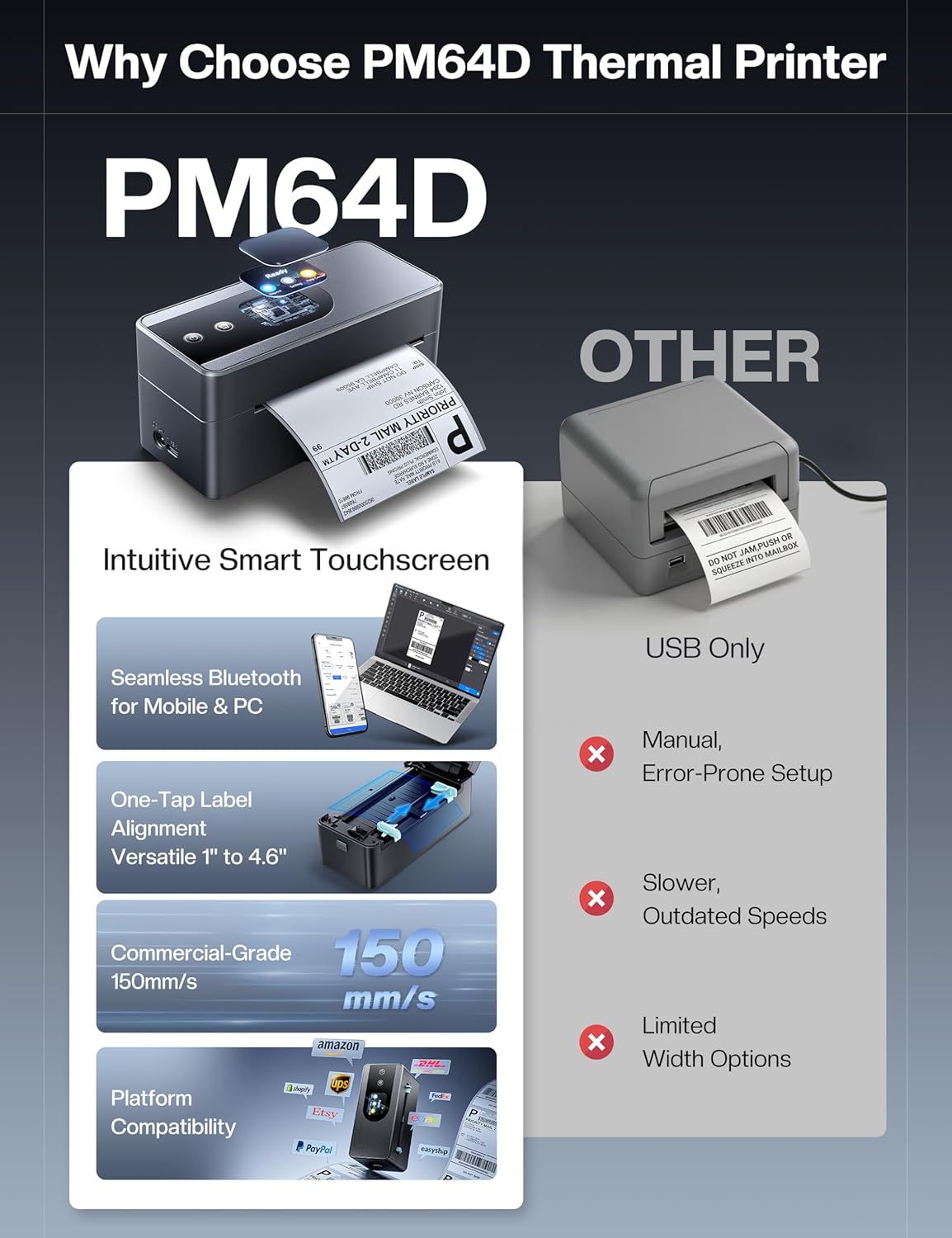
What it is and what it solves\nThe Phomemo PM64D is a compact thermal label printer designed for lightweight shipping and organisation tasks. With a touch screen for quick status checks and one‑click access to common settings, it aims to simplify label printing for small businesses or home offices. It uses thermal printing, so there’s no ink or toner to maintain, which can help reduce running costs over time. The device supports wireless printing via Bluetooth from mobile devices and connections via USB for PCs and Macs, offering flexibility in how you work.\n\n## Core features in plain language\nThe PM64D handles label widths from 20 mm up to 115 mm, making it adaptable for everyday shipping labels and other label tasks. It prints at 203 DPI with a claimed speed of 150 mm/s and includes automatic alignment to reduce misprints. The printer’s small footprint (roughly 16.8 x 8.3 x 7.5 cm) means it can sit neatly on a desk without hogging space, which is helpful if you share a workspace or have a dedicated shipping corner.\n\n## How it works with devices\nFor mobile printing, you’ll need the Labelife app (iOS or Android). On a PC or Mac, you can connect via Bluetooth after installing the provided driver, this setup requires downloading the driver from the indicated source. The model’s compatibility with common logistics platforms (USPS, UPS, FedEx, amazon, etc.) is stated, which may reduce the friction of integrating labels into your existing workflow.\n\n## Best fits and practical use cases\nThis model suits small online businesses, e-commerce sellers, or home organisations that print 4x6 labels, transportation tags, barcodes or retail price labels. It is particularly convenient if you value a compact, dedicated device that sits on a desk and offers a straightforward way to print without messy ink. A possible limitation is that some users may need to manage driver or app setup and ensure their platform support is current.\n\n## What stands out in use\nOn paper, the touch screen and one‑click settings could save time by reducing navigation steps during label setup. The no‑ink benefit is also appealing for those looking to keep operating costs predictable. You’ll notice that the claimed print speed and 203 DPI resolution provide readable labels for barcodes and text, which is essential for scanning in warehouses or with postal services.\n\n## What might not be perfect\nIf you rely on frequent, high‑volume printing or require very large label formats outside 20–115 mm, you may find the range limiting. The setup relies on specific software paths (Labelife app or web drivers), so if you’re not comfortable with driver installation or app configuration, there could be a short adjustment period.\n\n## Before you buy: what to check\nEnsure your primary workflow uses 4x6 labels and that your device can run the required app or driver. Consider whether you prefer Bluetooth for mobile printing or a wired USB connection for a more stable workflow. Note that the printer is designed for general logistics tasks and may work best when integrated into standard e‑commerce or mailing routines.\n\n## Practical comparison in context\nIf your needs are simpler or you already have a broader printer ecosystem, you might compare against other thermal options that offer similar label widths. The PM64D’s appeal lies in its compact footprint, built‑in touch controls, and thermal operation, which could be more cost‑effective for low‑to‑mid volume printing than consumer label printers relying on ink.\n\n## FAQ (based on available features)\n- Can I print from my smartphone? Yes, via the Labelife app for iOS/Android.\n- Is a driver required for PC printing? Yes, you’ll need to download the driver from the indicated source.\n- What label sizes are confirmed? Wide support from 20 mm to 115 mm.\n- Do I need ink or toner? No, it uses thermal printing, so there’s no ink to replace.\n\n## Deciding to buy today\n### Is it worth it?\nWorth considering if you prioritize a compact, dedicated 4x6 thermal printer with a touch screen and reasonably simple wireless or USB setup for everyday shipping tasks. It suits small operations, home businesses, or anyone who wants to streamline label printing without investing in a larger office printer.\n