

Rongta RP425 Bluetooth Thermal Shipping Label Printer (Wireless 4x6) for Postage & Address Labels
Product description
The essentials
If you’re printing shipping and address labels regularly, the Rongta RP425 is built around a simple idea: make label printing feel more like a workflow than a chore. It’s a Bluetooth thermal label printer aimed at home businesses and small shipping operations, where you want fast output and fewer moving parts to worry about.
On paper, the standout is the combination of wireless use (via phone/tablet) plus computer support (via USB), alongside direct thermal printing. That means you generally don’t need ink or other consumables for the printing process itself—useful if you print often and want to keep ongoing costs predictable.
Key features that matter in daily use
A big part of the RP425’s appeal is setup and starting quickly, depending on how you print.
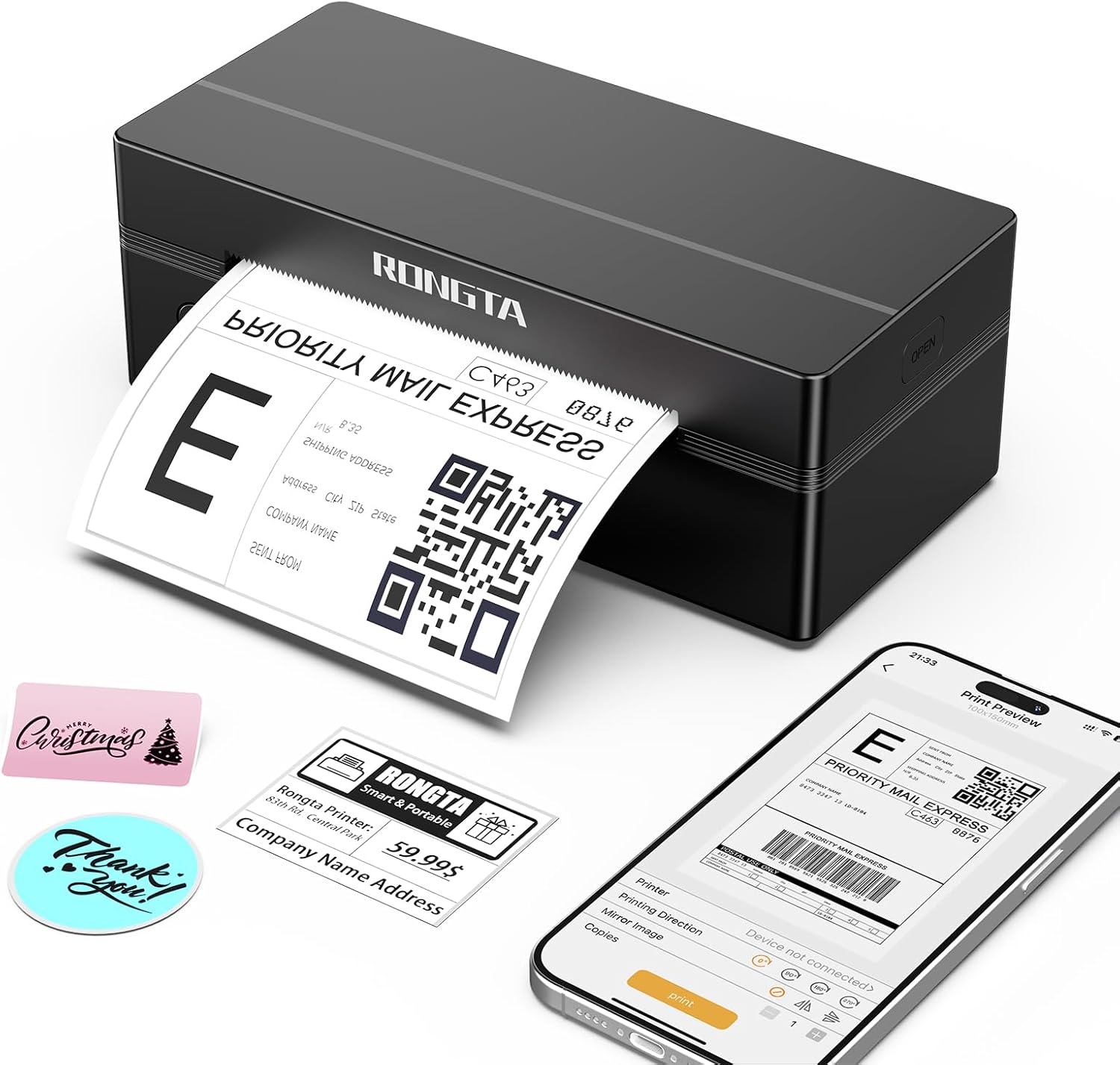
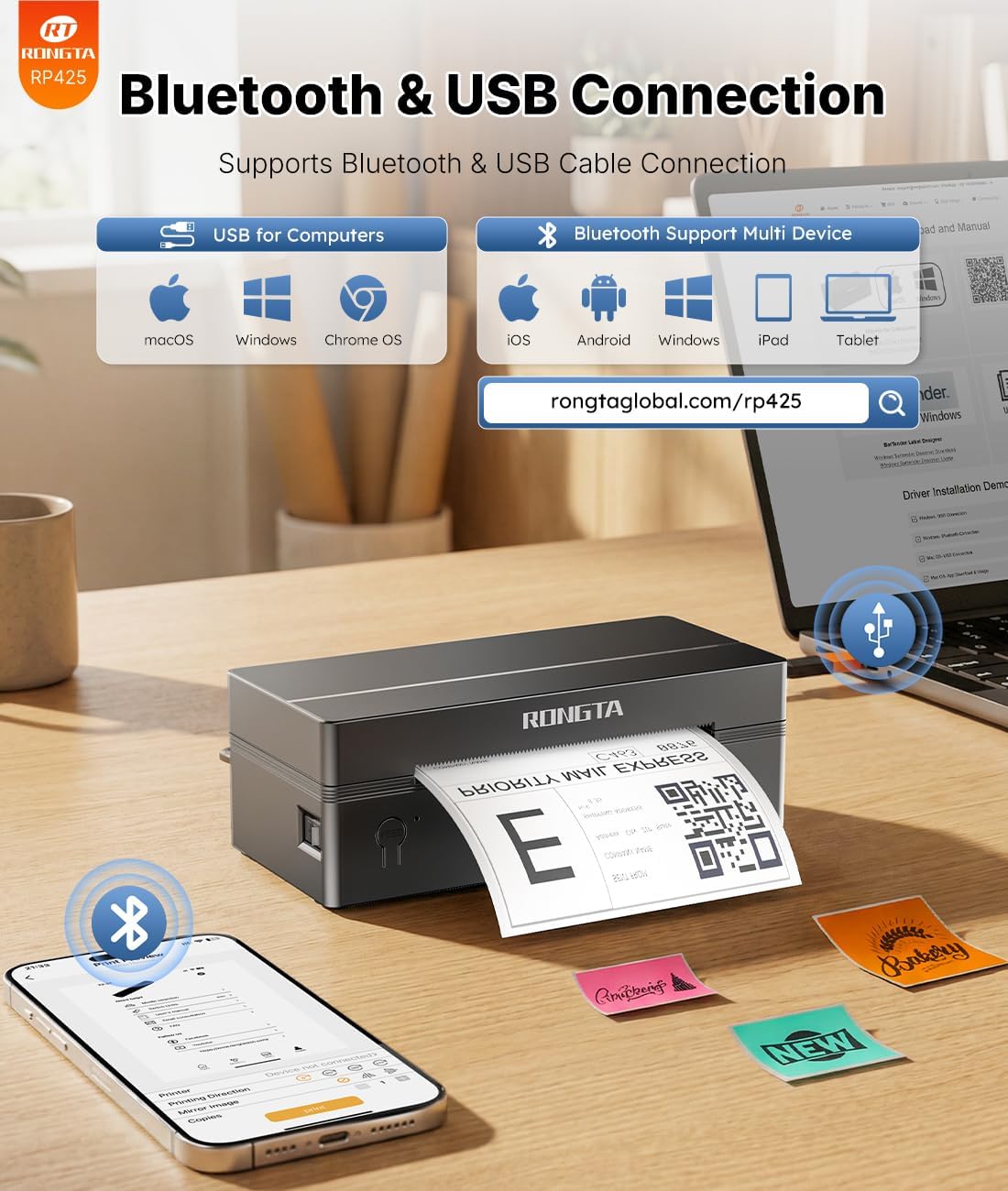
For mobile use, the process is guided through an app called “Rlabel”. You turn on the printer, connect via Bluetooth inside the app, then start printing from the selected content. For PC use, you install a driver (from the instruction card), connect by USB, then select the printer in your printer list before printing.
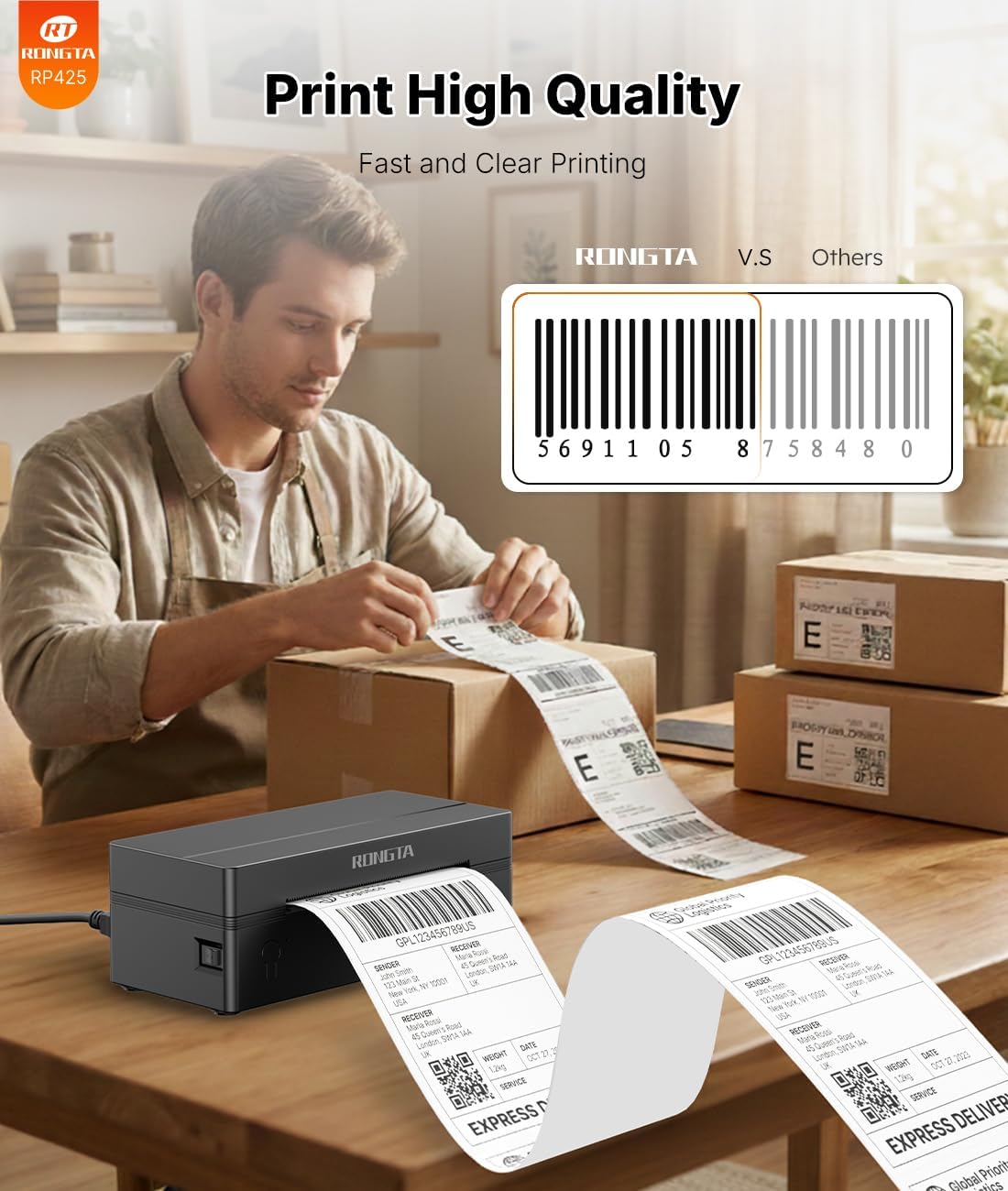
Where it can really help is speed and throughput. The RP425 is rated for printing up to 60 labels per minute (127mm/s). That’s the sort of spec that matters when you’re doing a batch of orders rather than printing one label at a time.
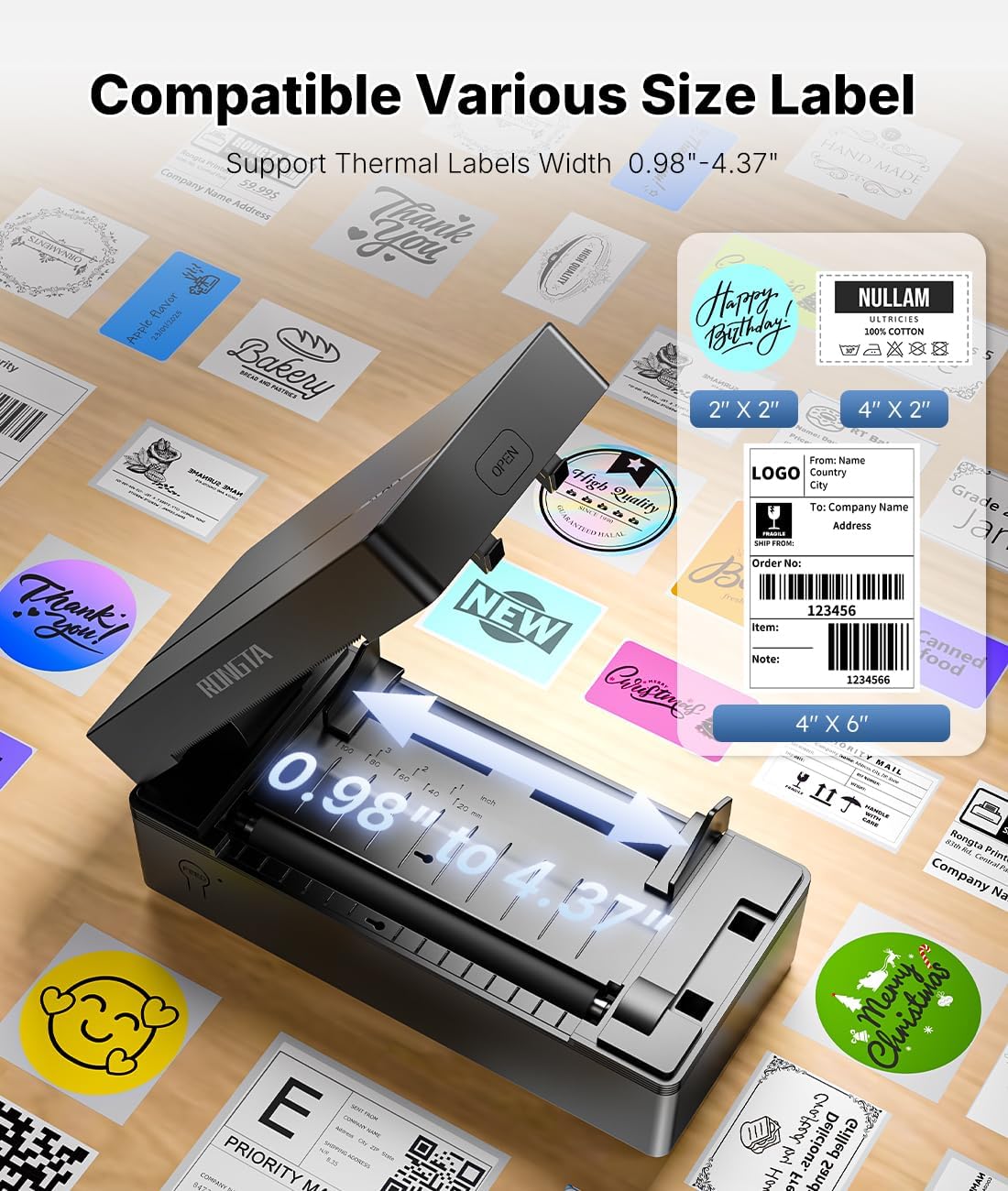
It’s also designed to handle labels without constant fiddling. It includes automatic label detection and feeding, and supports label widths from 1.57" to 4.1" with length over 0.79". If your current setup sometimes struggles with alignment or you’re tired of re-feeding labels manually, this kind of “set it and let it run” approach is exactly what you’d be hoping for.
Tech specs
- Type: Direct thermal label printer
- Print speed: Up to 60 labels per minute (127mm/s)
- Label width range: 1.57" to 4.1"
- Label length: Over 0.79"
- Connection options: Bluetooth (via Rlabel app on iOS/Android), USB (PC start)
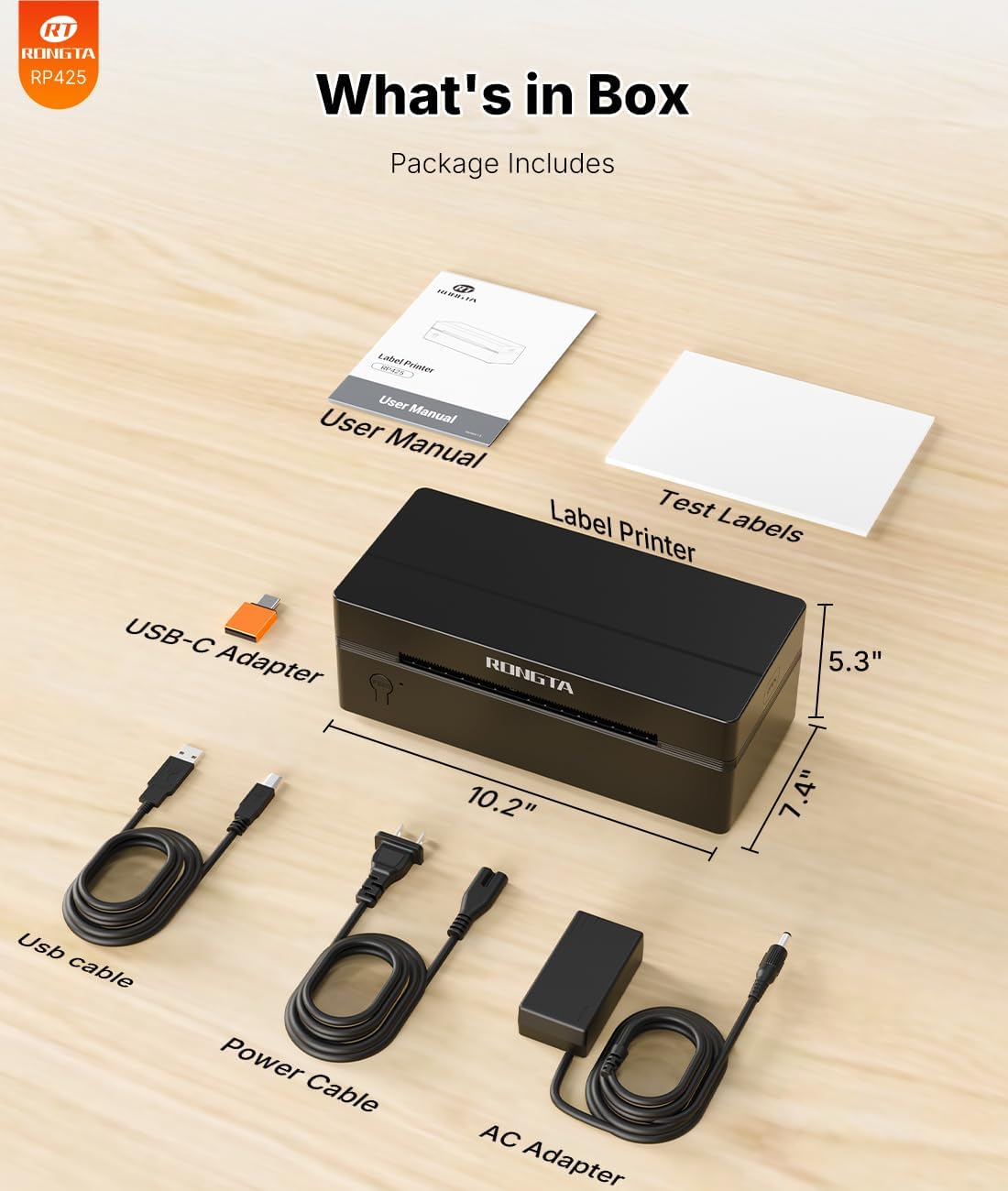
- Included in the package: Printer, User Manual, Instruction Card, Type-C Adapter
Compatibility and what it’s best suited for
The RP425 is positioned as a practical shipping label printer for UK-style e-commerce routines and shipping workflows. It supports iOS/Android phone and tablet, and also lists broad computer compatibility including Windows (XP/7/8/10/11), Mac, and Chrome.
On the platform side, it’s described as compatible with major shipping and e-commerce tools, including FedEx, DHL, amazon, Etsy, eBay and Shopify. In other words, it’s aimed at people who need to print labels from whatever order system they’re already using.
One thing to keep in mind: the RP425 supports “start print” via the Rlabel app on mobile and via a driver plus USB on PC. If your workflow is very specific, it’s worth double-checking that your label source can output/print in a way the printer setup expects.
What stands out (and where it may fall short)
Worth noting is the direct thermal approach. Because it’s direct thermal, there’s no ink cartridge mentioned and you’re not expected to swap consumables like you would with inkjet.
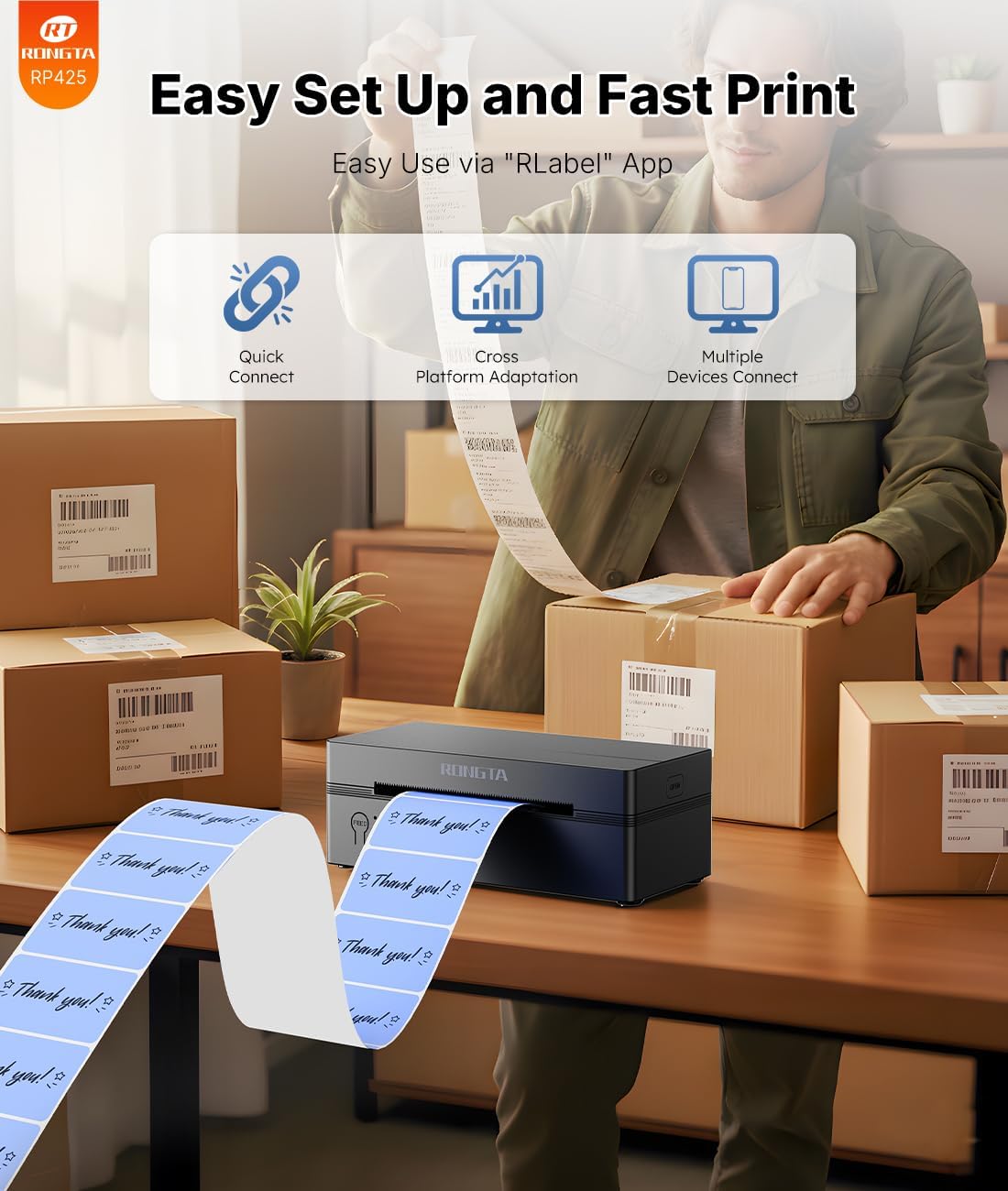
The automatic label detection and feeding also sounds genuinely helpful for day-to-day use. It should reduce the amount of time spent correcting labels mid-job.
However, it’s not perfect for every scenario. If you’re expecting a “send-to-print” experience from a wide range of apps without using the stated Rlabel flow or the documented driver setup, you may find the process less smooth than more fully integrated label solutions. Also, label size support is specified by width/length ranges—if your labels fall outside that, the printer won’t magically make it work.
Buying verdict
It’s a good fit if you regularly print shipping and warehouse labels and you want a wireless option for phones/tablets, with the backup of USB for a computer batch workflow. You’ll likely appreciate the automatic label detection, plus the speed rating, particularly when you’re clearing orders.
You may want to skip it if your labels don’t match the supported width/length ranges, or if you need very specific software integration and you’re not comfortable using the described app/driver-based printing steps.
If you’re a small seller, fulfilment hobbyist, or office admin supporting frequent postage runs, the RP425 looks like the kind of mid-range practical purchase that earns its keep quickly.
Final verdict
Buy the Rongta RP425 if your priority is reliable thermal label printing with Bluetooth convenience (via the Rlabel app) and fast batch output, while staying within the stated label size range. Avoid it if your printing setup depends on label formats or workflows that don’t line up with the app/driver approach, or if your label size is outside the given specifications.
Quick answers (mini FAQ)
How do you start printing with the RP425 on a phone or tablet?
You download the “Rlabel” app, connect the printer via Bluetooth in the app, then select the appropriate file type and start printing.
Can you print from a computer too?
Yes. The instructions describe installing a driver from the instruction card, connecting the printer via USB, then selecting “RP4xx” in the printer list.
Does it need ink?
It uses direct thermal technology, so ink (or other consumables) aren’t required for the printing process as described.
What label sizes does it support?
The printer supports label widths from 1.57" to 4.1" and label length over 0.79".
What’s included in the box?
The pack includes the printer, user manual, instruction card, and a Type-C adapter.