

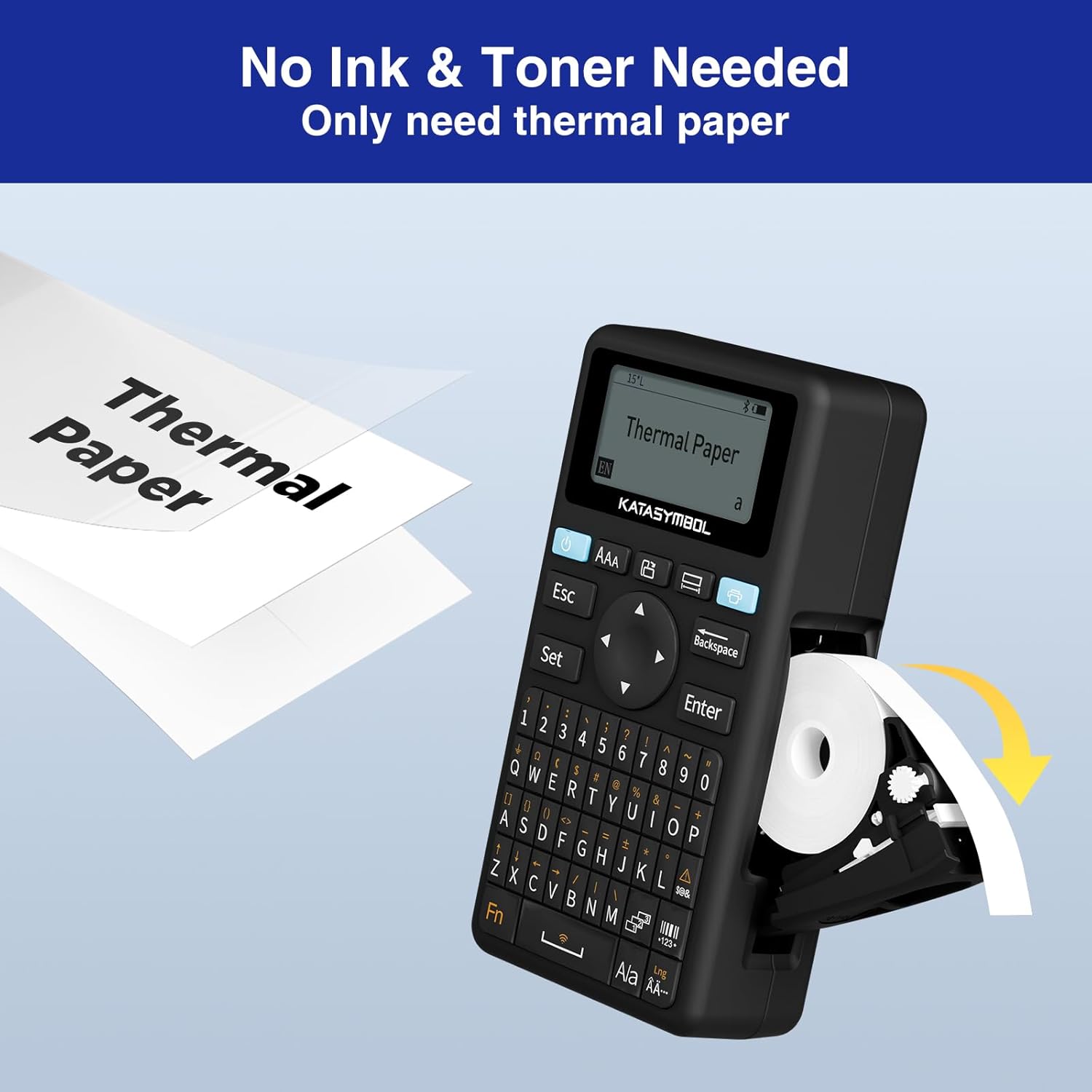
SUPVAN E11 Bluetooth label maker with keyboard & app, 4 tape options and rechargeable battery
Product description
Overview
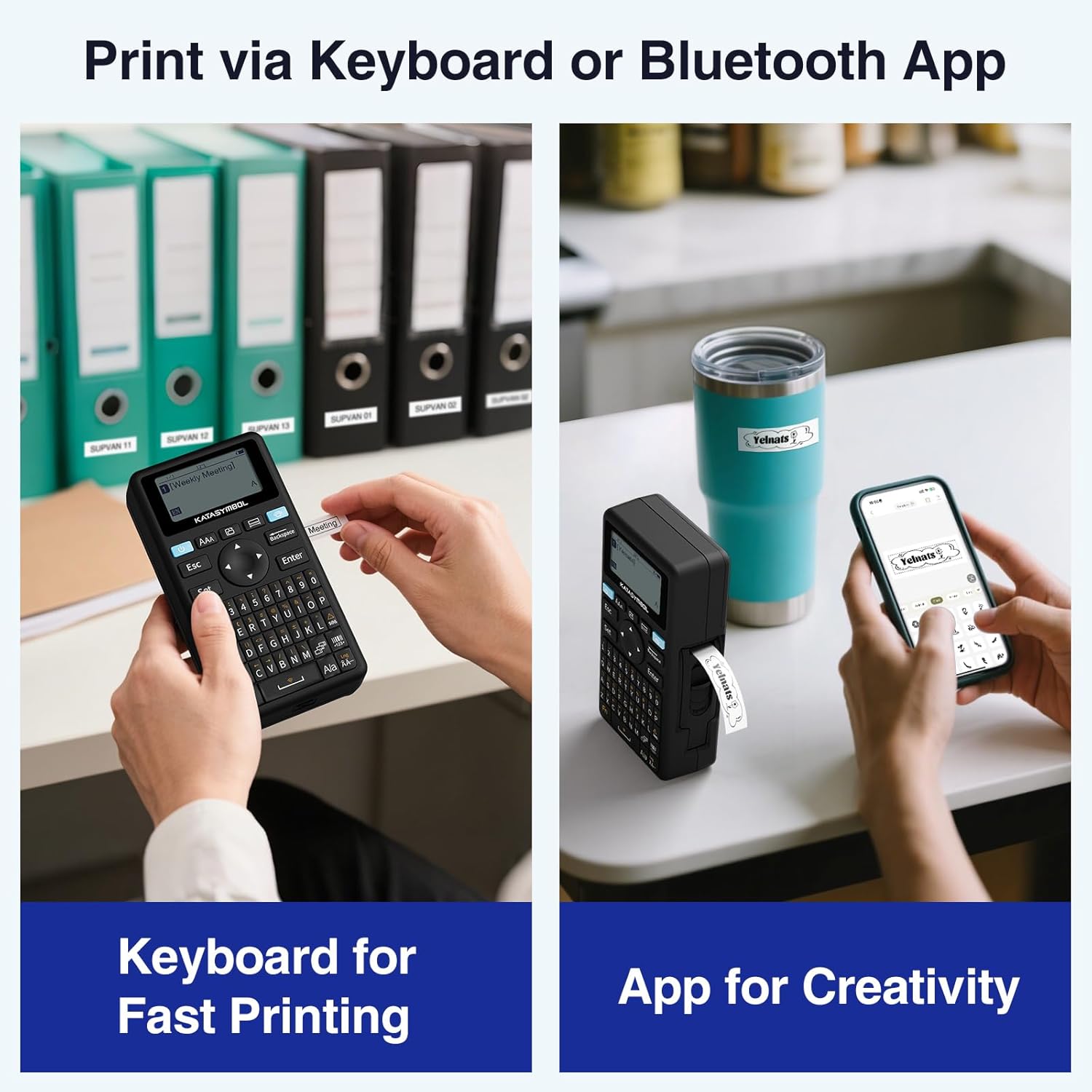
The SUPVAN E11 is a Bluetooth label maker designed for people who label often, and don’t want to waste time faffing about. On paper, it’s built around two ways to create labels: typing on the keyboard for quick repeats, or designing in the Bluetooth app when you want more control over layout and style. That split matters if you’re doing anything from pantry and home organisation to office file naming or school supplies.
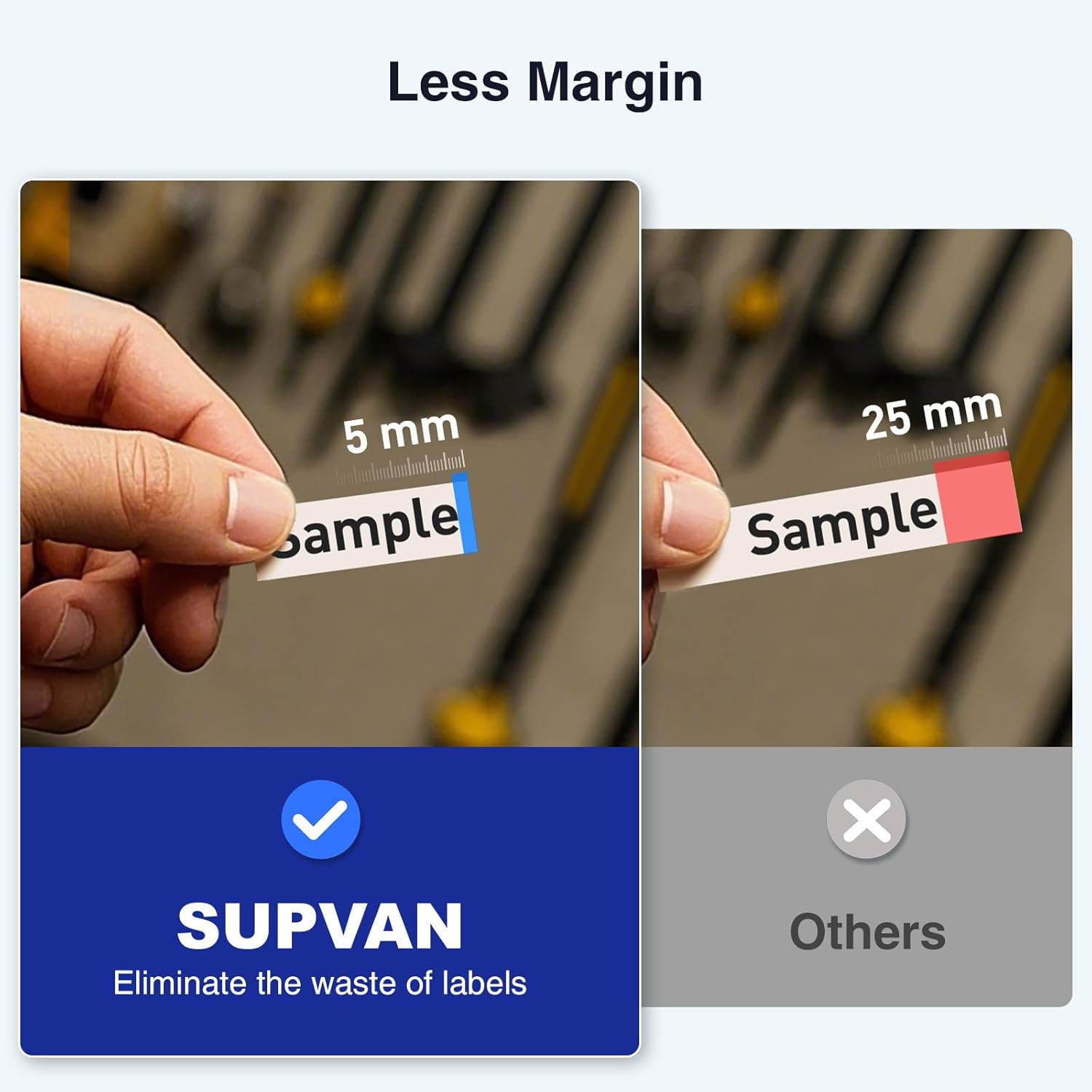
It also leans into portability by using a rechargeable battery, and into efficiency with “minimal margin printing” (5 mm). In everyday terms, that’s the difference between using labels sparingly and watching tape run out quicker than your list grows.
What you’ll notice in day-to-day use
The quickest benefit is how you can print. If you label frequently, keyboard printing tends to feel more direct—type, preview (as supported by the device/app flow), then print. If you’re preparing a set—say a few shelves’ worth of jar names or a batch of file labels—using the app can be more comfortable, especially when you’re arranging text and choosing visuals.
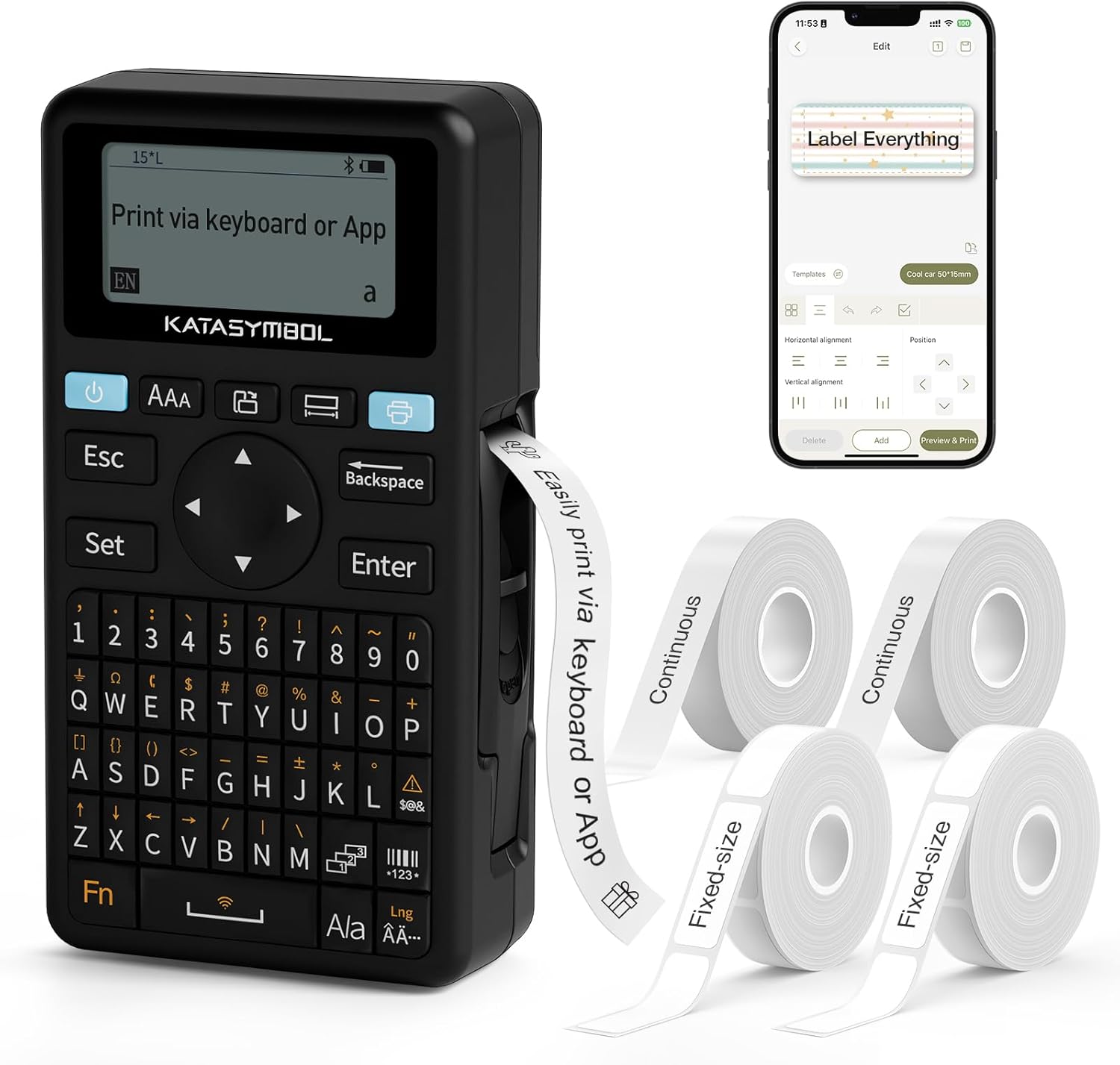
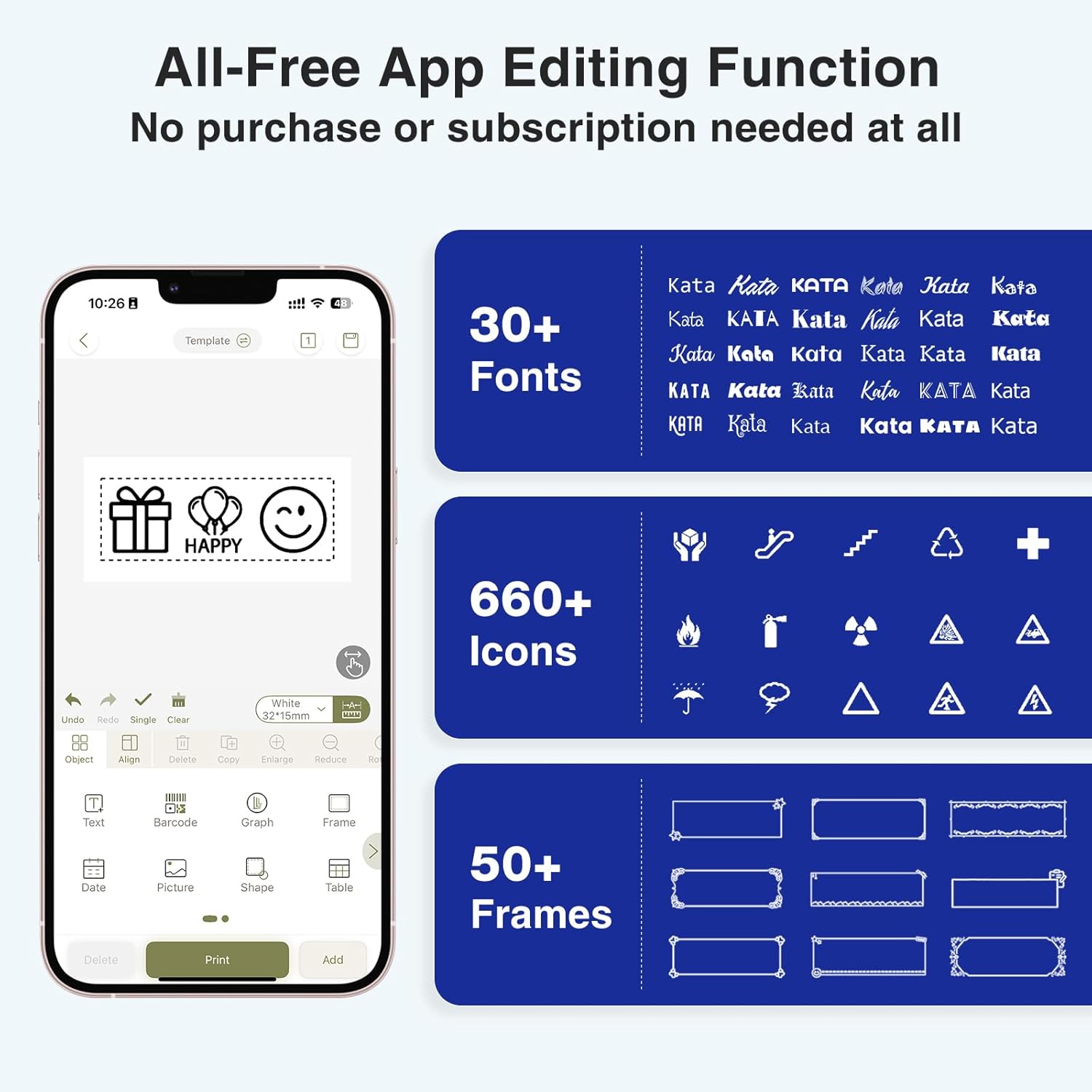
The app side looks particularly well stocked for a consumer model: it supports 30+ fonts, 50+ frames and 660+ icons, and you can create and save your own template locally. That means you’re not starting from scratch every time you want labels to match.
One small limitation to keep in mind: the “minimal margin” claim (5 mm) suggests label material efficiency, but whether it’s noticeably better than other options depends on how your labels are sized and how much content you typically fit.
Tape compatibility and label types
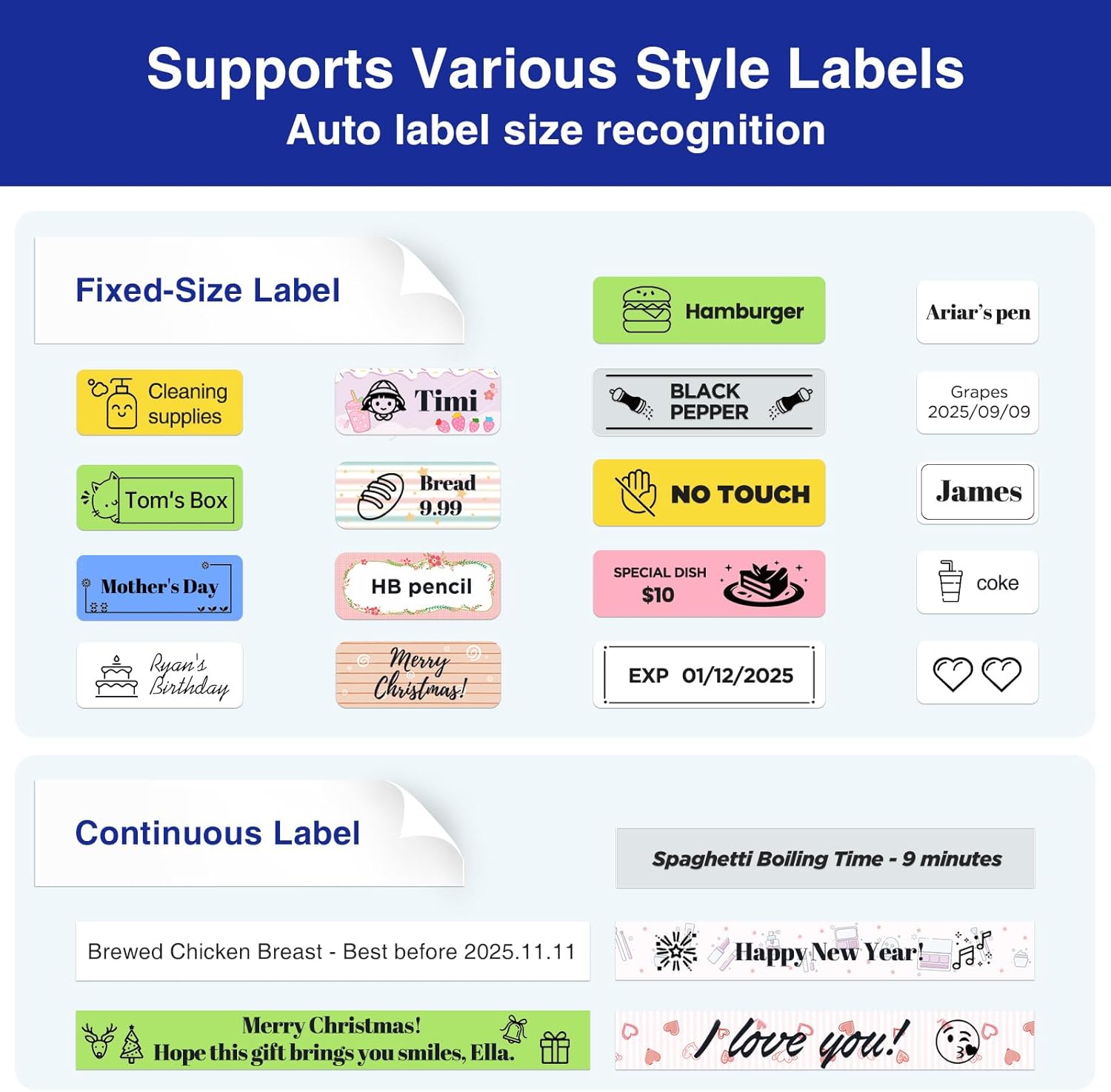
This model is positioned as a versatile label printer. It supports: - continuous labels - fixed-size labels - cable labels
For practical use, continuous tape is handy when you need longer text, while fixed-size labels suit short, consistent labels you repeat in bulk. Cable labels are useful for tidying up a messy setup—think chargers, extension leads, or desk peripherals where you want something readable rather than vague.
The “batch printing” angle also matters. If you often label multiple similar items, a tool like this usually saves time compared with printing one-off labels slowly.
Editing and design options (fonts, icons and templates)
Where the E11 tries to stand out is in how much you can customise. The app supports 30+ fonts, 50+ frames and 660+ icons, so you can make labels that look less like plain text blocks—useful for homes where aesthetics still matter a bit, or for school supply packs where people like clear headings.
Being able to create and save your own template locally is the kind of feature that reduces friction. For example, if you label “Subject” and “Class” the same way for term-long supplies, you’re not reinventing the layout every time.
Portability and battery reality check
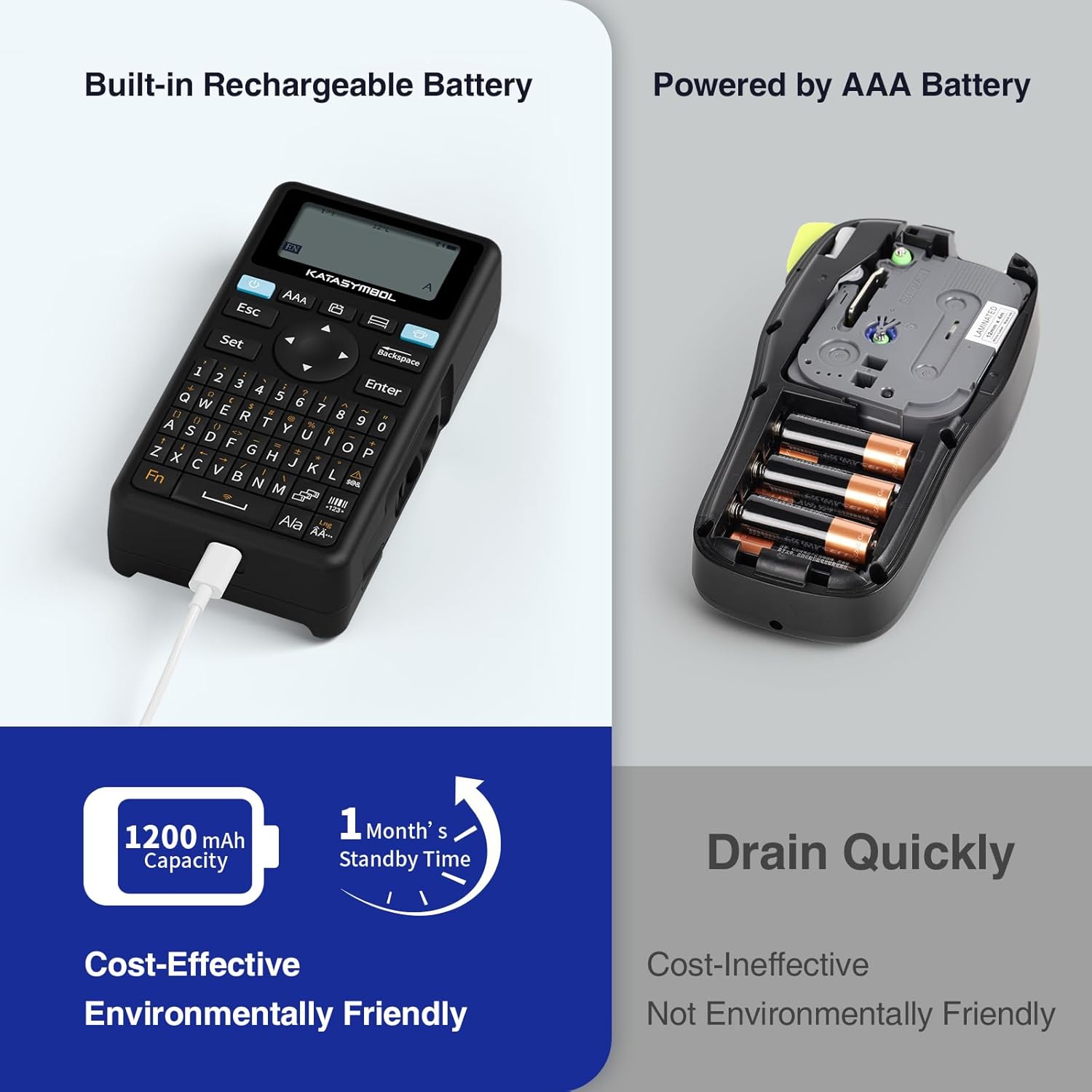
The SUPVAN E11 is described as lightweight (226 g) and compact (14.5 x 7.4 x 3.3 cm), which makes it feel more like a tool you can bring between rooms or desks. The battery is listed as 1200 mAh, with up to 1 month of use per charge.
That “up to” wording is important. Real life will depend on how many labels you print and how often you use the app versus direct keyboard printing. If you’re doing heavy batch work, expect more frequent charging than the maximum estimate.
Key takeaways on value and fit
It’s a solid match if you want a rechargeable, Bluetooth-capable label maker that covers both quick keyboard entry and app-based design. The wide label compatibility (continuous, fixed-size and cable labels) also helps if your needs change—today it’s pantry jars, tomorrow it’s file categories, and the day after it’s cables.
It might not be the best choice if your use is very occasional and you mainly need the simplest possible labelling. In those cases, a simpler label solution can be easier to live with and may feel less like overkill.
Tech specs
- Type: Bluetooth label maker with keyboard & app printing
- Tape support: continuous labels, fixed-size labels, and cable labels
- Editing options (app): 30+ fonts, 50+ frames, 660+ icons
- Template saving: create and save templates locally
- Printing efficiency: 5 mm margin printing
- Battery: 1200 mAh rechargeable battery (up to 1 month of use per charge)
- Weight: 226 g
- Size: 14.5 x 7.4 x 3.3 cm
- Colour: black
Should you buy it?
Buy the SUPVAN E11 if you label often enough to justify an app, want the option of keyboard printing for quick repeats, and need compatibility across continuous, fixed-size and cable labels. It suits home organisation, office file naming, garage tool IDs and school supply labelling—especially if you like the idea of consistent styles via templates.
You may want to skip it if your labelling is rare or you prefer the simplest workflow with fewer design steps. It could also leave you wanting more if your priority is ultra-specific printing behaviour beyond the general “minimal margin” and label-type support described here.
A practical way to judge fit before buying: check what you label most—long text, short repeated names, or cable IDs—and whether those formats match the tape types it supports.
Mini FAQ
How do I create labels: keyboard or app?
You can print directly via the keyboard for quicker frequent labels, or use the Bluetooth app to design customised labels.
Does it support saving label templates?
Yes, the app supports creating and saving your own template locally.
What label sizes does it take?
It’s designed to work with continuous labels, fixed-size labels, and cable labels.
Is the battery life enough for regular use?
It’s rated as 1200 mAh with up to 1 month of use per charge, but actual life depends on how much you print.
Is the 5 mm margin printing really helpful?
It should help reduce wasted tape by printing with a smaller margin, which can matter if you’re producing lots of labels or longer text.