

Phomemo Label Maker M950 Mini Bluetooth Label Printer
Product description
What it is
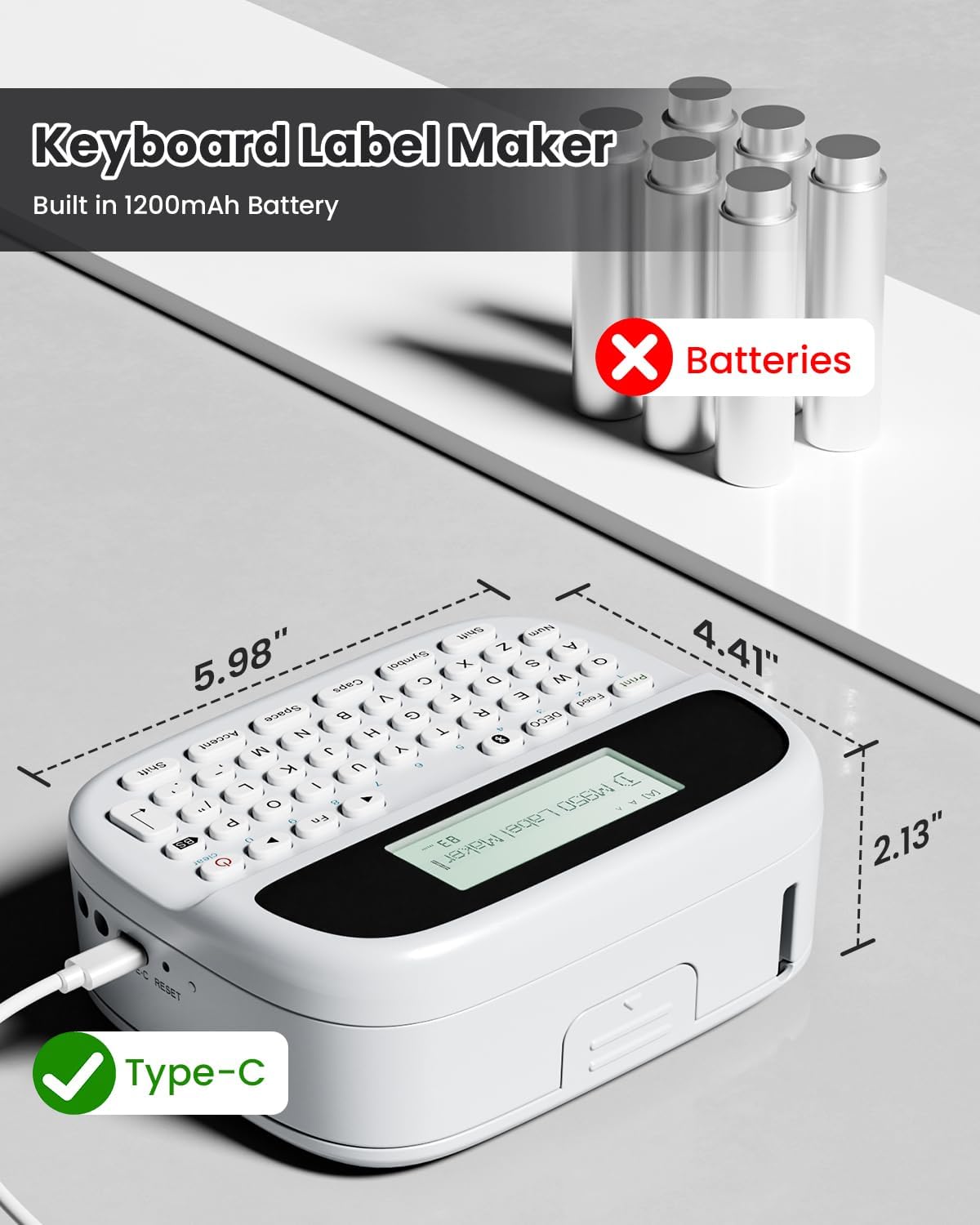
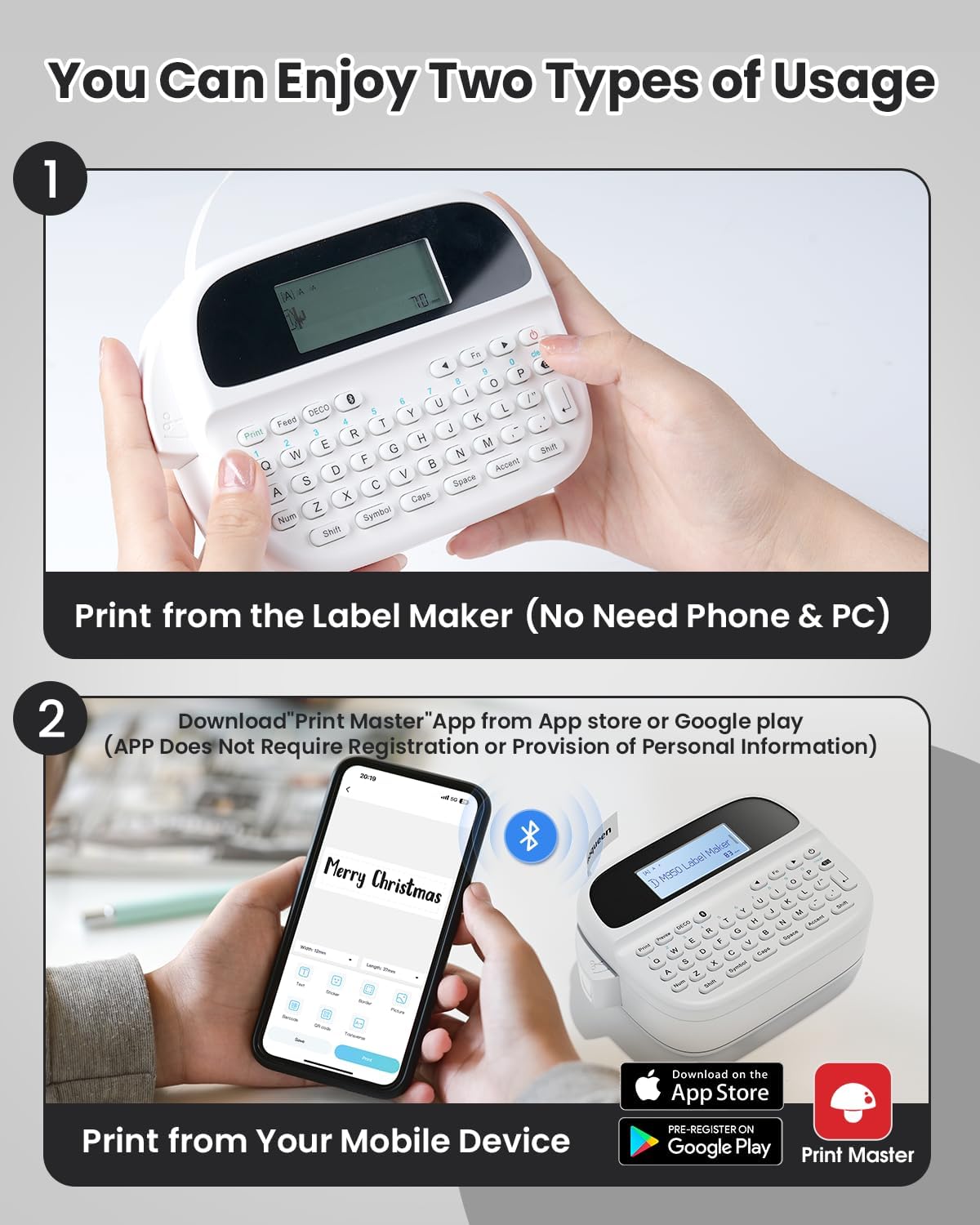
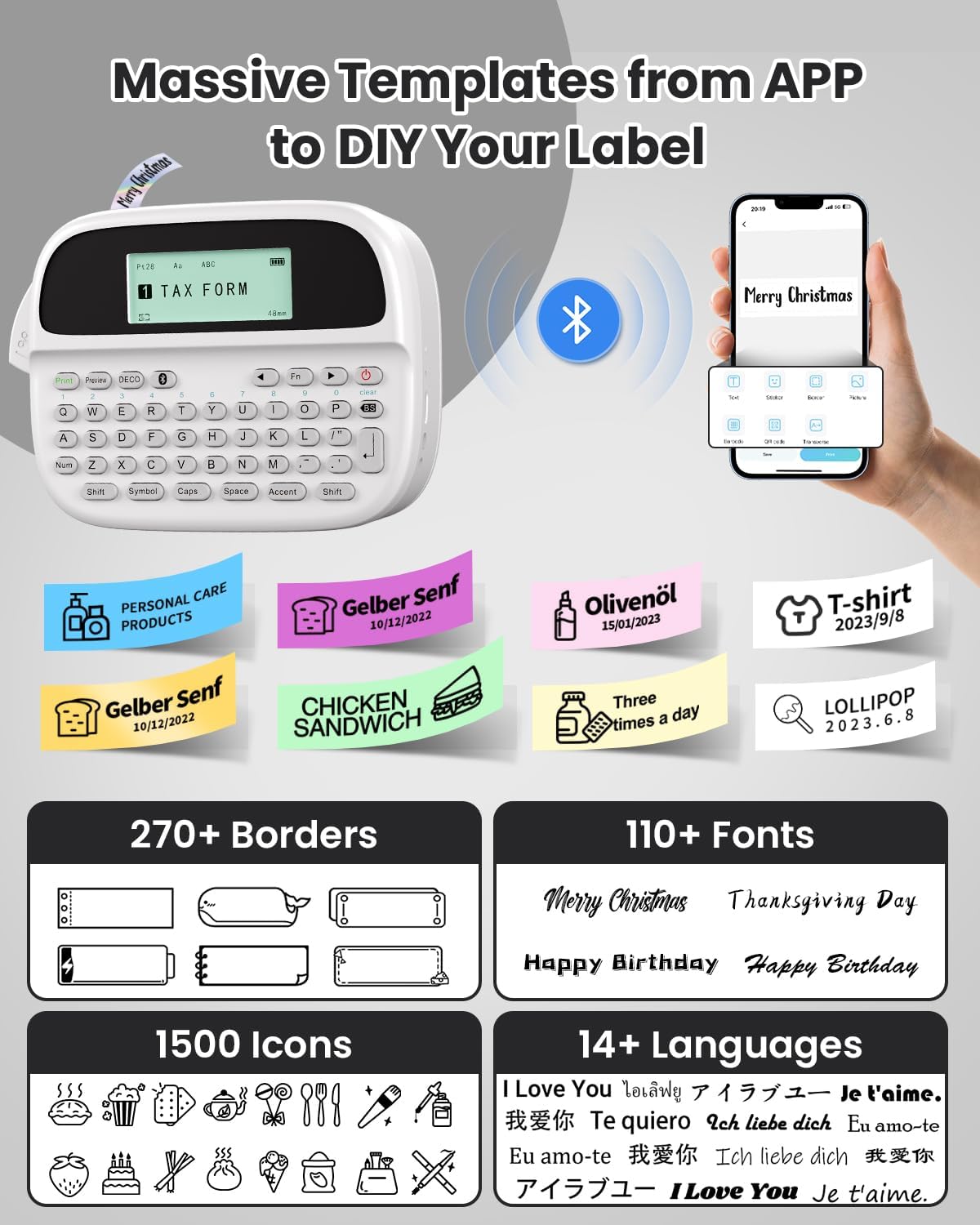
The Phomemo Label Maker M950 is a compact, portable label printer designed for crafting customised tags at home, in the classroom or in the office. It offers two practical modes of use: you can print directly from its built‑in keyboard or connect via Bluetooth to a smartphone or tablet. On the surface, it’s small and light, but it packs enough features to create organised labels for everyday tasks.
How it works
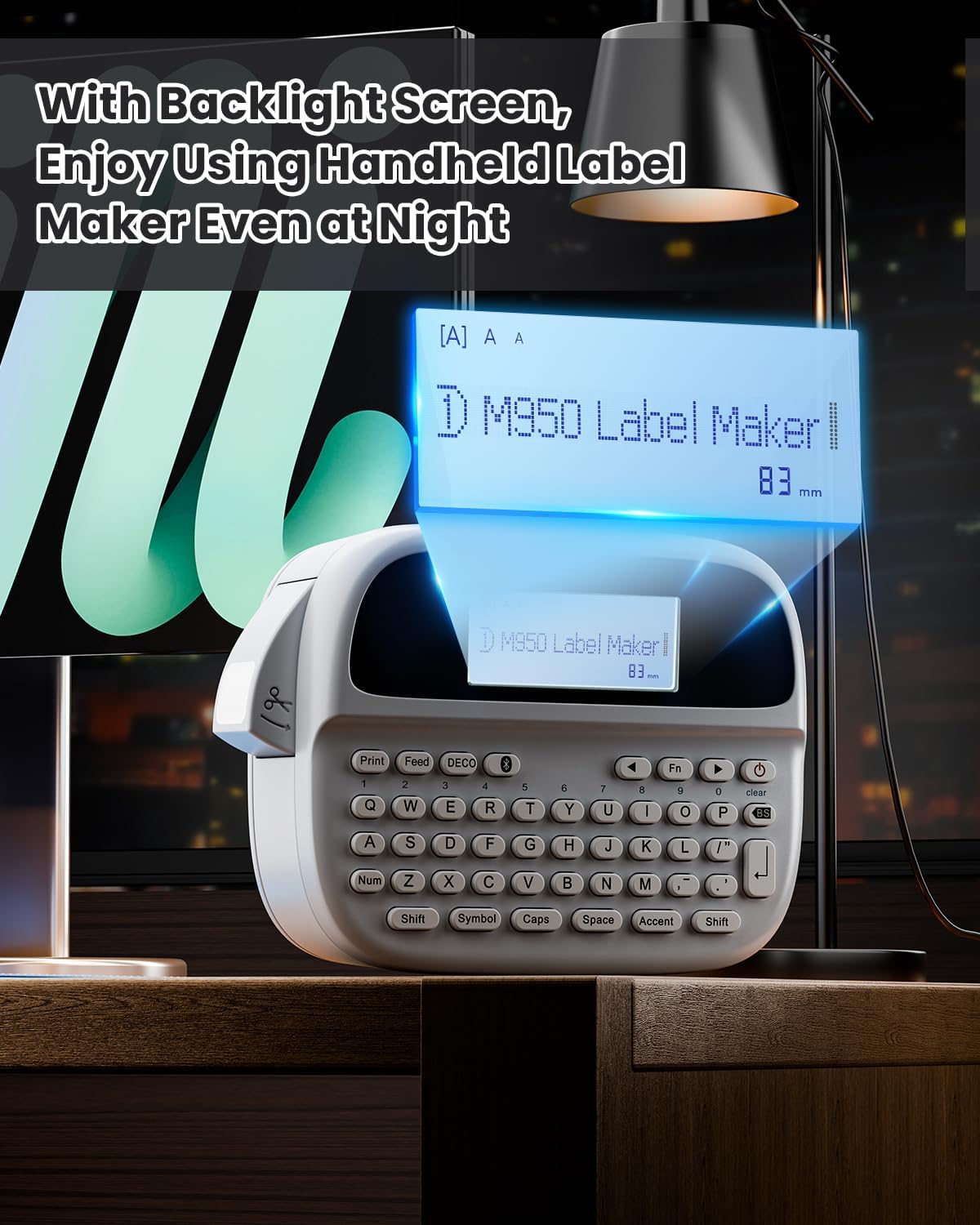
This model balances flexibility and simplicity. A built‑in battery (1200mAh) allows cordless use for on‑the‑go labelling, and a quick 2.5‑hour recharge keeps downtime minimal. The device includes a backlit LCD screen for easy visibility in dim environments and a dedicated one‑button keyboard, which makes DIY label creation straightforward. It supports two label widths (9mm and 12mm) and can print using both thermal transfer and another thermal method, broadening the range of compatible label materials.
What to know about the display and controls
The backlit screen helps you see your text clearly in kitchens, classrooms or busy desks. The physical keyboard means you can type ahead without relying solely on a mobile app, which can be handy for quick edits. While the device is lightweight at about 334g, it feels sturdy enough for regular use. Do bear in mind that, in practice, you may reach for your phone for longer text or more complex formatting when you’re away from the keyboard.
Design and build quality
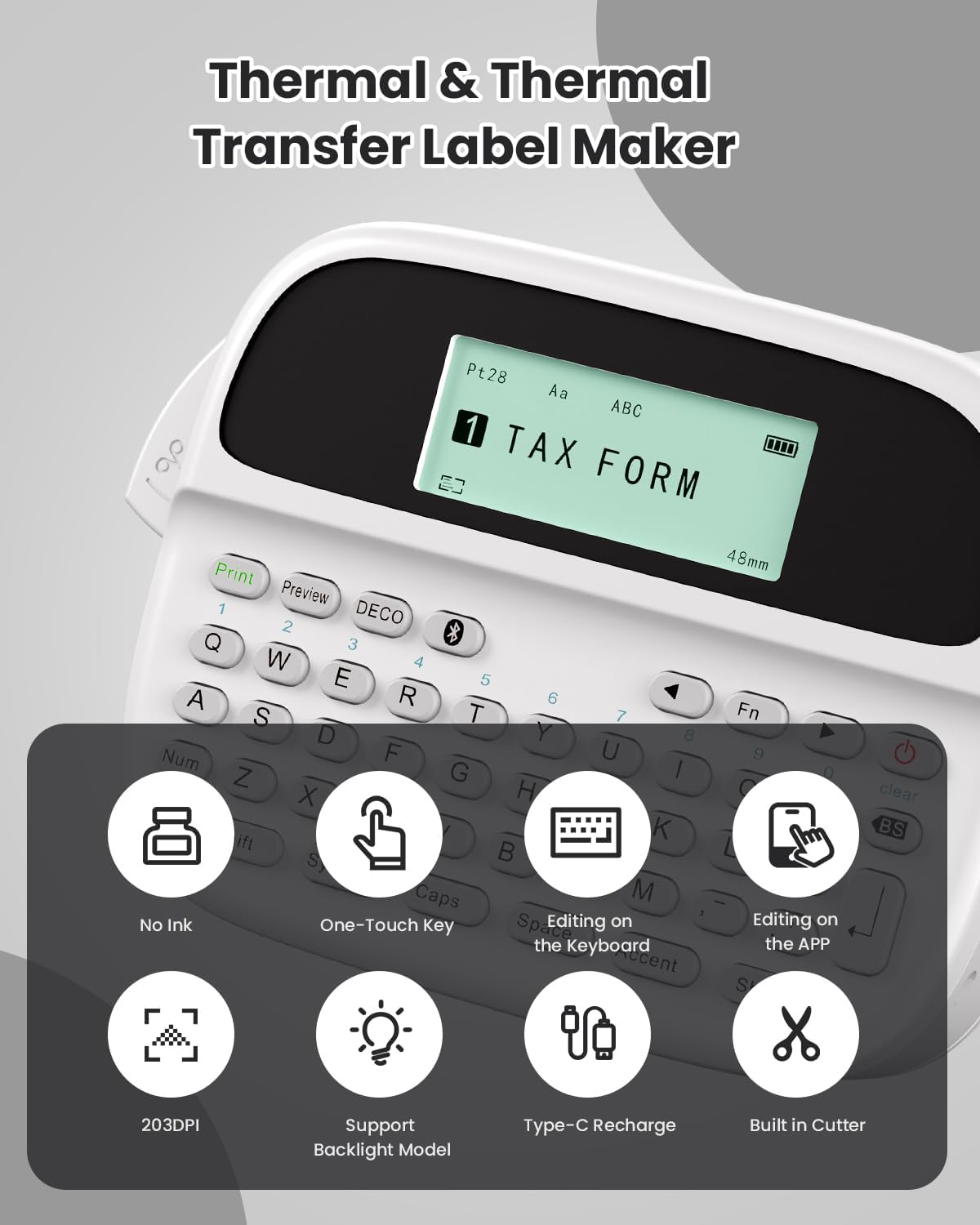
Phomemo emphasises portability with a rounded, friendly silhouette. The built‑in cutting mechanism is convenient for finishing labels on the spot, and the device stores up to nine saved label templates, which is handy for repeat tasks like classroom stations or kitchen organisation.
What you can label
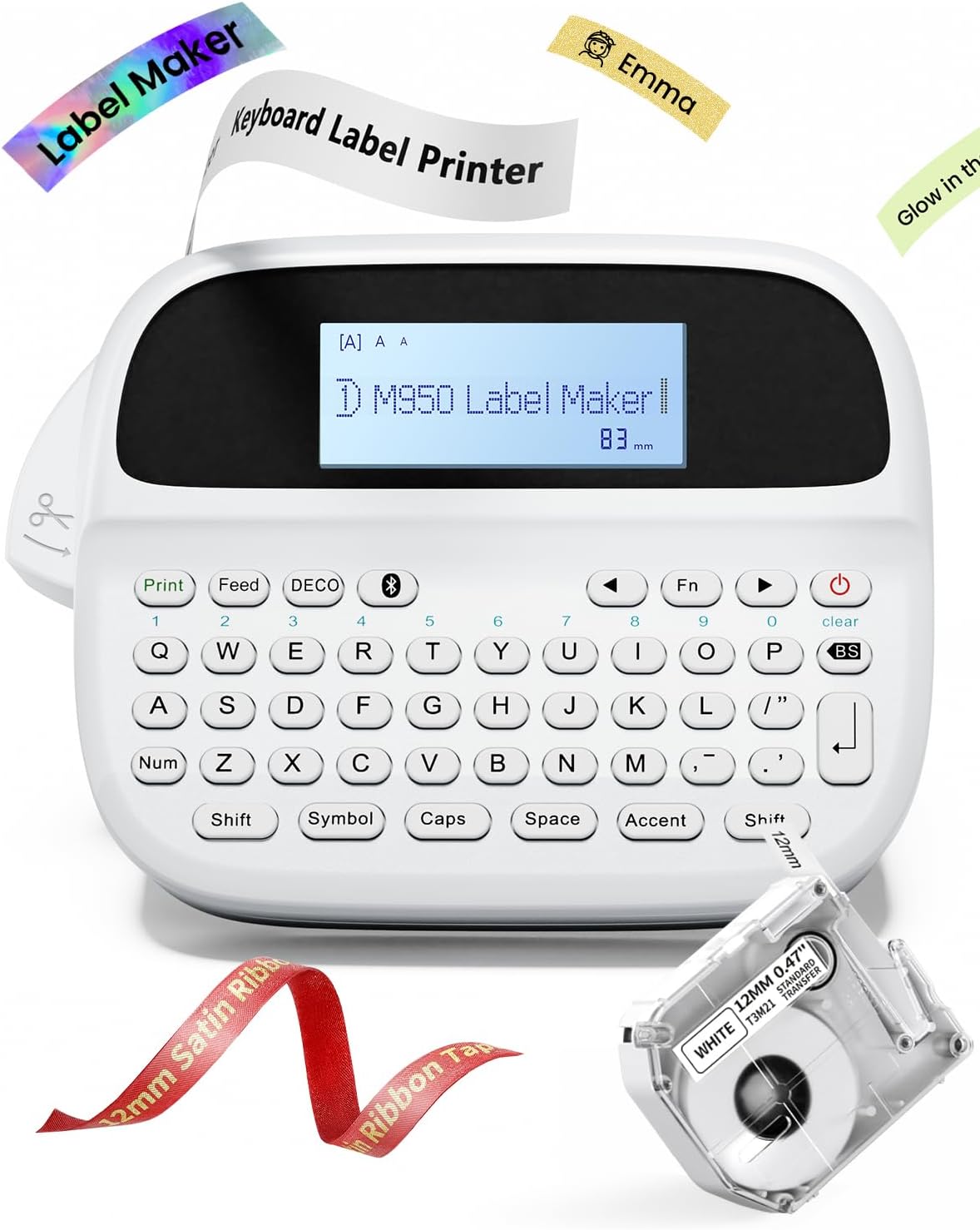
The M950 is well suited to kitchen labels, classroom organisation, office files, and kids’ projects. Its broad font and symbol library—eight fonts, 103+ borders/underlines, 23+ languages and 790+ symbols—gives you plenty of styling options. The options aren’t limitless, but they’re practical for everyday labeling and creative DIY projects alike.
Pros and limitations
On the plus side, the dual usage modes and the portable form factor provide real convenience. The built‑in battery, quick charge, and backlight are thoughtful touches for real‑world use. A potential limitation is the size of the tape: 12mm is versatile, but dense label fields or longer texts can feel a bit fiddly on the small screen if you’re working without a mobile device.
Who it’s for
If you prioritise convenience, portability and ease of use for quick‑fire labelling around the home, classroom or small office, the M950 can be a sensible choice. It suits people who value a self‑contained device with a keyboard option and those who want the flexibility of Bluetooth printing from a phone or tablet.
Who it isn’t ideal for
If your label tasks involve very long texts, highly detailed graphics, or you need premium print quality across a wide range of media types, you might find the capabilities modest relative to larger, dedicated label printers. It’s more a day‑to‑day helper than a high‑end labelling system.
When it makes sense to buy
Consider this model if you want a compact labeler that travels well, supports two usage modes, and covers common domestic and educational labelling needs. It’s a practical option for quick kitchen labels, student projects, file folders or organisational tags, especially when you value being able to print from a mobile device or directly from the device itself.
What to check before buying
- Confirm you’ll be using 12mm labels or 9mm labels to match your typical project.
- Think about whether you’ll rely on Bluetooth from a mobile device or prefer keyboard input on the device itself.
- If you expect to label in dim environments, the backlit display is a real benefit.
Practical use example
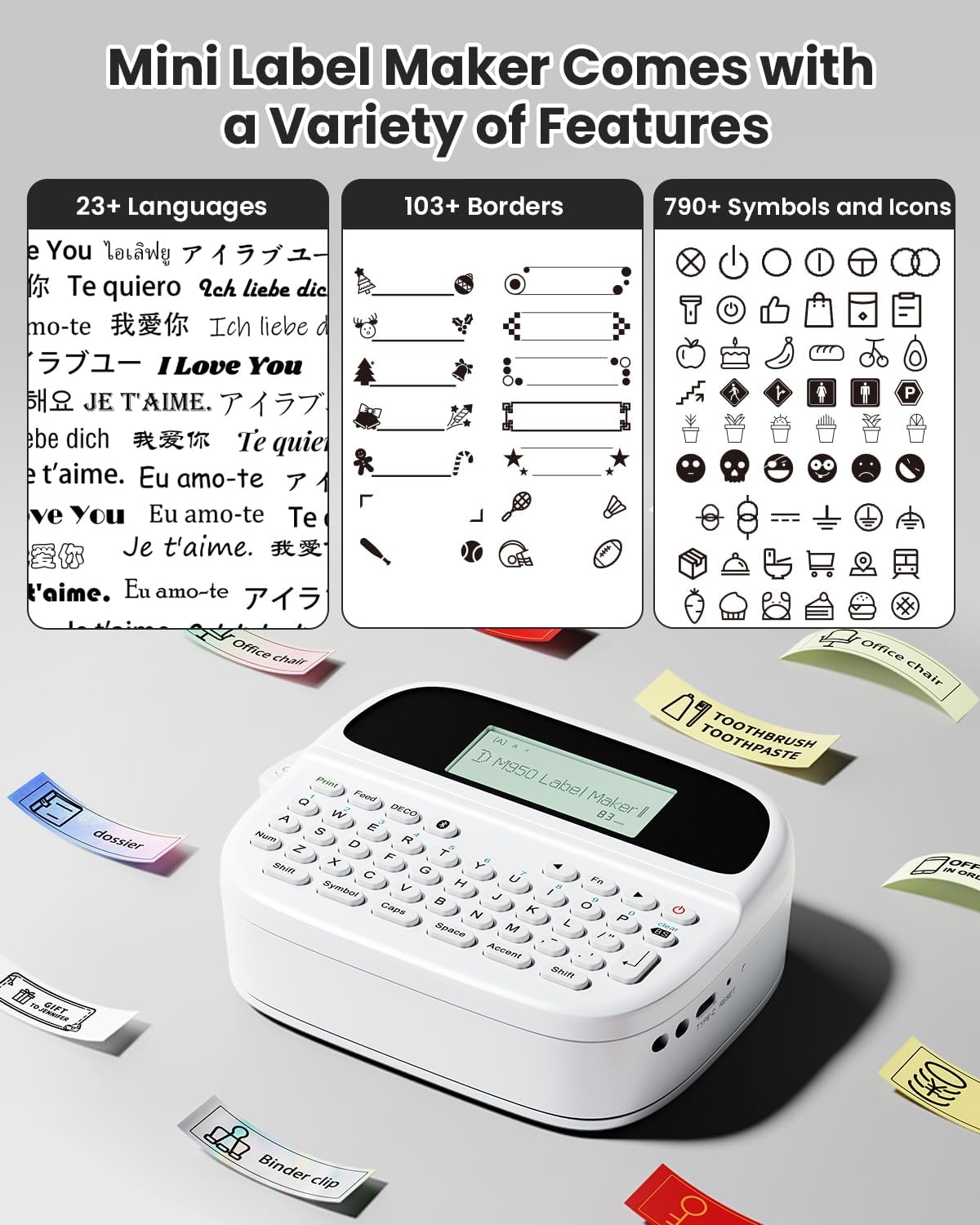
Imagine you’re organising a classroom station: you create a name tag and a label for supplies, then print it on the spot from your phone while a pupil arranges the station. The built‑in cutting button helps you finish cleanly, while the option to store a few templates speeds up recurring tasks.
What stands out
It’s the combination of portability, two usable modes and a rich but approachable library of fonts, borders and symbols that makes this model feel ready for everyday labeling without turning into a tech project.
Final thoughts
If you’re after a small, versatile labelling device that can handle quick DIY projects and simple organisational tasks at home or in school, the Phomemo M950 offers approachable functionality with practical extras like backlight and on‑device keyboard. It’s not a heavy‑duty printer, but for many household and classroom scenarios, it hits the sweet spot between convenience and capability.
Is it worth it?
Worth considering if you want a compact, two‑mode label maker with a familiar keyboard option and Bluetooth print from mobile devices. It suits light to moderate label tasks rather than heavy industrial use. If you prioritise long custom text or premium media compatibility, you may want to explore higher‑end options.
FAQ
- Can I use any label material with the M950? It supports standard labels suitable for 9mm and 12mm widths, including self‑adhesive varieties, compatibility with specific materials isn’t exhaustively listed.
- How long does the battery last between charges? The device has a 1200mAh battery and recharges in about 2.5 hours, real‑world usage will vary with print length and Bluetooth activity.
- Is it easy to switch between keyboard and Bluetooth printing? Yes—the design supports both modes, offering flexibility for different tasks.