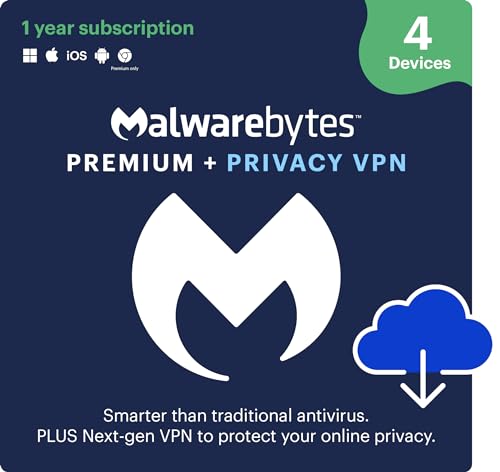
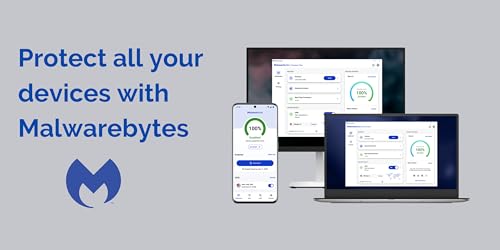
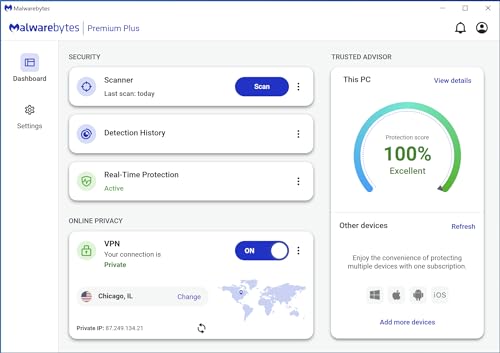
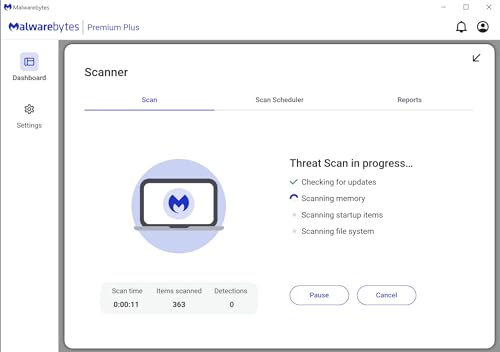
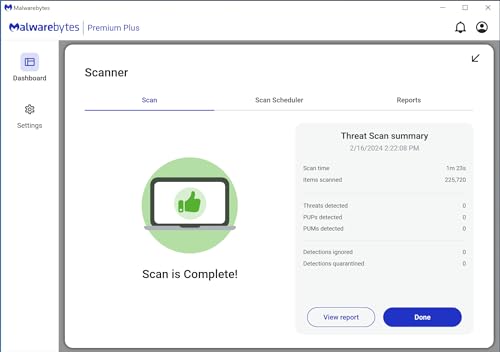
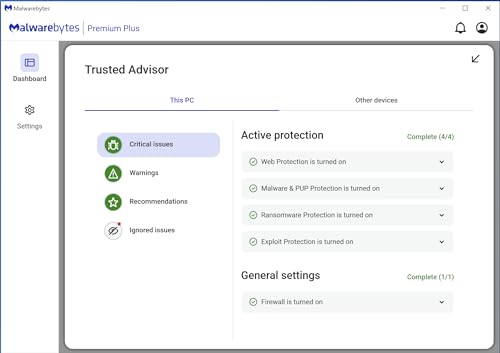
What this product is and what it aims to solve\nMalwarebytes Premium combines real-time protection with broad anti-malware capabilities across Windows, Mac, iOS and Android, plus a Privacy VPN for multi-device coverage. It’s designed for everyday users who want continuous protection against emerging threats without noticeable slowdowns, and who value a bundled solution that also shields online activity. The activation is delivered by email, making setup straightforward.\n\n## How it behaves on paper\nOn paper, you get 24/7 real-time protection, plus features like antivirus, anti-malware, anti-spyware and protection against malicious links and phishing (notably on Windows). The Windows components explicitly mention ransomware protection, zero-day exploits defence, brute force protection and uninstall protection. For use on non-Windows platforms, the core antivirus aspects are stated, while some Windows-only protections may not apply in Mac, iOS or Android environments.\n\n## What stands out in day-to-day use\nIf you prioritise a lightweight, background security layer, Malwarebytes’ approach can be appealing. The software aims to run with minimal impact on system performance, which matters for everyday devices such as laptops and mobiles used for work or study. The inclusion of a Privacy VPN adds a layer of online privacy and data‑routing for those who want to protect public Wi‑Fi usage or general browsing.\n\n## Pros and what might give you pause\n- Pros: a single licence covers up to 4 devices for 12 months, with real-time protection and a privacy VPN. The Windows-specific protections for ransomware and uninstall protection can be particularly valuable for users dealing with sensitive data or frequent software changes.\n- Cons: some protections are Windows-only, so Mac, iOS and Android users may not get all the Windows‑exclusive safeguards. The effectiveness of the VPN depends on the provider’s network and terms, which are not detailed here.\nThis means it may be a practical fit if you have a mixed‑device environment and want a unified licence, but it might not replace platform‑specific security needs entirely.\n\n## Who this is best for\n- Users with several devices across Windows, Mac, iOS and Android who want a single 12‑month plan.\n- People who value ongoing protection that runs in the background and a straightforward activation process delivered by email.\n- Those who prefer combined security and privacy features rather than juggling separate products.\n\n## When it might not be the best option\n- If you rely heavily on Windows‑exclusive protections for ransomware and uninstall safeguards, you may want to verify how these features align with your setup.\n- If you primarily use devices outside Windows ecosystems, you should check which protections apply and what the VPN offers in your region.\n- If you already have a VPN or prefer a different security stack, a stand‑alone approach could offer more customisation.\n\n## What to check before buying\n- Confirm device compatibility and how many devices you actually need to cover.\n- Review Windows‑specific protections and whether you need additional levels of ransomware or uninstall protection.\n- Consider the VPN’s coverage, logging policy and speed constraints for your typical online activities.\n\n## Practical usage example\nA small business owner uses Malwarebytes across a Windows laptop, a MacBook and an Android tablet. Real‑time scanning runs quietly in the background while the VPN helps secure public Wi‑Fi checks when working away from the office. It’s not a hyper‑tech setup, but it reduces repetitive security decisions to a single monthly rhythm.\n\n## FAQ (where data allows)\n- Does the Windows protection apply to all Windows devices in the licence? The base description indicates Windows‑only protections for some features, confirm per‑device applicability during activation.\n- Is the VPN region‑limited or subject to extra charges? Details aren’t provided here, review the VPN terms after purchase.\n- Can I use this on multiple platforms simultaneously with one activation code? Yes, for up to 4 devices within the 12‑month window.\n\n## Decision time\nIs it worth it? Worth considering if you want a single 12‑month plan across four devices with real‑time protection and a bundled privacy VPN, provided you’re comfortable with the Windows‑specific protections and any VPN limitations. It suits mixed‑device households or small teams who prefer a pragmatic, low‑friction security setup.