

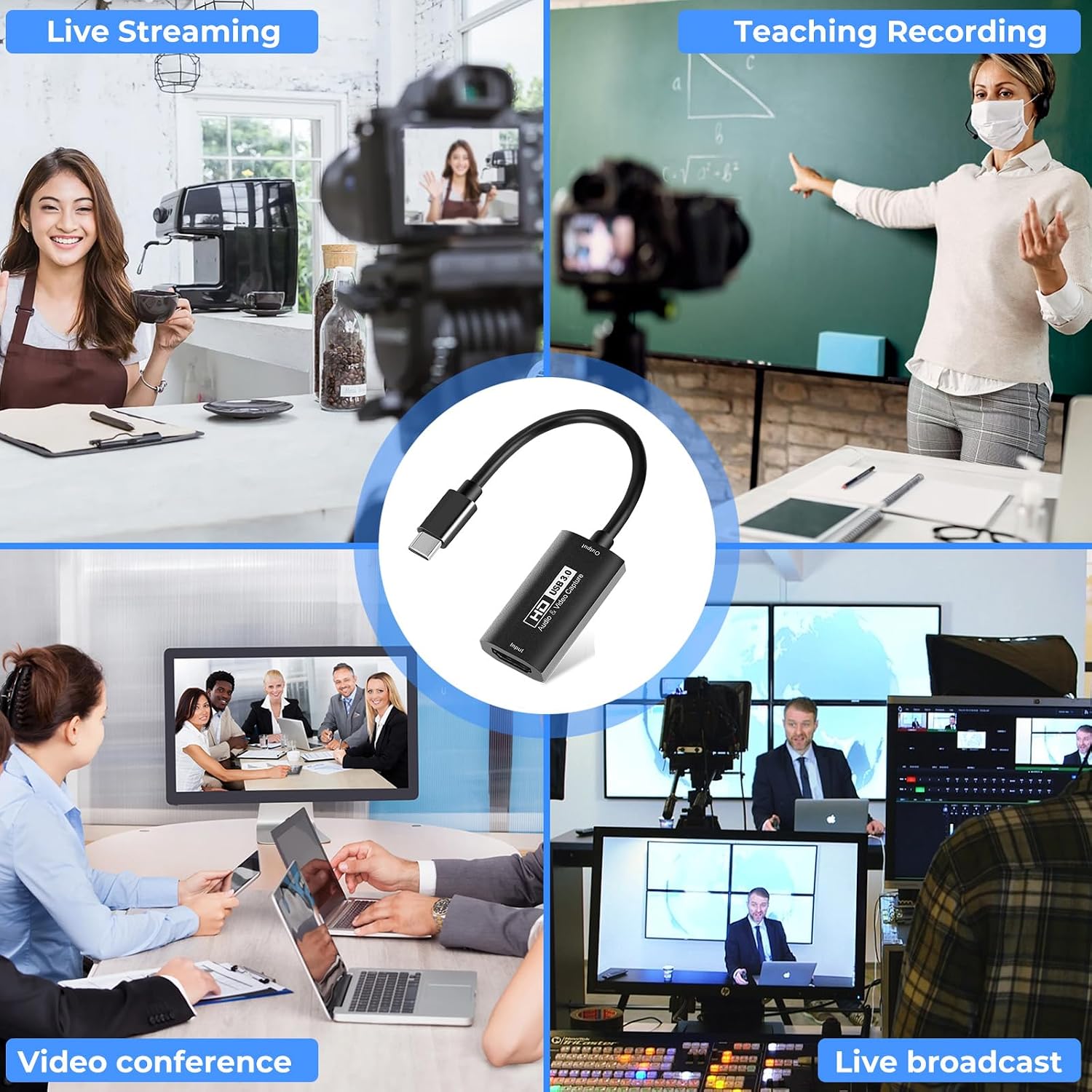
Guermok Video Capture Card: USB 3.0 HDMI to USB-C with 4K/1080p60 Capabilities
Product description
What to know
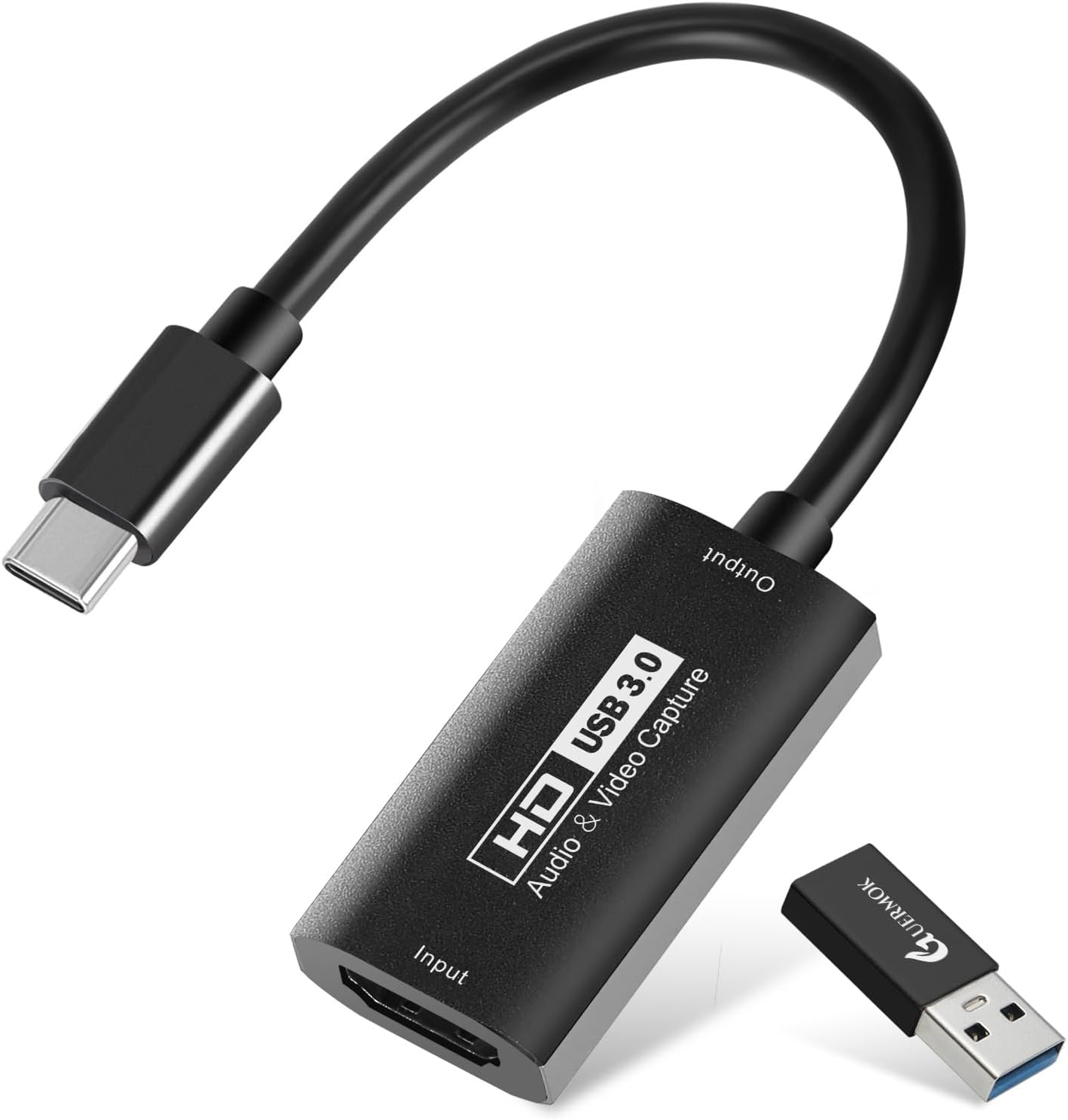
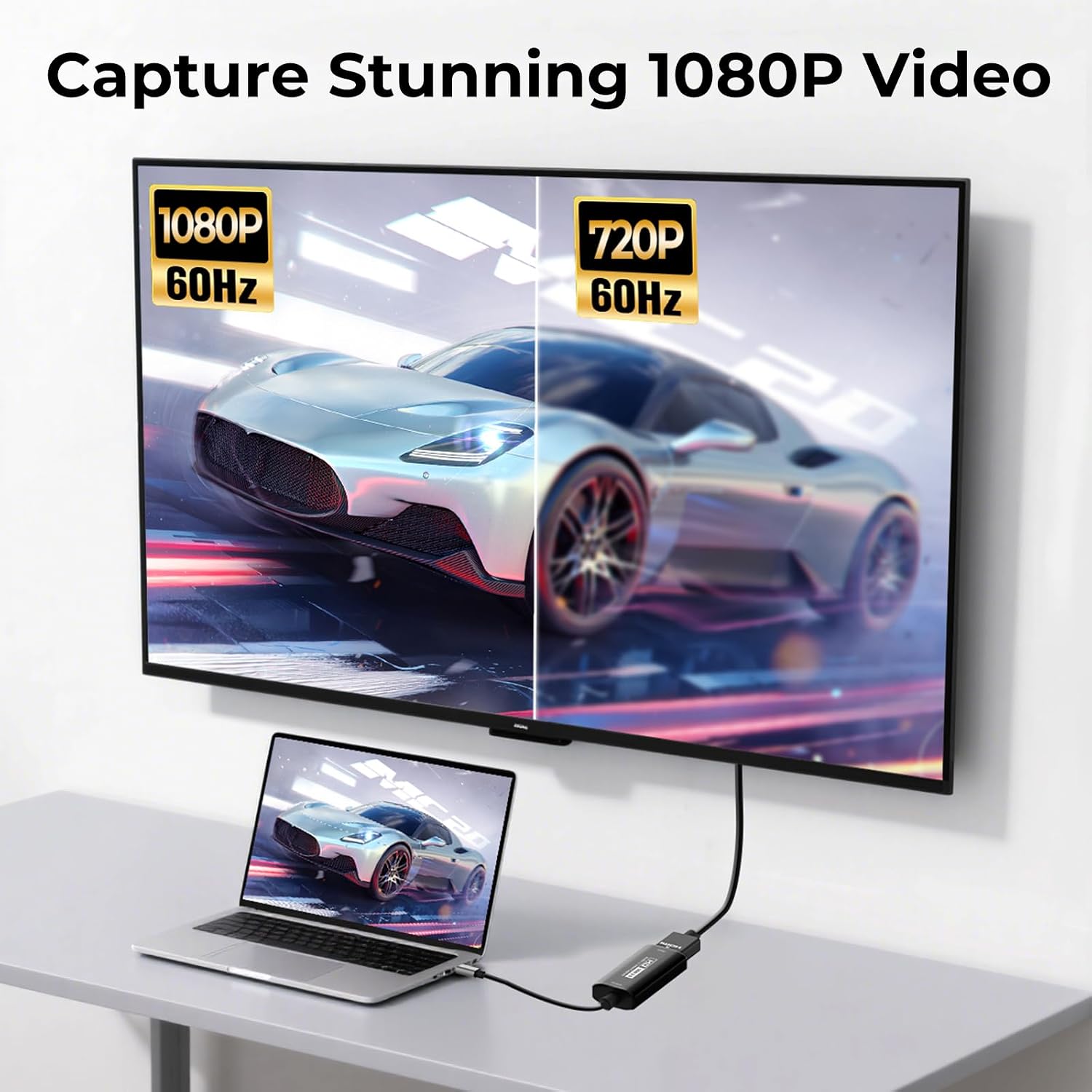
The Guermok Video Capture Card is a USB 3.0 HDMI capture device designed to bring high‑definition gameplay and screen activity into your computer for live streaming or recording. On paper, it supports up to 4K input at 30Hz and outputs up to 1080p60, making it a practical option for creators who want a simple plug‑and‑play solution without extra power bricks. If you prioritise stability and straightforward setup, this card aims to deliver with low latency and minimal fuss.
How it works
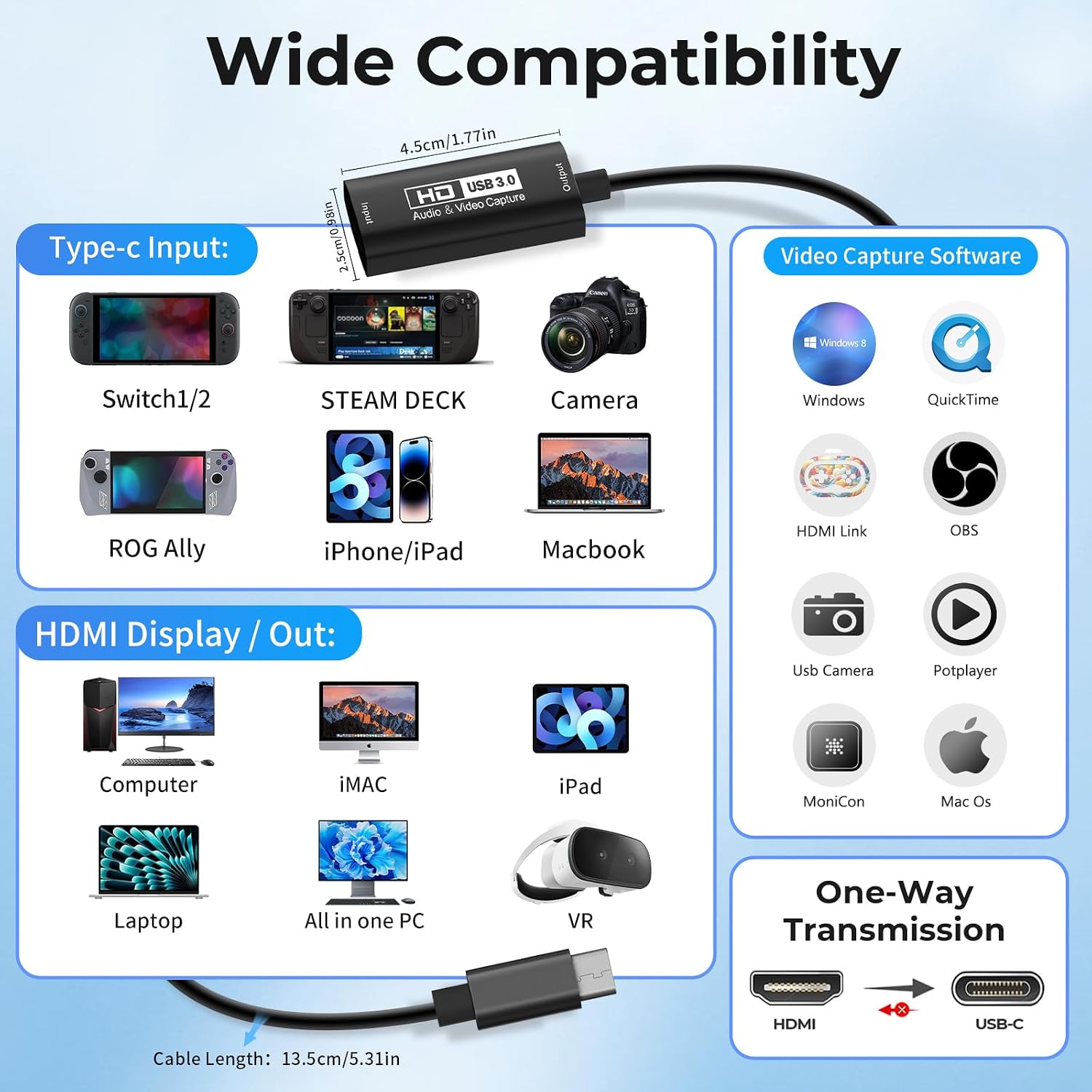
This is a USB 3.0 based capture solution that connects an HDMI source to a USB‑C or USB 3.0 input on your PC, Mac, or compatible devices. The card is designed to be recognised by a wide range of operating systems and software, including Windows, Mac OS X 10.9+, Linux, Android, OBS Studio and common media players. The package includes a USB 3.0 to USB‑C adapter, which helps with versatility across devices.
Performance and limitations
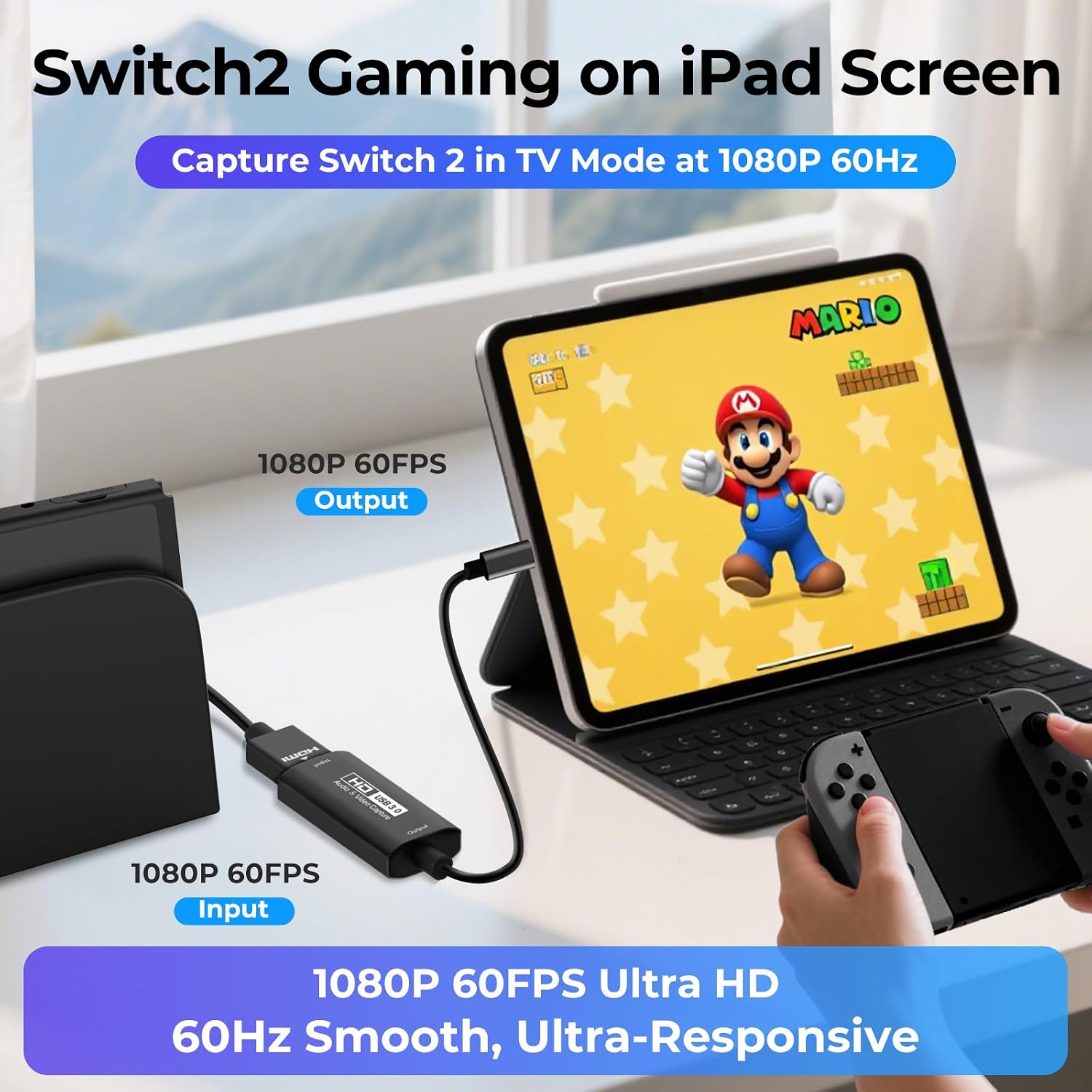
On the inputs side, you can feed 4K at 30Hz, which is sufficient for many console setups and screen capture tasks, but you won’t get 4K recording at 60Hz with this model. The output is capped at 1080p60, which aligns with many streaming and basic capture workflows however it may not satisfy high‑end PC gaming capture needs where higher refresh might be desired. The device advertises low latency and stable transmission, yet there is a practical caveat: when using audio, you may need to restart OBS Studio after finishing audio setup to ensure sound is captured correctly. If the device is recognised as USB 2.0, flipping to the other USB side (USB‑C port) may help it register as USB 3.0.

Compatibility and setup
The card is described as broadly compatible with Windows 7/8/10, Mac OS X 10.9 or newer, Linux, Android and a variety of hardware including consoles (PS4/5, Xbox, Switch), cameras, webcams and other capture software like OBS Studio. The plug‑and‑play nature means no extra drivers or power supply are required, which can simplify first‑time use. However, real‑world results depend on your computer’s USB ports, the source device, and your streaming software configuration.
What it’s best for
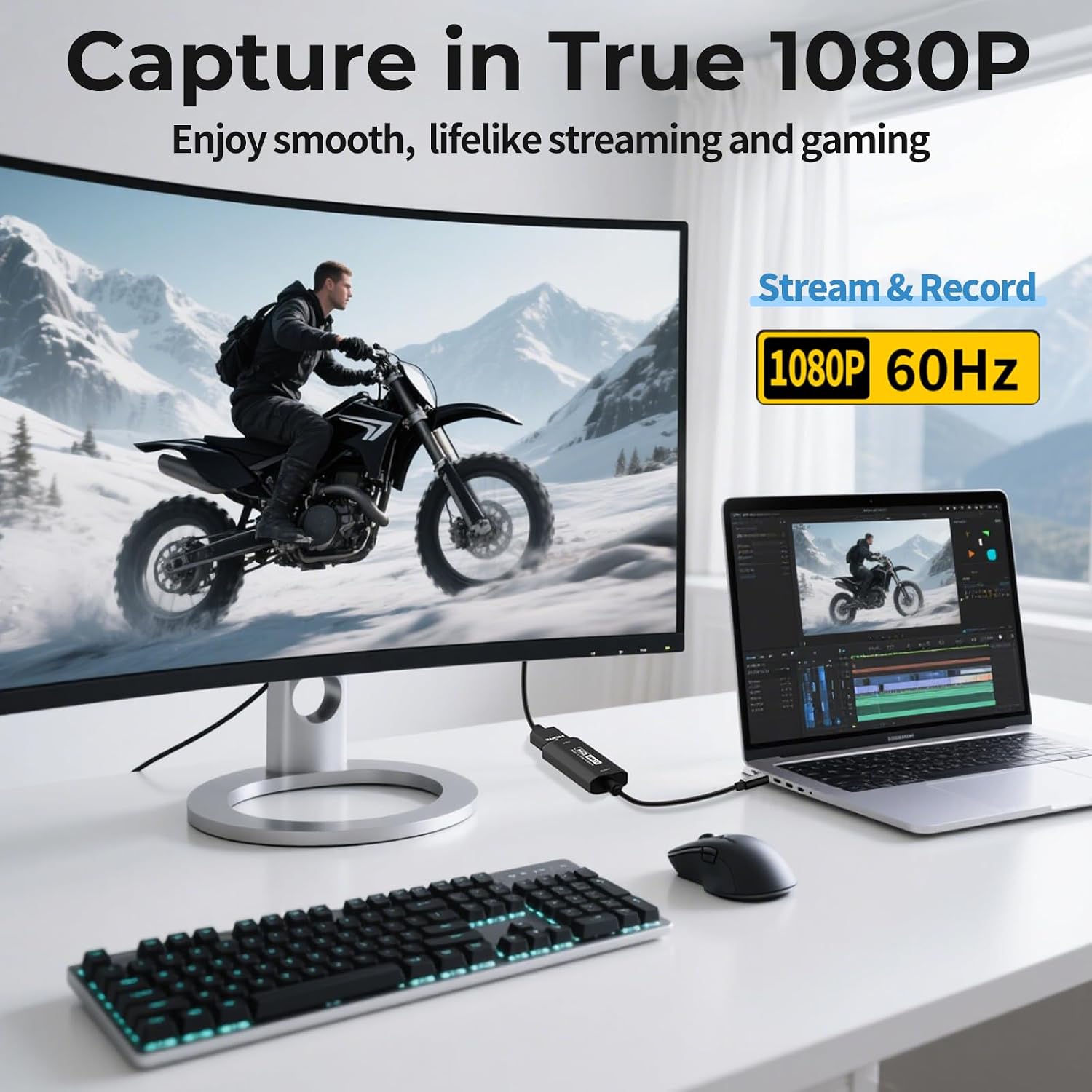
If you’re a streamer or content creator who values a compact, affordable capture solution that covers most common HDMI sources and popular software, this Guermok card could be a sensible match. It sits more in the mainstream category: not the most feature‑rich capture card on the market, but capable for general livestreaming, game capture at 1080p60, and screen sharing during meetings or casual broadcasts.
Who it’s not ideal for
If your workflow demands 4K60 capture or very low‑latency gaming capture with the highest possible fidelity, this card may fall short. Likewise, if you rely on uninterrupted audio capture without any software tweaks, you should plan for the OBS audio restart note and potential USB port quirks.
Before you buy: quick checks
- Confirm your live streaming setup uses 1080p60 as the target output, rather than 4K60, to align expectations with the card’s capabilities.
- Test both USB ports on your machine and switch to the USB‑C side if Windows recognises the device as USB 2.0.
- If you experience missing audio, follow the note about restarting OBS after audio setup and verify your audio input source in OBS settings.
- Consider your software: OBS Studio, PotPlayer, VLC and similar tools are listed in the compatibility notes, but actual performance can vary by version.
Practical use case
A typical scenario is capturing gameplay from a console or handheld device for a live stream. You’d connect the HDMI output from the console to the capture card, plug the card into your PC via USB, select the capture device in OBS, and start streaming. The result should be a stable 1080p60 stream with reasonable latency for collaboration chats and live feedback during play.
FAQ
- Is 4K input supported at 60Hz? No, the stated input is up to 4K/30Hz with 1080P/60Hz output.
- Do I need additional power? No, the device is designed as plug‑and‑play with no external power supply required.
- What should I do if audio isn’t captured? Restart OBS Studio after audio setup, if issues persist, try using the USB‑C port side if the device is recognised as USB 2.0.
- Will it work with PS4/5 and Switch? Yes, the listing mentions compatibility with PS4/5 and Switch alongside PC and Mac environments.
Is it worth it?
A solid pick if you want a budget‑friendly, straightforward capture device for 1080p60 streaming or recording and you don’t need 4K60. It may not be the best option if you’re chasing top‑tier low latency or 4K60 capture, but for casual to semi‑professional setup it provides dependable basics with broad compatibility.