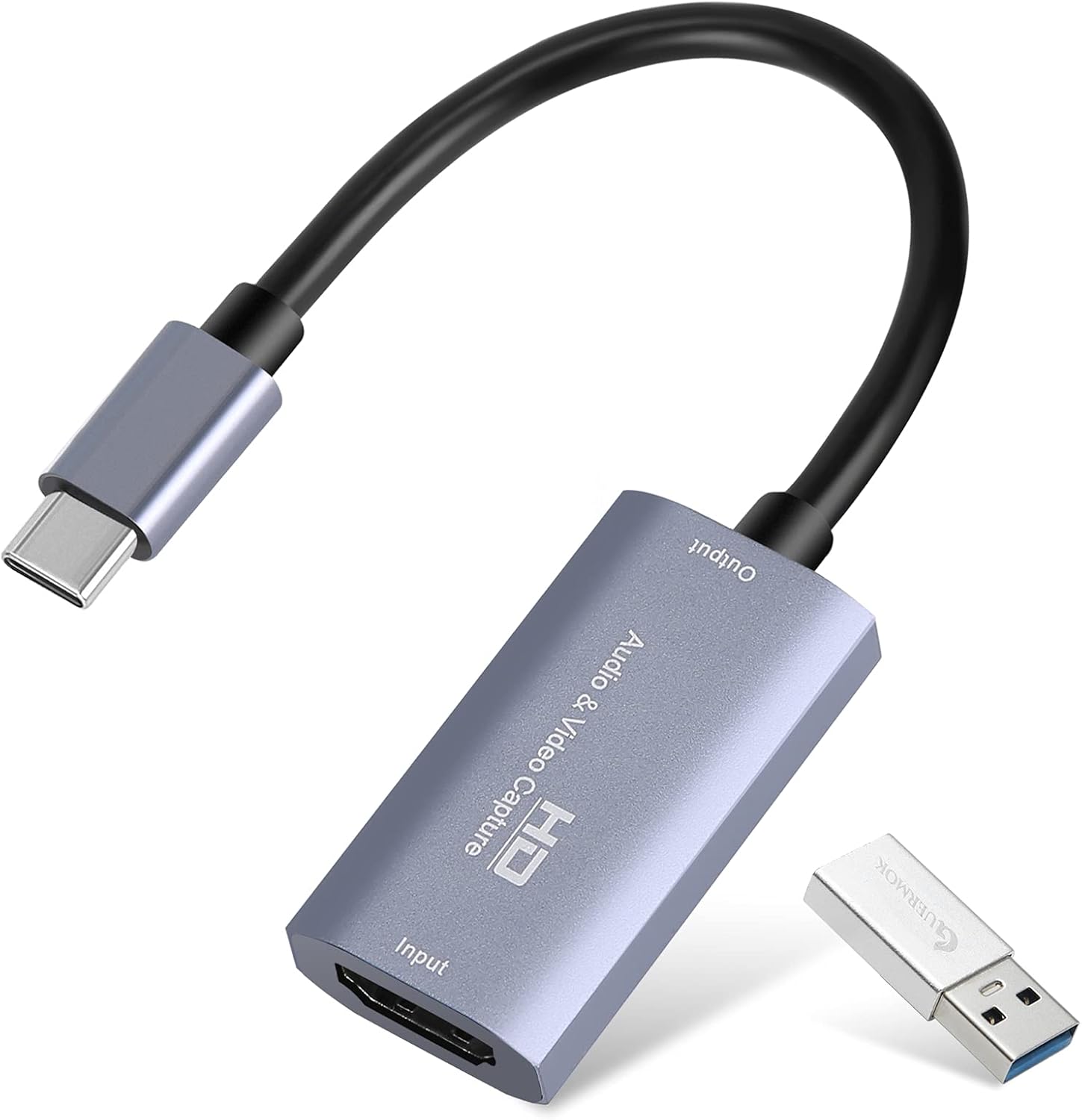
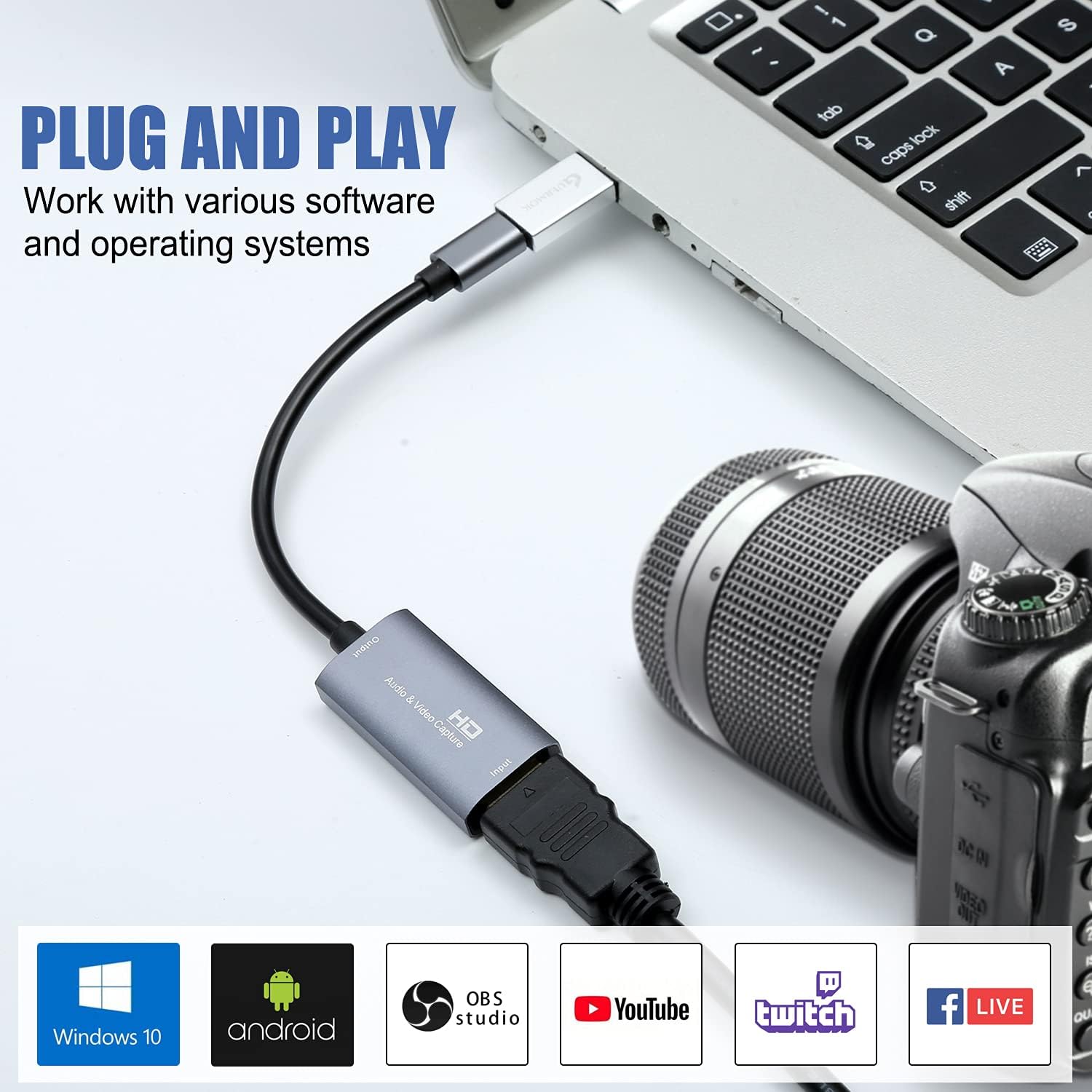
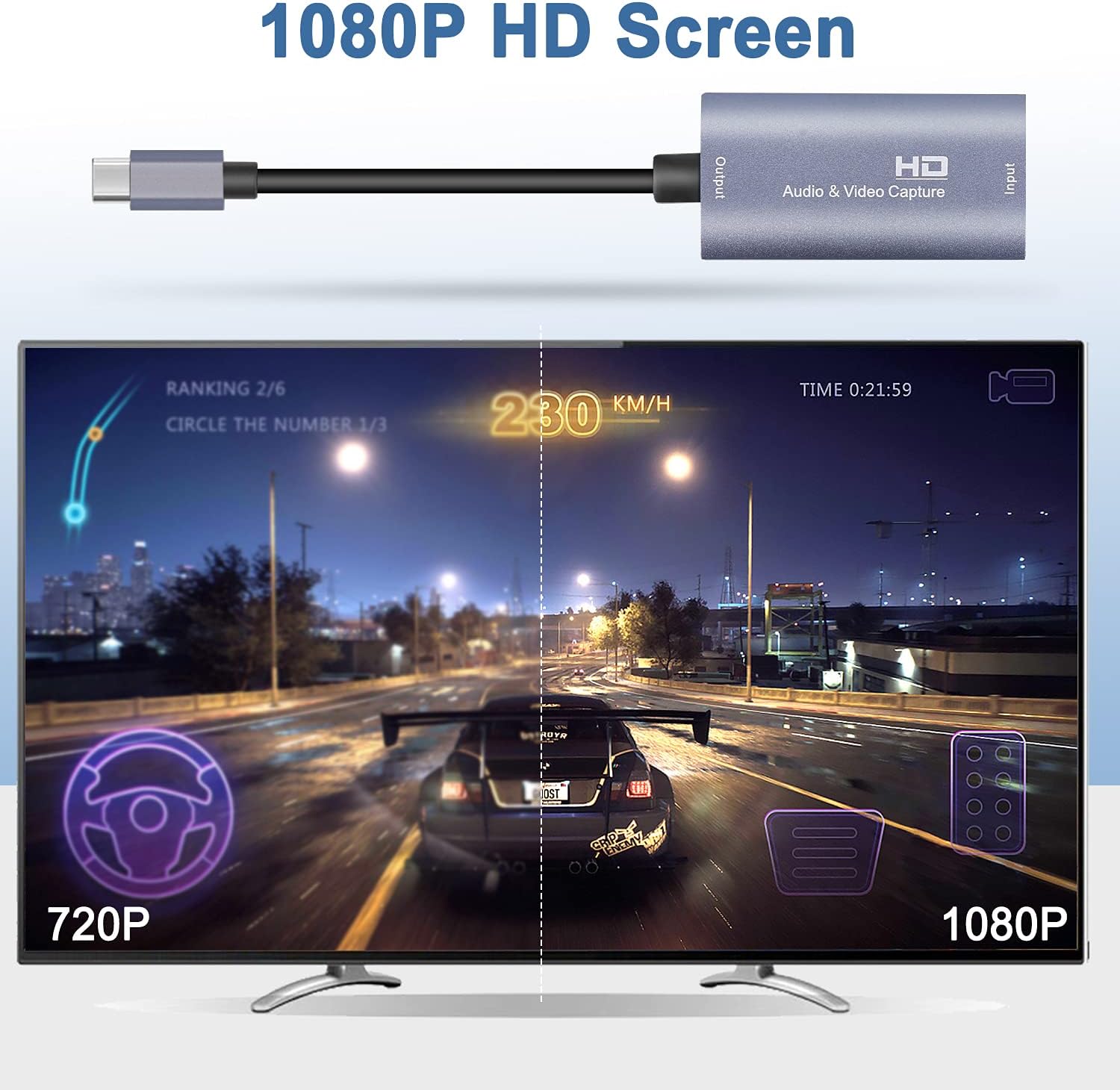
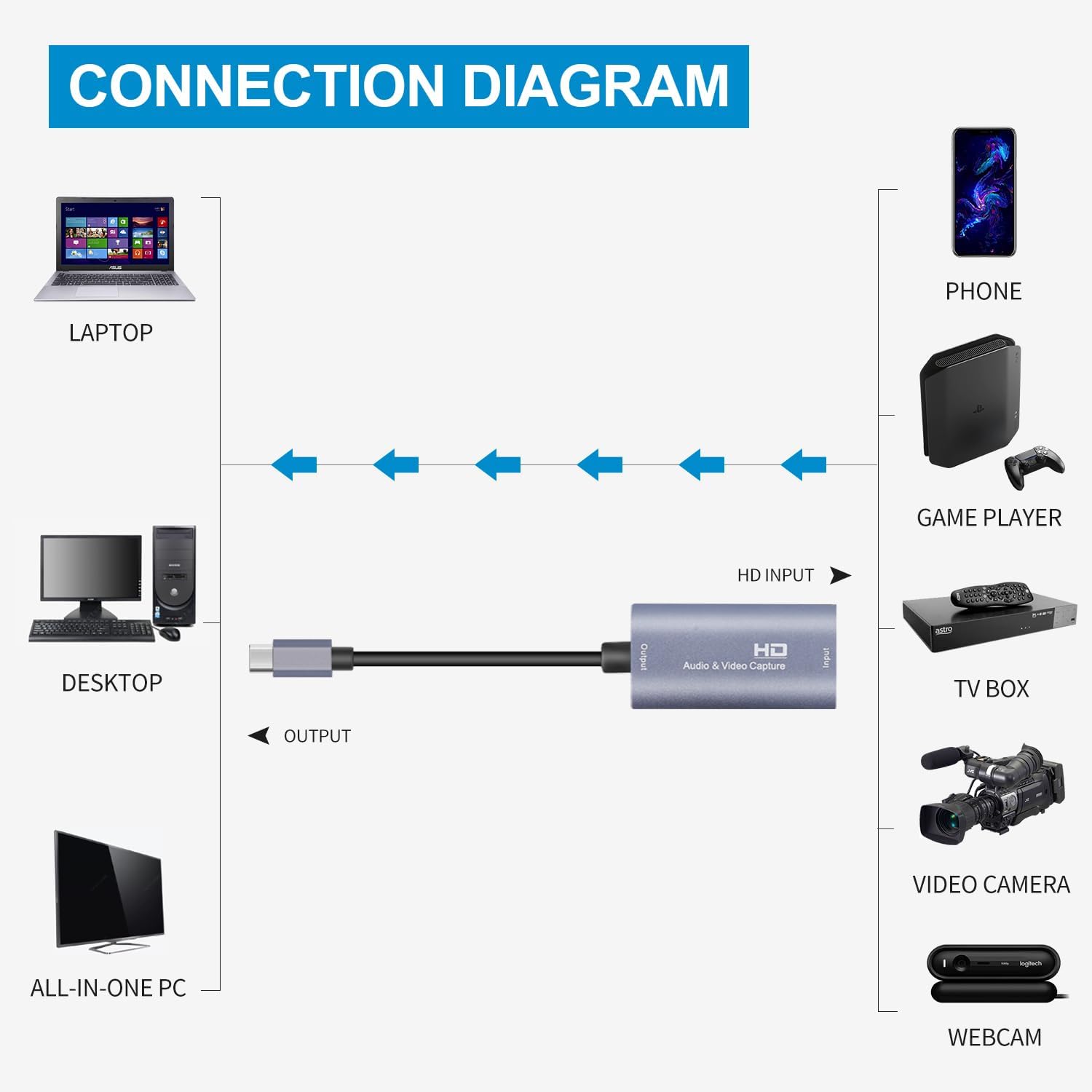
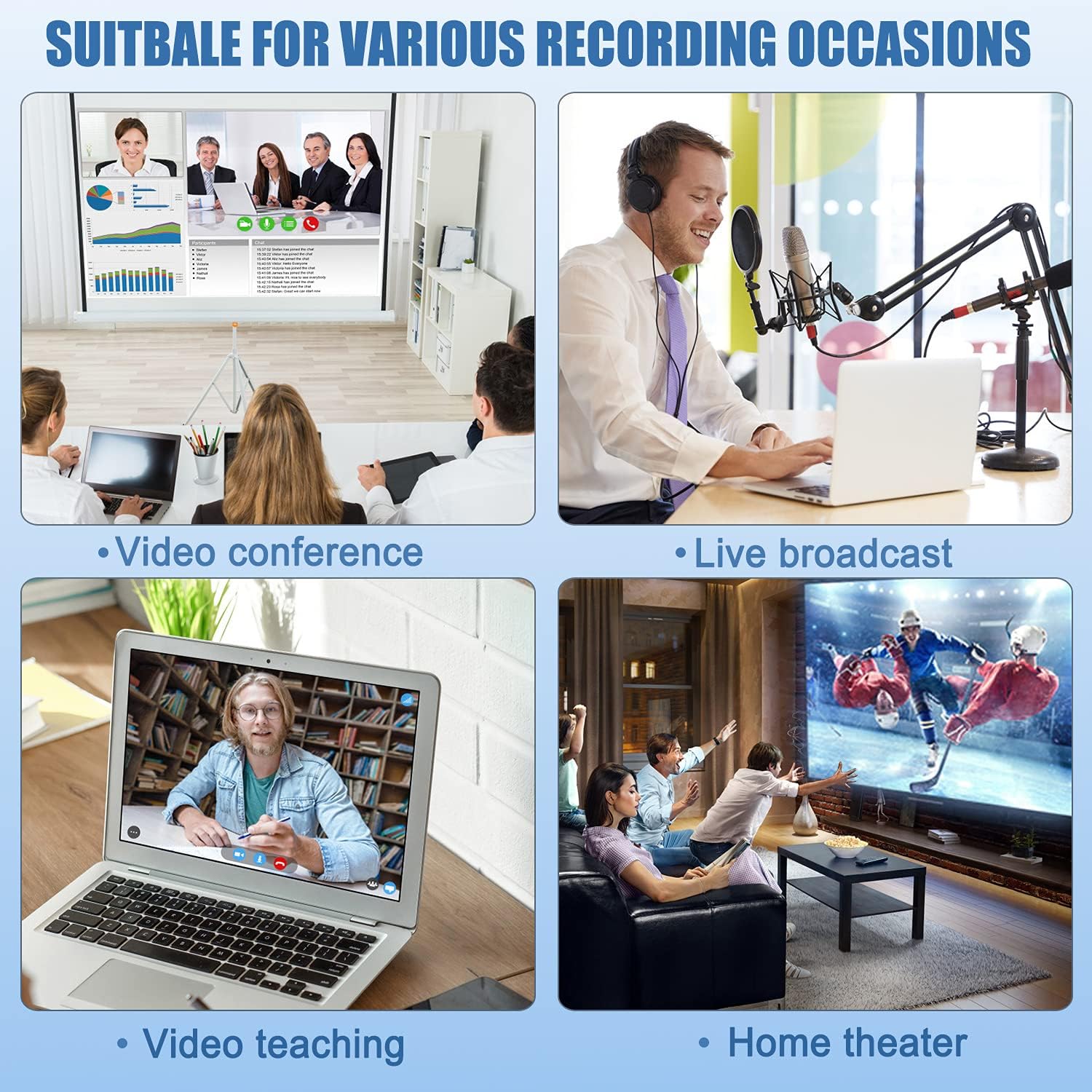
What it is and what it’s for\nThe Guermok Video Capture Card is a compact HDMI capture device that connects via USB 3.0 to a PC, Mac or other compatible hardware. It lets you capture up to 4K input at 30Hz and output up to 2K at 30Hz or 1080p at 60Hz, making it suitable for online meetings, live gaming streams, and screen recording. Aimed at creators who want simple, portable capture without fuss, it supports a range of devices and software from Windows, Mac OS and Switch to OBS, Zoom and more.\n\n## Key features at a glance\n- 4K input, 30Hz, 2K output at 30Hz or 1080p at 60Hz\n- USB 3.0 for high-speed transfer with plug-and-play setup\n- USB-C adapter included, broad device compatibility\n- Aluminium chassis with improved heat dissipation for low latency operations\n- No external power required, compact enough to carry for on-the-go use\n- Works with common streaming and recording tools (OBS, Zoom, etc.)\n\n## How it performs in practice\nOn paper, it promises low latency capture ideal for live gaming and real‑time recording. In reality, major benefits come from its straightforward setup and broad OS compatibility, plus the convenience of a USB-C option. However, the 4K@30 input-to-2K/60Hz output pairing means it isn’t aimed at native 4K gameplay capture, if you’re chasing 4K60 or high‑refresh 4K streaming, this may feel limited. This is typical for USB 3.0 capture devices that prioritise compatibility and portability over top‑tier bandwidth.\n\n## What stands out (pros)\n- Plug-and-play, no extra driver installation required in most cases\n- USB-C and USB 3.0 options cover most daily devices\n- Lightweight, portable design with solid heat dissipation\n- Broad software compatibility (OBS, Zoom, etc.) and cross‑platform use\n\n## Potential caveats (cons)\n- 4K input at 30Hz is modest for some demanding setups, you’ll get 1080p60 or 2K30 for smoother motion when streaming\n- Audio routing requires OBS setup, ensure you complete the OBS audio configuration step to avoid no-sound issues\n- Tailored for general capture rather than high‑end production workflows\n\n## Who it’s for\nIf you’re a streamer, gamer or remote worker who wants a simple way to capture HDMI output from consoles, cameras or PCs, and you value portability and broad compatibility over ultra‑high resolutions, this device fits that use case. It’s also appealing if you regularly switch between devices (Windows, Mac, Switch, PS5/4) and want a versatile, no‑fuss capture solution.\n\n## Who it isn’t ideal for\nIf your priority is native 4K60 capture or latency‑critical professional streaming, this model may fall short. It relies on USB 3.0 bandwidth and caps at 4K30 input, with upscaling options limited by the output specs.\n\n## Before you buy: practical checks\n- Confirm your target resolution and frame rate align with the device’s 4K@30 input and 2K/1080p60 output\n- Check OBS or your preferred software settings, particularly audio routing after enabling the device\n- If you encounter USB 2.0 recognition, try the USB-C port side as suggested in the notes\n- Consider your typical workflow: casual streaming and meetings may benefit more than high‑end production needs\n\n## Practical example in use\nYou’re live streaming your gameplay from a Switch to YouTube using OBS on a Windows laptop. You plug the Guermok card into USB 3.0, connect the HDMI from the Switch to the capture card, and in OBS select the Guermok device as the video source. The feed appears with minimal setup, and you can monitor chat while recording locally. The aluminium body stays cool even during longer sessions.\n\n## Quick technical snapshot (brief)\n- Input: HDMI up to 4K@30Hz\n- Output: up to 2K@30Hz or 1080p@60Hz\n- Interfaces: USB 3.0, USB-C adapter included\n- OS compatibility: Windows, Mac OS, Linux, Android, supports popular software like OBS Studio and ZOOM\n- Build: aluminium alloy for heat dissipation\n\n## FAQ (where data allows)\n- Is it plug-and-play on Windows and Mac? Yes, with common driverless usage in many setups, though OBS users may need to restart after audio configuration.\n- Can I record at 4K? The device accepts 4K input but records at 2K30 or 1080p60 depending on configuration.\n- Do I need external power? No, it is powered via USB.\n\n## Is it worth it?\nWorth considering if you want a portable, broadly compatible capture card for casual gaming streams, video calls or on‑the‑go recording, and you’re comfortable with the 4K30 input cap and 1080p60/2K30 outputs. If your needs are higher refresh rates or true 4K60 capture, you may want to explore alternatives.\n