

KPKUE 14" Triple Screen Extender (FHD IPS) for 11.6–15.6" Laptops via USB-C/USB-A
Product description
What this triple screen extender is for
If you regularly juggle windows, tabs and spreadsheets on a laptop, a “single extra monitor” sometimes still leaves you flipping between things. The KPKUE 14" Triple Screen Extender is designed around a simple idea: turn one laptop screen setup into a fuller multi-screen workspace using one connection, so you can keep more on-screen at once.
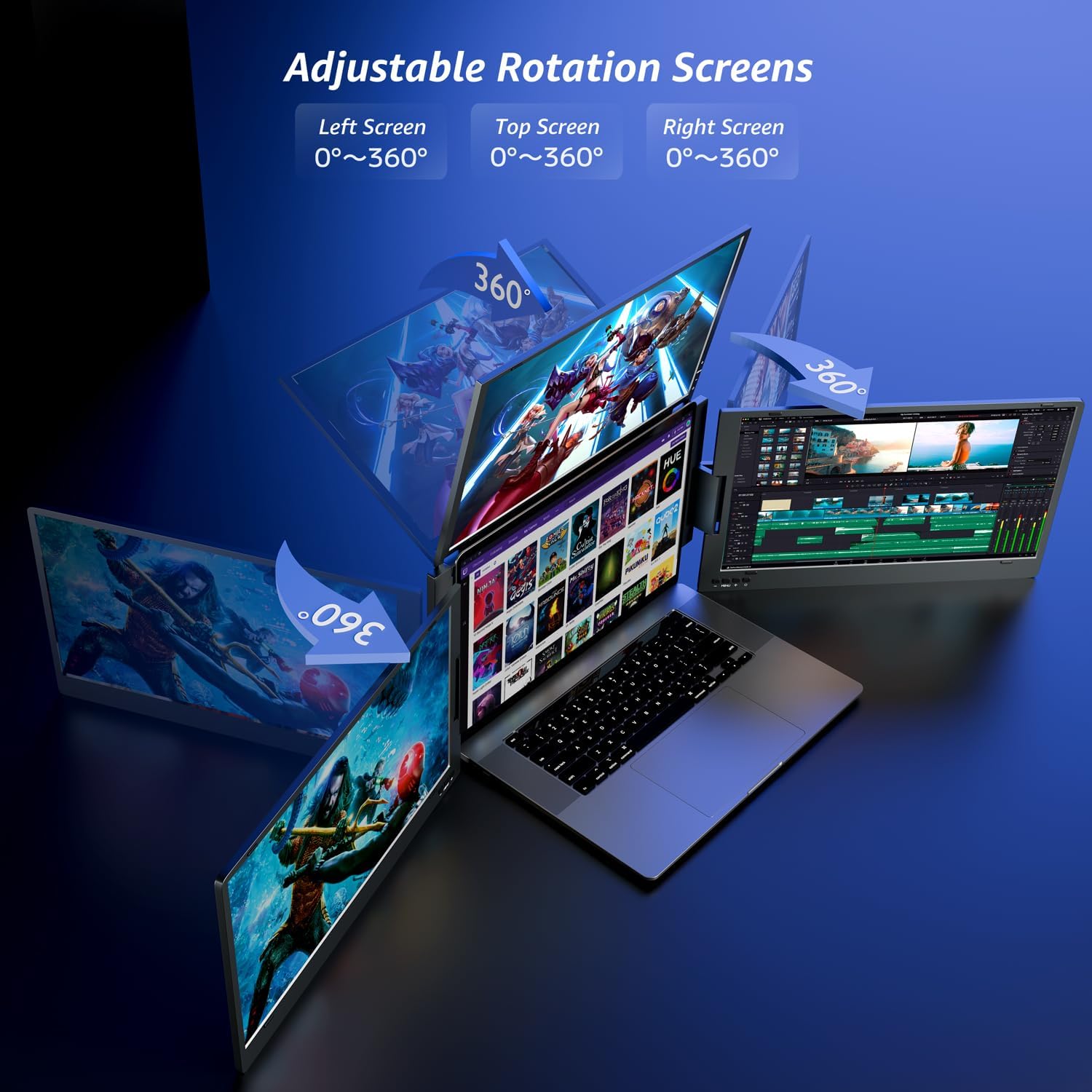
On paper, it’s the kind of add-on that suits people who work on the move or switch between locations, because it’s foldable and uses a laptop stand so you’re not relying on the laptop lid height. It’s also built for collaboration, since the screens are rotatable for sharing.
That said, it’s not a universal solution for every laptop user and every workflow. Multi-screen setups can be picky about ports and cabling, and the experience you get depends quite a lot on your laptop’s available USB-C/USB-A options and how you plan to arrange the displays.
Key takeaways (the bits you’ll care about)
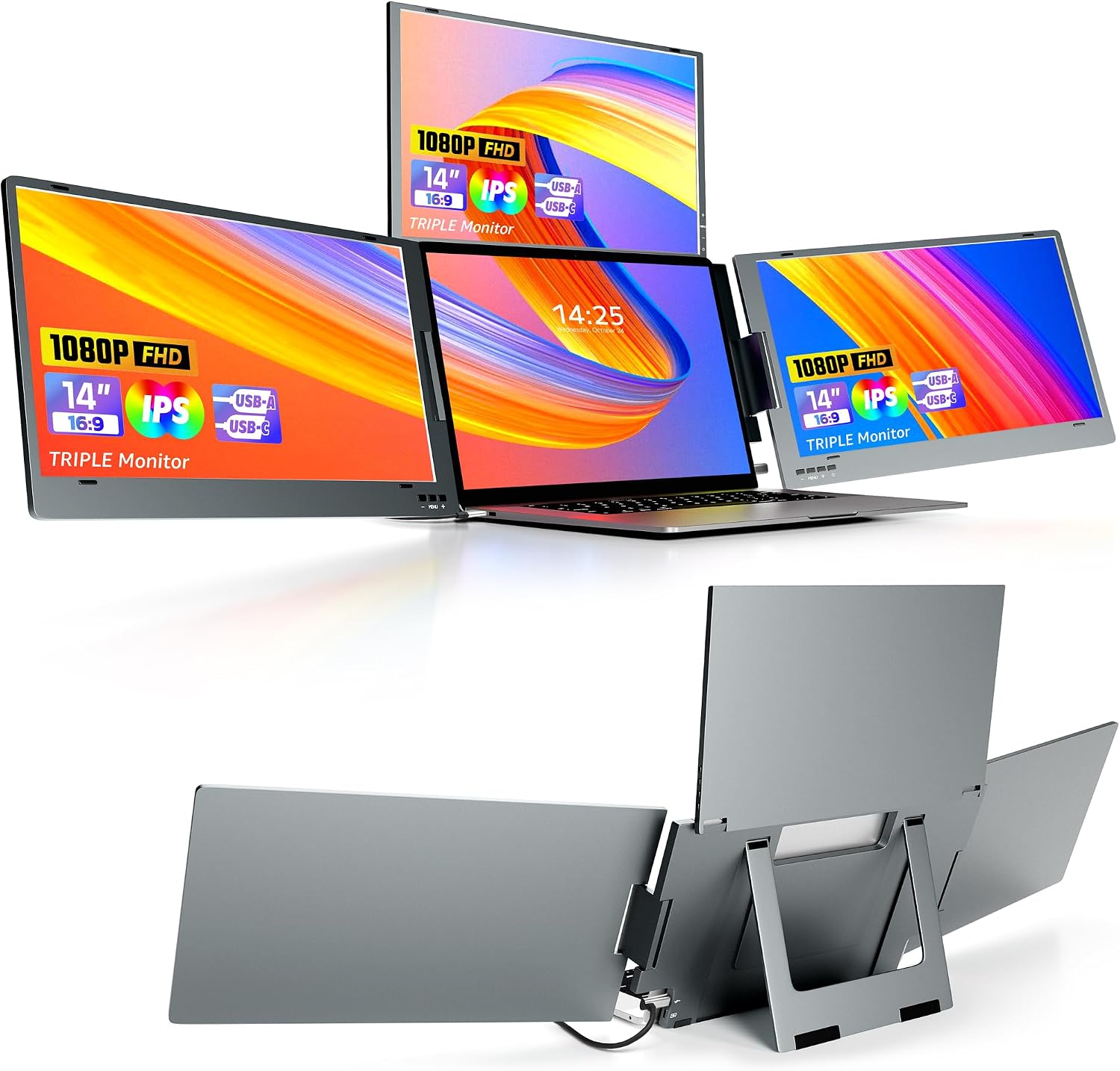
The KPKUE extender focuses on three things: portability, a straightforward “one cable” approach, and a full triple-screen layout aimed at reducing window switching.
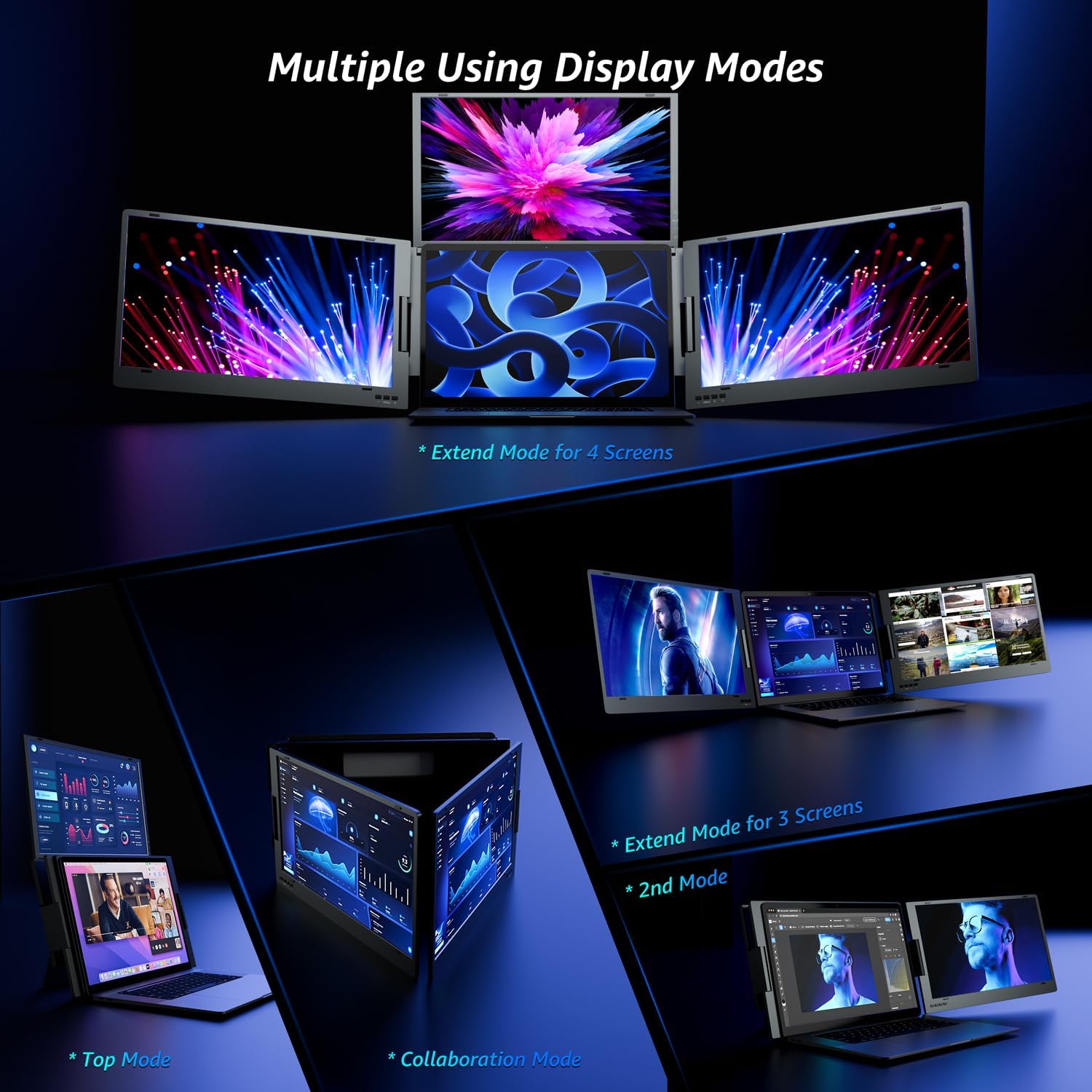
You also get multiple display modes (extended, mirror, collaboration). If you’re doing solo productivity, extended mode is the obvious pick. If you’re presenting or pairing with someone, being able to rotate the screens can save you from awkward “only the laptop shows” moments.
The display side looks fairly modern for an extender: each screen is FHD 1920×1080 with an IPS panel, plus a brightness figure and colour gamut claim. It’s also designed with comfort in mind through low blue light.
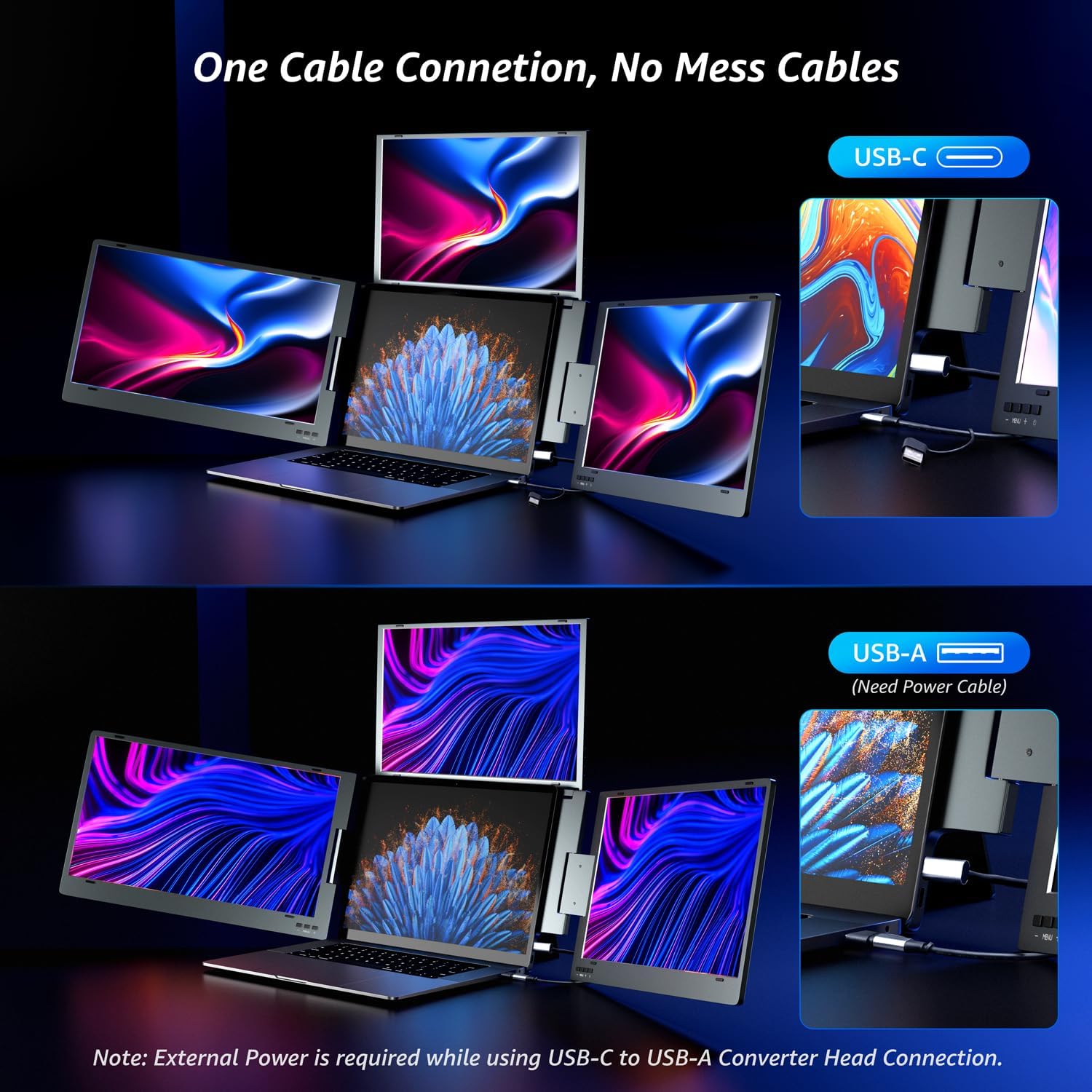
One practical limitation to keep in mind: the product uses either a USB-C connection, or a USB-A converter where the brand notes that external power is required. So if your laptop lacks USB-C (or you don’t want to deal with the extra step), compatibility becomes the first thing to double-check.
Where it stands out
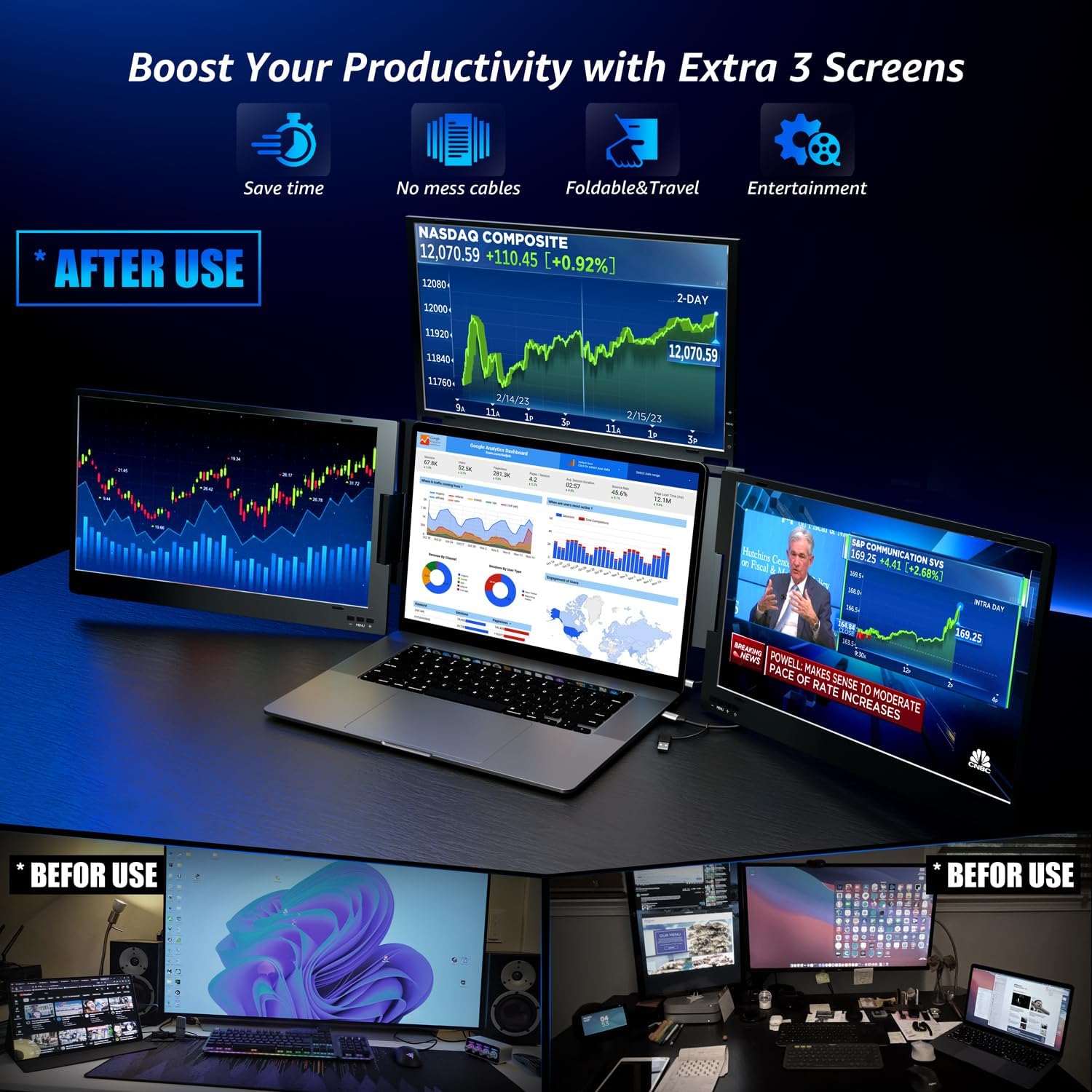
Triple-screen workspace in a compact, foldable form. Instead of adding one bulky monitor, you’re effectively building a broader desktop from three screens. For stock trading, coding, entrepreneurship admin, or general multi-tab research, that extra horizontal and vertical real estate can be genuinely useful.
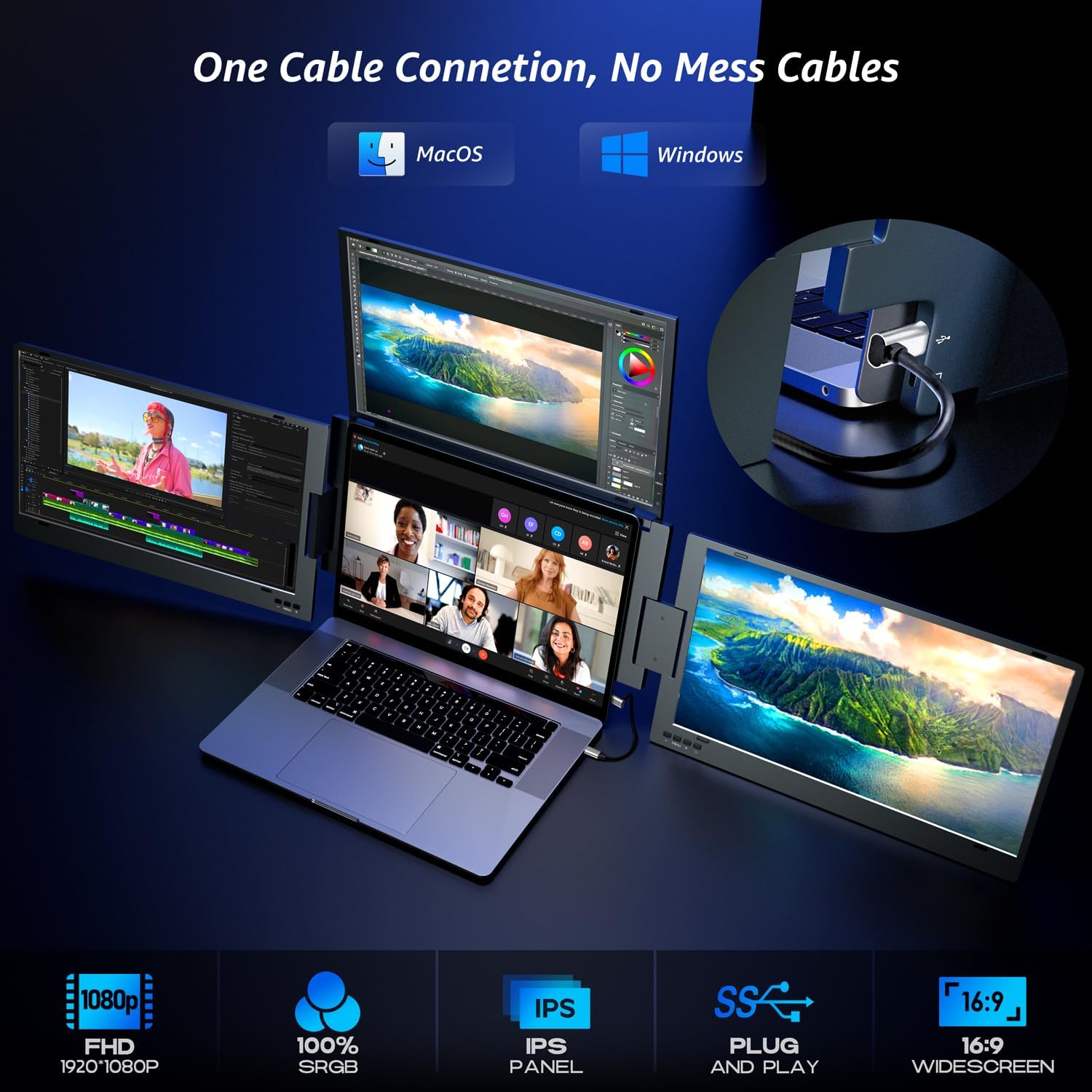
One-cable connection approach. The setup is intended to minimise cable clutter. The kit includes a USB-C to USB-C data cable for USB-C setups, and also provides an additional USB-A converter option (with the external power caveat).
Adjustable, built-in stand. The built-in stand can be adjusted from 0° to 90°, and—according to the description—it doesn’t need to be clipped to the laptop. That helps if you want a cleaner setup, and it also means it’s not supposedly restricted by laptop height.
Tech specs
- Type: Triple screen laptop extender monitor
- Size: 14 inch
- Display: FHD IPS triple screens
- Resolution: 1920×1080 (per screen)
- Brightness: 300 nit
- Colour gamut: sRGB 100%
- Contrast ratio: 1500:1
- Refresh rate: 60Hz
- Panel viewing angle: 178°
- Rotation: 0°–360° support across the three screens
- Stand adjustment: 0°–90°
- Material: aluminium alloy
- Connection: USB-C or USB-A (via provided converter)
- Note on USB-A use: external power cable required when using the USB-A converter
What it’s like to use day to day
A good “micro” example: imagine you’re analysing a spreadsheet while keeping a reference page open. In extended mode, you can park the spreadsheet on one section of the three-screen layout and keep formulas or documentation visible without constantly alt-tabbing. Then, when you need to share your screen in collaboration, you can rotate the displays to make the content easier for someone else to follow.
The real-world feel will come down to your desk space and your tolerance for multi-monitor management. It’s also worth noting that this is an extender approach rather than a single dedicated monitor: if your priority is crisp reading and a simple, distraction-free setup, you might find a simpler two-screen arrangement more straightforward.
Who should buy it (and who should skip it)
It makes sense if you want to expand your laptop into more of a “desktop-style” workspace, particularly when you’re working across many windows at once. It’s also a reasonable pick if you travel or work in different rooms, because the foldable design is meant to be easy to carry and store.
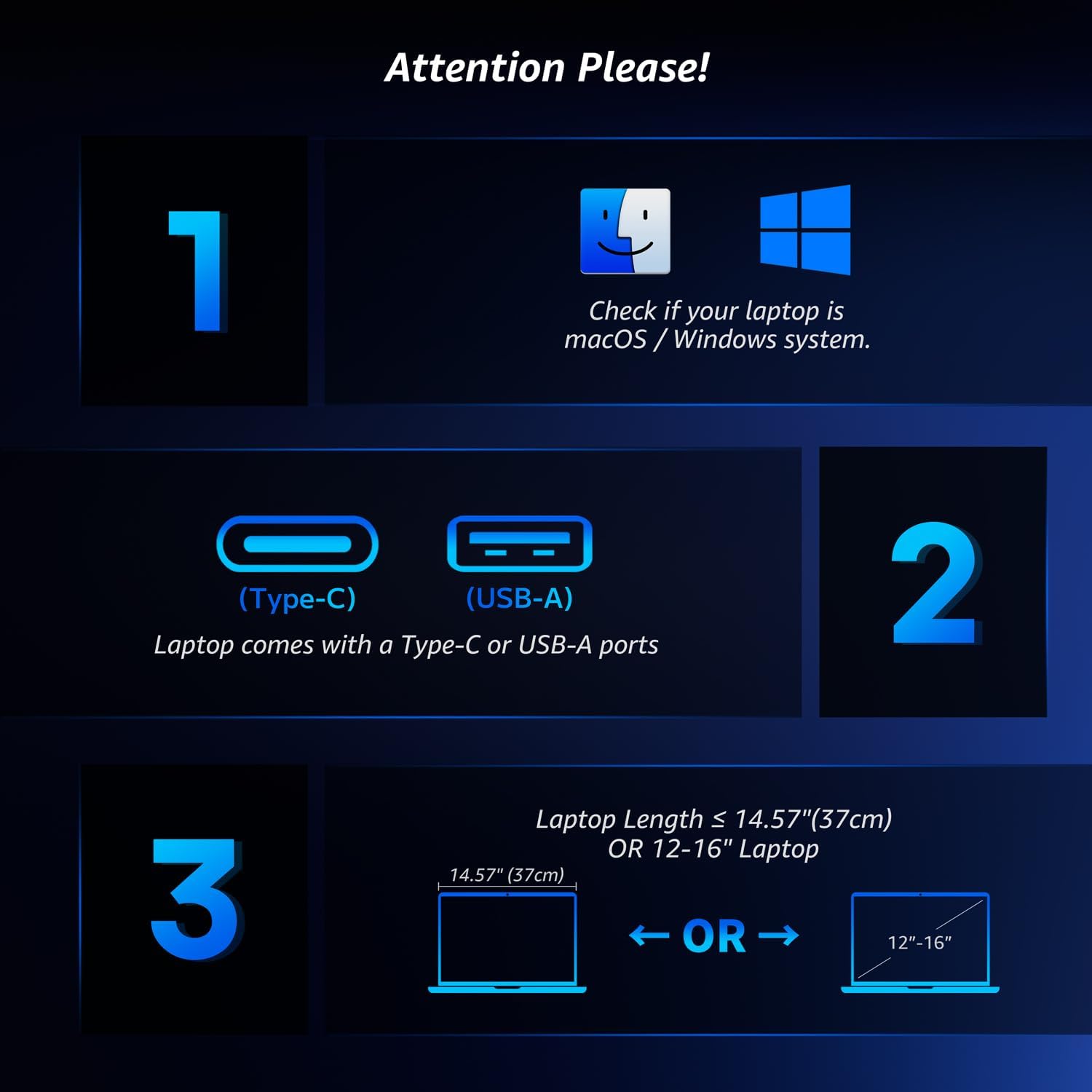
Worth considering if your laptop has the right ports (USB-C preferred, or USB-A with the converter and external power). The brand explicitly asks you to confirm you have USB-C or USB-A ports before buying.
It may not suit you if you don’t want to deal with USB-A converter setup and the extra external power requirement. It also may not be a great match if you only need a small amount of extra space and would rather avoid multi-screen complexity.
Care and compatibility notes
This is the kind of device where compatibility checks save hassle later. Before you commit, confirm your laptop has USB-C or USB-A ports as required by the setup you plan to use.
On the connection side, the description mentions the provided USB-C to USB-C cable for USB-C setups, and the USB-A converter head if you’re connecting via USB-A (with driver installation possibly required, depending on the connection path). If you’re unsure about your laptop ports, it’s sensible to verify before ordering.
Should you buy it?
If you want a portable triple-screen laptop workspace and you’re aiming to reduce the constant back-and-forth between windows, the KPKUE 14" Triple Screen Extender has a clear purpose. Its foldable aluminium-alloy build, adjustable stand, and multi-mode support are all aimed at practical work—especially for people who spend time on the go.
However, it’s not the right choice if your laptop connectivity doesn’t line up with the USB-C/USB-A requirements, or if you’d rather avoid any extra steps like the external power for the USB-A converter. In those cases, a simpler single extra monitor setup might be the more hassle-free route.
Mini FAQ
Will it work with both macOS and Windows?
The description states compatibility with macOS (including M1/M2/M3/M4 clips), Windows and Linux, assuming you meet the connection requirements.
How many screens does it extend your laptop to?
The product is designed to extend your laptop into 4 screens by using the triple-screen extender.
Do I need external power?
If you connect using the provided USB-A converter, the description notes that an external power cable is required.
Does it need to be clipped to the laptop?
According to the description, it comes with a built-in stand and does not need to be clipped to the laptop.
Is driver installation required?
The description mentions that driver installation may be required when using the provided USB-A converter head.