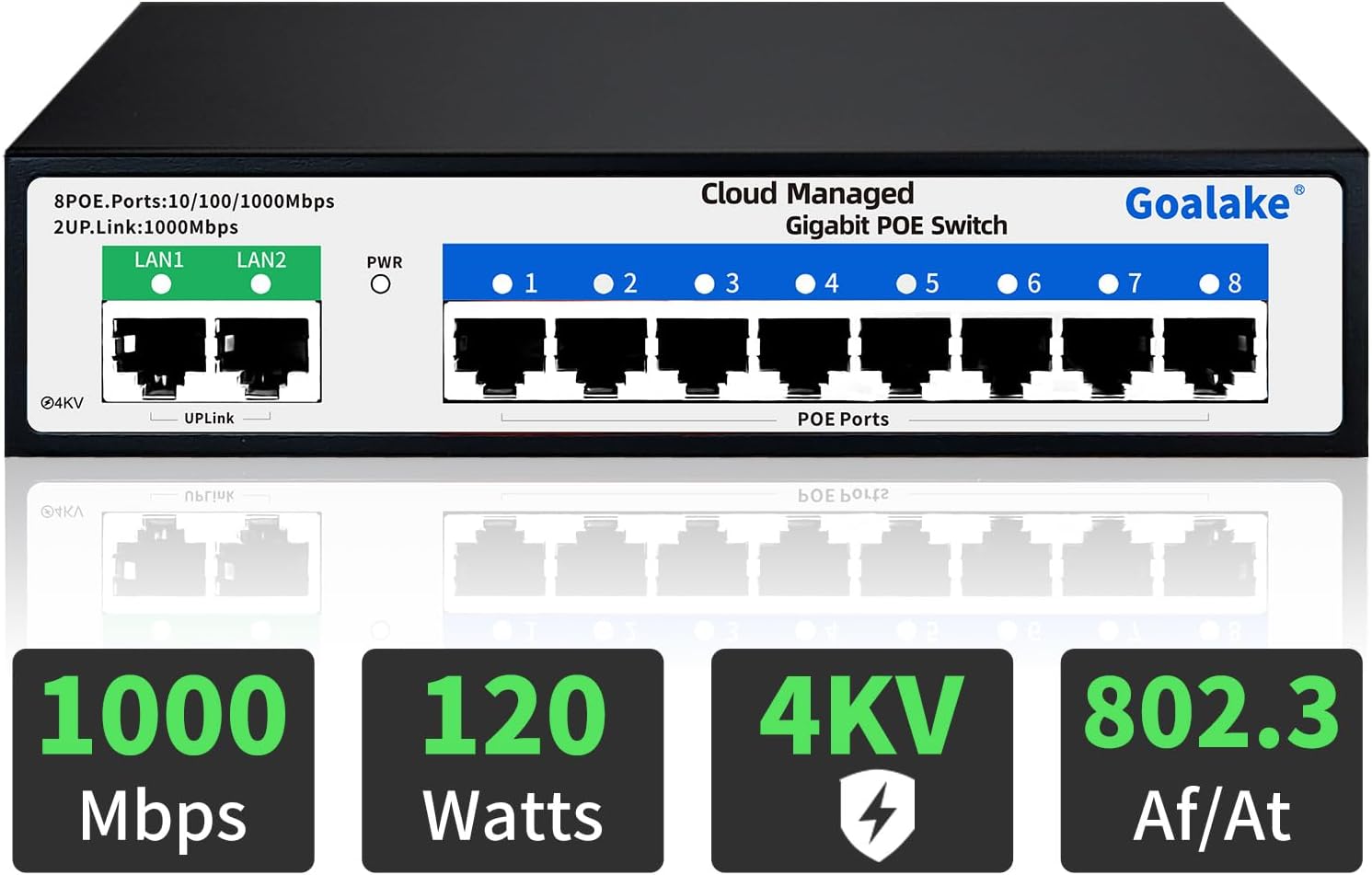
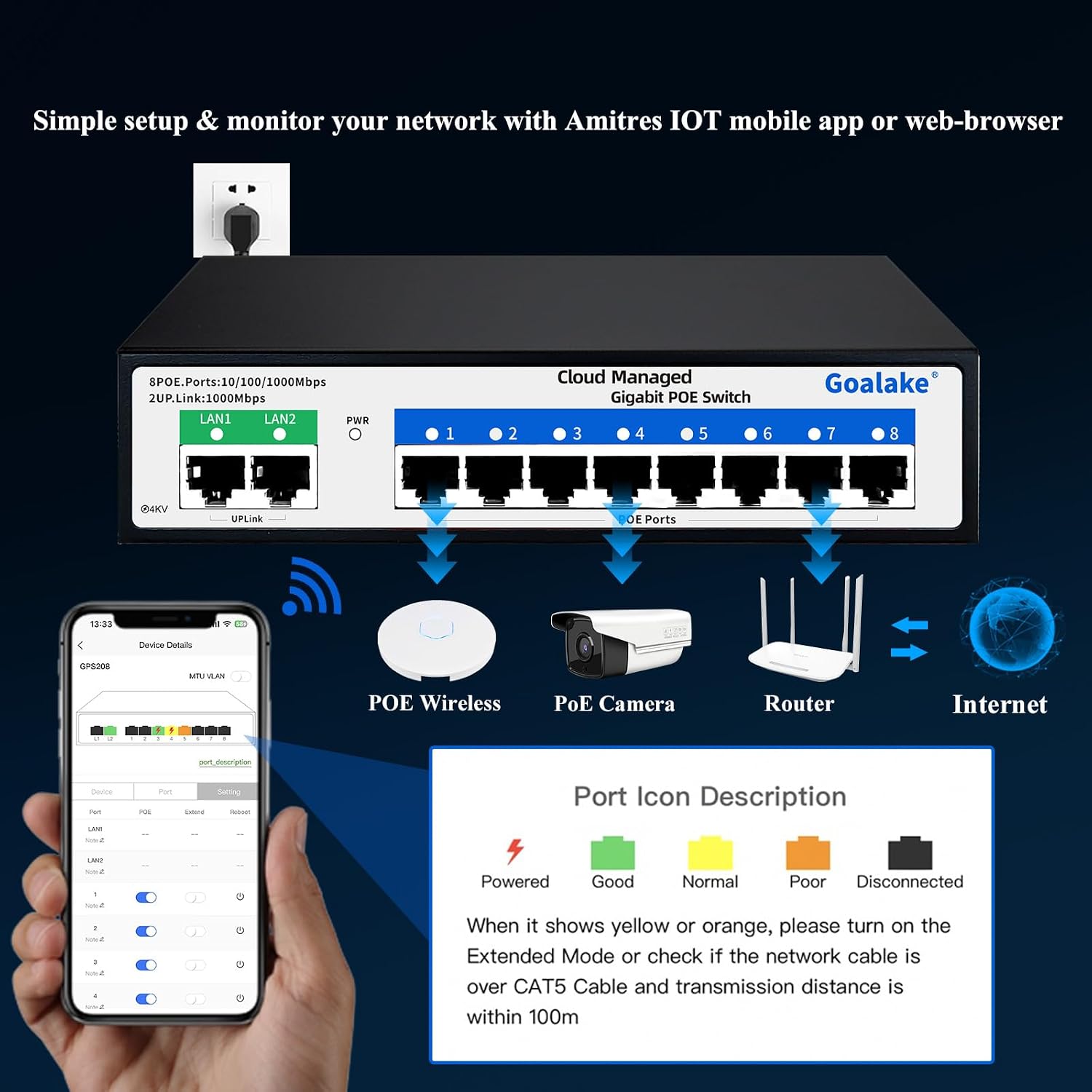
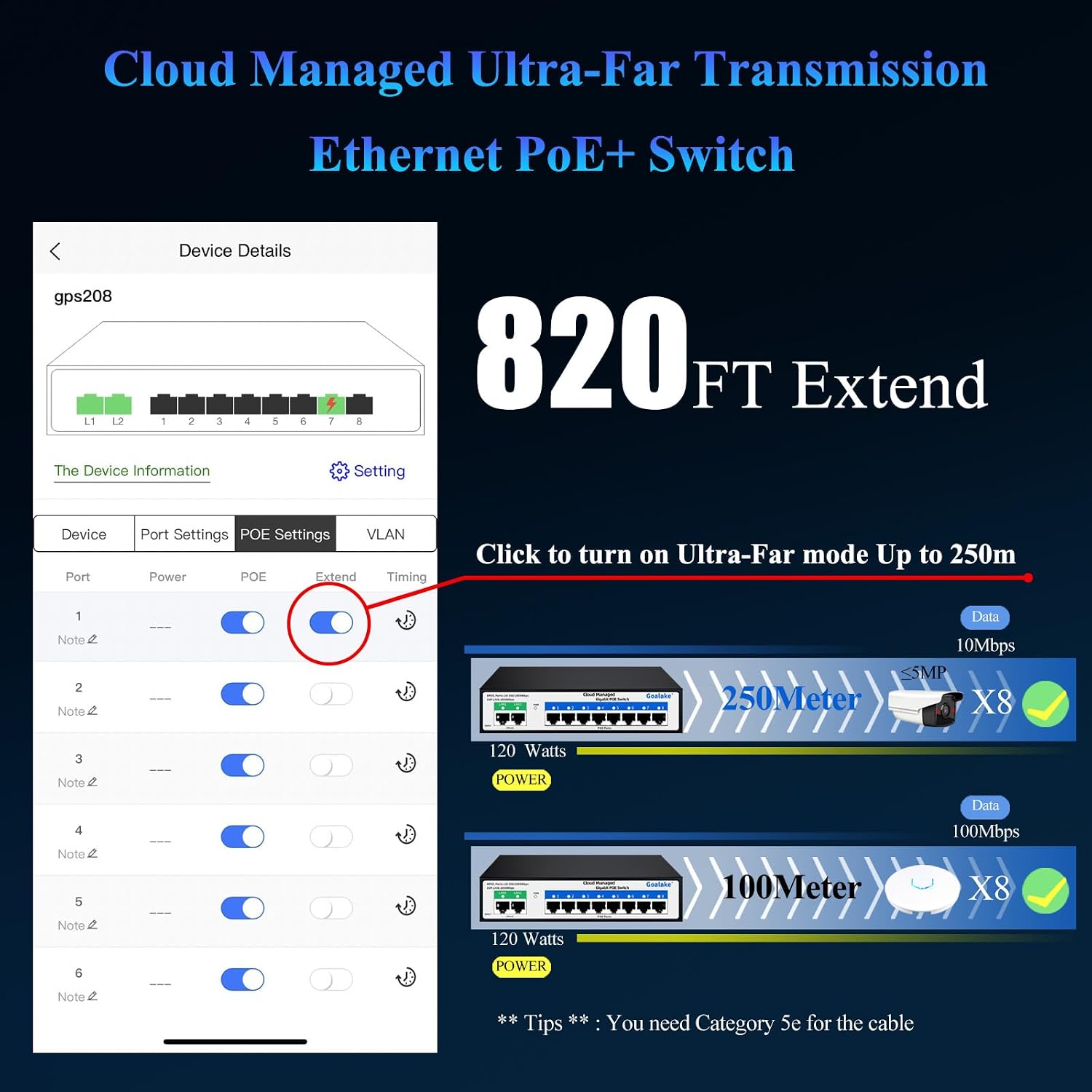
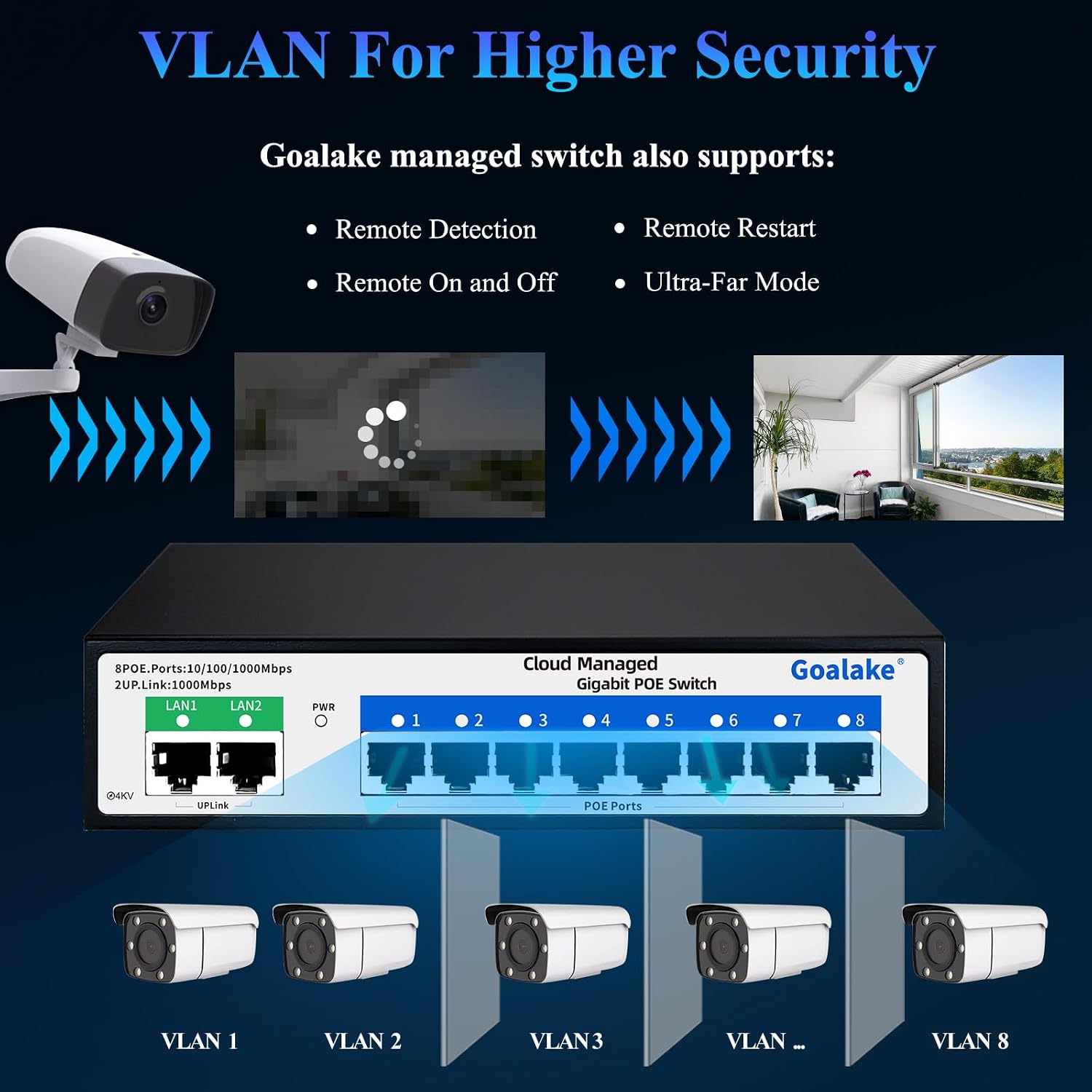
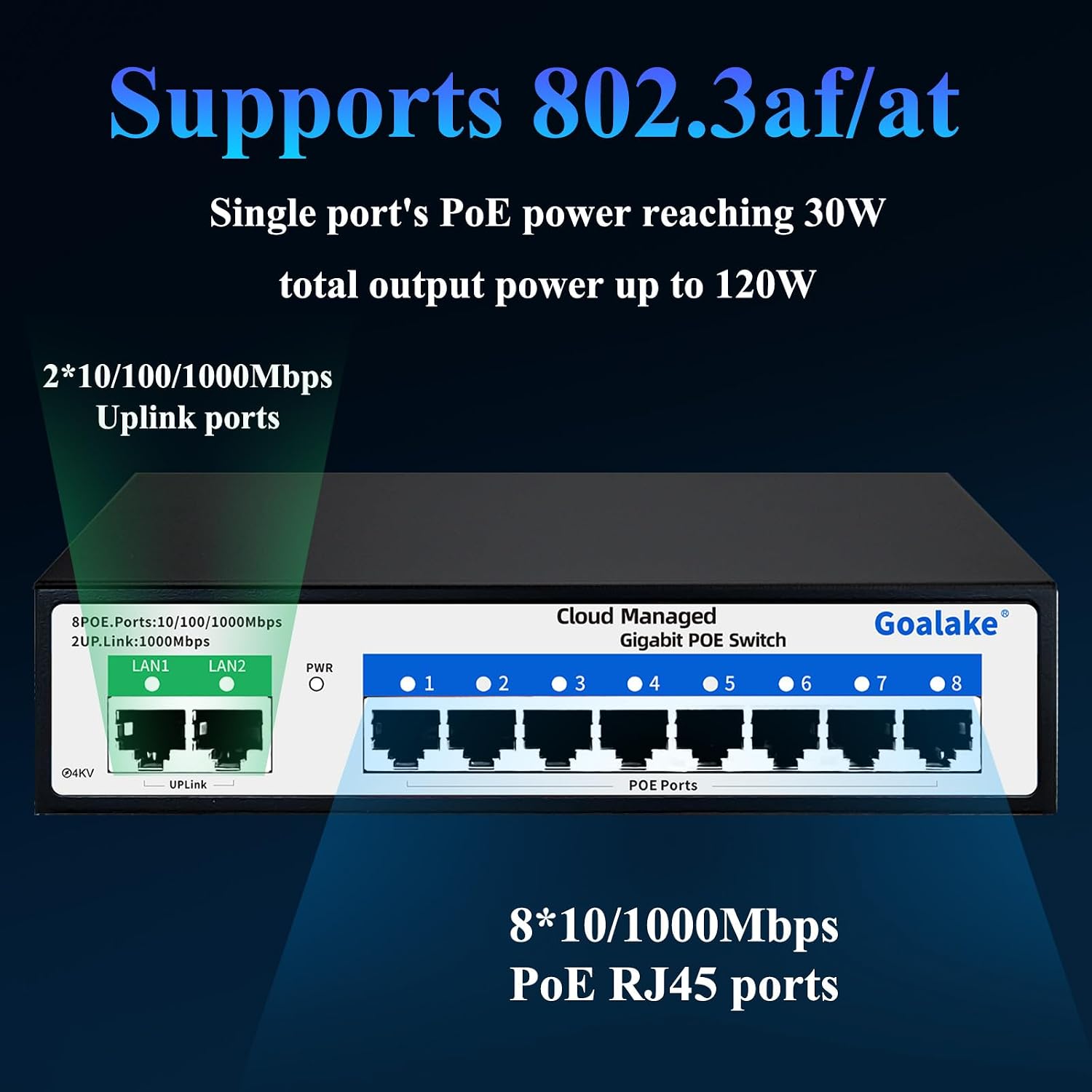
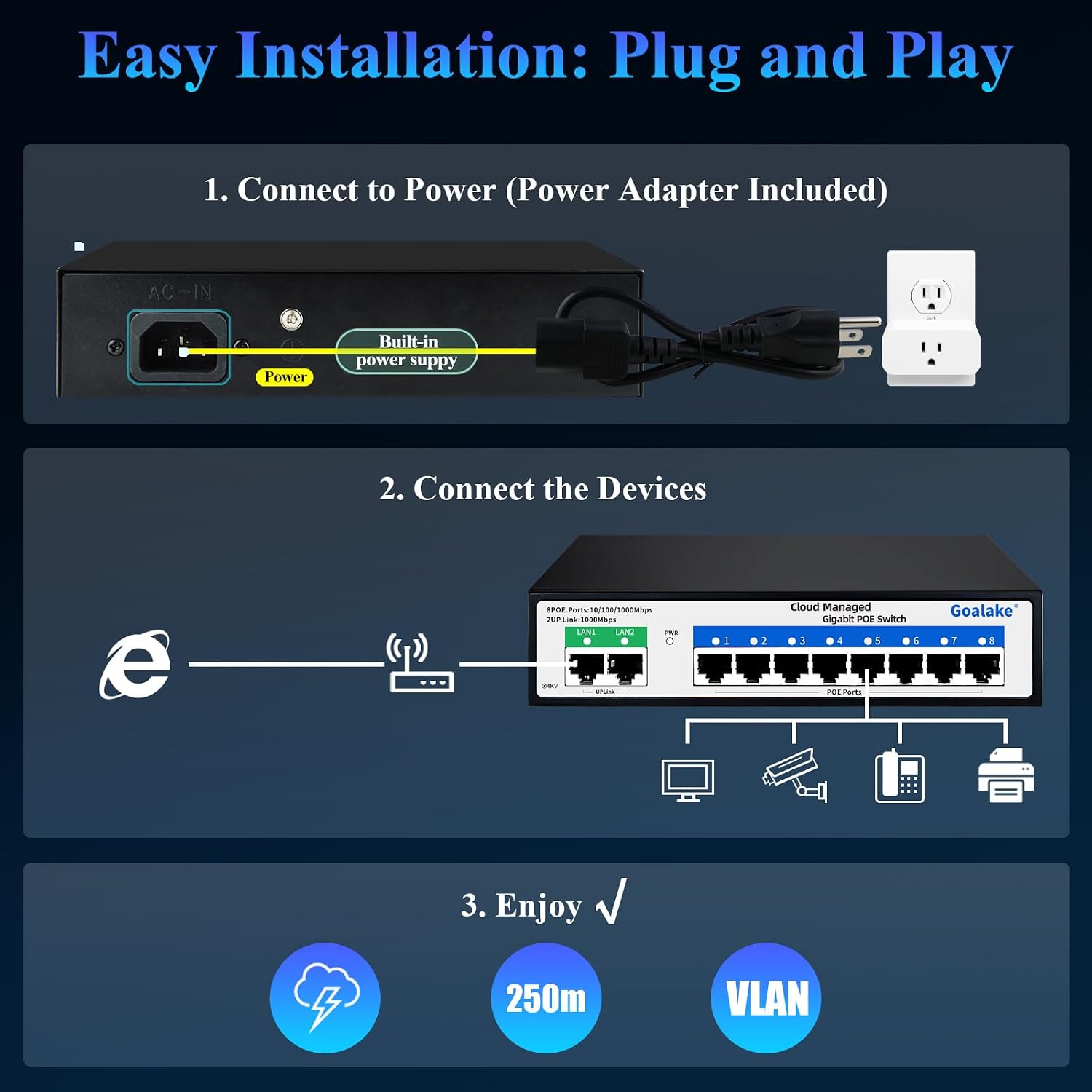
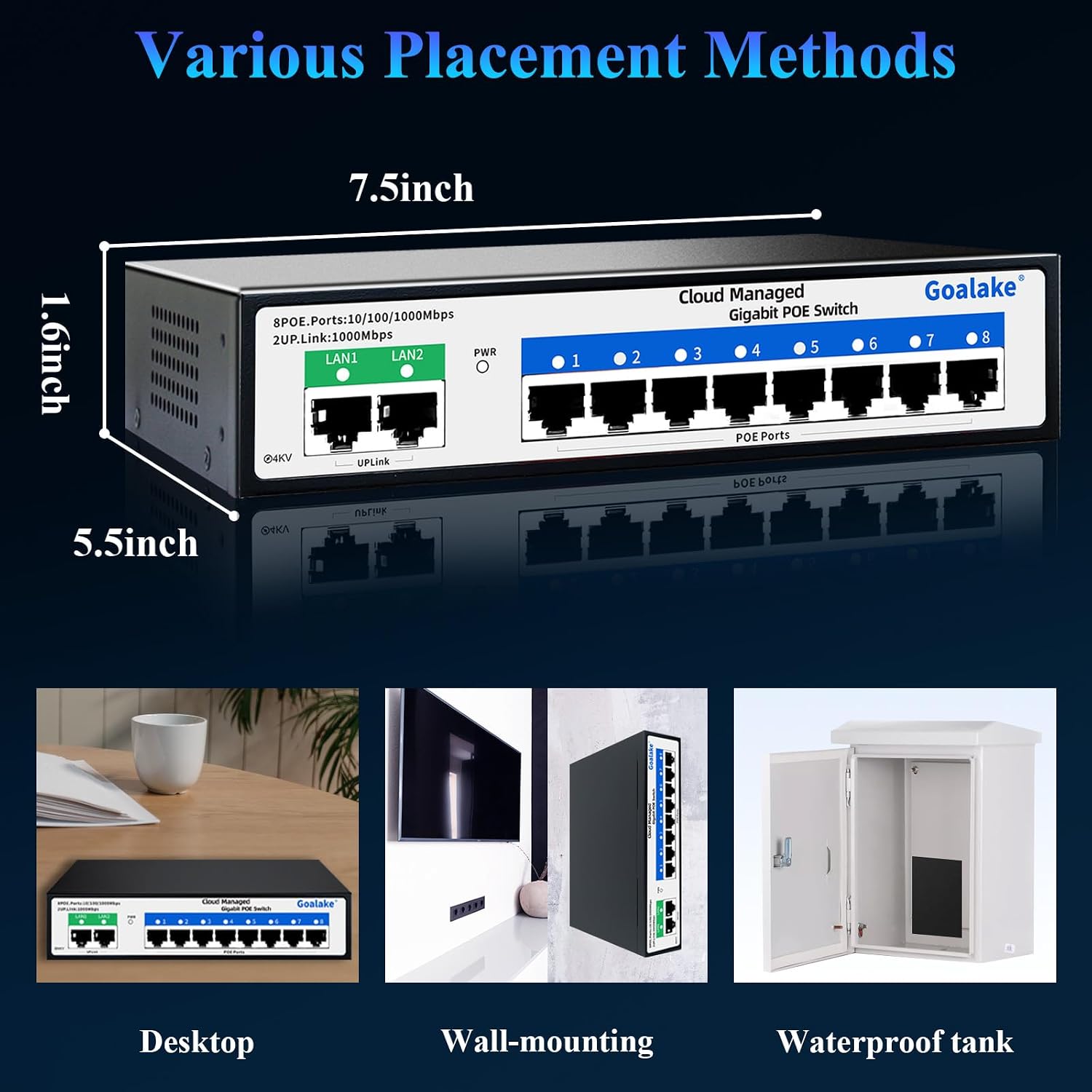
What it is and what it’s for\nThe Goalake 10 Port Gigabit PoE+ Switch is a cloud-managed network switch designed to power and connect multiple PoE devices, such as IP cameras and access points, across medium to large installations. It offers eight PoE+ ports with a combined budget of 120W and two gigabit uplinks for fast, centralised control. On paper, it aims to simplify remote maintenance and security, letting you monitor and manage power, data, and device health from a mobile app or web interface.\n\n## Who it’s for\nThis switch targets small to medium deployments where there’s a need to deploy PoE devices without running separate power lines to each device. It may suit small business networks, school campuses, or home setups that require centralised management and remote diagnostics. If your project relies on a cloud-based management workflow and VLAN segmentation for security, this model aligns with that approach.\n\n## What stands out in use\nA notable feature is the cloud-managed model, which enables remote monitoring, status checks, and quick problem solving via the Amitres IoT Switch app or a web browser. The VLAN capability supports network segmentation, which helps improve security and control broadcast domains. The “Ultra-Far” mode promises power delivery over long distances, claimed to reach up to 250 metres, potentially reducing the number of intermediate devices or switches needed in large spaces.\n\n## Pros\n- Centralised cloud management for remote configuration and monitoring.\n- Eight PoE+ ports with up to 30W per port and 120W total PoE budget simplifies powering multiple devices.\n- VLAN support enhances network segmentation and security.\n- Ultra-Far power delivery could improve coverage in large areas.\n- Real-time port status and cloud detection help identify issues quickly.\n\n## Cons and limitations\n- The exact performance under heavy PoE load isn’t detailed in the available information, so real-world power distribution may vary.\n- As with many cloud-managed devices, ongoing access to the cloud service is necessary for full functionality, consider what happens if cloud connectivity is intermittent.\n- There’s a lack of explicit technical measurements (e.g., switch latency, jitter, or packet handling under load) in the provided data.\n- If you need non-PoE devices or non-LAN features, you may find the configuration scope narrower.\n\n## How to decide if it’s the right fit\nIf you prioritise remote management, VLAN security, and a simplified PoE deployment in a single box, this switch makes sense. It’s particularly appealing if your project benefits from long-distance power delivery and centralised diagnostics. If your environment demands detailed, device-level performance specs or unusually high PoE budgets per port, you might want to compare alternatives or seek explicit test data before committing.\n\n## What to review before buying\n- Confirm the total PoE budget (120W) matches your planned PoE devices’ needs.\n- Check your network layout to ensure Ultra-Far mode aligns with your cable runs and device placement.\n- Ensure cloud connectivity is available and your team has access to the cloud management app and web interface.\n- Plan for VLAN configuration to meet your security policies.\n\n## Practical example of use\nImagine a small office with several PoE cameras and an access point distributed across a building. With eight PoE+ ports, you can power these devices from one central switch, monitor their status remotely, and adjust network policies without roaming to each device. If a camera goes offline, you’ll see its port colour change in the cloud dashboard, helping you identify the problem fast.\n\n## FAQ (practical, non-technical answers)\n- Does it require a subscription for cloud management? The information mentions cloud management via an app and browser, but no subscription details are provided.\n- Can all 8 PoE ports deliver up to 30W each simultaneously? The base specification states 8 PoE+ ports up to 30W per port with a 120W total budget, real-world distribution depends on device load.\n- Is there any limitation on uplink bandwidth? The data notes two gigabit uplinks, which should provide sufficient headroom for typical small to medium setups, but exact aggregate throughput isn’t disclosed.\n\n## Is it worth it?\nWorth considering if you need centralised, cloud-managed PoE power and remote monitoring in a compact 10-port form factor with VLAN security. It may not be ideal if you require detailed performance metrics or higher PoE budgets per port, or if you prefer a device with offline management options.