

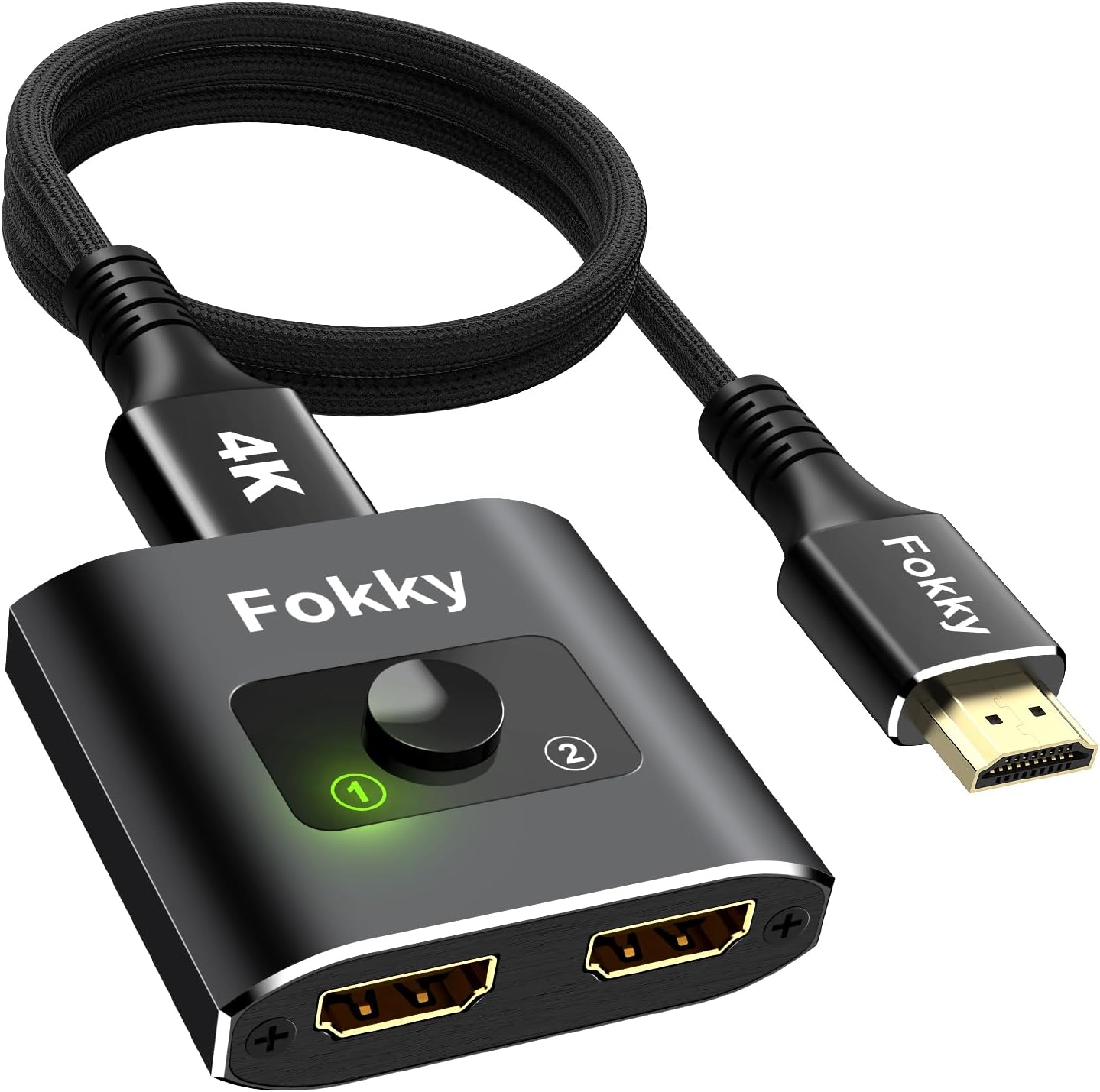
Fokky HDMI Switch 4K@60Hz bidirectional HDMI splitter
Product description
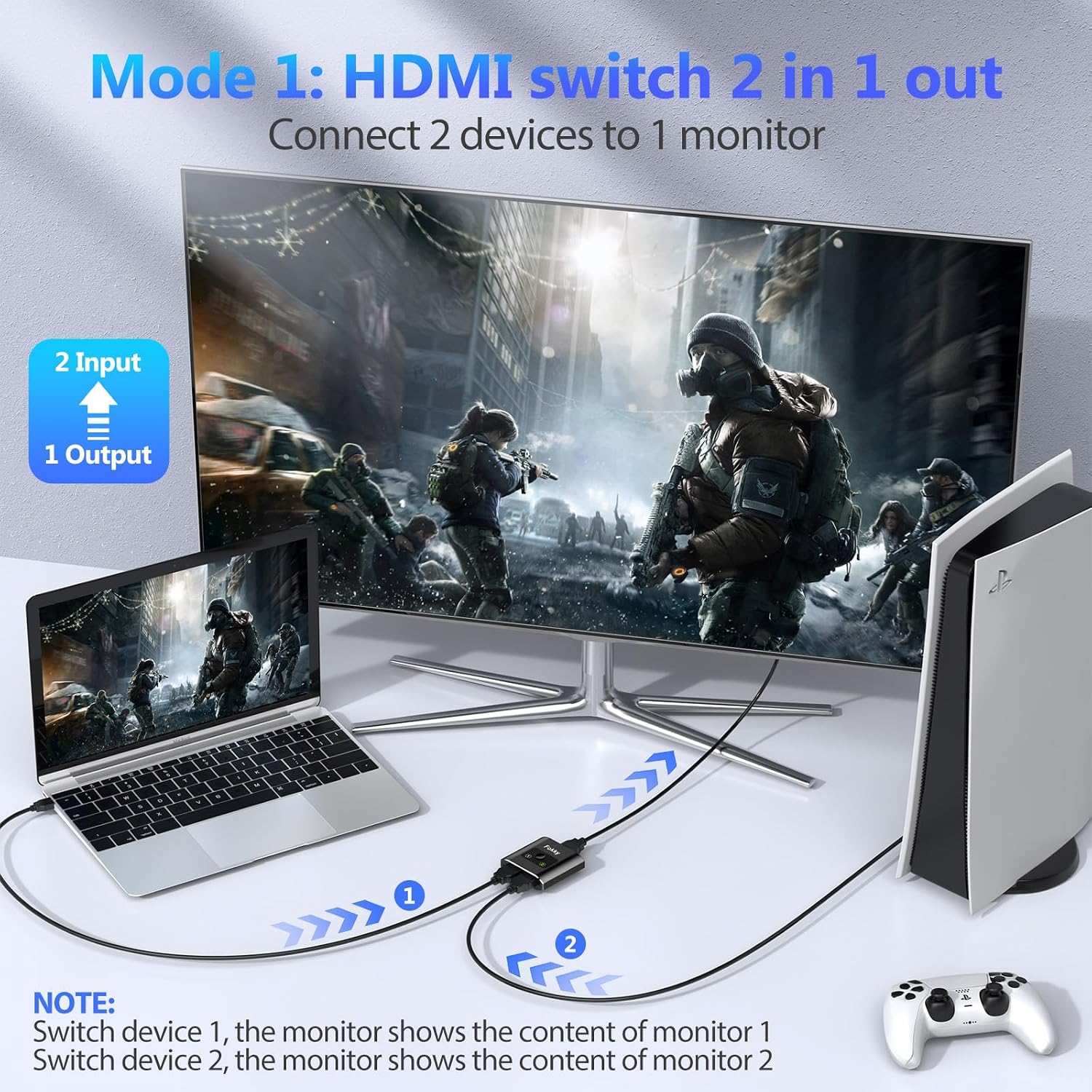
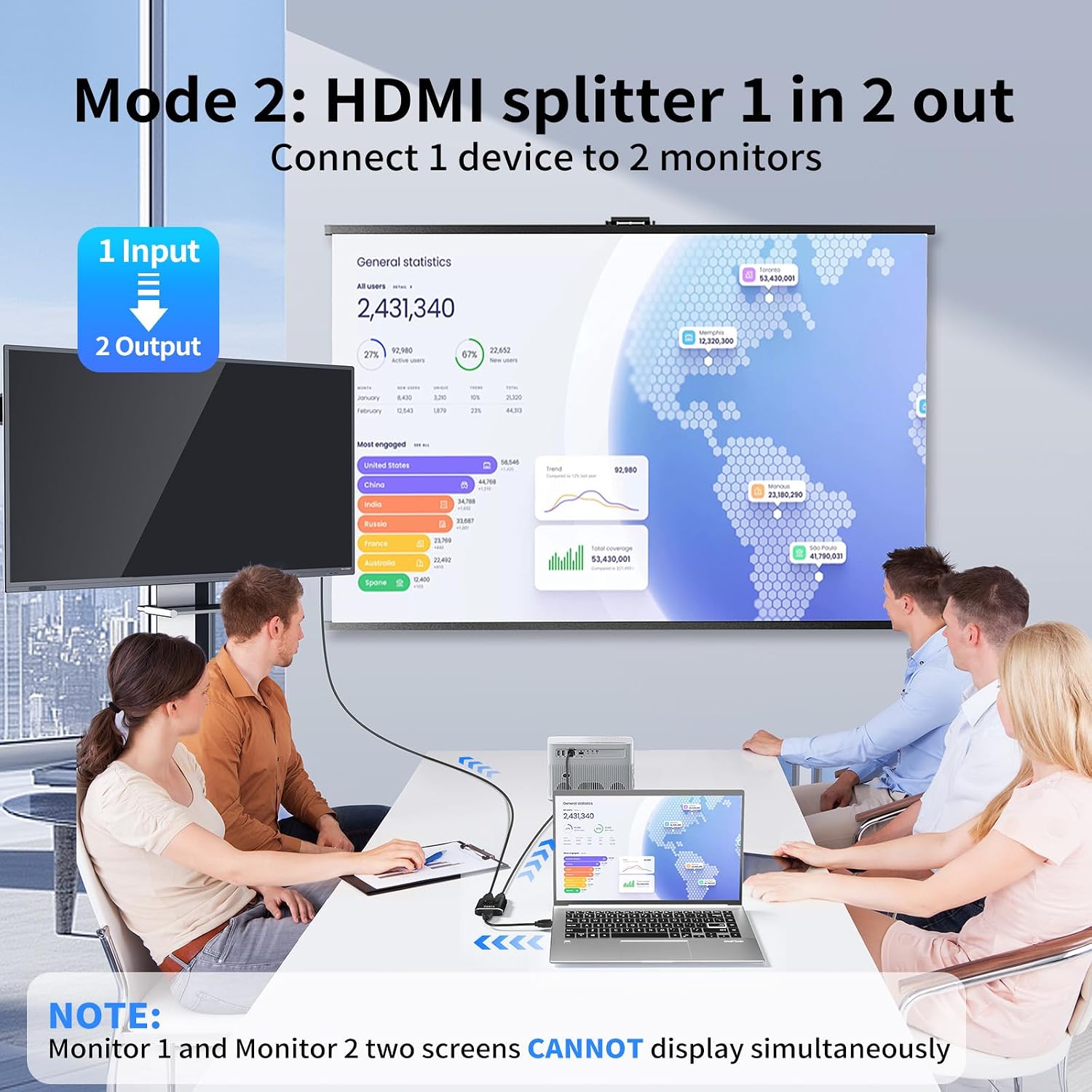
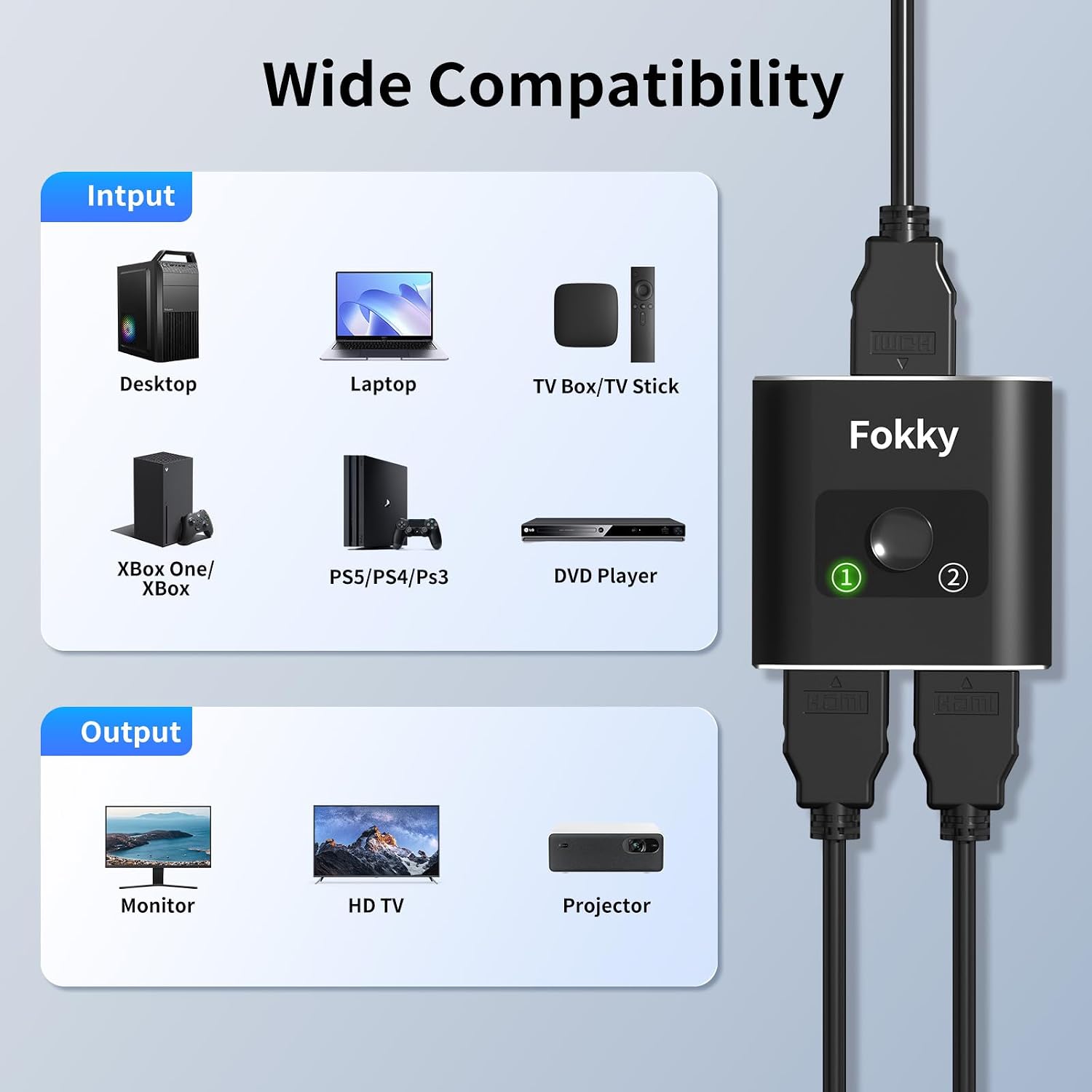
This compact aluminium HDMI switch and splitter from Fokky lets you manage multiple HDMI sources and displays with minimal fuss. It works as a 2-in-1-out switch to select between two consoles or players for a single screen, and it can also operate as a 1-in-2-out splitter to feed one source to two displays, making it useful for small home entertainment setups or simple multi-room arrangements. The unit supports 4K at 60 Hz according to the manufacturer and aims to keep connections straightforward with a manual select button and LED indicator.
Key Points
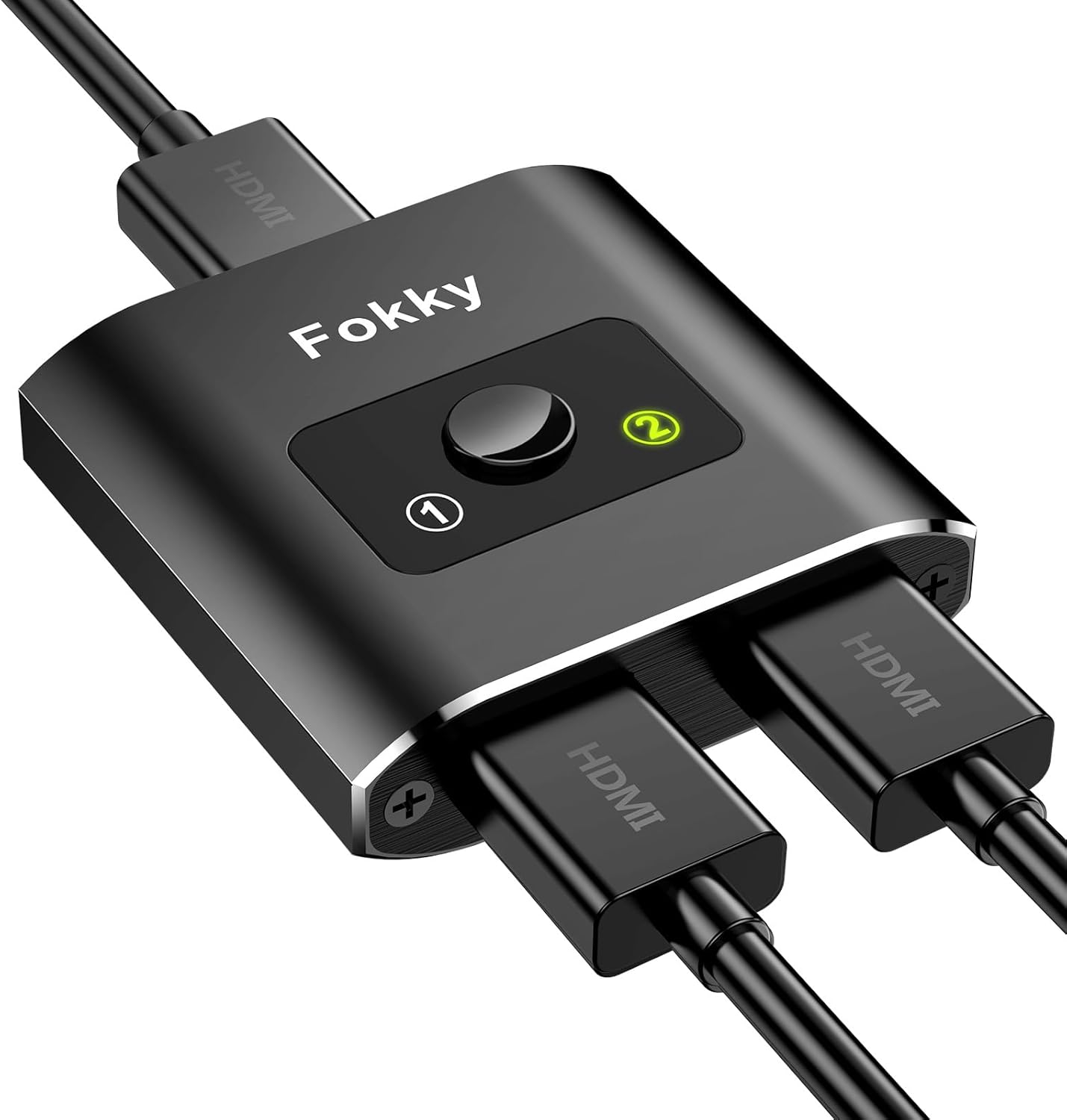
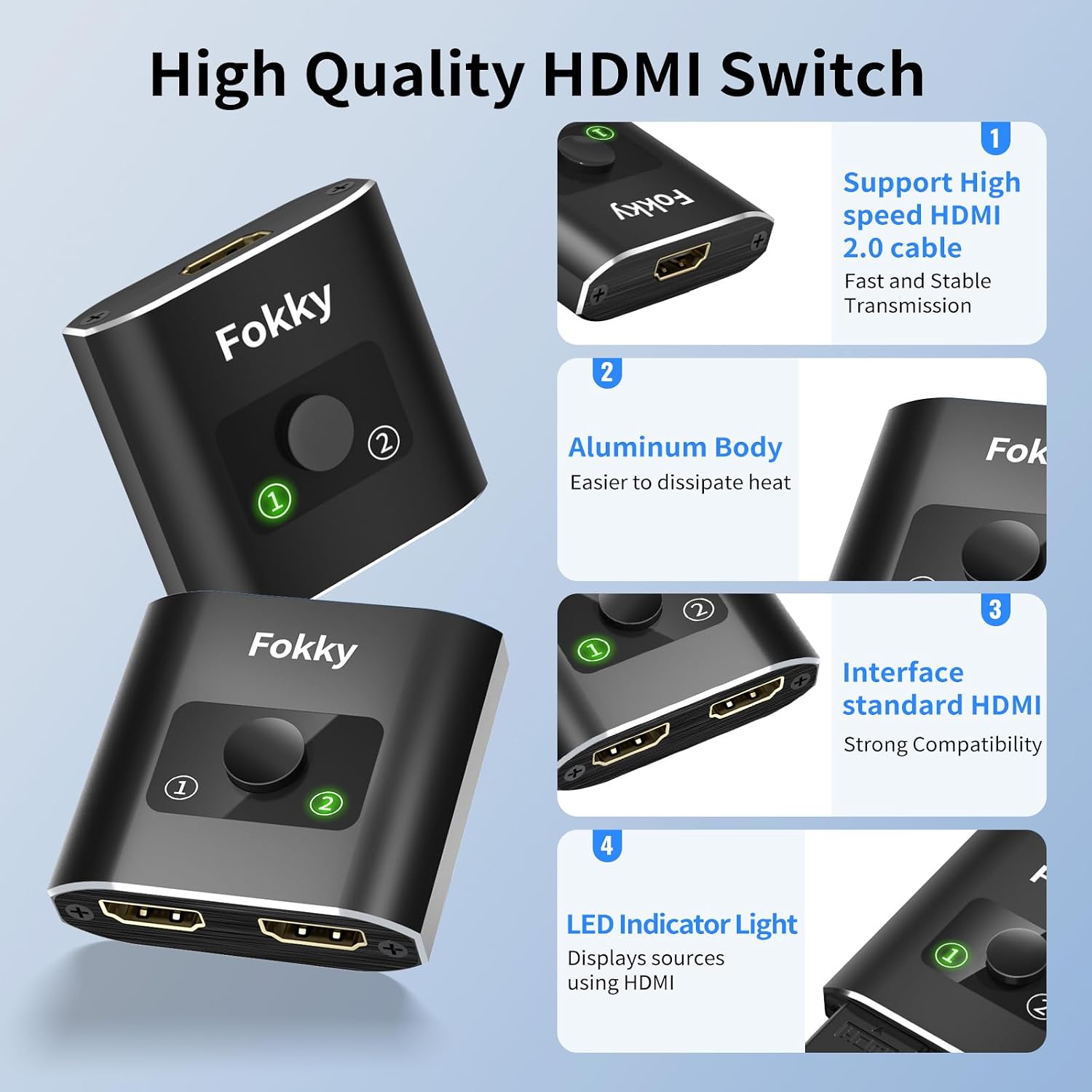
The device is made with an aluminium housing and includes a tactile selection button with an LED to show the active input. It is plug-and-play for most HDMI devices and does not require additional drivers or software. Cable is not included, so you will need HDMI leads appropriate to your devices. The product supports 3D formats and 1080p at 60 Hz which should suit Blu-ray players and legacy consoles. Note that when used as a splitter it will not mirror both outputs at 4K simultaneously according to common limitations, so consider using it where duplicate display output is not required at the same time.
Technical Specifications
- Name: Fokky HDMI Swith 4K@60Hz
-
- Inputs: 2 x HDMI (switch mode), Outputs: 1 x HDMI
- Splitter mode: 1 x HDMI input to 2 x HDMI outputs (bidirectional operation)
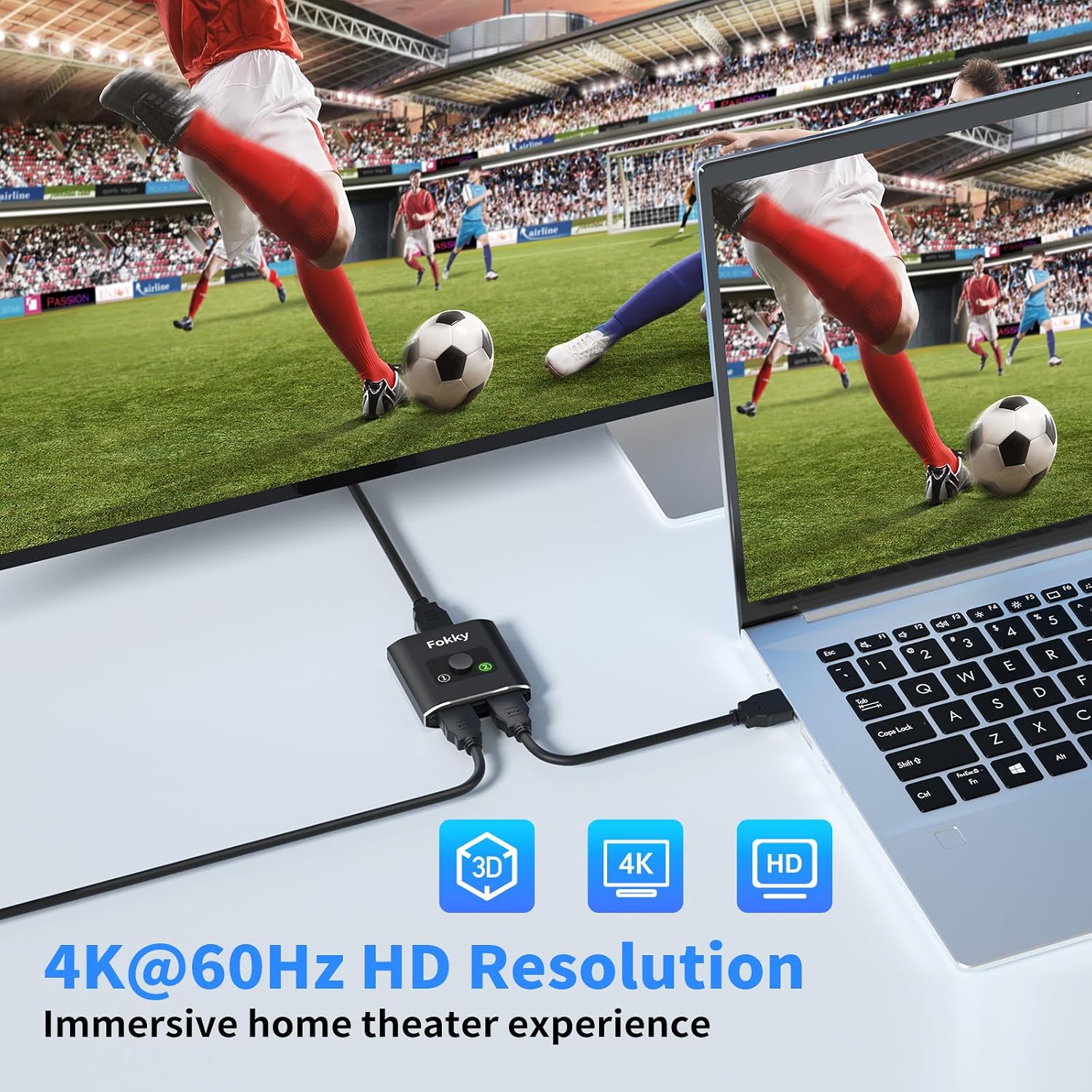
- Resolution support: 4K@60Hz, 4K@30Hz, 1080P@60Hz
- Bandwidth: up to 3.4 Gbps (manufacturer information)
- Construction: aluminium shell, LED indicator, manual select button
Advantages
The aluminium casing gives the unit a more robust feel than many plastic alternatives and helps dissipate heat during extended use. Its dual-mode functionality reduces the need to buy separate devices if you occasionally need to switch between two sources on one screen or send a single source to two displays. It is compatible with common consoles such as Xbox and PlayStation according to the manufacturer, and with most monitors, projectors and TVs that accept HDMI. The simple manual control avoids network or remote setup, which some users will find quicker and more reliable.
Usage Recommendations
For best results use HDMI 2.0 standard cables, especially if you plan to run 4K at 60 Hz from devices like a PS5 or an Xbox. Keep cable runs as short as practical since the strength of the signal weakens with longer leads, and consider higher quality AWG26 cables if you need lengths approaching 5 m. If you need true simultaneous 4K output on two displays, a dedicated powered splitter with explicit support for that feature may be a better choice.