

ESR for iPad Air 13" & iPad Pro 12.9" Keyboard Case with Trackpad (Rebound Series) – Easy-Set floating cantilever stand, black
Reviews
Price
Product description
What it is and why people buy it
This ESR keyboard case is built for iPad users who want to feel more “laptop-like” without jumping to a separate keyboard setup. The idea is simple: your iPad gets a case with a keyboard and a trackpad, plus a stand that aims to position the screen comfortably while you type.
On paper, it targets a fairly specific group: people using their iPad for writing, editing, browsing, or creating presentations, and who prefer trackpad-based navigation over constant tapping. If you’re trying to make the iPad a more practical work device (emails, documents, web research, notes), a case like this is often the difference between “great for on-the-go” and “actually usable at a desk for longer sessions”.
That said, it’s not an all-purpose fit for every iPad. The compatibility list is narrow and model-specific, so it’s worth double-checking your iPad’s model number before you buy.
Key points
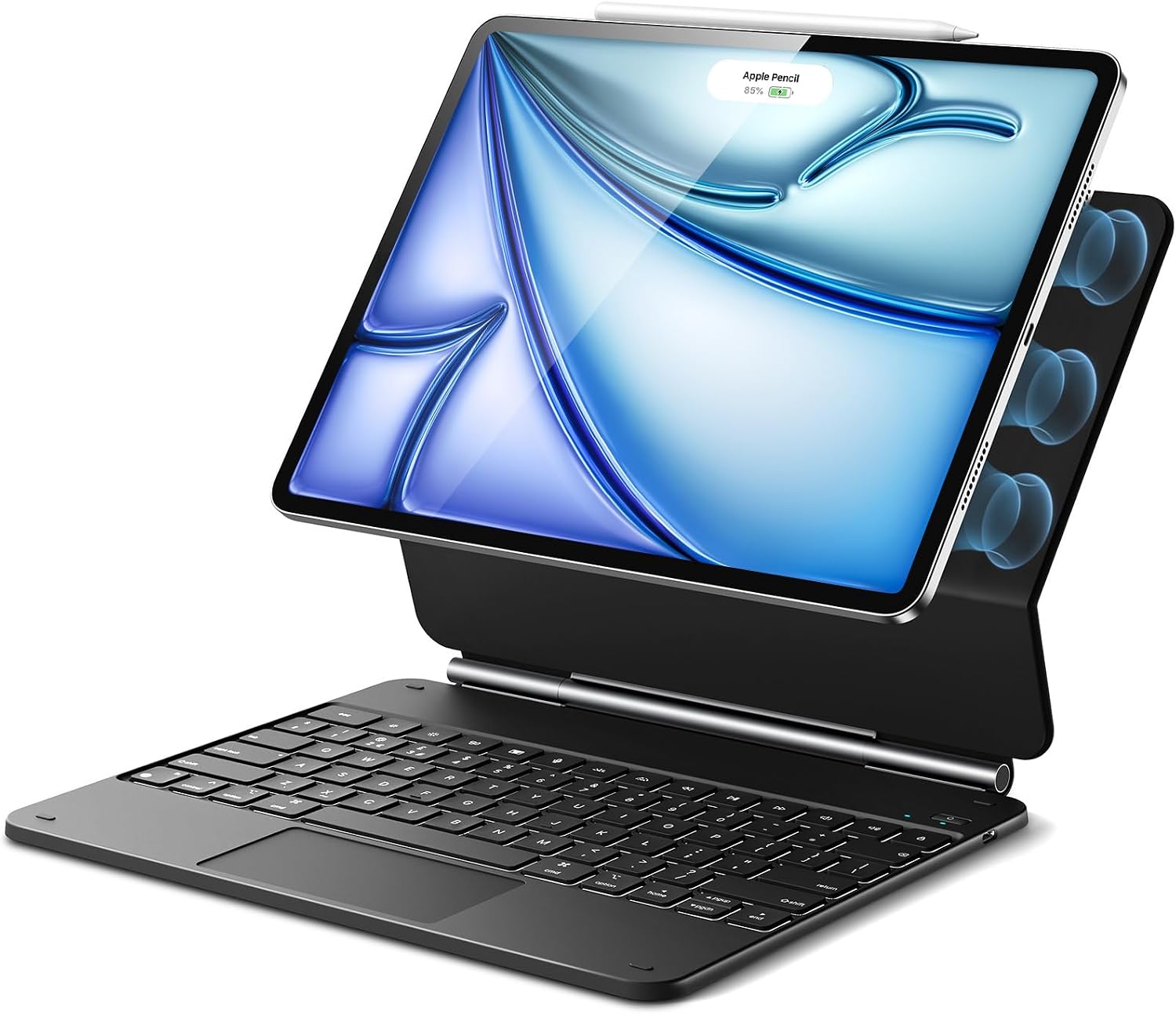
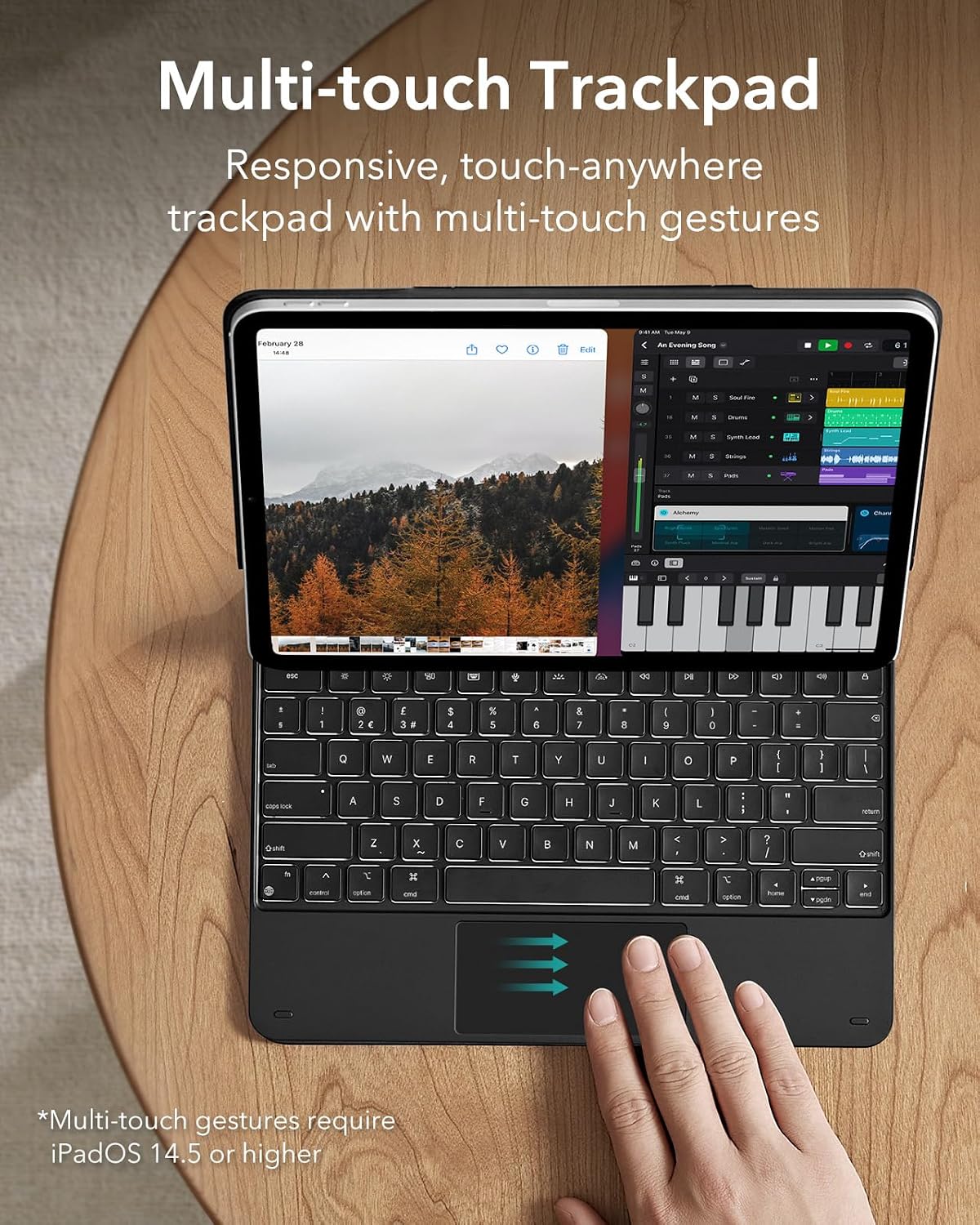
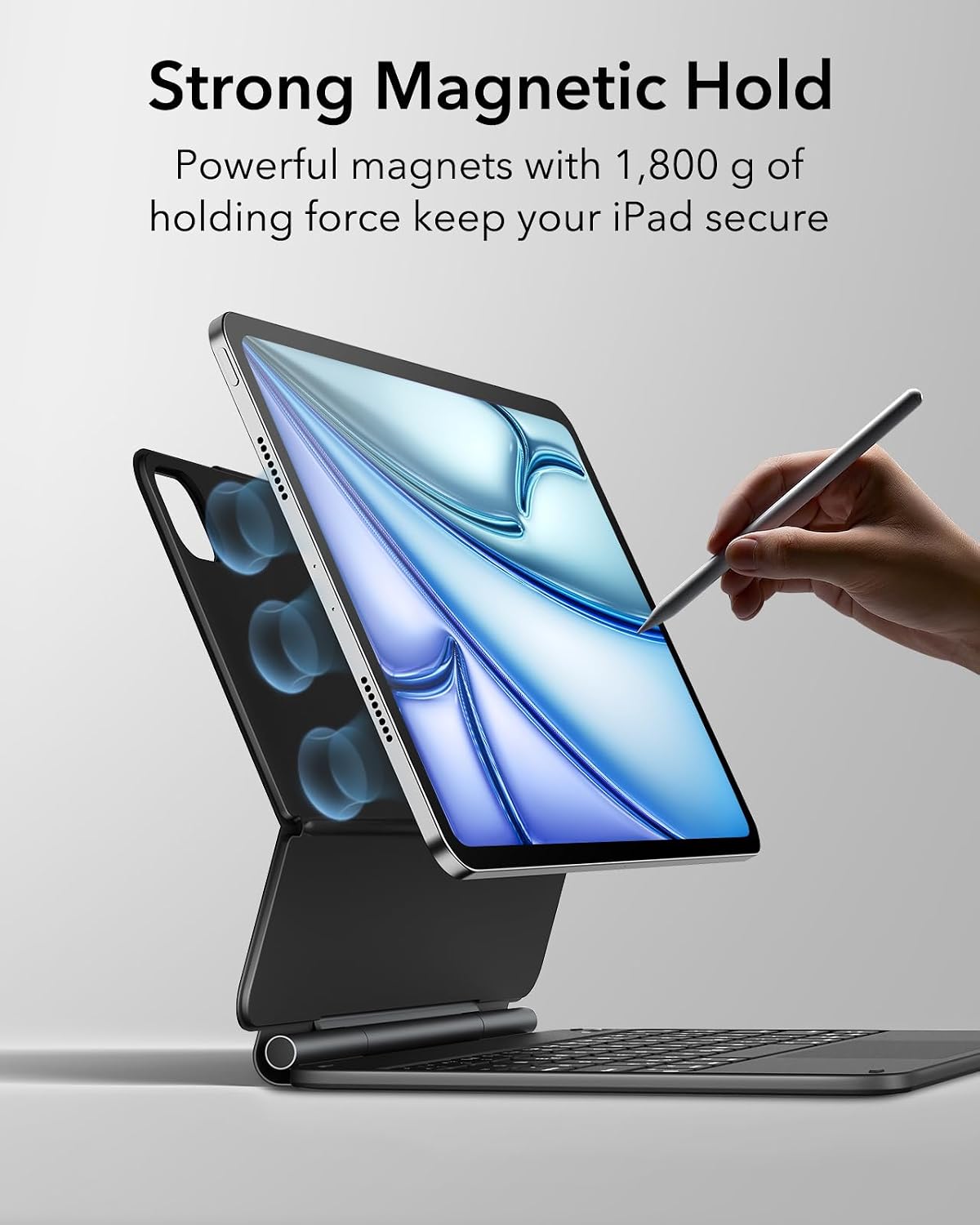
The standout theme here is workflow. ESR pairs a keyboard with a precision trackpad that supports multi-touch gestures, and it adds an Easy-Set magnetic floating cantilever stand so the screen sits at an angle once you open the case.
The practical promise is that you can browse, build presentations, and edit documents more quickly—exactly the kind of tasks that make you want a real pointing device and a stable typing position. The “floating” design is also meant to keep the iPad visually lifted over the keyboard, rather than flat against it.
What you’ll notice day to day
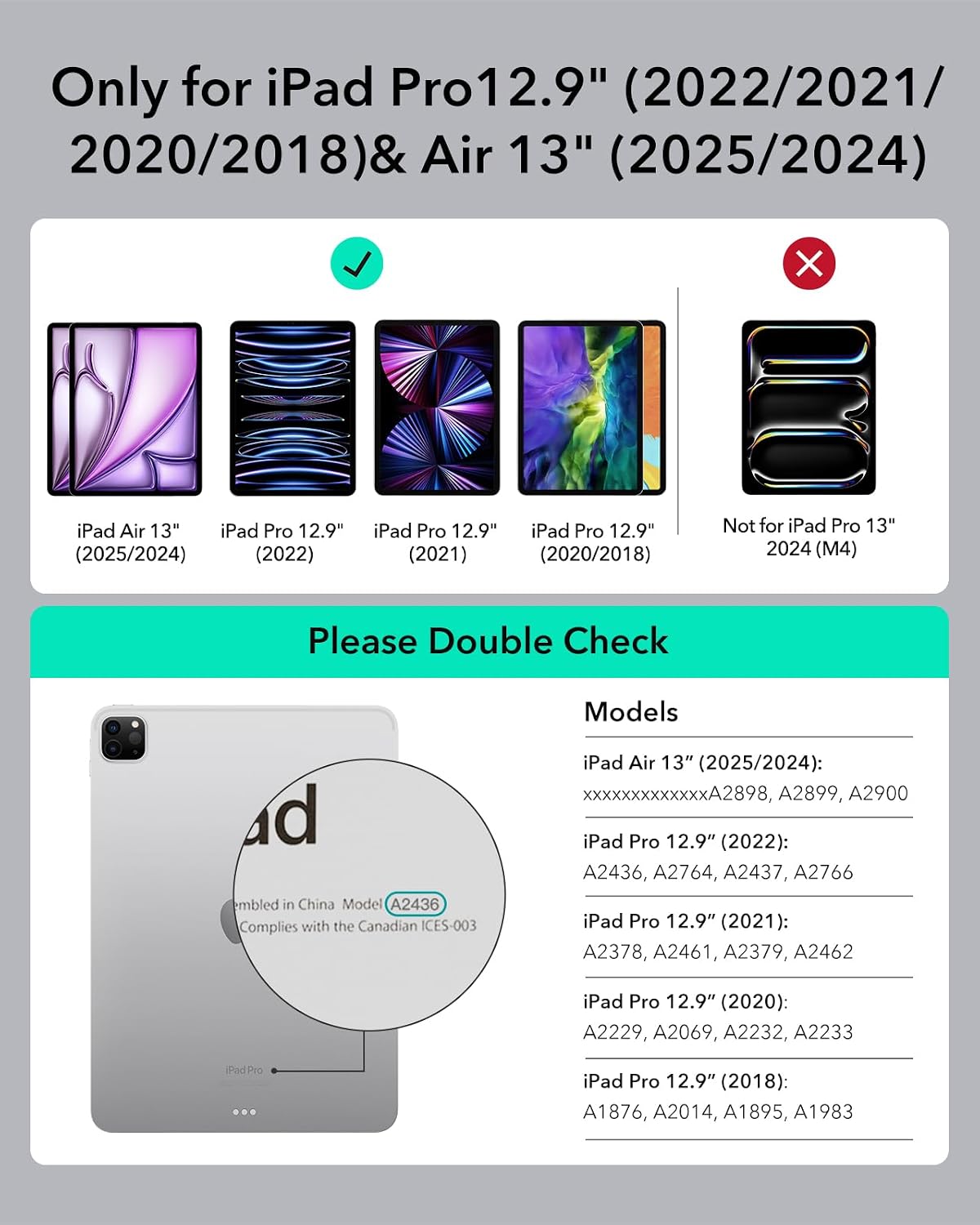
The floating cantilever stand is the feature you’ll use immediately. Instead of constantly adjusting your iPad on a separate accessory, you open the case and get a set angle. In day-to-day use, that matters when you’re switching between typing and reading—less fiddling, more flow.
The precision trackpad with full multi-touch gesture support should make navigation feel more familiar. If you’re the sort of person who uses swipe/scroll gestures rather than clicking around, this is where the case earns its keep. It also changes how you edit documents: moving the cursor with the trackpad tends to feel quicker and more accurate than relying purely on touch.
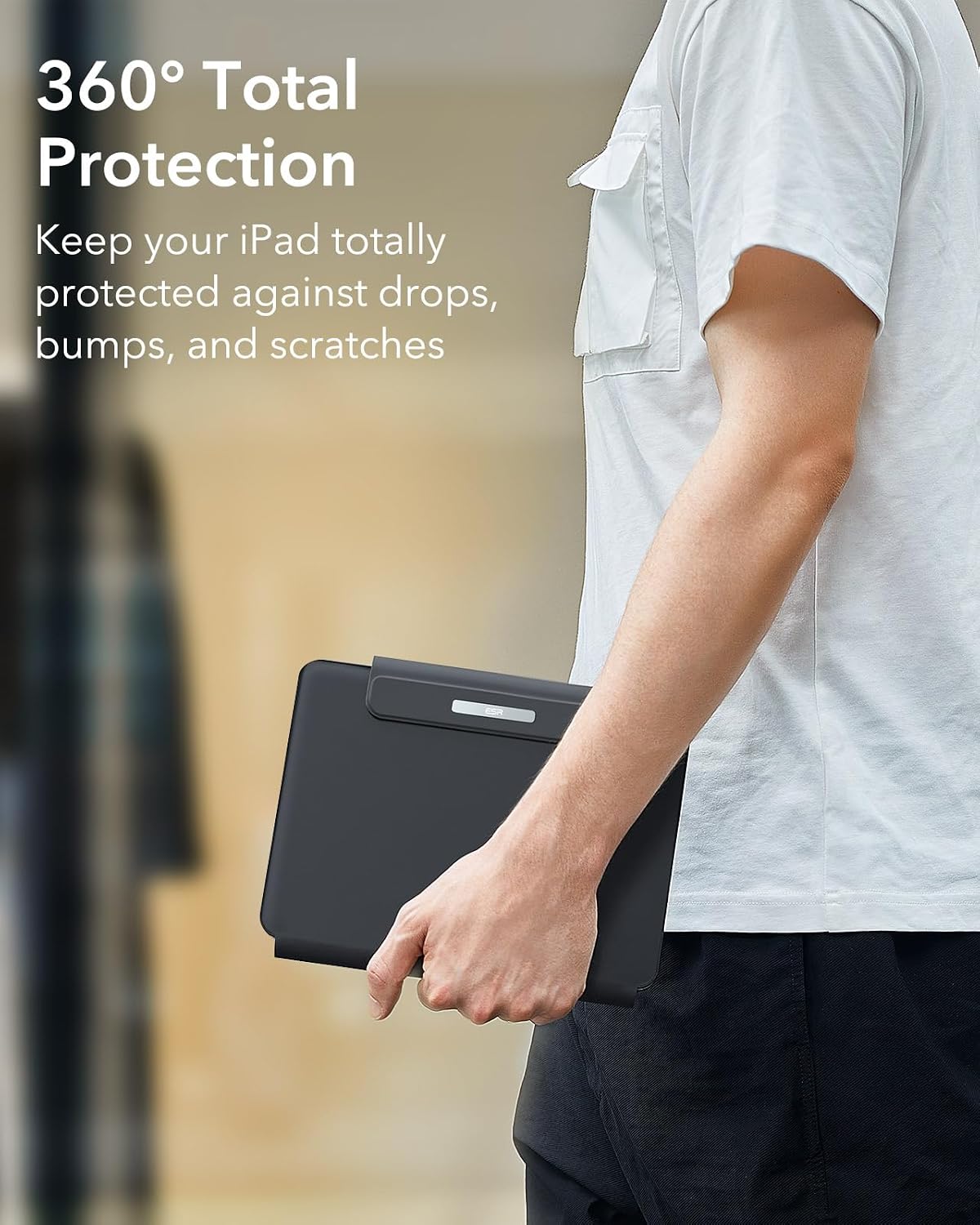
One limitation to keep in mind: any keyboard case inevitably adds bulk compared with using the iPad naked or with a simple cover. If you’re mostly using your iPad on the couch or in bed, the “desk experience” may be a bit much.
Compatibility & requirements (read this before ordering)
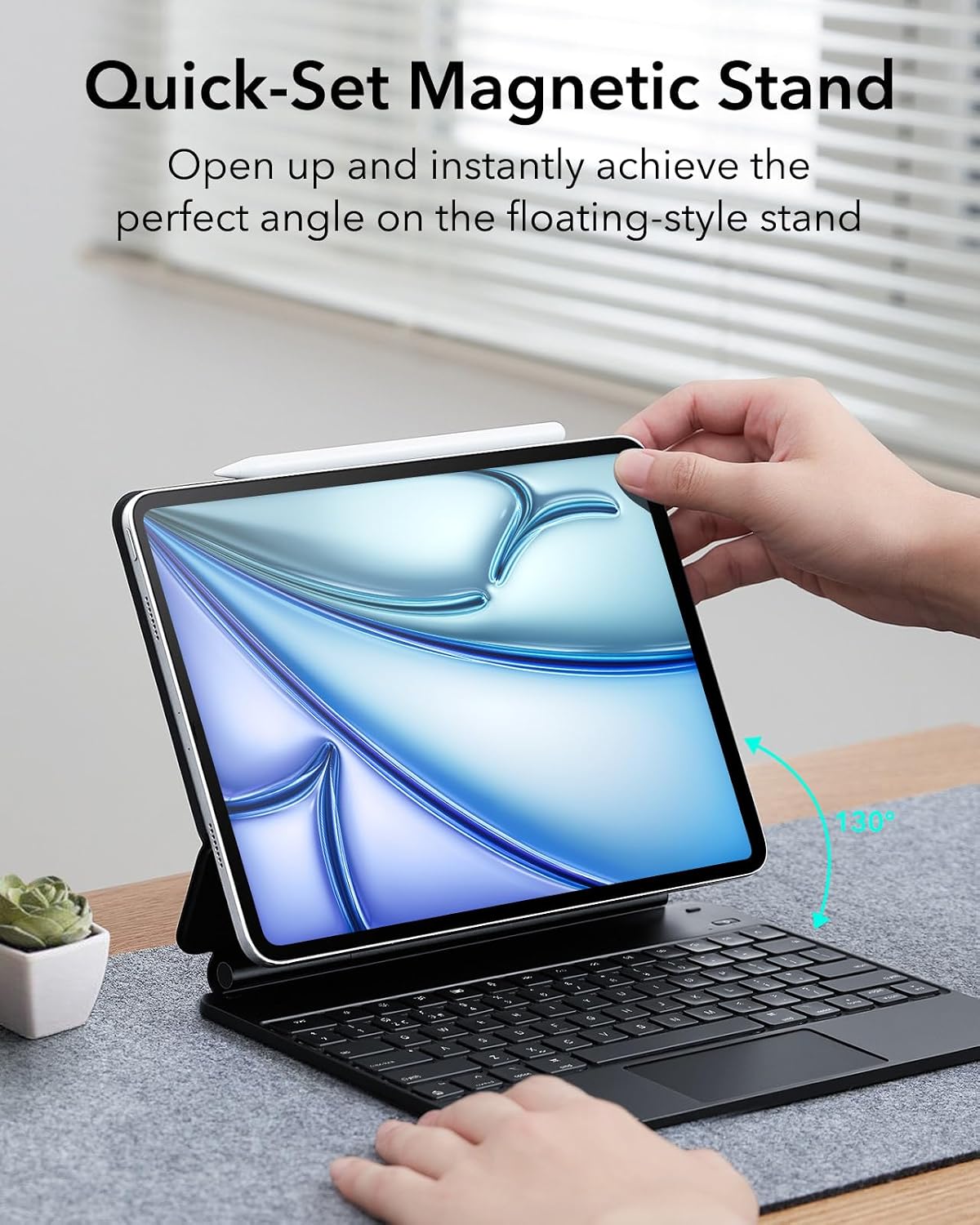
This case is listed as compatible with: - iPad Air 13 inch (M4) 2026 - iPad Air 13 inch (M3) 2025 - iPad Air 13 inch (M2) 2024 - iPad Pro 12.9 inch (6th, 5th, 5th, 3rd)
The base information also lists specific model numbers (such as A2898, A2899, A2900, A3268, A3269, A3271, A2436, A2437, A2764, A2766, A2378, A2461, A2379, A2462, A2229, A2069, A2232, A2233, A1876, A2014, A1895, A1983). It’s a good idea to match your iPad’s model number to that list rather than relying on “looks like”.
If your iPad doesn’t match one of those lines, don’t assume it’ll fit—keyboard positioning and the stand alignment are the kind of details that can break compatibility.
Tech overview (what’s actually included)
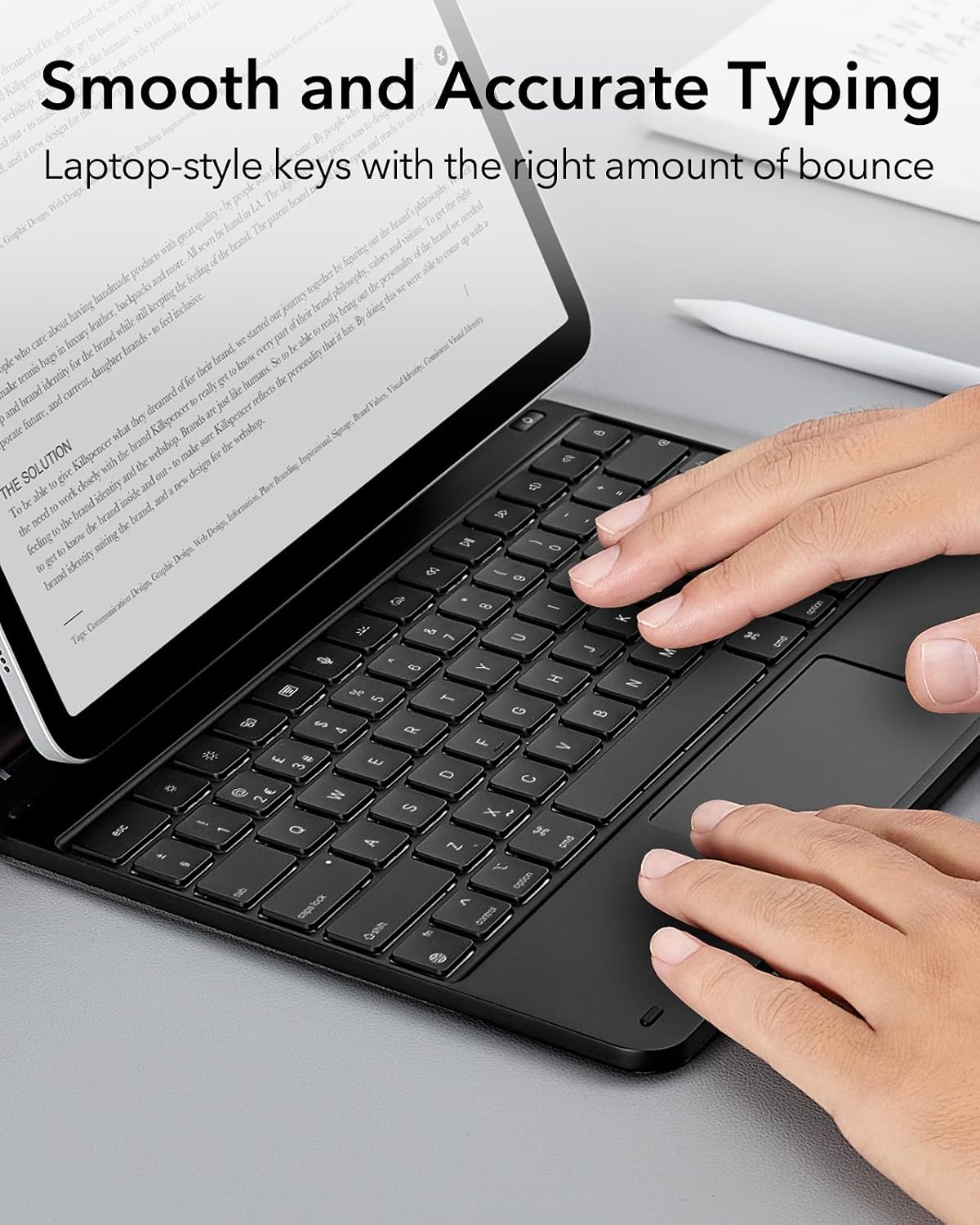
This ESR case is part of the “Rebound Series” and comes in black. Based on the description, you’re essentially getting a keyboard case with: - An Easy-Set magnetic floating cantilever stand - A precision trackpad - Multi-touch gesture support for navigation
For support and confidence at purchase time, the listing also mentions detailed setup videos and FAQs, a comprehensive 12-month warranty, lifetime support, and personalised help via customer support.
Who it suits (and who should think twice)
It makes sense if you want to use your iPad as a practical work tool and you value typing plus trackpad navigation. You’ll likely get the most from it if you regularly do tasks like editing documents, writing, web browsing, or preparing presentations, where a stable angle and cursor control matter.
It might not be the best match if you prioritise portability above all else. Keyboard cases can be noticeably less “grab-and-go”, and if your work is mostly short sessions away from a desk, you may find yourself removing it more often than you’d like.
Also, keep expectations realistic: the description talks about “full MacBook functionality built right into your case”, but features and performance in real life depend on iPad software support and how you use the keyboard/trackpad day to day. If you want a near-desktop replacement, it’s worth considering whether a dedicated laptop setup still suits you better.
Mini FAQ
Is this only for iPad models with 13 inch Air and 12.9 inch Pro size?
The provided compatibility is specific to iPad Air 13 inch (M4/M3/M2) and iPad Pro 12.9 inch (6th/5th/3rd listed). If your iPad isn’t in that list, it’s safer to skip.
Does the trackpad support multi-touch gestures?
Yes, the description states it supports full multi-touch gesture support.
What does “Easy-Set magnetic stand” mean in practice?
The stand uses a floating cantilever design and is magnetic, aiming to give you the screen angle by opening the case, rather than needing constant adjustment.
How is the support handled if I struggle with setup?
The listing mentions detailed setup videos and FAQs, plus a 12-month warranty and lifetime support, along with personalised help.
Should you buy it?
If you have one of the listed iPad Air 13 inch (M4/M3/M2) or iPad Pro 12.9 inch models and you want a keyboard + precision trackpad experience with a stable, easy stand, this is the kind of accessory that can genuinely upgrade how your iPad feels for work. It’s especially compelling if you do tasks like document editing and web browsing where the trackpad becomes your main navigation tool.
Buy it if you’re happy trading some portability for desk-style use. Skip it if your iPad model isn’t on the compatibility list, or if you tend to use your iPad mostly in quick, casual sessions where a keyboard case feels like overkill.