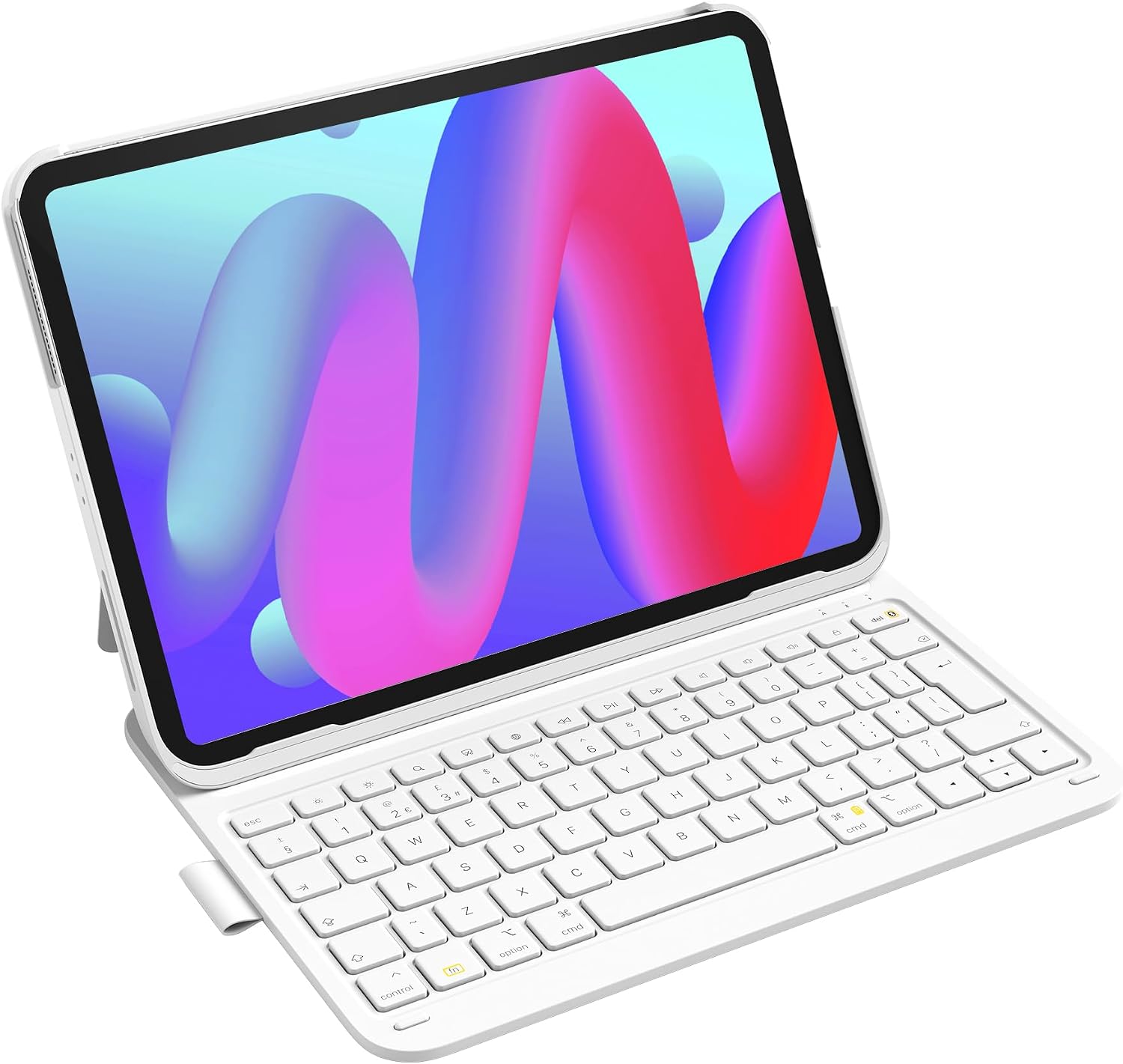
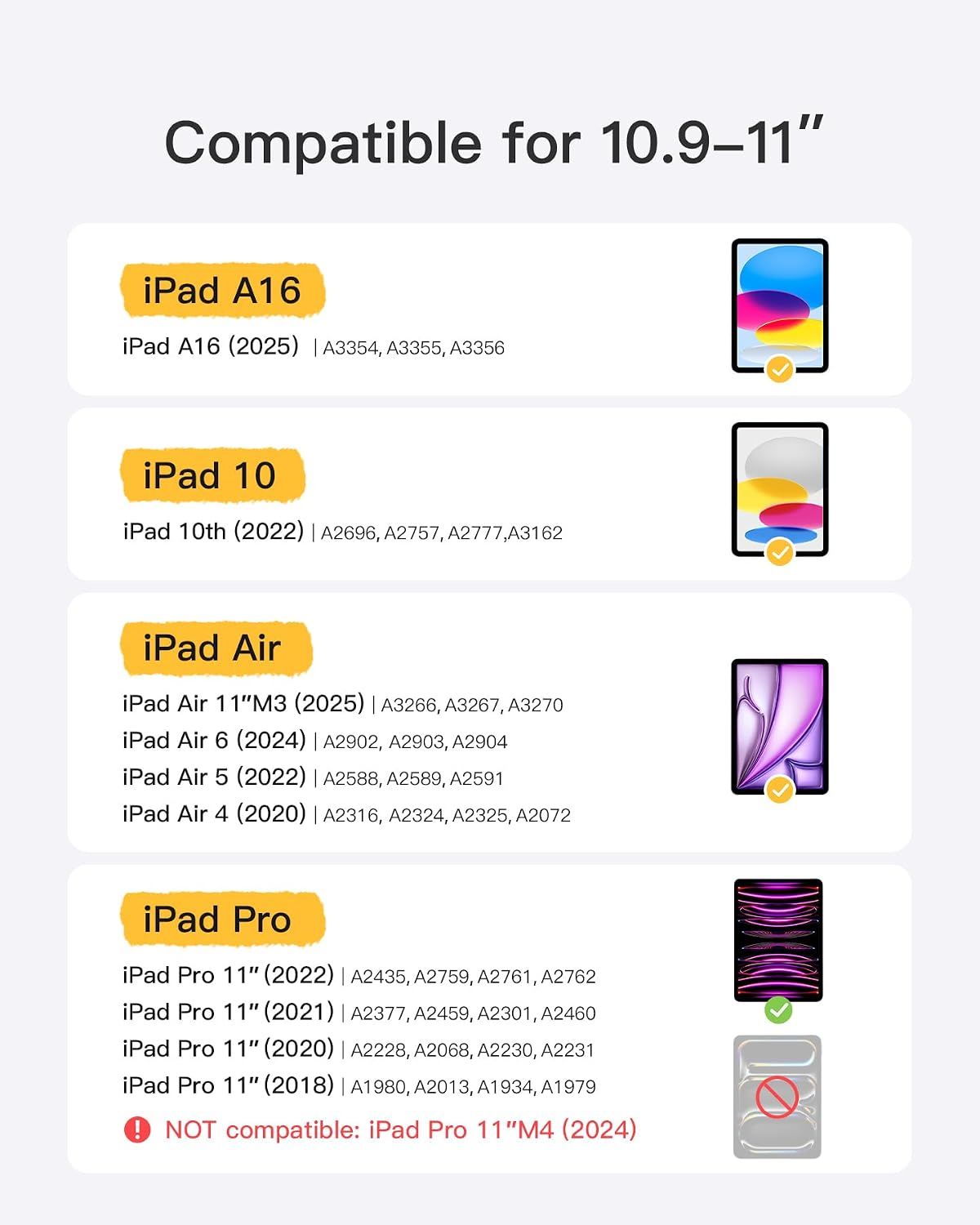
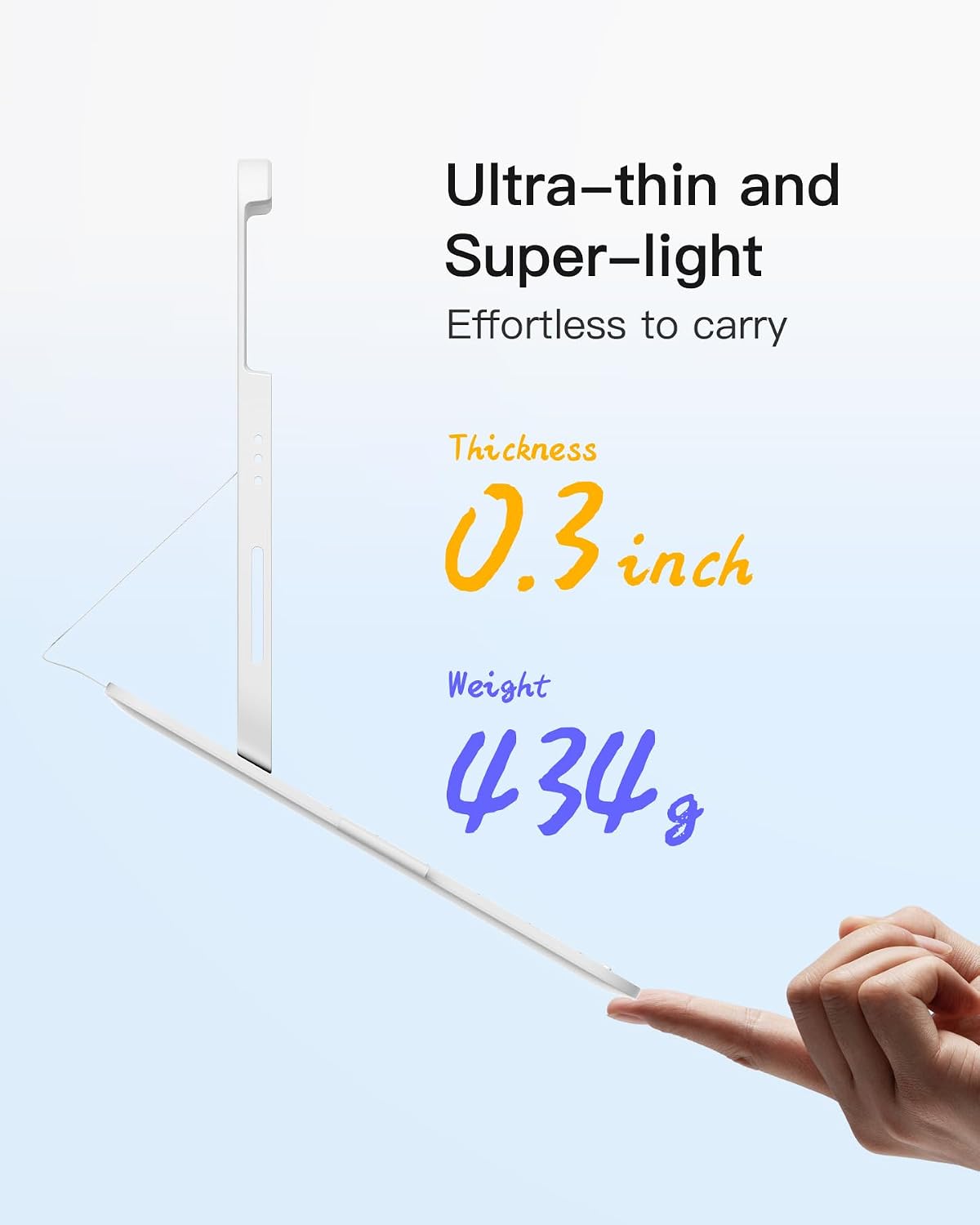
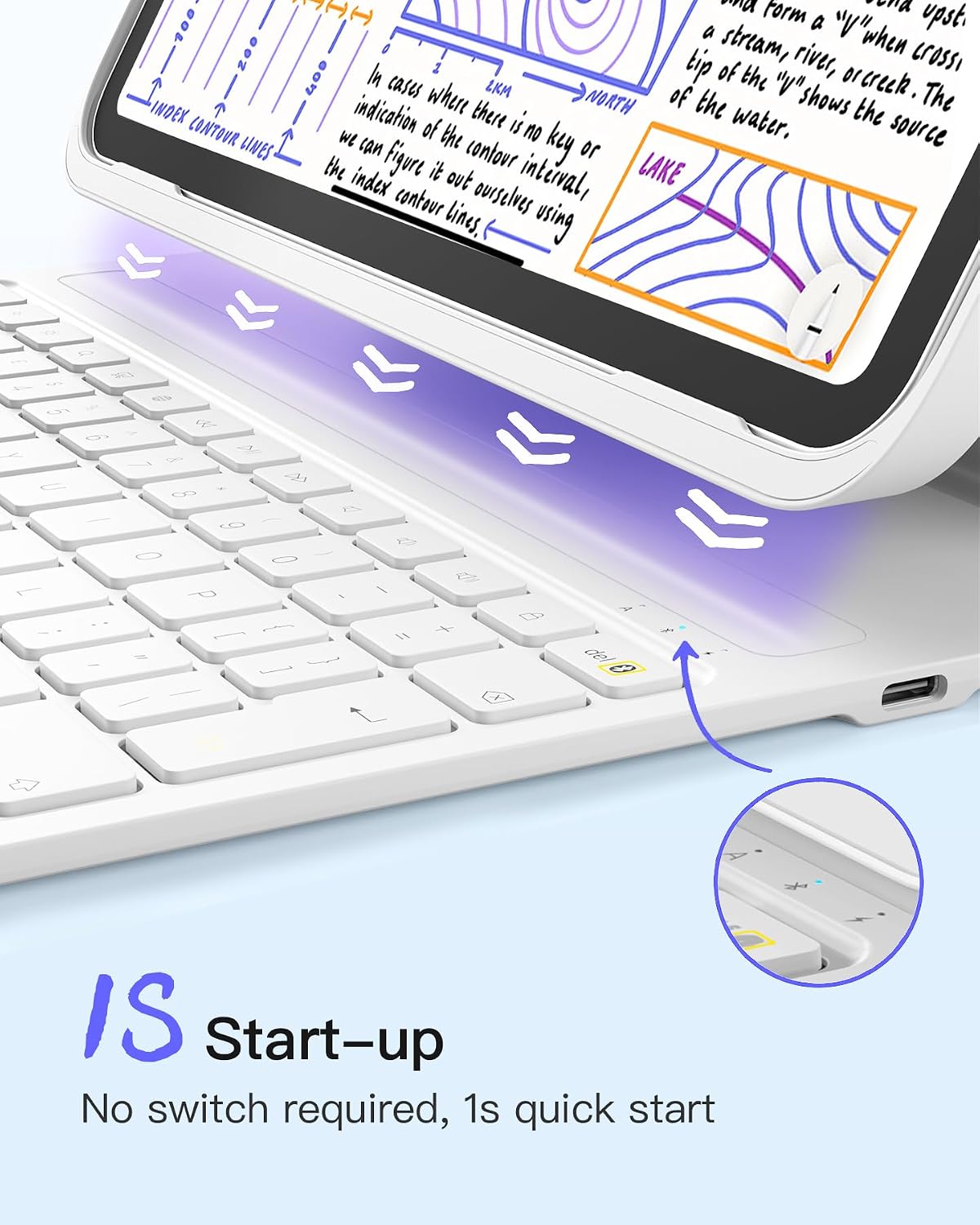
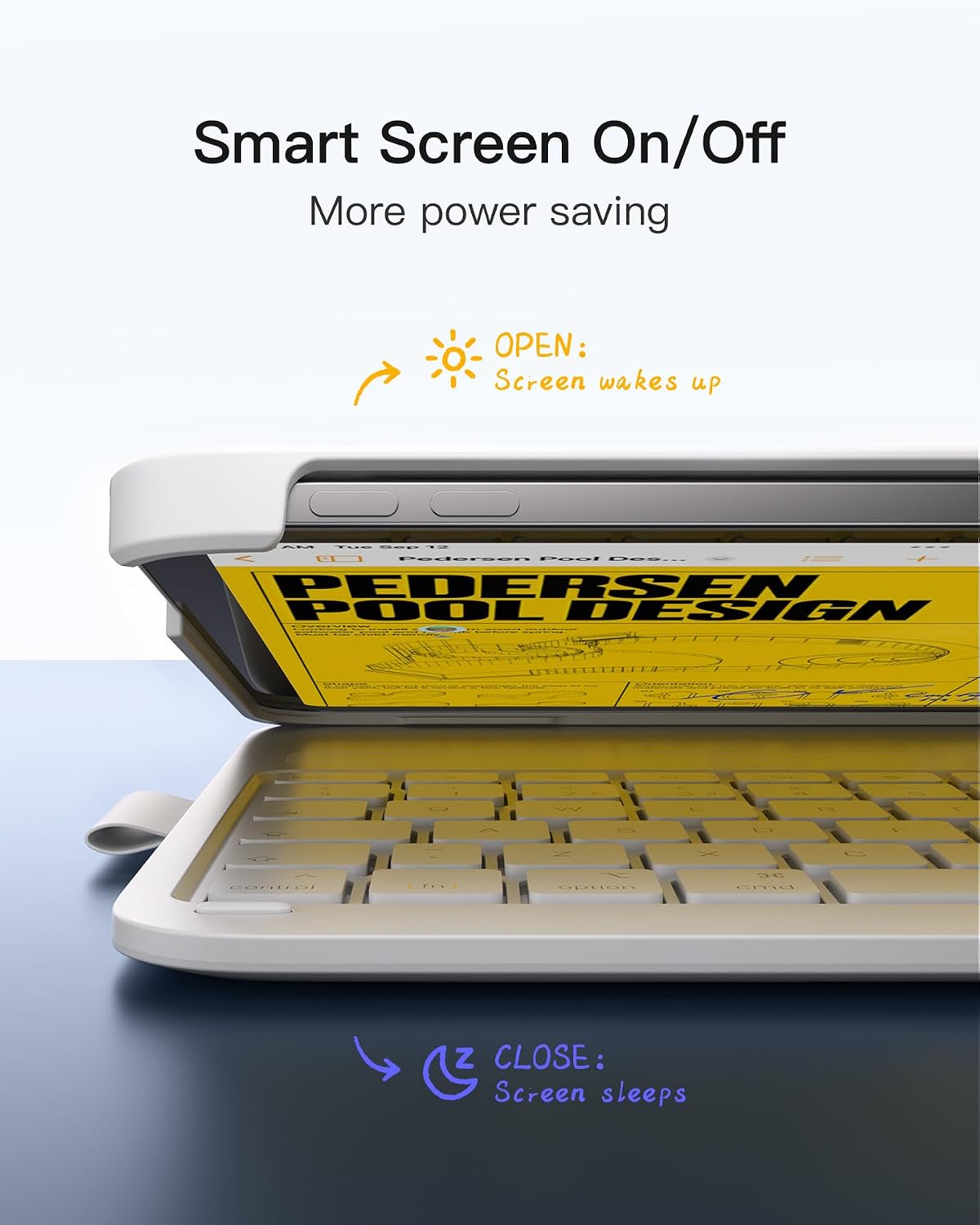
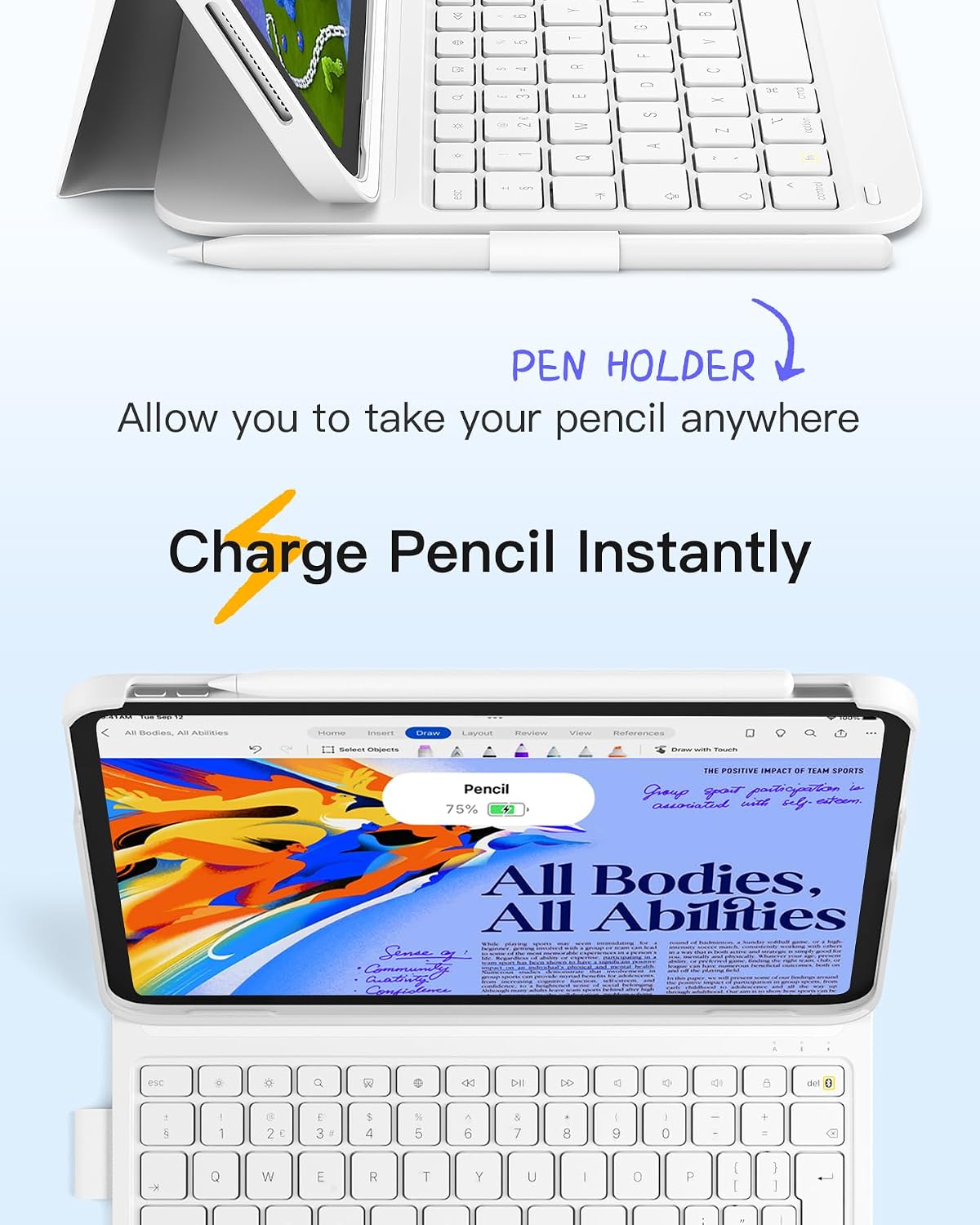
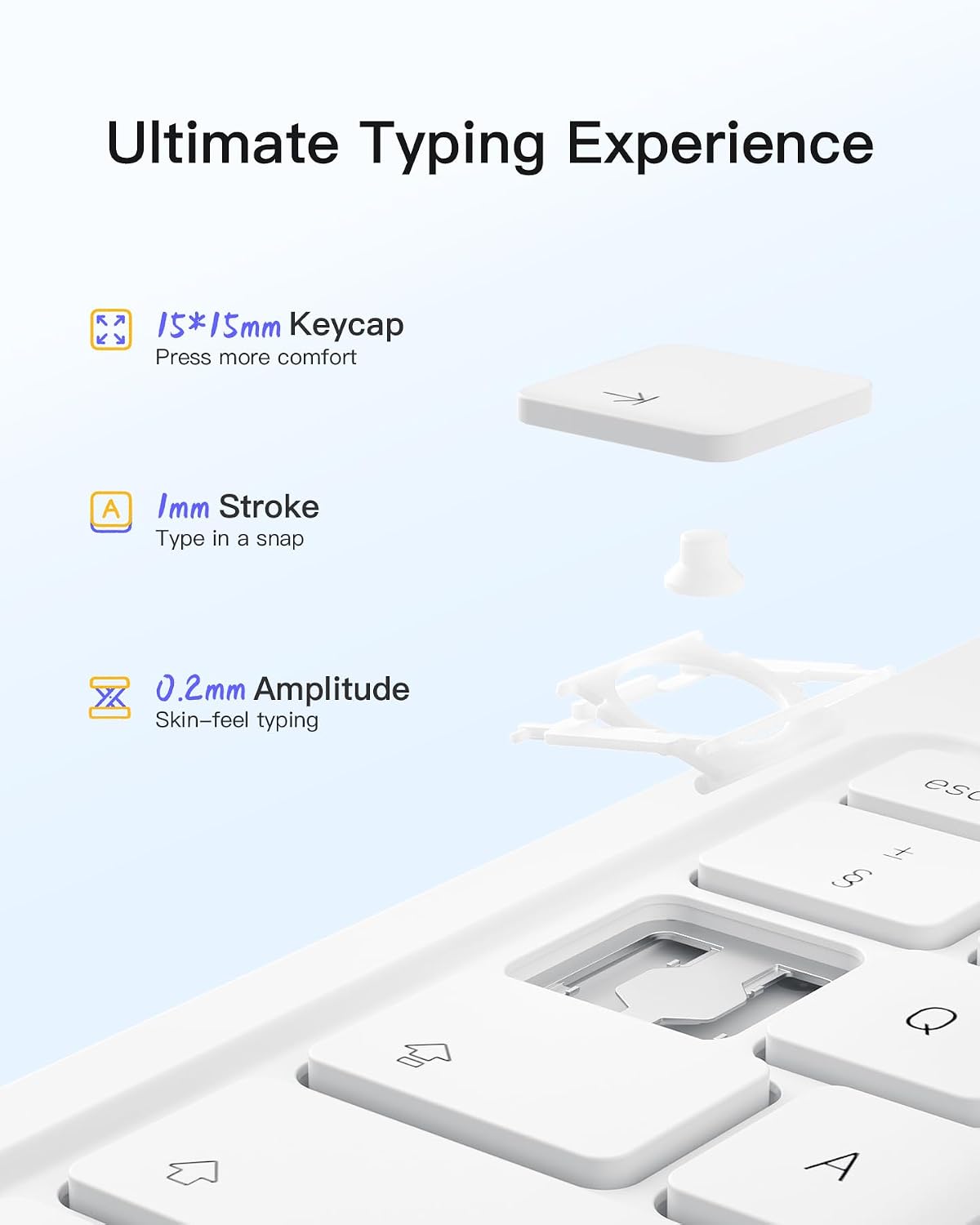
What it is and what it solves\nThe Inateck keyboard case is designed to fit multiple iPad sizes, including iPad A16 11th 2025, iPad 10th 2022, iPad Pro 11 inch (4/3/2/1 Gen), and iPad Air variants up to 11 inches. On paper, it combines a protective folio with a 15mm×15mm key layout and a built‑in keyboard that stays close to the weight and thickness targets for everyday travel. The core idea is to offer a light, ready‑to‑use typing solution that turns your tablet into a more productive mini‑laptop alternative without adding noticeable bulk.\n\n## Design and build quality\nThis case emphasises ultralight and ultra‑thin construction: the keyboard itself is reported to be 0.7 cm thick, rising to about 1.5 cm with the cover closed. The stated total weight is 434 g, which aims to be lighter than the majority of similar products. The included PU pen holder is borderless and designed to enable convenient magnetic charging for the second‑generation Pencil. It’s worth noting that the Pencil itself is not included.\n\n## How it behaves in use\nOne notable convenience is the startup behaviour: the keyboard case powers on within 1 second and automatically starts when attached to the iPad, turning off when detached. There is no separate power switch to manage, which reduces fiddling and helps save battery life. The six‑row keyboard adds a dedicated row of function keys, so basic controls such as screen locking and volume adjustment can be accessed quickly without complex key combos. The typing experience is framed as laptop‑like, with 15 mm keys aimed at comfortable everyday typing.\n\n## Who should consider it\nIf you prioritise portability and a ready‑to‑go typing solution, this case makes sense for students, professionals, or frequent travellers who want to use an iPad with physical keys rather than touch‑screen input alone. It is particularly suited to those who value an integrated stand and keyboard in one, along with a dedicated spot for a Pencil for quick note‑taking or drawing.\n\n## What to watch out for\nThere are a few practical caveats. The Pencil is not included, so you’ll need to supply your own second‑generation Pencil. The case uses a borderless pen holder, which is convenient for charging but may feel snug if you have a larger stylus or additional accessories. As with any all‑in‑one enclosure, bulk and weight are a trade‑off against the flatter profile of ultra‑thin cases.\n\n## Practical considerations and buying logic\nIf you need a solution that reduces setup friction and you value a keyboard that travels well with your iPad, this option is worth considering. It may not be the best choice if you rely on the lightest possible setup or if you prefer a separate keyboard case with less integrated features. In day‑to‑day use, you’ll notice the instant on/off behaviour and the convenience of the function keys for quick adjustments without leaving the home row.\n\n## What to check before buying\nEnsure your iPad model aligns with the listed compatibility (A16 11th 2025, 10th 2022, Pro 11 variants, Air 11 inch series). Confirm you’re comfortable with the built‑in keyboard’s key feel and spacing, and that you don’t require the Pencil included in the package.\n\n## How it compares to other approaches\nCompared with separate keyboard accessories, this design reduces the need to carry multiple items and provides an integrated case that protects the device. It won’t replace all types of laptop‑style rigs, but for casual productivity and media use on the move, it offers a balanced compromise between weight, protection, and typability.\n\n## Real‑world use case\nPicture a commute where you need to edit a document on the train. The case stays closed for transport, then opens into a stable typing setup once you arrive, with the Pencil quickly accessible for jotting notes or markup as you work.\n\n## Is it worth it?\nFinal verdict: Worth considering if you value compact, ready‑to‑go productivity and the convenience of an integrated keyboard with a Pencil holder. It may be less compelling if you prioritise the lightest possible setup or if you don’t need a built‑in keyboard.\n\n## FAQ\n- Does the case power on automatically when attached to the iPad? Yes, it starts up in under a second when attached.\n- Is the Pencil included? No, the Pencil is not included, the holder is designed for convenient magnetic charging of the second generation Pencil.\n- Will the keyboard work with all listed iPad models? The compatibility covers the models specified in the base description, but always double‑check your exact model and generation before purchase.