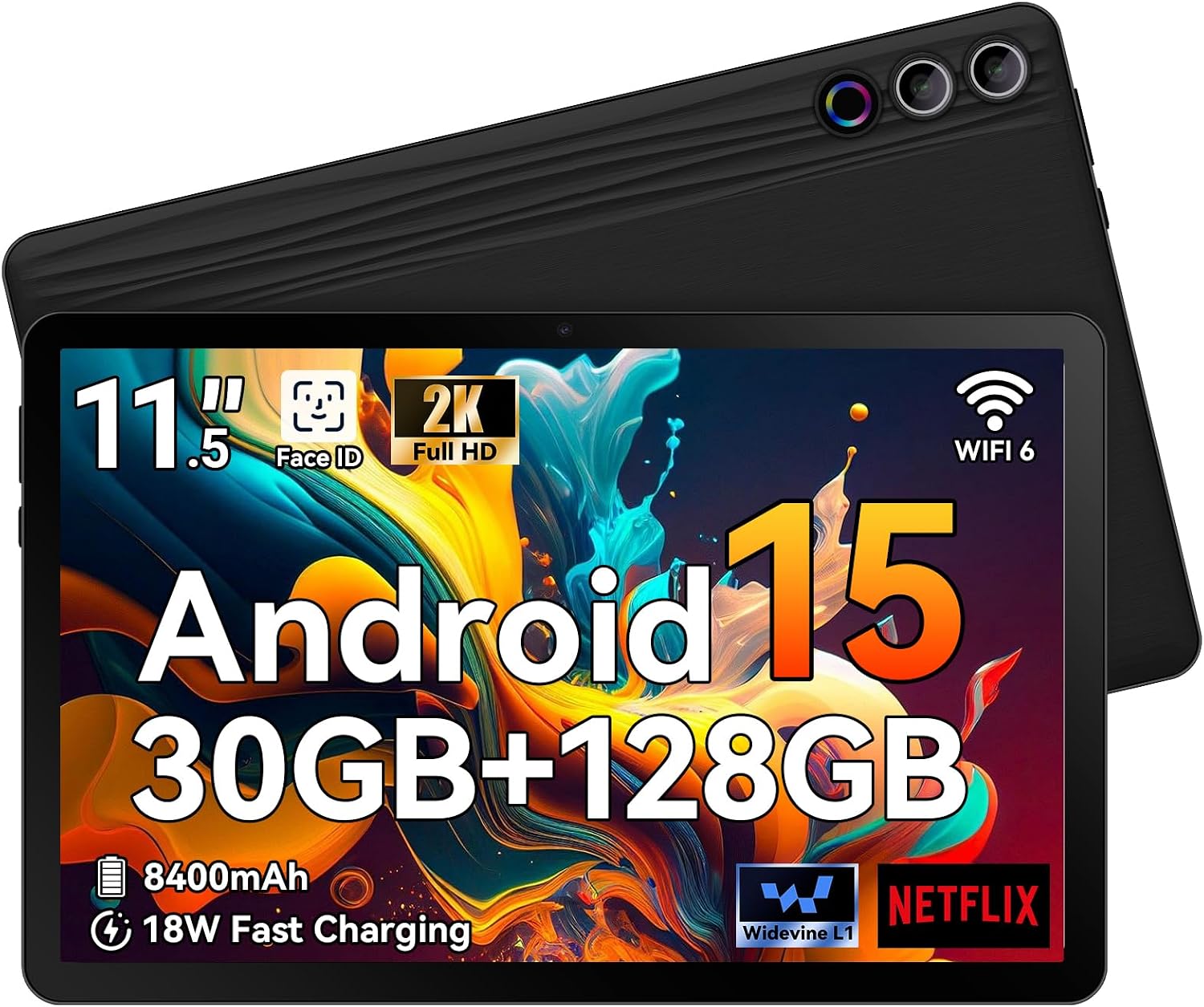
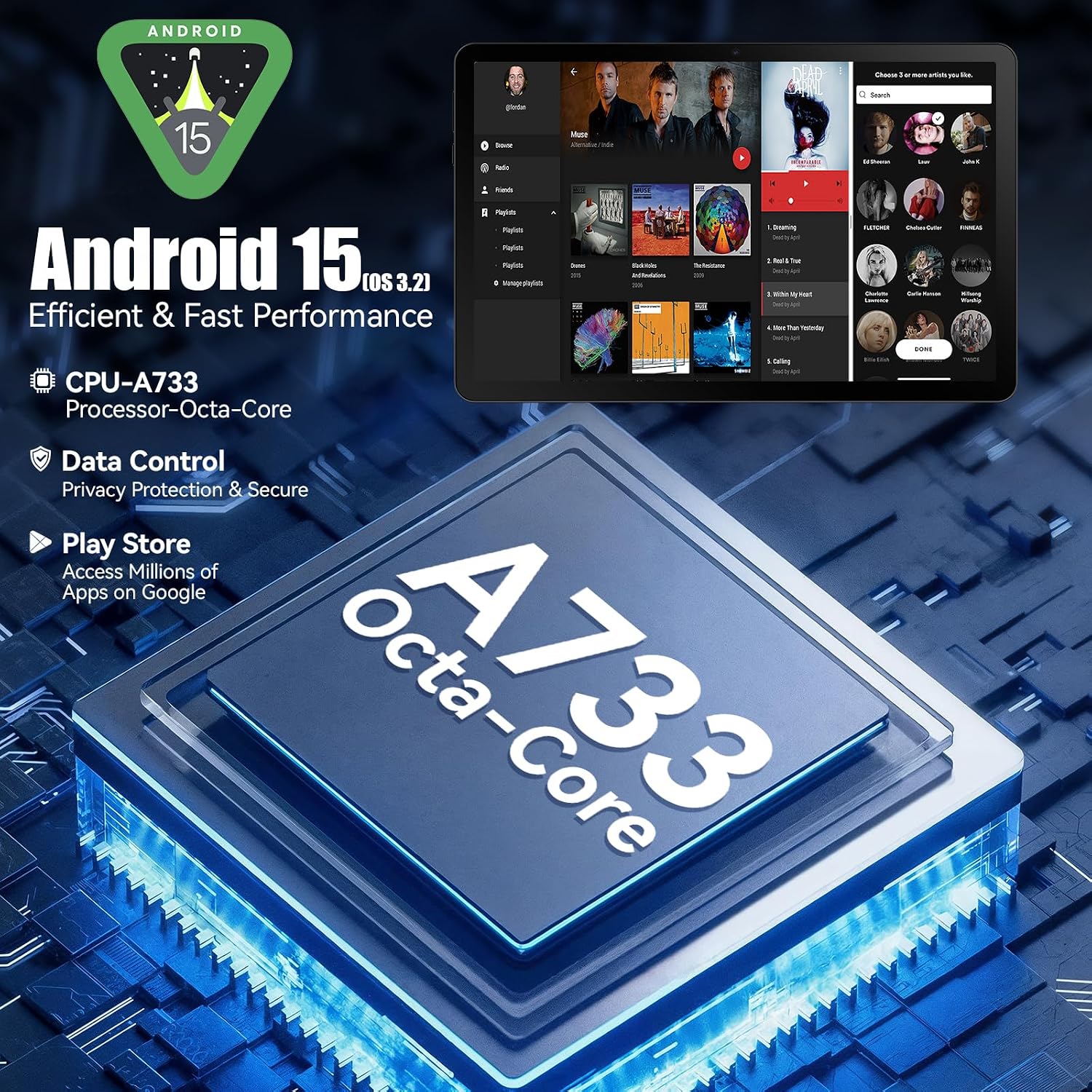
What this is and what it’s for\nThe Ainmel 11.5 inch Android tablet is designed to be a daily device for study, light gaming, streaming and general productivity. It runs Android 15 OS 3.2, which aims to offer a refined interface, smarter privacy controls and adaptive battery management. On paper, the combination of a high-capacity memory setup and a sizeable 11.5-inch display places it in the realm of multitasking-friendly tablets that can handle several tasks at once without slowing down. If you prioritise storage and memory headroom for apps, documents, media and casual gaming, this model sets out to address that need with a notable balance between performance and capacity.
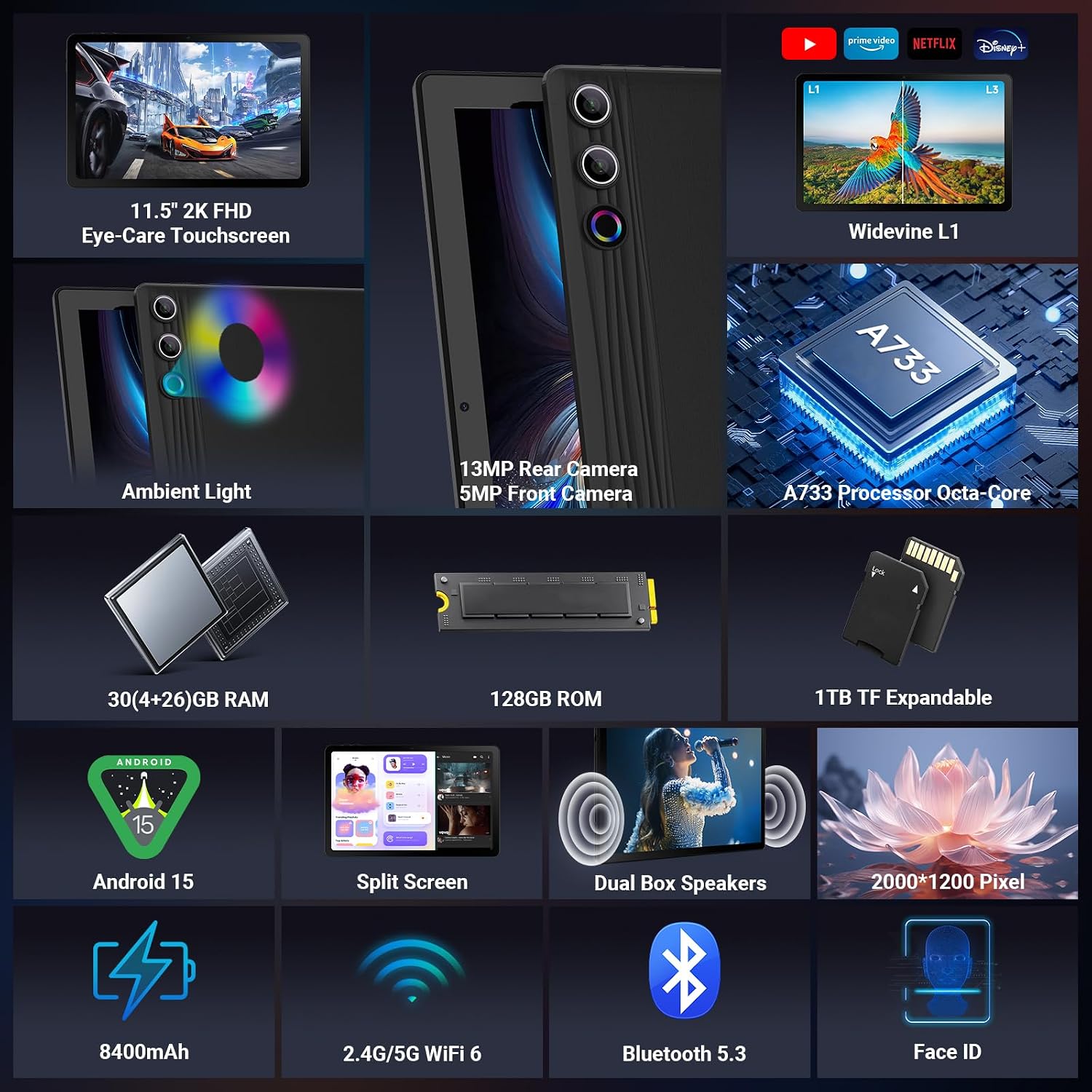
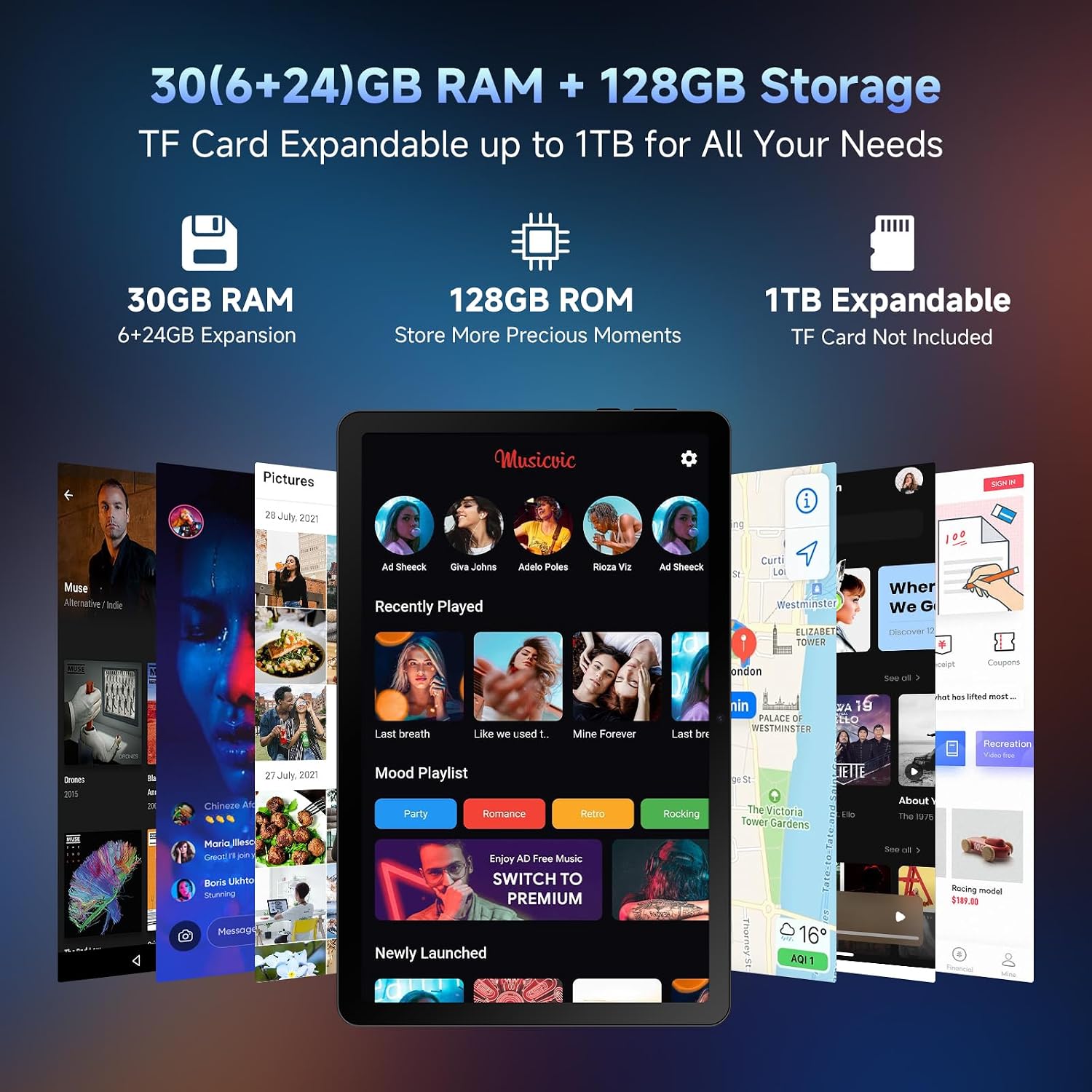
The core performance and memory balance\nA733 octa‑core processor is paired with 30GB RAM (6GB physical plus 24GB virtual expansion) and 128GB ROM. While the claimed 30GB RAM is unusual for a tablet, the intention is to offer smooth multitasking and rapid data handling, with expandable storage up to 1TB via Micro SD (not included). This makes it practical for students or professionals who want to keep large files locally and avoid constant cloud reliance. However, as with any device that relies on virtual RAM, real-world gains depend on software optimisation and workload, heavy multitasking or memory-intensive apps may reflect differently than the spec suggests.\n
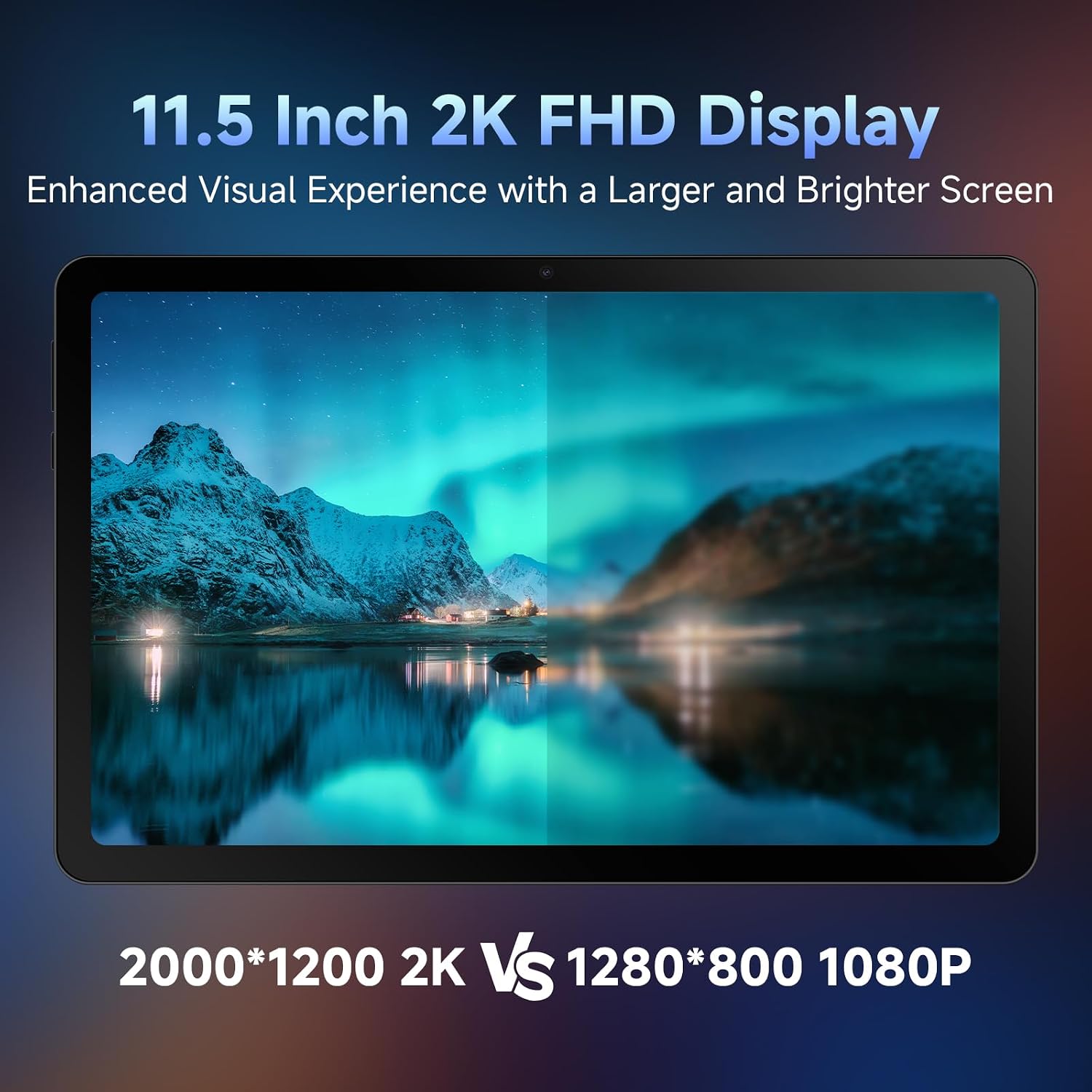
Display and media experience\nThe 11.5‑inch screen delivers 2000×1200 FHD resolution, which supports smooth scrolling and crisp visuals for reading, video, and light gaming. With Widevine L1, streaming also benefits from full HD playback on supported services, so you won’t be limited by resolution on popular platforms. It’s not a premium HDR panel, but for everyday streaming and web use the result should feel bright and reasonably detailed.\n
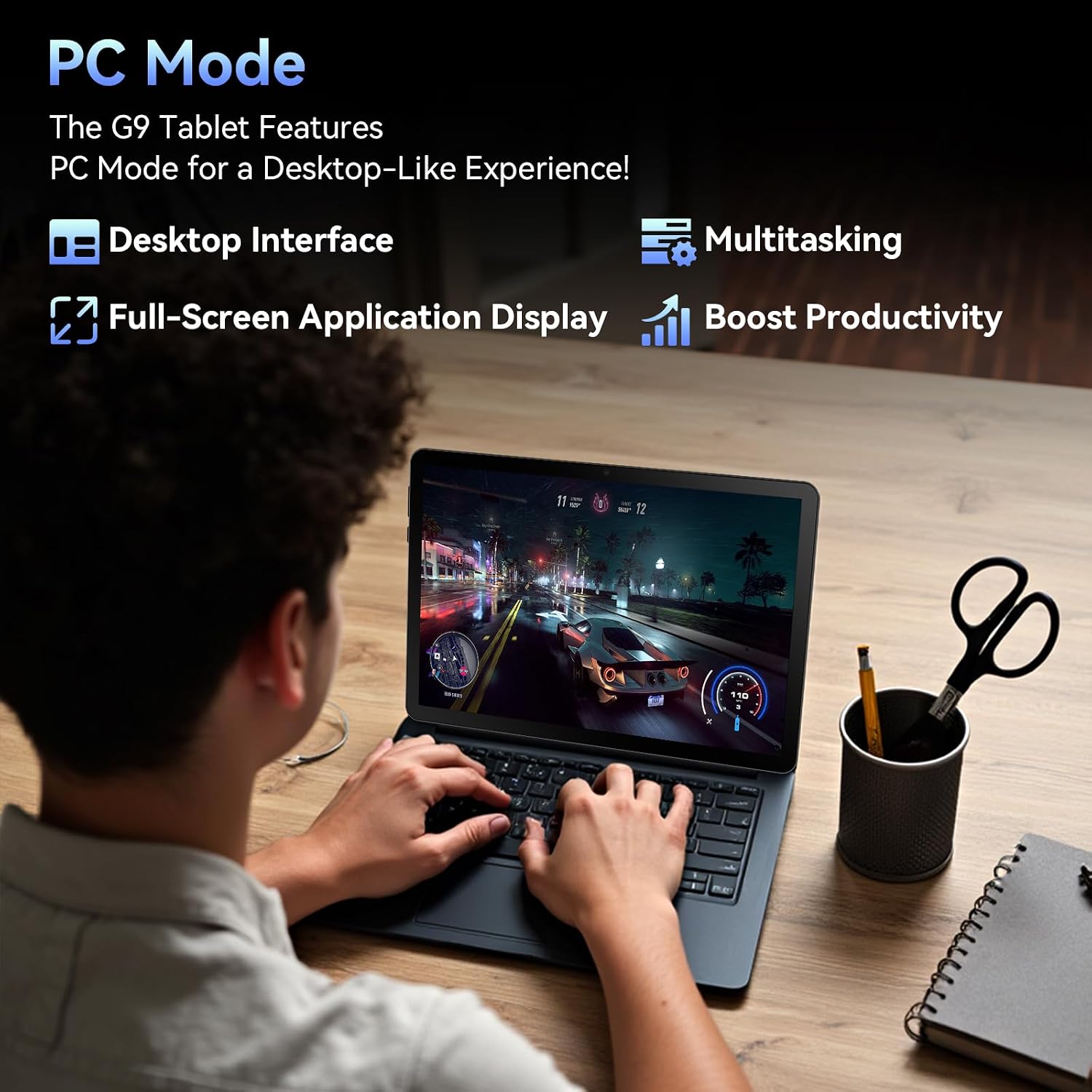
Battery life and charging\nAn 8400mAh battery aims to cover long study sessions and media bingeing, with 18W fast charging to cut downtime. In practice, endurance depends on display brightness, app usage and network activity. If you often work away from a plug, you’ll want to test real-world hours of video, browsing and gaming to confirm it meets your needs. One practical note is that PC Mode is available with a momentary keyboard and mouse connection, giving you a quick desktop-like experience when you need it, though the keyboard and mouse aren’t included in the box.\n
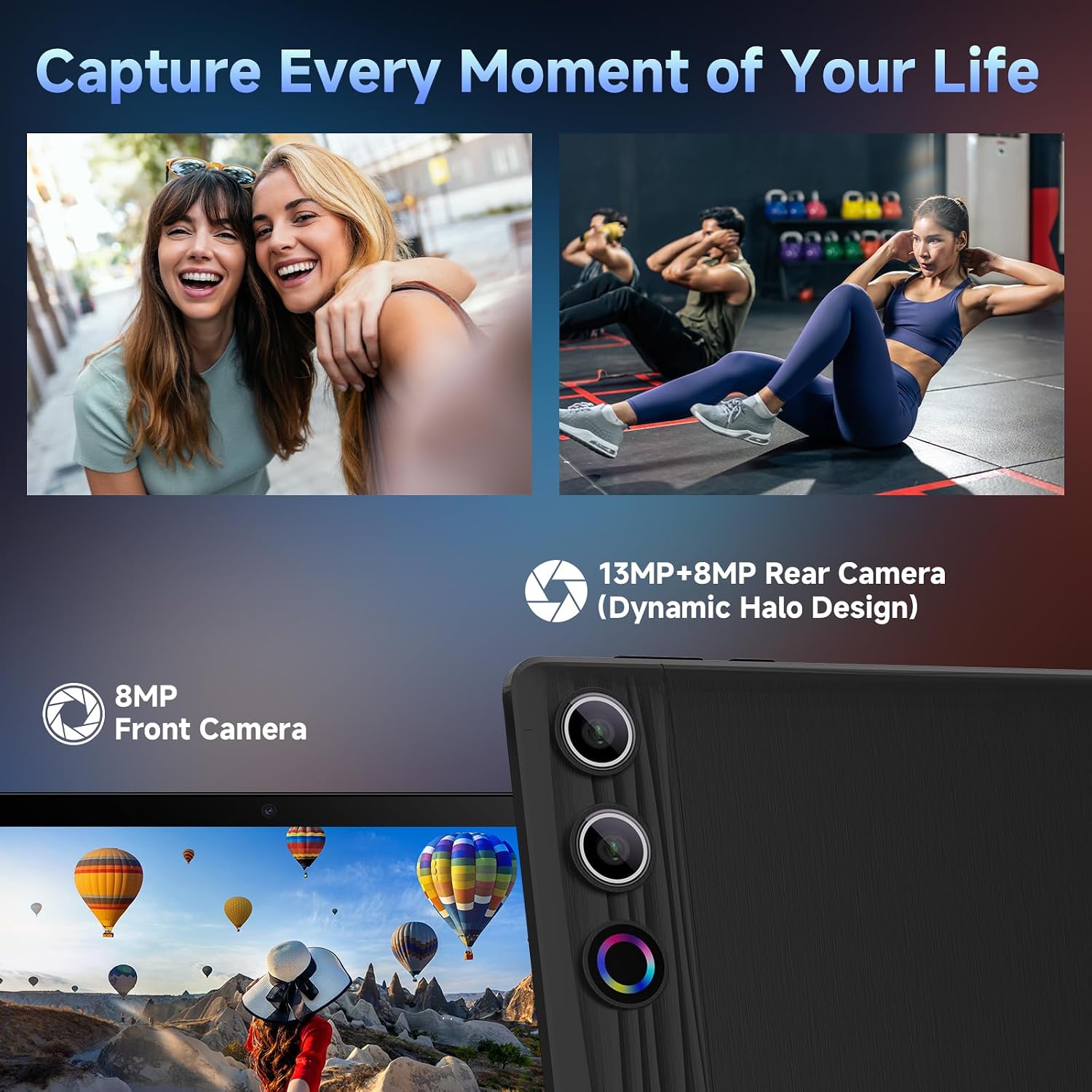
Cameras, security and connectivity\nThe tablet features a 13MP rear camera and an 8MP front camera, useful for document scanning, video calls and casual photography. Face Unlock adds convenience, yet you should treat it as a secondary security measure alongside app permissions and screen locking. Connectivity includes WiFi 6 and Bluetooth 5.3, which should offer stronger, more reliable wireless performance in busy environments and with modern peripherals.\n
Design, build and everyday use\nWith a larger cooling-capable body and a box‑level speaker arrangement, the device aims to deliver solid stereo sound for media without needing external speakers. The notes to consider are practical: the device is designed as a productivity and entertainment tablet rather than a rugged, field-ready model. If you expect premium camera performance or top-tier gaming on the highest settings, this tablet may leave something to be desired.\n
Who it’s for and who it isn’t for\nThis Ainmel tablet is a sensible option for students, remote workers and households that want a capable all‑rounder with generous RAM and storage headroom. It isn’t necessarily the best choice if you require the most advanced gaming performance, the brightest display under direct sunlight, or a flagship camera setup. It leans more toward value through capacity and practical features rather than chasing the absolute fastest specs.\n
How to decide before you buy\n- Check whether you will benefit from the 1TB expandable storage and the 30GB RAM approach, especially if you manage large documents, media libraries or multiple apps at once.\n- Consider your streaming needs: 2K with Widevine L1 is solid for Netflix, Prime Video and similar services, but confirm you’ll be comfortable with the screen resolution for your viewing habits.\n- Think about where you’ll use it: WiFi 6 helps in modern homes and coffee shops, while Bluetooth 5.3 improves peripheral pairing.\n- Bear in mind the box doesn’t include a keyboard or mouse, so you’ll need to budget for those if you want a PC‑like workflow via PC Mode.\n
Practical usage example\nImagine starting a study session: you open a PDF and a few research apps, and you flick between them without noticeable lag due to the hefty RAM. You install a few media files on the 1TB expandable drive and stream a lecture in 2K while chatting with peers in another tab. When you want a change of pace, you drop into PC Mode with a connected keyboard to draft a document, then switch back to tablet mode for a relaxed video watch later.\n
What to review before purchase\n- Confirm total RAM experience in real‑world multitasking across apps and streaming.\n- Verify storage needs and SD card compatibility for a future 1TB expansion.\n- Check screen readability and viewing angles in your typical environment to ensure the 2K panel meets expectations during long study sessions.\n
FAQ (brief)\n- Does it support 2K streaming with Widevine L1? Yes, for compatible services.\n- Can I use PC Mode with a keyboard and mouse? Yes, but these peripherals are not included.\n- Is the RAM genuinely expandable in practice? The device offers 30GB RAM configuration with virtual expansion, physical RAM remains fixed.\n
Should you buy it?\nA solid pick if you prioritise high memory headroom, substantial storage and a capable 2K display for study, media and everyday tasks. It may not be the best option if you want the absolute best gaming performance or a lighter, more compact tablet. If you value flexibility and future-proof storage alongside modern connectivity, this model offers a pragmatic path forward.