

Inateck Keyboard Case for iPad Air 13-inch M4/M3/M2 and iPad Pro 12.9-inch Gen 3–6
Product description
What this is
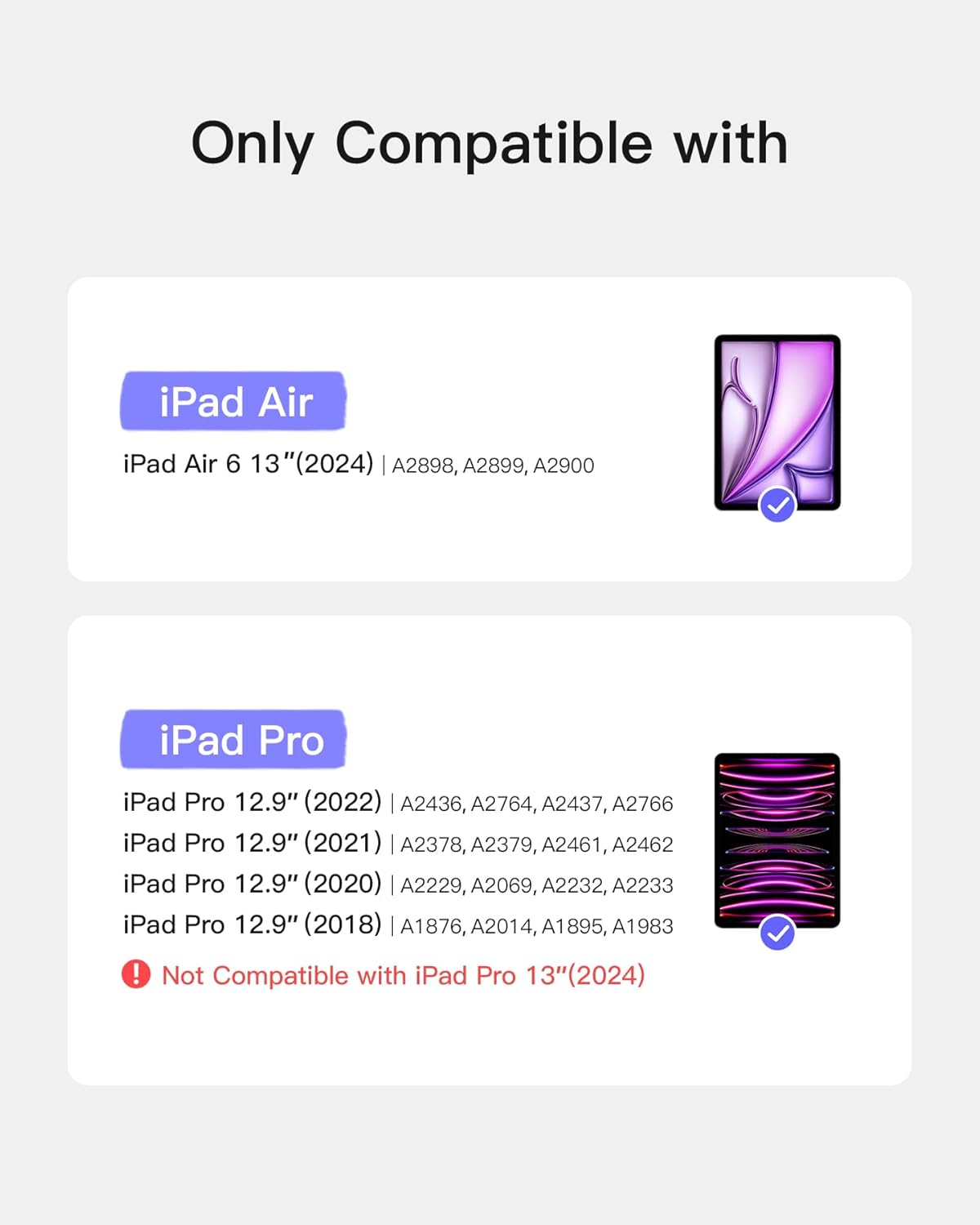
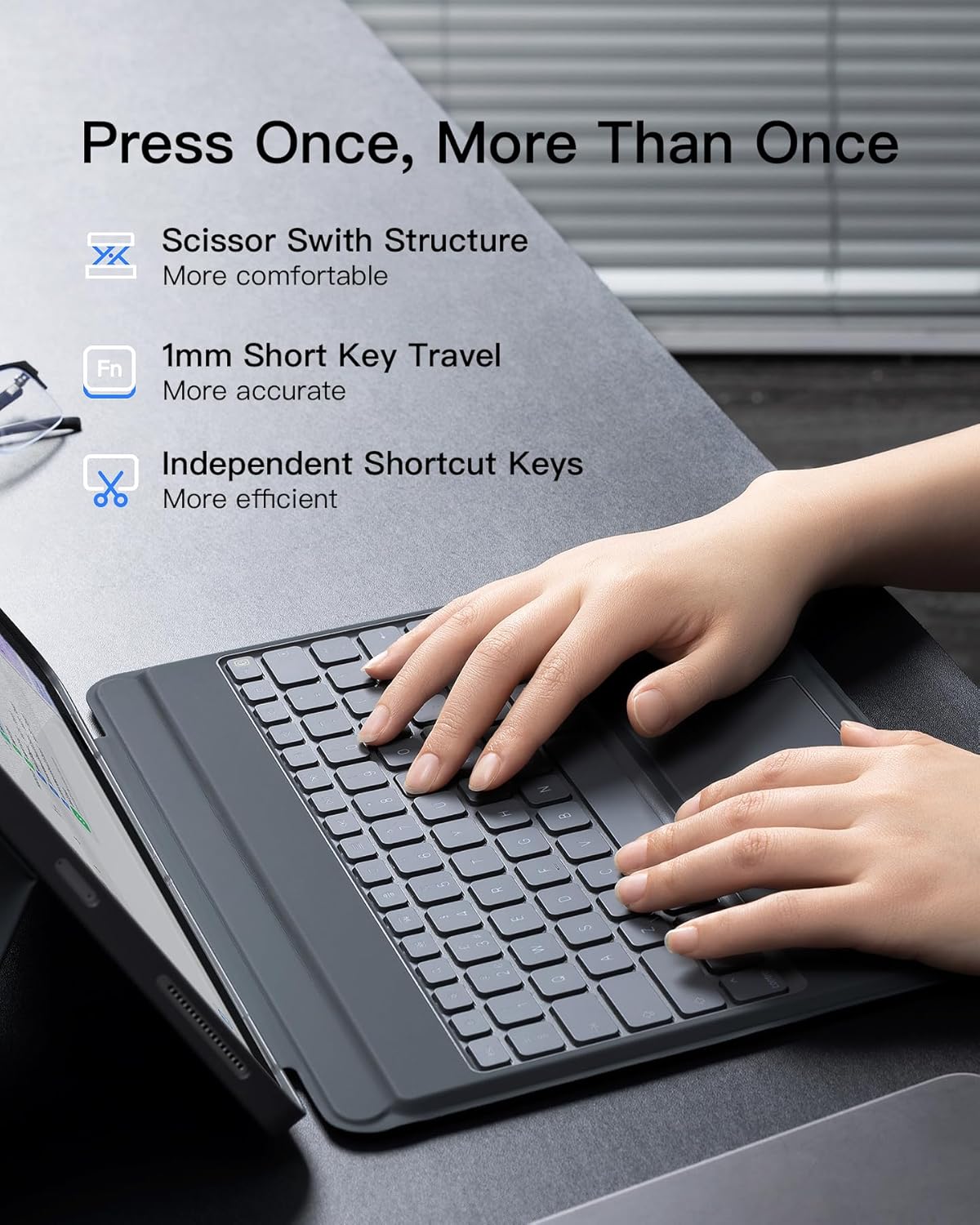
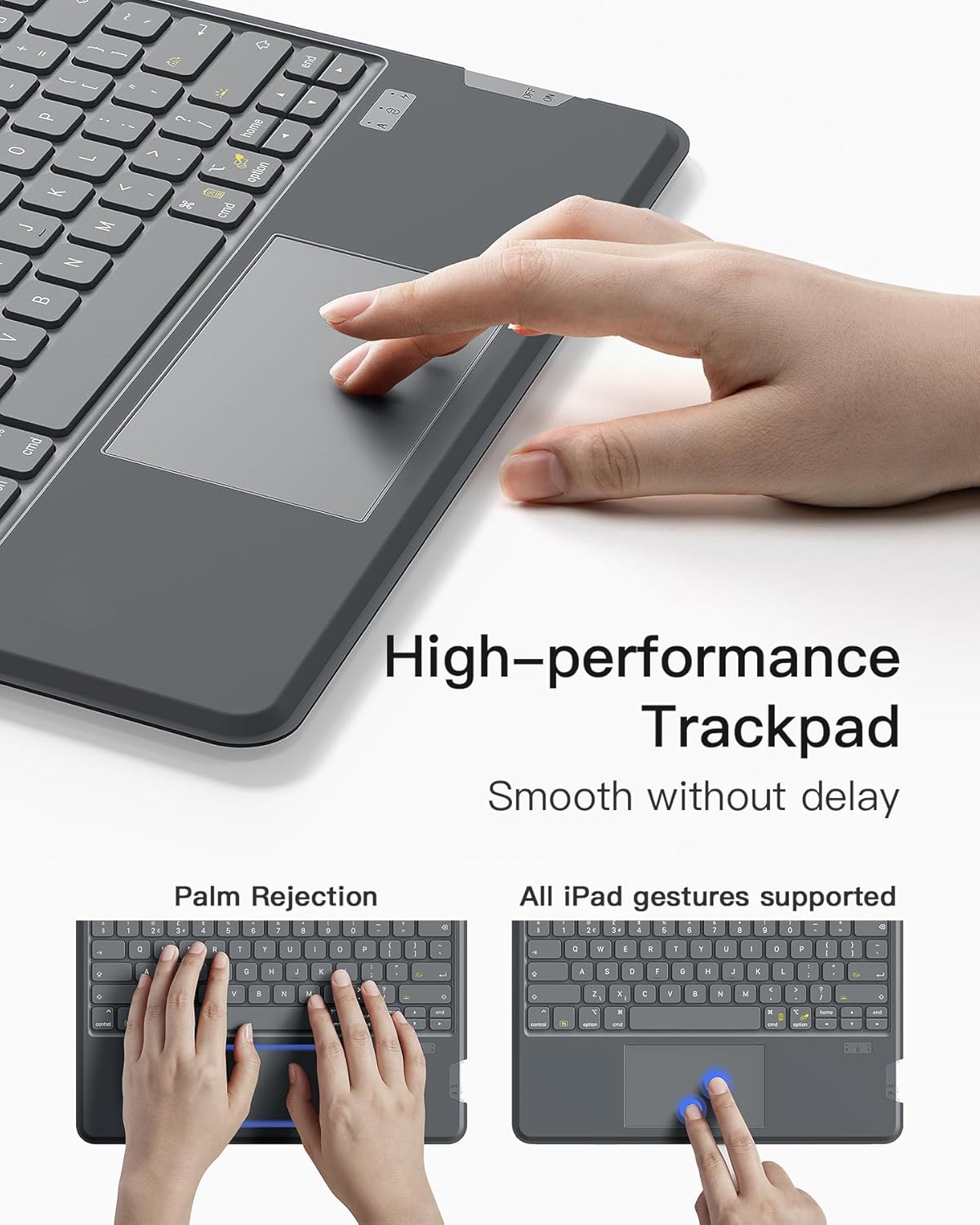
The Inateck Keyboard Case combines a protective shell with a detachable, magnetic keyboard for select iPad models. It supports the 13‑inch iPad Air (M2, M3, M4 generations) and the 12.9‑inch iPad Pro (Gen 3–6). The keyboard connects magnetically and offers a full QWERTY layout, a precision touchpad, and a 7‑colour backlight. The case is finished in grey.
How it helps in daily use
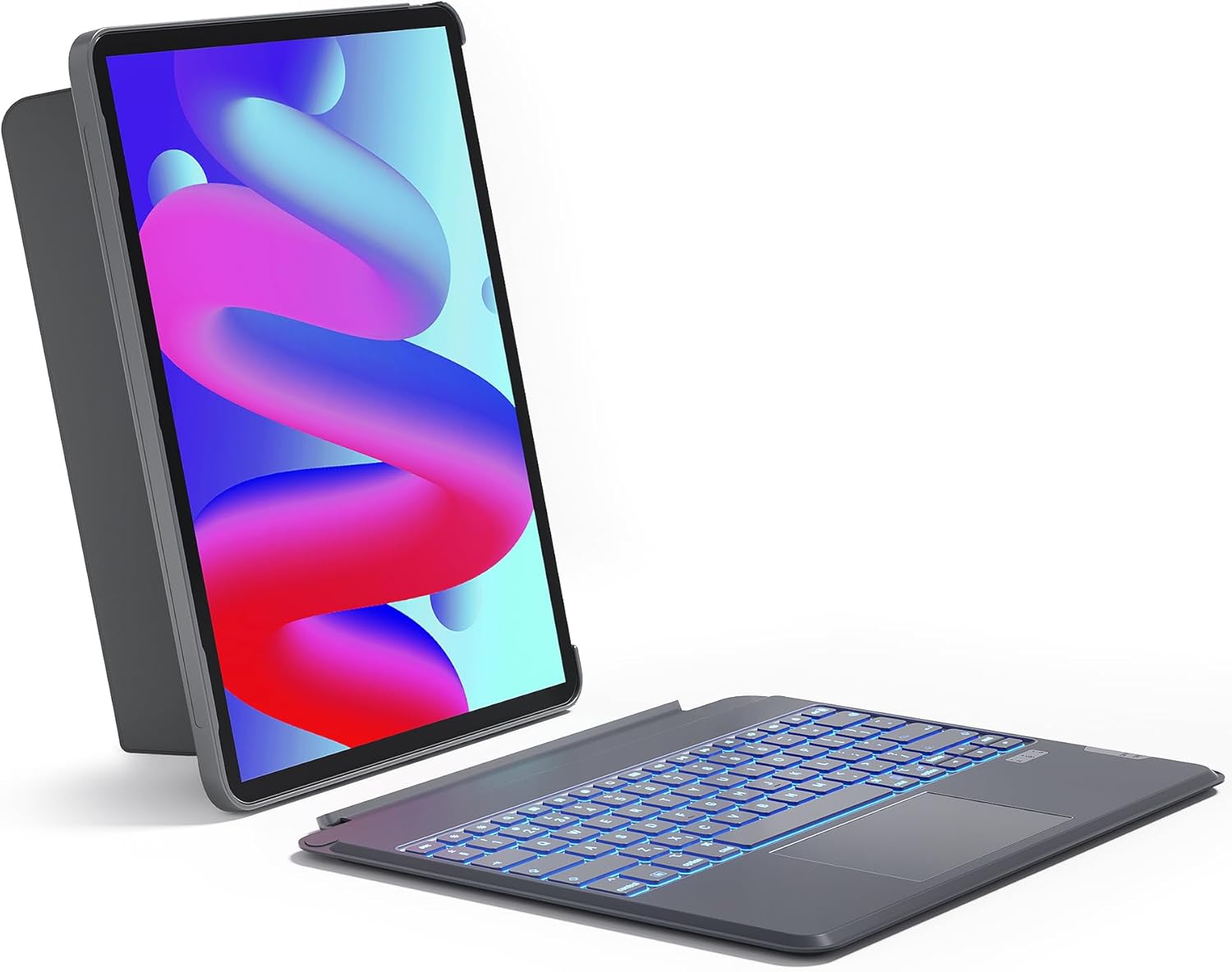
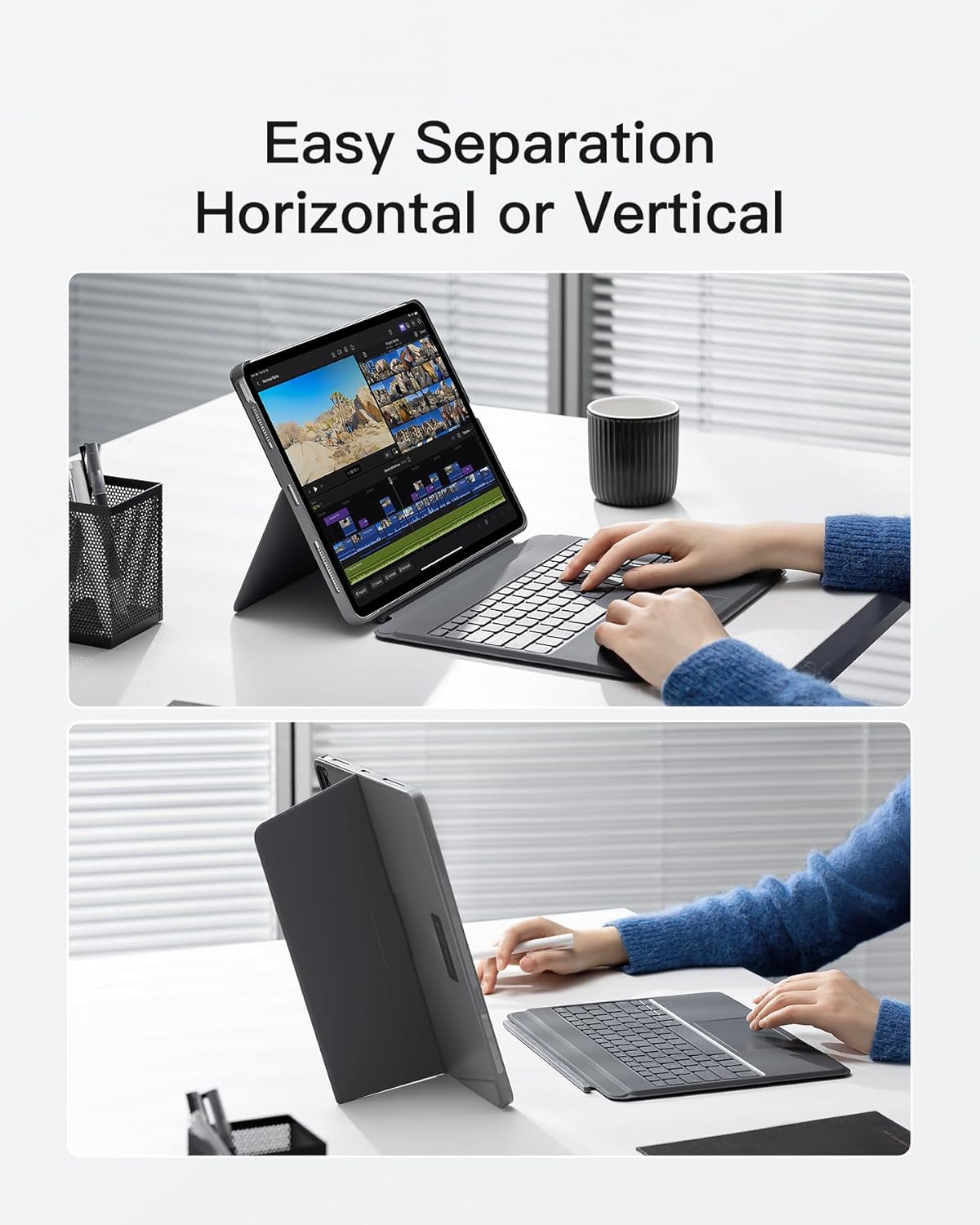
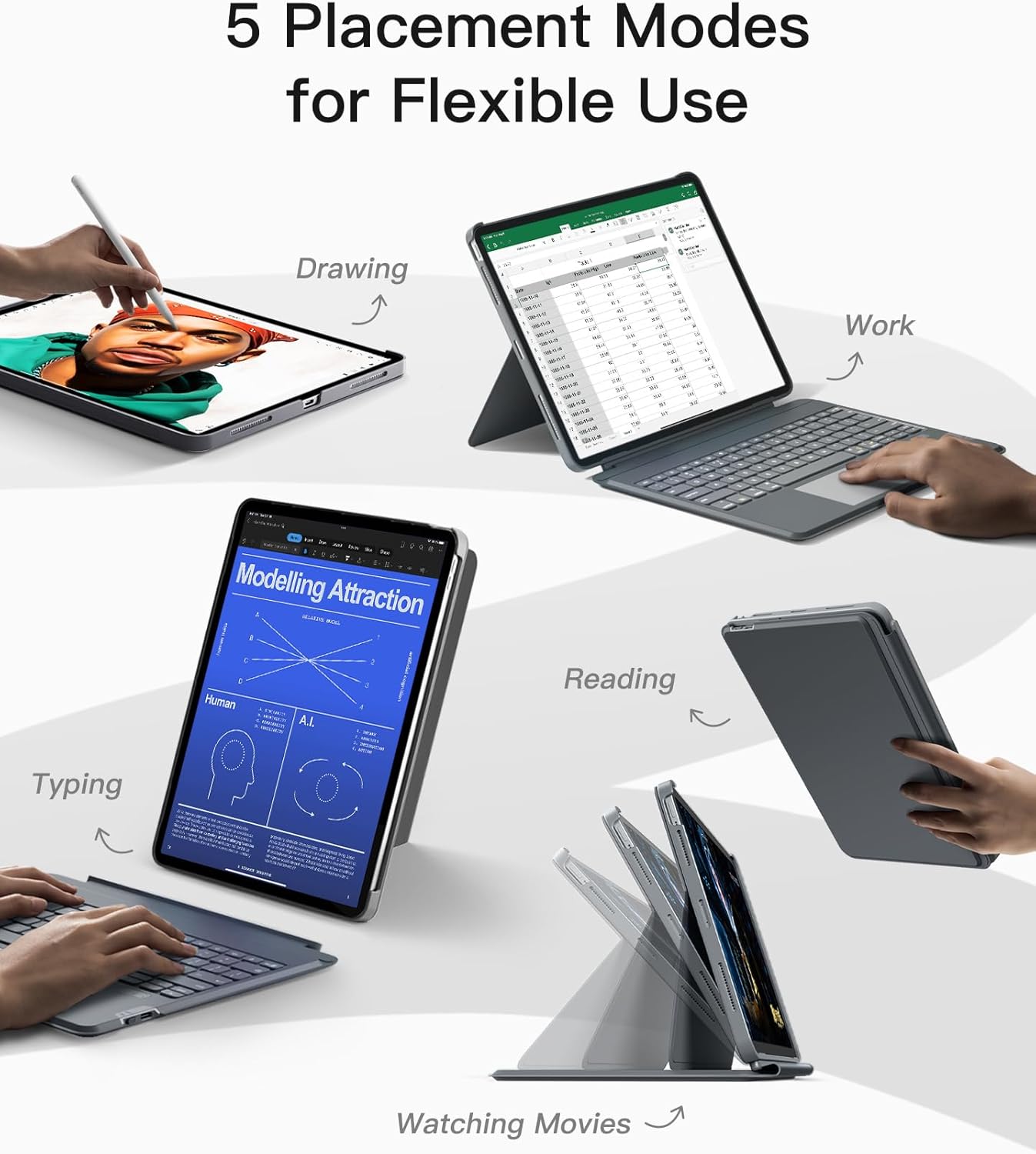
If you want to transform your iPad into a more productive device, this folio-style case provides multiple viewing angles and a detachable keyboard so you can switch between typing, drawing, reading, or media consumption without swapping accessories. The full‑area touchpad supports iPad gestures, which can speed up navigation and tasks without reaching for a touchscreen.
Key strengths at a glance
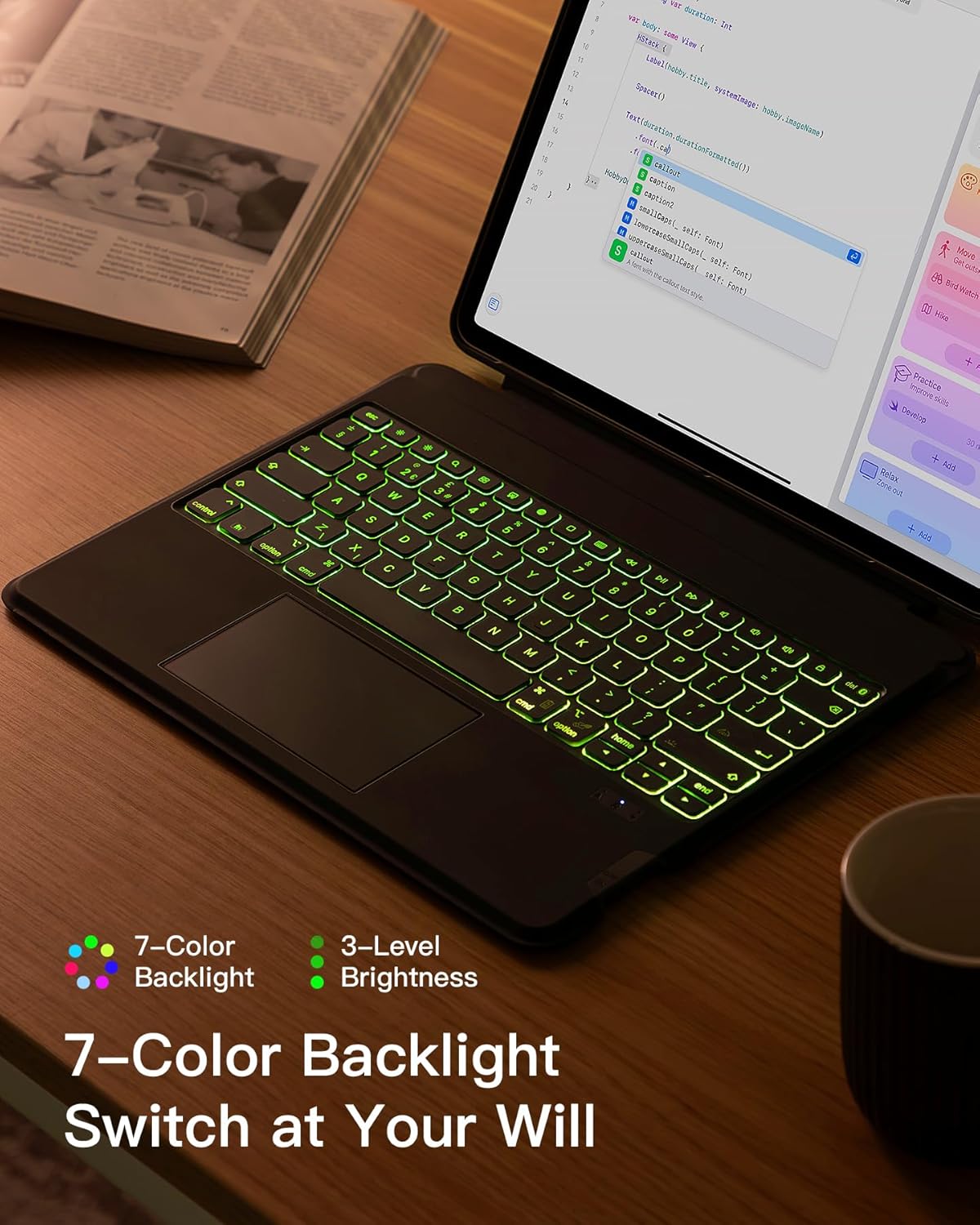
On paper, the headline advantages are clear: magnetic detachability, five display modes (for work, study, movies, drawing and reading), a responsive touchpad, and a backlit keyboard to aid visibility in dim environments. The 7‑colour backlight is useful if you work in low light or share the type of lighting that makes a quiet working space easier to maintain.
What stands out in use
The two most practical aspects are the magnetic, easy‑detach keyboard and the multiple display modes. The ability to place the iPad vertically or horizontally can streamline tasks such as typing, sketching, or presenting. The backlight helps you stay productive in places like on a plane or in a dim room, without needing additional lighting.
Potential limitations to consider
While the case offers a strong feature set, you should note that the product relies on compatibility with a broad range of iPad models. If you own a model outside the listed generations, it may not fit. Also, the presence of a trackpad is useful for many users, but some may still prefer a purely touch‑based workflow in certain apps.
Who this is for
This accessory is well suited to iPad users who juggle typing tasks and media consumption, such as students, remote workers, or casual creators who want a laptop‑like experience without carrying a keyboard separately. If you prioritise portability and a dedicated keyboard with backlighting and a trackpad, this could be appealing.
Who it isn’t for
If you mainly use your iPad for casual browsing or you don’t need a keyboard or trackpad, this might feel extra. Additionally, those who only own a different iPad size or a recent model not listed here may find the fit uncertain.
What to check before you buy
- Verify model compatibility against your iPad’s generation number and model code to ensure a proper fit.
- Consider whether you’ll benefit from the five display modes and the magnetic detach feature in your typical setup.
- Think about where you’ll use it most: the backlit keys help in low light, but you’ll want to ensure the overall weight and balance suit your needs when typing on the move.
How it compares to alternatives
If you’re deciding between a standalone Bluetooth keyboard and a case with integrated keyboard, this option offers a more unified solution with protection and multiple modes. It may be more convenient than carrying a separate keyboard and stand, though it could be heavier than a simple folio. For those who value a built‑in trackpad, this model provides that capability alongside the keyboard.
Practical example of use
Imagine catching up on notes in a dim cabin: you slide the iPad into the case, switch on the backlight, and type with the keyboard while the trackpad handles precise page navigation. If a lecture or meeting ends, you detach the keyboard for light reading or sketching in a drawing app.
Is it worth it?
Worth considering if you want a single, all‑in‑one solution for iPad work and play, with flexible viewing modes and a practical backlit keyboard. It may not be the best fit if you prioritise ultra‑thin lightness or if your iPad model isn’t among the supported generations.
FAQ
- Will the keyboard work with all iPad Pro 12.9-inch Gen 3–6 models? It is specified for those generations, so check your exact model code to confirm.
- Can I use the touchpad reliably in all apps? The touchpad supports iPad gestures across supported apps, but performance can vary by app and task.
- How many brightness levels are there for the backlight? The keyboard offers 3 adjustable levels of brightness.