

Corsair Internal 4-Port USB 2.0 Hub (4× 9‑Pin) with easy magnetic installation
Product description
If your PC case has limited internal USB 2.0 headers, adding more “internal USB” can quickly turn into a cable-management headache. This Corsair internal USB hub is built for exactly that kind of situation: you get extra USB 2.0 ports, neatly gathered in one place, and it’s designed to mount using an easy magnetic installation.
In day-to-day terms, it’s aimed at powering and connecting internal USB 2.0 accessories—so you can keep things organised rather than stuffing spare cables around the case. It’s not a fast-lane solution for high-speed storage or media transfers, USB 2.0 is a different story, and you’ll want to match it to the devices that are actually meant for USB 2.0.
What it is and what it’s for
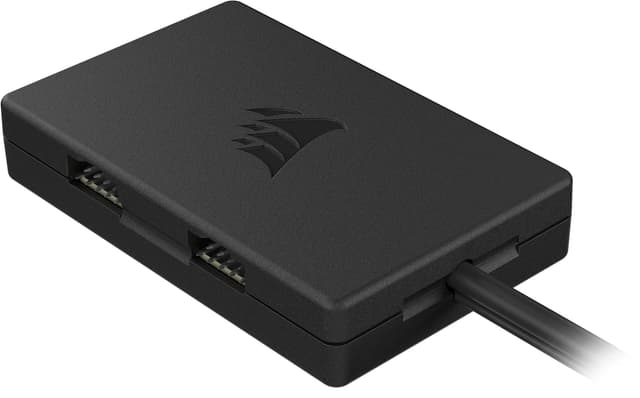
The Corsair Internal 4-Port USB 2.0 Hub adds up to four additional USB 2.0 device connections inside your system. It’s intended for internal add-ons that use USB 2.0, and the base description even calls out typical examples like power supply connections, AIO CPU cooler links, RGB lighting controllers and similar internal devices.
The main convenience here is placement: the hub attaches to a magnetic surface inside your PC case, then routes the connections in a tidy way. That matters when you’re working in tight cases (including Mini‑ITX), where every cable run counts.
Key features worth caring about
On paper, this hub leans into three practical ideas: enough USB 2.0 ports for common internal gear, support for a straightforward connection setup (it uses USB 2.0 and SATA connections), and an installation method that doesn’t require complicated mounting.
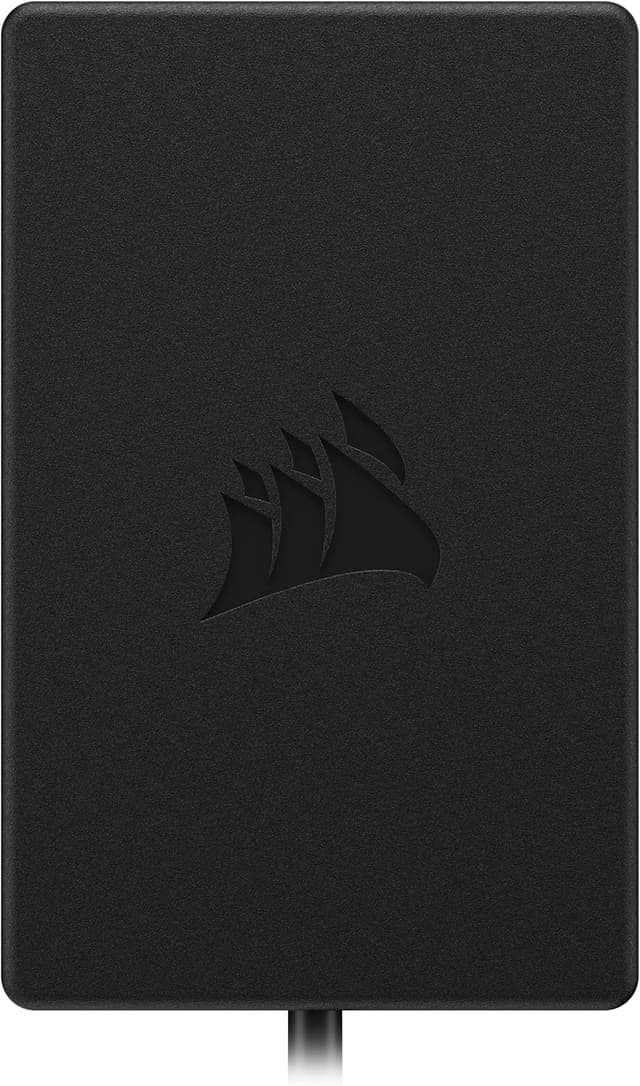
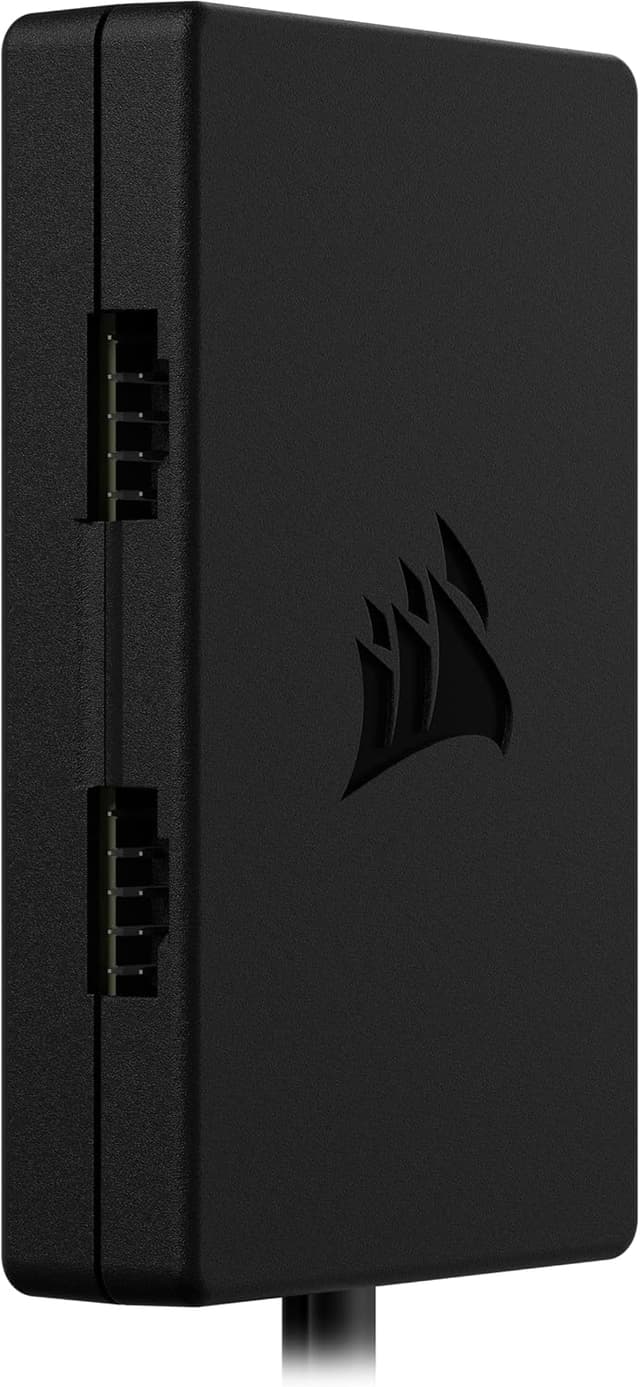
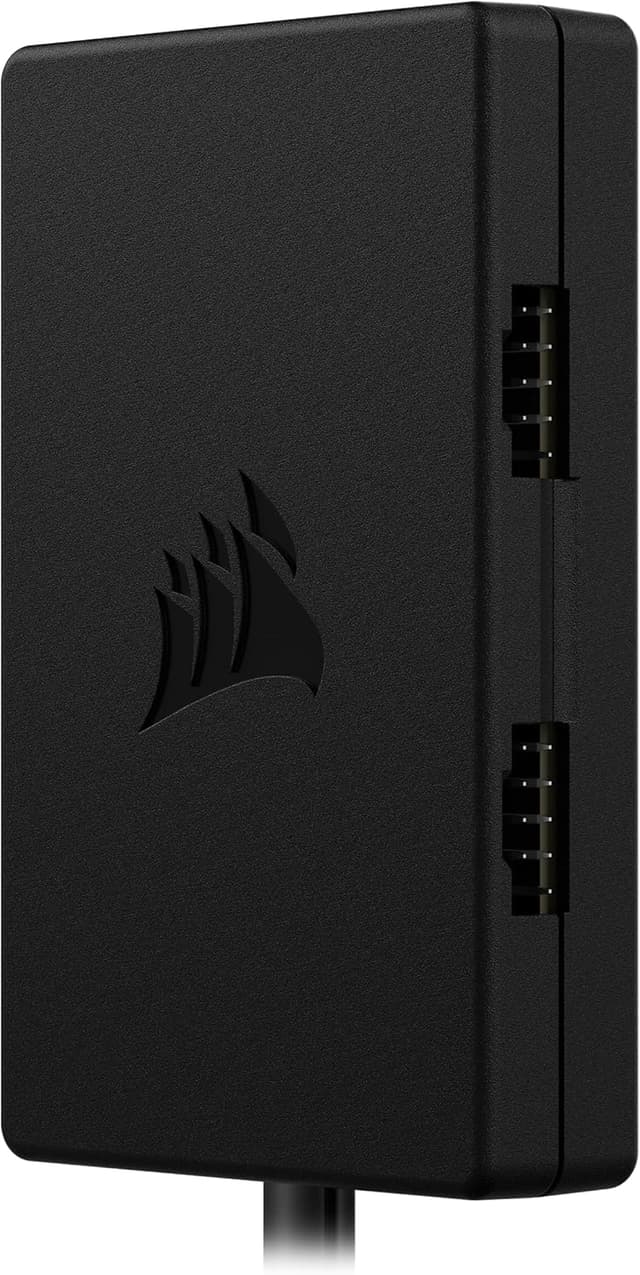
A few details from the listing that set expectations: - Bandwidth is rated up to 480Mbps, aligned with USB 2.0 performance. - You get four 9‑pin USB 2.0 style ports for internal devices. - It’s designed to work with most Intel and AMD motherboards. - It uses easy magnetic installation, which should help when you want to reposition or keep the install clean.
It’s a sensible “internal expansion” approach, rather than something you’d pick for external peripherals.
What you’ll notice in use
A micro-example: imagine you’ve just installed an AIO cooler and an RGB controller, but your motherboard’s internal USB 2.0 headers are already fully used. Instead of hunting for another header on the board or letting extra leads become a mess, the hub gives you four additional internal USB 2.0 connections, all managed together.
That “one place” concept is where this kind of hub earns its keep. When the ports are organised, troubleshooting is easier too—if one device doesn’t behave, you’re not chasing a cable bundle across the case.
That said, you should still be realistic: because it’s USB 2.0, it’s not the hub you’d choose for anything that expects higher bandwidth. If you’re trying to drive faster devices, the whole setup will stay capped at USB 2.0 behaviour.
Compatibility and installation reality check
The listing states compatibility with most Intel and AMD motherboards, and it also says it fits even in tight spaces including Mini‑ITX cases. That’s a good sign for general usability.
However, do take a moment before buying to check what your motherboard and devices actually require—especially the internal connection types. The description mentions USB 2.0 and SATA connections for the hub’s setup, so you’ll want to make sure you have the relevant internal headers and SATA access available.
Also, while magnetic mounting is convenient, it’s still worth thinking about airflow and cable strain in your specific case layout. Magnets help with placement, but you still don’t want any leads pulling tight once everything is routed.
Is it the right choice for you?
It makes sense if you need extra internal USB 2.0 ports for multiple internal accessories such as RGB controllers, AIO cooler connections, or other USB 2.0 internal devices—and you care about tidy installation in a confined case.
It’s not the best choice if you’re trying to add high-speed connectivity for devices that should use faster standards than USB 2.0, or if your build doesn’t have the required internal connectivity for the hub’s USB 2.0 and SATA approach.
In general, this sits firmly in the “useful expansion” category. It’s the kind of add-on that can save a build from feeling cramped, but it won’t magically turn USB 2.0 accessories into something faster.
Final verdict
Worth considering if you’re running out of internal USB 2.0 ports and want a cleaner way to connect several internal USB 2.0 devices, especially in smaller builds where cable space is tight. The magnetic installation and the promise of up to four additional 9‑pin USB 2.0 connections make it a pragmatic buy for common Intel/AMD setups.
Skip it if your devices don’t match USB 2.0 needs, or if you can’t provide the relevant internal USB 2.0 and SATA connections it uses for installation. As long as those basics line up, it should do exactly what you bought it for—expand internal USB 2.0 access without turning your case into a tangle.


FAQs
How fast is this hub?
The listing describes up to 480Mbps bandwidth, which corresponds to USB 2.0.
Does it fit in small cases?
Yes, the description specifically mentions it fits even in tight spaces, including Mini‑ITX cases.
Is it for external USB devices?
No—this is an internal USB 2.0 hub intended for internal 9‑pin USB 2.0 device connections.
What does it connect to on the system?
According to the listing, it attaches with simple USB 2.0 and SATA connections.
Does it work with Intel and AMD motherboards?
The description says it’s compatible with most Intel® and AMD® motherboards.