

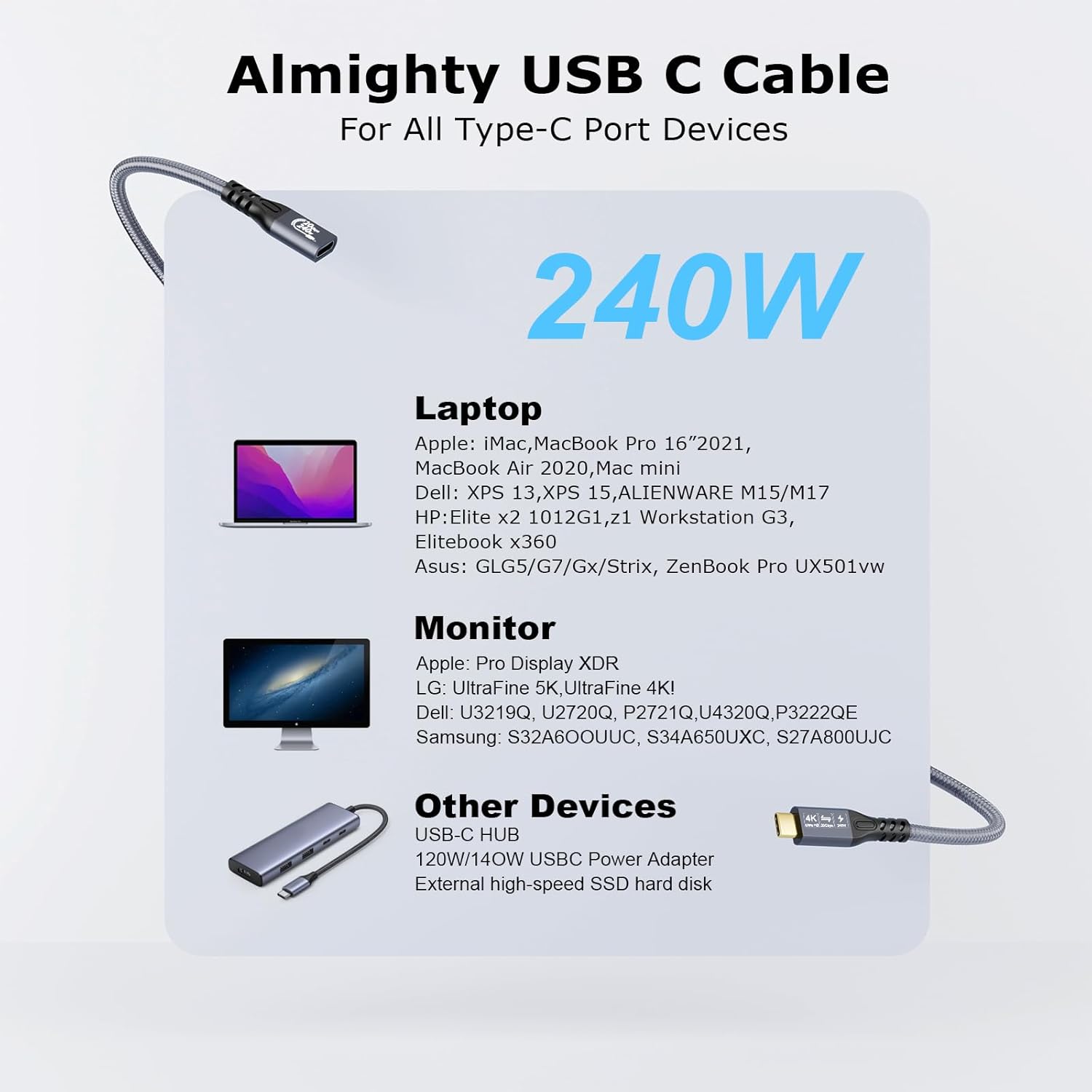
CHENLENIC 20Gbps USB-C 3.2 Extension Cable (USB-C Male to Female) for 4K@60Hz, 240W Charging and Data Sync
Product description
What it is and what problem it solves
This CHENLENIC USB-C extension cable is designed for people who want more reach between a laptop with a USB-C port and a USB-C/Thunderbolt 3/4 display or dock. On paper, it also targets high-speed file transfers and USB-C power delivery, so you can run video and data over the same extended link while charging a compatible setup.
The “extension” part matters: you’re not replacing your main USB-C lead, you’re adding extra length to a USB-C connection path. That can be useful if your desk setup makes cable routing awkward, or if you’re trying to position an external monitor, portable screen, or workstation device without forcing everything to sit right next to your laptop.
Still, it’s worth being a little strict about expectations. The headline speeds (20Gbps, 4K@60Hz) only apply when both ends of the cable path meet the right USB/Thunderbolt capabilities.
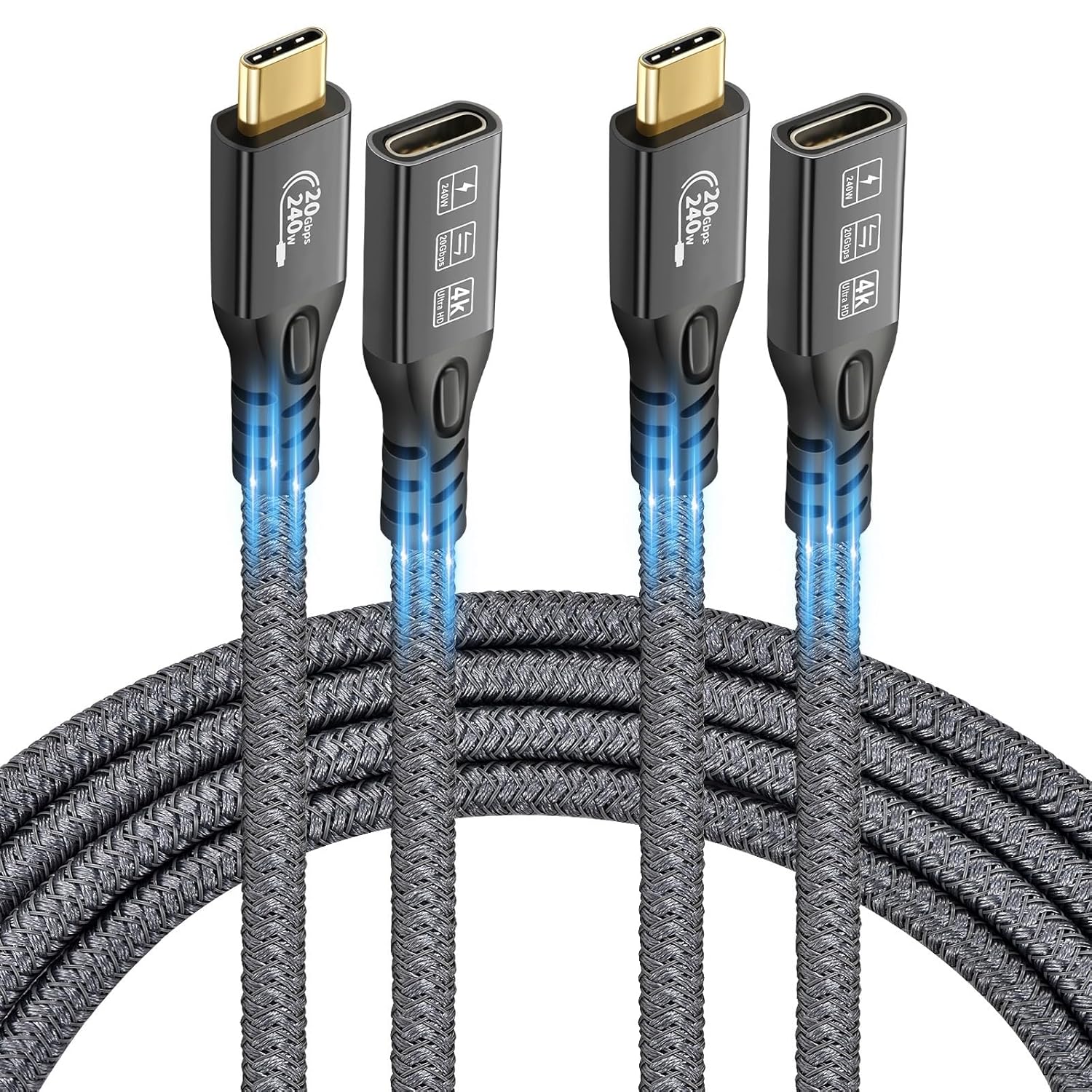
Key takeaways
If you prioritise one cable path for charging plus high-speed data, this extender is built around USB-C 3.2 Gen 2 / USB4 / Thunderbolt 3/4 expectations.
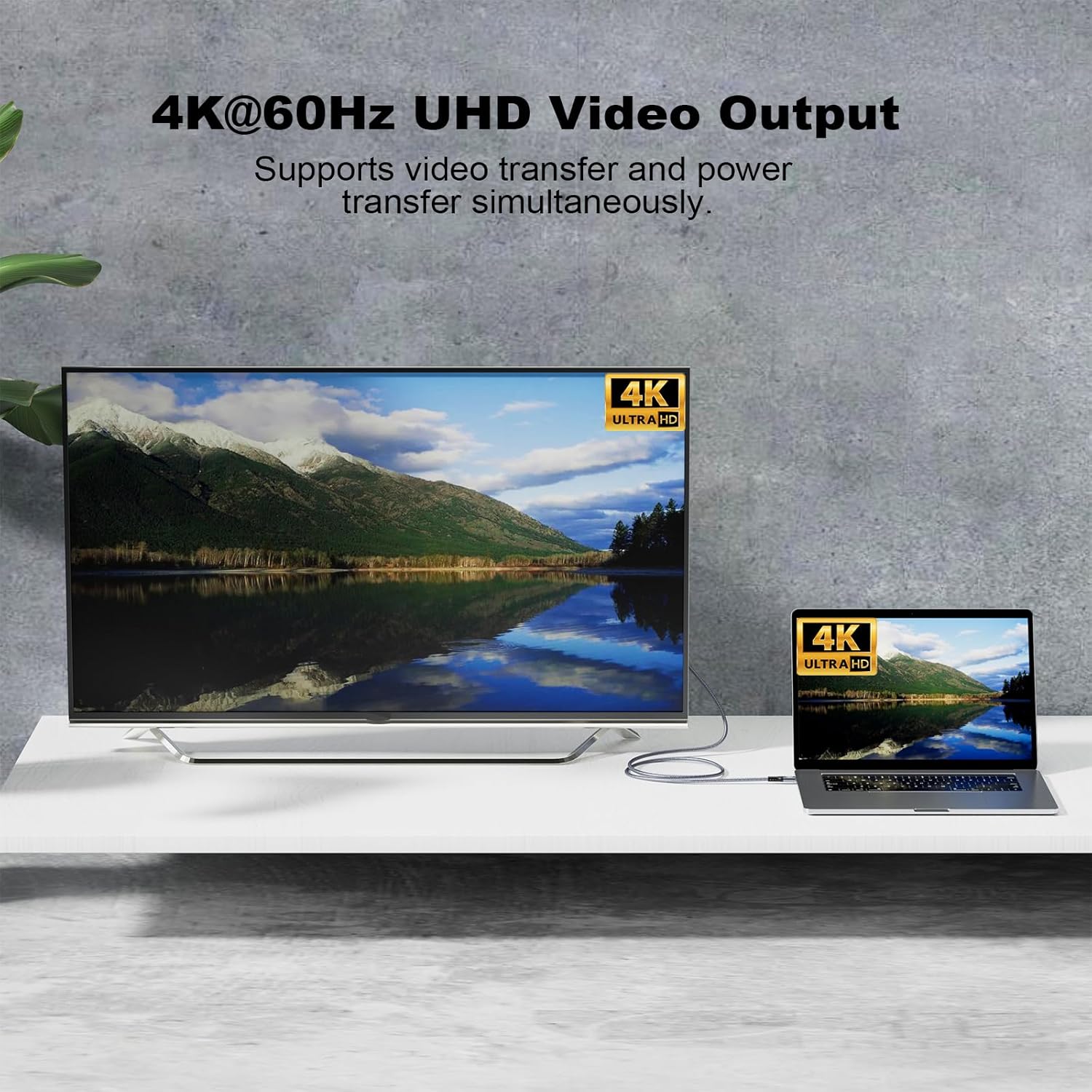
It also supports DisplayPort Alternate Mode for video output, with advertised video performance up to 4K at 60Hz and audio output. For day-to-day use, that’s the difference between “it sort of connects” and “it behaves like a proper monitor cable” when your laptop and display are already compatible.
Limitations to keep in mind: for the full 20Gbps transfer rate, both sides of the connection need to be the right spec. If you connect it to a more limited USB-C port (or mix standards), the result may be slower than the marketing number.
What you’ll notice day to day
A practical way to think about this cable is as a “reach extender” for a single USB-C workflow:
- You plug your laptop’s USB-C (DP Alternate Mode capable) into one end of the cable path.
- You connect to an external USB-C monitor (or Thunderbolt 3/4 display) at the other end.
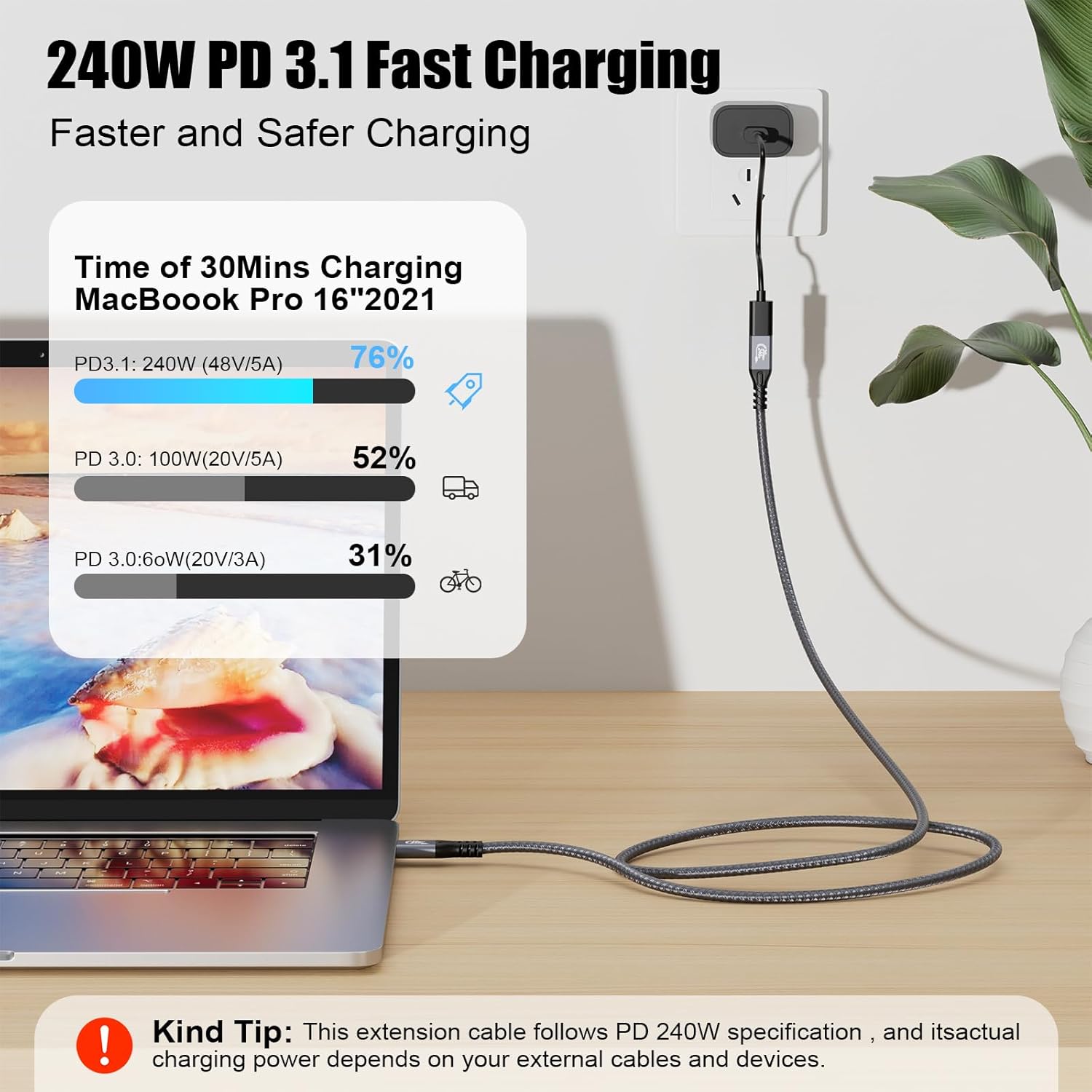
- If your power adapter and device support the stated USB-C PD profiles, charging can be passed through as well.
For a typical home setup—laptop on a stand, monitor a bit further back—this can reduce cable strain and keep things tidy. For work or study, it can make it easier to keep a single connection between devices rather than juggling separate video and charging leads.
That said, the cable is described as male to female, and there’s an explicit note that a male/male USB-C 3.2 cable is not included. So you may need to confirm your existing leads and whether your current setup already provides the missing cable piece.
Tech specs
- Type: USB-C 3.2 extension cable (Type-C Male to Female)
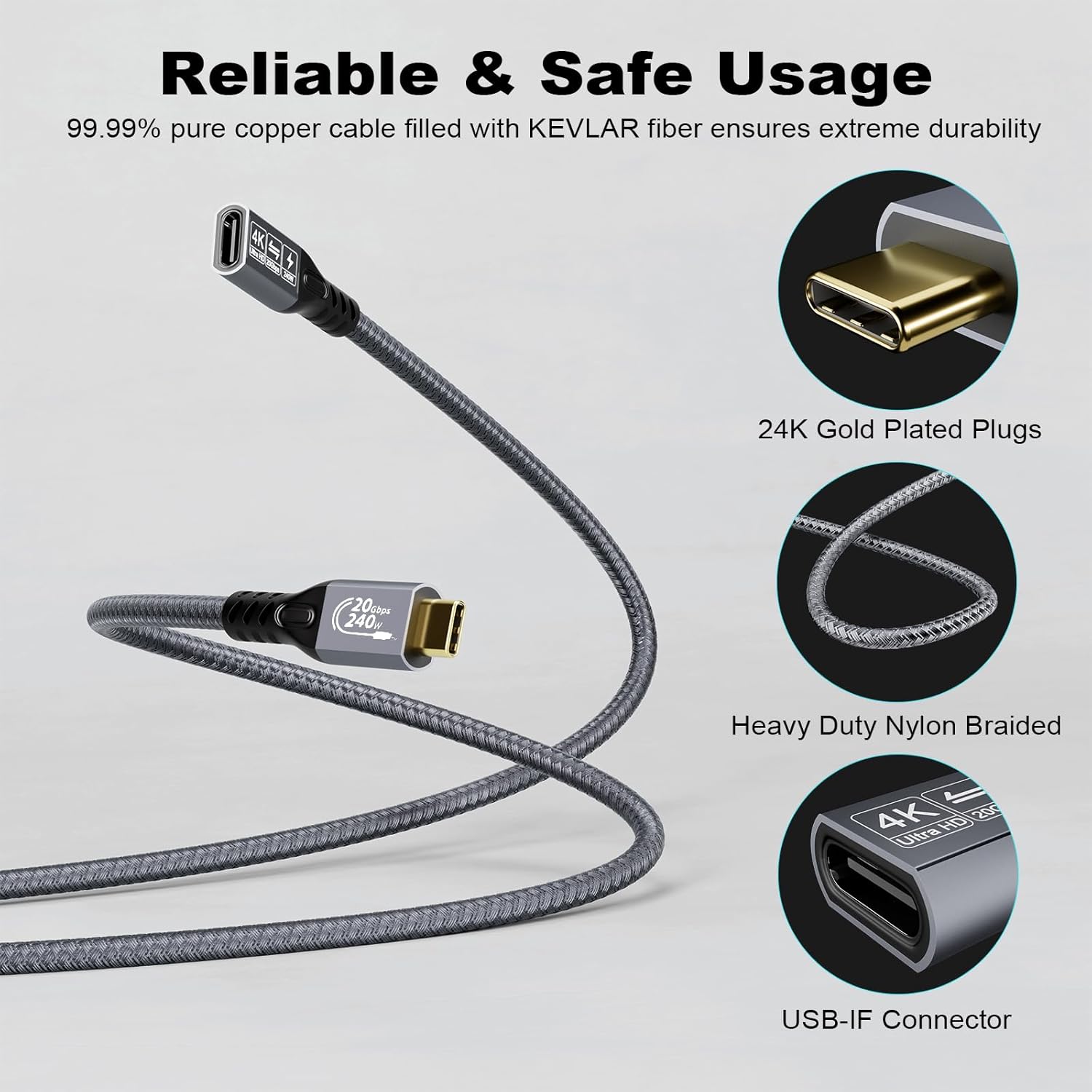
- Data transfer: up to 20Gbps (advertised) with USB 3.2 Gen 2 / USB4 / Thunderbolt 3 / Thunderbolt 4 on both ends
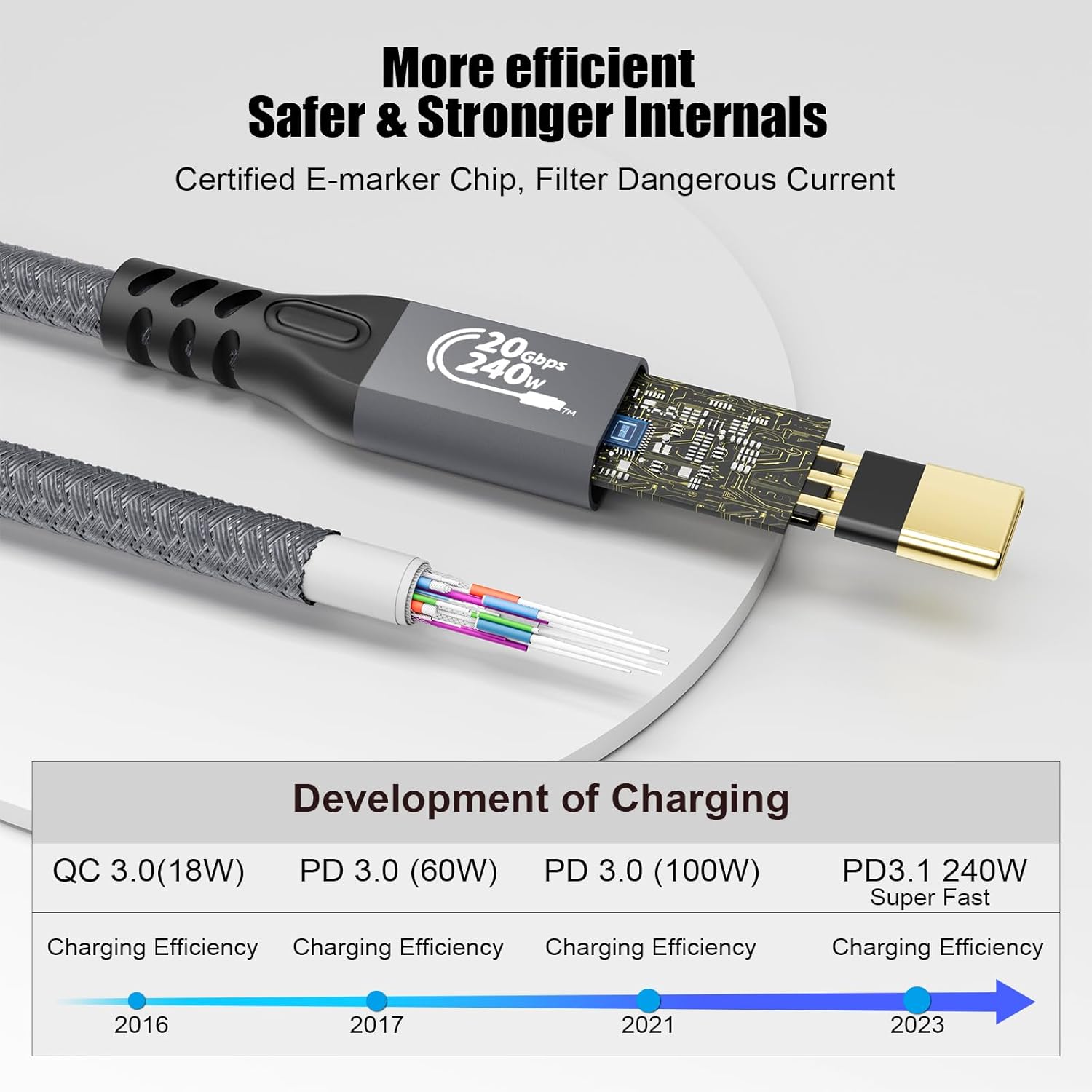
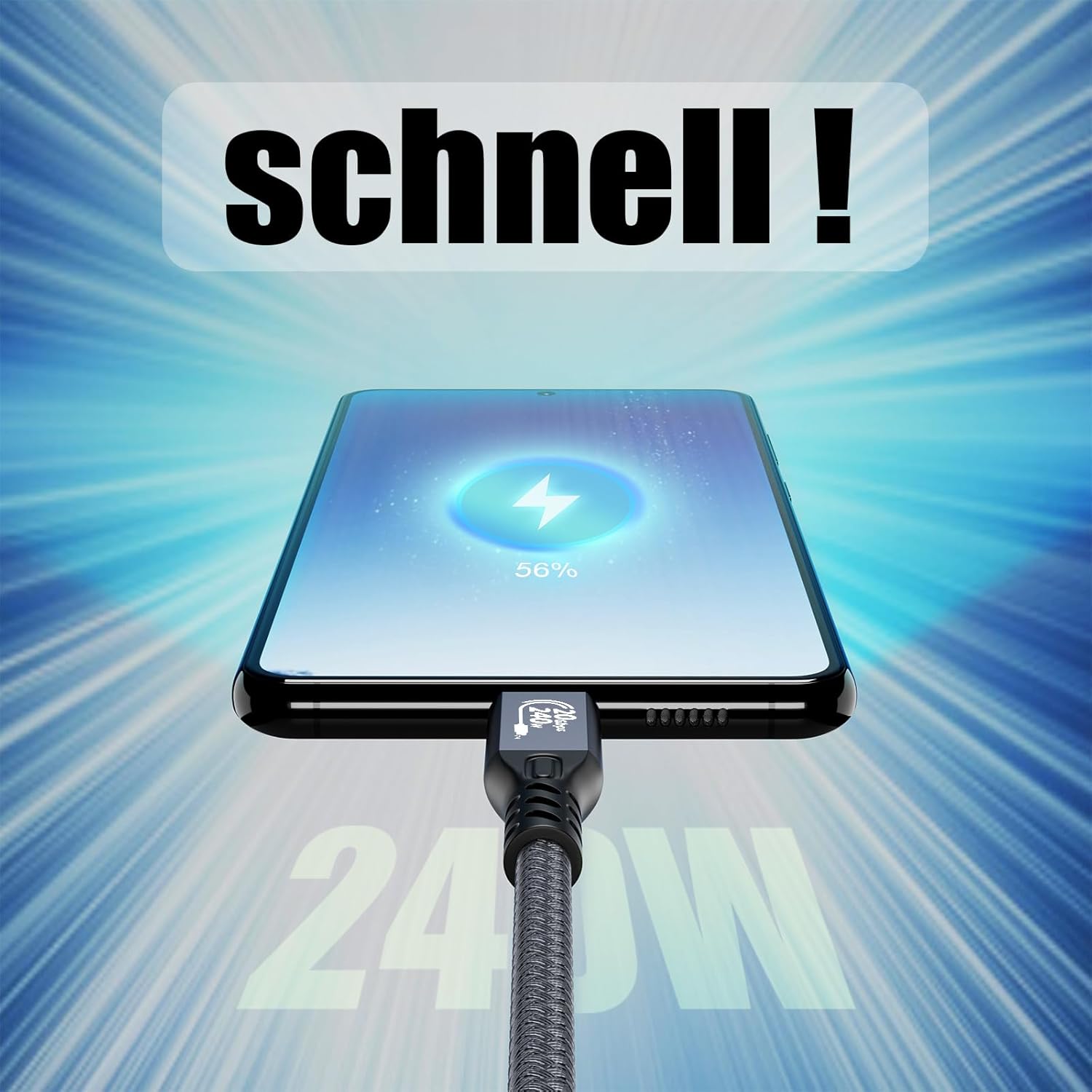
- Charging / power: supports USB-C PD 3.1 and QC4.0 fast charging, up to 50V/5A (max), stated as compatible with PD 3.0/2.0, QC3.0/2.0 and Samsung adaptive fast charging
- Video output: supports up to 4K@60Hz with video and audio output
- Video compatibility: DP Alternate Mode supported
- Power delivery protection: includes “240W PD Protection” (advertised) with support for various USB-C wall adapters (listed as multiple wattage classes)
- Warranty / support: 18 months product warranty, lifetime technical support, 24/7 email customer service support
Who it suits (and who should skip it)
It makes sense if you already have a laptop and display setup that supports USB-C video and you want to add extra length without switching to separate video cables.
It can suit people who care about: - keeping charging on the same connection path (where your adapter and device support it) - fast transfers when using compatible USB-C/Thunderbolt 3/4 ports - a single-cable style setup for e-learning, working, gaming, or movie watching (as described)
It’s not the best choice if you’re buying this purely for the headline speeds without checking your ports. If either end doesn’t meet the advertised requirements, you’ll likely get less than 20Gbps. And if you don’t have the right cable pieces for your current setup, you may find you need extra leads to complete the chain.
Is it worth it?
A solid pick if your goal is to extend a USB-C (DP Alternate Mode) monitor connection while keeping an eye on data transfer and USB-C charging pass-through. The focus on USB-C 3.2 Gen 2 / USB4 / Thunderbolt 3/4 compatibility suggests it’s aimed at higher-spec laptops and monitors rather than basic USB-C phone-charging setups.
You may want to skip it if your laptop or display only supports lower-speed USB-C modes, or if you’re unsure about what your device actually supports for video and power delivery. In that case, an extension can turn into a frustrating compatibility puzzle instead of a tidy desk upgrade.
Quick mini FAQ
Does it support video and audio output?
Yes—video output up to 4K@60Hz is advertised, with audio output support, assuming your input device and display support the required USB-C/Thunderbolt video in-and-out behaviour.
Will I always get 20Gbps data transfer?
Not necessarily. The cable states that achieving 20Gbps requires both ends to be connected to devices/ports that meet USB 3.2 Gen 2, USB4, Thunderbolt 3, or Thunderbolt 4.
Is it suitable for powering (charging) devices?
It’s described as supporting USB-C PD 3.1 and QC4.0 fast charging (up to 50V/5A max) with “240W PD Protection”, and it’s listed as backward compatible with several PD/QC profiles. You’ll still need a compatible power adapter that matches your device, as noted.
What if I don’t have the right USB-C cable pieces?
There’s a note that a male/male USB-C 3.2 cable is not included, so you may need to check what cables you already own before assuming this completes the full connection path.