

CAKOBLE Thunderbolt 5 Cable 2m (80Gbps, 16K/8K@60Hz, 240W USB-C charging)
Product description
What it is and why you’d want it
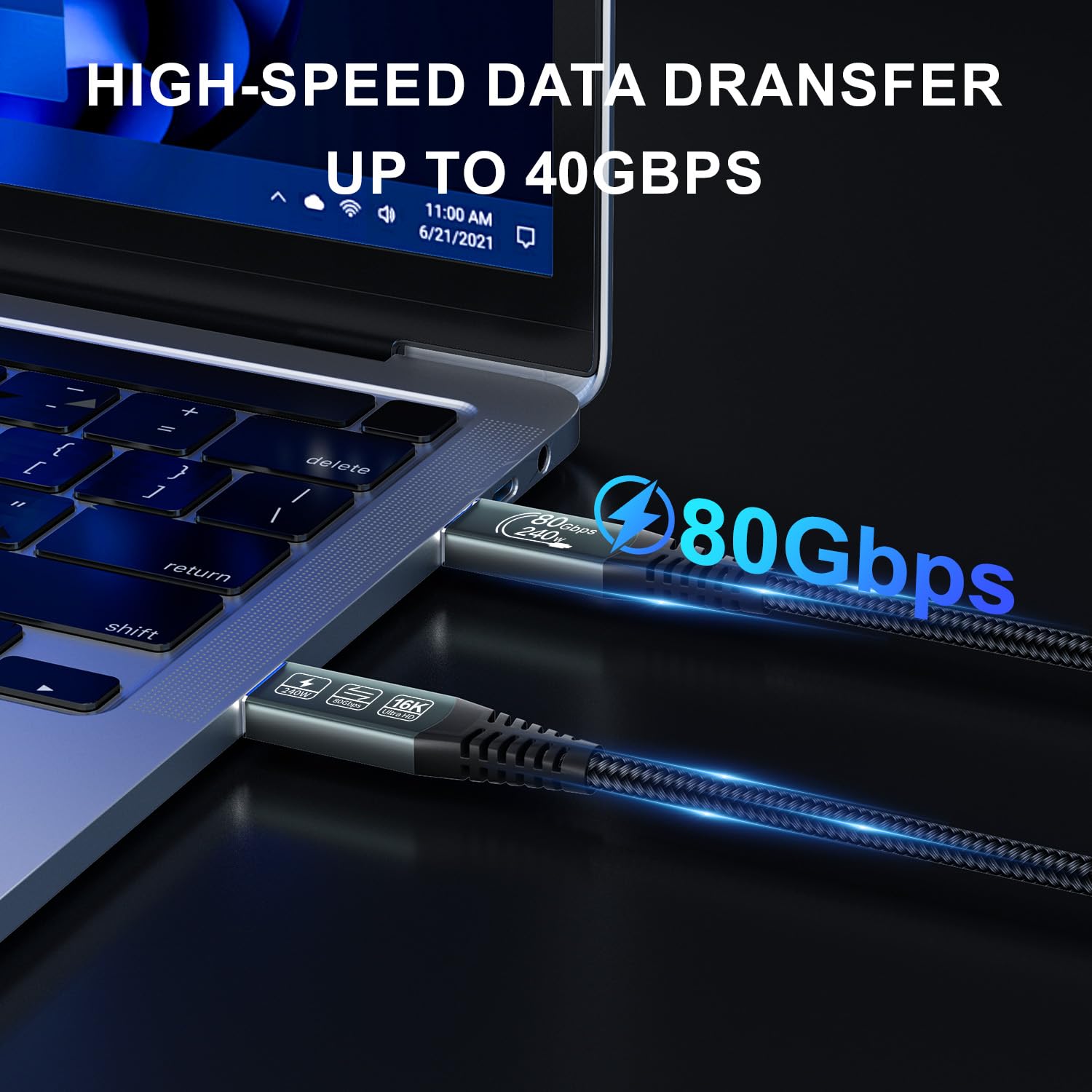
A Thunderbolt 5 cable like the CAKOBLE Thunderbolt 5 Cable 2m is aimed at people who want one connection that can handle serious data transfer and high-end display output, without juggling separate cables. On paper, this one pushes up to 80Gbps bidirectional data rates and supports very high-resolution video modes, alongside USB-C Power Delivery for charging.
The practical appeal is obvious if you’re building a setup around a dock: laptop to dock, dock to displays, and you still want charging through the same cable. It’s also the sort of cable you’d consider if you’re regularly moving big files (high-resolution video, 3D work, large photo libraries) and want the transfer side to be taken seriously.
The essentials (what stands out)
The headline features here are fast transfer, high-bandwidth video support, and high-watt USB-C charging.
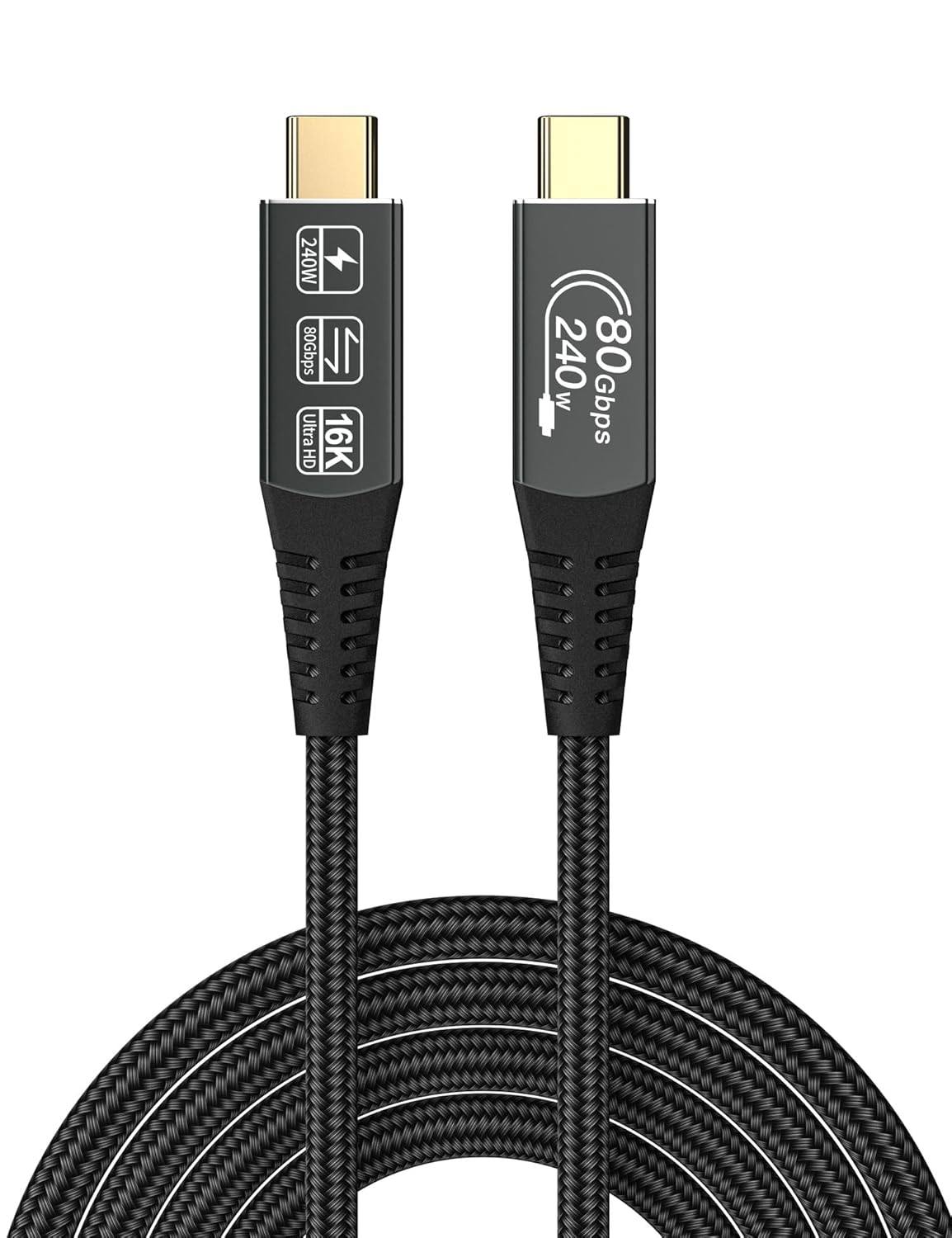
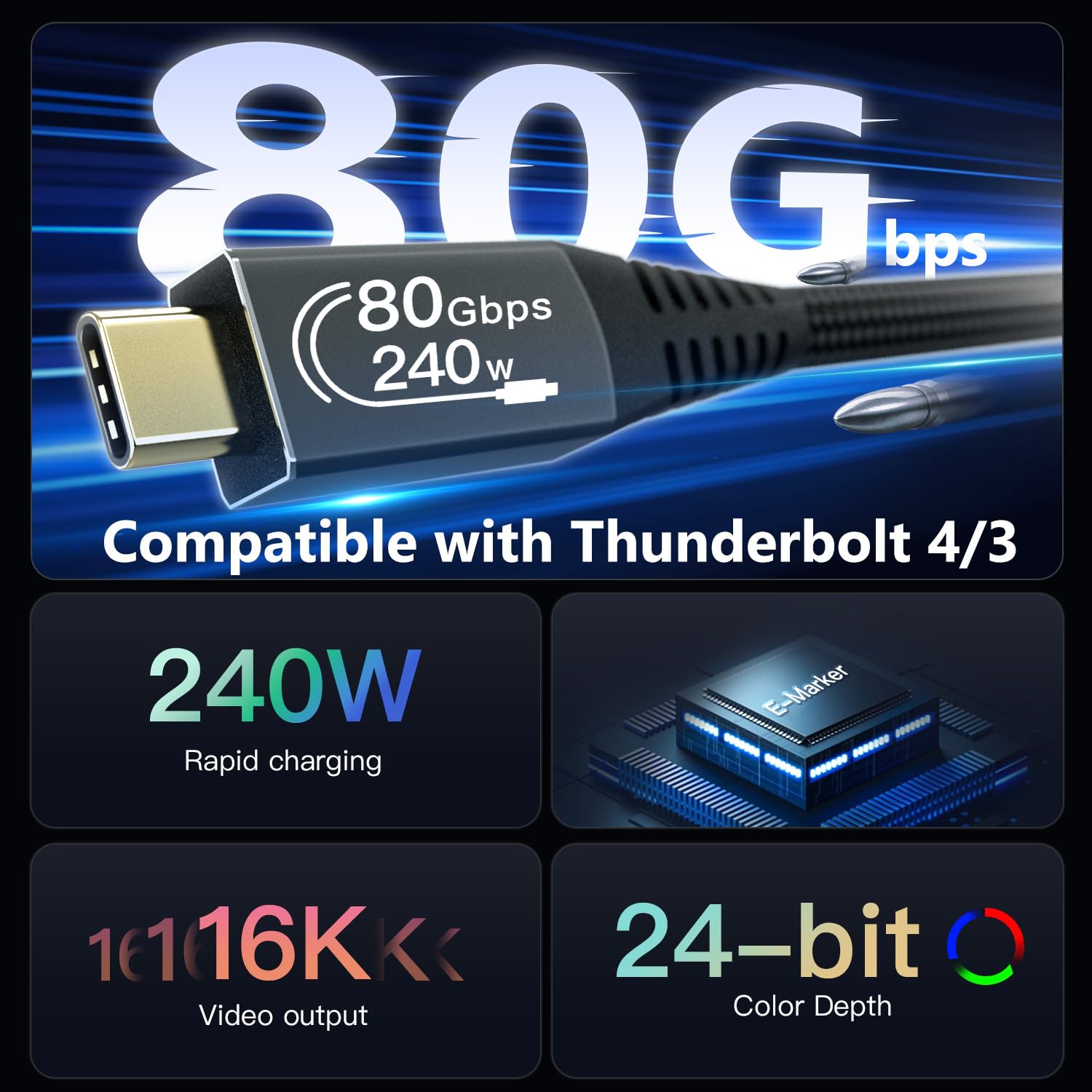
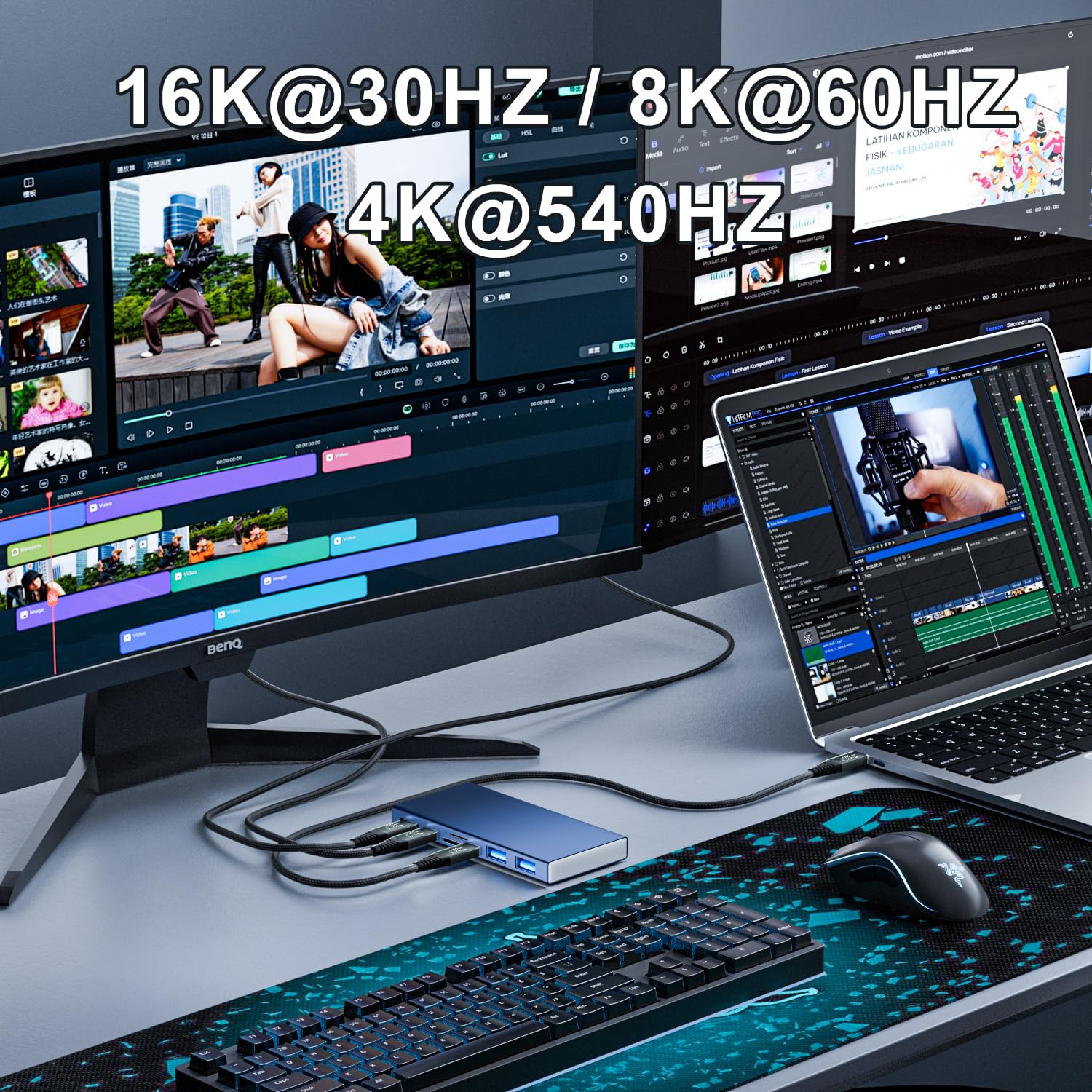
In the spec you’re given: - Data transfer is quoted as up to 80Gbps (bidirectional), with up to 120Gbps video bandwidth. - Display support is described for up to a single 16K display at 60Hz, or dual 8K at 60Hz, or triple 4K at 144Hz. - Charging is listed as PD 3.1 with up to 240W (48V/5A), with stated compatibility across a range of lower wattage profiles.
That combination is the main reason a buyer would pick a Thunderbolt 5 cable over a more basic USB-C lead: you’re not just charging or charging + syncing at modest speeds, you’re trying to keep bandwidth available for both displays and fast file movement.
Worth noting: the best results depend on both ends of the connection supporting the same capabilities (your laptop/dock/display must be able to take advantage of Thunderbolt 5, the negotiated data/video modes, and the charging power profile).
What you’ll notice in everyday use
If you use a docking station, this cable can simplify your desk wiring. Rather than running separate leads for charging and high-speed data, the intent is that your dock and displays “live” on the same cable path.
A micro example: imagine you plug your Thunderbolt-capable laptop into a hub/dock in the morning, and you’re working with a high-resolution monitor right away. With a capable dock and display chain, you’re aiming for a fast, stable connection that doesn’t feel like it’s throttling your workflow when you start transferring large media files.
The 2m length also tends to suit typical home-office layouts where your laptop sits a short distance from the monitor/dock, without forcing the cable to bend sharply.
Tech specs (as stated by the product)
- Name: CAKOBLE Thunderbolt 5 Cable 2m
- Type: Thunderbolt 5 / USB-C to USB-C cable
- Size: 2m
- Data transfer: up to 80Gbps bidirectional
- Video bandwidth: up to 120Gbps
- Video support: 16K@60Hz (single), dual 8K@60Hz, triple 4K@144Hz (as described)
- Charging: PD 3.1 up to 240W (48V/5A)
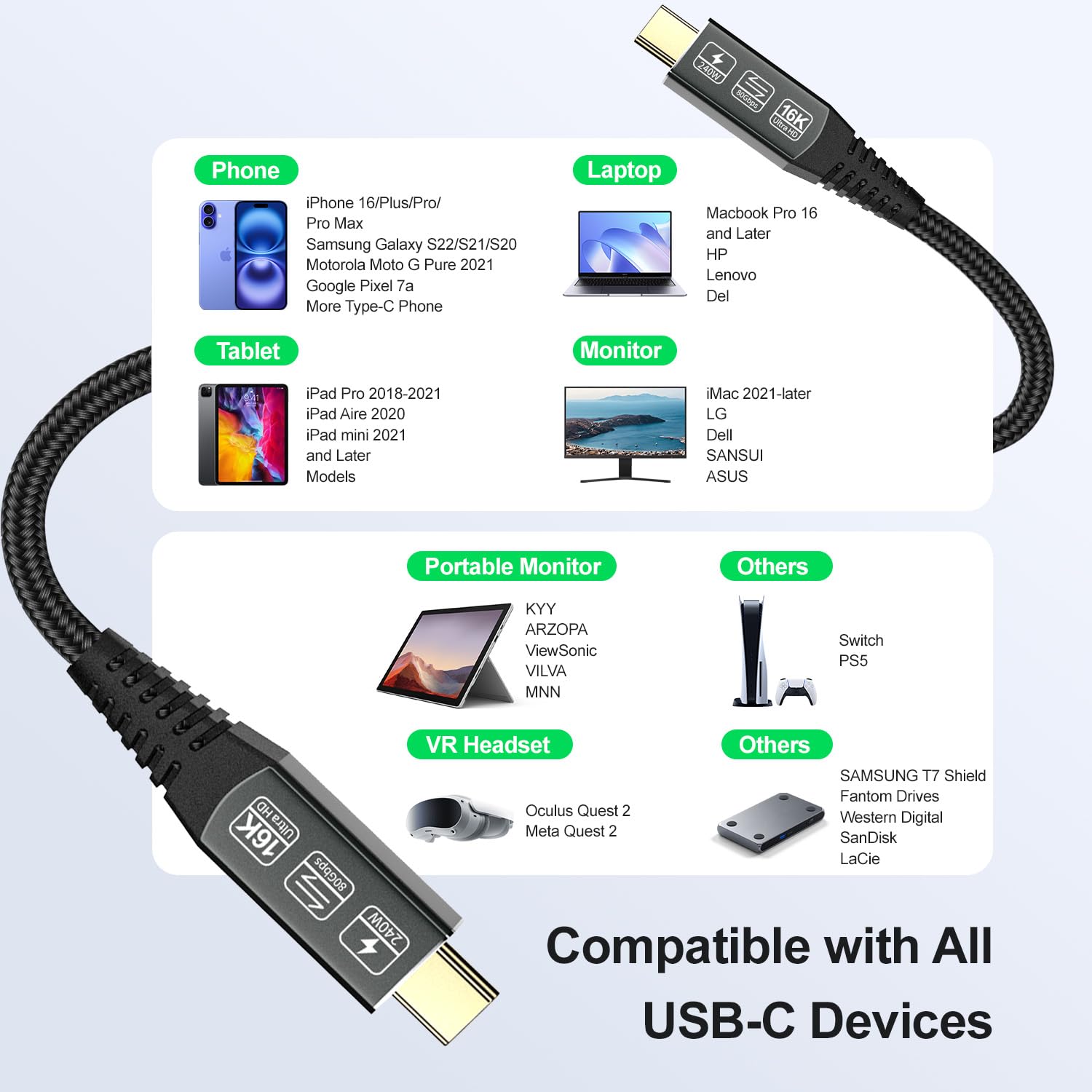
- Compatibility: Thunderbolt (Apple Thunderbolt) / USB4 / Thunderbolt 4 / Thunderbolt 3 / USB-C devices (USB 3.2 mentioned), hubs, docks, eGPU (listed)
- Cable construction: braided nylon outer jacket, aluminium alloy anti-corrosion housing connectors, reinforced/extended back of connectors
Pros, and the limits you should keep in mind
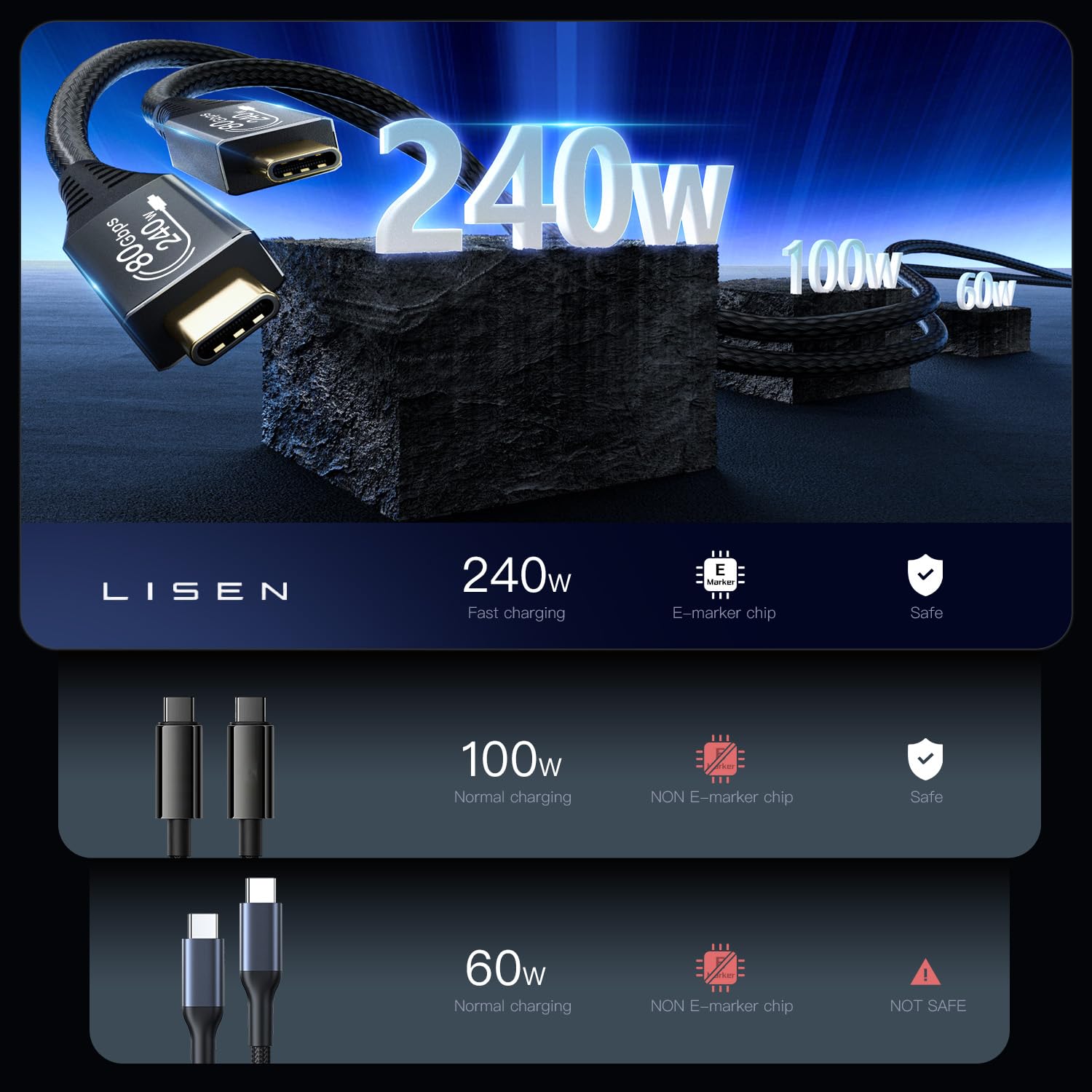
On paper, the strengths are clear: the cable is built around high-bandwidth connectivity and high-watt charging in one go, plus a braided, abrasion-resistant jacket and reinforced connector area aimed at day-to-day handling.
It’s less straightforward if your setup isn’t Thunderbolt-ready. If your laptop, dock, or display is only “USB-C but not Thunderbolt/USB4/Thunderbolt 5 capable”, you may not get the full speed or video modes claimed in the listing. In that situation, this cable can still work as a USB-C lead, but you’d be paying for features you might never unlock.
Where it makes sense (and who should skip it)
It makes sense if: - You have a Thunderbolt 5 / USB4 / Thunderbolt-capable laptop and are using (or planning) a dock or hub where display + fast data matter. - You want one cable for charging (up to 240W as claimed) and high-speed connectivity, rather than mixing multiple leads. - You regularly transfer large files (high-resolution video, heavy photo batches, or design/3D projects) and want the connection to keep up.
It’s not the best choice if: - Your devices aren’t Thunderbolt/USB4/Thunderbolt 5 capable, because you’ll likely not benefit from the headline 80Gbps and high-resolution display support. - You only need basic charging or occasional syncing, where a simpler USB-C cable would usually be enough.
Quick care notes
This is described with a braided nylon jacket and reinforced connectors, which typically helps with everyday tangling and abrasion compared to cheaper, flimsy cables. Still, it’s worth avoiding extreme bending right at the plug and unplugging by the connector housing rather than pulling the cable itself—particularly if you move the cable between desk and travel.
Final verdict
Worth considering if you’re building a Thunderbolt-focused workstation where high-speed data, high-bandwidth display output, and strong USB-C charging through one cable are actually part of your workflow. If your gear doesn’t support the same Thunderbolt/USB4 class features, you may be better off choosing a more basic cable and keeping your spend more aligned to what your devices can use.

Mini FAQ
Does this cable charge via USB-C?
Yes—it's described as supporting PD 3.1 fast charging up to 240W (as stated).
Can it support multiple displays?
The listing claims support for single 16K@60Hz, dual 8K@60Hz, or triple 4K@144Hz, but in practice that depends on the capabilities of the laptop/dock/display chain.
Is 2m a good length for a desk setup?
For many home-office layouts, 2m is a practical middle ground, especially if your dock is on the desk and your laptop sits nearby.
Will I get 80Gbps on every USB-C device?
Probably not. The cable’s stated speeds are tied to Thunderbolt 5-class compatibility, so your devices on both ends need to support it.
What’s the main advantage over a standard USB-C cable?
The advantage here is the combination of very high data/video bandwidth support (as claimed) plus high-watt USB-C charging in one cable.