

CAKOBLE 5m Right Angle USB-C 3.2 Cable (20Gbps, 240W PD 3.1, 4K/144Hz and up to 5K display output)
Product description
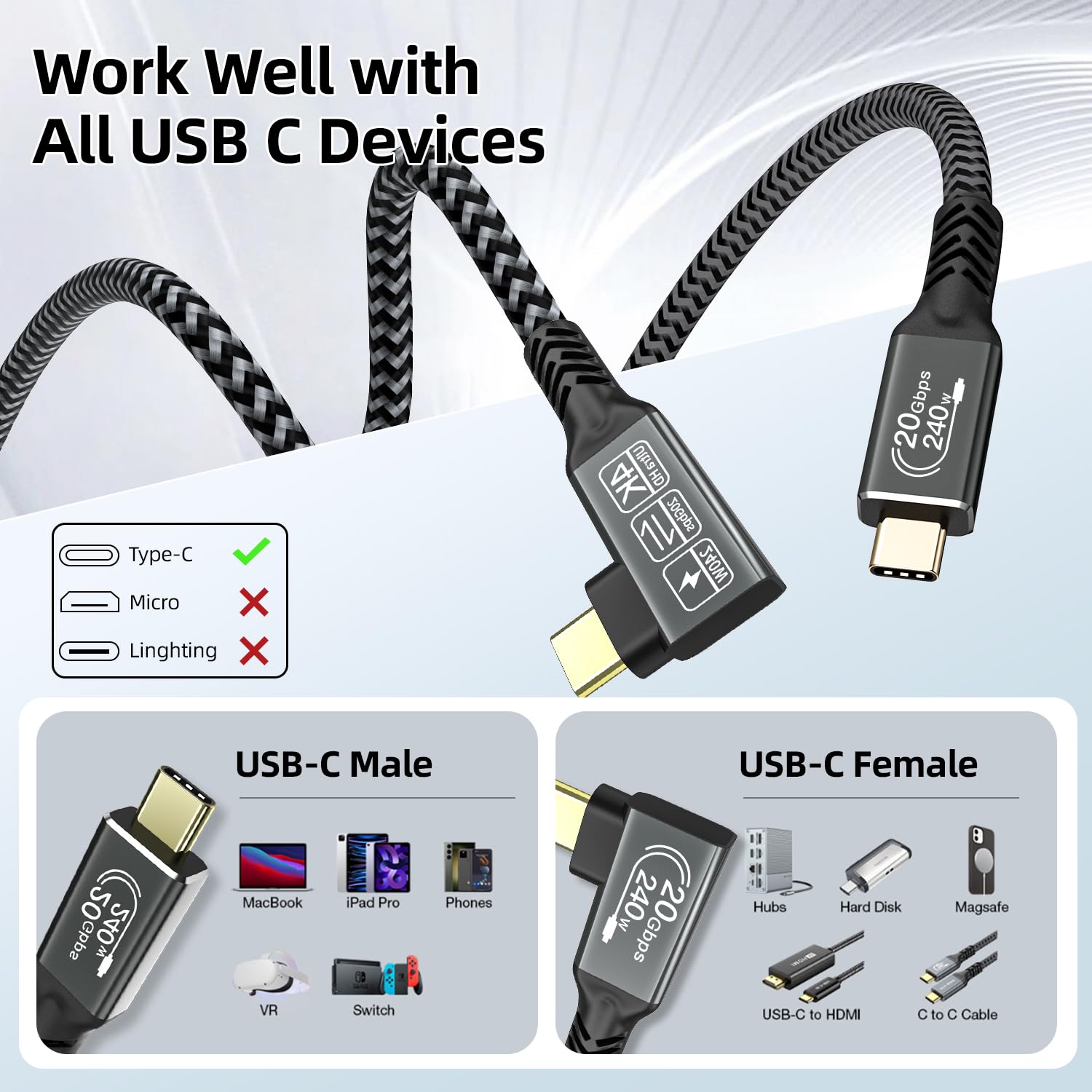
If your USB-C setup is a bit crowded, a right-angle cable can be the difference between “it works” and “it actually fits where it needs to go”. The CAKOBLE 5m USB-C cable leans into that idea, combining USB 3.2 Gen 2 speeds (up to 20Gbps), USB-C Power Delivery up to 240W (PD 3.1) and video output for a USB-C monitor.
It’s not a miracle cable for every device combination—video support depends on the source device and DP support—but on paper it’s a fairly capable all-rounder for desk, travel and one-cable charging/data/video.
What it is and what problem it solves
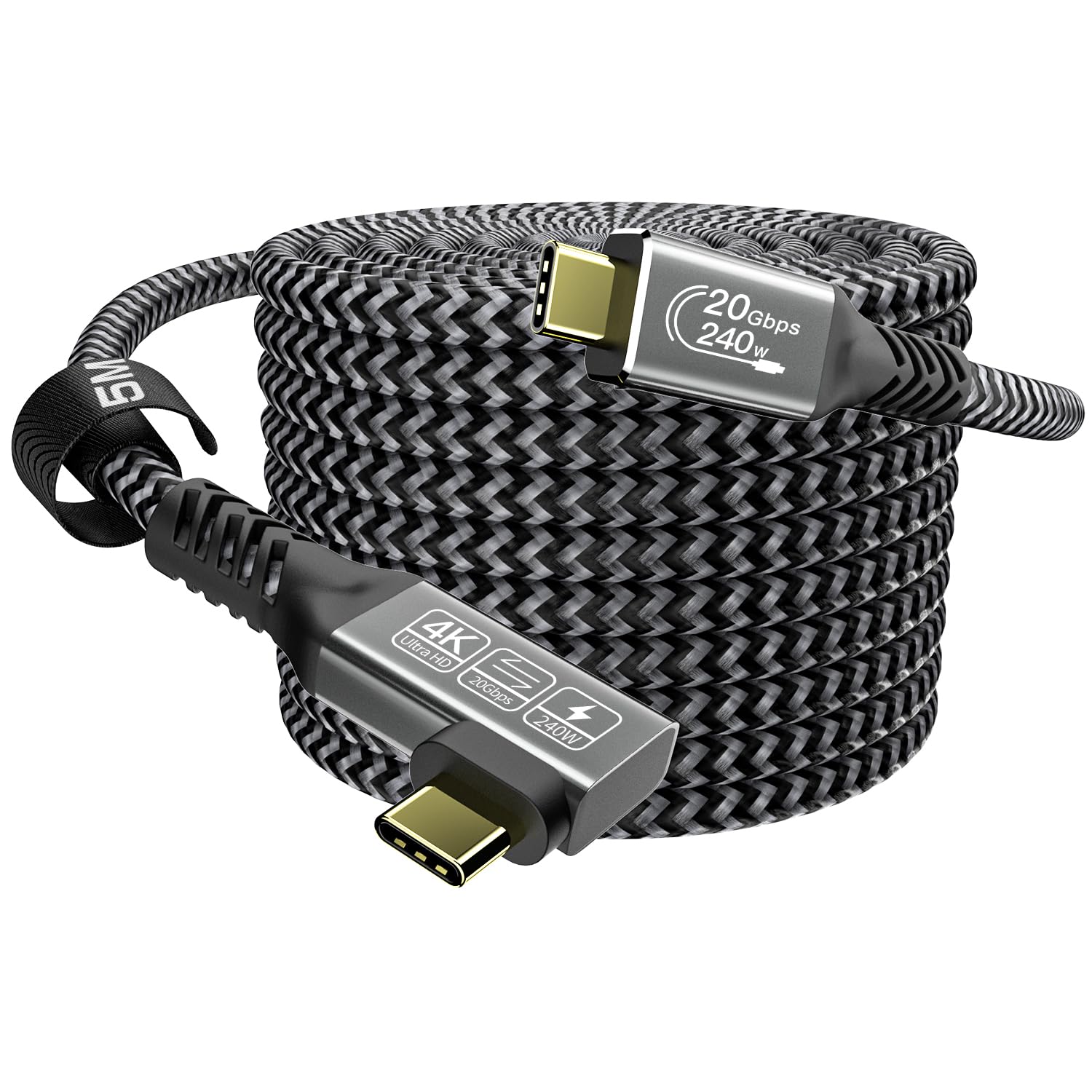
This is a USB-C 3.2 Gen 2 right-angle cable designed to do more than just charge or transfer files. The 90-degree (angled) connector is aimed at setups where a straight cable would foul the back of a laptop, sit too close to a wall, or constantly get stressed when you move your screen.
With a stated length of 5m, it’s geared towards more flexible placement—think charging your laptop at the far end of your desk, or running a monitor connection without needing extension leads.
Key takeaways: speed, power and display output
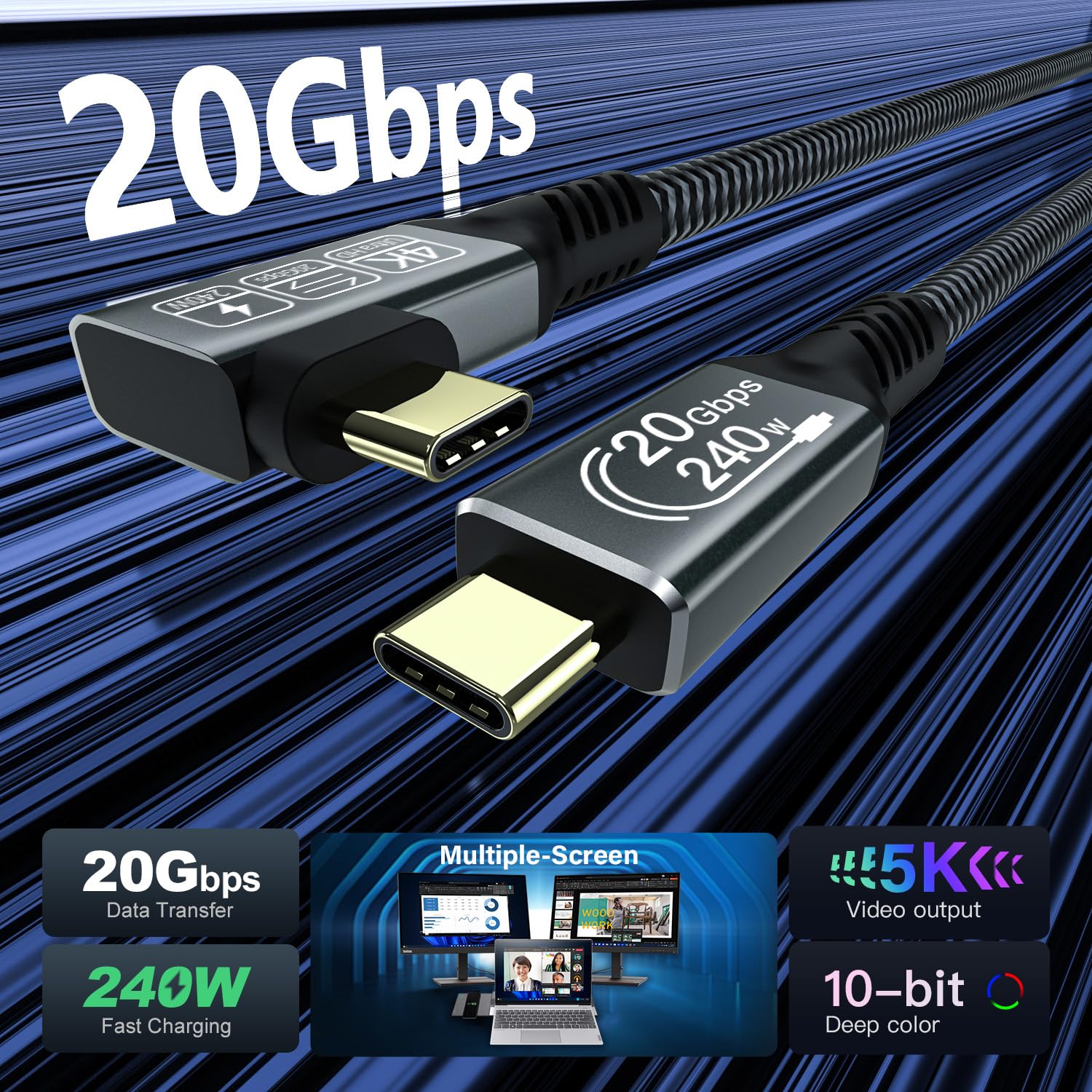
The CAKOBLE cable is positioned around three headline capabilities:
- Data: up to 20Gbps SuperSpeed transfer, aligned with USB 3.2 Gen 2.
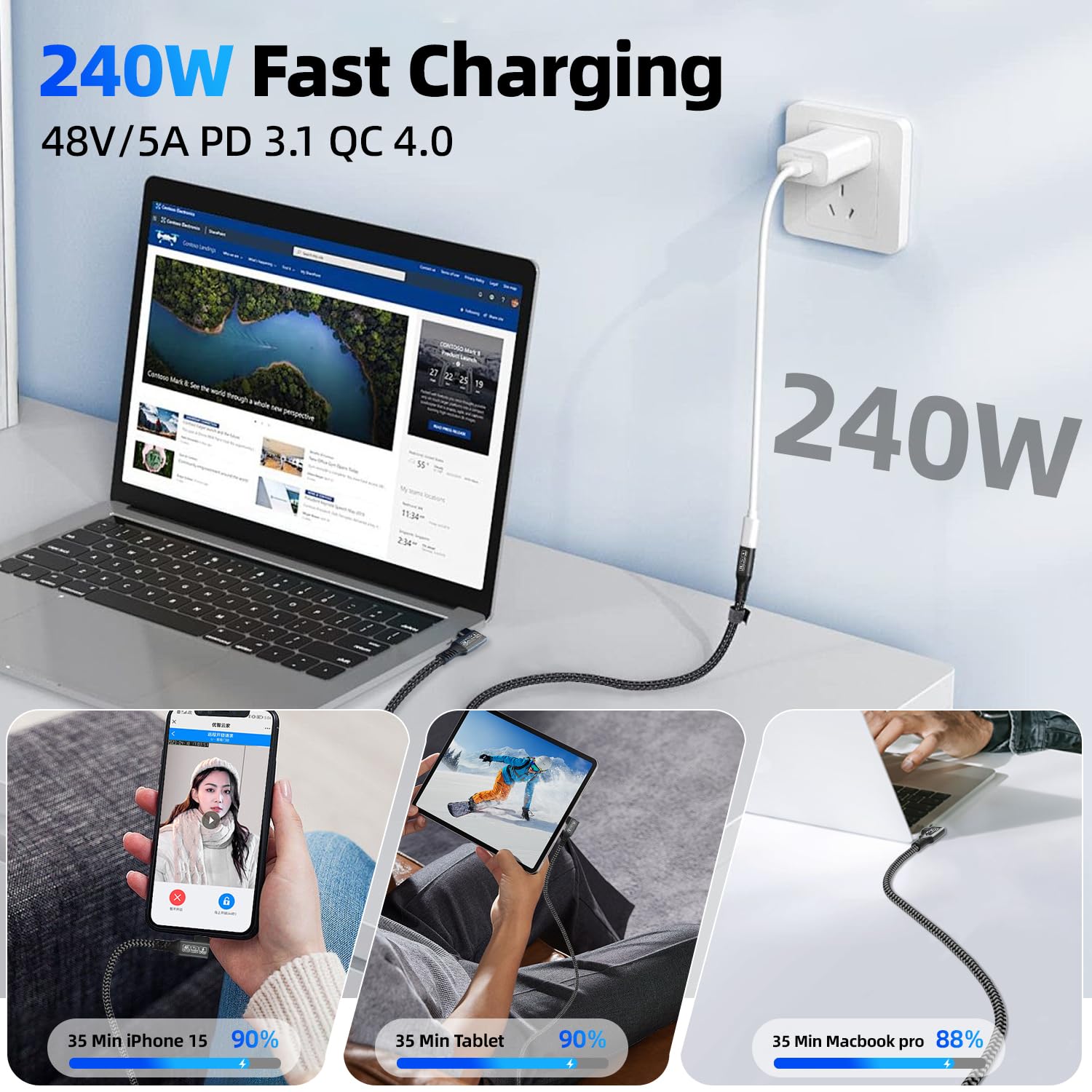
- Charging: up to 240W USB-C Power Delivery (PD 3.1), listed as compatible with a wide range of wattage profiles.
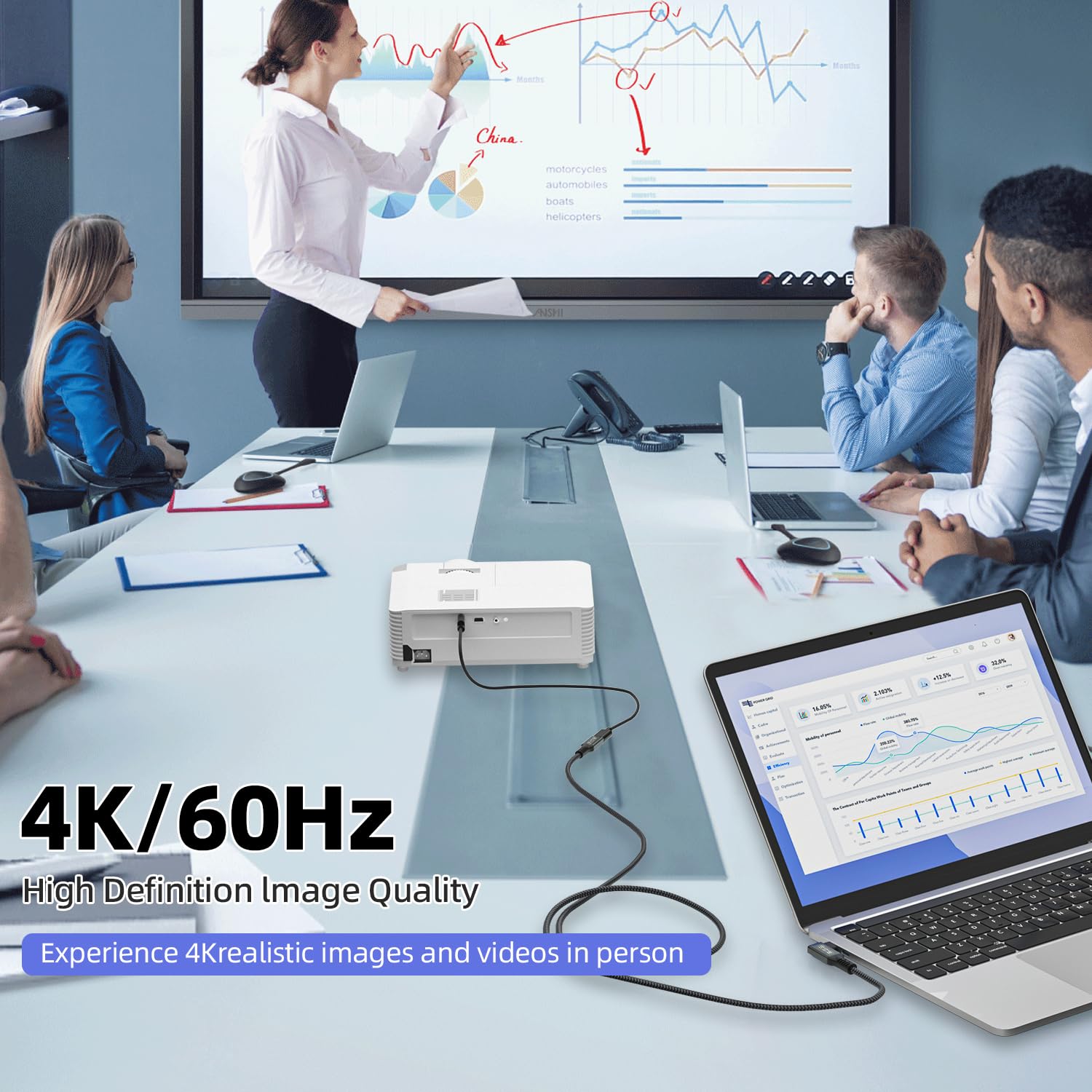
- Video: it supports display output for USB-C monitors, with the listing pointing to 4K/60Hz and higher variants, and also mentions up to 5K/60Hz (with a specific requirement—your device needs USB-C plus DisplayPort support).
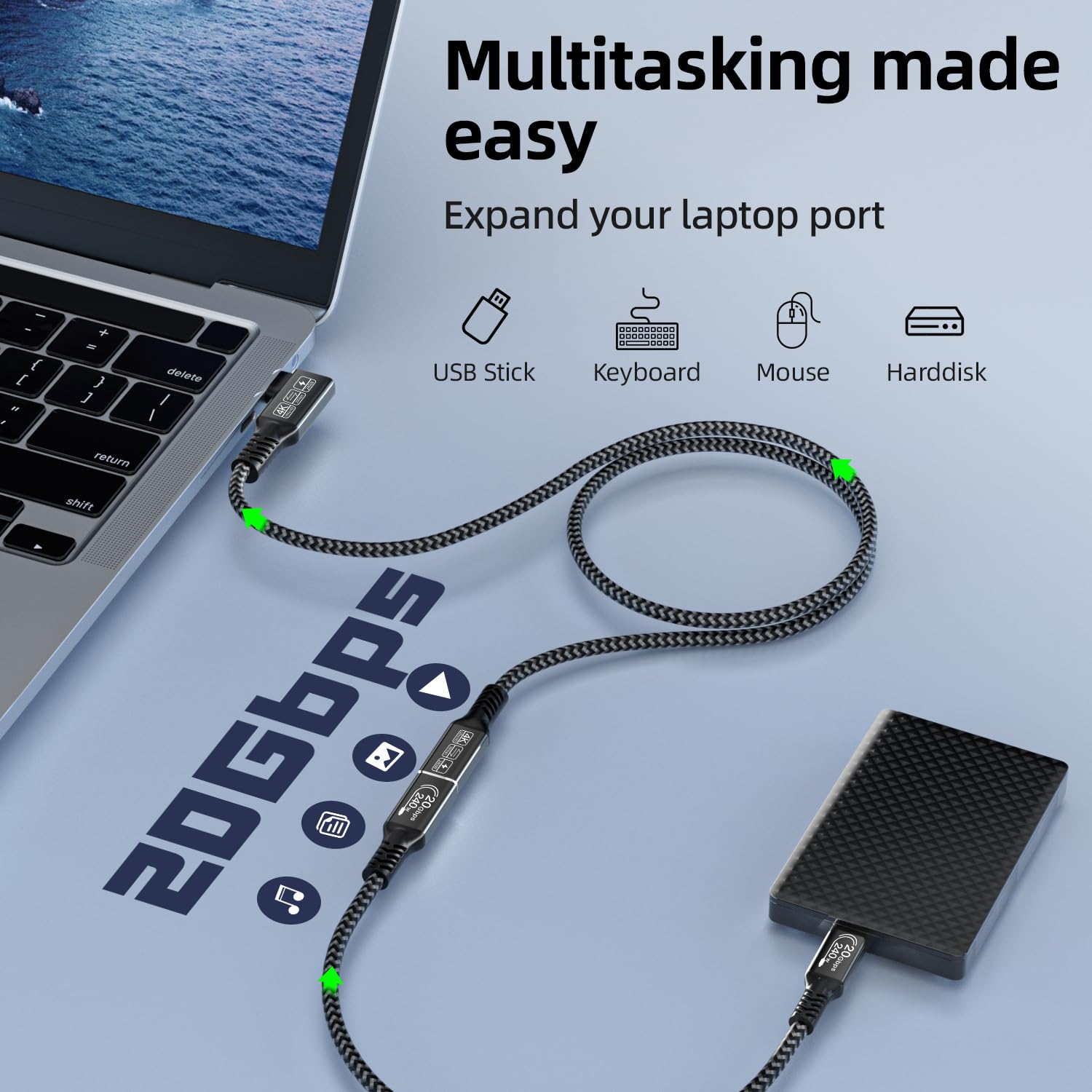
A practical way to picture day-to-day use: you plug this angled USB-C lead into your laptop, use it to charge while you’re transferring a big folder to an external SSD, and then run a second display for presentations or split-screen work. The “all in one” convenience is the real appeal here.
That said, it can’t override device limitations. If your laptop or phone doesn’t support the relevant video mode over USB-C/DP, the monitor function won’t magically appear.
The essentials: what stands out in use
One thing you’ll notice quickly—if you’ve ever fought with tight ports—is the right-angle design. It’s generally a better fit for docking-style setups, laptops with side ports, and monitors mounted close to the desk.
On top of the physical fit, the cable is described as including an E-Mark chip, a nickel-plated connector and an aluminium housing, plus a nylon braided jacket intended to reduce loss and improve durability while helping keep the cable from tangling.
Also worth noting: the video section is specific about requirements. The listing says the video function requires a device with a USB-C port that supports DP (DisplayPort). So if you’re buying this purely for “plug and play” with any USB-C gadget, you may need to double-check compatibility first.
Tech specs
- Type: Right angle USB-C to USB-C (USB 3.2 Gen 2)
- Data transfer: up to 20Gbps (SuperSpeed)
- Power delivery charging: up to 240W PD 3.1 (48V/5A listed)
- Video output (as stated): supports 4K/5K video signal for video output, with mentions up to 5K/60Hz and 4K/60Hz, also mentions 2K/165Hz in the listing
- Video requirement: video function requires a USB-C device that supports DP
- Cable length: 5m
- Connector design: 90 degree angled USB-C
- Built-in feature: E-Mark chip (as described)
- Build materials (as stated): nickel-plated connector, aluminium housing, nylon braided jacket
Who it suits (and who should think twice)
It makes sense if you want one longer, angled USB-C cable for a mixed job: fast data transfers, high-wattage charging, and occasional monitor connection.
You may want to skip it if: - Your priority is only charging and you don’t need a long lead (5m may be overkill and can create desk clutter). - Your use relies on guaranteed video output with devices that don’t clearly support DisplayPort over USB-C. - You expect the cable to solve compatibility issues between specific devices—this listing states video depends on DP support.
It’s also more of a “proper daily driver” than a throwaway lead. If you’re after something ultra-basic, this will likely be more capability than you need.
Getting the most from it
Before buying, it’s worth checking three things so you’re not disappointed after the fact:
1) Confirm your laptop/phone and monitor setup: the video function needs USB-C DP support on the source device. 2) Match your charging expectations: the cable is rated up to 240W via PD 3.1, but real-world charging depends on what your charger and device can negotiate. 3) Plan the physical layout: a right-angle cable helps with port access, but 5m length means you’ll want a bit of cable management.
If you’re setting up an extended display, a sensible test is to connect the cable and then check whether your display settings actually offer a USB-C/DP output option. No option usually points back to the DP requirement.
Final verdict
When it makes sense: if you want a single 5m right-angle USB-C cable that can handle fast USB 3.2 Gen 2 transfers (up to 20Gbps), strong USB-C PD charging (up to 240W), and USB-C monitor output on devices that support DisplayPort.
It might not be the best match if video reliability is your top priority and your devices don’t have clear USB-C DP support, or if you simply don’t need a long cable.

Mini FAQ
Does this cable support charging and data at the same time?
The listing states it offers up to 240W PD charging and 20Gbps SuperSpeed data transfer simultaneously, so yes, that’s the intended use.
Will it work with any USB-C monitor?
Not automatically. The listing says video requires a USB-C device that supports DP, so you should verify your laptop/phone supports DP over USB-C.
Is the right-angle connector meant for tight spaces?
Yes—this is a 90-degree USB-C design, aimed at reducing strain and making it easier to connect in cramped port areas.
How long is the cable?
It’s listed as 5m.
What’s the main benefit of the 20Gbps rating?
On paper it’s for faster file transfers—useful if you’re moving large files to an SSD or external drive and want USB 3.2 Gen 2 performance rather than older speeds.