


Silkland USB4 Cable 1m, 40Gbps, 240W PD
Reviews
Price
Product description
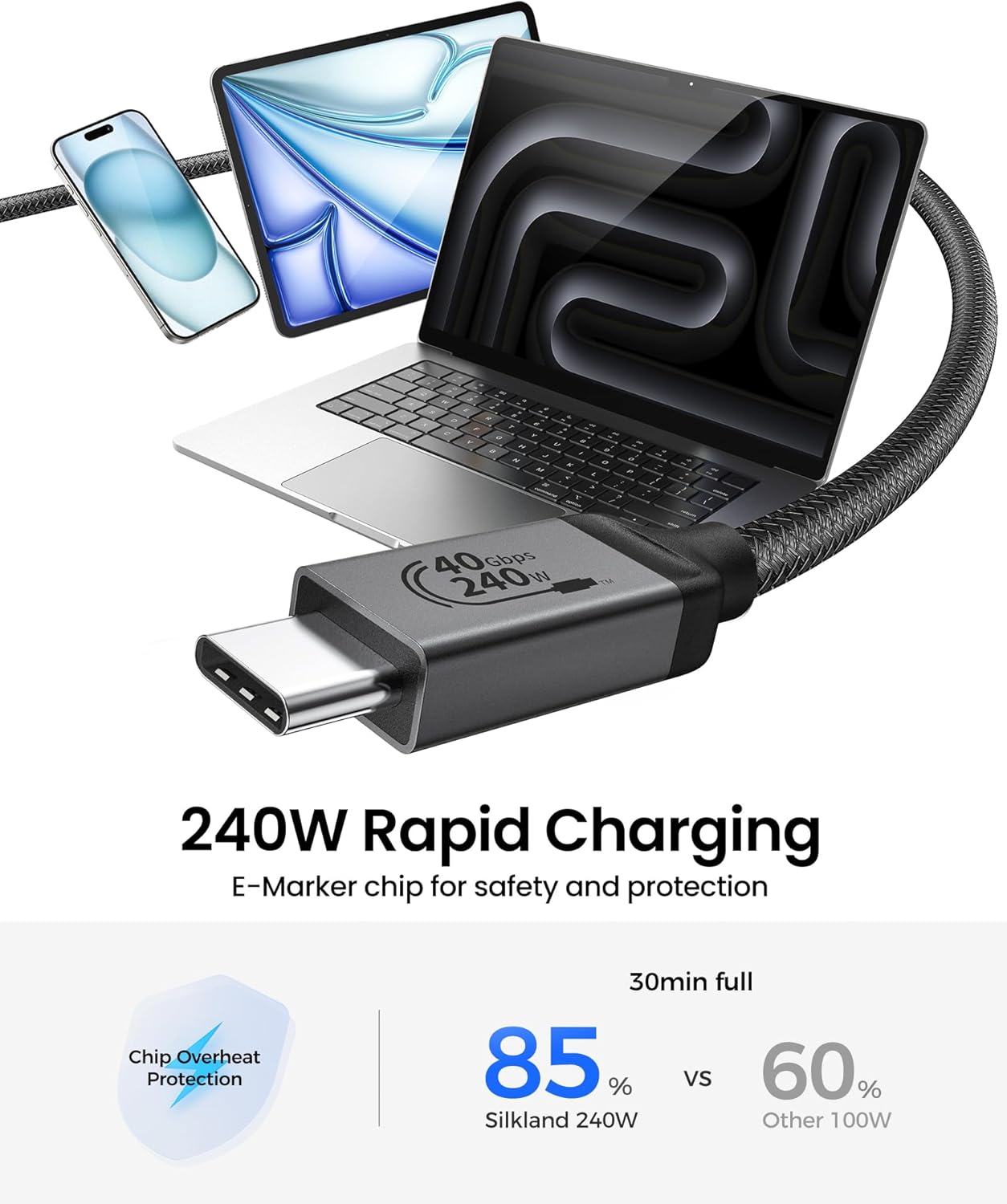
This USB4 cable from Silkland combines high-speed data and powerful charging for desktops and mobile workflows, supporting 40 Gbps transfers and PD3.1 240W output so you can move large files and power laptops in demanding setups. It is suited to video editing, docking stations and modern MacBook and iPad configurations where speed and reliability matter.
Key Points
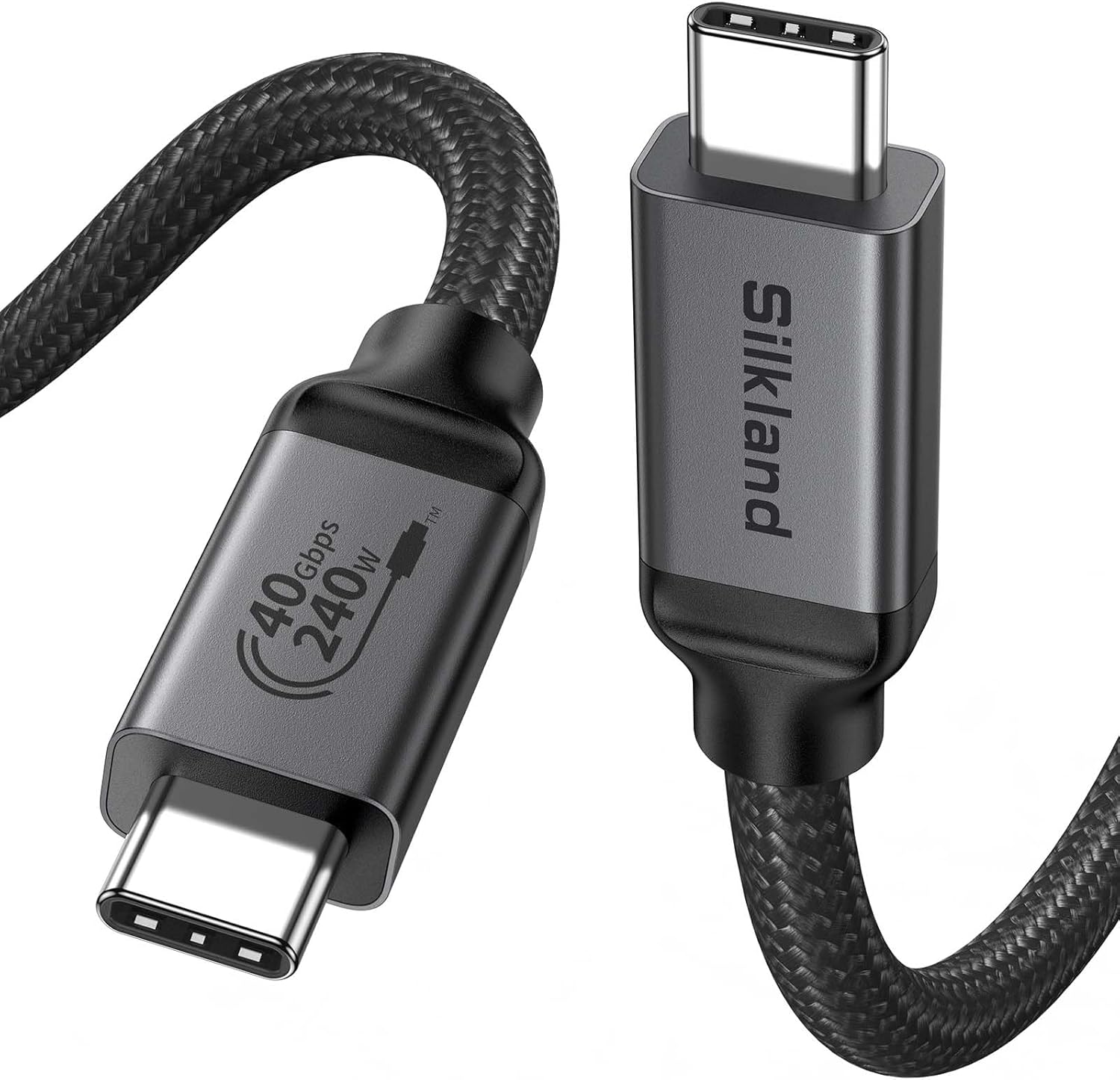
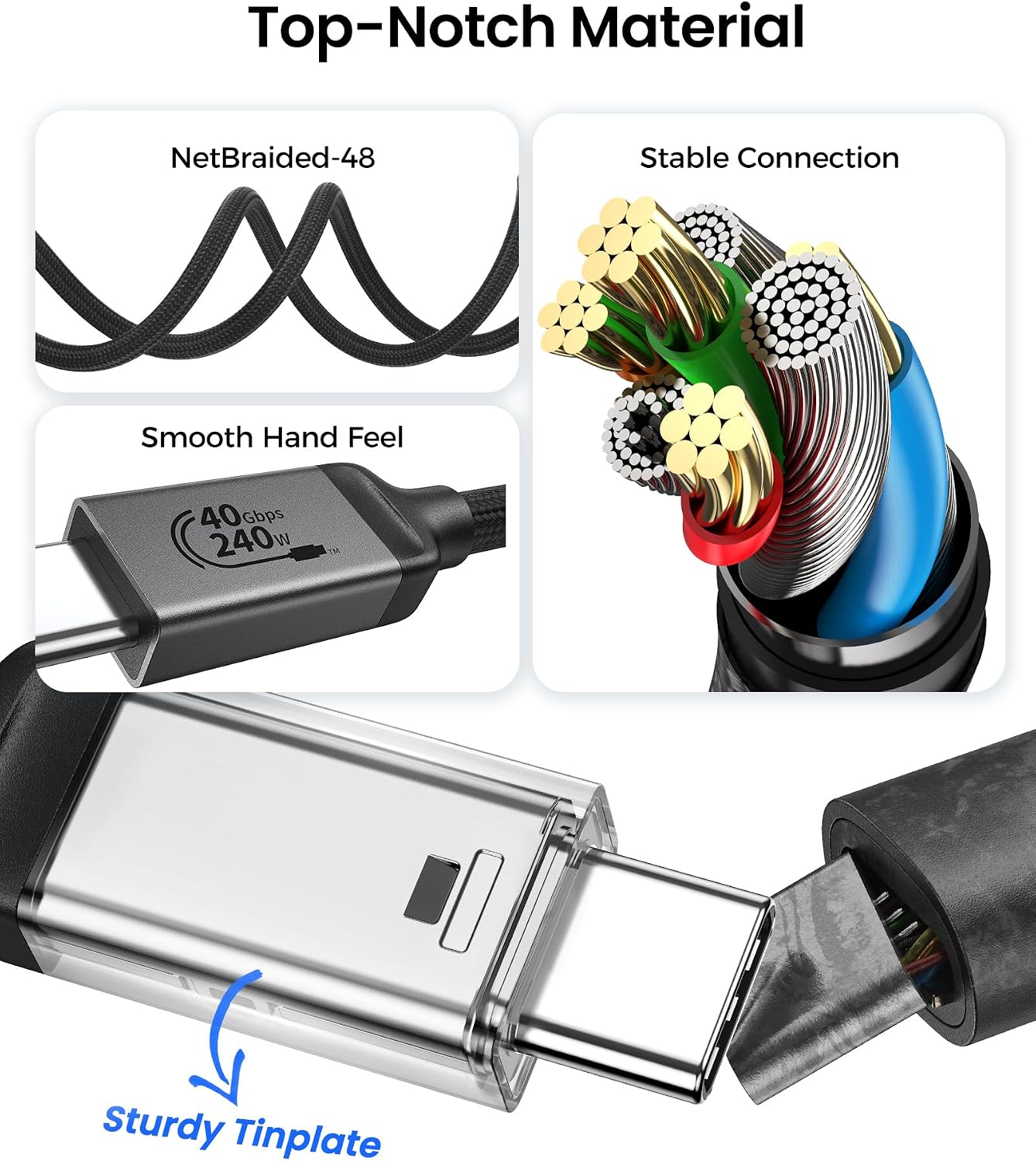
Silkland's cable offers a mix of fast data transfer and high-capacity charging that helps streamline work between computers, displays and external storage. It supports 8K@60Hz video output for high-resolution monitoring while maintaining simultaneous file transfers and power delivery, according to the manufacturer. The braided multicore design improves durability and reduces interference, and a supplied cable strap helps keep setups tidy. ⚡

Technical Specifications
- Name: Silkland Certified USB4 Cable for Thunderbolt 4
- Data rate: 40 Gbps
- Video: 8K@60Hz, 4K@144Hz support (requires DP Alt mode)
- Power delivery: PD3.1 up to 240 W (48 V / 5 A)
- Length: 1 m
- Compatibility: USB4, Thunderbolt 4/3, USB 3.2 Gen 2
- Construction: Braided multicore with reinforced shielding
Advantages
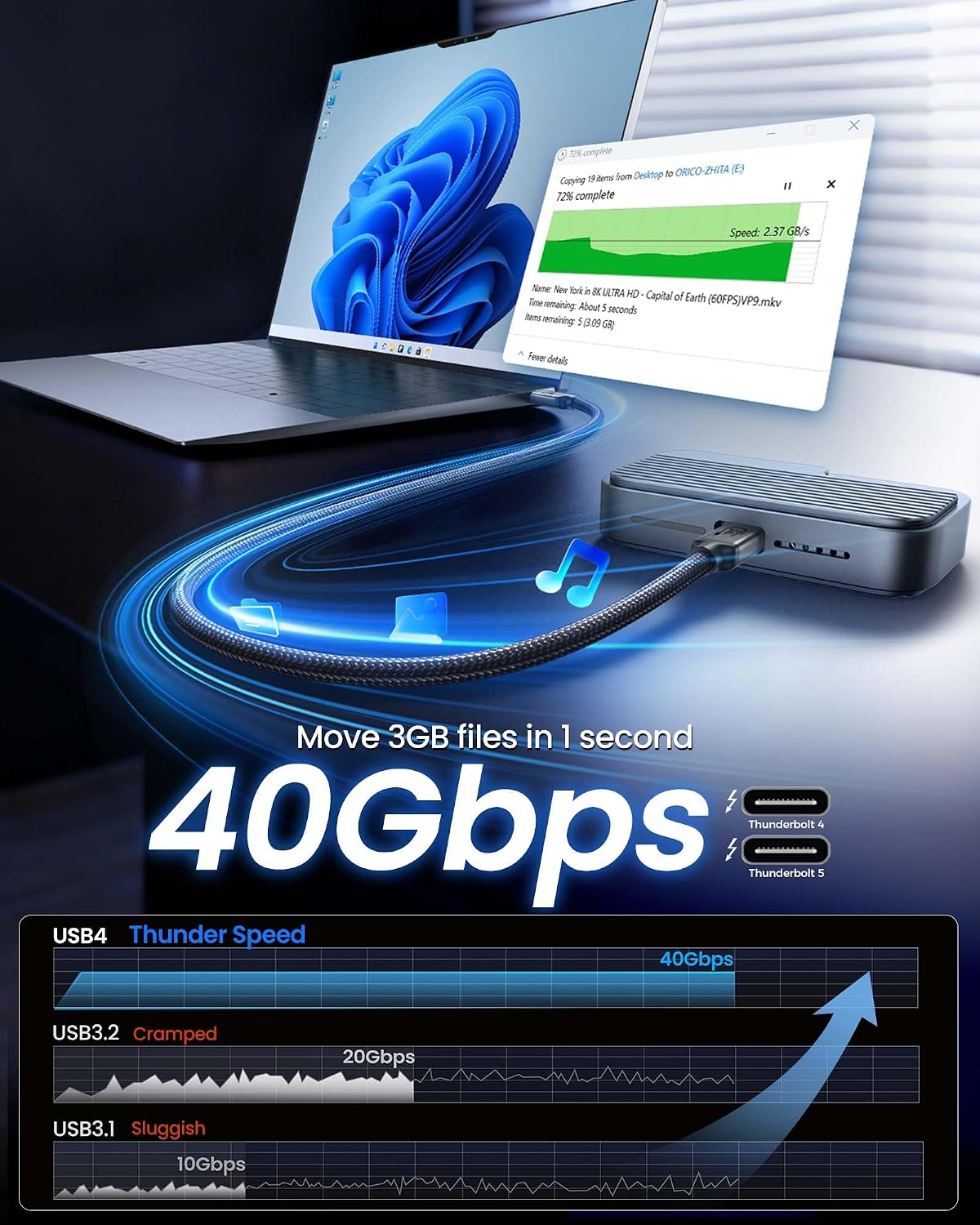

The cable reduces transfer times for very large files, allowing a 100 GB file to move far faster than older USB standards, which benefits post-production and large dataset workflows. Its power delivery capability means a single cable can charge a MacBook Pro while driving displays and external disks, helping to declutter desks. The included E-Marker chip assists with thermal control during heavy use, which can be useful during prolonged editing sessions. 🔋
Usage Recommendations
Use this cable with docks and monitors that support DisplayPort over USB-C to get full 8K video output. For maximum performance, pair it with Thunderbolt or USB4 ports on recent laptops and desktops; older USB-C ports may offer reduced features. Consider the 1 metre length when placing devices, as longer runs may require alternative certified cables or active solutions. 🖥️
Practical Tips
Position the cable away from strong electromagnetic sources to preserve signal integrity, especially when working with HDR or RAW video streams. Note that achieving the highest video resolutions and refresh rates depends on the host device and display supporting the required modes, according to the manufacturer.