

UGREEN USB-C to USB-C Right Angle Cable (90 degree) 100W Fast Charge – 2m USB C Power/Data Lead
Product description
The essentials
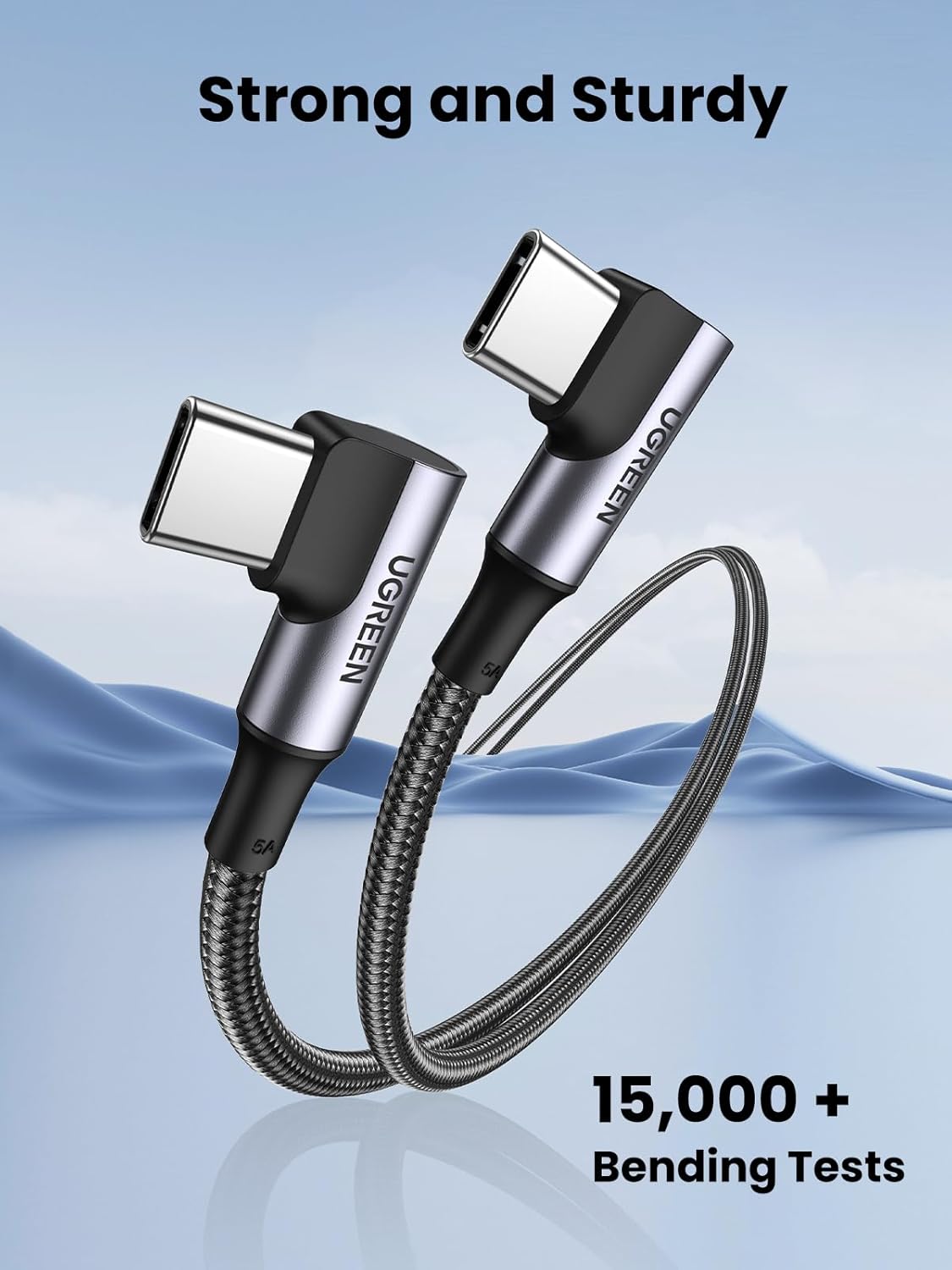
A right-angled USB-C cable is one of those small upgrades that can genuinely make daily charging less fiddly. This UGREEN USB-C to USB-C lead uses a double 90 degree design, aiming to reduce the stress that straight connectors can take when they’re bent at the socket. Over time, that’s the sort of thing that can matter—especially if you’re charging a laptop on a desk, using a tablet on your lap, or plugging in one-handed.
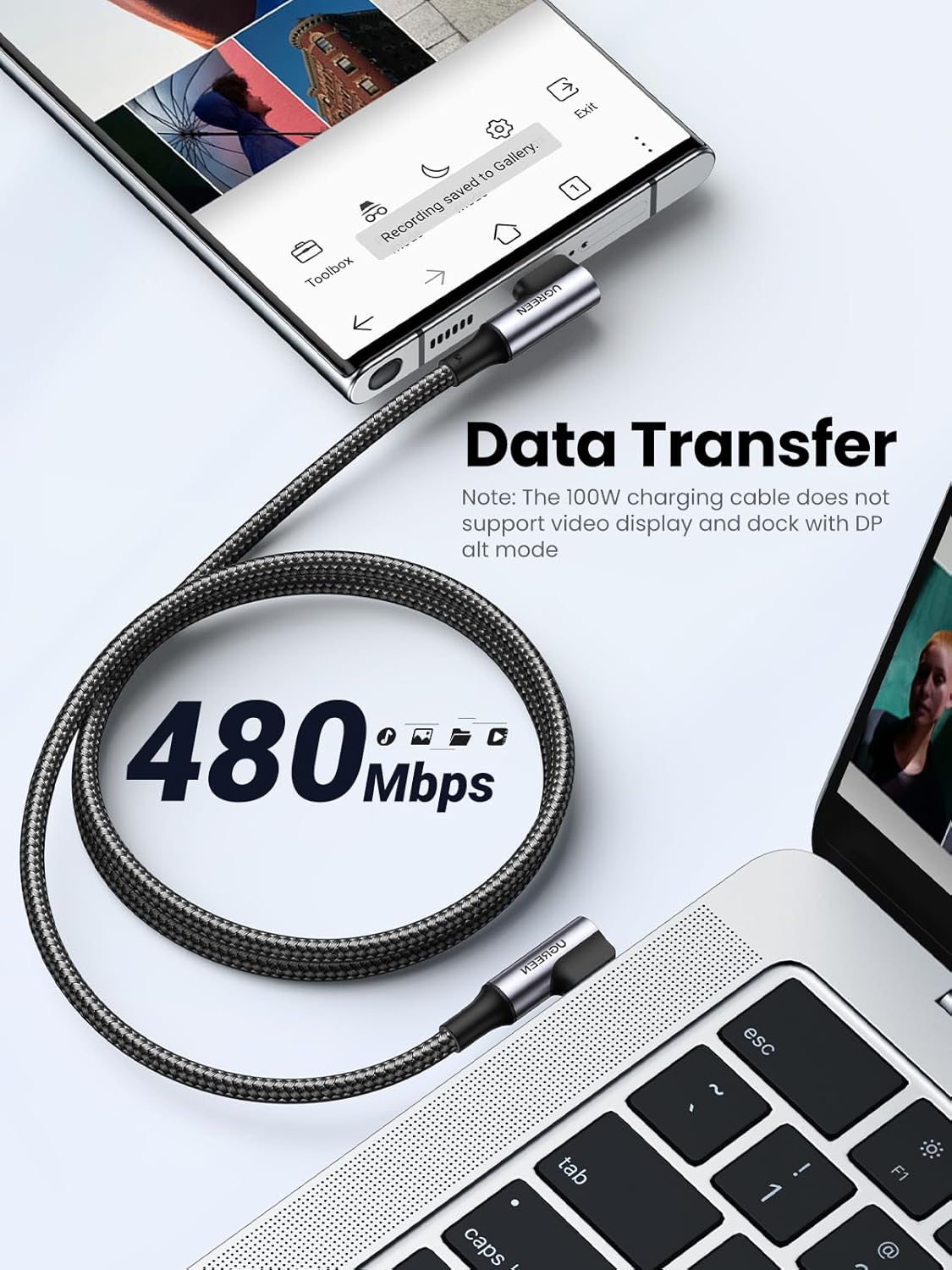
It also positions itself as a serious power and data cable rather than a basic charger lead: it’s described as 100W PD with up to 5A output (via an E-marker), plus 480Mbps data transfer for file moves between USB-C devices. There’s even a note that it doesn’t support video output, so it’s not meant to replace a display cable.
Key points
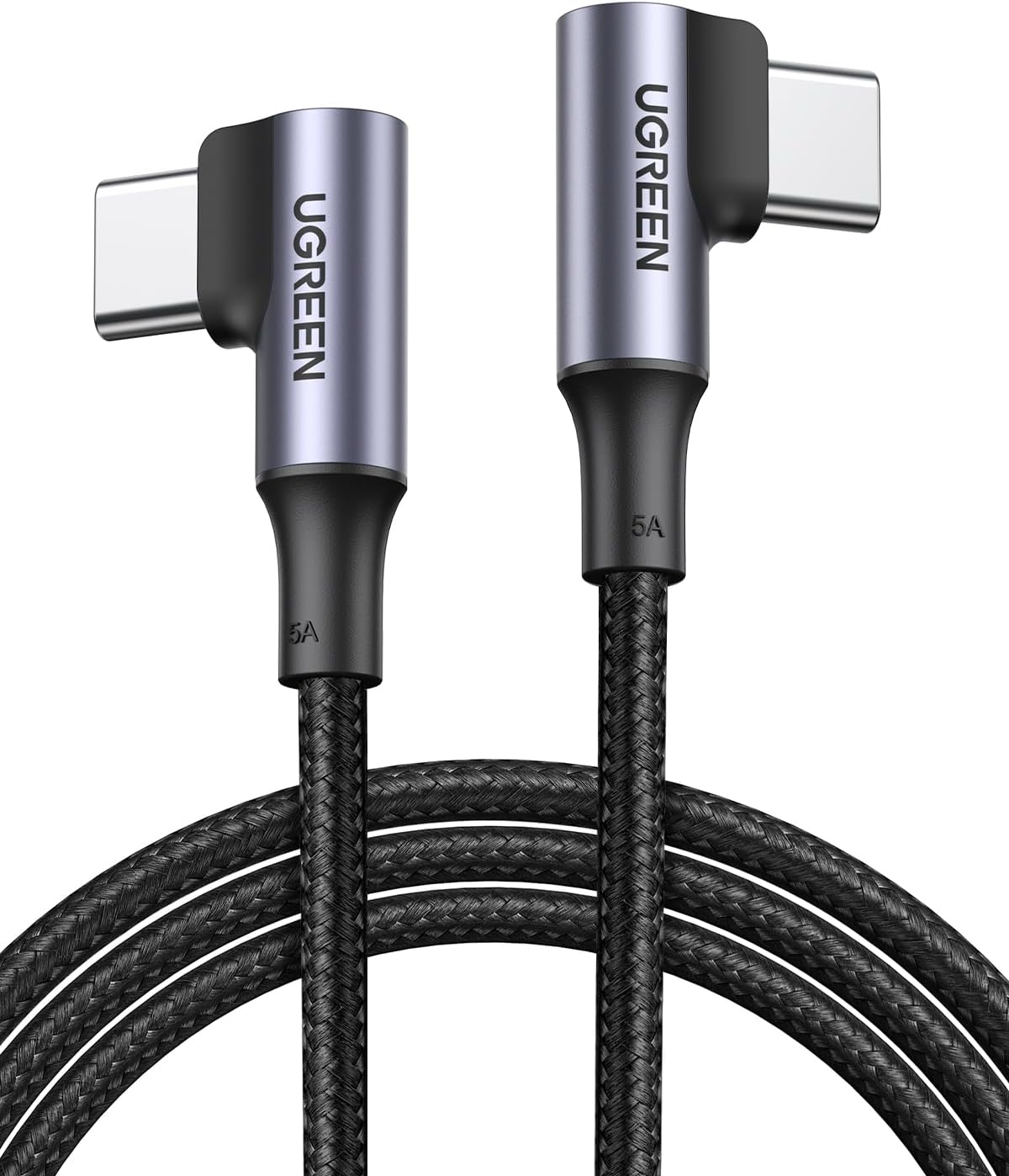
The standout idea here is the double right-angled form factor. It keeps the connector from digging into the side of your device and reduces the “bending and splitting” problems that can happen with straight plugs, at least on paper. For people who use chargers in tight spaces—like a laptop dock, a car/bedside setup, or charging while gaming—this style is often more comfortable and easier to manage.
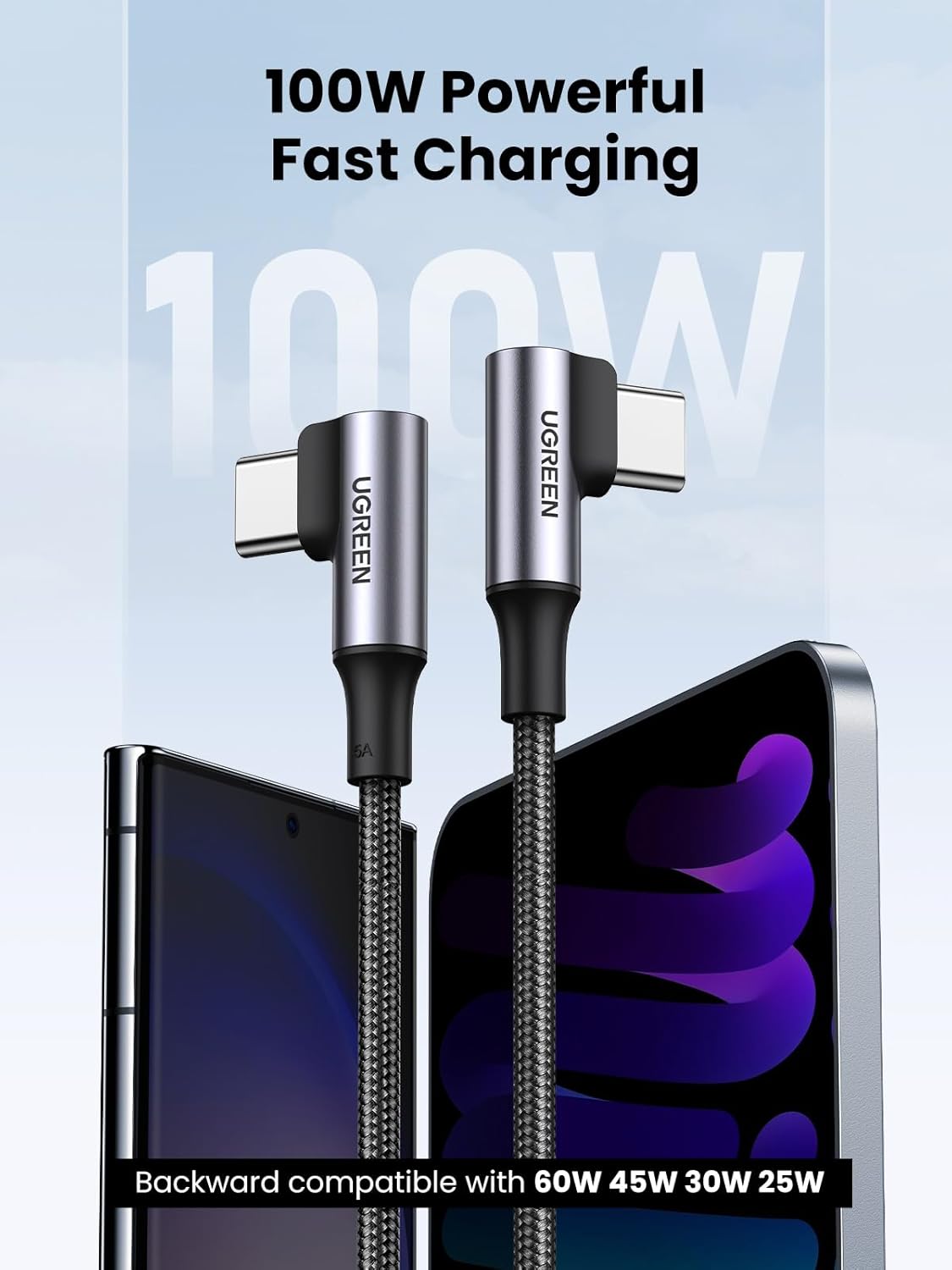
The second big draw is that it’s both power and data. If you regularly top up and also swap files between USB-C devices, you don’t necessarily want separate cables. This one is presented as 100W fast-charge capable while still offering data transfer up to 480Mbps, with a claimed 1GB file transfer time.
One limitation to keep in mind: it’s explicitly described as not supporting video output, so if your goal is connecting a phone or tablet to an external display, you’ll need a different kind of cable.
Where it shines in everyday use
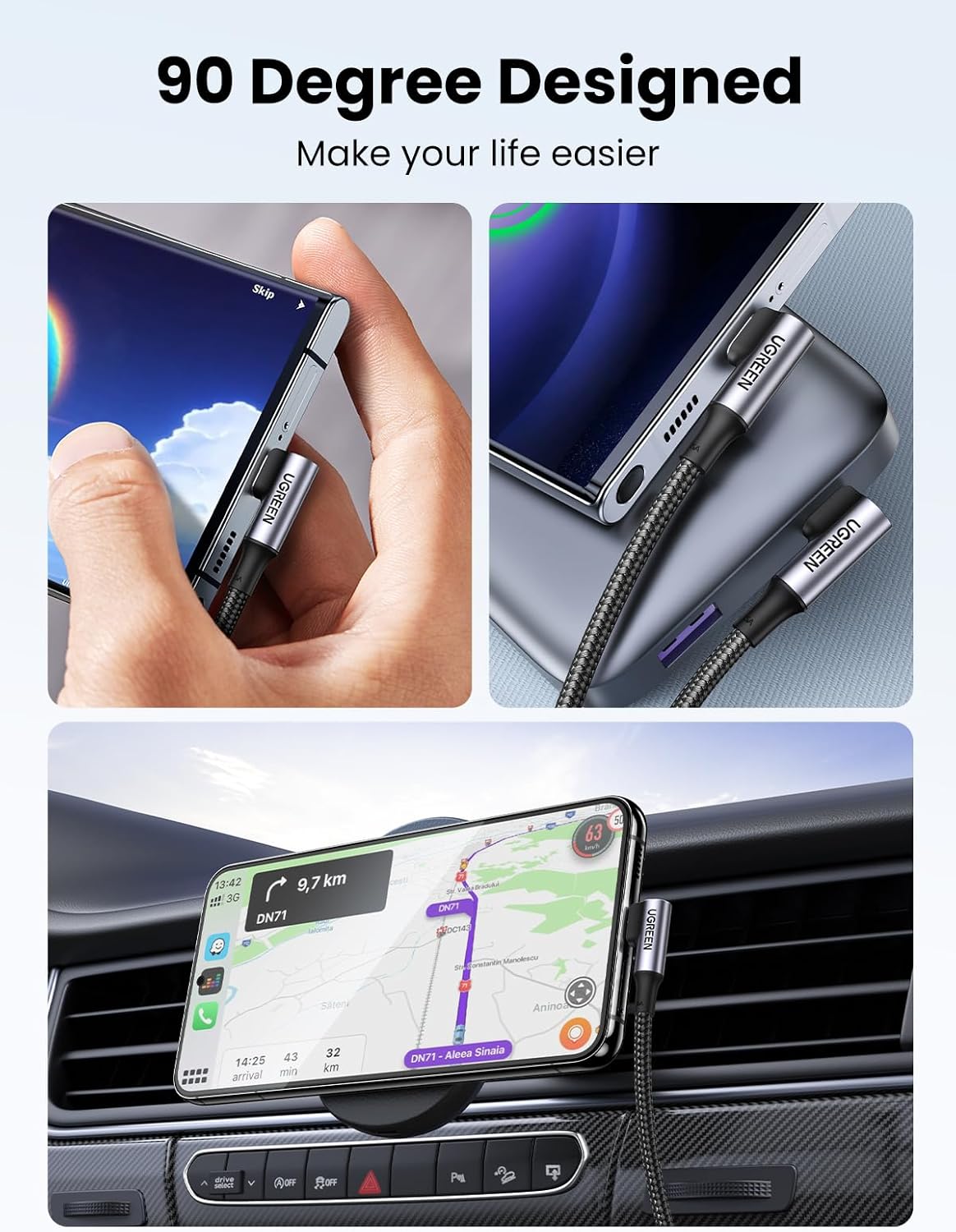
In use, this cable makes the most sense where connector strain is likely. Imagine plugging in a MacBook Air on a desk: a straight plug can end up pulling against the port or pressing against the surface. With a 90 degree lead, the cable tends to sit more naturally, which can mean less tugging and fewer awkward angles.
Another common scenario is handheld gaming or tablet use. The description specifically calls out stability while charging in that context, which suggests the right-angle design is meant to stay more controlled rather than forcing the cable to fight your hand position.
If you’re also moving files, the 480Mbps data transfer spec is there for quick transfers rather than slow, “charger-only” cables.
What to check before you buy
Before purchasing, it’s worth sanity-checking what you’re expecting the cable to do:
- Confirm your devices charge via USB-C Power Delivery (USB-C PD). The lead is presented as a 100W PD cable with an E-marker chip, but the actual charging behaviour will still depend on what your device and charger support.
- If you need video output (display/monitor use), the cable is not designed for that—so it’s a no-go for video.
- Check the physical fit and cable routing: the 90 degree head helps with clearance, but you’ll still want to ensure the angle suits your setup.
Also note the compatibility list is fairly broad, but it’s still a list, not a guarantee that every USB-C device will behave the same way.
Tech specs
- Type: USB-C to USB-C right-angled power/data cable
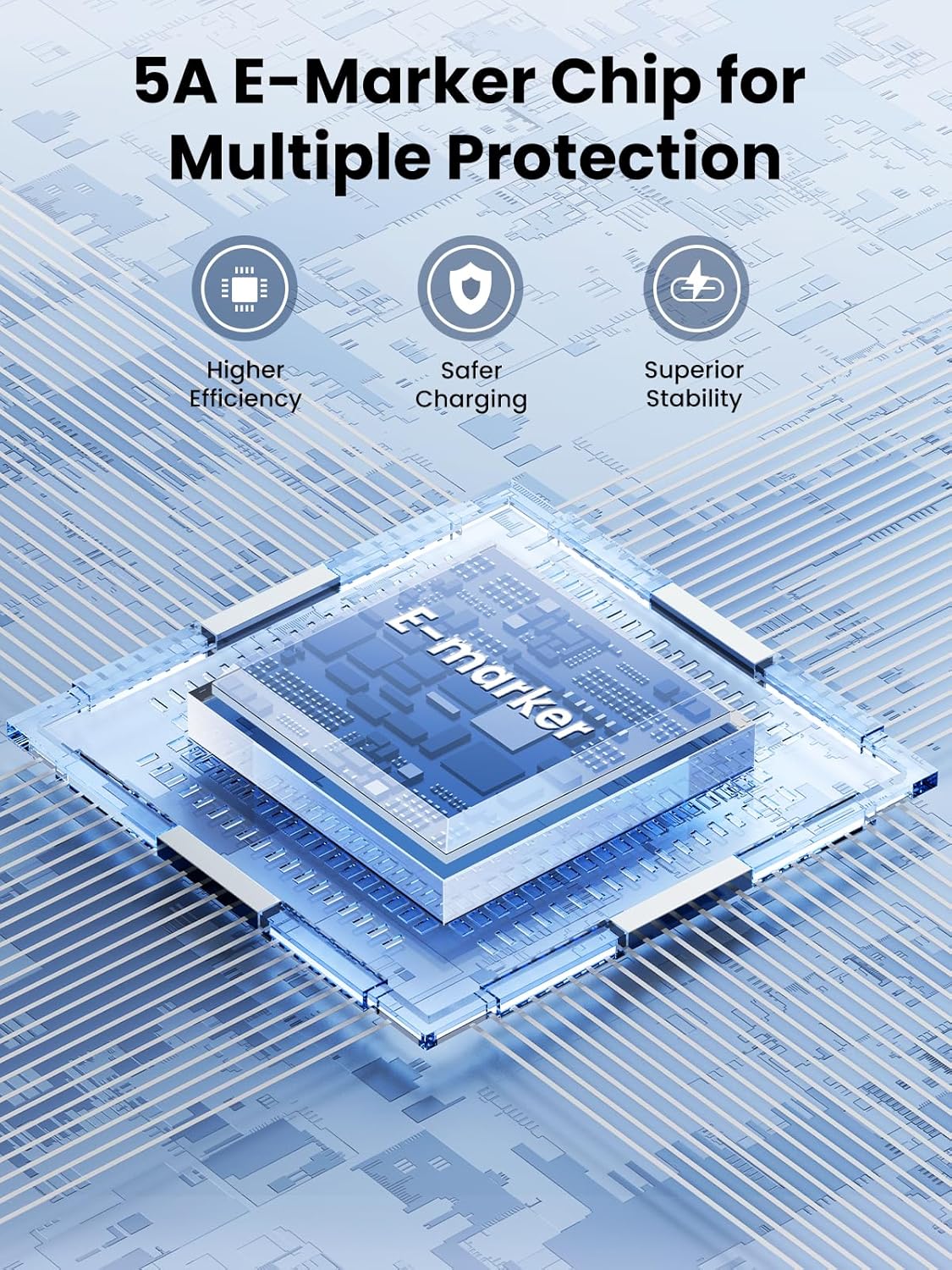
- Power output: 100W / up to 5A (with E-marker)
- Data transfer: up to 480Mbps
- Video output: Not supported
- Cable length: 2m
- Connector design: Double right angle (90 degree Type C)
- Charging/control: Built-in E-Mark chip adjusts voltage/current to match connected devices
- Cable build: Aluminum shells, nylon braided jacket, stated 15000+ bending test
Who it suits (and who should skip it)
It makes sense if you want one cable for both charging and everyday data transfer, and you specifically prefer a right-angle connector to reduce port strain. It’s especially sensible for people using USB-C devices like iPads, MacBooks and phones where you might regularly charge at awkward angles.
It may not suit you if you need video output. And if you’re only ever charging in a straightforward position with plenty of clearance, the right-angle design might not add much beyond what a regular straight USB-C cable already does. In that case, you might find other simpler cables meet your needs with less fuss.
Mini FAQ
Does this cable support video output?
No. The product description states it does not support video output.
Is it really a 100W charging cable?
It’s described as a 100W USB-C PD fast charge cable, with an E-marker chip for up to 5A current output. Actual charging speed still depends on the connected devices.
Will it charge MacBook Pro/Air and iPads?
The compatibility list includes MacBook Pro/Air and iPad Pro 2025 (and several other iPad/iPhone models), but it’s still worth checking your exact device’s USB-C PD support.
Is it suitable for file transfers?
Yes, it’s presented as offering 480Mbps data transfer for exchanging files between USB-C devices.
How long is the cable?
The length provided is 2m.
Final verdict
Buying this UGREEN USB-C right-angle 100W cable is a solid move if you’re the sort of person who plugs in daily and wants less strain on your device’s port, while still getting fast charging and decent data transfer in the same lead. The double 90 degree design is the main reason it stands out, and the E-marker + PD approach supports the 100W positioning.
However, don’t get it expecting monitor/display support, because it’s explicitly not for video output. If your charging setup is already comfortable with a straight cable, you may not feel the advantage as much—so it’s best when you actually benefit from the right-angle layout and the power/data combo.