

lalasis USB 3.0 Extension Cable (5m) 5Gbps, USB-A to USB-A for USB sticks, printers, hubs and PS5/PS4
Product description
What it is and why people buy it
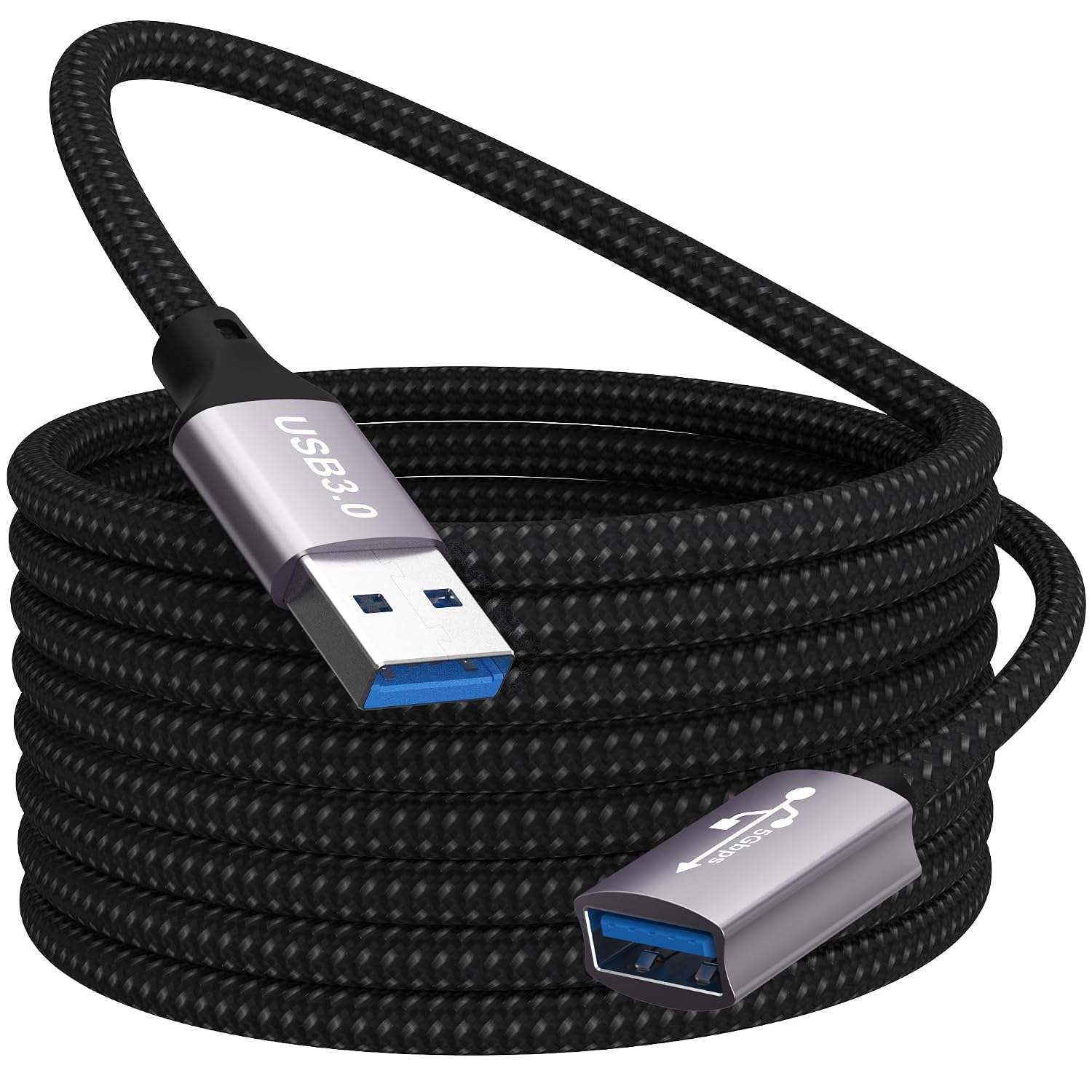
A USB extension cable sounds boring until you actually need the extra reach. The lalasis USB 3.0 Extension Cable gives you a longer run from a USB-A port, while aiming to keep faster USB 3.0-style transfer speeds and charging capability where the connected devices support it.
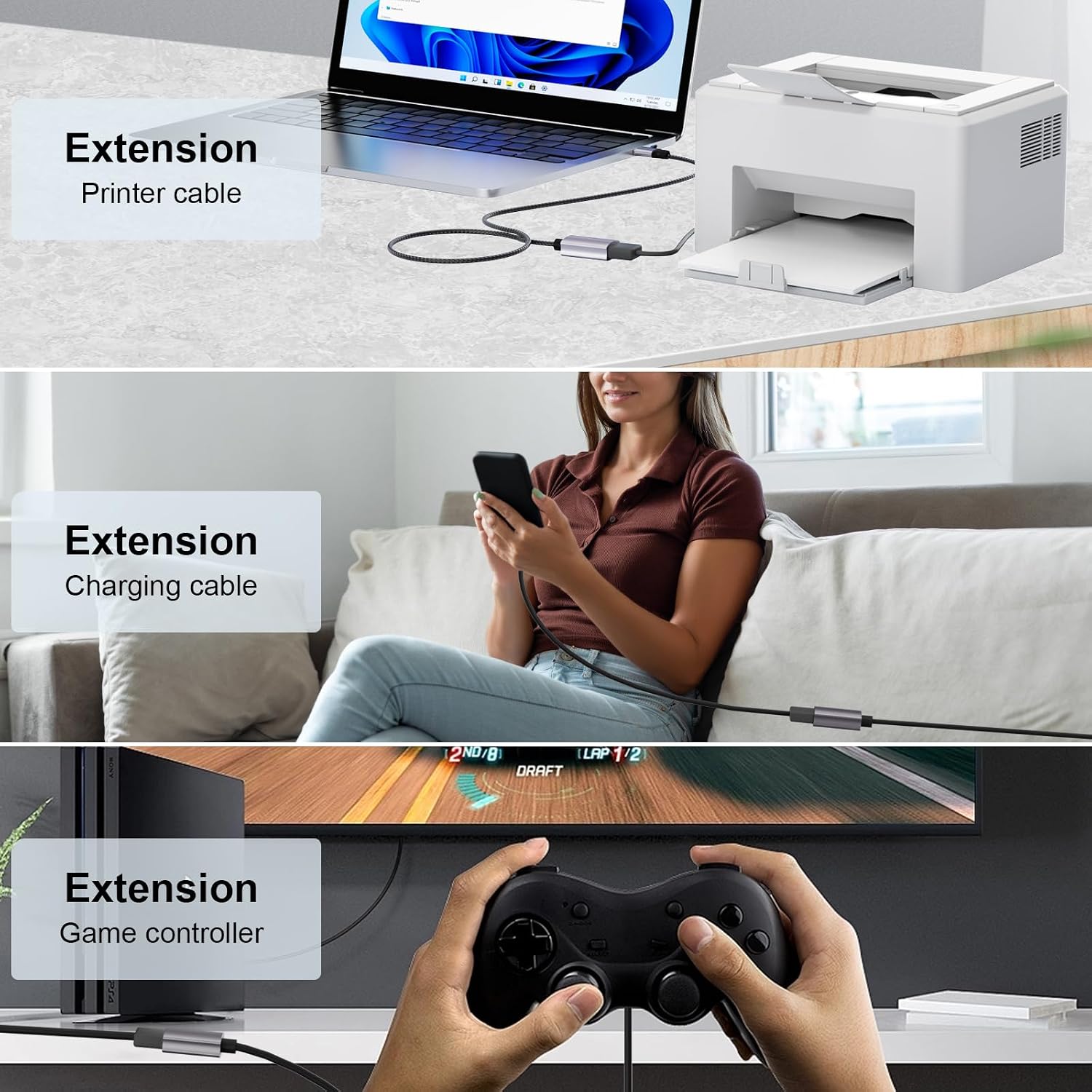
On paper, it’s designed for everyday setups: USB sticks and card readers that don’t quite reach the front of a PC, printers tucked behind a desk, a webcam on a monitor, or a USB hub where the cable from your laptop is just too short. It’s also listed as compatible with gaming consoles such as PS5/PS4 (and PS4 Pro), plus common peripherals like keyboards, scanners, mice and headsets.
The key trade-off with any extension lead is that you’re adding cable length, so not every device will behave exactly the same as if it were plugged straight in. Still, for most home and office use, this is the kind of accessory that stops you from constantly re-plugging devices into awkward positions.
The essentials (speed, charging and “does it work?”)
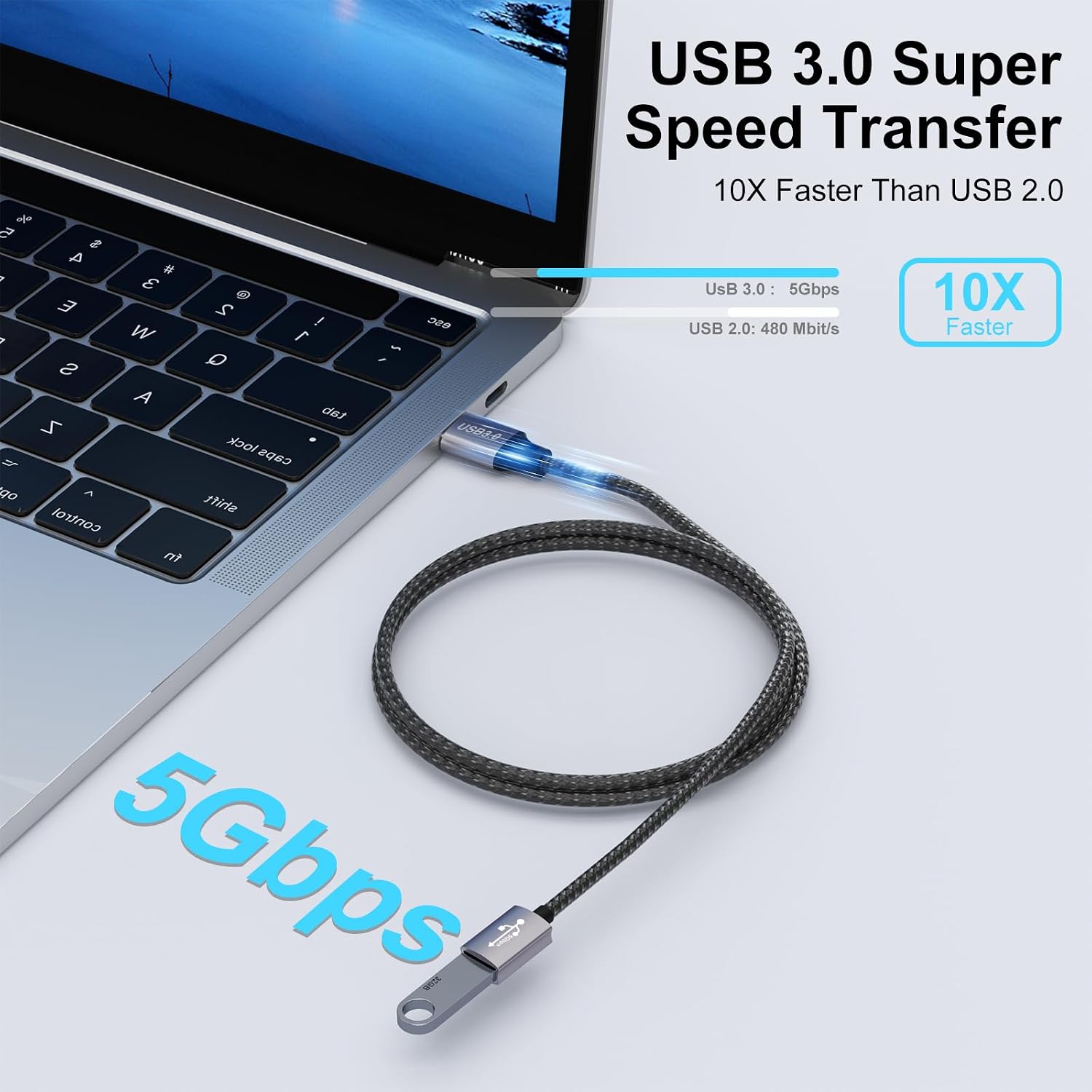
The headline specs are USB 3.0 and up to 5Gbps transfer rate. The base description also claims it can support fast charging up to 3A, and that it’s backward compatible with older USB standards (USB 2.0, USB 1.1 and USB 1.0). In practical terms, that means it should be able to connect to a wide range of USB-A devices without you needing to think too hard about compatibility.
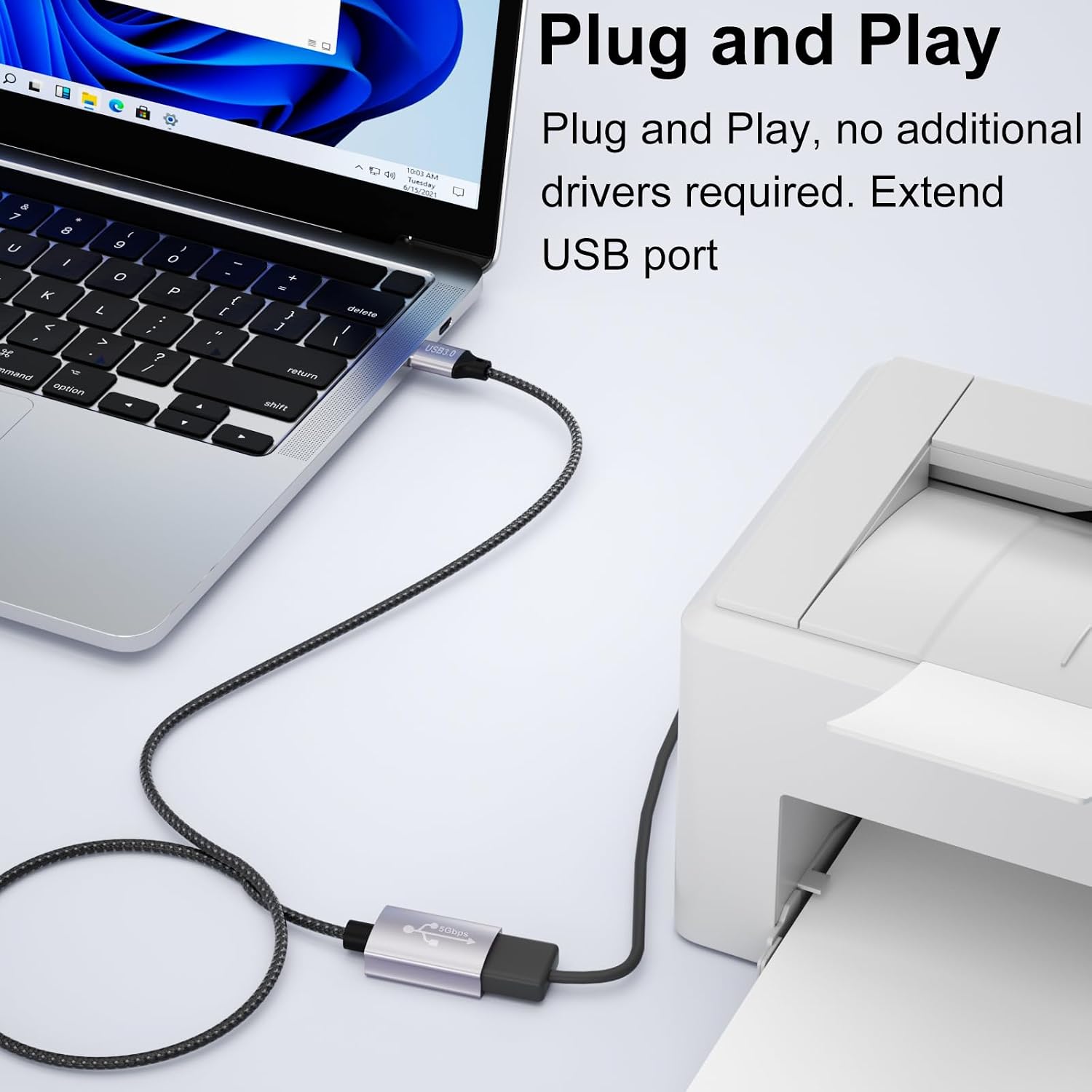
There’s also a simple “plug and play” angle here: no additional drivers are mentioned, which is what you want for a USB extension cable. If your device works with a normal USB-A port, this one is intended to act as a straightforward extension rather than something you configure.
A quick real-world example: imagine transferring files from a USB stick to a computer where the USB port is on the far side. With a short lead, you’d be balancing the stick awkwardly near the port. With a 5m extension, you can place the drive closer to you—cleaner and faster to manage.
What stands out in day-to-day use
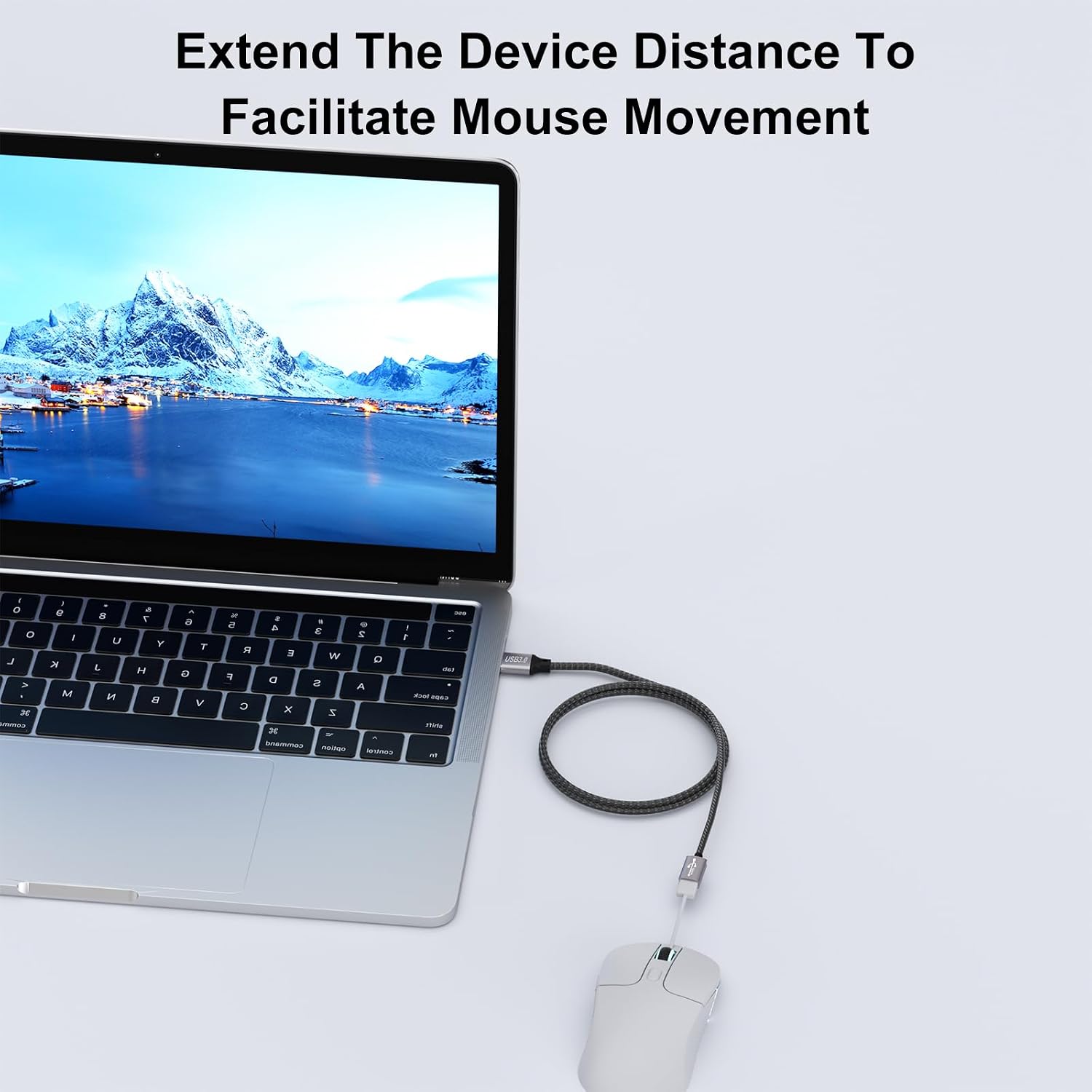
One of the more practical benefits is the 5m length. The base description frames it as a solution for “short cables” and says longer setups can avoid having to add extra adapters or re-route everything.
It’s also built with durability in mind. The cable is described as braided nylon, with an aluminium alloy housing, plus a flexible braided design that should be less likely to tangle. If you move devices around (or just don’t want cables snagging in a cramped desk area), this kind of physical build can matter more than people expect.
Limits to keep in mind before buying
This cable is rated up to 5Gbps and fast charging up to 3A, but performance depends heavily on what your connected device actually supports. If you plug in something that’s USB 2.0 only, you shouldn’t expect USB 3.0-level speeds. Likewise, charging claims only really matter if the power delivery from the source port and the device both line up.
Another small point: extension cables are always an extra link in the chain. For devices that are picky about signal quality (some high-bandwidth use cases), longer runs can be more noticeable. The product is aimed at normal everyday USB peripherals and accessories, so it may not be the best route if your use is unusually demanding.
Compatibility and use cases
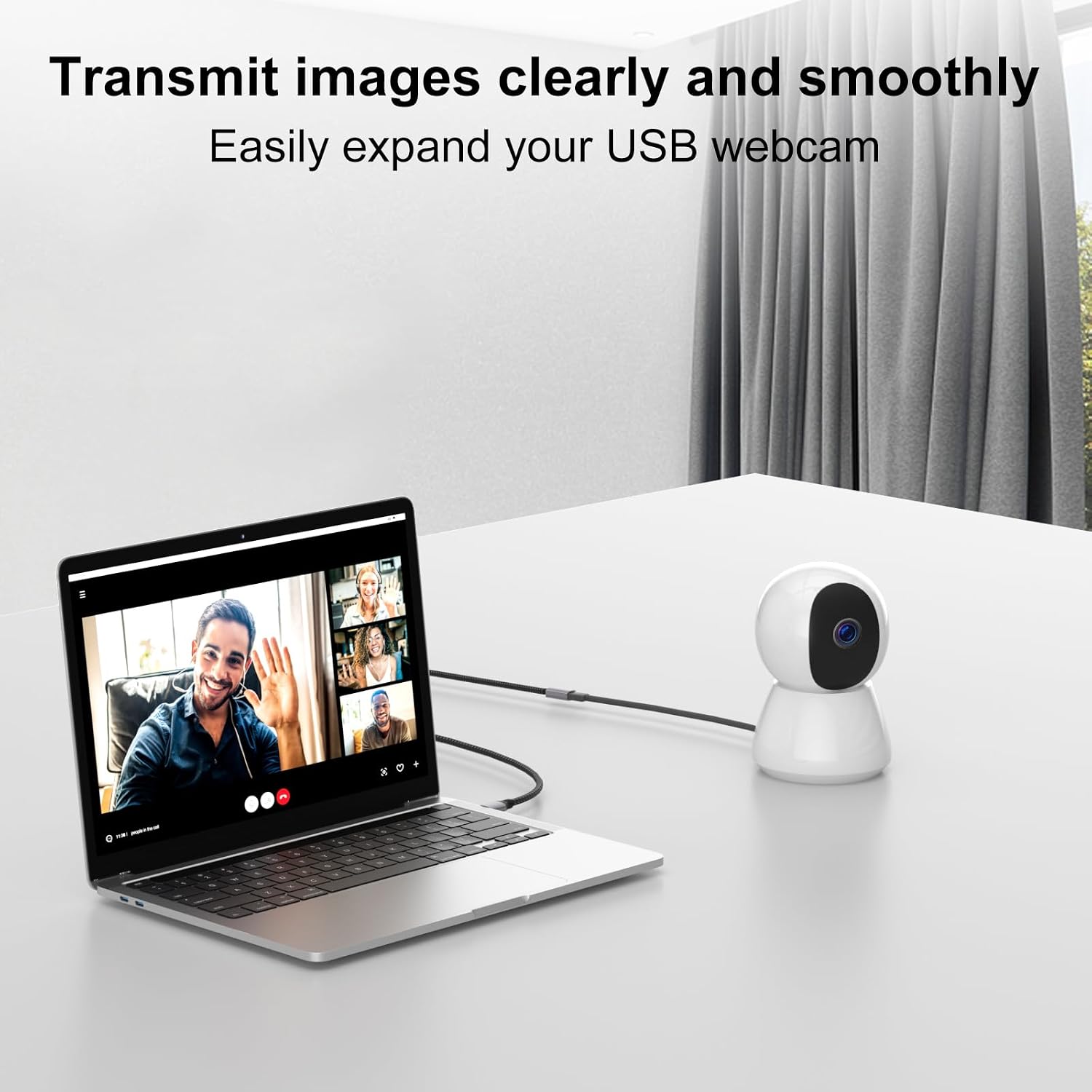
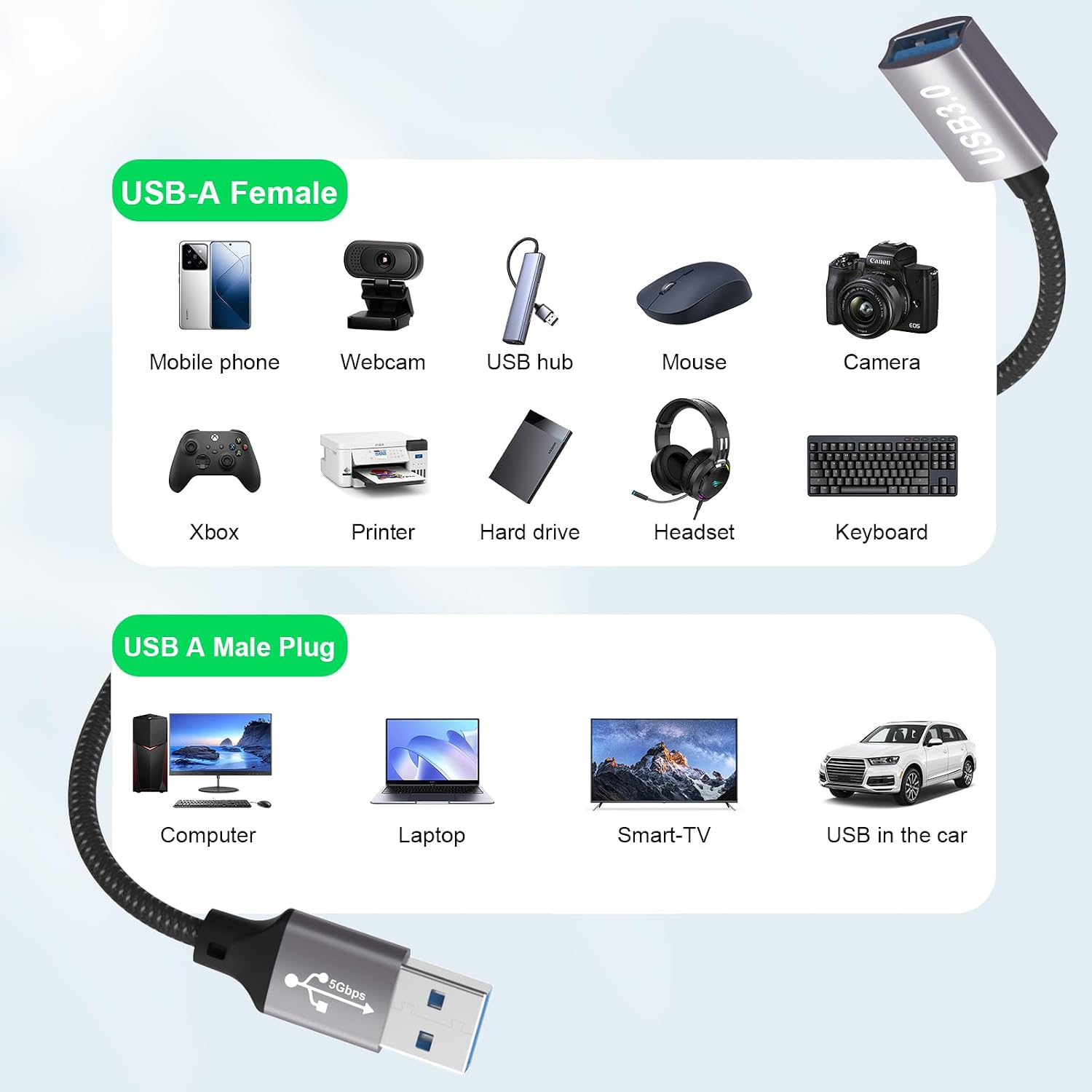
The base information lists broad compatibility with USB 3.0-equipped devices and everyday USB peripherals. Examples given include USB sticks, card readers, keyboards, printers, scanners, cameras, USB hubs, webcams, USB cameras, external hard drives, and devices connected to TVs and computers.
It also specifically mentions gaming consoles such as PS5/PS4 (and PS4 Pro). If you’re considering it for a console setup, it’s still worth checking your console’s port layout and whether the device you’re powering or connecting is designed to use USB extension leads without issue.
If you’re weighing it against a simpler approach (like moving your whole setup closer to the USB port), this extension is most attractive when you want stable positioning—desk, shelf or TV cabinet—without constantly changing where cables land.
Care, reliability and what to check
The cable is described as robust, braided and designed to protect the internal wiring and reduce exposure to external interference. That’s helpful, but it’s still worth being sensible with installation: avoid tight bends near the connectors and try not to run the cable where it will be crushed or repeatedly pulled.
Before you buy, check:
- Your devices use USB-A on both ends (this is USB-A male to USB-A female).
- Your source port is actually USB 3.0 if you care about the up-to-5Gbps claim.
- The device you’re charging supports the charging current you’re expecting (the cable is stated as capable up to 3A, but the device and port must agree).
- Whether a 5m run is the length you truly need—longer isn’t always better if you’re aiming for the most reliable behaviour.
Is it worth it?
It’s worth considering if you want a straightforward 5m USB 3.0 extension (USB-A to USB-A) for common home and office gear—USB sticks, card readers, keyboards, printers, scanners, hubs and similar peripherals—especially when your existing cable reach is the real problem.
It might not be the best match if you rely on edge-case USB performance (where device signal stability is critical) or if your devices are USB 2.0/older and you were buying purely to chase speed gains.
In short: for everyday “reach and convenience” with a reasonable attempt at USB 3.0 performance, this cable is a practical buy. If you know your devices are compatible and your setup needs the distance, it does the job without fuss.