

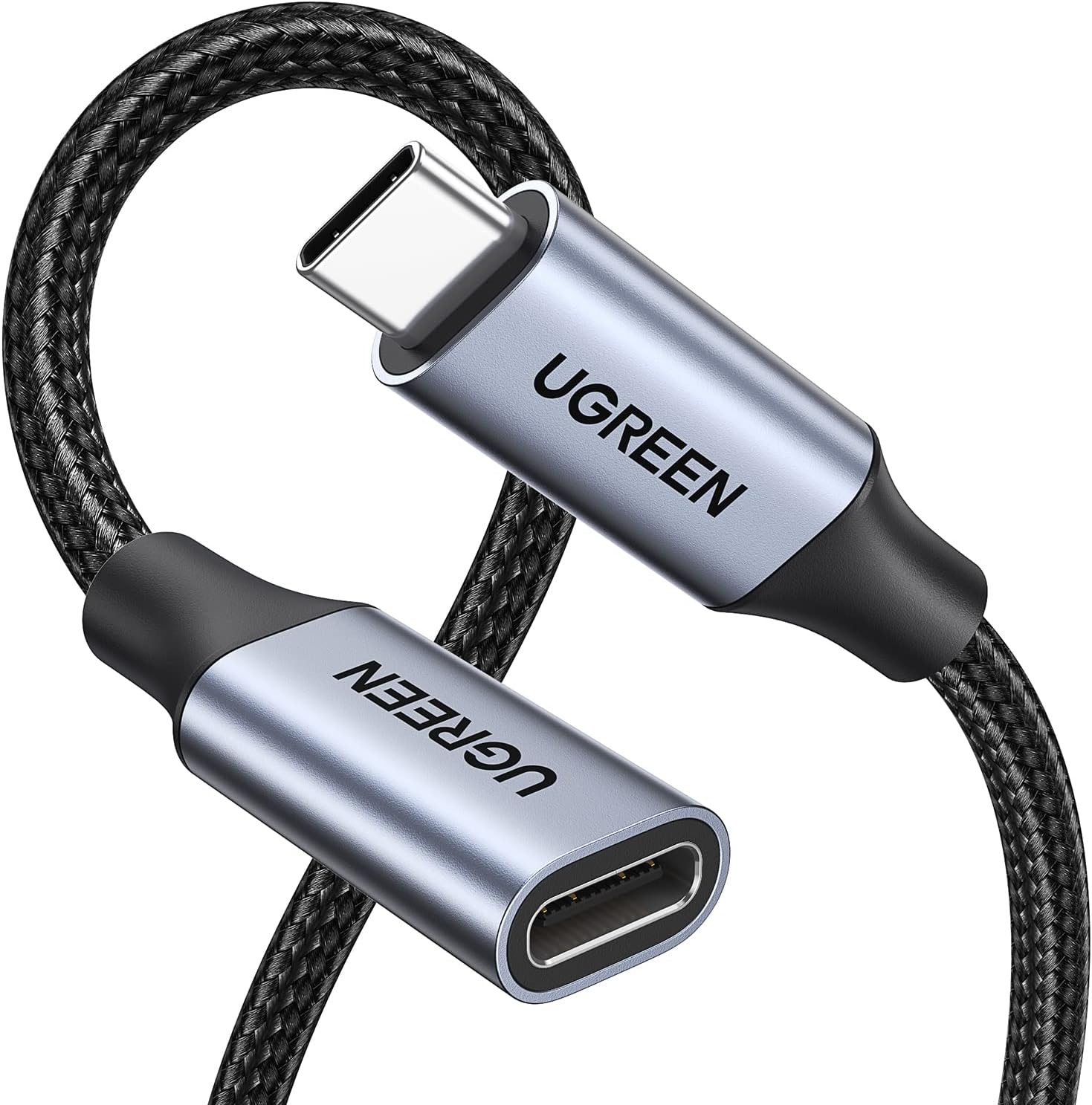
UGREEN 100W USB-C Extension Cable (0.5m) – USB 3.2 10Gbps, 4K@60Hz video and fast charging
Product description
The essentials
If you’ve ever had to sit awkwardly close to a desk charger or short cable run, a USB-C extension can make life a lot easier. This UGREEN 100W USB-C extension lead is built for exactly that: extending both data and power, without having to give up video output.
On paper, it’s aiming at a fairly specific sweet spot—USB 3.2 speeds up to 10Gbps, video up to 4K@60Hz, and up to 100W USB-C Power Delivery. The length is 0.5m, so it’s best thought of as a “reach add-on” rather than a long-distance solution.
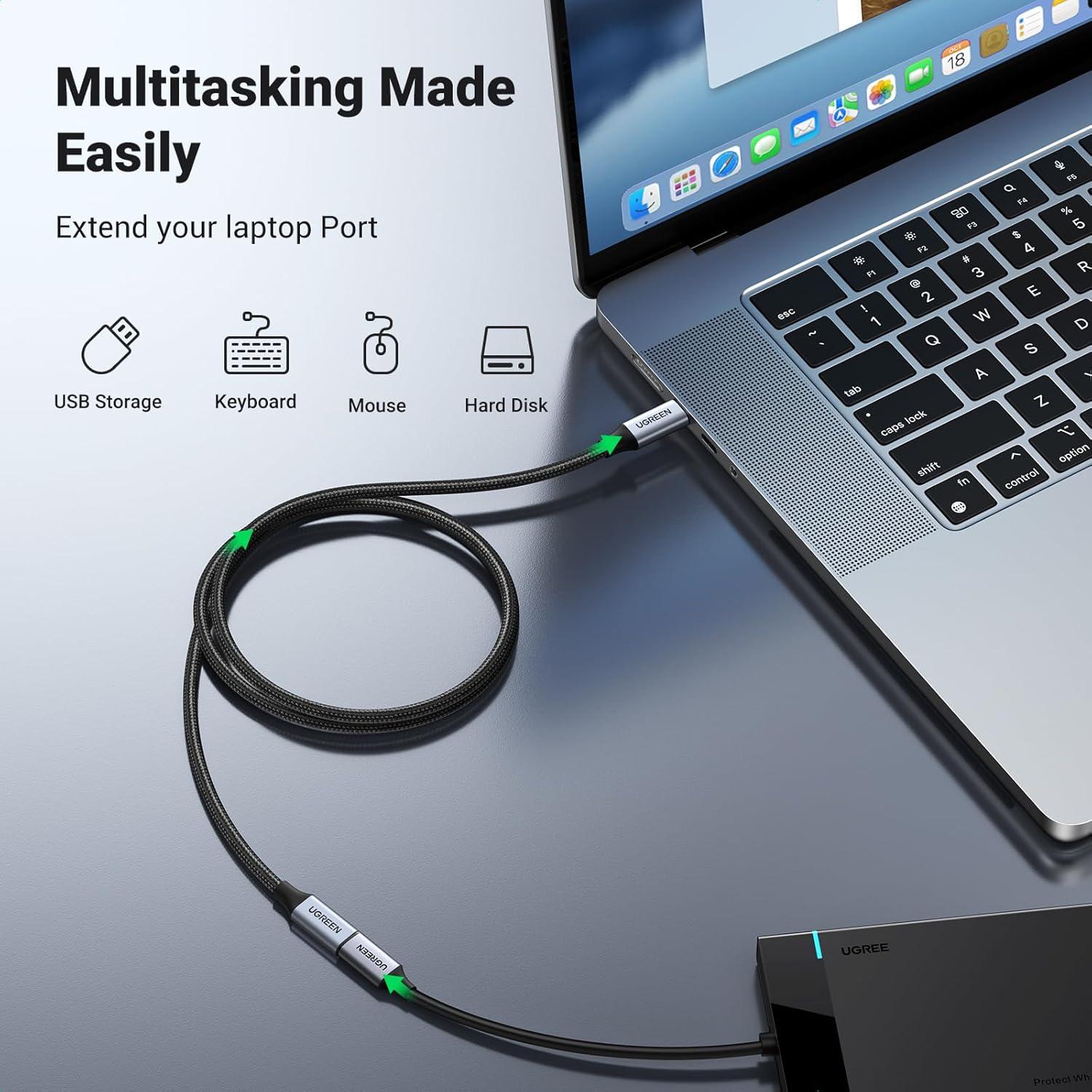
It’s also a male to female USB-C extender, so you’re extending between your device and your existing USB-C/Thunderbolt-style cable setup. Depending on your setup, it can reduce cable strain behind a monitor or make a laptop docking setup feel more natural.
Key points: what you get from it
The headline here is multi-purpose support. The cable is described as handling video, audio, charging, and data transfer, which is helpful if you use a single cable path to your portable workstation setup.
For everyday use, that usually matters most when you’re trying to keep things tidy: charging at the same time as transferring files or streaming video to a monitor. The 0.5m length can feel small on paper, but in real rooms it’s often the difference between “cable barely reaches” and “no longer fighting it every day”.
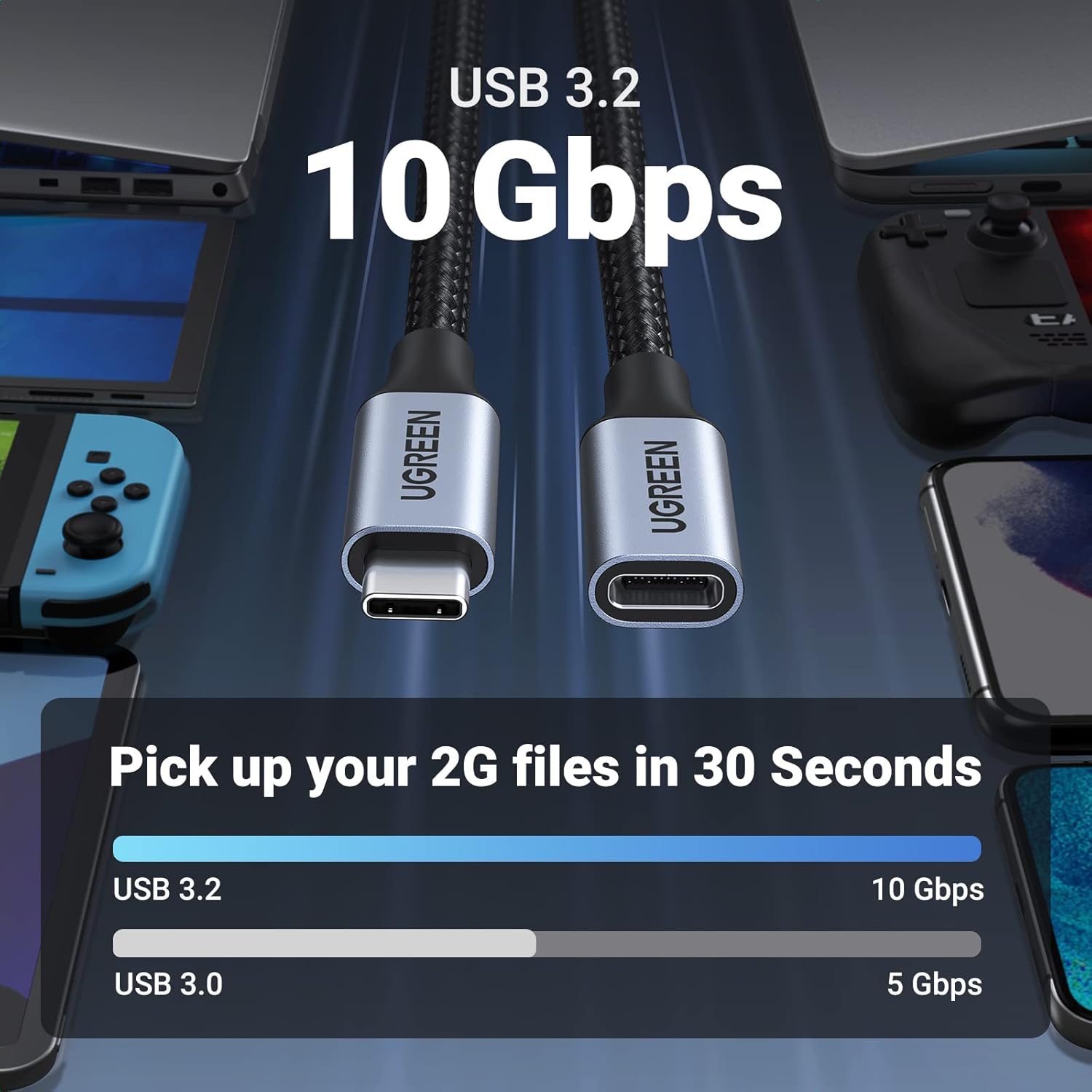
The 10Gbps figure is positioned for fast data transfer, while the 4K@60Hz claim targets smooth high-definition video streaming. If you’re the kind of user who actually cares about running high-res displays and moving large files, it fits the brief more than a basic, charge-only extension would.
Worth noting though: the cable is only as capable as the source and the monitor/display path. Extension cables can’t magically enable features your device or display link doesn’t already support.
Where it shines
The most convincing use cases are fairly practical: - Desk or home-office cable routing: extend a USB-C connection so your laptop can charge while staying comfortably positioned. - Monitor setups using DisplayPort Alt Mode: it’s specified as supporting video streaming up to 4K@60Hz (3840×2160) when your device supports DisplayPort Alt Mode through USB-C. - Fast charging with PD: it’s labelled as a 100W USB-C power extension lead, which should help keep charging speed in line with higher-watt USB-C Power Delivery expectations.
A micro example: imagine plugging your MacBook Pro or iPad Pro into a dock/adapter where the cable only barely reaches. With a 0.5m extension in the middle, you can clear the desk edge and avoid pulling the laptop each time you connect your display or transfer a folder.
Tech specs
- Type: USB-C male to female extension cable
- Power delivery: up to 100W USB-C PD
- Data transfer: USB 3.2 up to 10Gbps
- Video support: up to 4K@60Hz (3840×2160)
- Use case support: video, audio, charging and data transfer (as described)
- Length: 0.5m
What to watch before you buy

This cable is positioned as a capable all-rounder, but there are a couple of “depends quite a bit on your setup” points.
First, the video claim relies on your device and display path supporting DisplayPort Alt Mode over USB-C, since the cable is described as streaming high-definition video from devices supporting that mode. If your display or adapter doesn’t support the same pathway, you may get reduced performance or no video at all.
Second, 4K@60Hz and 10Gbps aren’t the kind of things you should expect to hold across every random combo of cables, hubs, and ports. The extension cable is designed to maintain stable streaming and transfer with intelligent chipsets and robust shielding, but the rest of your chain still matters.

Who it’s for (and who should skip it)
It makes sense if you want one short extension that covers more than just charging—especially if you regularly connect a USB-C device to a monitor and you also move files.
It may not suit you if you’re trying to solve a bigger distance problem. At 0.5m, it’s meant for short reach, not for routing around a whole room.
Also, if your current setup is already fully flexible and you only need extra charge distance (not data/video), you might find other simpler extension options more cost-effective—this one is clearly aimed at users who want the full bundle: data + video + power.
Is it worth it?
Worth considering if you need a compact 0.5m USB-C extender for a multi-function setup—charging up to 100W, fast data up to 10Gbps, and video up to 4K@60Hz via USB-C (DisplayPort Alt Mode as stated).
You may want to skip it if your priority is only minimal charging extension, or if you’re not confident your device/monitor/adapter chain supports the same video and throughput features.
Mini FAQ
Can it handle video as well as charging?

It’s described as supporting video streaming up to 4K@60Hz, alongside audio, charging and data transfer—so yes, it’s built for multi-function USB-C connections, assuming your device supports the needed USB-C video mode.
How fast is the data transfer meant to be?
It’s specified as USB 3.2 with a 10Gbps transfer rate.
Is 0.5m enough for a typical desk setup?
For many desk arrangements, 0.5m is usually the difference between “cable is under tension” and “cable reaches comfortably”. If you need more reach, you’d likely be better looking for a longer lead.
Will it work with MacBook Pro and iPads?
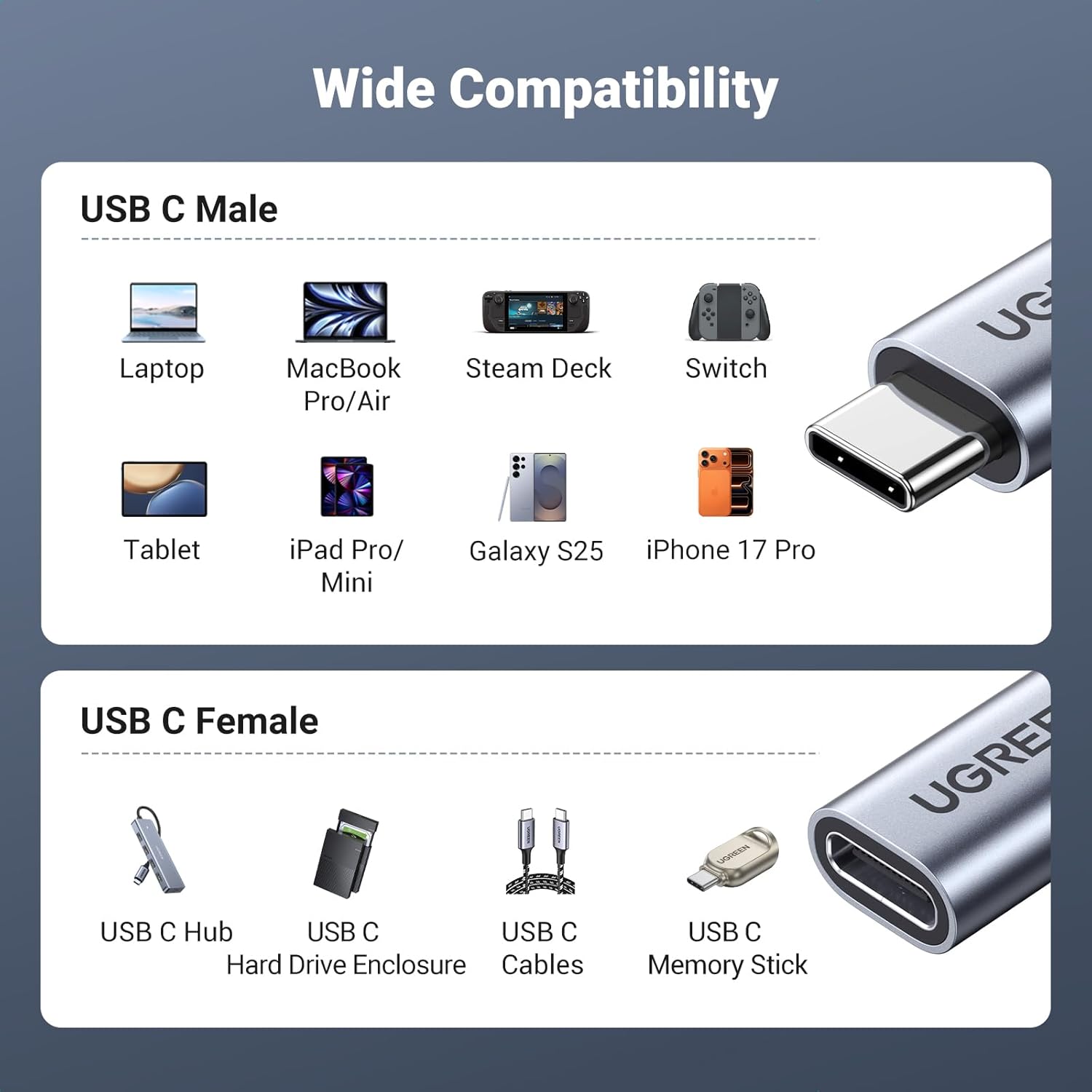
The product description lists compatibility examples including MacBook Pro and iPad models (such as iPad Pro 2025 / Air 5). However, features still depend on the specific USB-C port and the rest of your connection chain.
Does it support fast charging?
It’s labelled as a 100W USB-C Power Delivery extension lead, so it’s designed to extend power delivery as well as data/video.