

CABLAPTOP USB-C to USB-C (1m) 2-Pack cable with 240W PD 3.1 and 20Gbps USB 3.2 Gen2 x2
Product description
What it is and what it’s for
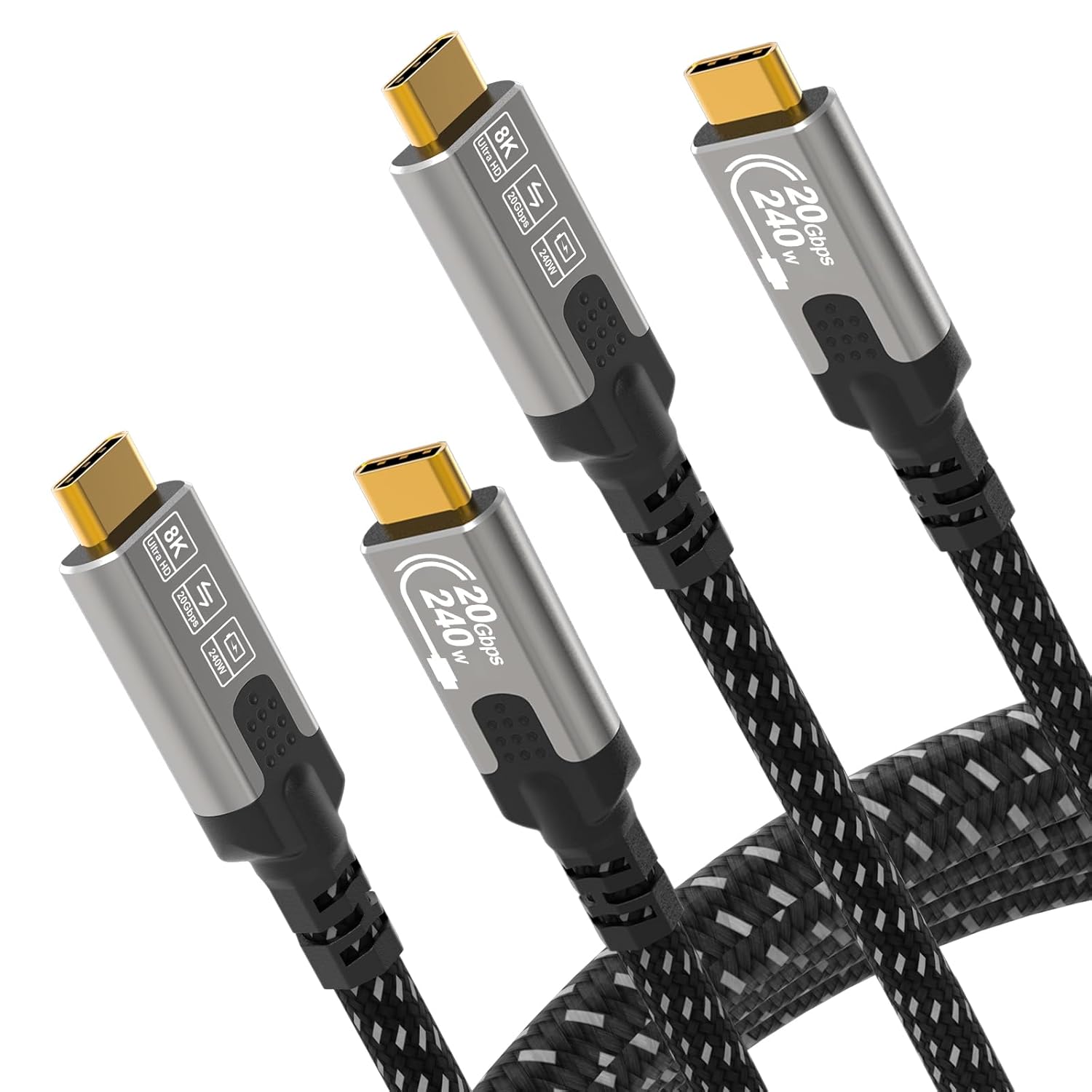
This CABLAPTOP USB-C to USB-C cable is aimed at people who want one lead that can do more than “charge and maybe mirror”. On paper, it covers three big jobs at once: fast USB-C power delivery up to 240W (PD 3.1), video output up to 8K (with listed refresh-rate options), and high-speed data transfer up to 20Gbps using USB 3.2 Gen2 x2.
In everyday terms, that’s the sort of cable you pick when you’re docking a laptop to a monitor, feeding video to a display, or moving large files between a laptop and external SSD or hub. The 1m length is also a practical desk/pod setup size, where you’re not relying on long runs across the room.
It’s not the kind of cable you’d choose if you only ever need slow charging, or if your priority is one ultra-specific connection type not mentioned here. But if you want a single USB-C cable that’s designed for laptop-style power and “serious” data/video, it fits the brief.
Key features you’ll actually notice
The headline specs are the ones you’ll feel in use, not just the box details.
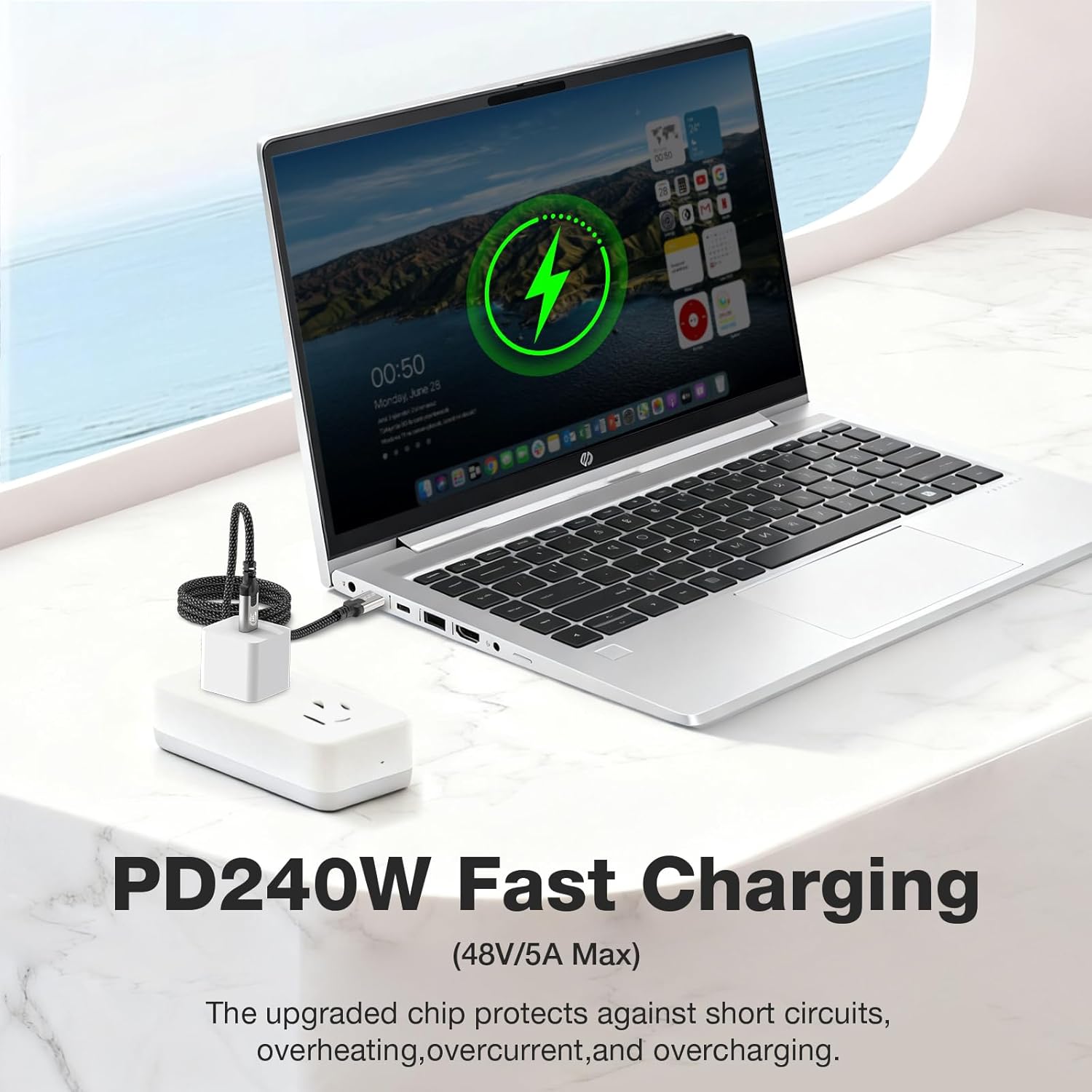
First, power delivery: it claims support for up to 240W PD 3.1, with “intelligent matching” of device power requirements. That’s useful because a cable that can negotiate power properly is what you want when you’re charging laptops (rather than relying on a lower-power lead).
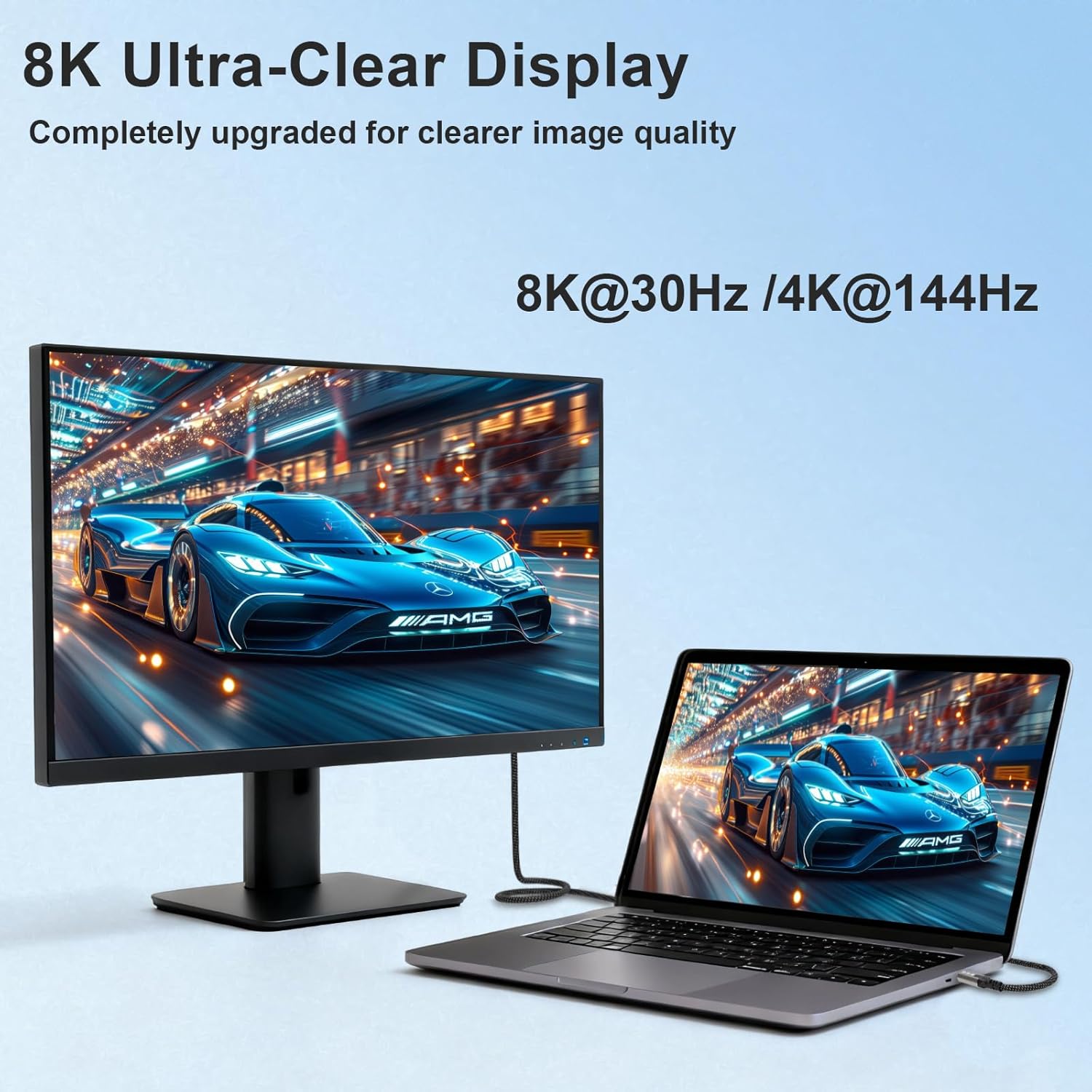
Second, video transmission: it supports video up to 8K and lists several modes, including 8K@30Hz and 4K@144Hz. If you’re using a monitor that can take USB-C video, this is the sort of cable spec you look for when you want sharper refresh rates, not just basic mirroring.
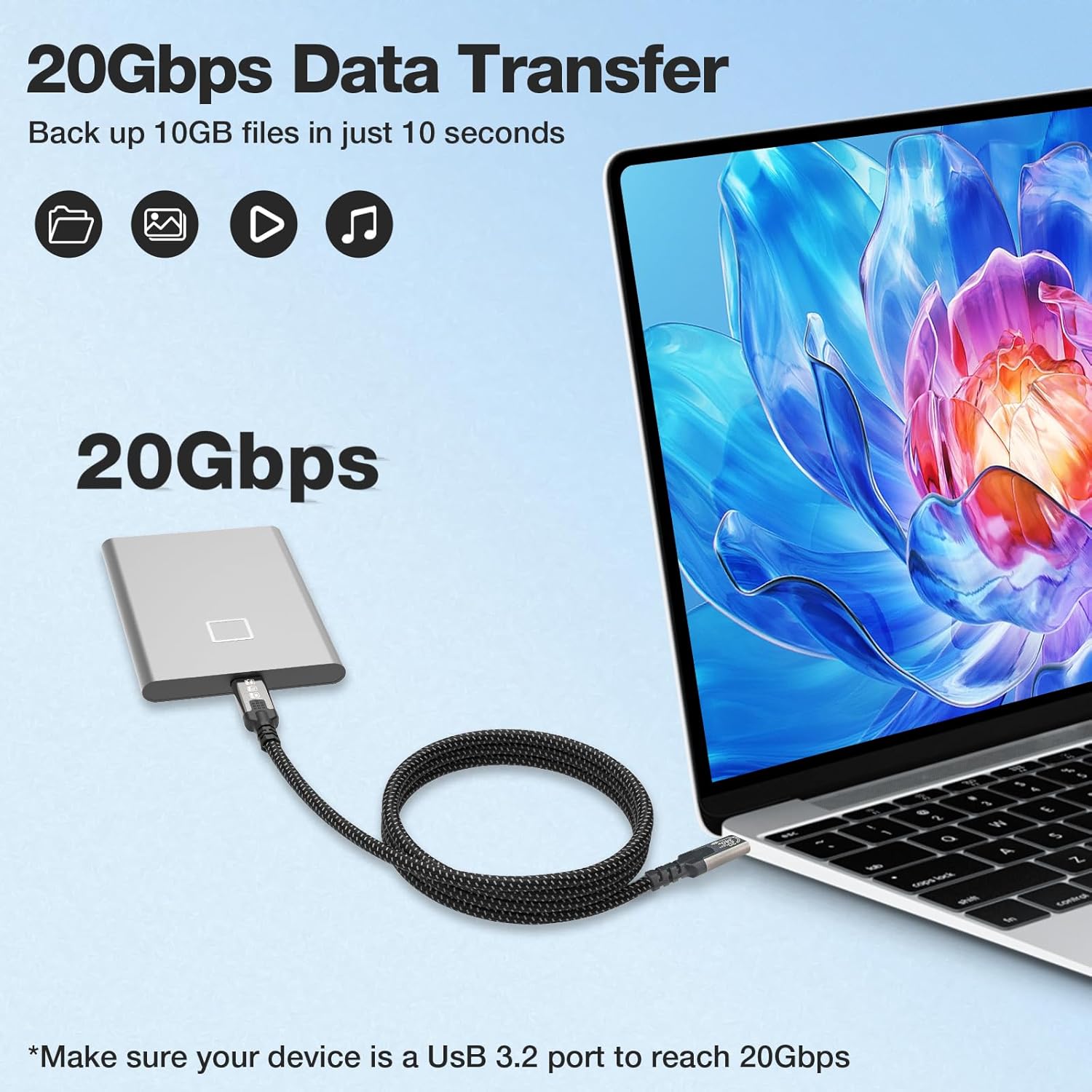
Third, data: 20Gbps via USB 3.2 Gen2 x2 is geared towards quicker transfers of big folders and media files. In practice, that matters when you’re moving lots of photos/videos to a workstation, or using an SSD/hub where you don’t want the cable to be the bottleneck.
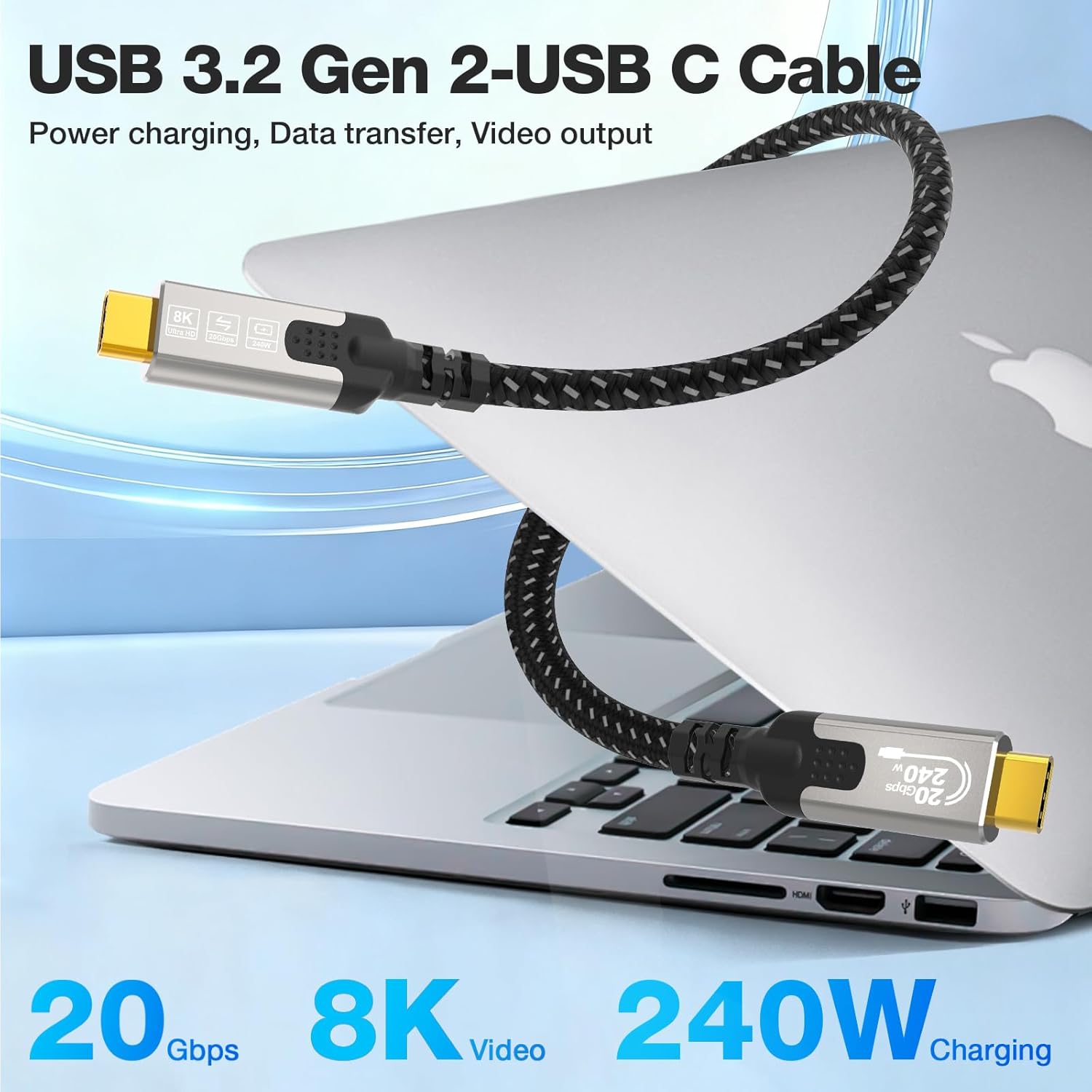
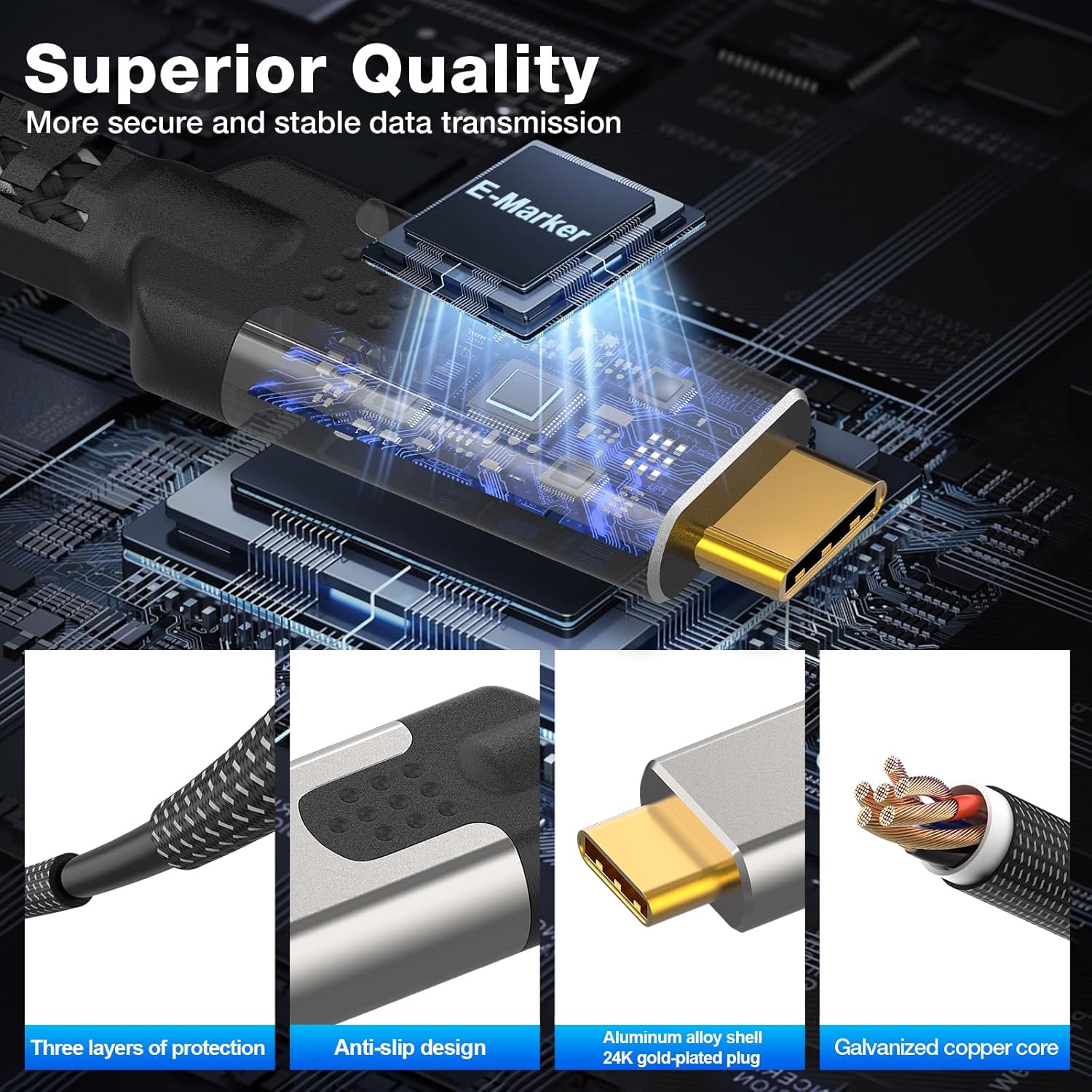
There’s also a built-for-durability angle: 24K gold-plated connectors, an aluminium alloy shell, and a nylon braided sleeve, plus an “advanced built-in chip” for power matching. It’s not magic—your device still needs to support the same capabilities—but the construction details are exactly what you’d expect from a cable meant to be plugged in daily.
Tech specs (as stated by the listing)
- Type: USB-C to USB-C cable
- Length: 1m
- Pack size: 2-Pack
- Charging / power: supports 240W PD 3.1 fast charging
- Data transfer: up to 20Gbps (USB 3.2 Gen2 x2)
- Video output: up to 8K (listed examples include 8K@30Hz, 5K@60Hz, 4K@144Hz)
- Connectors/materials: 24K gold-plated connectors, aluminium alloy shell, nylon braided sleeve
- Build / safety: includes a built-in chip for power matching (as described)
Usage tips
If you’re using this for a “laptop to monitor” setup, give yourself the best chance of hitting the listed video modes. That means using a USB-C port on your laptop/monitor that supports video over USB-C, and then matching expectations based on the display’s capabilities.
A concrete example: imagine you’re editing on a laptop and want a high refresh-rate output to your desk monitor. You plug the USB-C end into the laptop, the other into the monitor, and then connect power as needed (if your device is set up for charging through USB-C). If everything on both ends supports it, you’re in the territory where 4K at higher refresh rates is plausible.
One note of caution: cables alone can’t force performance. The achievable resolution/refresh rate and charging speed will depend on what your laptop, phone, hub, or monitor actually supports, even if the cable is rated for more.
If you’re using a hub or SSD, the benefit of this cable is mainly speed and consistency—so it can be a sensible “one cable at the desk” choice, rather than juggling separate leads for different jobs.
Where it shines (and where it may fall short)
This cable has a clear selling point: it’s trying to cover high-power charging, high-speed data, and high-resolution video in one go. If you’re constantly moving between charging, file transfers, and display output, that simplicity can be worth it.
It’s also a good fit if you need the 1m length for a tidy workspace and don’t want adapters in the middle of everything.
However, it may not be a great match if: - you only need basic charging or occasional display output (cheaper USB-C cables often do that fine), - your devices/hubs/monitors don’t support the specific USB-C video or high-power negotiation this cable is rated for, or - you’re buying without checking whether your equipment supports charging over USB-C in the first place.
In other words, it’s strong on capability-on-paper, but the real-world results still hinge on compatibility at both ends.
Is it worth it?
A solid pick if you want a USB-C to USB-C cable that’s built for laptop-style use—fast PD charging (240W PD 3.1 as stated), fast data up to 20Gbps, and demanding display modes up to 8K (including 4K@144Hz listed). The 2-pack also helps if you keep one cable at your desk and one in your bag.
You may want to skip it if your setup is simple and you don’t actually need high video refresh rates or high-speed transfer, because you could be paying for features you won’t use. It might not be a great match if you’re unsure your monitor/hub/laptop supports USB-C video and charging, since the cable can’t compensate for missing device support.
Mini FAQ
What devices is it designed to work with?
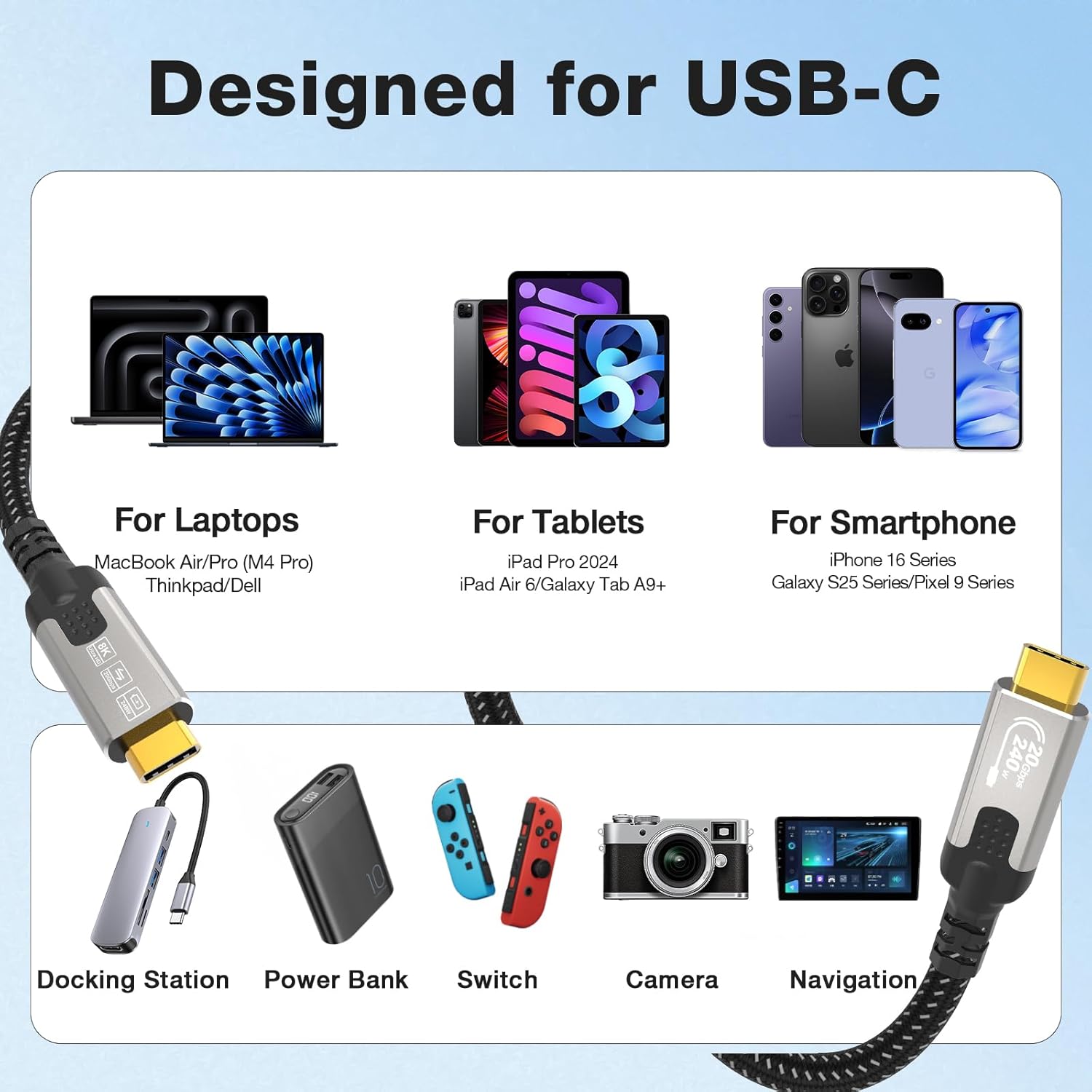
The listing states compatibility with mainstream laptops, phones and tablets, plus hubs, SSDs and displays, and mentions technologies like Thunderbolt (including Thunderbolt 5/4/3) and USB4/USB 3.2/3.0. It also lists examples such as iPhone 16/15 Plus/Pro/Pro Max and Samsung Galaxy S25/S24 series, but you’ll still want to check your specific device’s USB-C capabilities.
Can it really do 4K at high refresh rates?
It supports video output up to 8K and lists 4K@144Hz as one of the supported modes. Whether you get that in practice depends on what your laptop and monitor both support over USB-C.
Does it support fast charging for laptops?
It’s rated for up to 240W PD 3.1 fast charging, with “intelligent” power matching as described. If your laptop supports USB-C charging at that level, this cable is built for it.
Will the data speed be 20Gbps all the time?
The cable is rated up to 20Gbps using USB 3.2 Gen2 x2, but actual speed depends on what the connected device (SSD/hub/laptop port) supports and the transfer scenario.
What’s in the box?
The product is listed as a 2-Pack, so you should receive two 1m USB-C to USB-C cables.