

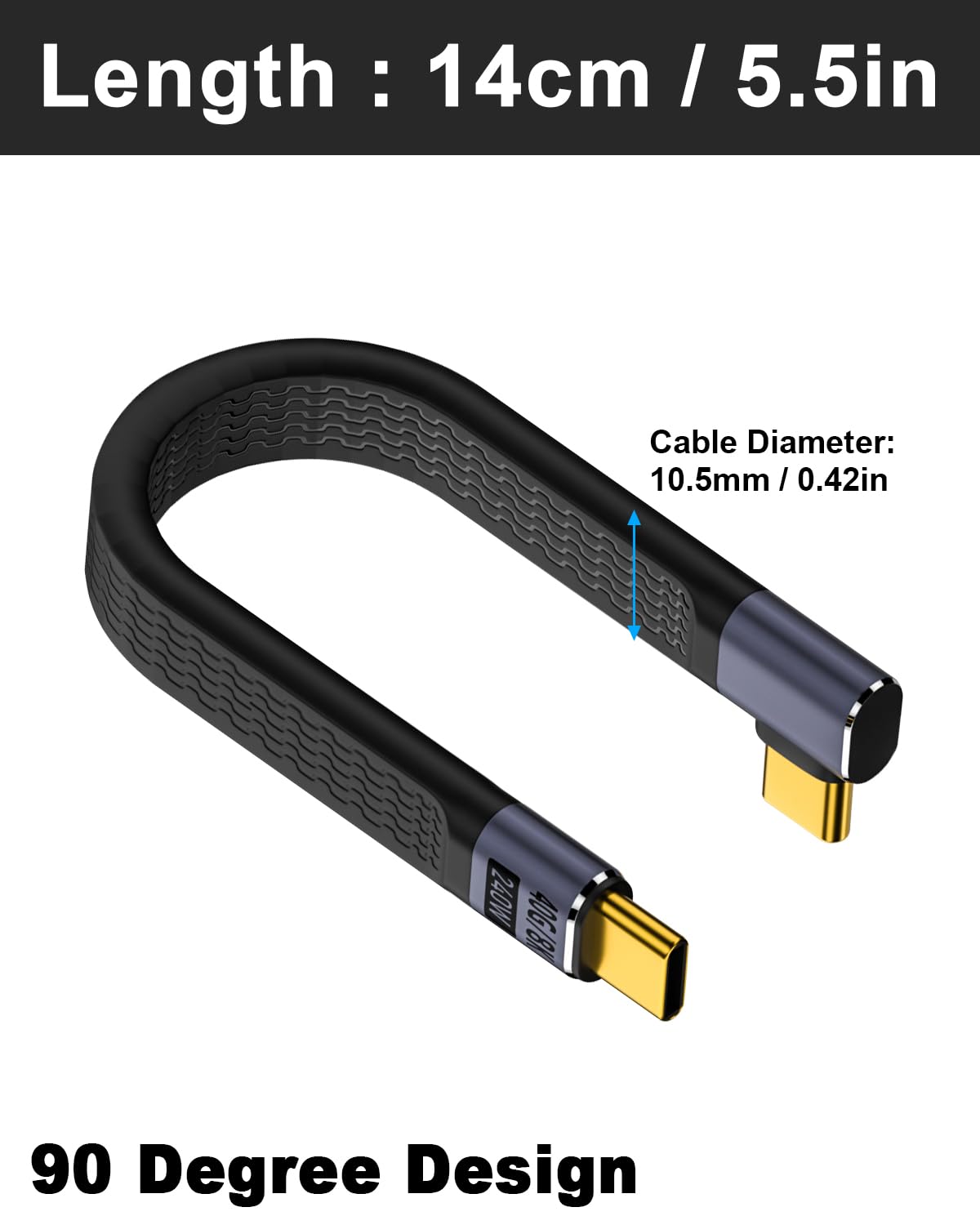
Maxhood 5-inch USB-C to USB-C cable (Right-angle) – 40Gbps, up to 240W PD 3.1, USB4/Thunderbolt 4
Product description
What it is and why people buy it
This Maxhood 5-inch USB-C to USB-C cable is a short, flat FPC lead with a right-angled USB-C connector. On paper, that combination targets a very specific annoyance: when full-length cables get in the way, or when bulky plugs make it awkward to charge and use devices side-by-side. At just 5 inches, it’s designed more for desk setups, handheld charging arrangements, and “keep it tidy” use than for running power across a room.
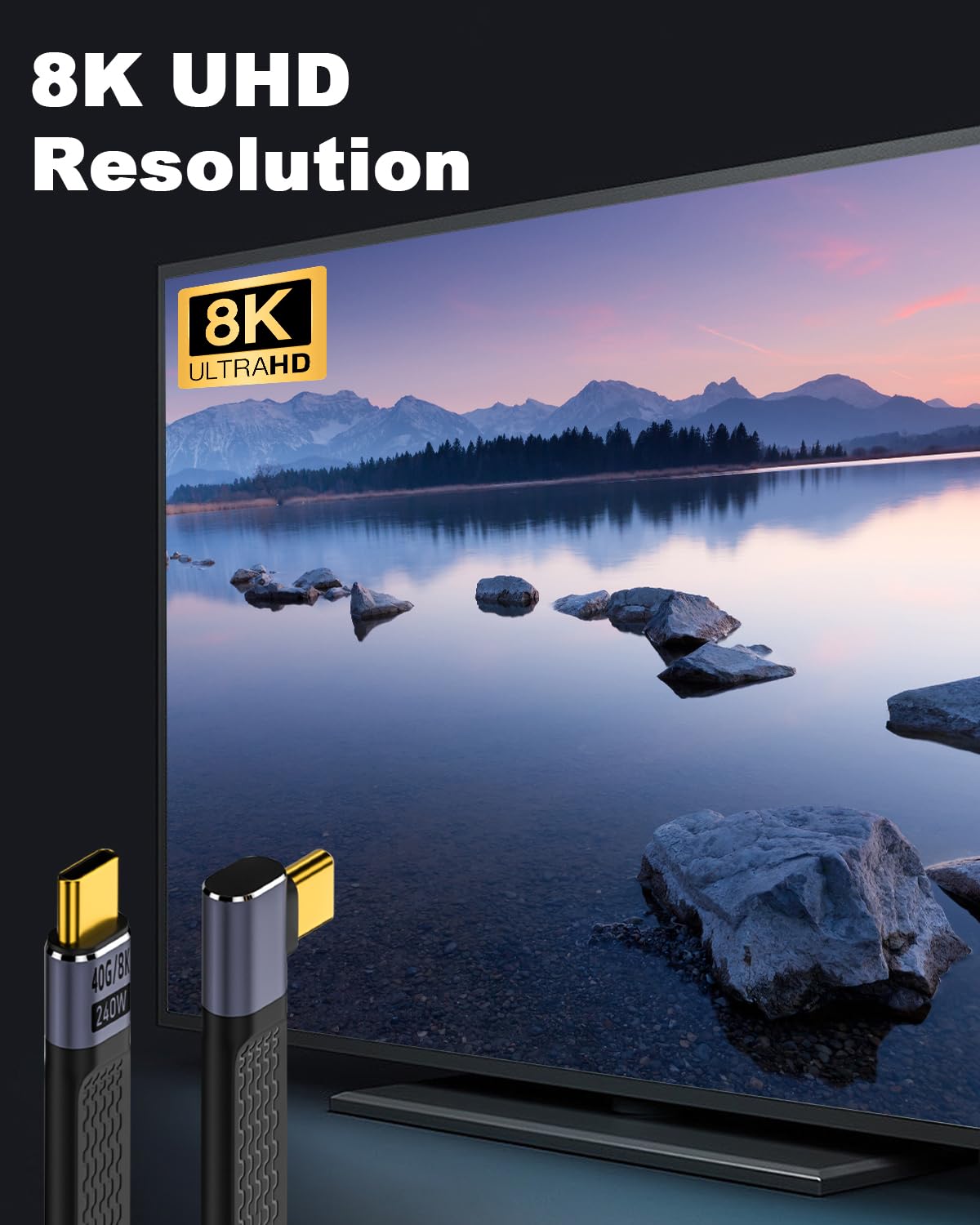
The other big selling points in the listing are the speed and charging claims: up to 40Gbps data transfer (USB4 standard) and up to 240W charging via PD 3.1 (with lower-power fallback mentioned too). It’s also described as supporting 8K@60Hz video output, which is often the sort of figure people look for when they want a single cable for charging and video rather than juggling separate leads.
At a glance: what you’ll notice day to day
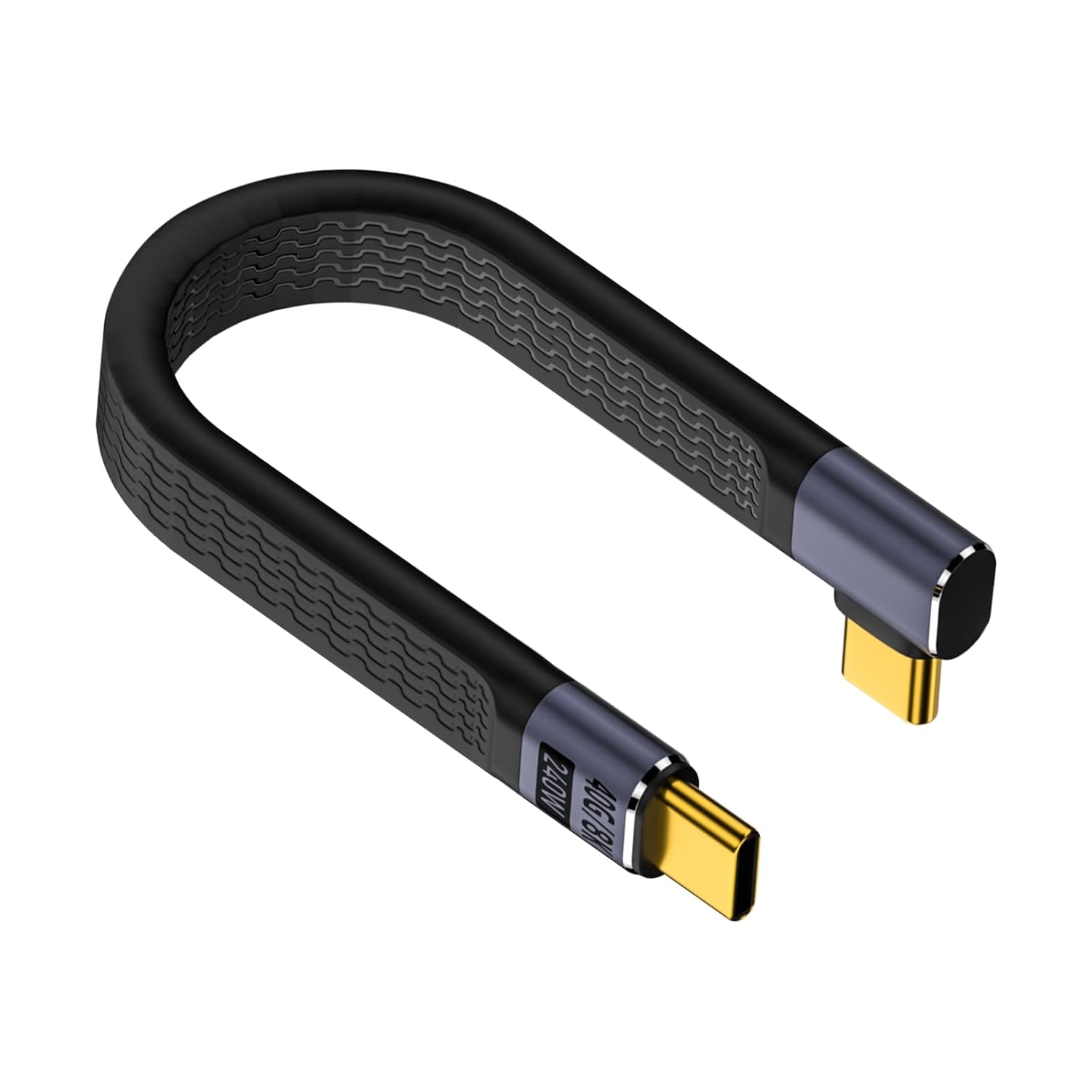
The right-angle USB-C design is the most immediately practical feature. If you’ve ever plugged a straight cable into a port and had it press against your case, knock the device position, or foul your grip while gaming, this is aimed at that exact situation. The flat “FPC” design is also meant to be flexible and easier to tuck away than traditional round cables.
In real-world use cases, the listing positions it for: - playing games (where port access can matter) - watching videos and using it for reading e-books (where long charging cables can be annoying) - connecting to a dock for a cleaner desk layout
Not perfect, though: a short cable is only convenient if your charger/dock is close by. If you need reach, you may end up wishing you’d chosen something longer.
Key takeaways for performance claims
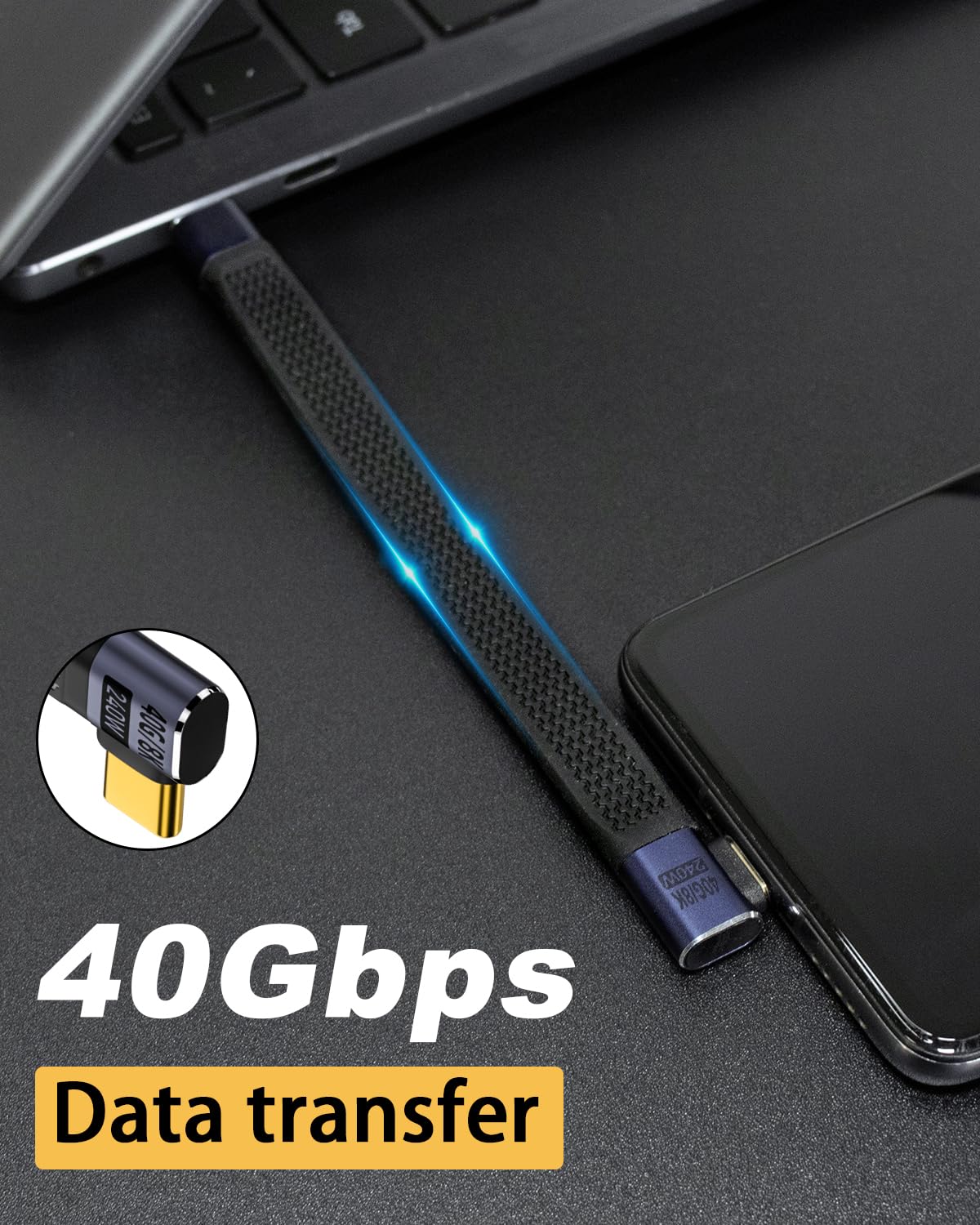
The specifications in the description are pretty clear on what this cable is aiming to support:
- It’s stated to meet USB4 standard and support data transfer up to 40Gbps.
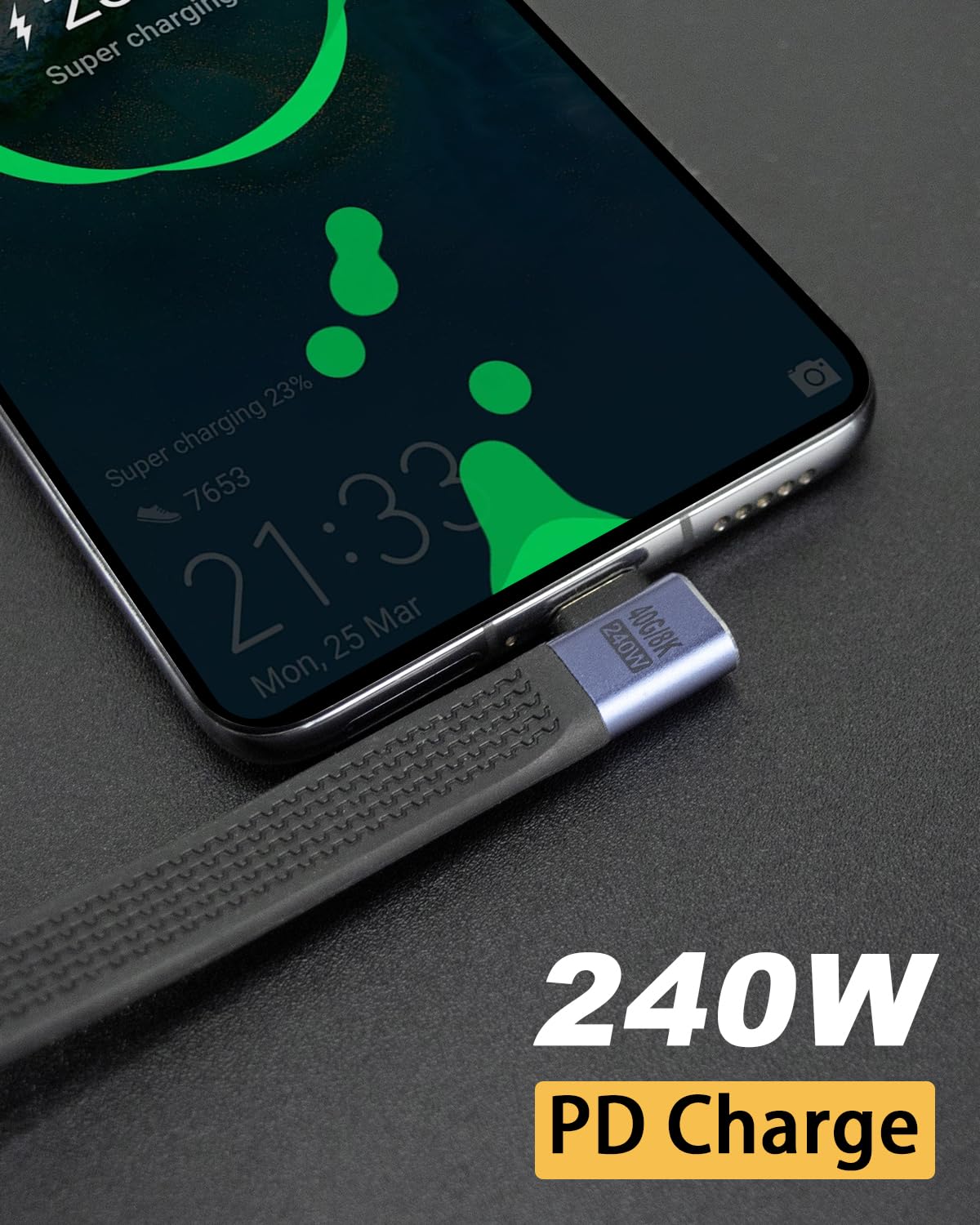
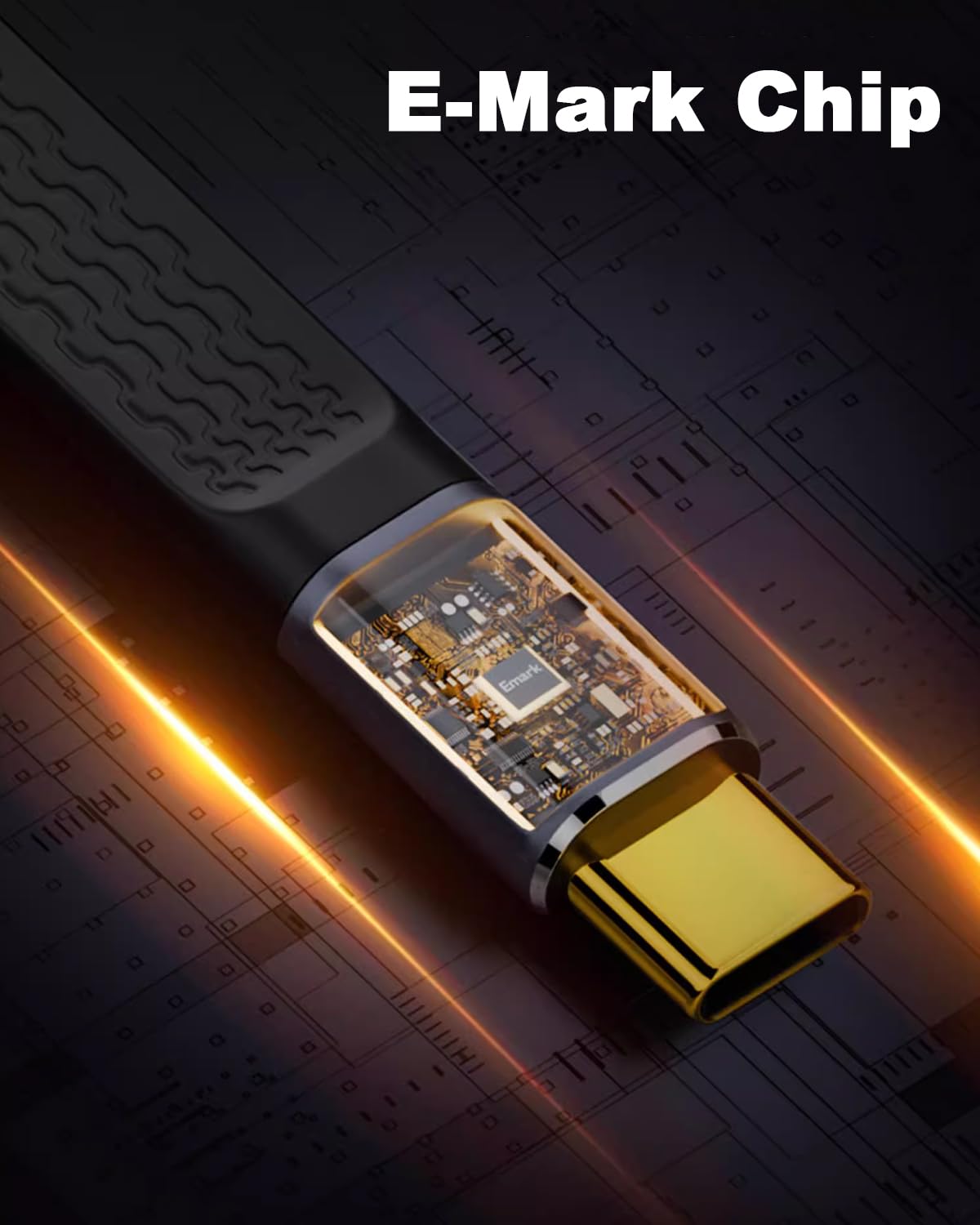
- It’s described as a Thunderbolt 4 cable and supporting PD 3.1 charging up to 48V/5A (listed as 240W), while also being backwards compatible with lower PD requirements (examples given include PD 3.0 and PD 2.0 ranges).
- For video, it’s listed as supporting 8K@60Hz output.
A sensible way to interpret this is that the cable is built for high-end connectivity, but your actual results will depend on the device you plug into and the dock/charger you use. In other words, if your setup can’t make use of USB4/Thunderbolt 4 features or the maximum charging profile, the cable will still work—just not at the top end.
Who it suits (and who should skip it)
It makes sense if you want one short USB-C cable to handle charging and data/video where the ports are near each other. This is the sort of lead that tends to fit: - MacBook users and other USB-C laptops where you want a neat connection to a dock or power source - people using external SSDs and power banks who appreciate a compact lead - handheld and gaming-focused setups where a right-angle plug can reduce strain on the port
It might not be a great match if you routinely need extra cable length (a 5-inch lead is never going to feel “universal”), or if your device doesn’t support the higher-speed video/data modes you’re hoping for. Also, if you’re buying this purely for convenience and don’t actually need USB4/Thunderbolt 4-style bandwidth, a simpler cable could do the job just as well.
What to check before you buy
Before you commit, it’s worth checking a few practical points so you don’t end up disappointed:
- Port fit and clearance: the right-angle connector can be a win, but you still want to confirm it clears your case and any nearby cables or accessories.
- Power needs vs charger capability: the cable is described as supporting up to 240W PD 3.1, but your charging speed will depend on what your charger and device actually negotiate.
- Dock/display expectations: if you’re buying for video (the listing mentions 8K@60Hz), your dock and the display chain need to support the same overall capability.
- Backup plan for distance: because it’s short, you may want to be comfortable using it at home/desk, or with a portable charger placed close to the device.
Pros and what holds it back
Strengths
The most convincing part of this cable is the design thinking: short length plus a flat FPC style plus a right-angle plug. That combo is often what makes a cable feel “engineered for the way you actually sit and charge.” The listing also gives a solid set of connectivity and charging targets (USB4 up to 40Gbps, Thunderbolt 4, PD 3.1 up to 240W, and 8K@60Hz video support).
Where you may find limitations
The main limitation is simple: if you need reach, this will feel restrictive. And if you’re expecting max performance purely from the cable, it can be a let-down—because cables only perform at the ceiling your device, charger, and dock can support.
Final verdict
Worth considering if you want a compact, tidy USB-C to USB-C charging-and-connectivity cable, especially for dock setups, gaming angles, and short-distance charging where the right-angle design helps a lot. It’s not the best choice if you regularly need cable length or you’re chasing headline speeds/video specs without the rest of your setup supporting them. For buyers who like a neat desk and a single cable that’s built with USB4/Thunderbolt 4 and PD 3.1 in mind, this one fits the brief.
Mini FAQ
Does the right-angle connector make a difference?
It usually does for clearance. The listing specifically frames it as more convenient and comfortable for gaming, watching videos, and reading e-books, which is where port obstruction and cable management often annoy people.
Will it charge at the full 240W?
The cable is described as supporting PD 3.1 up to 240W, but your actual charge rate will depend on your charger and device negotiation.
Is 8K video guaranteed?
The listing says it can support 8K@60Hz output, but whether you get that depends on the full chain (device, dock/cables, and display compatibility).
What devices is it said to work with?
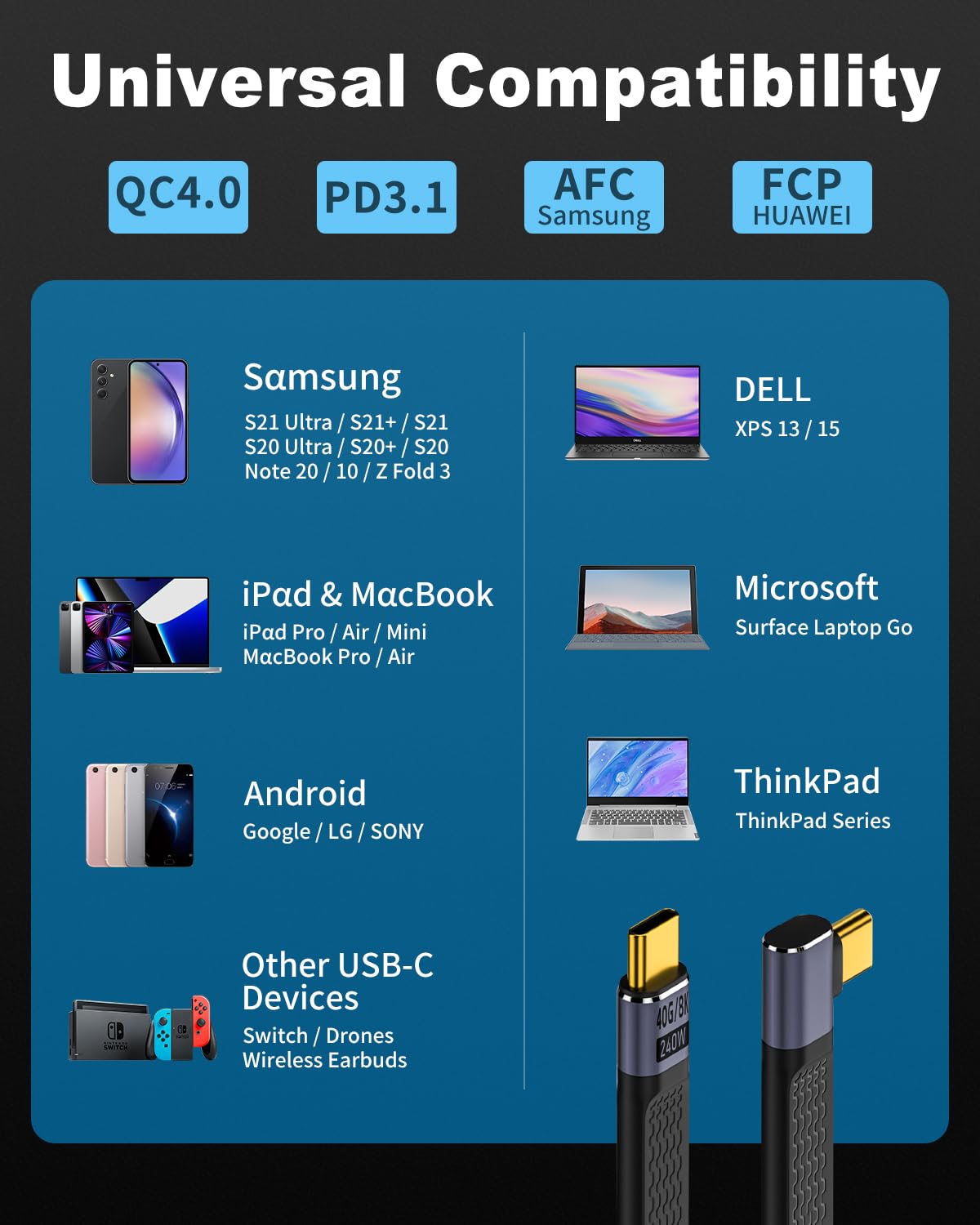
The description mentions examples such as MacBook Pro, external SSD, power bank, Steam Deck, Switch, and docks, with broader compatibility claims around USB4, Thunderbolt 4/3, and backwards compatibility to lower USB speeds.