

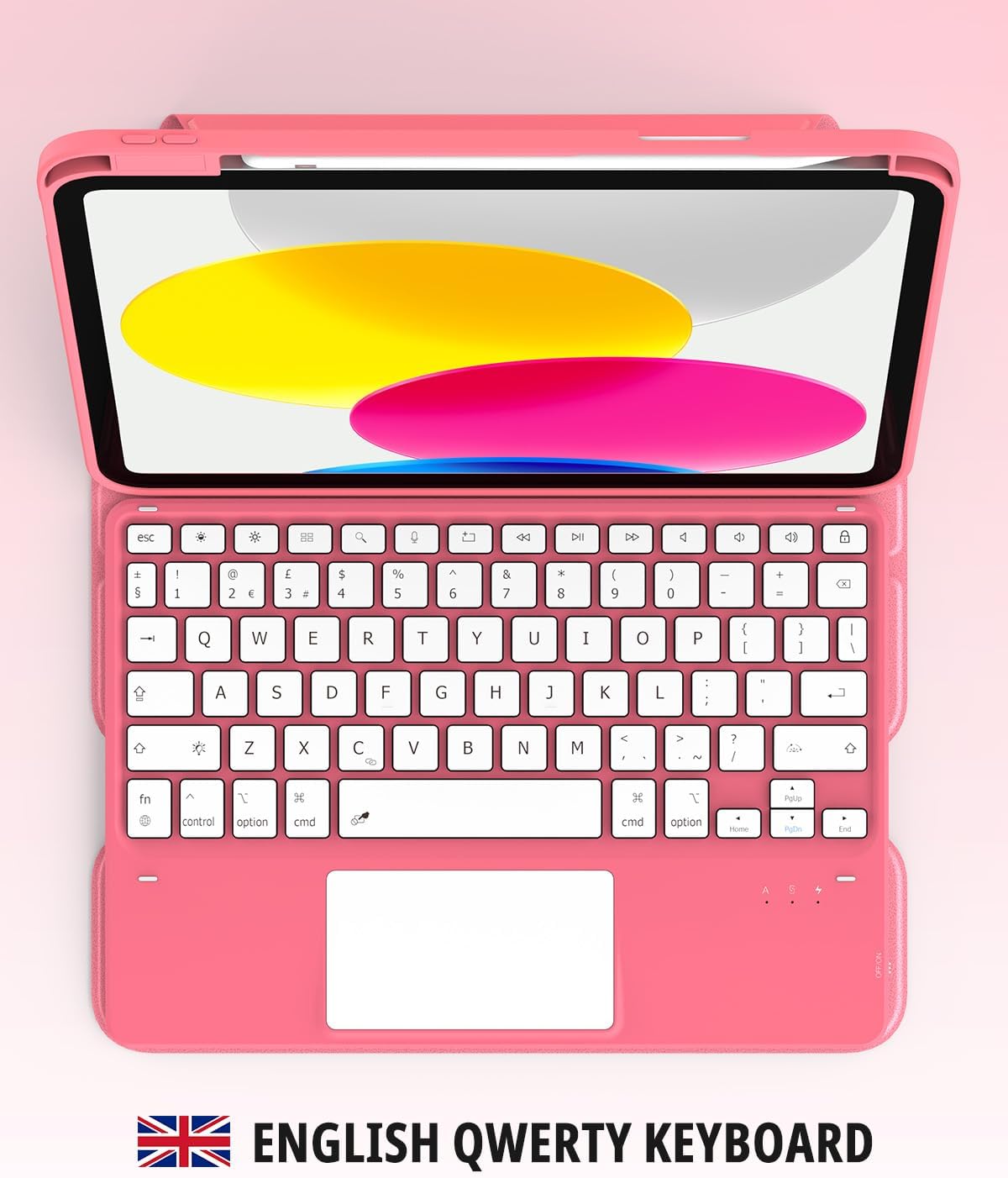
CACOE 360 Rotating Keyboard Case for iPad (A16) 11th/10th Generation with Touchpad
Product description
The essentials
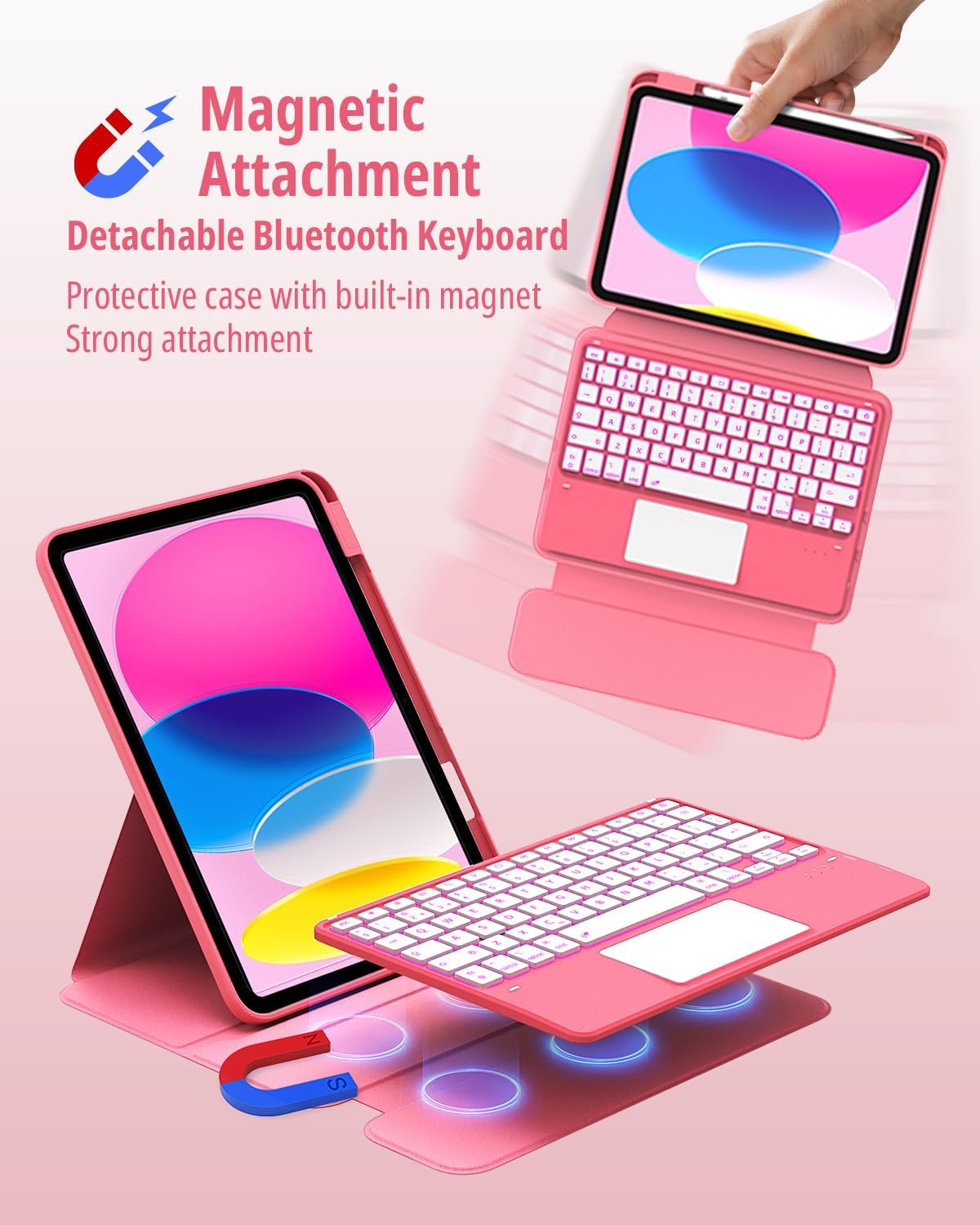
If you’re trying to turn your iPad into something more “workable” day-to-day, a keyboard case is one of those accessories that can actually change how you use the tablet. The CACOE 360 Rotating Keyboard Case is designed around the 11th and 10th Generation iPad sizes, adding a detachable wireless keyboard, a touchpad, and a protective cover with multi-angle viewing.
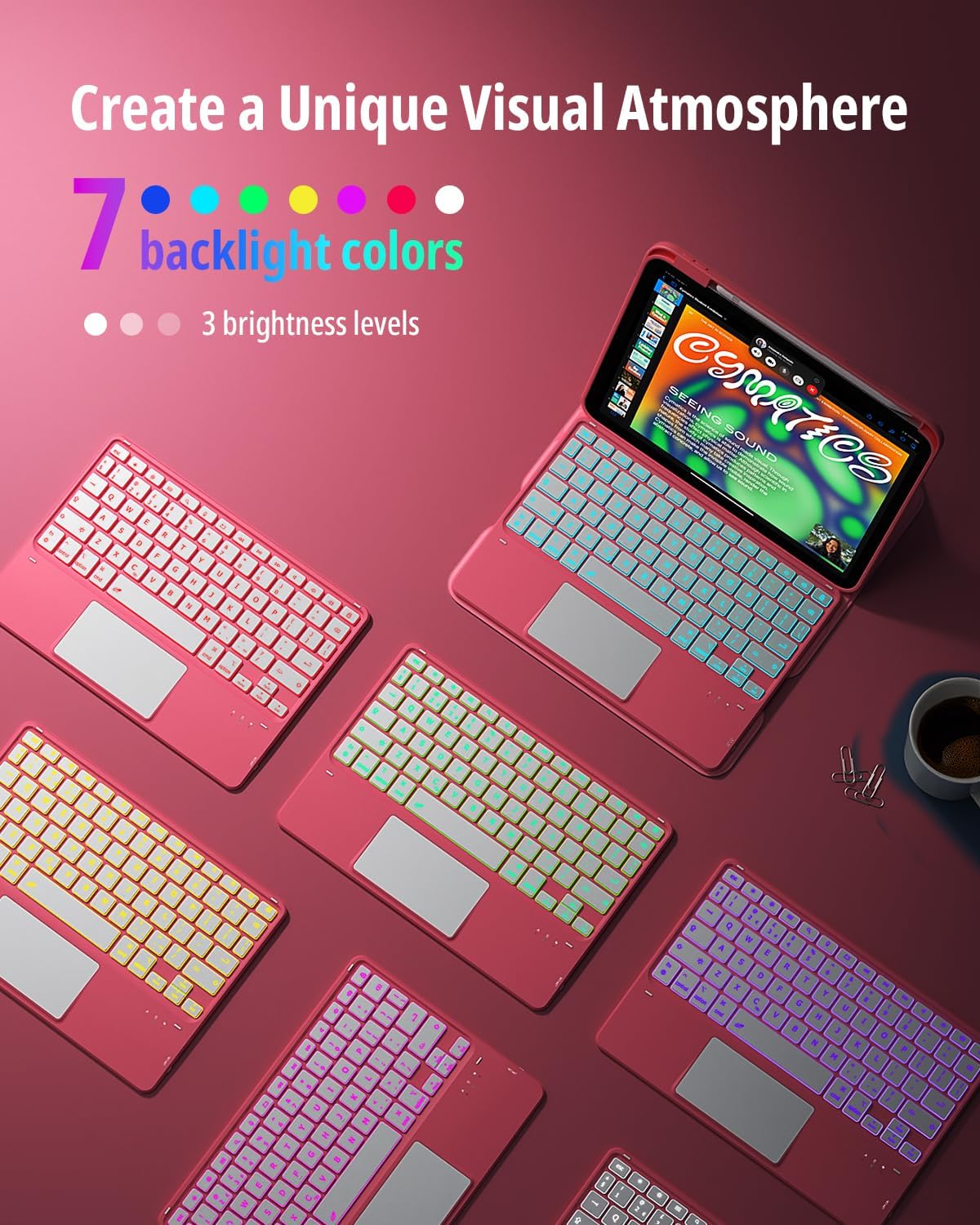
On paper it ticks a lot of practical boxes: you can choose between 7 backlight colours, adjust brightness in steps, rotate the cover for different angles, and control the iPad movement without fiddling with loose stands. It’s also built to be drop-resistant and scratch-resistant using soft PU material, which is the sort of everyday protection you tend to value more than “nice-to-have” features.
That said, it’s not perfect. Keyboard cases like this usually rely on the case design and connectivity to deliver the experience, and if you’re expecting a laptop-like keyboard feel or premium trackpad performance, you may find it comes across as more mid-range than “high-end”. Also, there’s a clear limitation: the pencil is mentioned as not included, so you’ll need to budget for that separately if you don’t already have one.
Key compatibility to check first
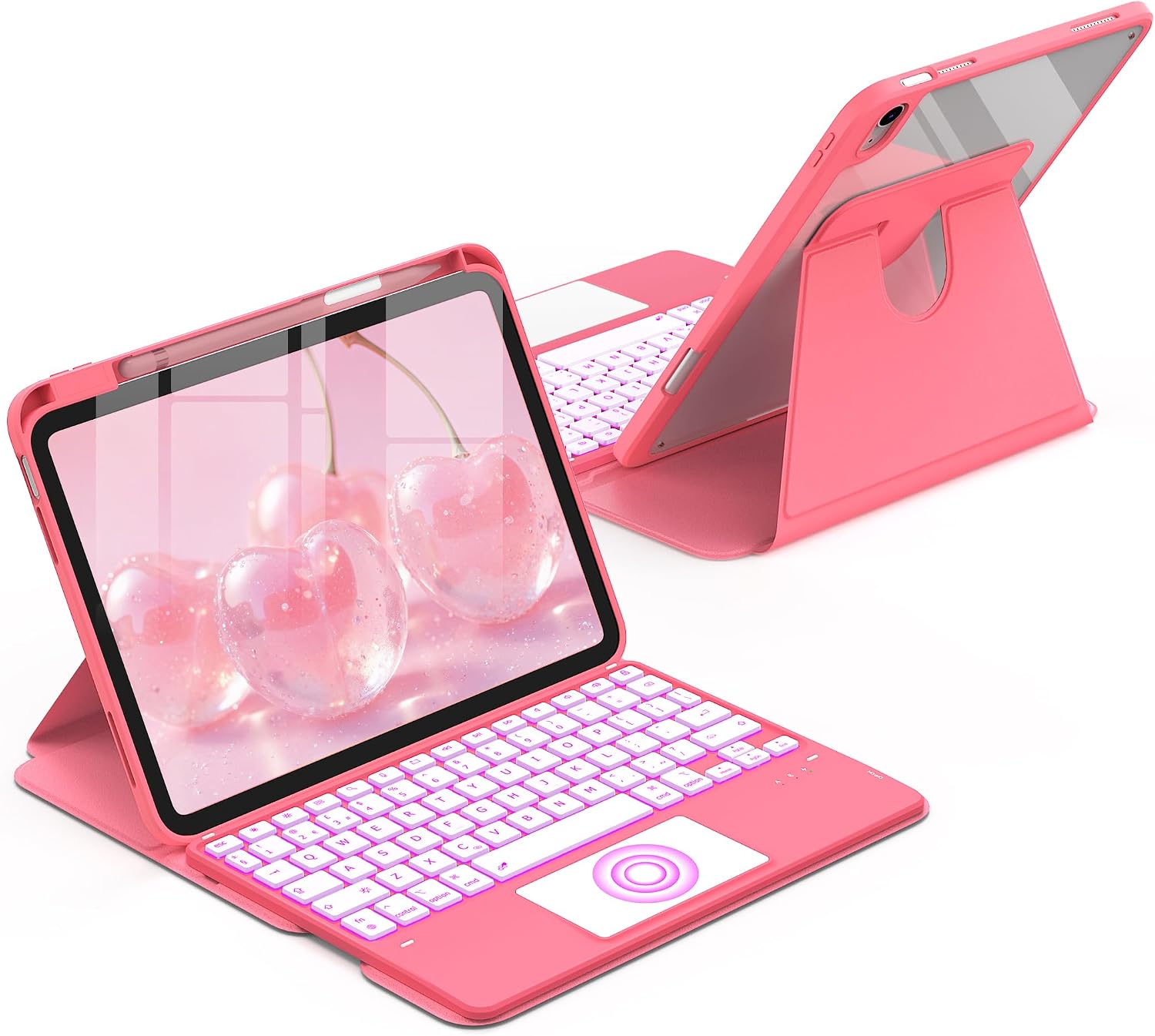
Before you get excited about the rotating stand and keyboard, it’s worth focusing on the model numbers. This case is stated to be compatible with: - iPad 11th Generation (Model Number: A3354 / A3355 / A3356) - iPad 10th Generation (Model Number: A2696 / A2757 / A2777 / A3162)
The guidance is to check the model number starting with “AXXXX” on the back of your iPad. If your model doesn’t match, it’s not a case you should gamble on—cut-outs and button placement are often model-specific, and the last thing you want is a cover that doesn’t sit right.
Where it shines in everyday use
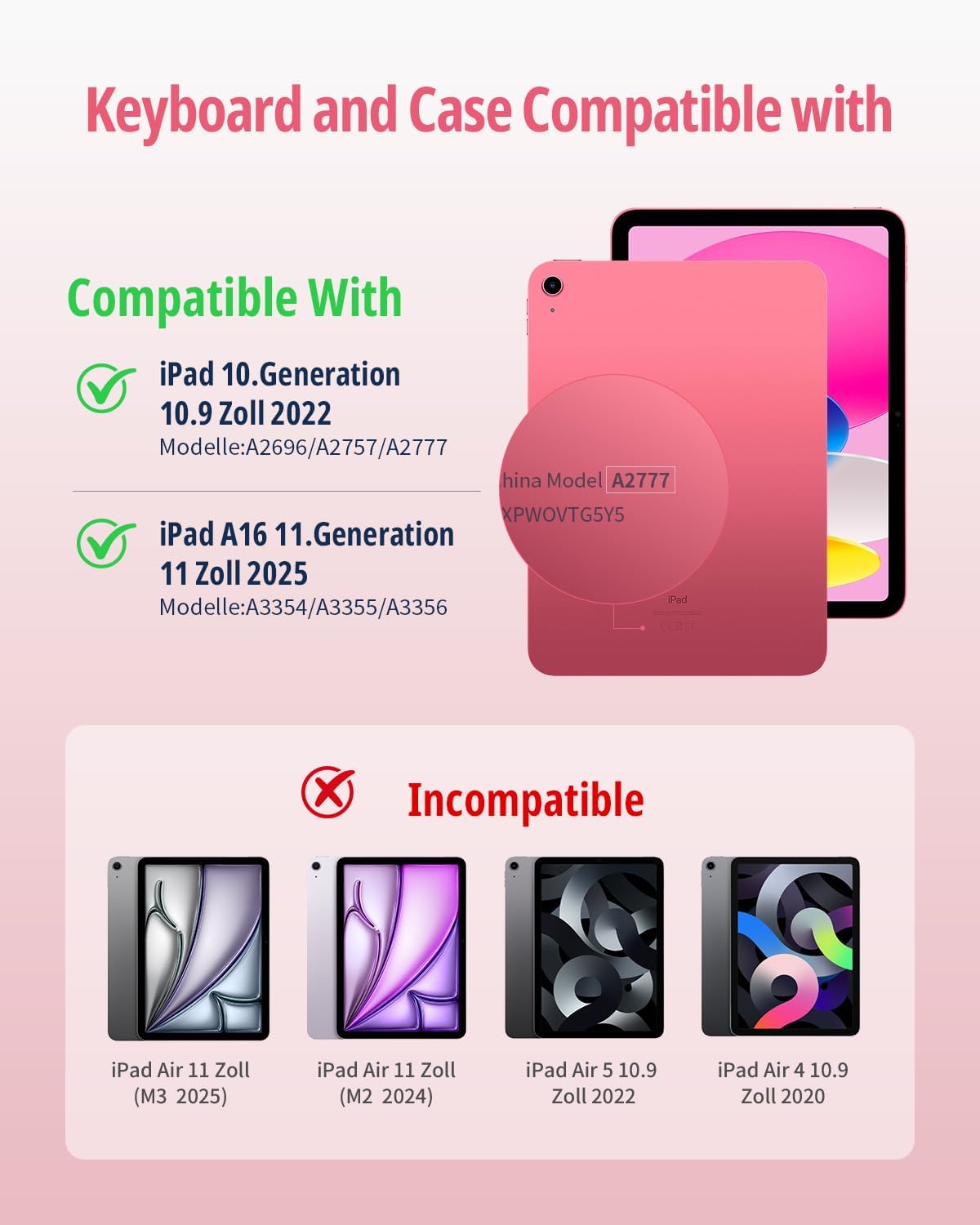
What stands out most is the combination of keyboard + touchpad inside a rotating, protective case. The 360-degree protection and multi-angle adjustment are aimed at giving you a comfortable tilt for different activities—reading, drawing, watching, chatting, and general browsing.
A good example of the real-world use: imagine you’re at a kitchen table or desk. You detach or fold the keyboard into place, pick a brightness level for the backlit keys, and rotate the cover to a slightly higher angle. That tilt matters when you’re typing for longer stretches, viewing documents, or taking notes, because the iPad doesn’t just lie there flat.
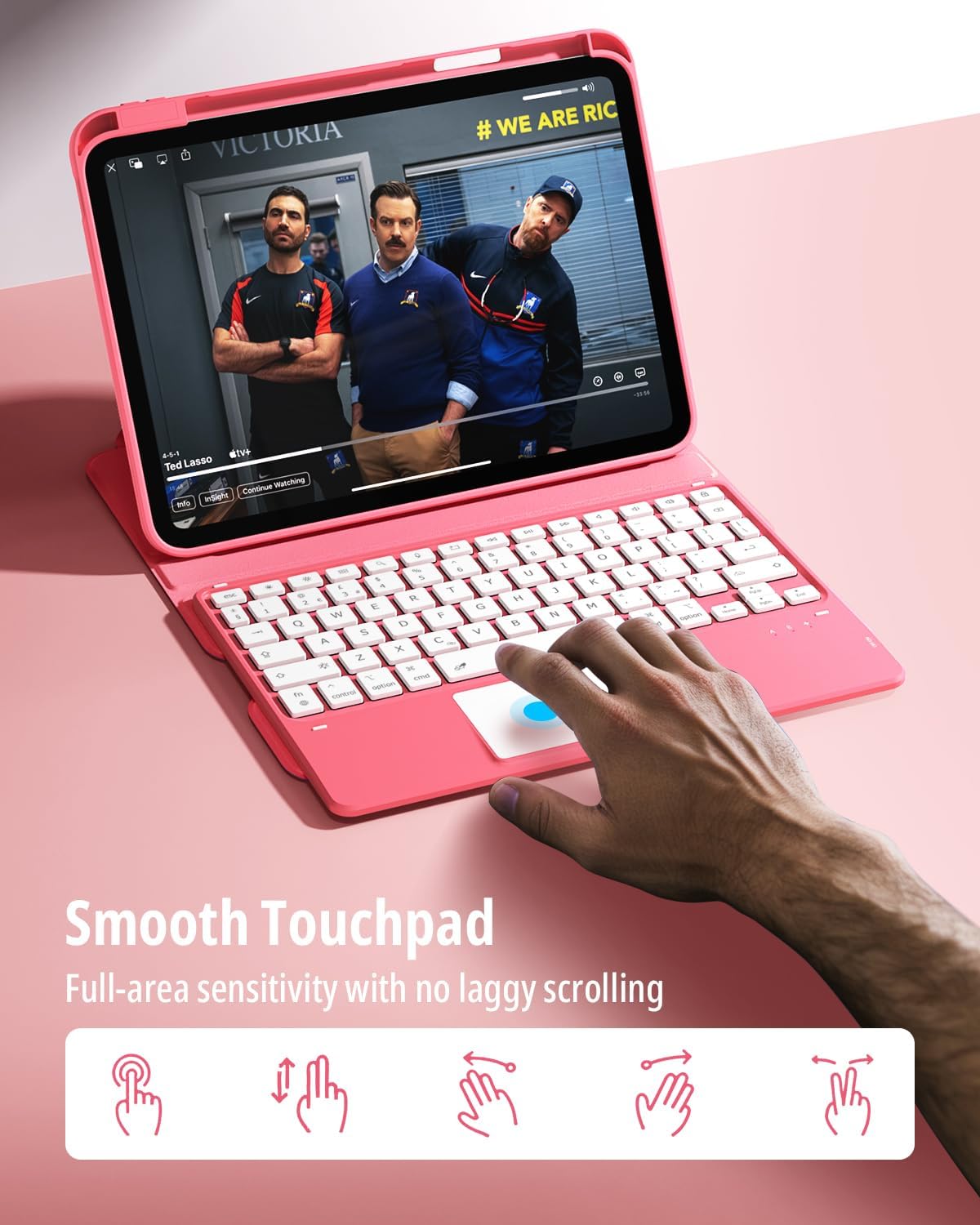
The touchpad is also a key part of the “laptop-ish” feel. It’s described as high-precision and sensitive, using the full surface, including multi-touch trackpad gestures. If you prefer swiping and tapping rather than relying purely on the on-screen interface, this is exactly the kind of feature that can make a keyboard case feel more usable.
Keyboard backlight and comfort
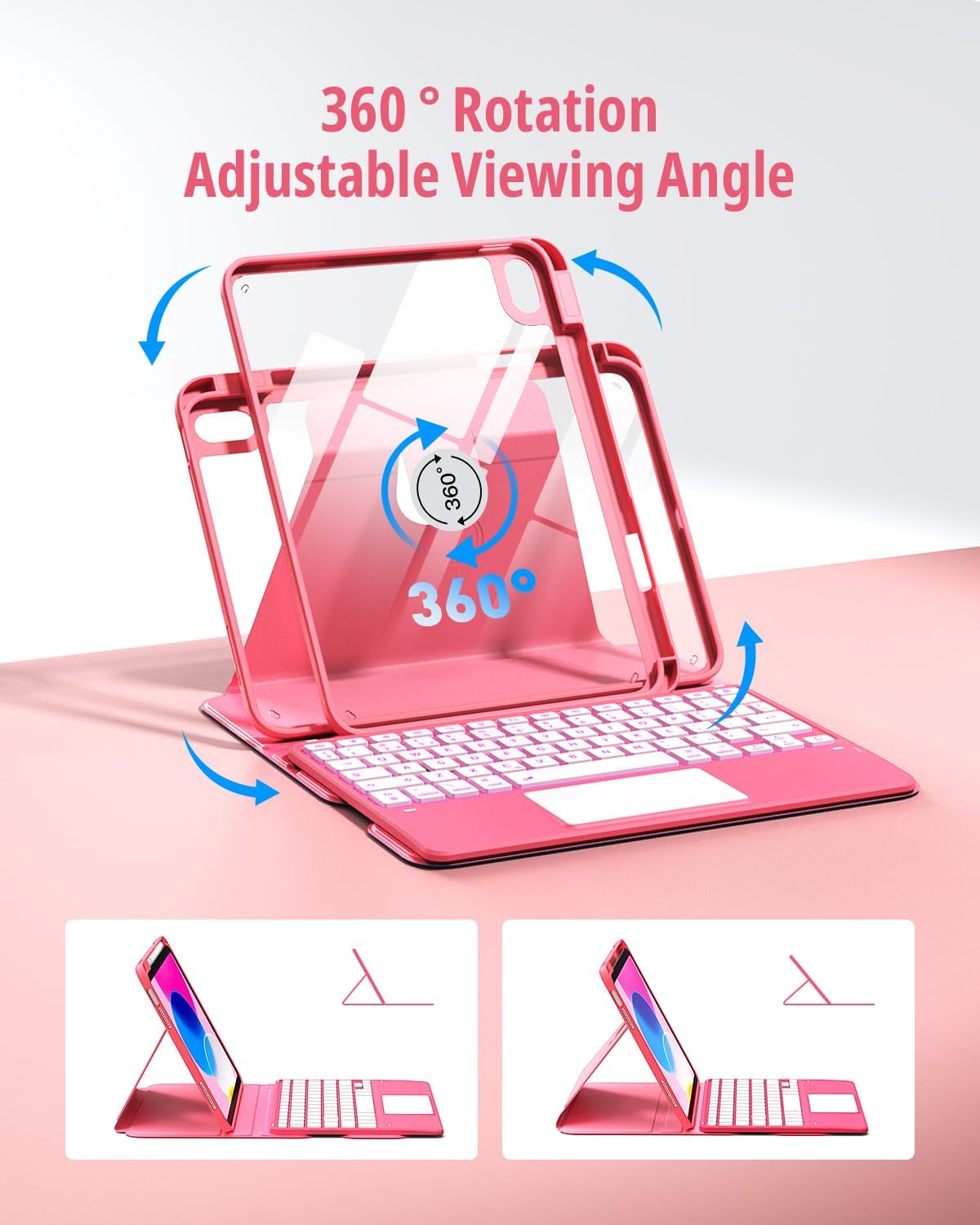
The keyboard offers 7-colour rainbow backlighting plus 3 brightness levels. In low-light situations, that’s the practical difference between “I can type if I’m careful” and “I can actually see what I’m doing”. Whether you’re working late, using it on trains, or just in a dim room at home, backlight control tends to be more than a gimmick.
Comfort-wise, the description mentions a comfortable typing experience. Again, that’s “as designed”, not a guarantee that it will match your favourite standalone keyboard—but for an iPad case keyboard, the backlight plus detachable design generally makes it more convenient than many basic covers.
What you’ll notice about the design
There are a few details that suggest the case is meant to be lived with. The holes and cut-outs are described as precise, and buttons are said to make full use of iPad functions. There’s also a built-in pen slot in the cover—useful if you want to avoid misplacing your stylus between sessions.
One thing to keep in mind: it explicitly says “Pen Not Included”. If your iPad setup depends on using a pencil, don’t assume the bundle covers it.
Tech details, in plain English
Key specifications
- Type: Rotating keyboard case with detachable wireless keyboard and touchpad
- Compatibility: iPad 11th Generation (A3354/A3355/A3356) and iPad 10th Generation (A2696/A2757/A2777/A3162)
- Display angle: Multi-angle adjustment with 360-degree rotation/protection
- Backlight: 7-colour keyboard backlight with 3 brightness levels
- Input: Built-in high-precision touchpad with multi-touch gestures
- Storage: Built-in pen slot (pencil not included)
- Material: Soft PU material, drop-resistant and scratch-resistant
Buying verdict
Is it worth it?
The CACOE 360 Rotating Keyboard Case makes sense if you want a protective iPad cover that also adds genuine desk-style usefulness: a detachable wireless keyboard, a touchpad for faster navigation, and a rotating stand that helps you keep a comfortable viewing angle.
It’s a solid pick if you like the idea of backlit keys with multiple colour options, and if you’ll use your iPad for a mix of typing and reading/streaming/casual drawing sessions where angles matter.
However, you may want to skip it if you’re very sensitive to keyboard “feel” and trackpad responsiveness, or if you’re expecting it to behave exactly like a high-end laptop setup. And do double-check your iPad model number—compatibility here is clearly tied to specific A-model numbers.
Mini FAQ
Will this case fit an iPad with a different model number?
It’s stated to be compatible only with specific 11th and 10th Generation iPad model numbers. Check the “AXXXX” model number on the back of your iPad before buying.
Is the stylus/pencil included?
No—this case includes a built-in pen slot, but the pencil itself is not included.
Does the keyboard have backlighting?
Yes. It offers 7 backlight colours and 3 brightness levels, designed to help you type in low-light conditions.
Can I adjust the angle for reading and watching?
Yes. The case supports multi-angle adjustment and 360-degree rotation so you can set a comfortable tilt depending on the activity.