

Inateck AceTouch Case with Keyboard for iPad A16 11th Gen (2025) / iPad 10th Gen (2022) QWERTY
Product description
The essentials
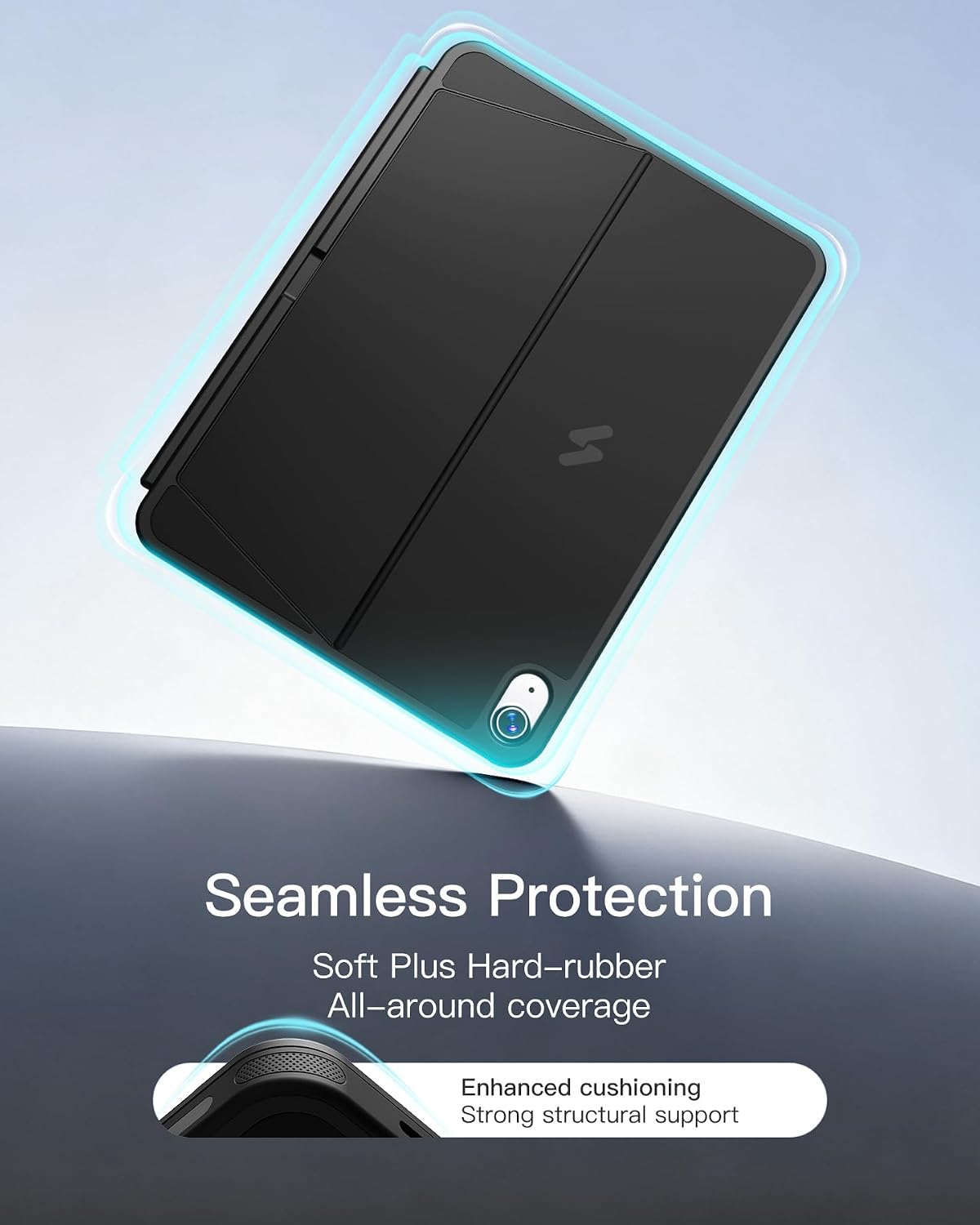
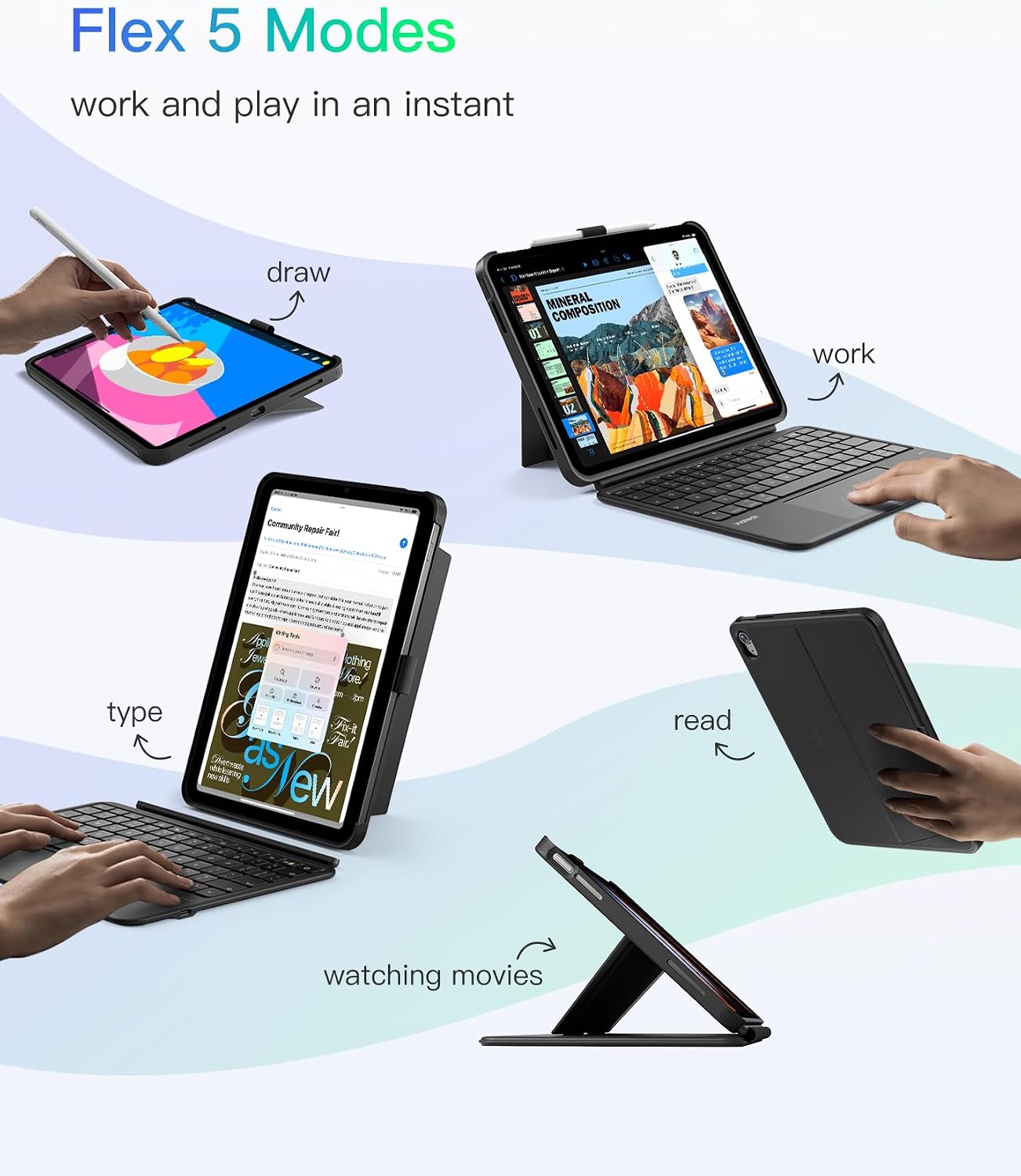
If you want a keyboard case that actually travels with you, this Inateck AceTouch model is built around that idea: slim, lightweight, and designed to detach quickly when you just need the iPad on its own. It’s marketed as a “one case / two modes” setup—keyboard on when you’re typing, then separated when you want to read, draw or watch.
On paper, it sits firmly in the practical end of the market rather than the ultra-premium one: you’re getting a full protective case, a QWERTY keyboard, and a noticeably larger touchpad experience than the smallest add-on trackpads. The big question is fit—this one is only compatible with specific iPad generations and model numbers, so the model check matters more than with many general-purpose keyboard covers.
Key points
This case with keyboard is only meant for the iPad 11-inch A16 2025 models and the iPad 10th Generation 2022 10.9-inch models listed in the description. The keyboard and case magnetically connect and detach in about a second, which is handy if your day moves between writing, browsing and presentations. It also includes a multi-touch touchpad (5.1-inch full-surface) meant to support iPadOS gestures with palm rejection.
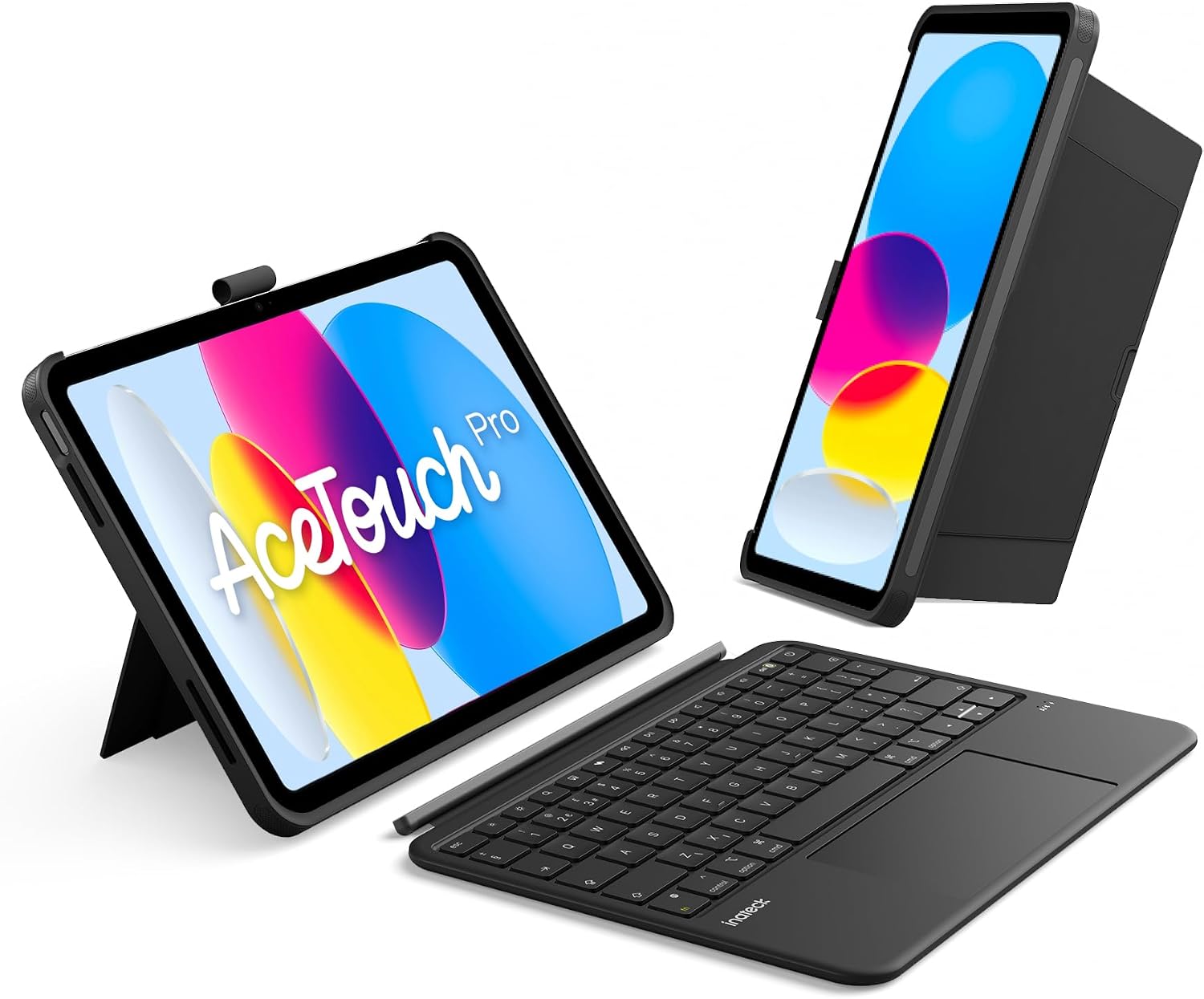
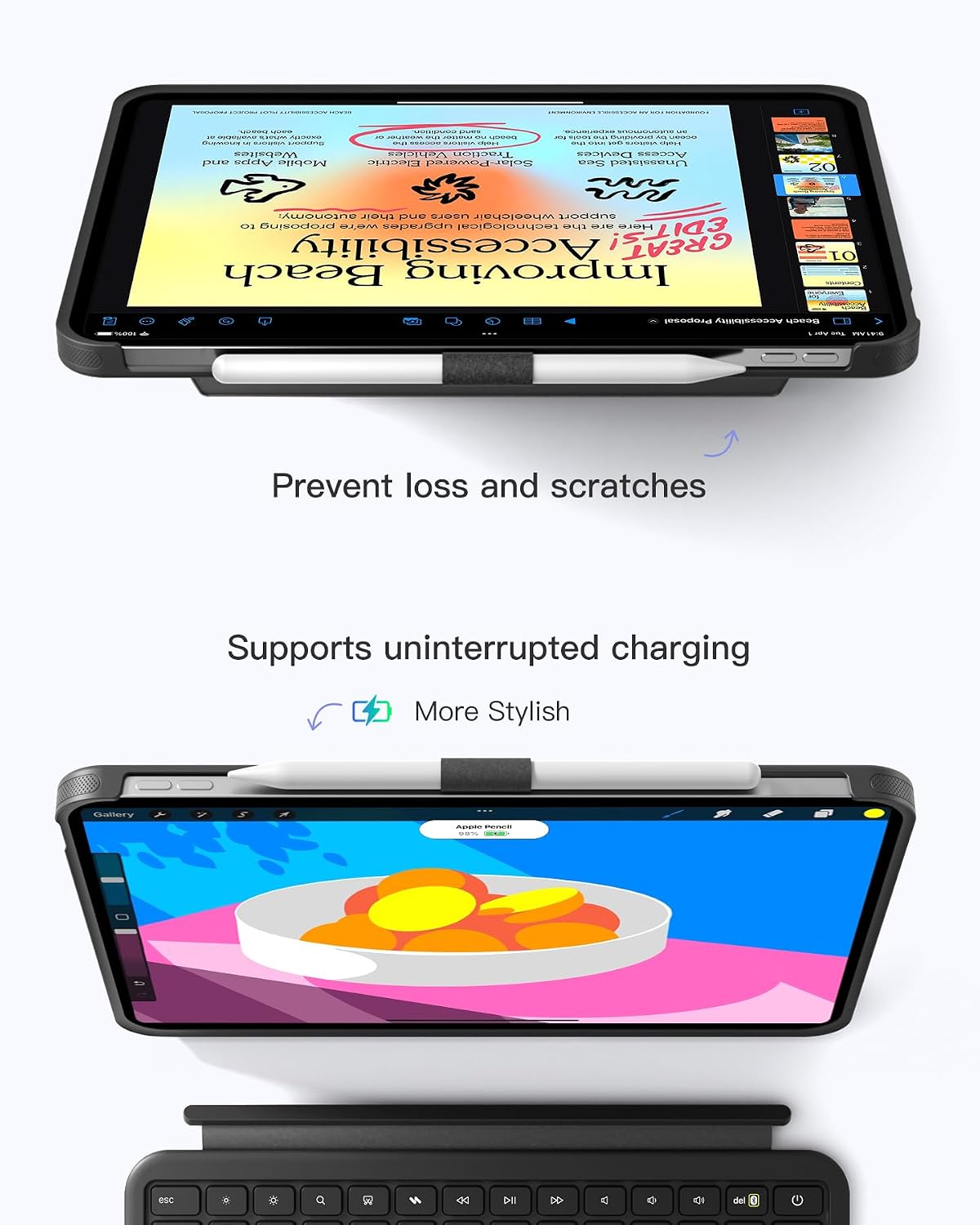
There’s a hidden pencil holder design, so your stylus can be kept safely without the “something’s always in the way” problem you get with more basic covers. If you’re a student, designer, or anyone who writes or drafts on a tablet, the combination of larger touchpad control and key travel is the sort of day-to-day detail that can make this feel less like a compromise.
Keep in mind, though: if your iPad isn’t one of the supported model numbers, it won’t work. And while the keyboard is designed for comfort, long typing sessions still depend on your personal posture and expectations of what a keyboard case should feel like.
What stands out in use
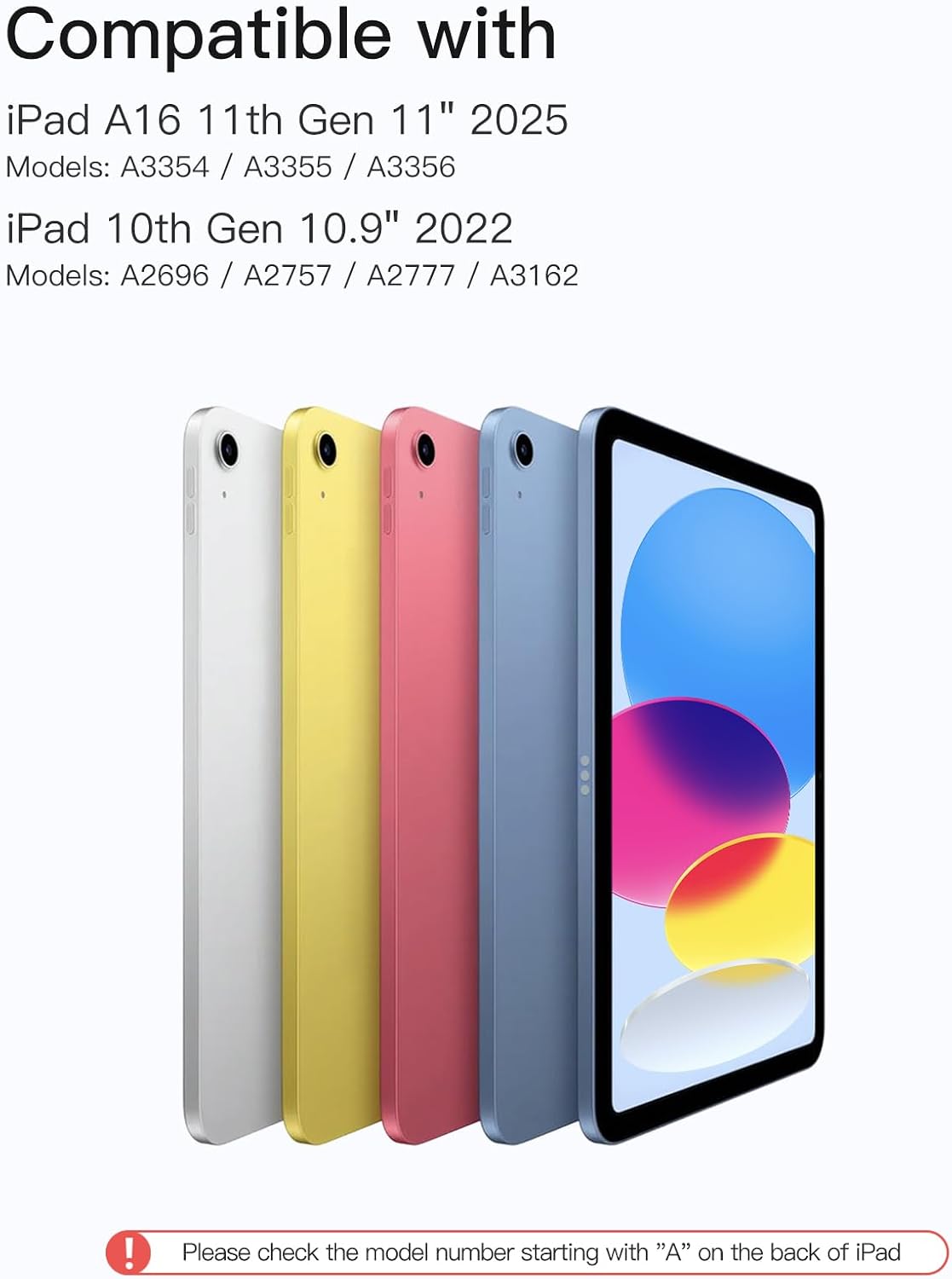
The touchpad is the standout element here. Instead of forcing you to rely only on the iPad screen, the case brings a 5.1-inch full-surface multi-touch touchpad with palm rejection and gesture support. That’s particularly relevant for editing documents, working through design tasks, or using iPadOS in a more cursor-like way.
For a micro example: imagine you’re revising notes for a lesson. You can keep the keyboard/case attached, use the touchpad for quick cursor movement, and then detach the keyboard when you switch to reading PDFs or marking up sketches on the iPad screen. It’s a simple workflow, but the “magnetic, one-second detach” approach is exactly what tends to make keyboard cases feel less fiddly.
The stand is also designed to be flexible: the description mentions both vertical placement and charging during use, plus a stable hold when using it as a single case. If your routine includes working at a desk for a while, that dual-purpose positioning helps.
Tech specs
- Type: Case with keyboard for iPad (QWERTY)
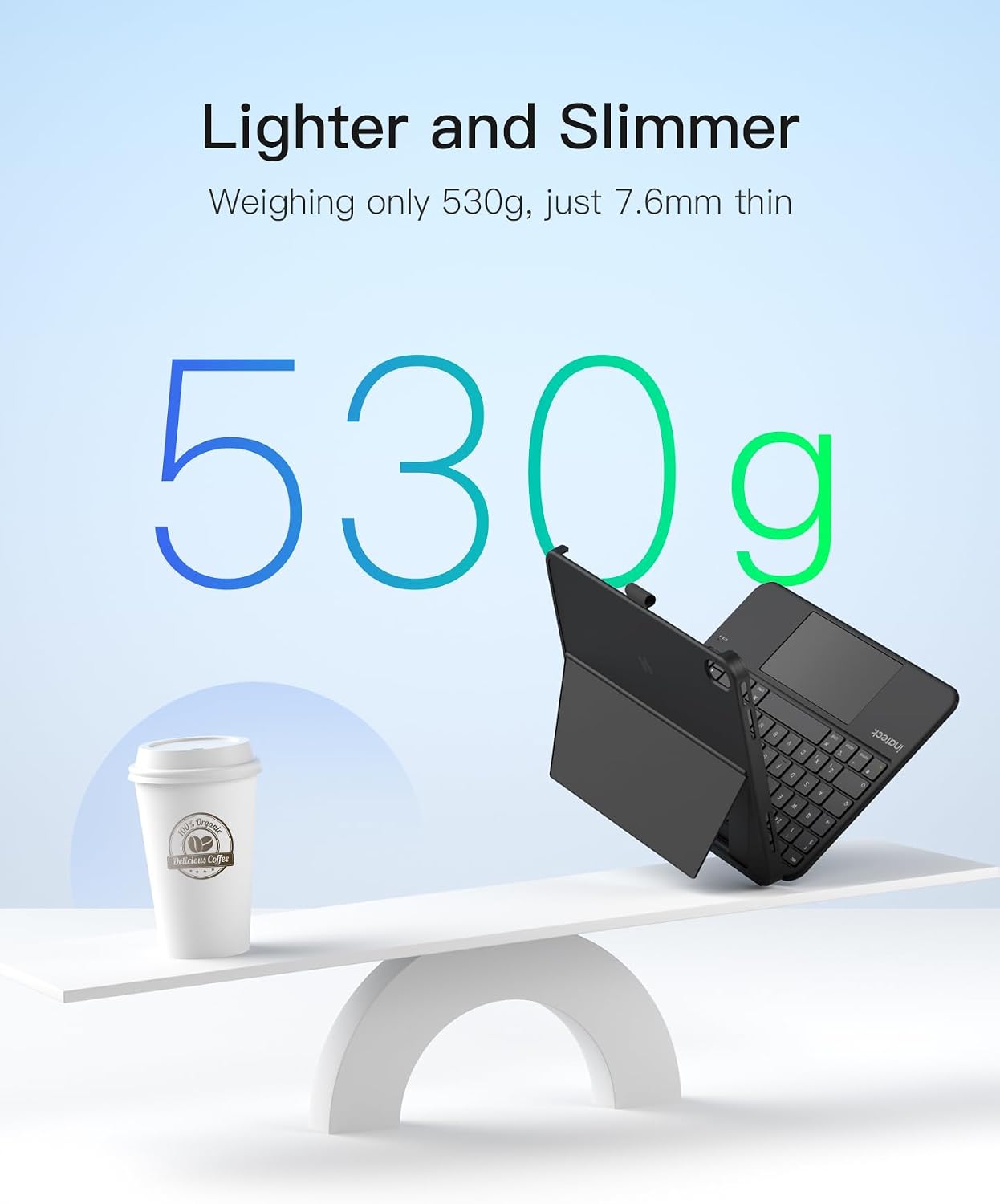
- Keyboard thickness: 7.6 mm
- Weight: 530 g
- Touchpad size: 5.1-inch full-surface (118 × 60 mm)
- Enlarged touchpad area: 70% larger
- Key travel: 1 mm
- Bluetooth: 5.3
- Shortcut keys: 14 independent shortcut keys
- Pencil holder: detachable/invisible design
- Stand modes: vertical and horizontal
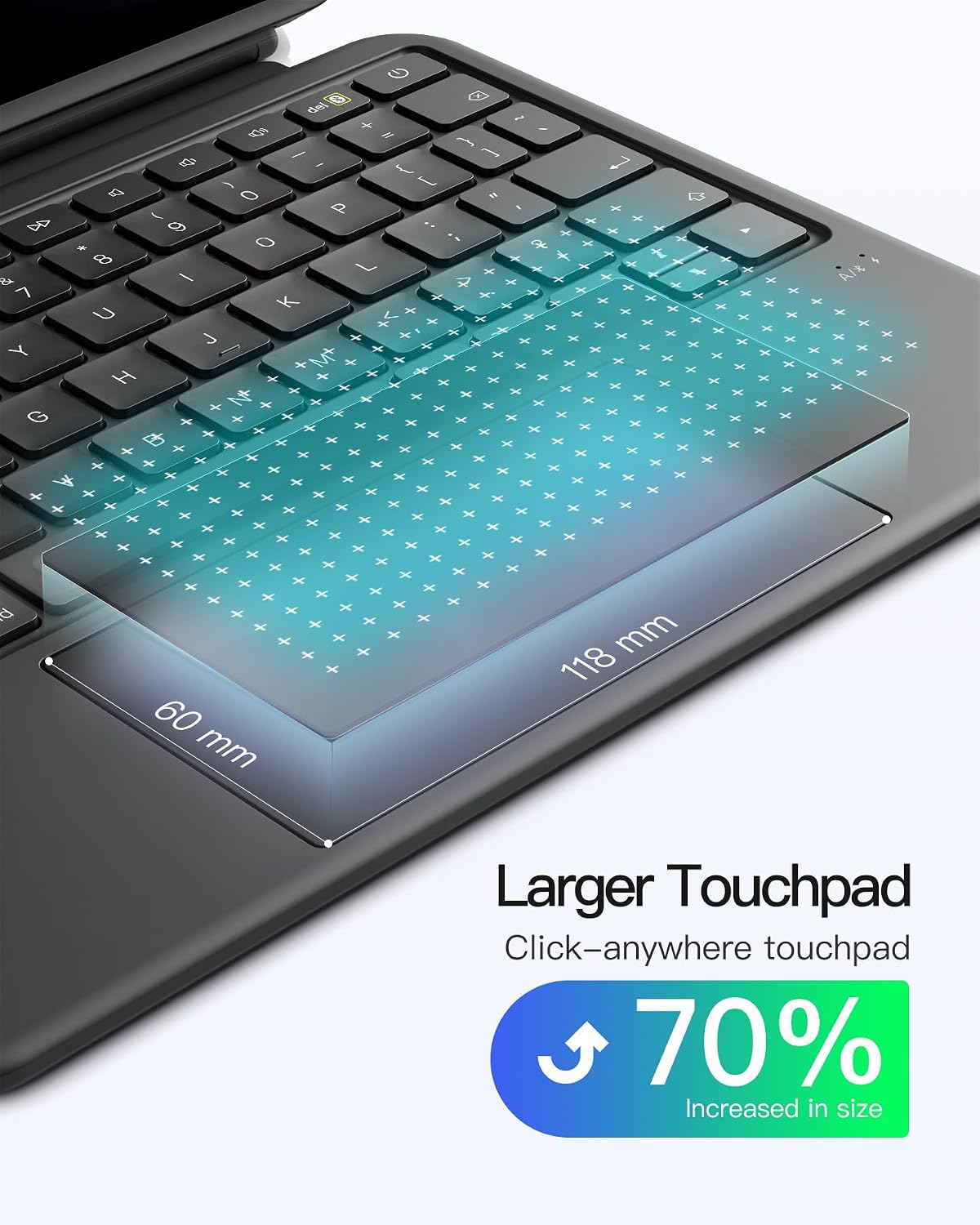
- Compatibility (ONLY as listed): iPad A16 11-inch 2025 models (A3354/A3355/A3356) and iPad 10th Generation 10.9-inch 2022 models (A2696/A2757/A2777/A3162)
Where it shines (and where it doesn’t)
Where it shines is clear: typing comfort details, a larger trackpad area, and a keyboard case that you can detach quickly without turning your iPad into a permanent laptop-style setup. The keycaps use a spray coating for a skin-friendly feel, and the scissor mechanism with 1 mm key travel is aimed at making longer writing sessions less tiring.
It may not suit you if you’re using a different iPad model than the ones listed. Also, if your priority is the simplest possible cover (no keyboard/touchpad features), you might find this is more bulk and setup than you actually need.
Finally, the touchpad performance can depend on how you tune iPad settings. There’s a preparation note that recommends adjusting the trackpad pointer speed and enabling tap-to-click and secondary click—so if you skip that setup, you may not get the responsiveness you expect.
Buying verdict
It’s a solid pick if you have one of the supported iPads and you want a genuinely portable keyboard case with a larger multi-touch touchpad, a vertical/horizontal stand, and an integrated (hidden) pencil holder. The magnetic detach in around one second is particularly useful if you switch between typing and tablet use throughout the day.
It might not be a great match if your iPad model isn’t in the compatibility list, or if you only need a basic protective case and rarely type. In that scenario, a simpler cover could be the better buy.
If you decide to go for it, double-check your iPad’s model number starts with “A” and matches the ones provided. Then, spend a minute setting up the trackpad options mentioned in the instructions so the cursor and gestures feel right for you.
Mini FAQ
Will this keyboard case work with any iPad?
No. The description specifies compatibility only with certain iPad A16 11-inch 2025 models and iPad 10th Generation 10.9-inch 2022 models. Check the model number starting with “A” on the back before buying.
Can I detach the keyboard quickly?
Yes, it’s designed to detach magnetically in about one second, so you can use the iPad like a tablet without removing the case entirely.
Does it support iPadOS gestures on the touchpad?
The touchpad is described as supporting iPadOS gestures with palm rejection, which should help when you’re using it for control rather than only relying on taps.
Is there somewhere to store a pencil?
There’s an invisible pencil holder design. It can be taken out when needed for safe storage, and hidden again in the case when you don’t want it showing.
Does it support charging while using the stand?
The description states it supports charging during use, which should suit desk sessions where you don’t want to pack up.
Is it worth it?
Final verdict
Worth buying if you have a compatible iPad and want a portable keyboard case that offers a larger touchpad, shortcut keys, and a pencil holder without turning your iPad into a permanent laptop setup. Skip it if your iPad model isn’t one of the listed compatible versions or if you’re mainly after basic protection with no keyboard and trackpad features.