

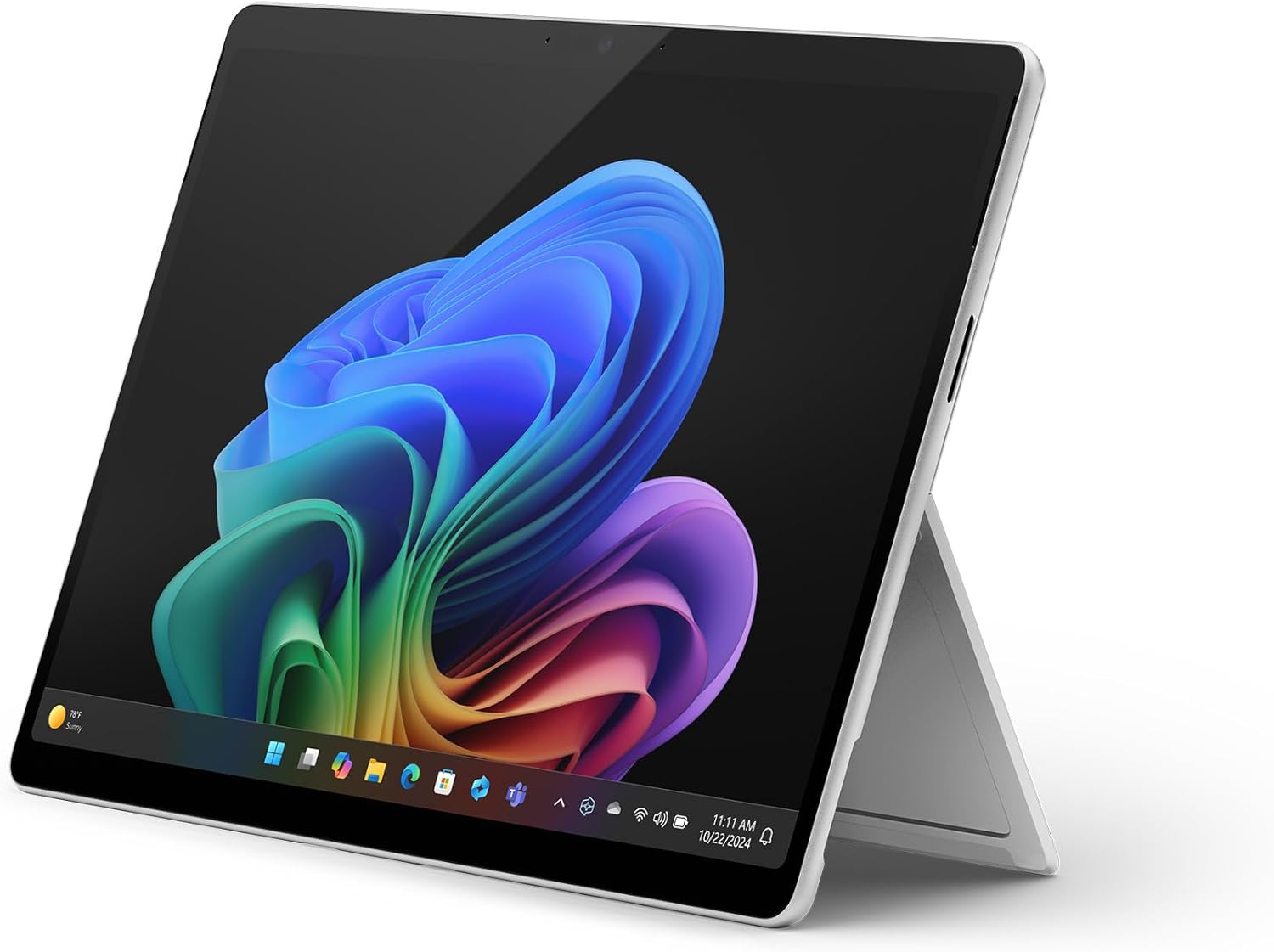
Microsoft Surface Pro Copilot+ PC (2024, 11th Edition) 13-inch Touchscreen — Device only, Platinum
Product description
Quick overview for buyers
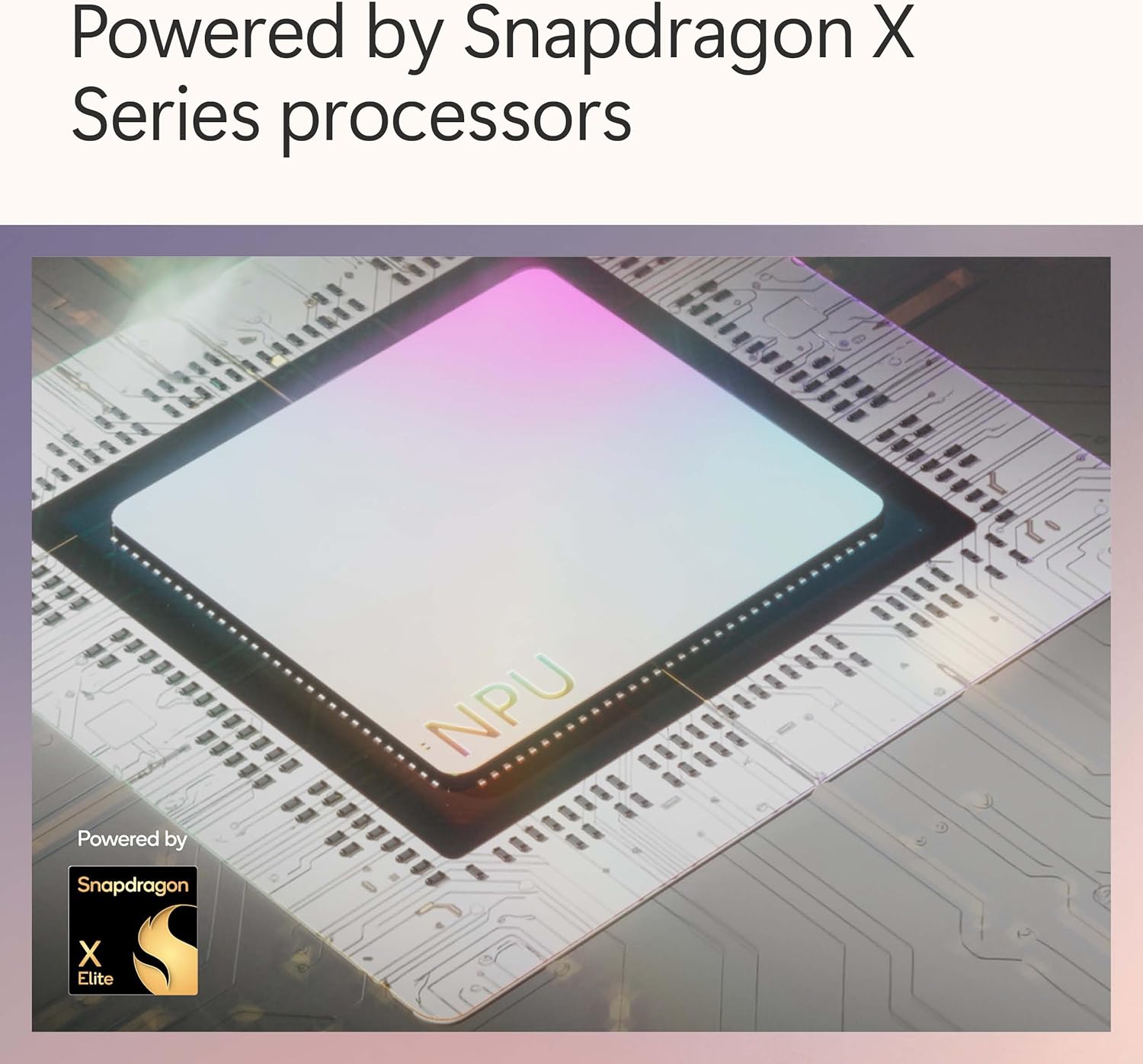
The Microsoft Surface Pro Copilot+ PC (2024, 11th Edition) is a 2-in-1 tablet/laptop designed for people who want proper desktop-style work on the go, without living on a separate keyboard dock. It comes with a 13-inch touchscreen and the Snapdragon® X Plus processor (10 cores), plus 16GB memory and a 256GB SSD, so it’s aimed at smooth multitasking rather than basic “consume content” use.
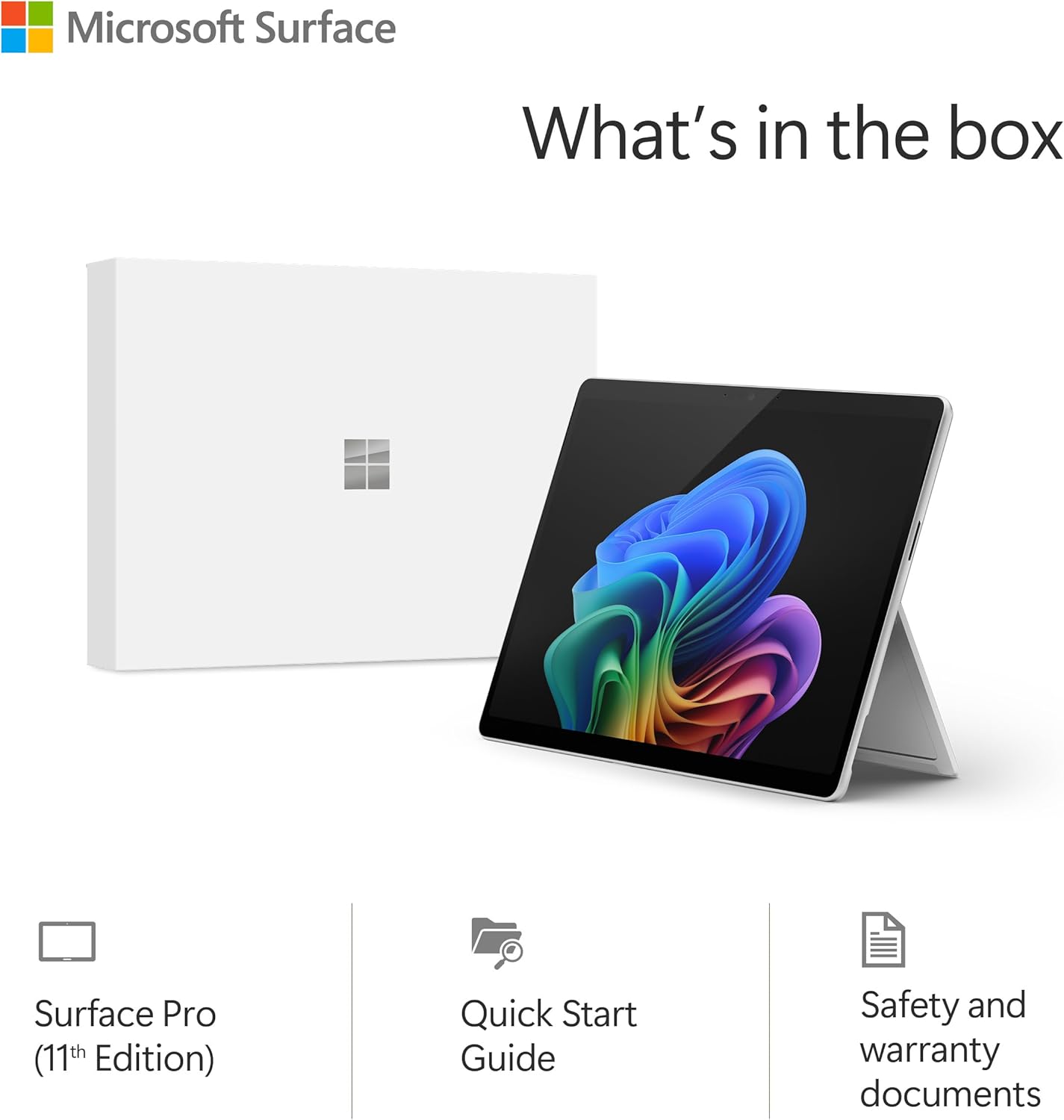
One thing that catches many shoppers out is the listing note: the power supply is not included. On paper, that’s a small detail, but in real life it affects what you can do straight away—so it’s worth planning before you order.
If you’re weighing this against more conventional laptops, the Surface Pro approach tends to suit buyers who like switching between typing on a kickstand and using the screen more directly (reading, marking up, and quick touch-based tasks). If you mainly sit at a desk all day and never fold it into tablet mode, you may find other formats easier and, sometimes, less hassle.
Key points (the stuff you’ll notice)
This model positions itself as a “Copilot+ PC” with an AI focus. The idea is that you can search using natural language and get support across what you’ve seen, sent, or saved, with Recall described as finding things “instantly” (as stated in the provided text). That’s the kind of capability that’s genuinely useful if you keep lots of tabs, chats, documents, and media, but it can feel less compelling if your workflow is mostly single-app and tidy.
The design emphasis is flexibility: the iconic 180-degree fluid kickstand is mentioned, which matters if you often switch between a flat “laptop” angle for typing and a more open angle for reading or writing with touch. Also included in the description is wireless Wi‑Fi 7, aiming at fast speeds for working anywhere.
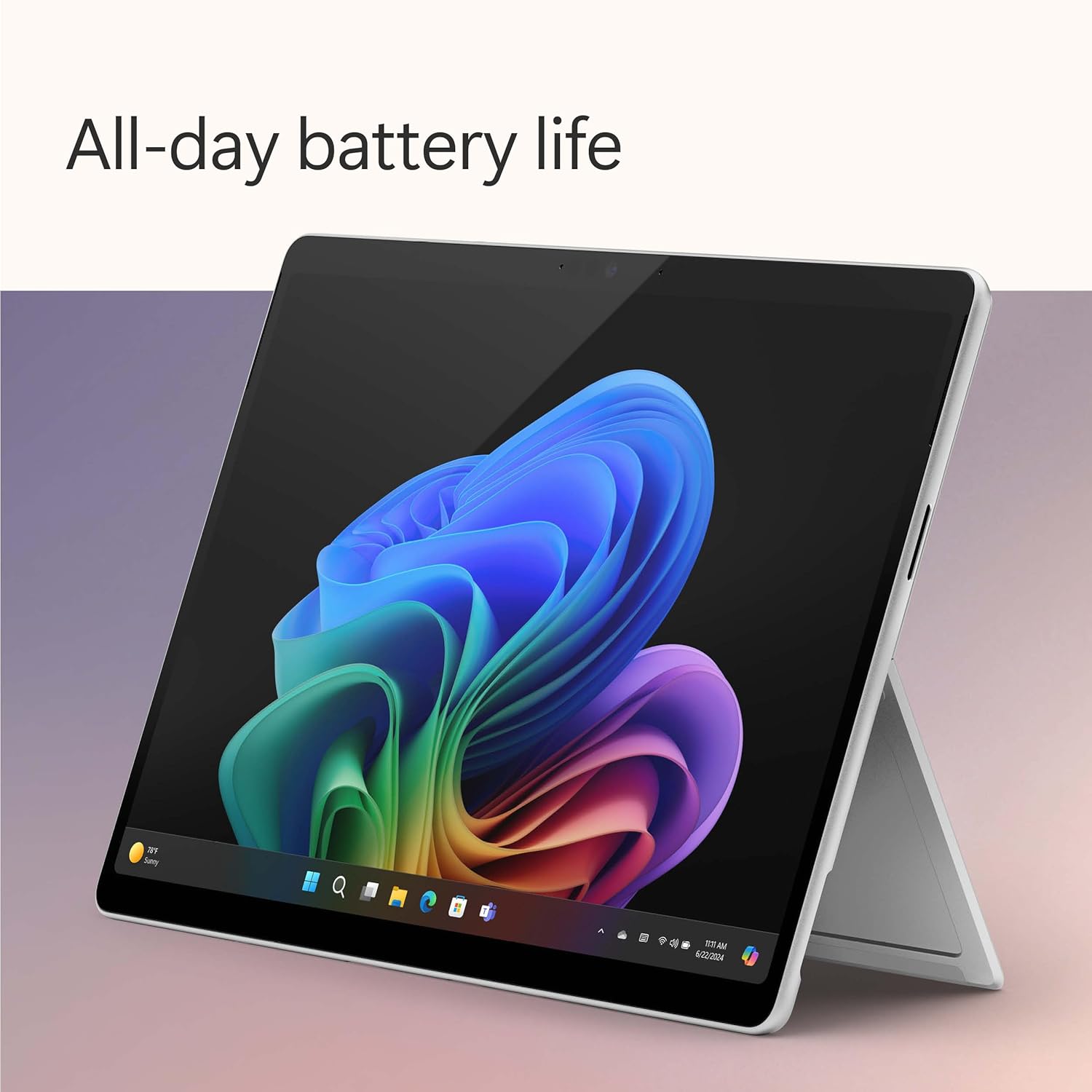
Battery life is stated as up to 14 hours, and it’s paired with fast charging support (again, as described). Just bear in mind that “all day” depends quite a lot on brightness, signal strength, and what you’re actually doing.
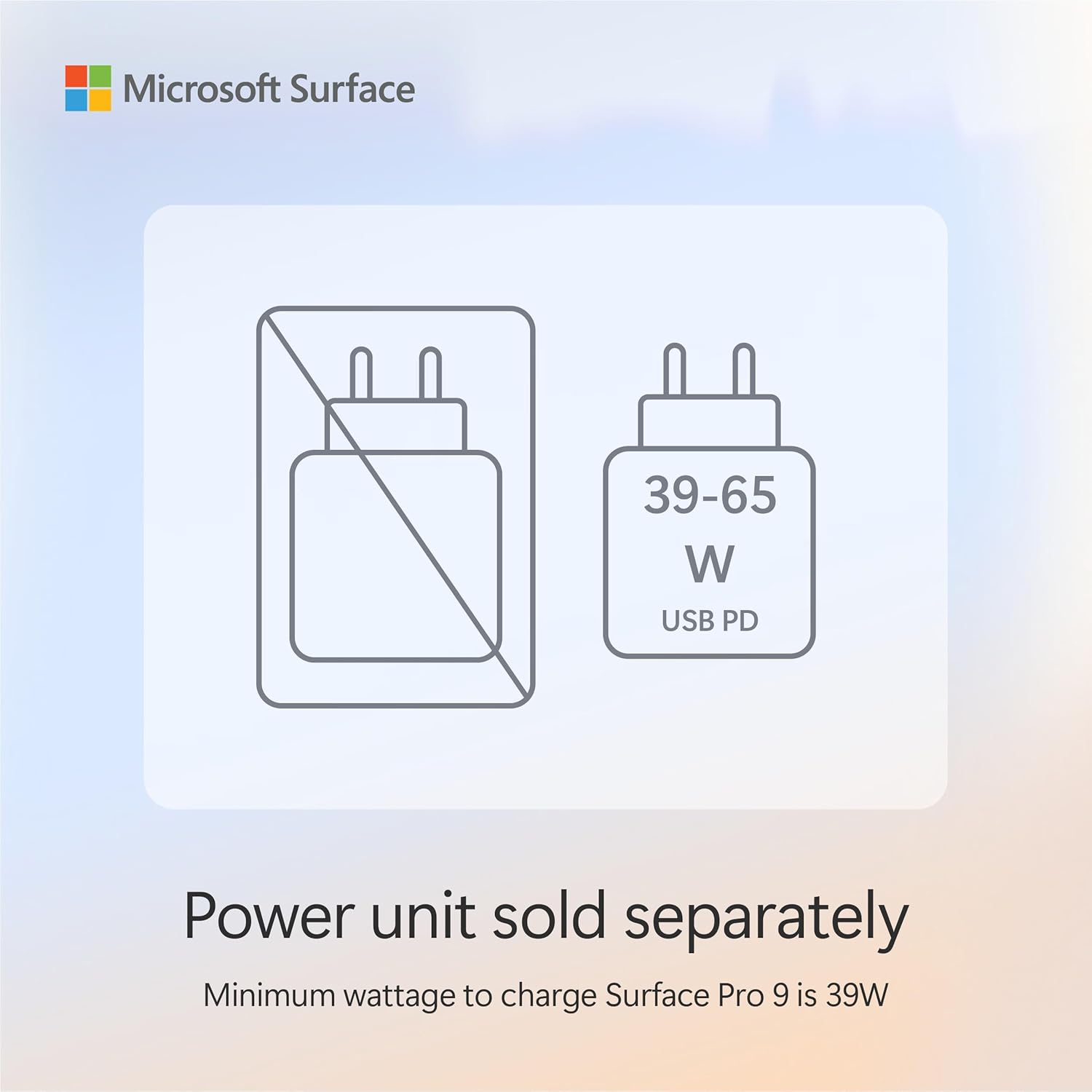
And yes, you should factor in the charging setup: the power supply is sold separately, and the minimum wattage necessary to charge Surface Pro (11th Edition) is given as 39W.
Where it stands out
What stands out here isn’t just the 2-in-1 concept—it’s the combination of performance hardware and the way the listing frames everyday AI assistance.
- Performance for multitasking: 16GB memory and a 256GB SSD are the kind of baseline you’d expect for running multiple apps, browser tabs, and heavier work tasks without constantly worrying about storage.
- AI-accelerated workflow (as described): the text highlights a powerful AI accelerator and “next-gen capabilities”, plus the promise of natural-language search and Recall.
- Wireless connectivity: Wi‑Fi 7 is called out, so if you’re in a household or office with modern Wi‑Fi, this model is built to take advantage.
The kickstand and touch screen are also central to day-to-day usability. For example, you could review notes and PDFs in tablet mode during commuting, then flip into a sharper angle for typing emails once you’re at your desk. That “switch without friction” is the main reason people stick with the Surface Pro format.
Tech specs (what you’re actually getting)
- Name: Microsoft Surface Pro (power supply not included) | Copilot+ PC | 13” Touchscreen
- Type: Device only (power supply sold separately)
- Processor: Snapdragon® X Plus (10 cores)
- Memory: 16GB
- Storage: 256GB SSD
- Display: 13-inch touchscreen
- Charging note: minimum wattage necessary to charge Surface Pro (11th Edition) is 39W
- Model details: 2024 Model, 11th Edition
- Colour: Platinum
Usage tips
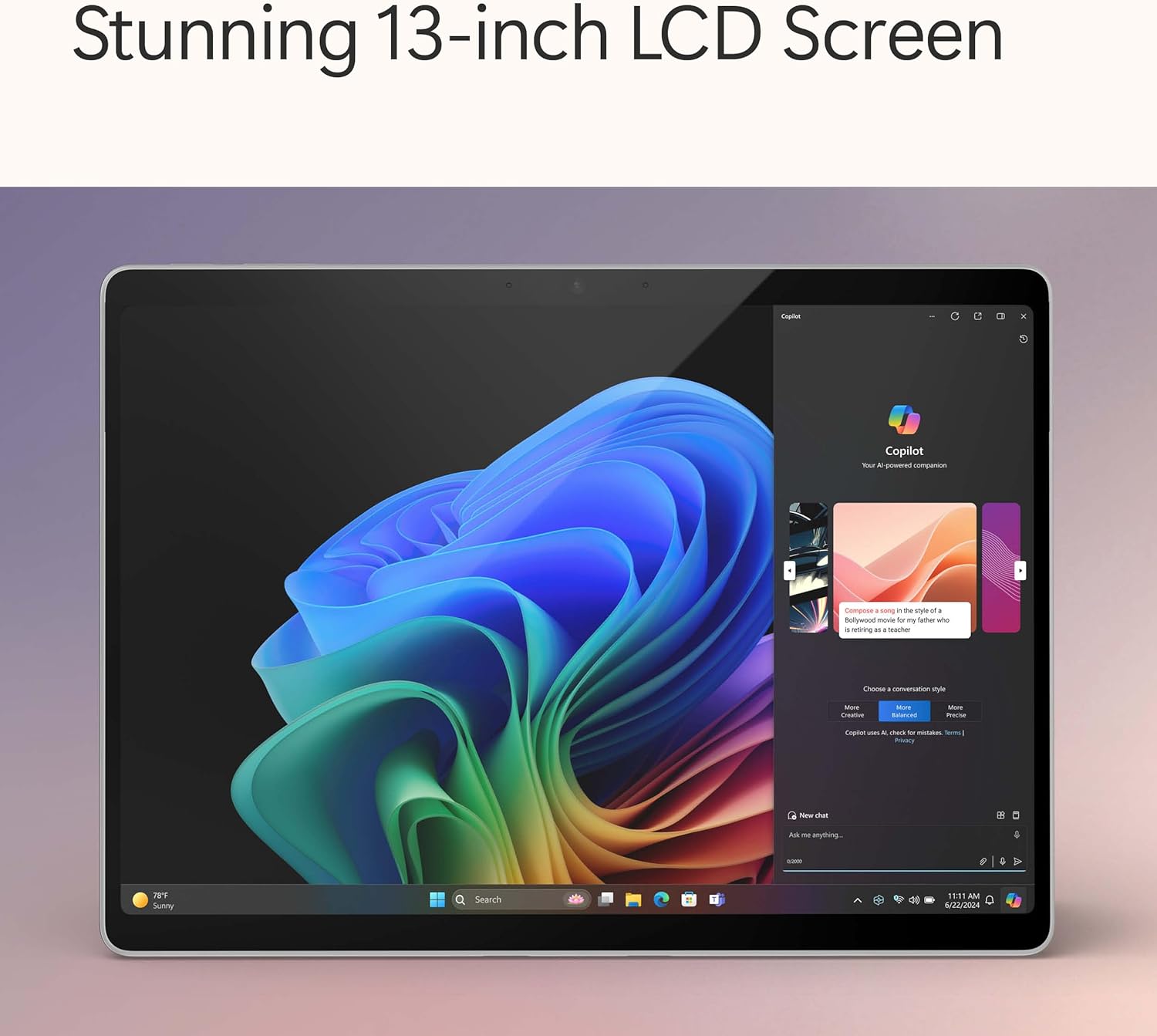
To get the best from this Surface Pro, think about how you’ll physically use the kickstand and touchscreen. The description leans heavily on that 180-degree fluid kickstand—so it’s worth considering your usual angles (reading, sketching/handwriting if you use it, and typing). If you rarely use touch or you keep it mostly in “one position”, you might not feel the benefit.
Also, because the device is “device only”, do not assume you can charge it with whatever cable/charger you already have. The listing explicitly says the power supply is sold separately and gives a 39W minimum wattage requirement. If you don’t already have a suitable charger to hand, that’s an immediate practical limitation.
For wireless work, Wi‑Fi 7 is there for a reason—so it’s sensible to check your home setup. If your network is older, you may still get usable speeds, but you won’t necessarily see the full upside.
Is it worth it?
This Surface Pro is worth considering if you want a flexible 2-in-1 for serious everyday work: multitasking with 16GB memory, a 256GB SSD for local files, and a touchscreen you can use naturally. The Copilot+ angle is also a good fit if you like the idea of searching by natural language and using Recall to locate things without manually hunting through folders.
It may not be the best choice if you need everything in the box to start immediately, because the power supply is not included. If you don’t want to think about charging compatibility, or you’d rather keep it simple with a traditional laptop, this could feel like extra admin.
It’s also more “medium-to-advanced” in intent than a basic student or light browsing device. If your workload is mainly emails and streaming and you don’t care about touch-first workflows or AI-assisted search, you might find you’re paying for features you won’t use.
If you do buy, double-check the charging plan (the listing states 39W minimum wattage) and make sure the Platinum device-only package matches what you intend to pair with.
Mini FAQ
What does “device only” mean on this listing?
It means the power supply is sold separately, so you’ll need to sort out charging yourself before relying on the device away from a suitable charger.
Is a charger included?
No. The provided text says the power supply is sold separately.
What charger wattage is mentioned?
The listing states the minimum wattage necessary to charge Surface Pro (11th Edition) is 39W.
Does it support fast wireless connections?
The description mentions wireless Wi‑Fi 7, which is designed for fast speeds where available.
How long can the battery last?
The provided text states 14 hours of battery life (as described), but real-world usage can vary.