

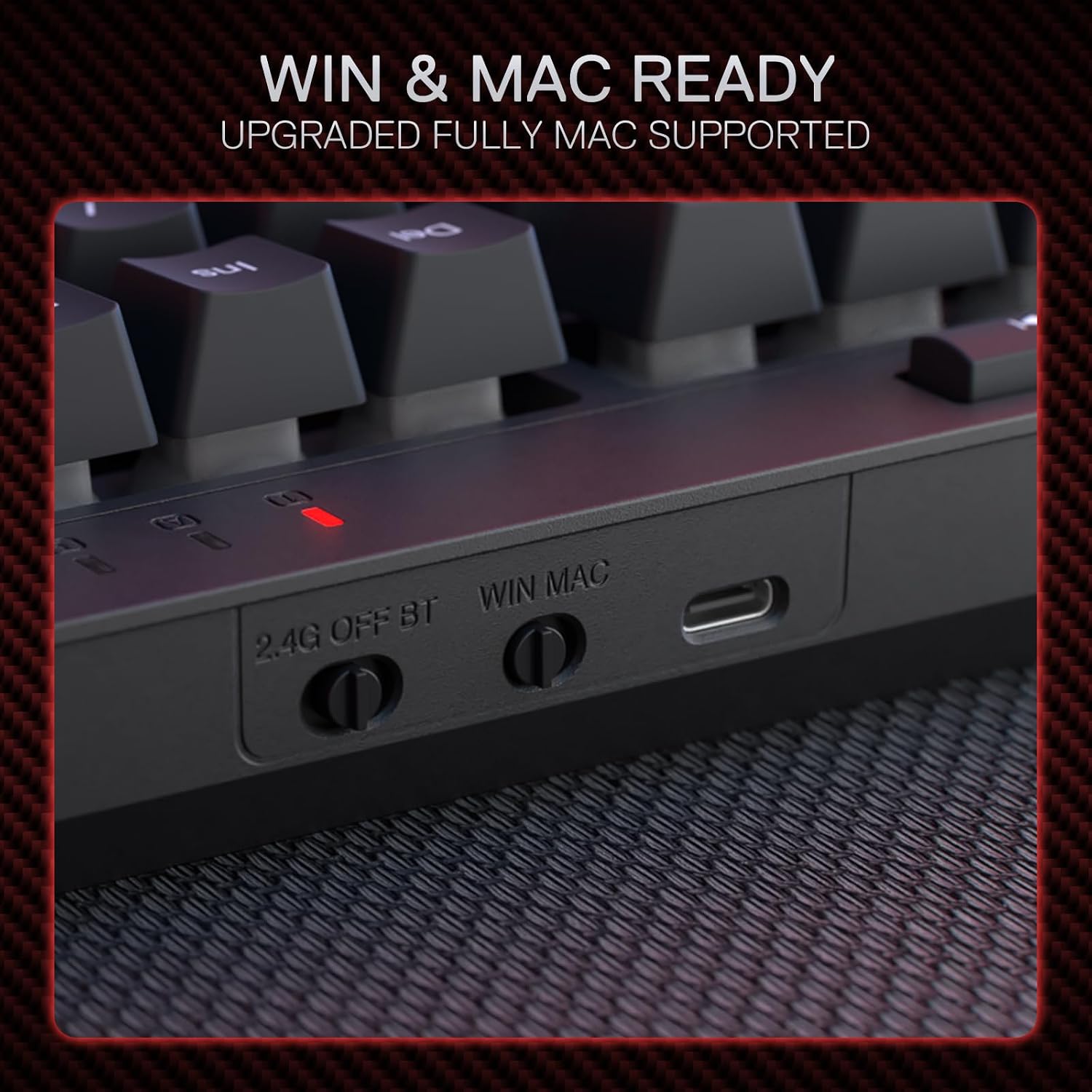
Redragon BS142 Wireless Gaming Keyboard & Mouse Combo (K515 Pro + M693 Pro) – 98-key RGB bundle
Product description
Quick overview
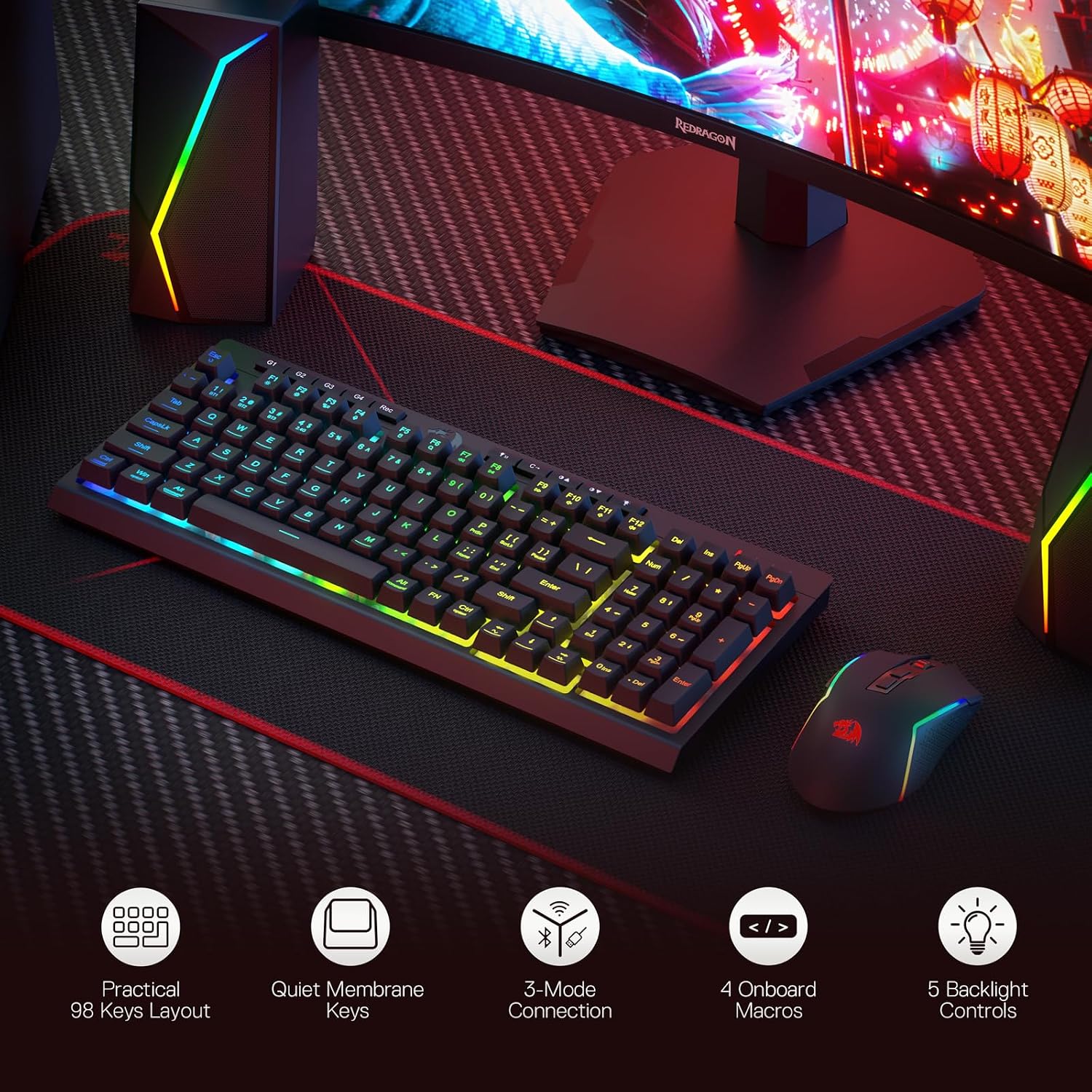
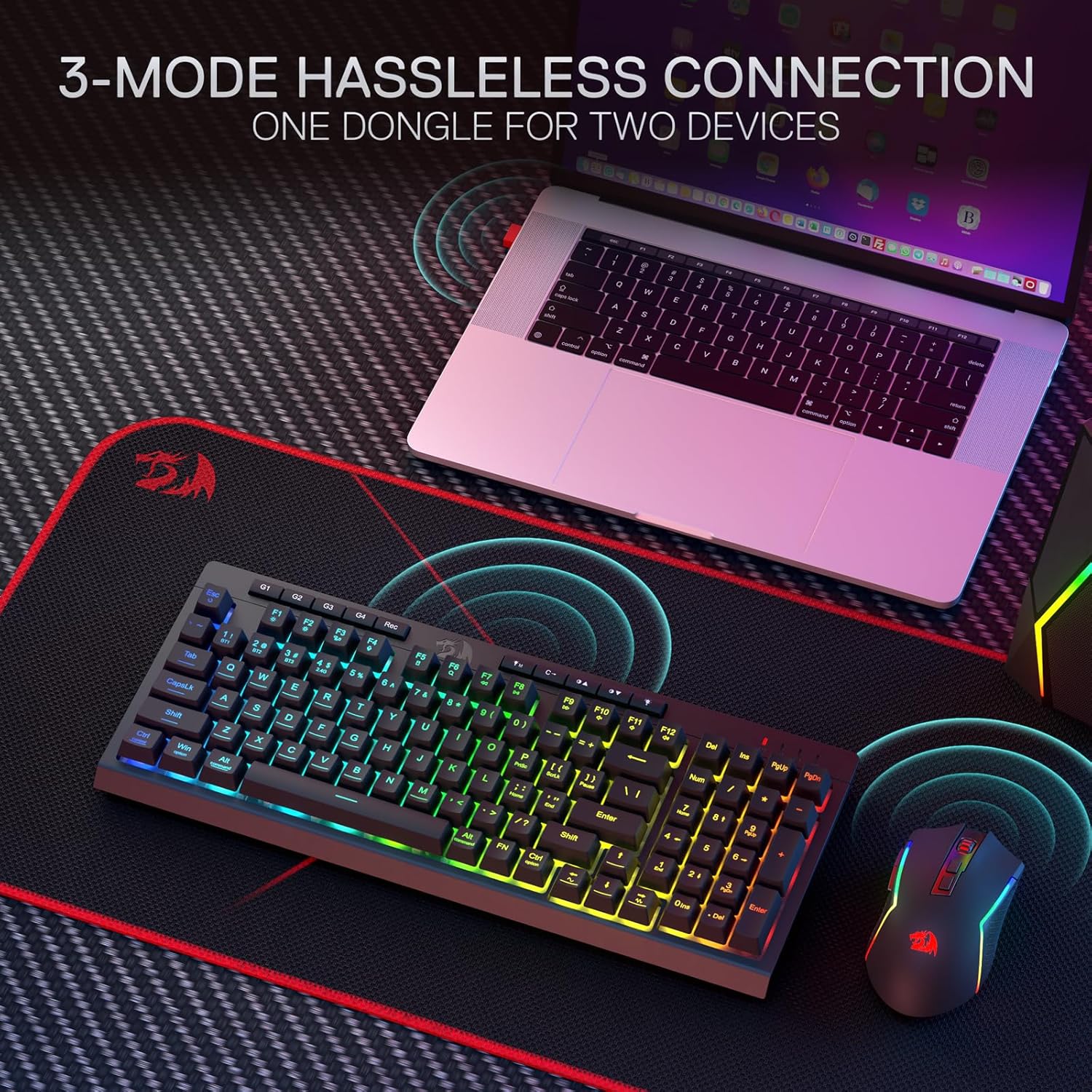
If you’re after a wireless gaming keyboard and mouse combo without getting lost in software settings and tinkering, the Redragon BS142 (K515 Pro keyboard + M693 Pro mouse) is built around “good to go” features. On paper it combines a 98-key membrane keyboard with dynamic RGB lighting, dedicated media controls, anti-ghosting for fast inputs, and programmable macro options—paired with a mouse that can be tuned across multiple DPI steps.
It’s not trying to be a premium enthusiast setup, it’s more of a practical bundle for people who want reliable responsiveness and flexible controls at once. That said, a couple of details are worth noting before you buy, especially around the fact it’s a membrane keyboard (many gamers will already have preferences here).
Key features that matter in games
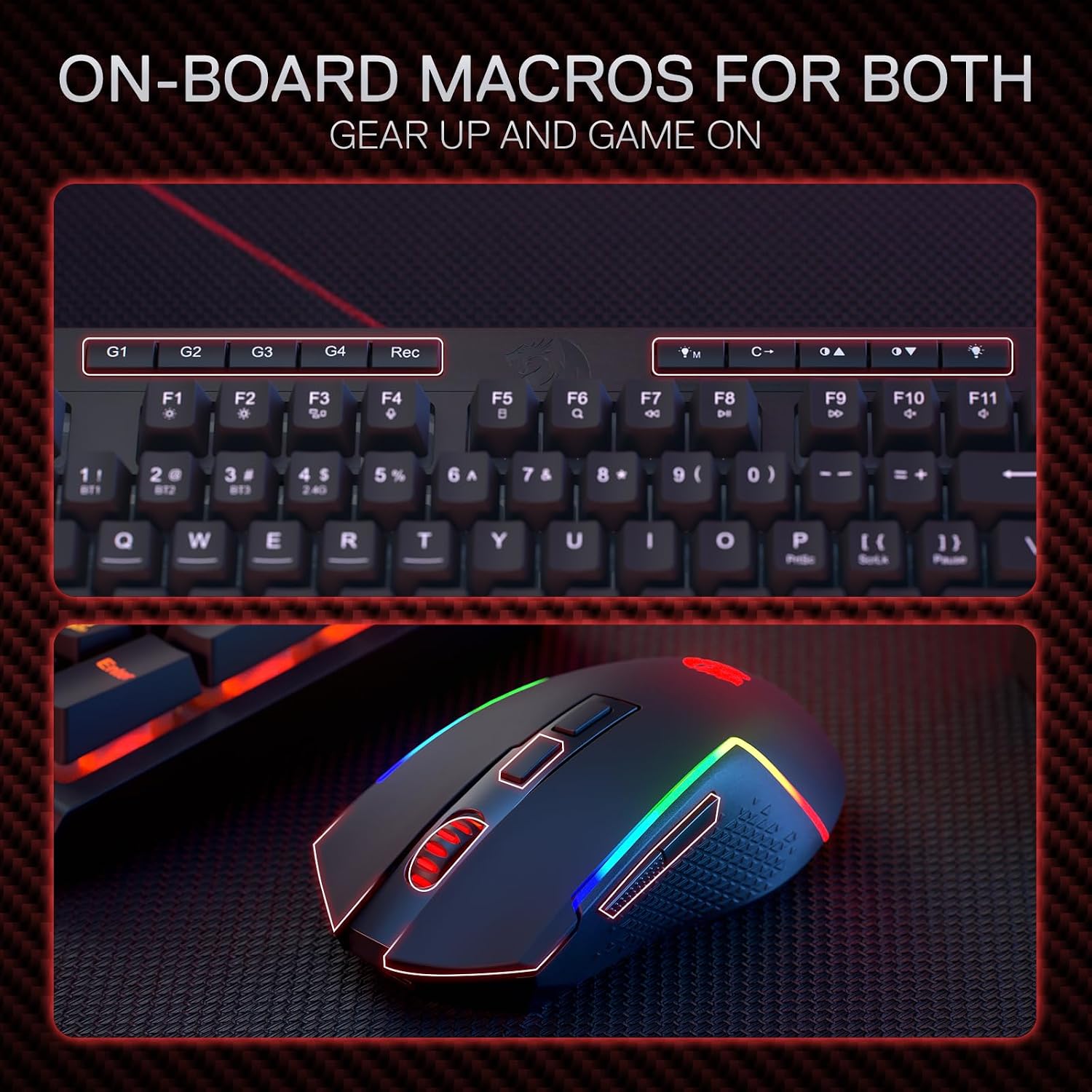
The standout theme is control. The keyboard includes 4 onboard macro keys (G1~G4) that are programmable and designed to work “on the fly” without needing additional software. This is handy if you switch between games often or just don’t want another app running in the background.
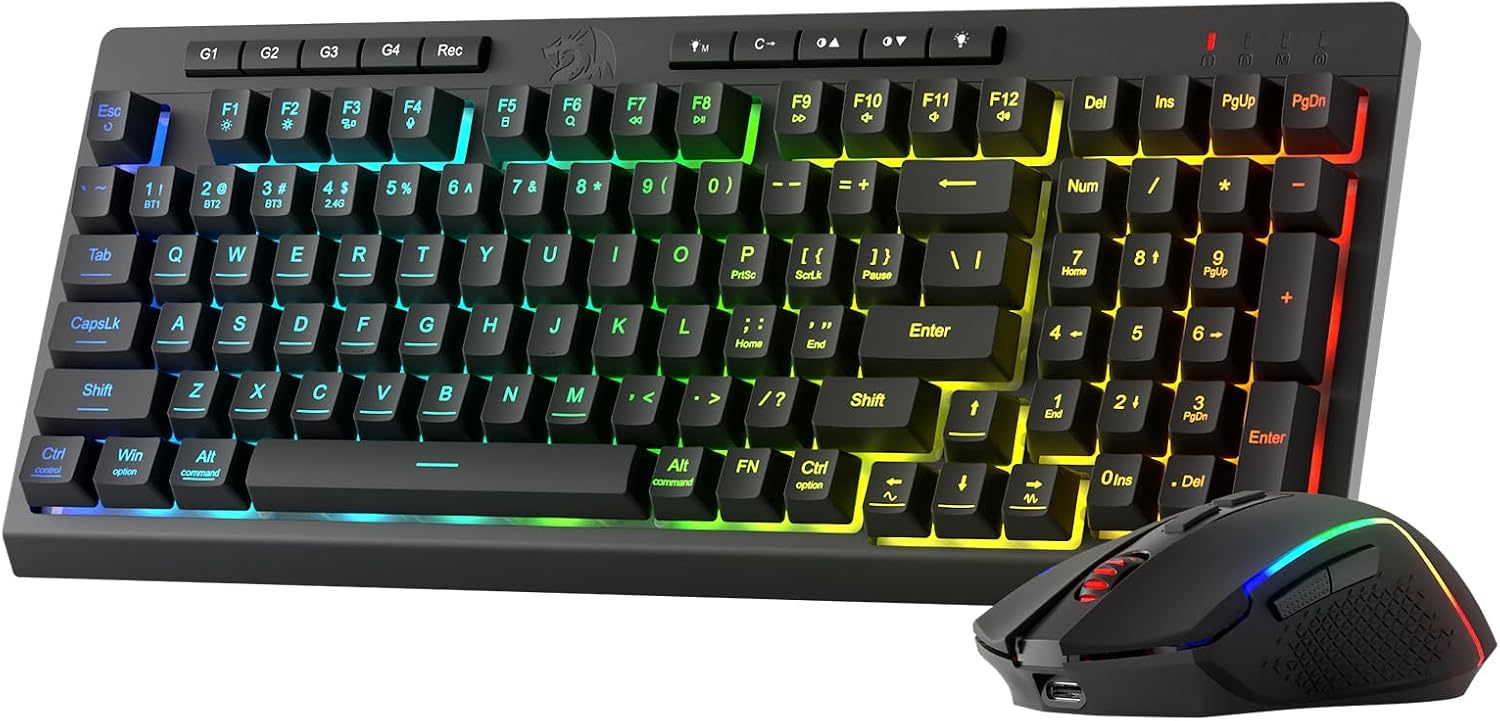
You also get full dynamic RGB backlighting, with 7 pre-set lighting modes plus extra slots for customisable modes, along with brightness control from very bright down to fully off. If you play in low-light rooms (or share your setup), that dim-to-zero option is genuinely useful.
For input reliability, the keyboard is described as using 26 anti-ghost keys (with keys marked with an underscore) so multiple keys can register at the same time—aimed at faster, more accurate responses. For a typical session, this is the kind of “less missed inputs” support you’ll only really notice when you start doing more complex key presses.
What you’ll notice day to day
On the keyboard
Dedicated media controls are included so you can play/pause and skip multimedia straight from the keyboard. It sounds minor, but when you’re in a match and music or a video is already running, not reaching for your device is one of those small quality-of-life touches.
The keyboard also has a detachable wrist-rest that connects using magnets. That’s a sensible design choice: you can keep it on for longer sessions, remove it if you prefer a different feel, or pack things away more neatly.
On the mouse
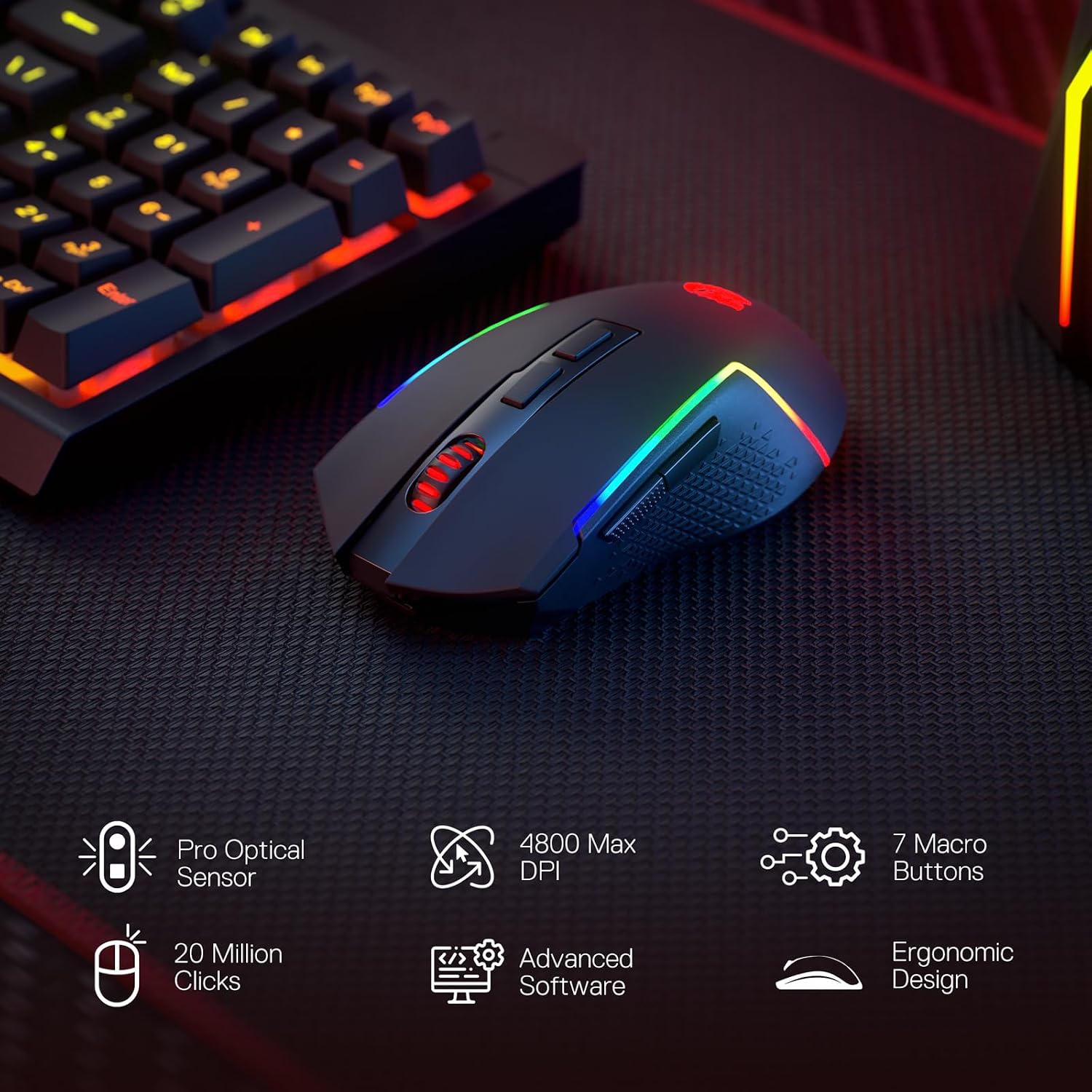
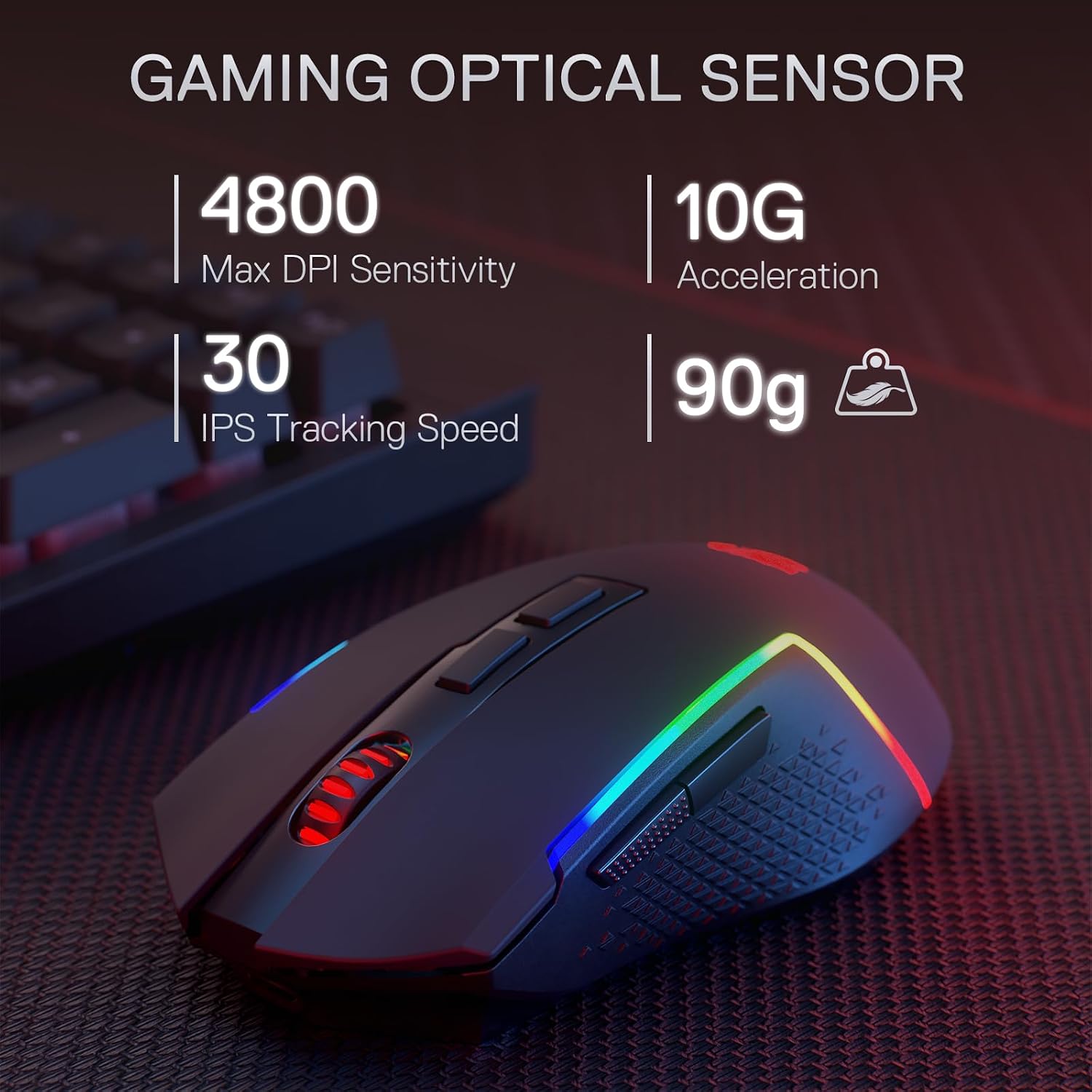
The included mouse supports an “up to 8000 DPI adjustable” setup with 5 on-board DPI levels (listed as 800/1200/1600/2400/4800). The description also says 5 DPI levels are free to DIY with software, which is great if you like having custom responsiveness presets for different games.
A quick example: imagine switching between a low-sensitivity FPS feel and a faster, wider movement style for another game. The on-board DPI stepping is meant to let you swap swiftly in-game.
Where it makes sense (and where it can fall short)
It’s a solid pick if you want a bundled wireless setup where key features are already there—macros without extra software, dynamic RGB with multiple modes, and media controls—so you can set up and start playing without too much fuss.
It may not suit you if you’re very specific about keyboard feel. Because it’s a membrane keyboard (as stated), it may not give the crisp mechanical feel some players prefer, and RGB/macro convenience won’t fix that personal preference. Also, if you strongly rely on complex macro workflows, the onboard macro approach may feel limiting compared with deeper software-driven setups—though the bundle is clearly designed to reduce that dependency.
Tech summary (from the product details)
- Onboard macro keys: 4 programmable keys (G1~G4), editable and intended to work without additional software
- RGB backlighting: full dynamic RGB with 7 pre-set lighting modes + additional 6 customisable slots, brightness control including lighting off
- Anti-ghosting: anti-ghost keys enabling 26 keys to work simultaneously (keys with an underscore)
- Media controls: dedicated controls for play/pause/skip
- Wrist rest: detachable, magnet-connected ergonomic wrist-rest
- Mouse DPI: 5 on-board DPI levels (800/1200/1600/2400/4800) with up to 8000 DPI adjustable mentioned, 5 DPI levels can be DIY with software
What to double-check before buying
1) Keyboard type preference: membrane keyboards can be a deal-breaker or a non-issue, depending on what you’ve used before. 2) Your approach to macros: if you like configuring macros without extra software, this combo is aligned with that. If you want maximum depth through software profiles, keep expectations realistic. 3) Lighting needs: the keyboard can turn lighting fully off, but if you prefer minimal lighting by default, it’s worth confirming that the brightness/lighting-off behaviour matches how you play. 4) Sensitivity setup: you get 5 on-board DPI steps, and the details also mention software-based DIY tuning for those. If you only want hardware-only adjustments, bear that in mind.
Is it worth it?
The Redragon BS142 bundle looks like a practical “wireless gaming combo” for players who care about quick setup, anti-ghosting support for fast play, and onboard macros/media controls that don’t require constant software tweaking. It suits people who want RGB options, a detachable wrist-rest for comfort, and a mouse with meaningful DPI stepping for in-game switching.
You may want to skip it if you’re chasing a mechanical keyboard feel, or if your macro workflow depends heavily on deep software control rather than onboard programmability.
Mini FAQ
Does it need software to use the macro keys?
The description says the 4 onboard macro keys (G1~G4) are programmable and work on the fly without additional software. Still, for the mouse DPI “DIY” aspect, software is mentioned for customising 5 DPI levels.
Can the RGB lighting be turned off?
Yes—there’s brightness control described as ranging from very bright to completely off.
How many keys can be registered at once?
It’s described as offering 26 anti-ghost keys (with keys marked with an underscore) for simultaneous key presses.
Is the wrist-rest detachable?
Yes, the wrist-rest is detachable and connects magnetically.
What DPI levels does the mouse support?
The details list 5 on-board DPI levels: 800/1200/1600/2400/4800, with up to 8000 DPI adjustable mentioned. The description also says 5 DPI levels are available for DIY via software.