

UGREEN M.2 NVMe Enclosure (USB 3.2 Gen 2, tool-free) for M-Key/B+M Key SSDs
Product description
The essentials
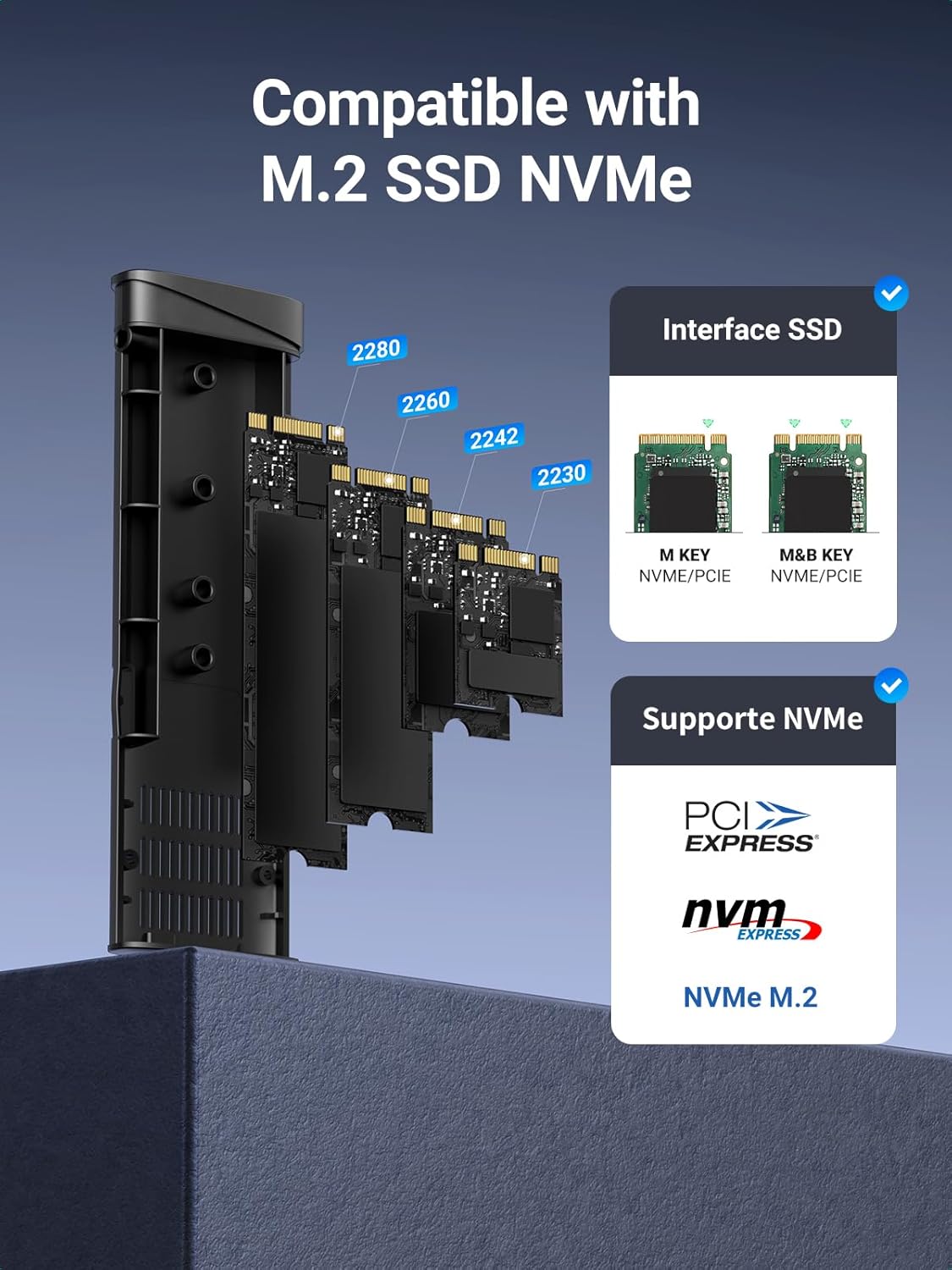
If you’ve got an NVMe drive lying around (or you want to turn one into something portable), the UGREEN M.2 NVMe enclosure is a straightforward way to connect an M.2 NVMe SSD externally. It’s built for M.2 NVMe SSDs with an M Key / B+M Key connector, in sizes 2230, 2242, 2260 and 2280. Over on the connectivity side, it uses USB 3.2 Gen 2 with claimed speeds up to 10Gbps, aiming to move bigger files with less waiting.
On paper, it’s the kind of accessory that fits a “use it, then forget it’s there” workflow: clone or back up a drive, move a project between devices, or test an NVMe SSD in an external setup without needing a whole new system. That said, it only supports NVMe in those formats, it doesn’t support SATA NGFF SSDs or mSATA drives, so it’s worth double-checking what you actually own.
At a glance: what you actually get
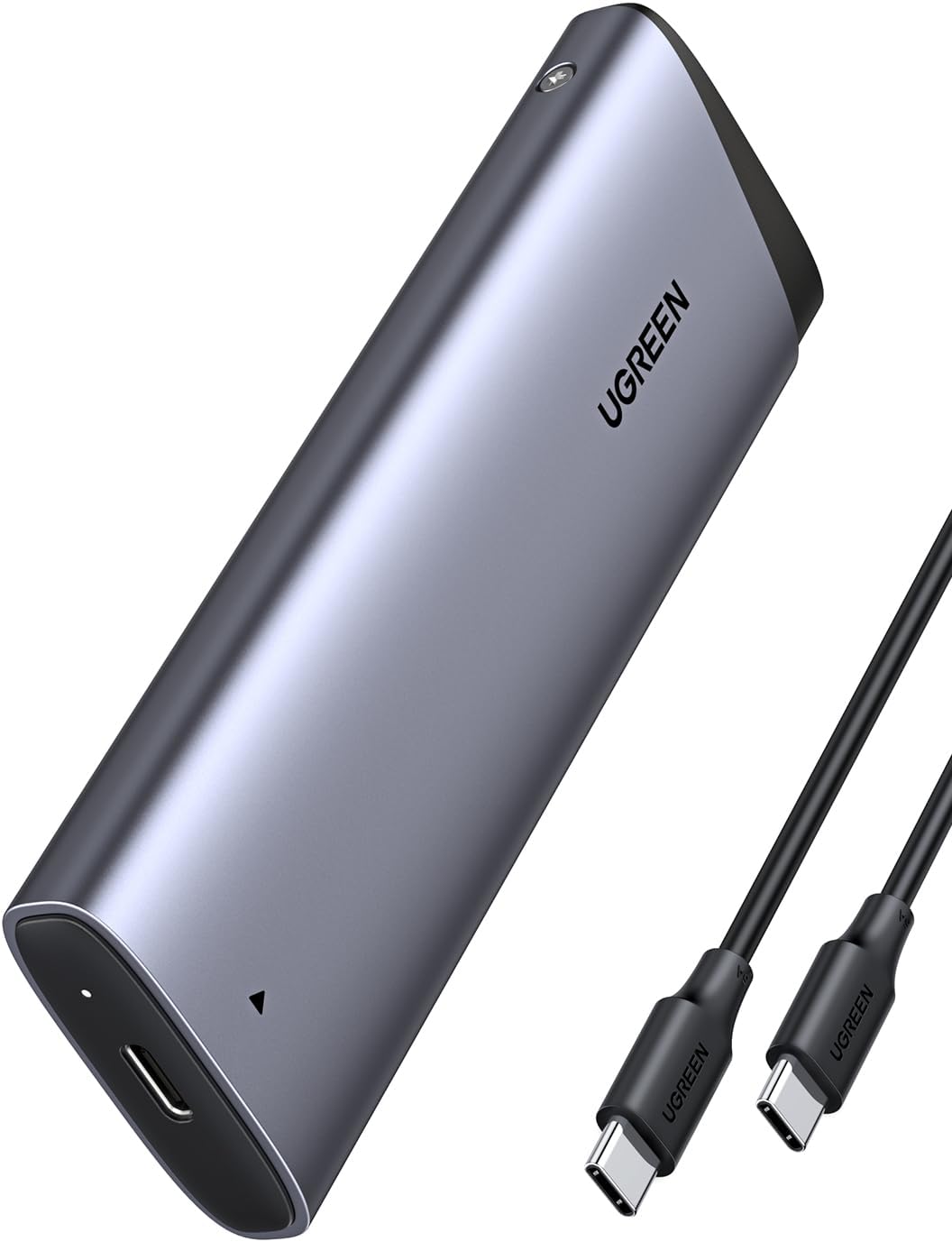
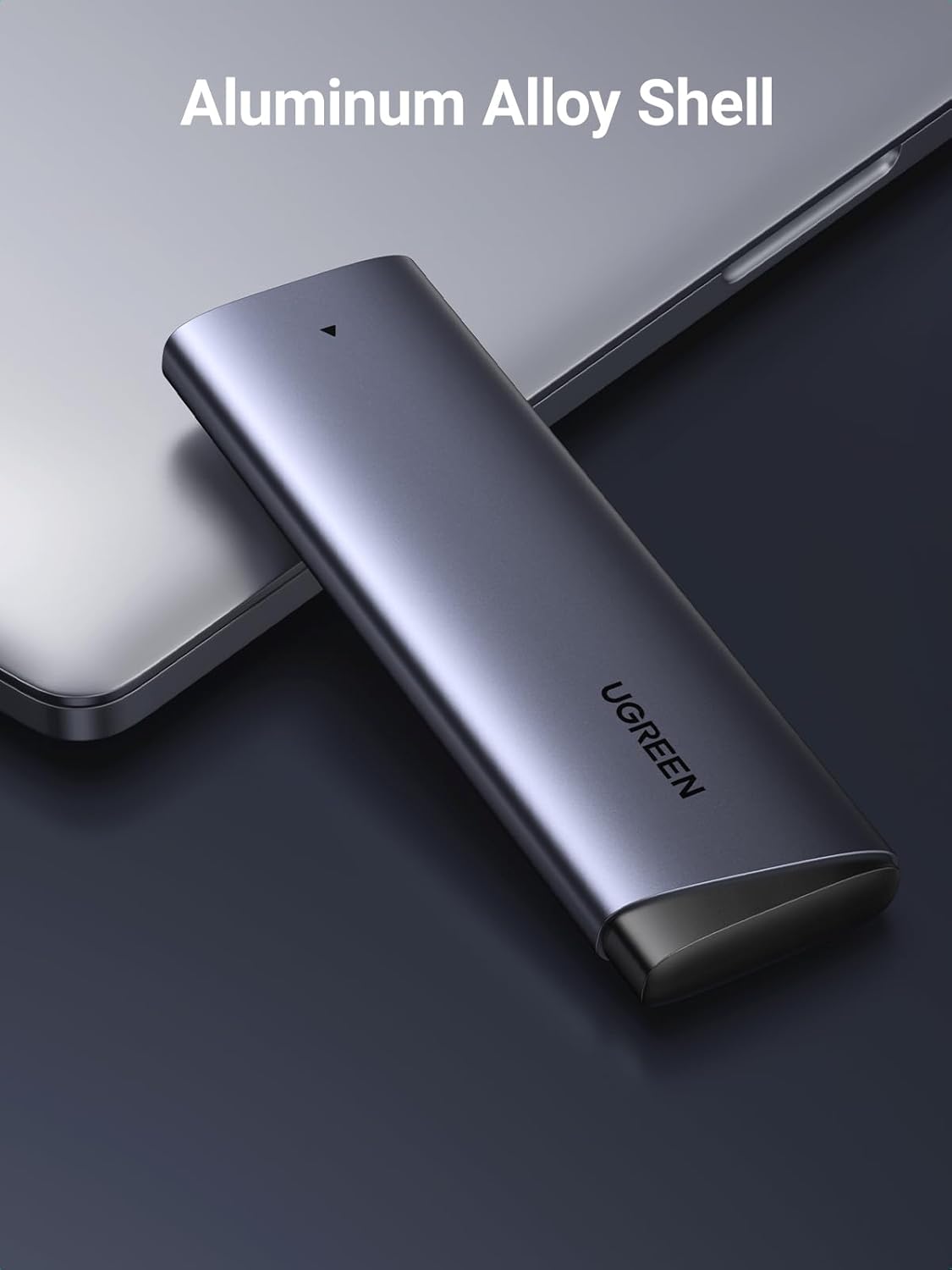
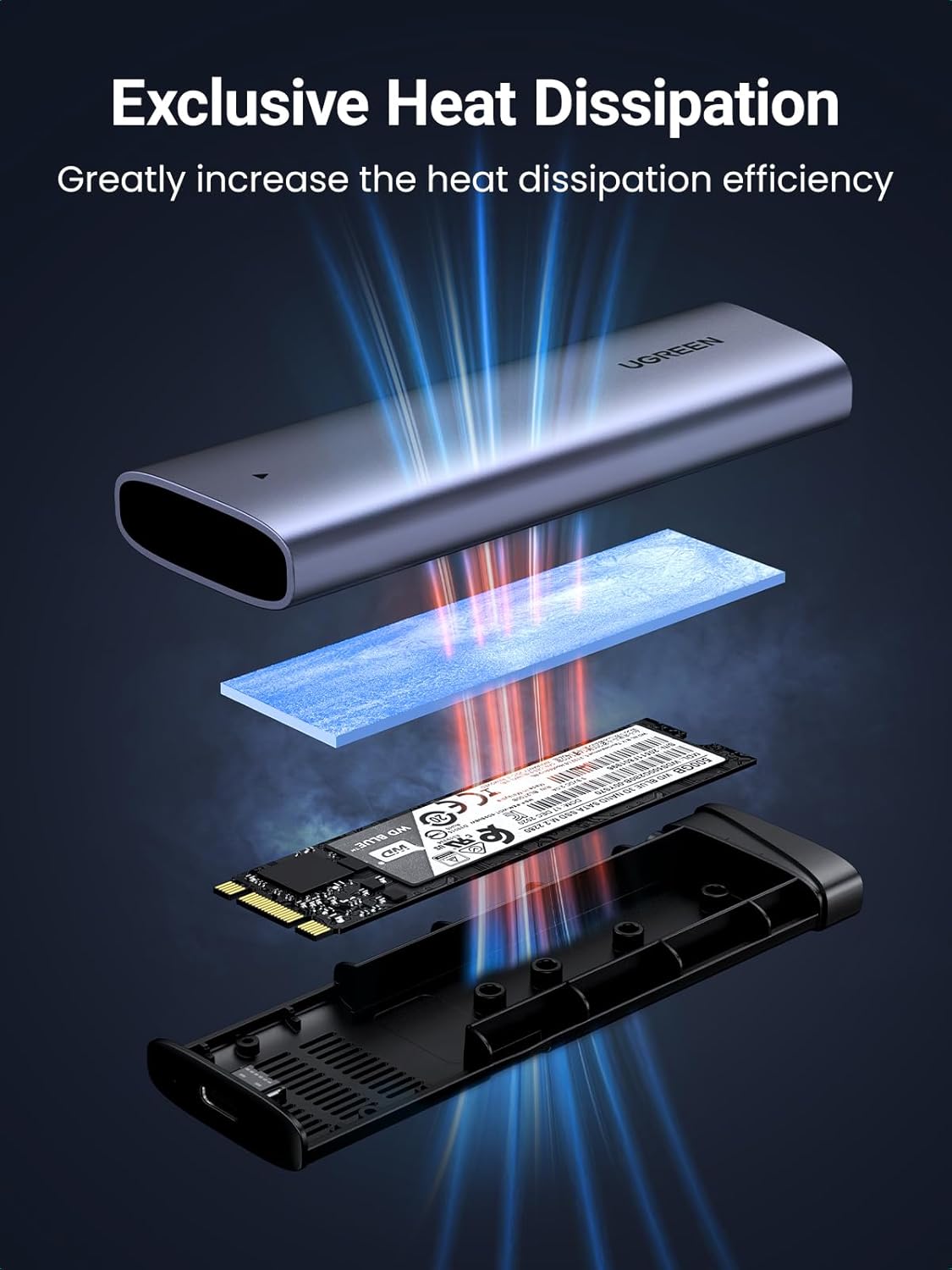
This is essentially an external caddy/adapter that lets you slide in an NVMe SSD, then plug it into a computer via USB-C. The enclosure is aluminium, and it includes a thermal pad intended to dissipate heat during use. It’s also described as tool-free for installation: you open the case, insert the SSD, and secure it without extra tools.
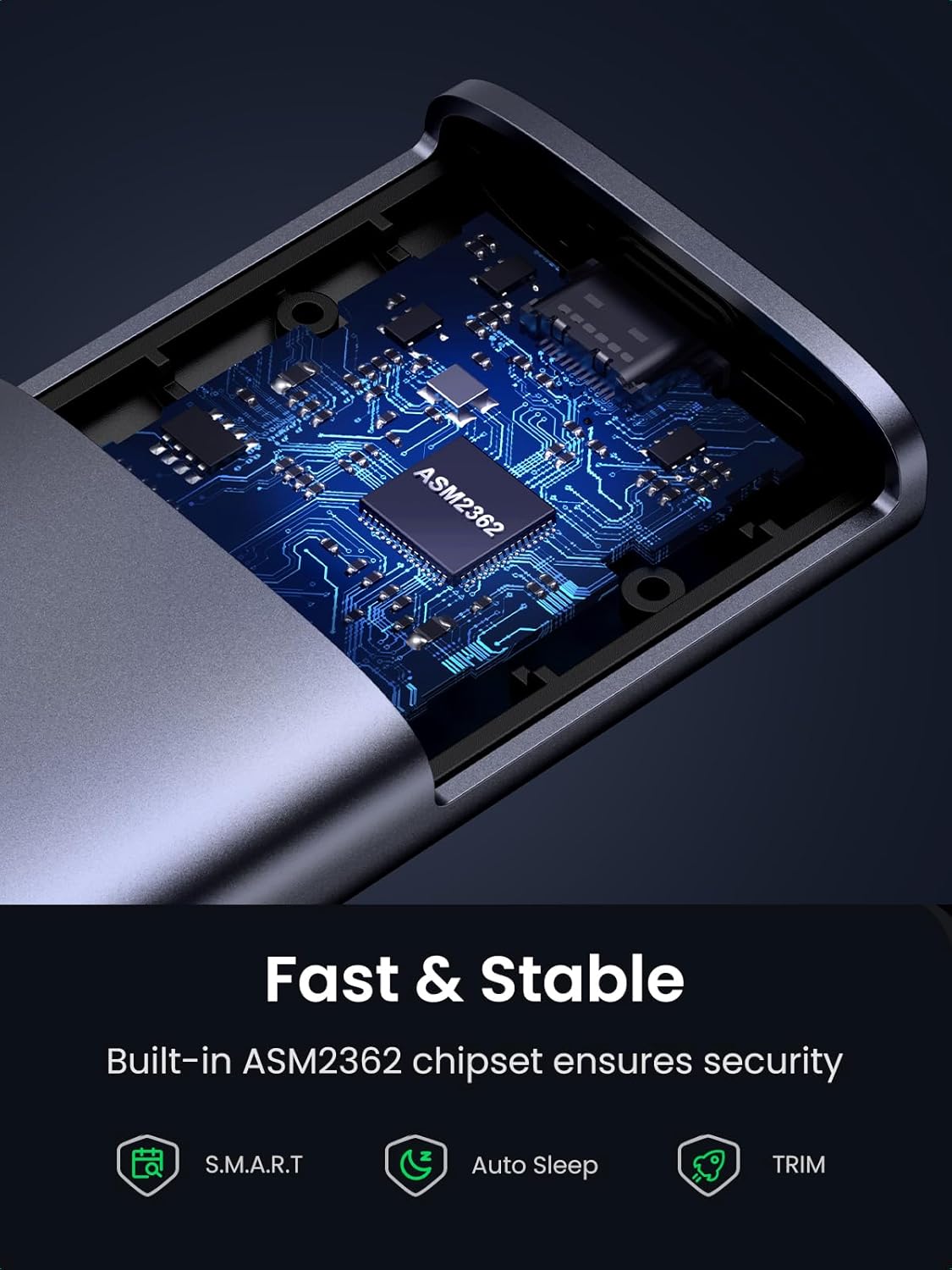
A couple of details matter for day-to-day practicality. First, it supports UASP and TRIM, which can help keep transfers feeling more responsive, and can be beneficial for SSD performance management over time. Second, it uses a dedicated chip (RTL9210) and includes S.M.A.R.T. support, which is useful if you like having health/status information available rather than treating the drive as a black box.
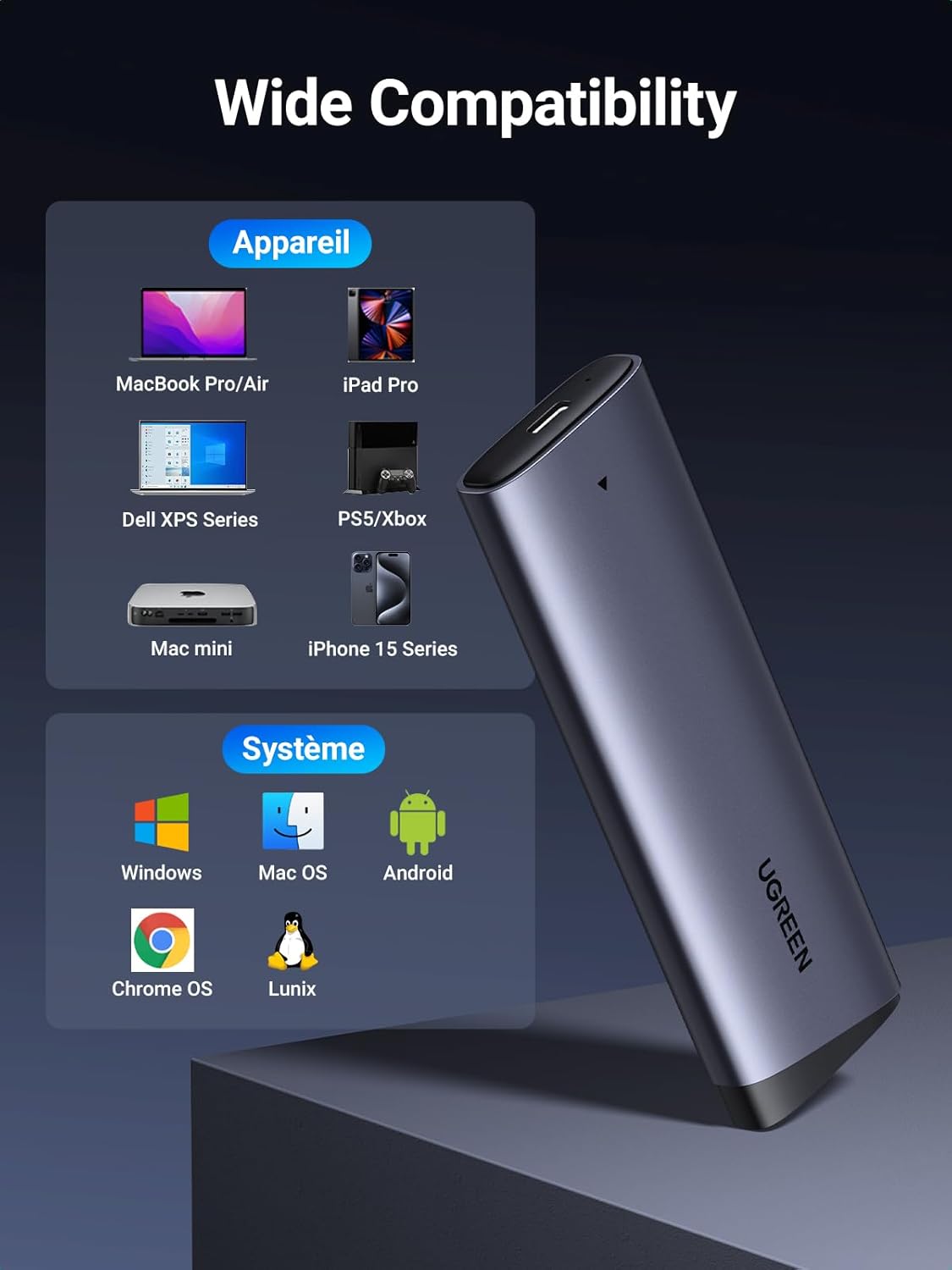
And yes, it’s designed to work across multiple operating systems (Windows, macOS, Linux, and also listed support for PS4 and Xbox). That broad compatibility is handy if you bounce between devices.
Where it shines (and why it matters)
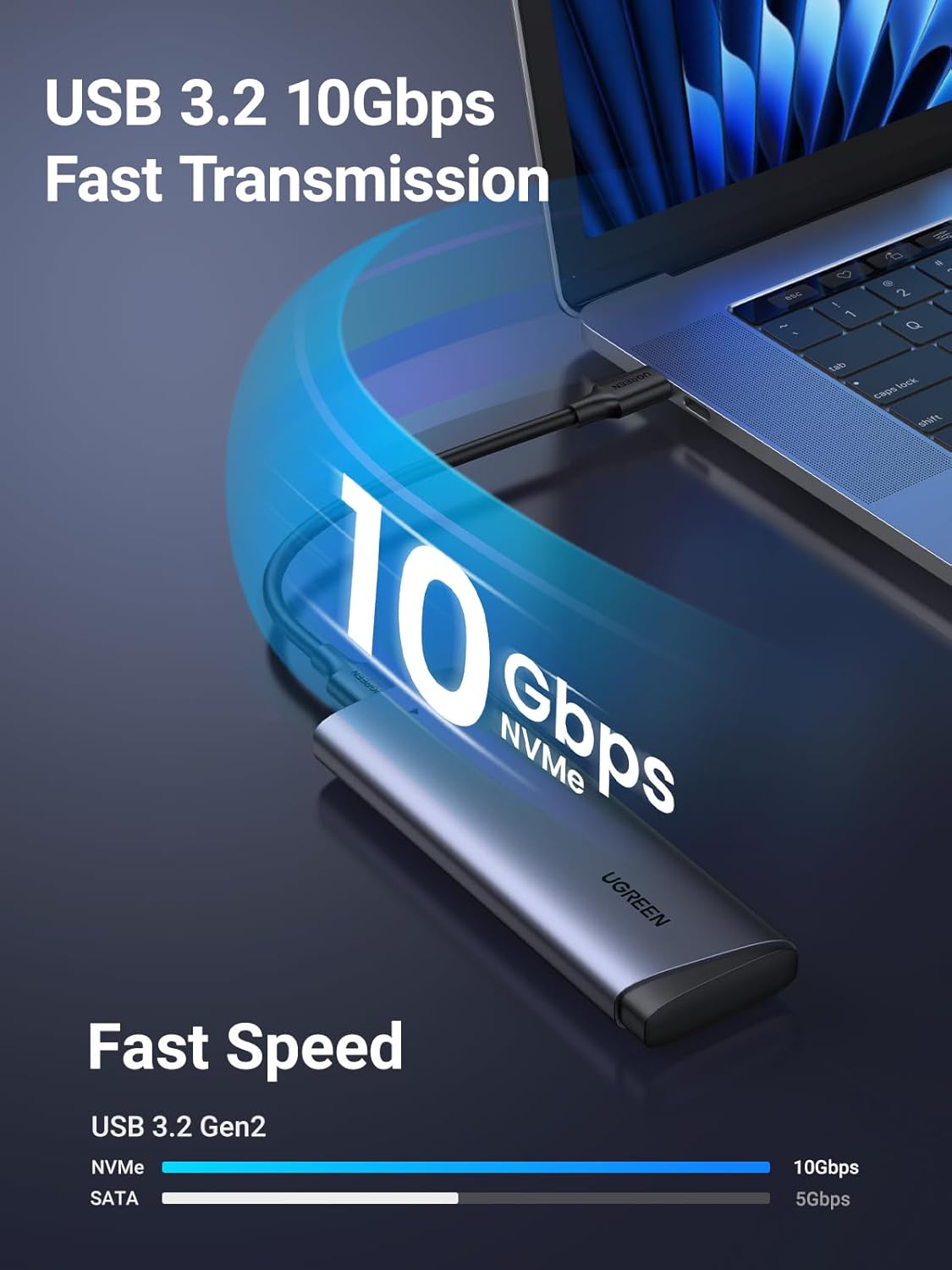
The main “worth it” angle here is combining USB 3.2 Gen 2 connectivity with an NVMe-focused enclosure design. Compared with older enclosures that sit in the slower end of the USB ecosystem, this is positioned for quicker file transfers when your SSD and your setup can actually make use of the available bandwidth.
The aluminium body and thermal pad are also the practical touch. External NVMe drives can get warm during sustained transfers, so a heat management approach is not just a nice-to-have. It’s aiming for safer, more stable operation during the transmission process, which is exactly what you notice when you’re copying large folders or doing repeated backup runs.
If you’re handling something like: - transferring a video project between a laptop and a desktop - backing up a drive before a storage upgrade - accessing a spare NVMe SSD without installing it internally this kind of enclosure can be a very clean “middle step” in your workflow.
Limitations you shouldn’t ignore
You may want to skip it if your goal is SATA SSD support. This enclosure is explicitly for NVMe SSDs with M Key / B+M Key. It does not support SATA NGFF or mSATA, so if you’re unsure which drive you’ve got, that’s the first thing to verify.
Another limitation is more subtle: while it’s rated up to 10Gbps, real-world throughput depends on the SSD itself and your host connection. So it’s sensible to treat the headline speed as an upper target, not a guarantee of always hitting top numbers.
Finally, compatibility is listed for various systems, but that doesn’t remove the need to ensure your specific device recognises external storage and formats it appropriately if required. If you’re expecting a “plug in and it’s instantly ready” experience for every scenario, it may not always behave exactly that way.
Tech specs (in plain English)
- Name: UGREEN M.2 NVMe Enclosure
- Type: NVMe to USB adapter / external SSD caddy
- Format: USB 3.2 Gen 2 enclosure for M.2 NVMe SSDs
- Capacity: supports NVMe SSDs up to 8TB (maximum capacity)
- Size: supports M.2 2230 / 2242 / 2260 / 2280
- Connection support: M Key / B+M Key NVMe SSDs
- Data transfer rate: up to 10Gbps
- Features: UASP support and TRIM support
- Chip: RTL9210
- Extra functions: S.M.A.R.T. support
- Material: aluminium body with thermal pad
Who it’s for (and who should avoid it)
It makes sense if you already own an M.2 NVMe SSD (M Key / B+M Key) and want a practical way to use it externally over USB-C. It’s a good fit if you prioritise faster-than-basic USB transfer performance, want TRIM/UASP support mentioned for SSD-friendly operation, and like having S.M.A.R.T. visibility.
It might not suit you if you’re looking to convert a SATA SSD (including SATA NGFF) or a drive that’s not NVMe in the supported sizes. You may also want to be careful if your use case involves lots of tiny reads/writes and you’re expecting NVMe-like internal performance—an external enclosure is still an external link.
Is it worth it?
A solid pick if you’ve got an M.2 NVMe SSD in sizes 2230/2242/2260/2280 and you want an external caddy that leans into USB 3.2 Gen 2 speed, TRIM/UASP, and sensible heat handling. The tool-free install is a nice everyday convenience, and S.M.A.R.T. support is a genuine plus if you care about drive health rather than just moving files.
Not the best choice if your SSD isn’t NVMe (or if it’s SATA NGFF / mSATA), because this enclosure won’t do that job. And if you’re buying purely for “maximum speed” with no regard to compatibility with your actual SSD, it could leave you stuck rechecking what you’ve got.
Mini FAQ
Does it support SATA M.2 drives?
No. It’s designed for NVMe SSDs with M Key / B+M Key, and it does not support SATA NGFF SSDs or mSATA SSDs.
What M.2 sizes will fit?
It supports M.2 NVMe SSD sizes 2230, 2242, 2260 and 2280.
Will it work with Mac and Windows?
Mac OS and Windows 11/10/8/7/XP are listed, alongside Linux, and it’s also stated as compatible with PS4 and Xbox.
Does it need a driver?
The description says no additional driver is required.
How does it handle heat?
The enclosure is aluminium and includes a thermal pad intended to help dissipate heat generated during transmission.