

OFFCUP 9-Port Powered USB Hub with USB 3.0, Individual Switches and LEDs
Reviews
Price
Product description
If your laptop, desktop or gaming console needs more USB connections, the OFFCUP powered hub provides nine ports in one compact unit. Its USB 3.0 connection supports data transfer rates of up to 5120 Mbps, while individual switches let you manage connected devices without unplugging them each time.
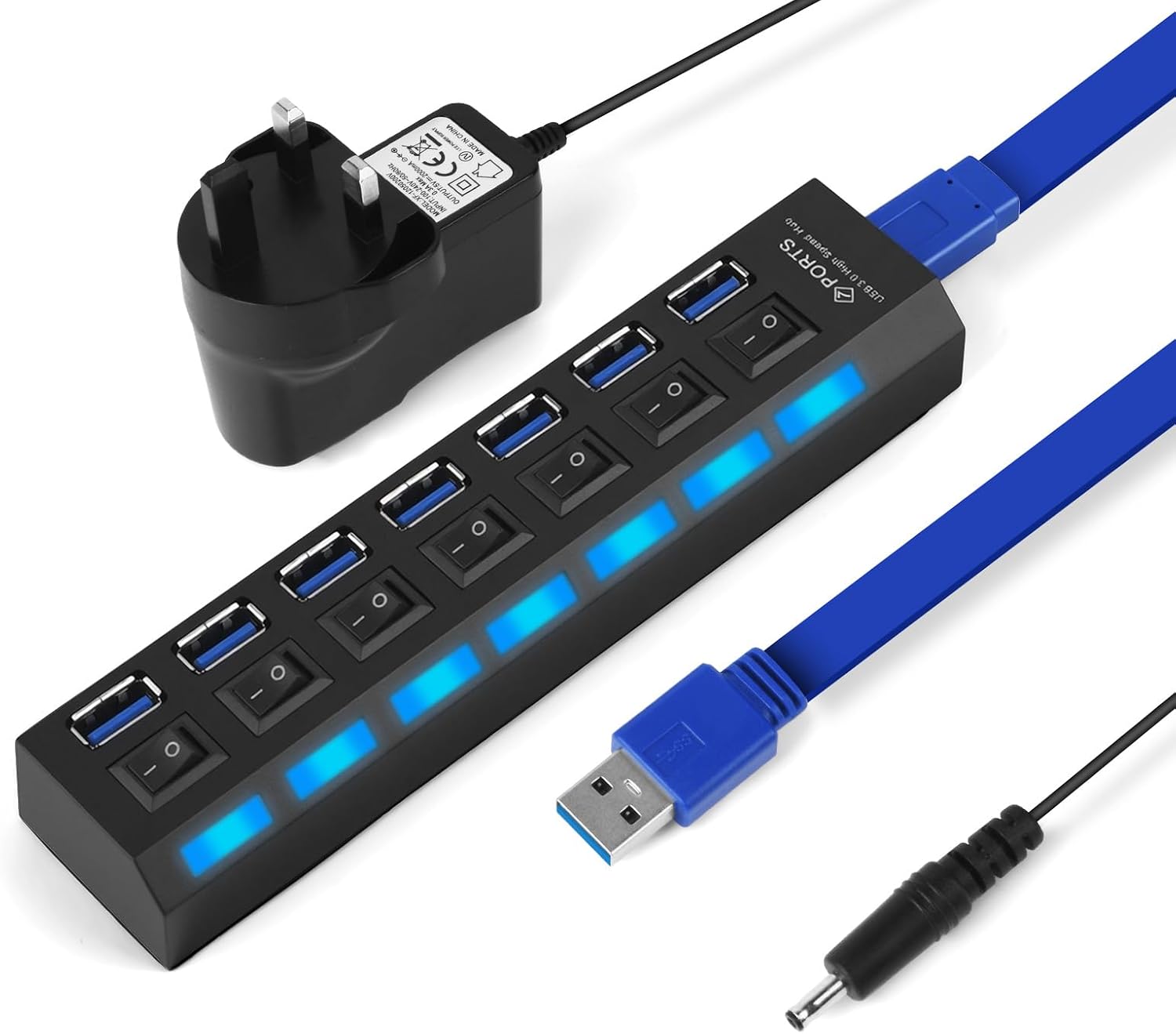
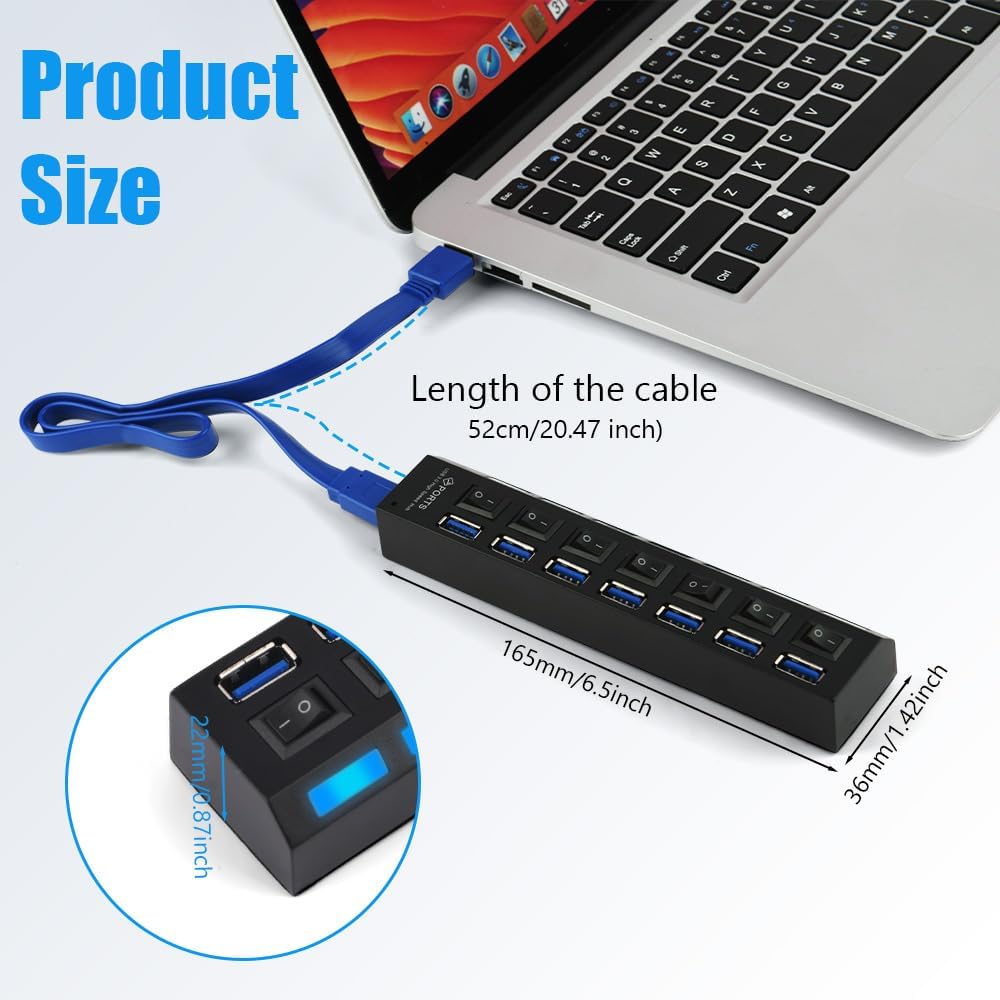
At 52cm, the cable gives you room to position the hub within reach on a desk or beside your computer. The included power adapter makes this a powered hub for connecting compatible USB devices.
Key points
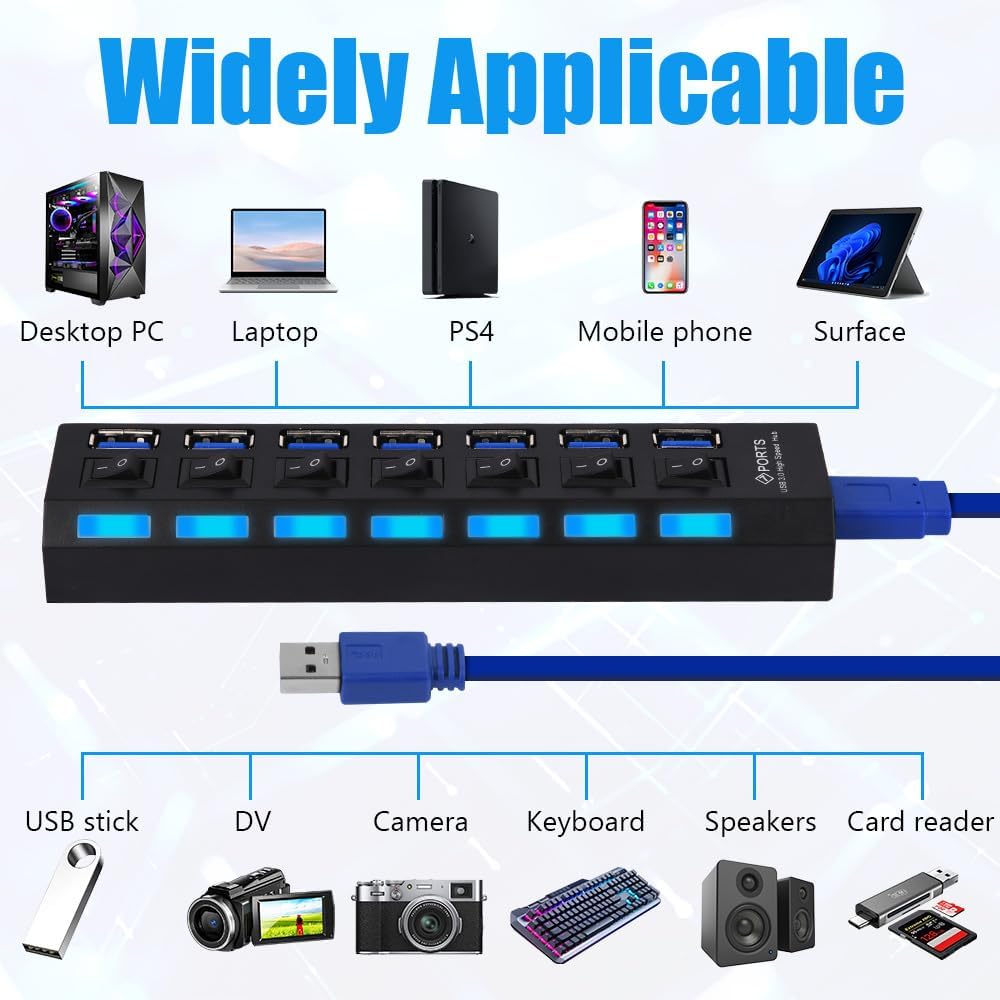
Nine USB ports give you a central place to connect devices such as keyboards, mice, USB headphones, speakers, memory sticks and external hard drives. That can make a shared desk setup easier to organise, or leave more of your computer’s own ports available for other connections. The hub is made from plastic and has a black finish.
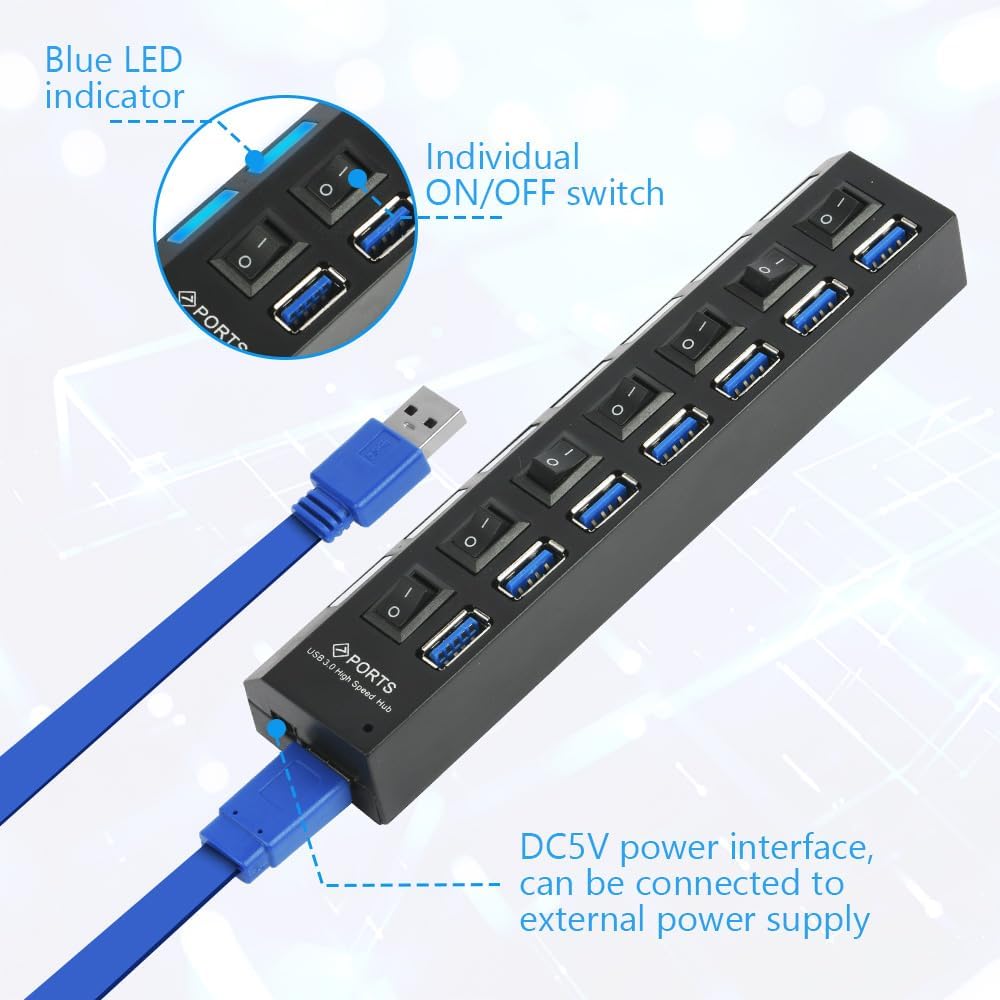
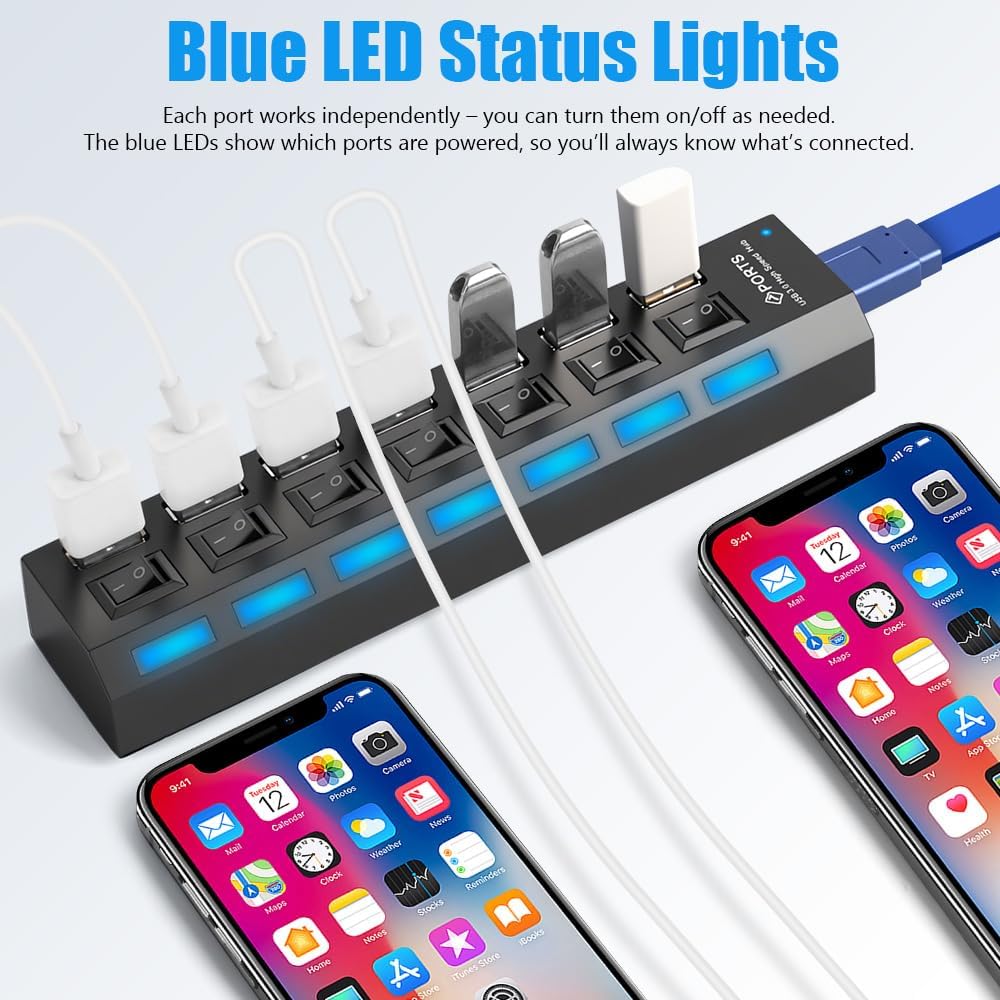
A USB 3.0 connection supports transfer rates up to 5120 Mbps. The hub also has independent switches and LED indicators for each port: switch a connected device on or off individually, and use the lights to see its connection and working status. This is a practical alternative to a basic hub without per-port controls when you want to manage several devices from one place.
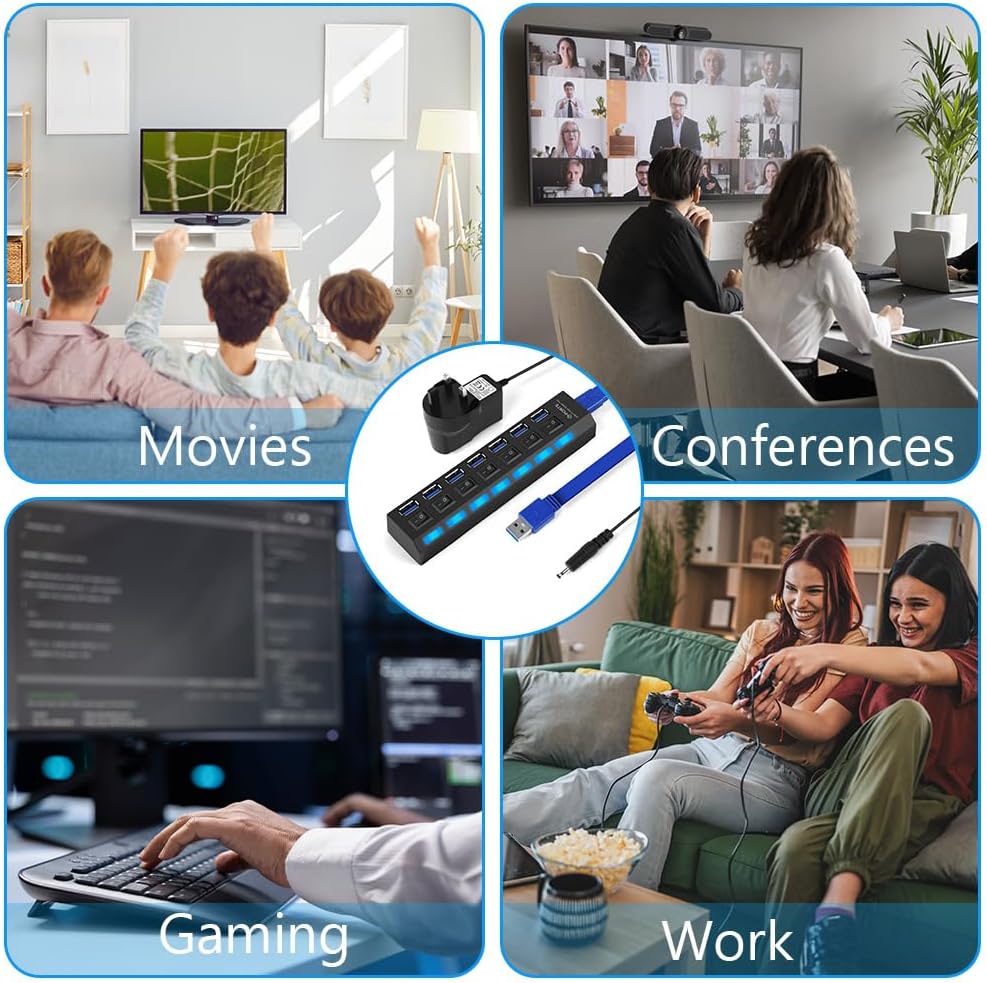
Plug-and-play operation means you can connect it without installing a driver, and the USB 3.0 interface supports hot plugging. It is listed as compatible with Windows, macOS, Linux, Android and iOS, as well as devices including laptops, desktops, tablets, smartphones and gaming consoles.
Customer feedback is mixed. Some report that the hub works well, while others raise concerns about connectivity and build reliability, including a report of failure after four months.
Getting the most from it
Use the hub to bring everyday peripherals together at a workstation: keep a keyboard, mouse and other USB accessories connected, then switch individual ports as needed. For a laptop setup, the 52cm cable lets you place the hub where its controls and indicator lights are easy to reach. It can also be useful for organising connections to a console or desktop, with the power adapter supplied for use as a powered hub.
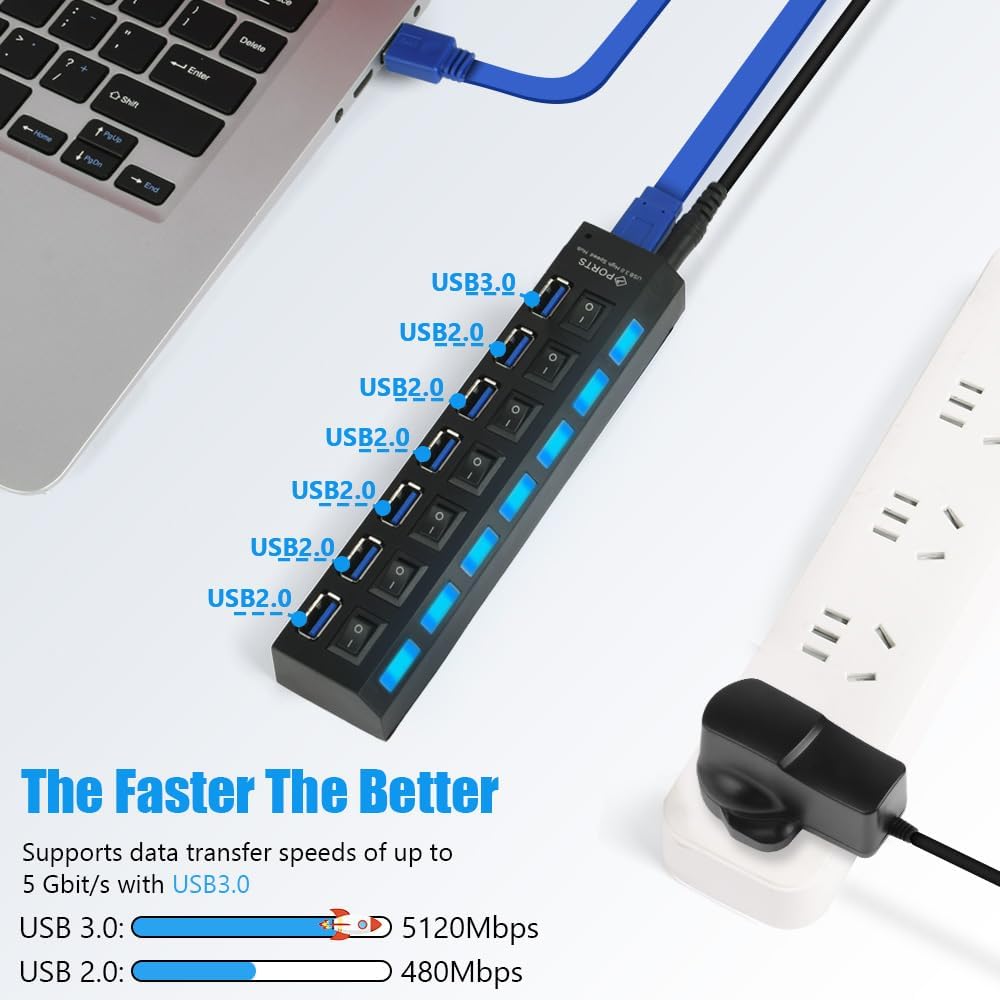
The nine-port layout suits people who want several USB connections in one place, rather than a smaller adapter intended for just one or two devices. The USB 3.0 connection is a relevant feature when transferring data, while the individual switches are useful for controlling devices separately.
Usage tips
Connect the hub to your computer or other compatible device, then attach your USB accessories to the available ports. Use each port’s switch to manage its connected device and check the corresponding LED indicator for connection and working status. For a tidy desk, place the hub near the peripherals you use most and route its 52cm cable back to the host device.
When choosing what to connect, consider whether you need a hub for everyday peripherals, storage devices or a mix of accessories. Check that the device you plan to use has a compatible USB connection and operating system from the listed options. The hub’s individual controls are particularly handy when you want to leave several devices plugged in but switch them separately.
Should you buy it?
The OFFCUP hub is suited to a desk or console setup where nine USB ports, per-port switches and visible LED indicators make multiple connections easier to manage. Its USB 3.0 connection supports fast data transfers, while plug-and-play setup keeps installation straightforward. Worth considering if you want a powered hub with individual control for a collection of compatible USB peripherals.