

Contour SPROV2 Shuttle PRO V.2 Multimedia Controller with USB Jog Dial
Reviews
Price
Product description
Scrub through a video timeline or move frame by frame through a clip using the Contour Shuttle PRO V.2. Its jog dial and outer ring put precise media navigation within easy reach alongside your keyboard and mouse.
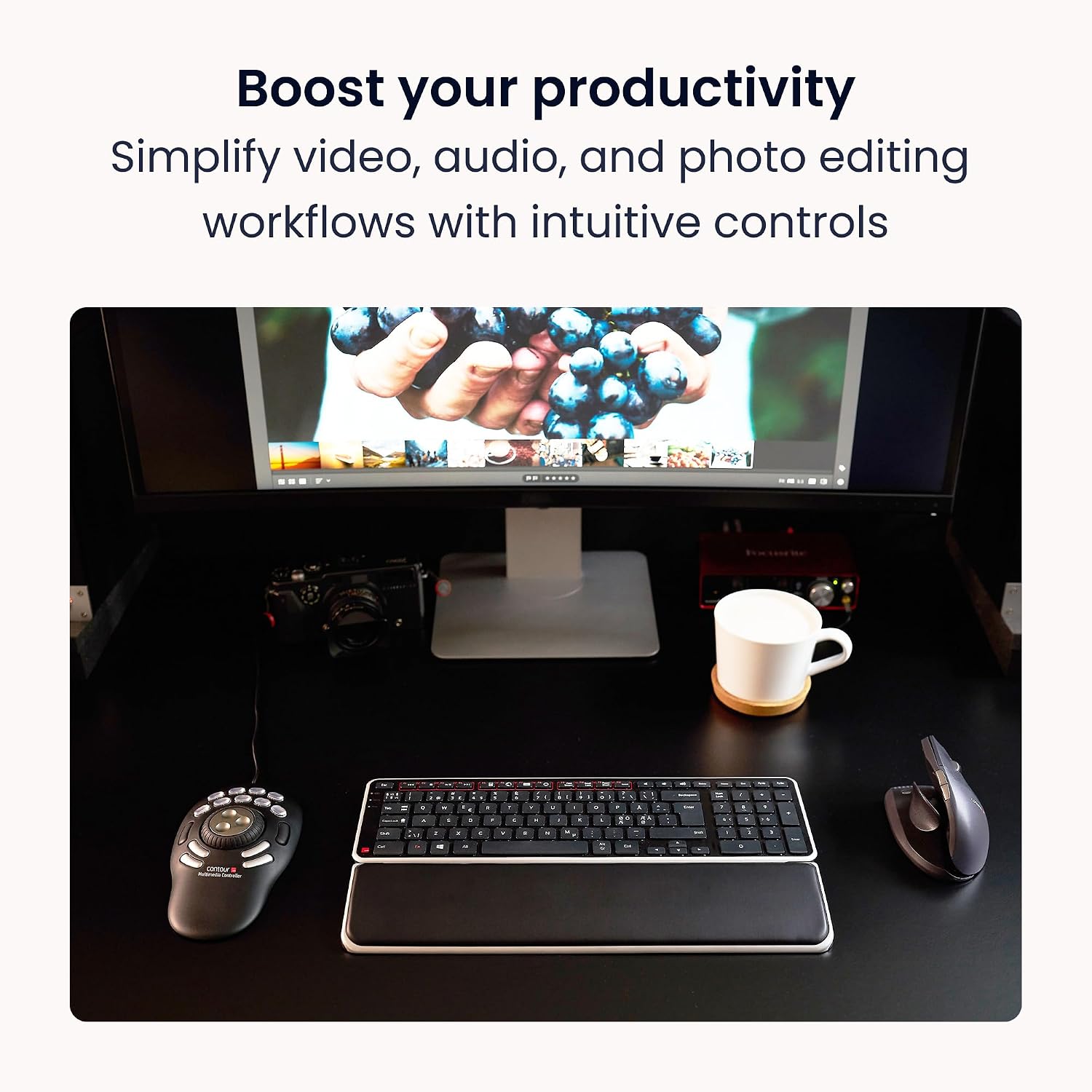
If your work depends on repeated timeline movements, the inner dial and multi-speed outer ring offer a more direct approach than mouse-only navigation. For recurring edits and shortcuts, the customisable buttons provide quick access to actions you use often.
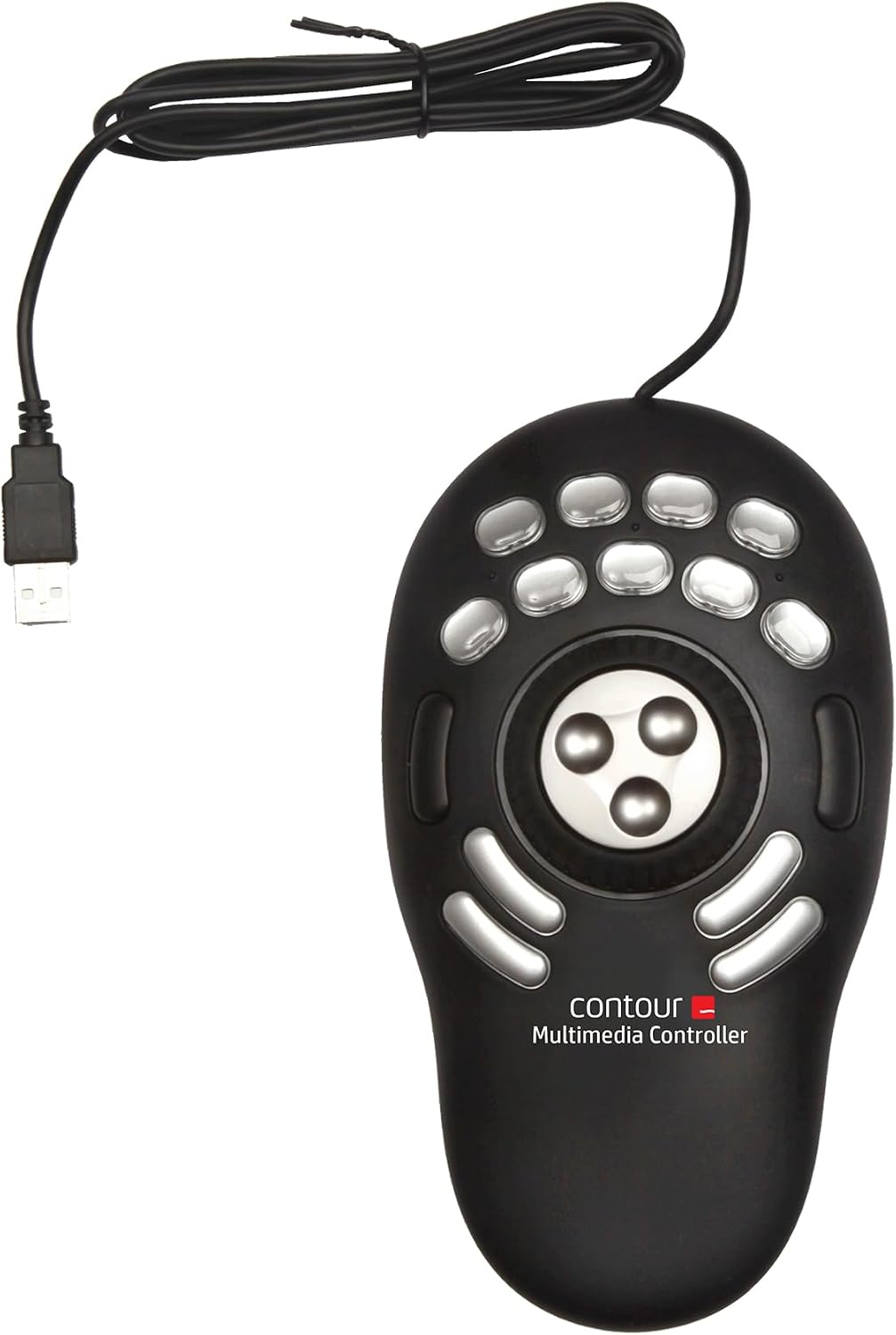
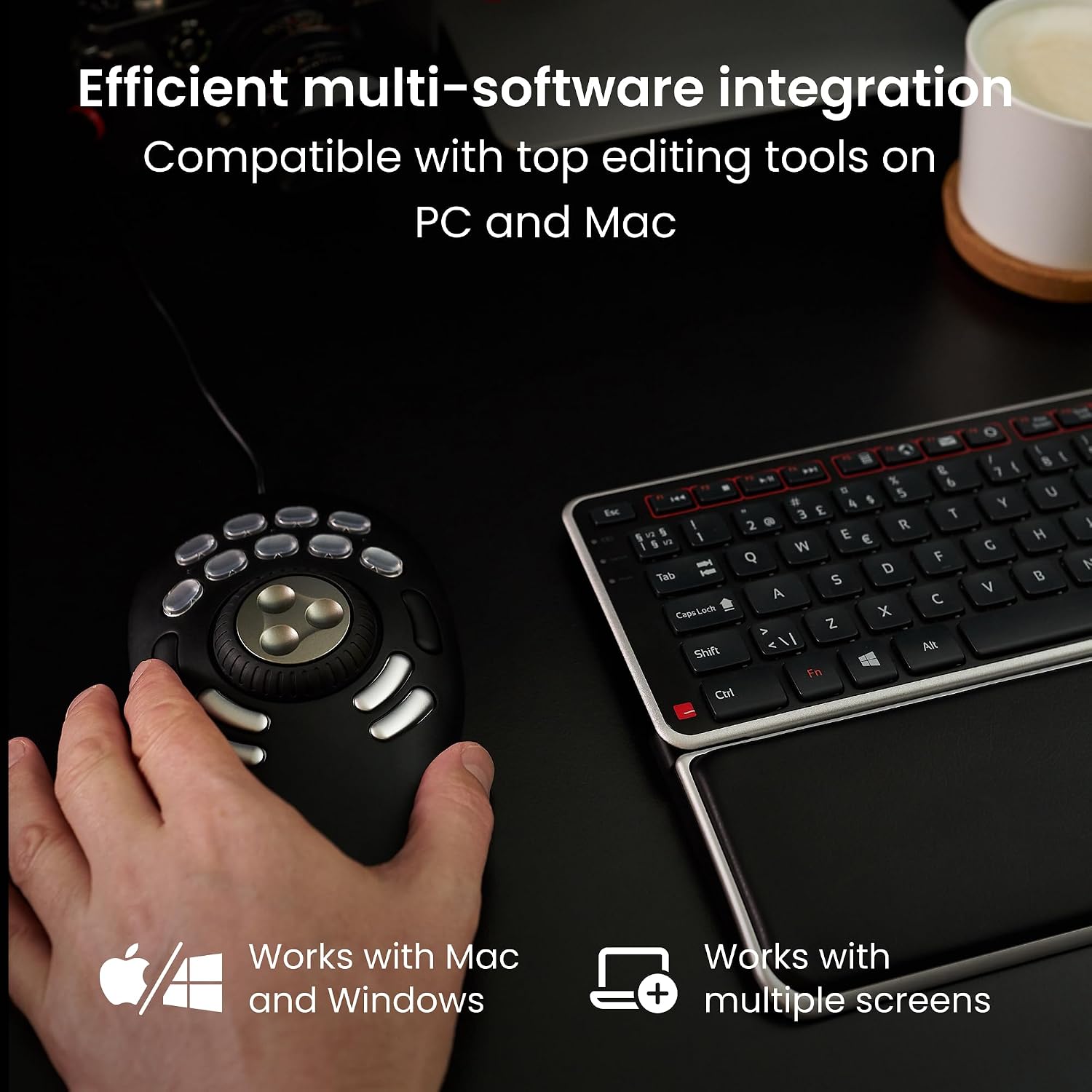
Connect it to a PC or Mac by USB and use it with supported creative or office applications. The controller is designed to complement your existing setup, with app-aware controls for people who move between different programmes.
Technical overview
- Type: USB multimedia controller
- Model: Shuttle PRO V.2 (SPROV2)
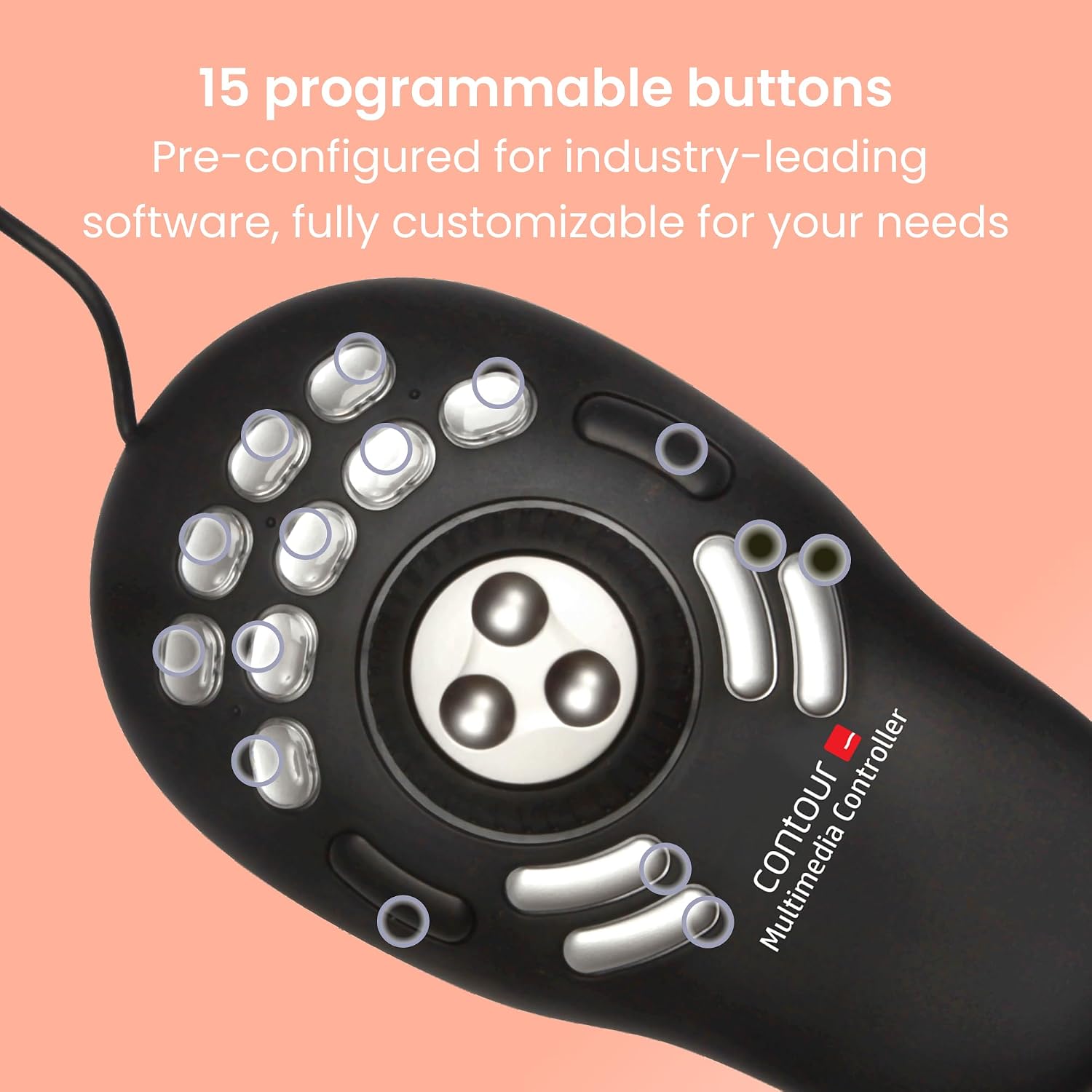
- Controls: 15 customisable buttons, inner jog dial and 7-speed alloy jog ring
- Compatibility: PC and Mac, driver required
- Finish: Black, matte finish with an aluminium enclosure
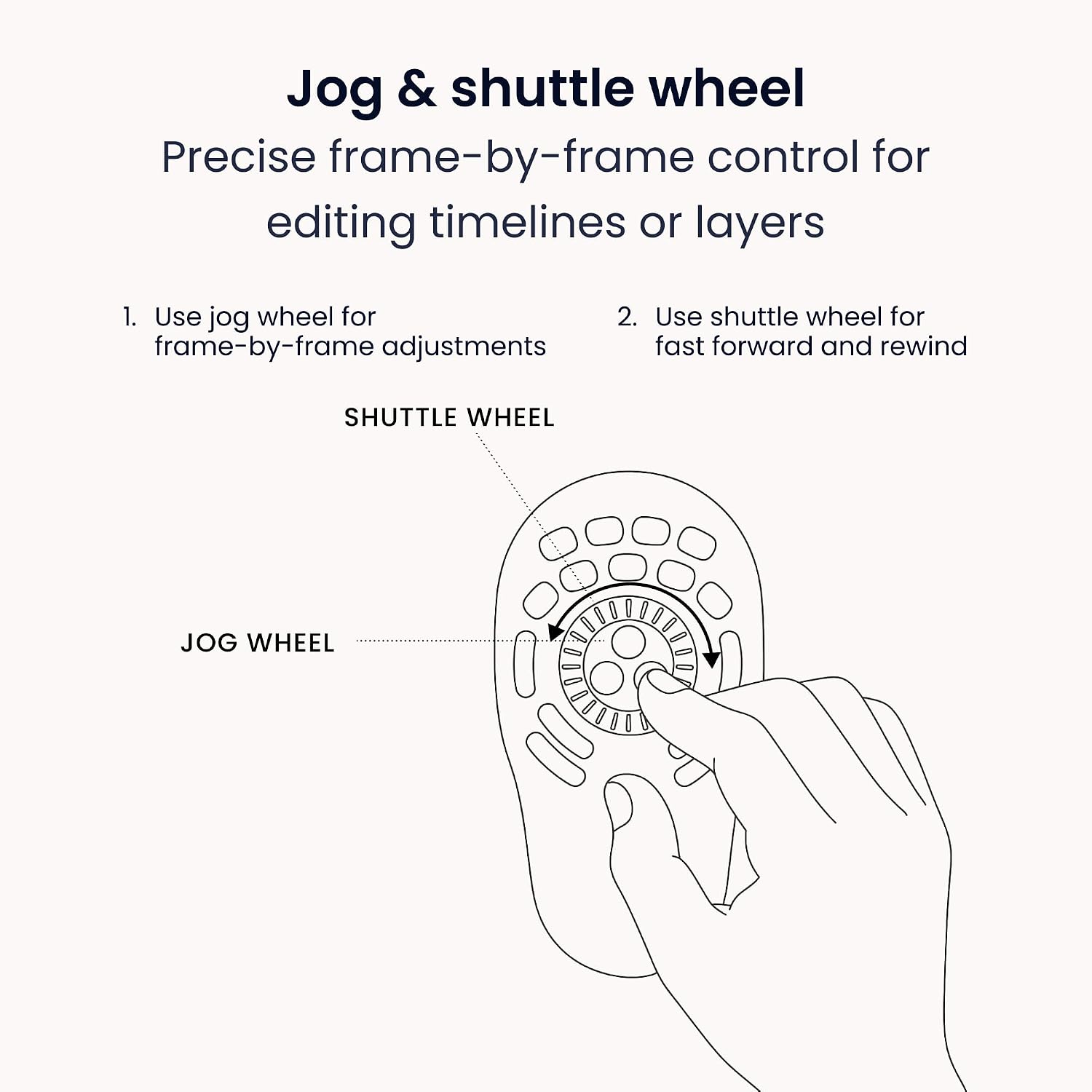
The inner dial supports frame-by-frame scanning, while the outer ring moves forwards or backwards through a timeline at multiple speeds. This gives video and audio editors a tactile way to review material and make precise adjustments without reaching for keyboard commands each time. The buttons can be assigned shortcuts or macros, helping keep repeated actions close to hand. For photo work, graphic design and other supported tasks, the same controls can be set up around the actions used in each application.
Everyday compatibility
Contour’s downloadable drivers for Mac and PC are pre-configured for more than 100 popular applications, including video, audio, photo, design and office software. The controller can detect the active application and adapt its assigned functions, which is useful when switching between programmes during a working session. You can also customise button assignments for your own regular tasks. As it connects over USB and works alongside a mouse and keyboard, it adds dedicated controls without replacing the familiar parts of your setup.
Customer feedback highlights the controller’s functionality, including basic keypress and mouse-wheel operations. Comments on reliability are mixed, so individual experiences vary, the practical appeal is its combination of programmable buttons and hands-on timeline control.
How to use it
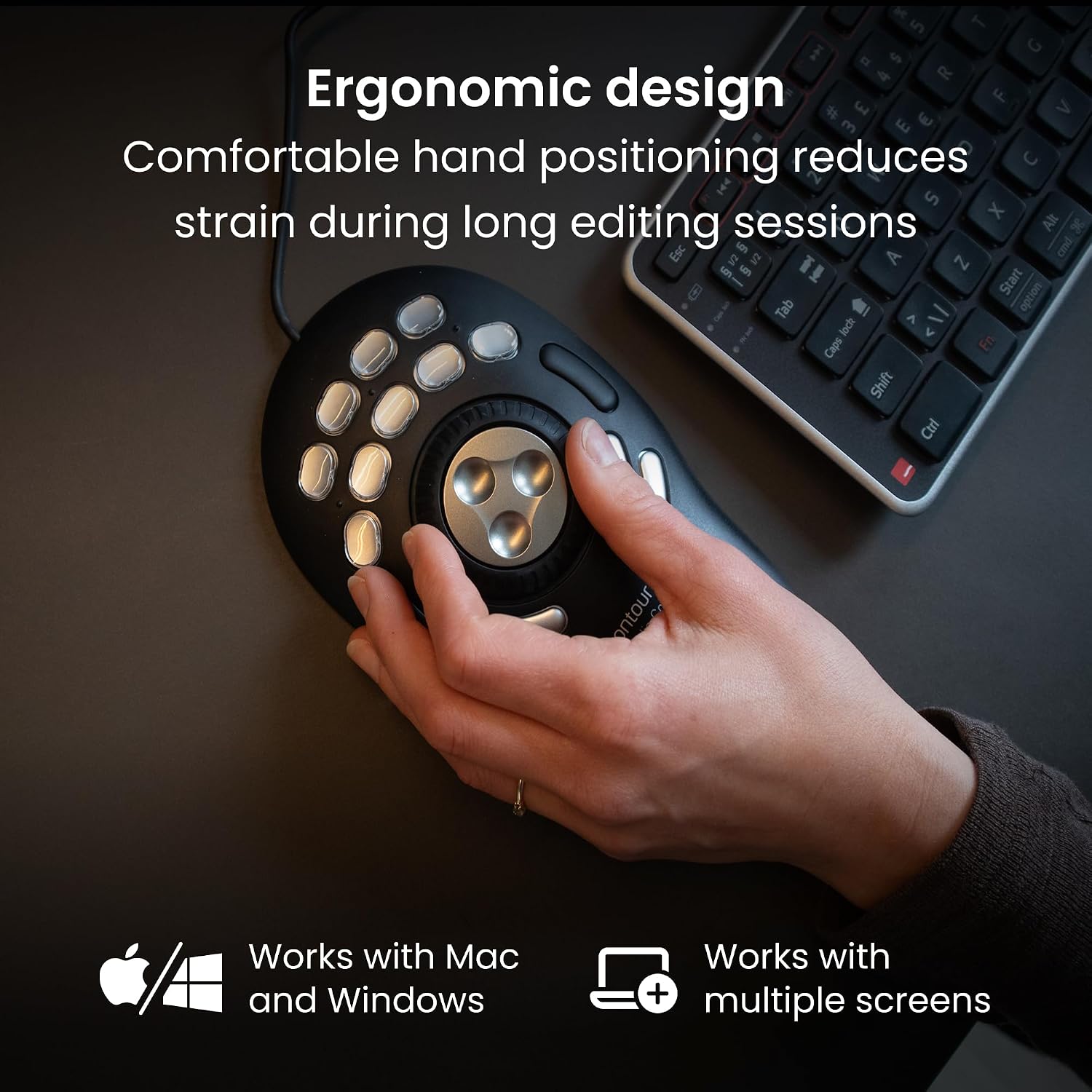
Install the driver for your computer, connect the controller by USB and open the application you want to use. Use the inner dial to scan media frame by frame, or turn the outer ring to move backwards and forwards through a timeline at different speeds. Assign frequently used shortcuts or macros to the programmable buttons to make repeated editing steps easier to reach. For example, while reviewing a video, you can use the dial to locate a frame and button assignments to bring commonly used commands within reach.
Practical questions
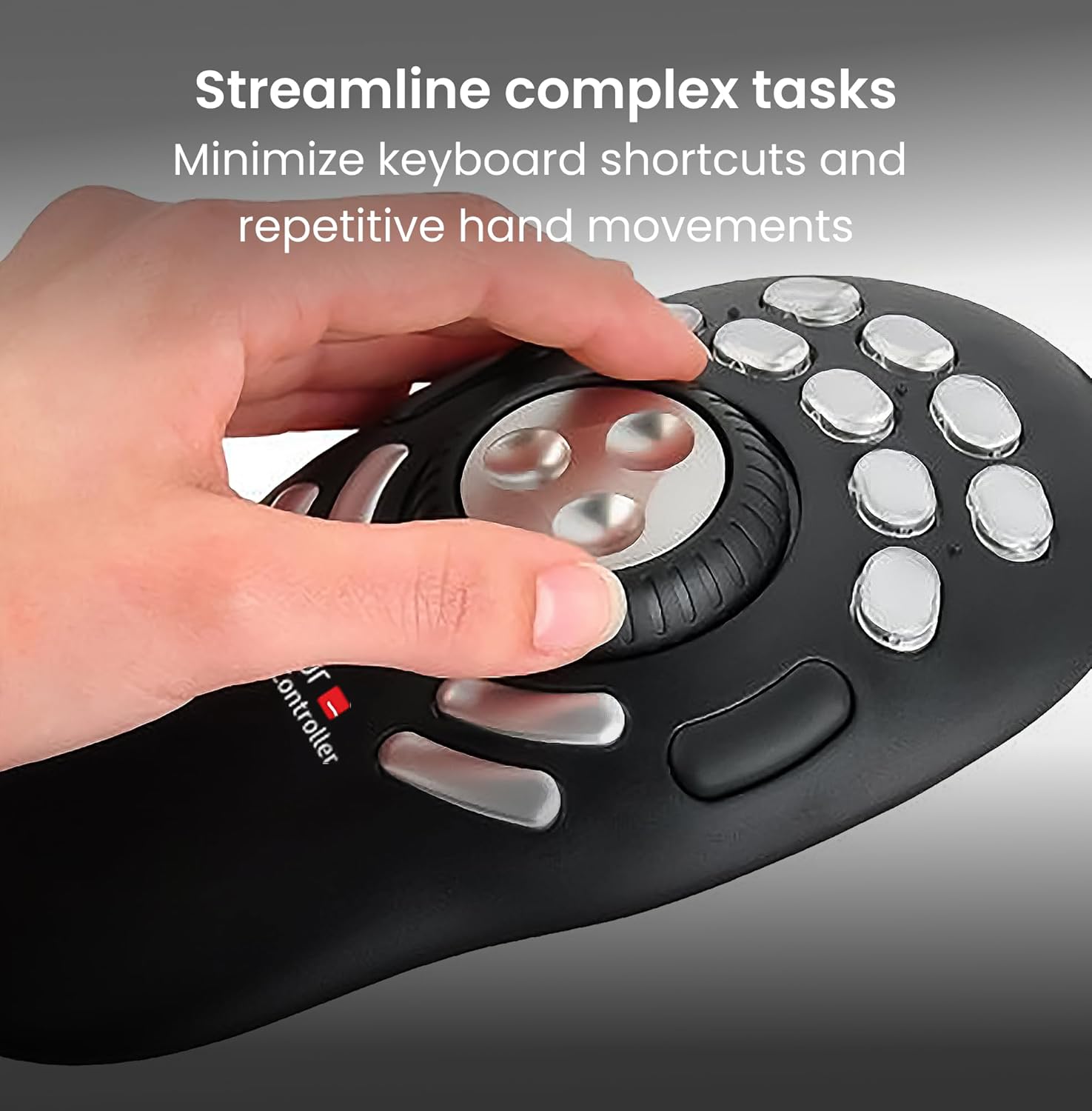
Can it control video and audio timelines? Yes. The inner dial is designed for frame-by-frame scanning, and the outer ring supports multi-speed movement in either direction. These controls are also suited to reviewing audio tracks.
Can I customise the buttons? Yes. The 15 buttons can be assigned shortcuts or macros for supported applications, so frequently repeated actions can be accessed from the controller.
Does it need software to work with a computer? A driver is required. Contour provides downloadable drivers for Mac and PC, with pre-configured profiles for more than 100 popular applications.
Should you buy it?
Choose the Shuttle PRO V.2 if your day involves repeated media review, timeline navigation or shortcuts across creative applications. Its USB connection, tactile jog controls and programmable buttons make it a practical companion to a computer setup where more direct control can simplify frequent editing actions.