

Turtle Beach Kone XP Air TBM-1101-05 Wireless RGB Gaming Mouse, 19,000 DPI
Reviews
Price
Product description
With a black plastic shell, the Turtle Beach Kone XP Air brings an ergonomic shape and customisable controls to a wireless gaming mouse.
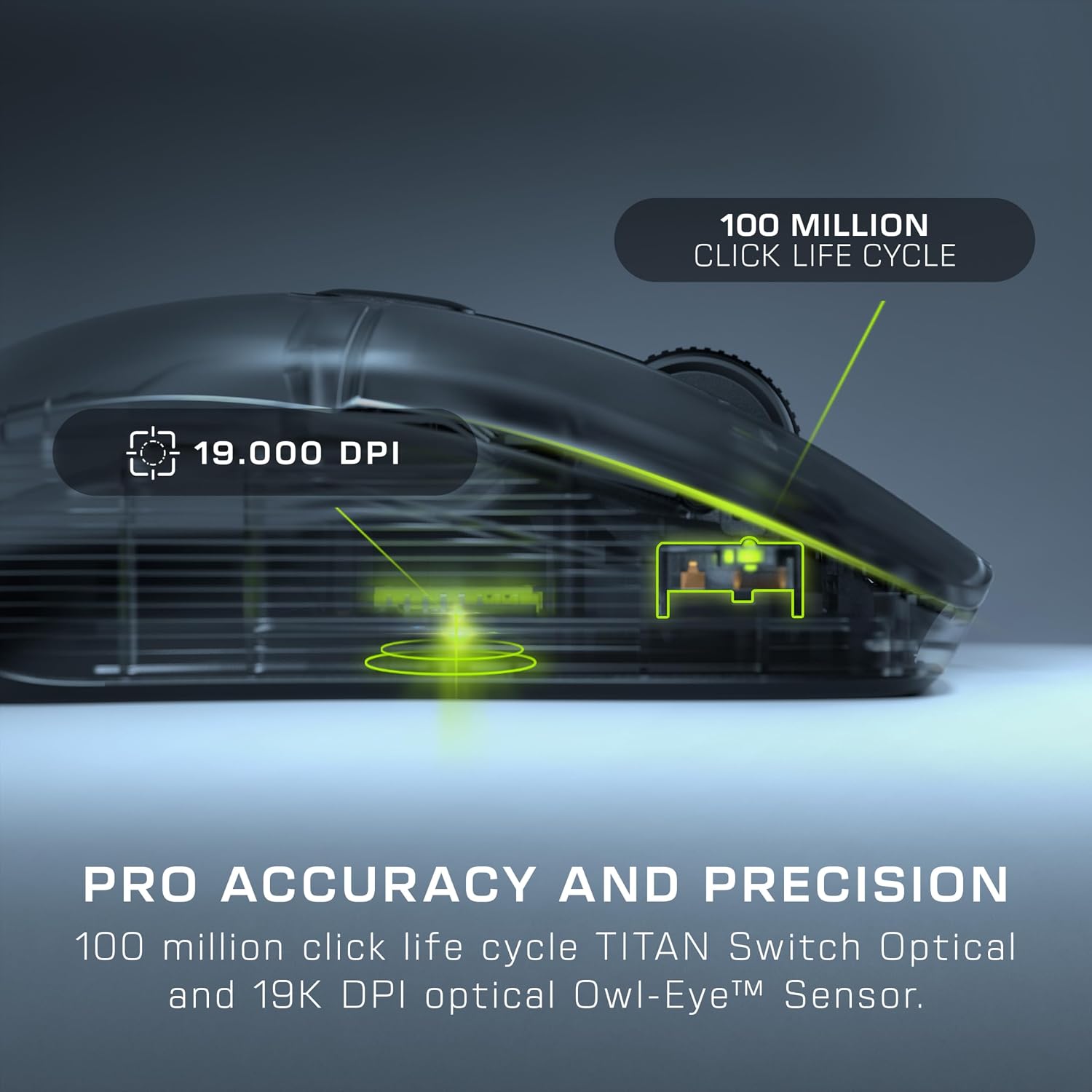
Choose between 2.4GHz wireless for gaming or Bluetooth for a different connection option. The Owl-Eye optical sensor offers sensitivity up to 19,000 DPI.
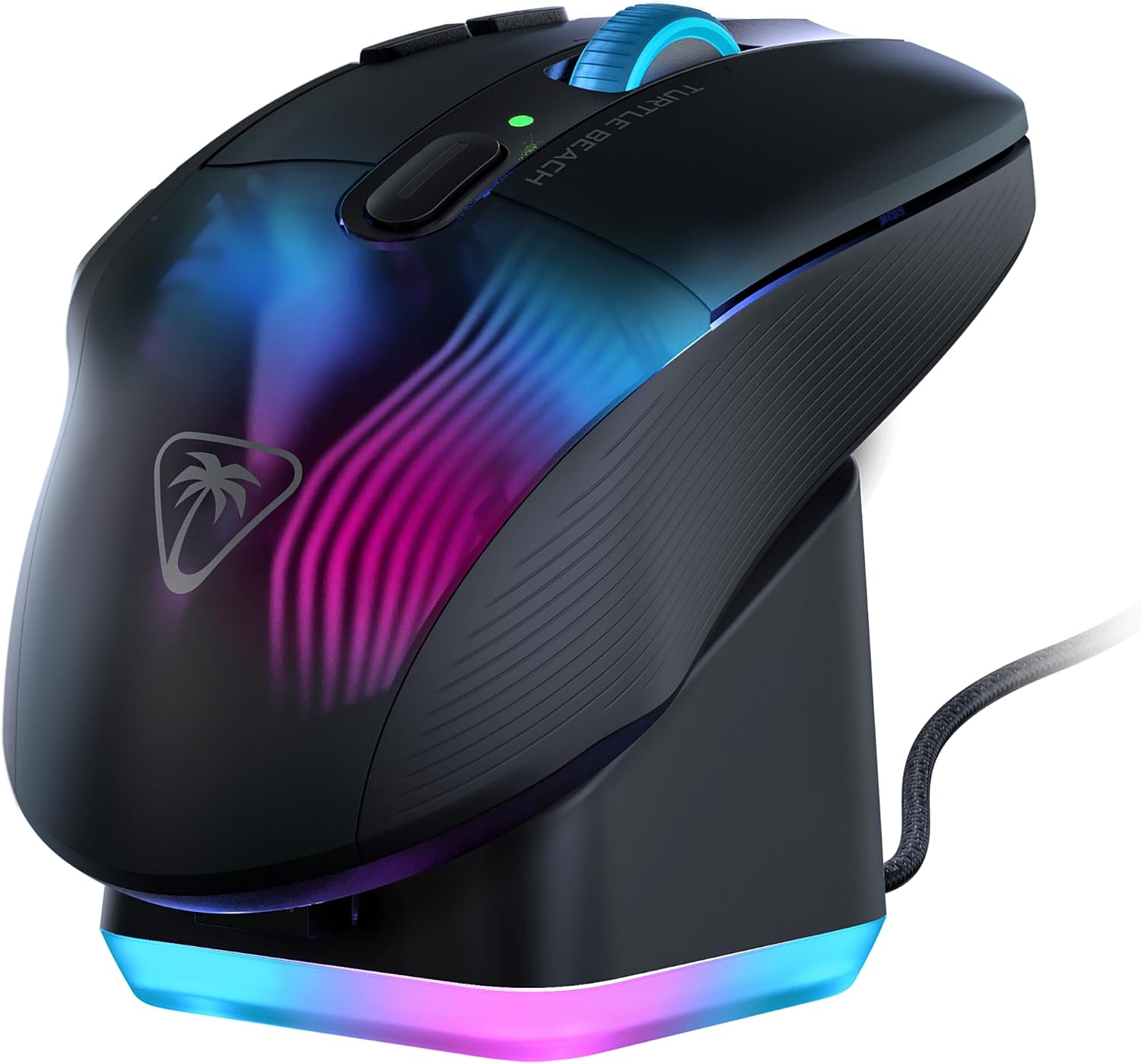
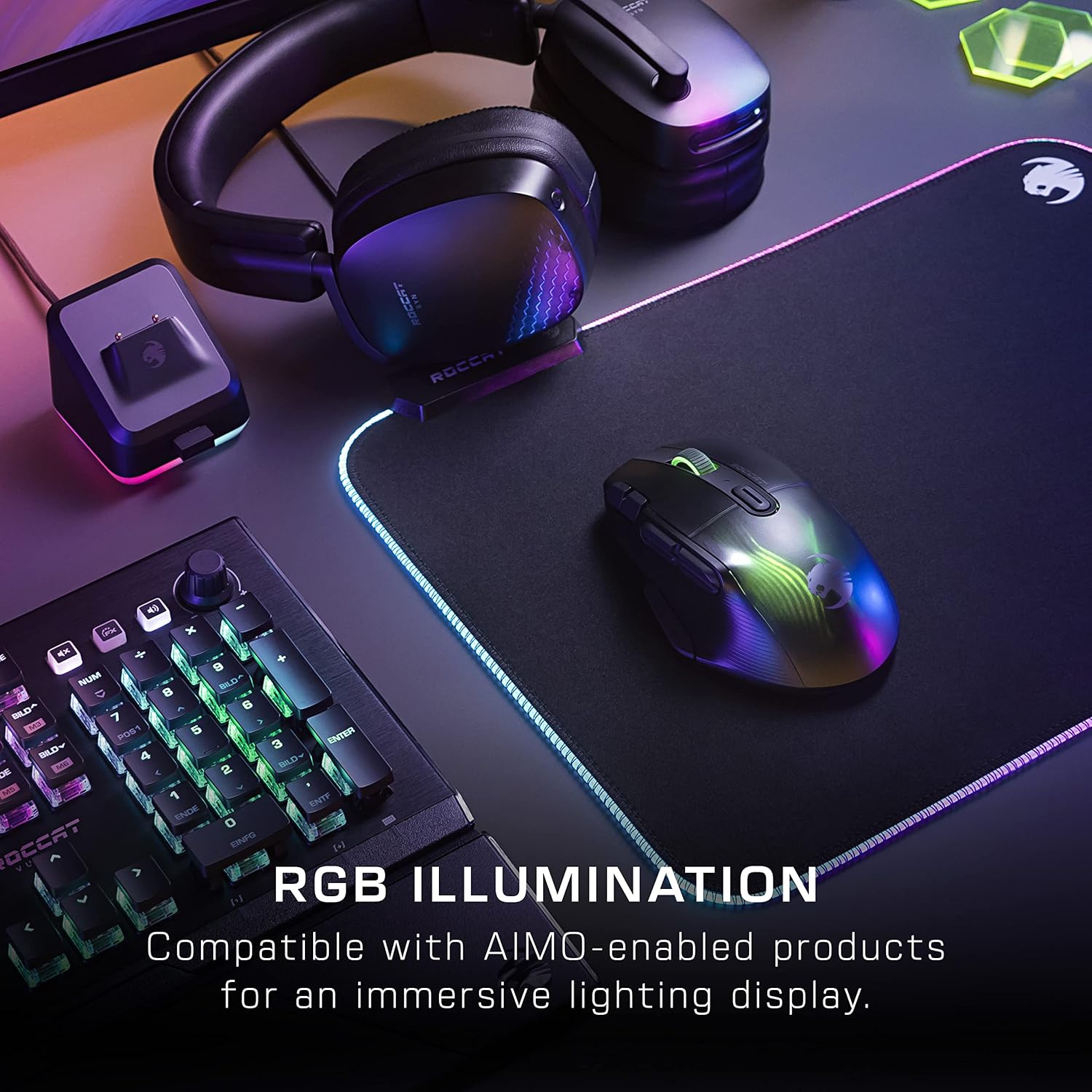
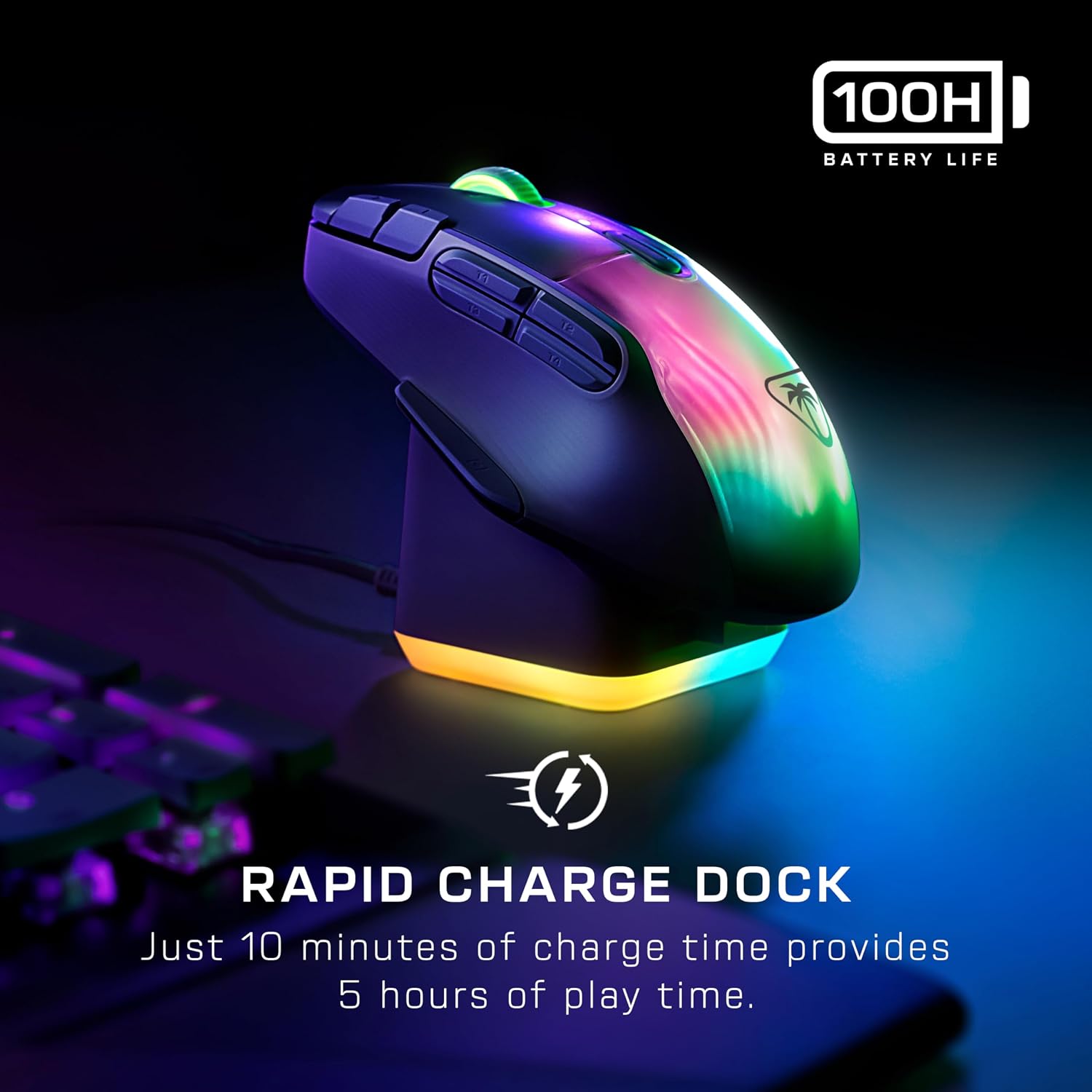
Its charging dock adds a practical place to recharge and four RGB lighting zones for your desktop. The mouse itself has five RGB zones, with AIMO lighting effects that can synchronise with compatible products.
Key points
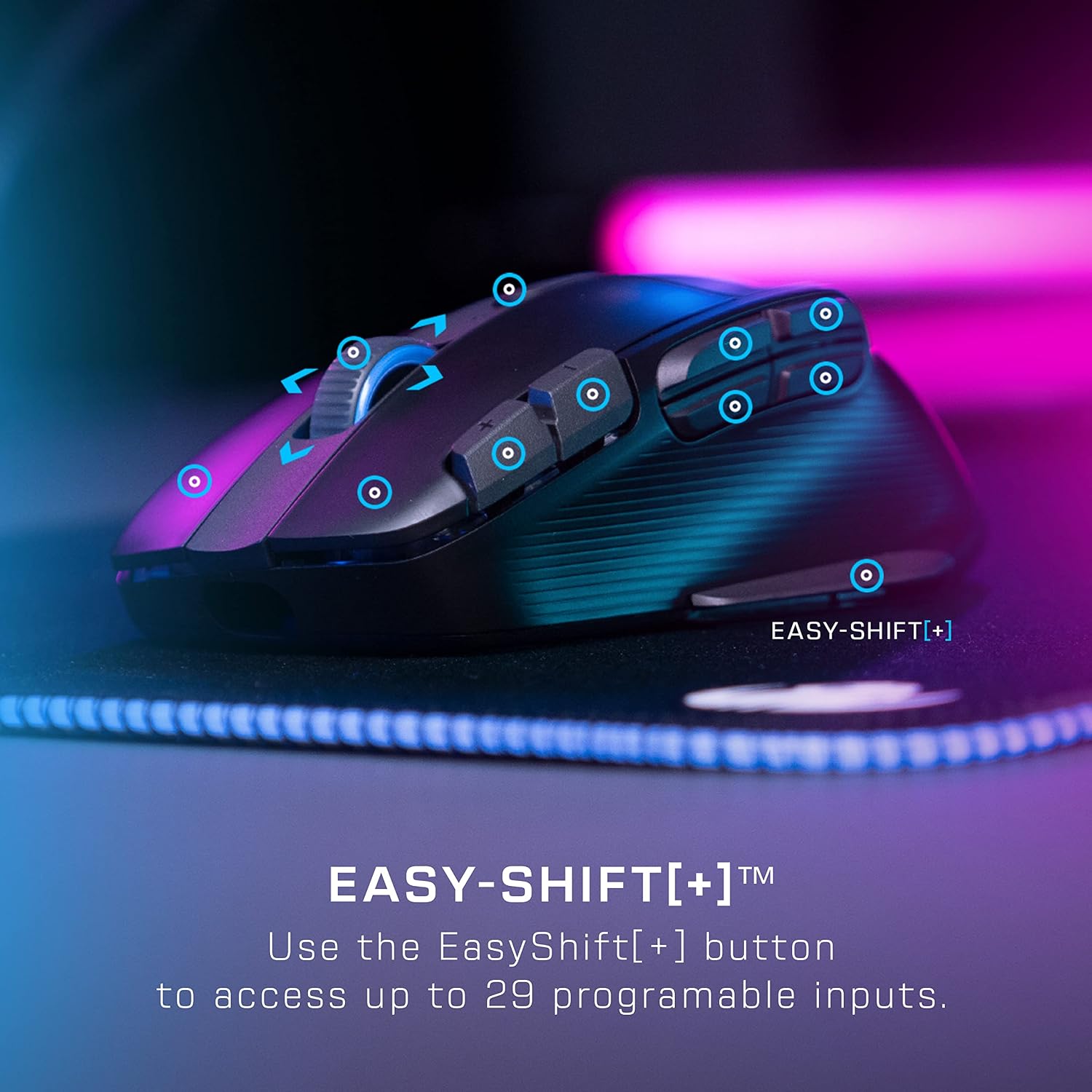
Ten buttons and a 4D wheel provide a range of controls, while the Easy-Shift[+] duplicator button lets you configure them as 29 programmable inputs. That gives you room to assign commands to the mouse rather than relying as heavily on keyboard shortcuts. It’s a useful approach for games where quick access to several actions matters, a simpler mouse with fewer controls may suit someone who prefers a more basic layout.
The 19,000 DPI Owl-Eye optical sensor is designed for smooth, accurate tracking. Connect over 2.4GHz or Bluetooth, depending on how you want to use the mouse. For a gaming session at a PC, the 2.4GHz option offers a dedicated wireless connection, while Bluetooth gives you another way to connect. The charging dock provides up to five hours of gameplay from a 10-minute charge, and battery life is stated at up to 100 hours on a full charge.
On-body feel
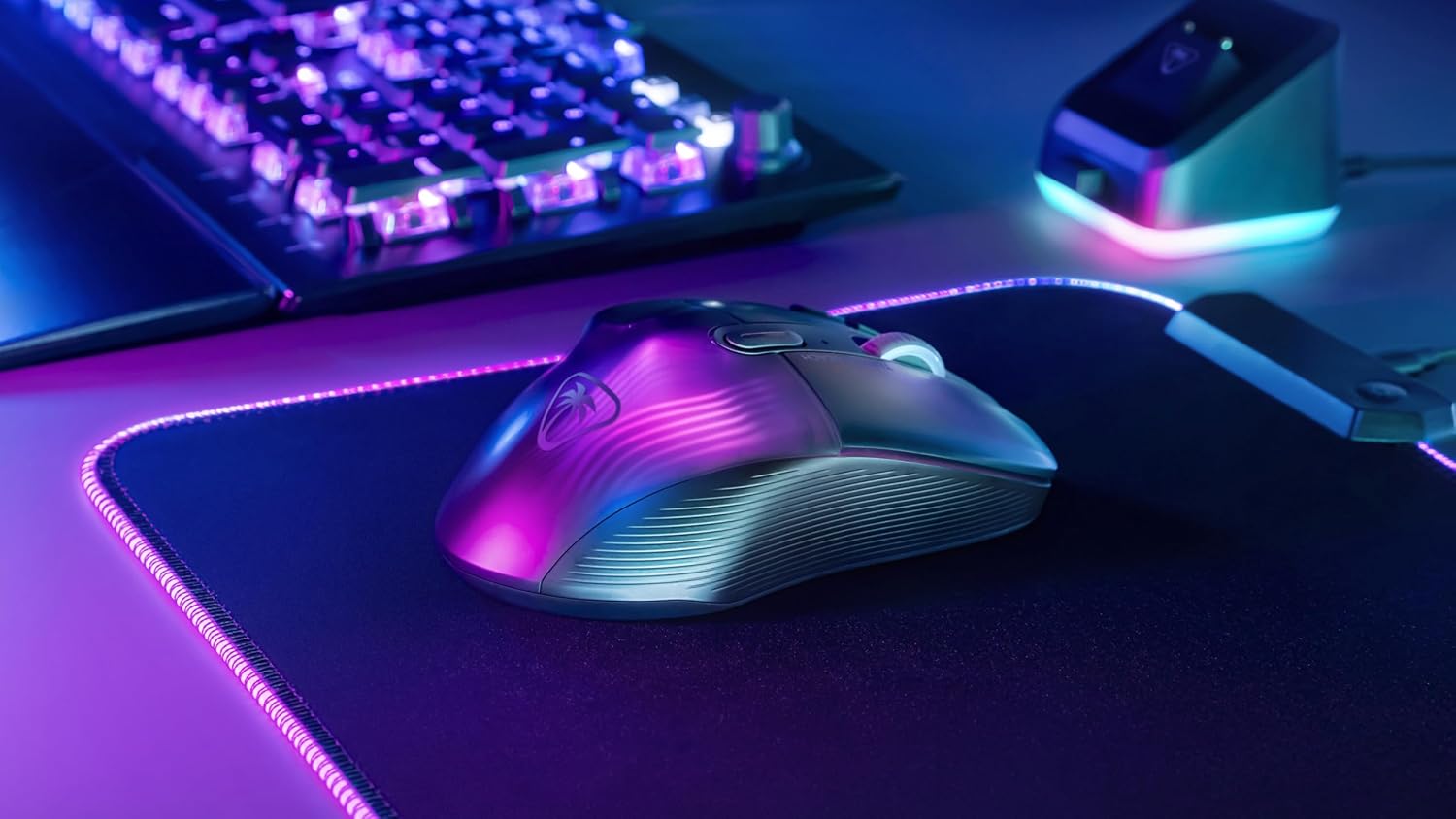
The Kone shape is designed with comfort in mind for longer gaming sessions, and the lightweight build keeps the mouse easy to move during play. Buyers often highlight its feel and weight, as well as the number of available buttons. Feedback on the button layout is mixed, so its appeal is strongest for players who want customisable controls and are happy to make use of them.
Everyday use
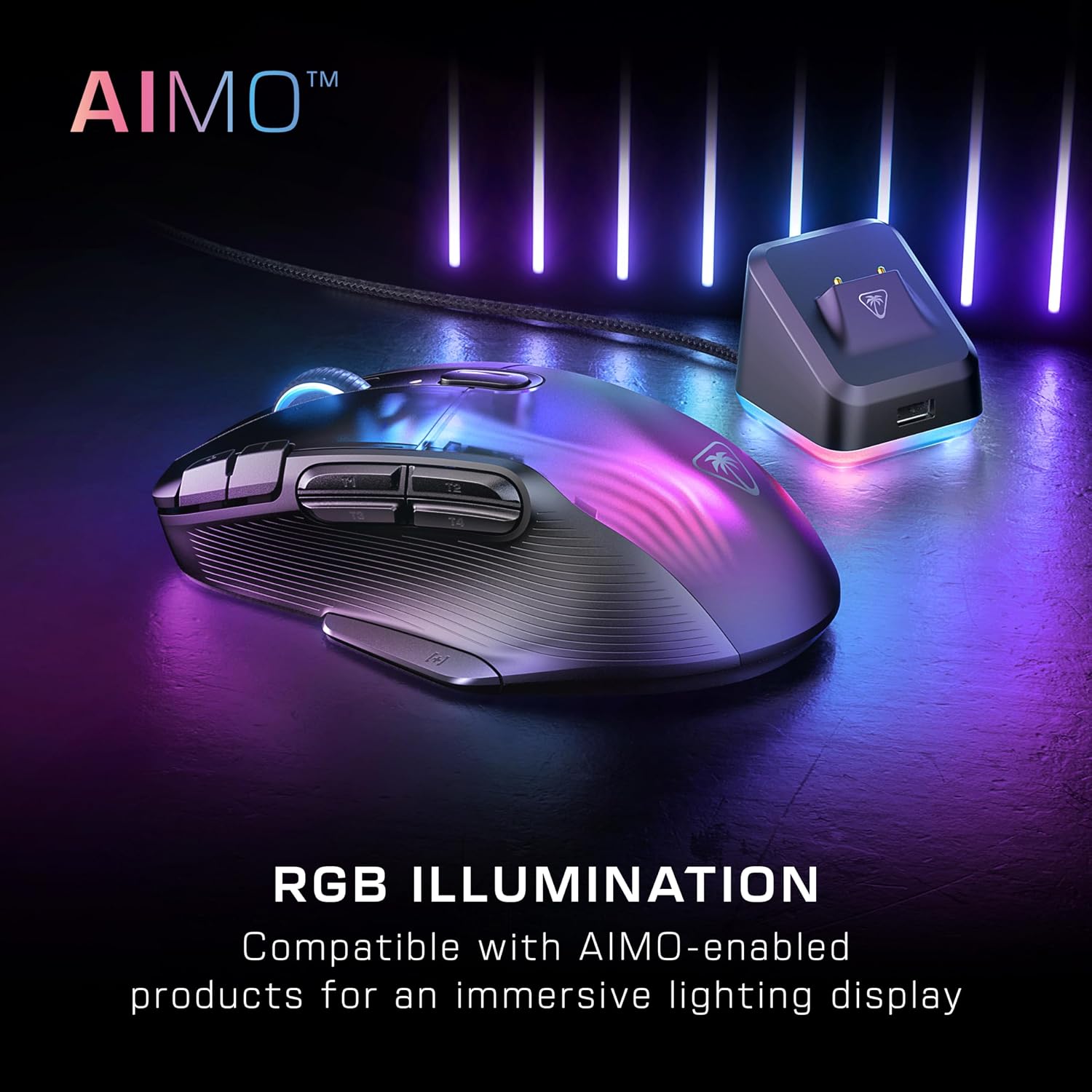
Use the mouse wirelessly at your PC, then place it on the dock when it needs charging. The dock also has a front USB port for the 2.4GHz adapter, helping keep that connection close at hand. The package includes a receiver and USB Type-A to USB Type-C cables. AIMO lighting adds colour across the translucent housing and wheel, with effects that work without extra configuration and can synchronise with compatible AIMO products.
Buyer feedback on software, responsiveness and battery life is mixed, and some buyers raise reliability concerns. These views sit alongside positive comments about the shape, weight and button options, so the customisable design and connection choices are the clearest reasons to consider this model.
Should you buy it?
It’s a good fit if you want a wireless gaming mouse with more control options than a basic button layout, plus a choice of 2.4GHz and Bluetooth connections. The programmable inputs suit players who like to tailor commands to their games, while the dock and lighting bring charging and desktop effects into the same setup. For PC gaming where accessible controls and wireless flexibility matter, the Kone XP Air brings those features together in one ergonomic mouse.