

Acer ODK5D0 6-in-1 USB-C Hub with 4K HDMI, Gigabit Ethernet and 100W PD
Product description
If your laptop or tablet has a single USB-C connection and you need wired networking, an external display and extra USB ports, the Acer ODK5D0 brings those connections together in one hub. Its aluminium casing and braided nylon cable make it a practical addition to a desk setup or a bag for working away from home.
Connect a compatible display over HDMI, add accessories through USB-A or USB-C, and use Gigabit Ethernet for a wired network connection. The separate USB-C PD port can also pass through charging, helping you keep a compatible device powered while using the hub.
Tech summary
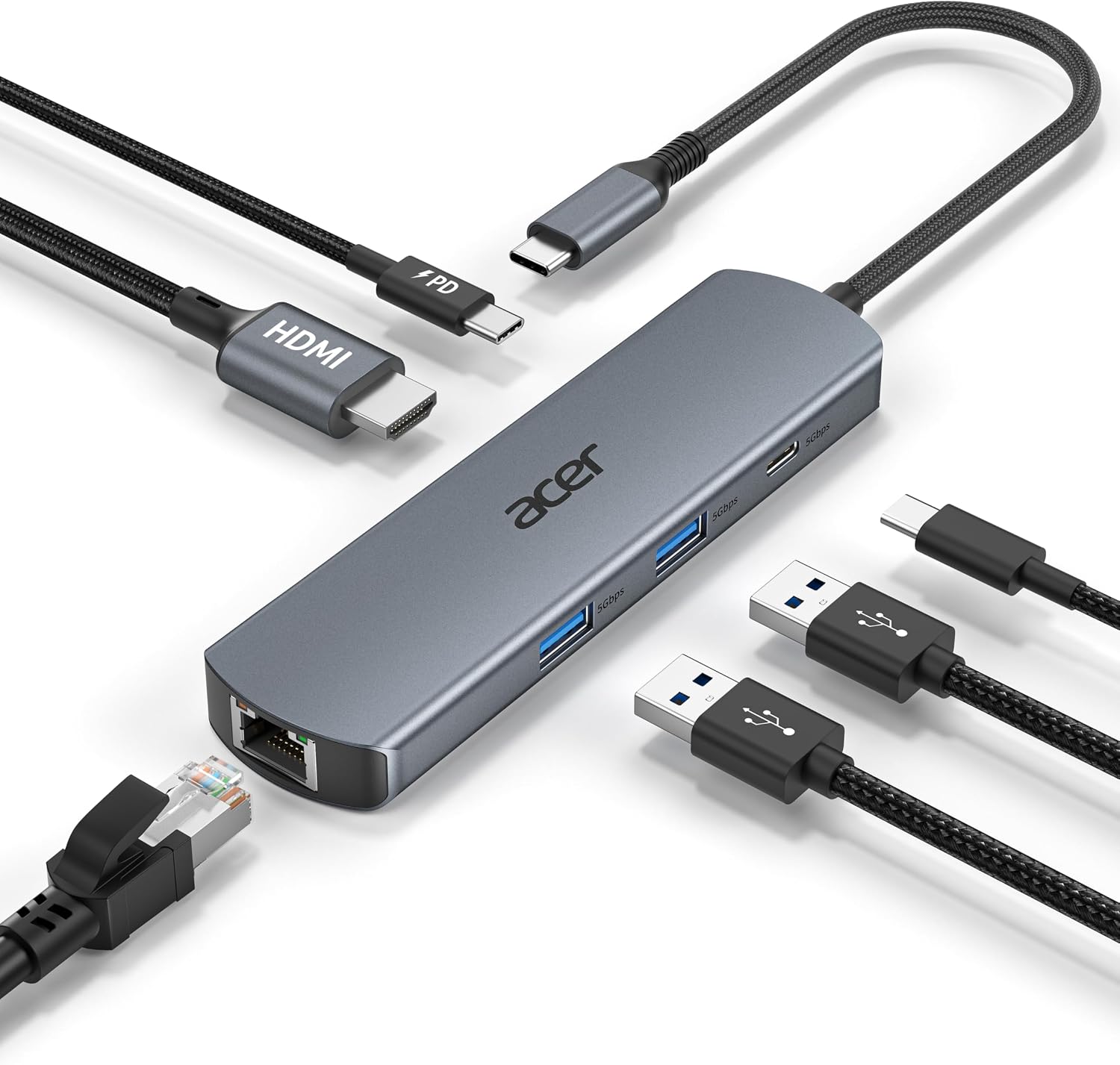
- Type: 6-in-1 USB-C hub
- Video: HDMI up to 4K at 60Hz, supports mirrored or extended display use
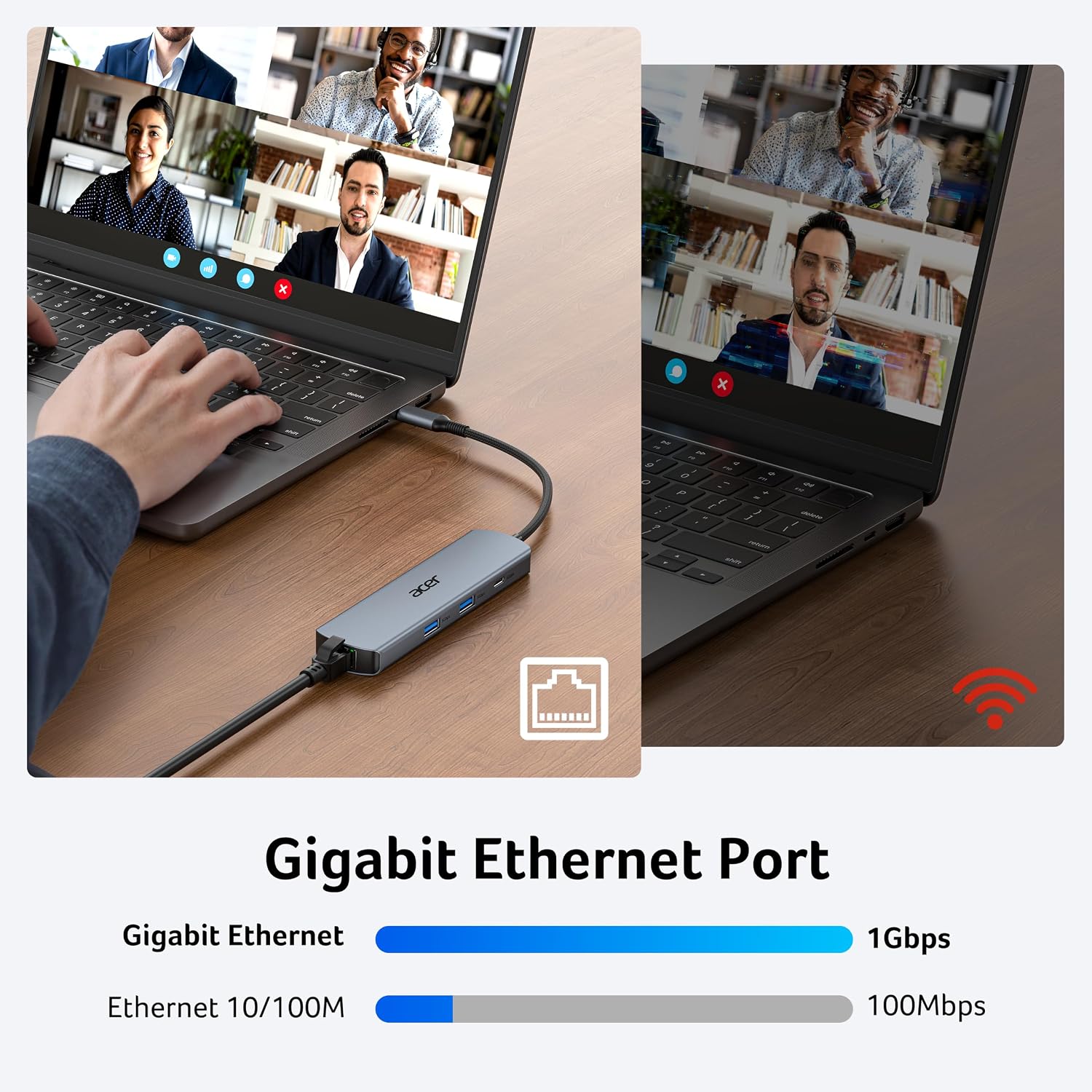
- Network: Gigabit Ethernet, with backward compatibility for 10/100 Mbps
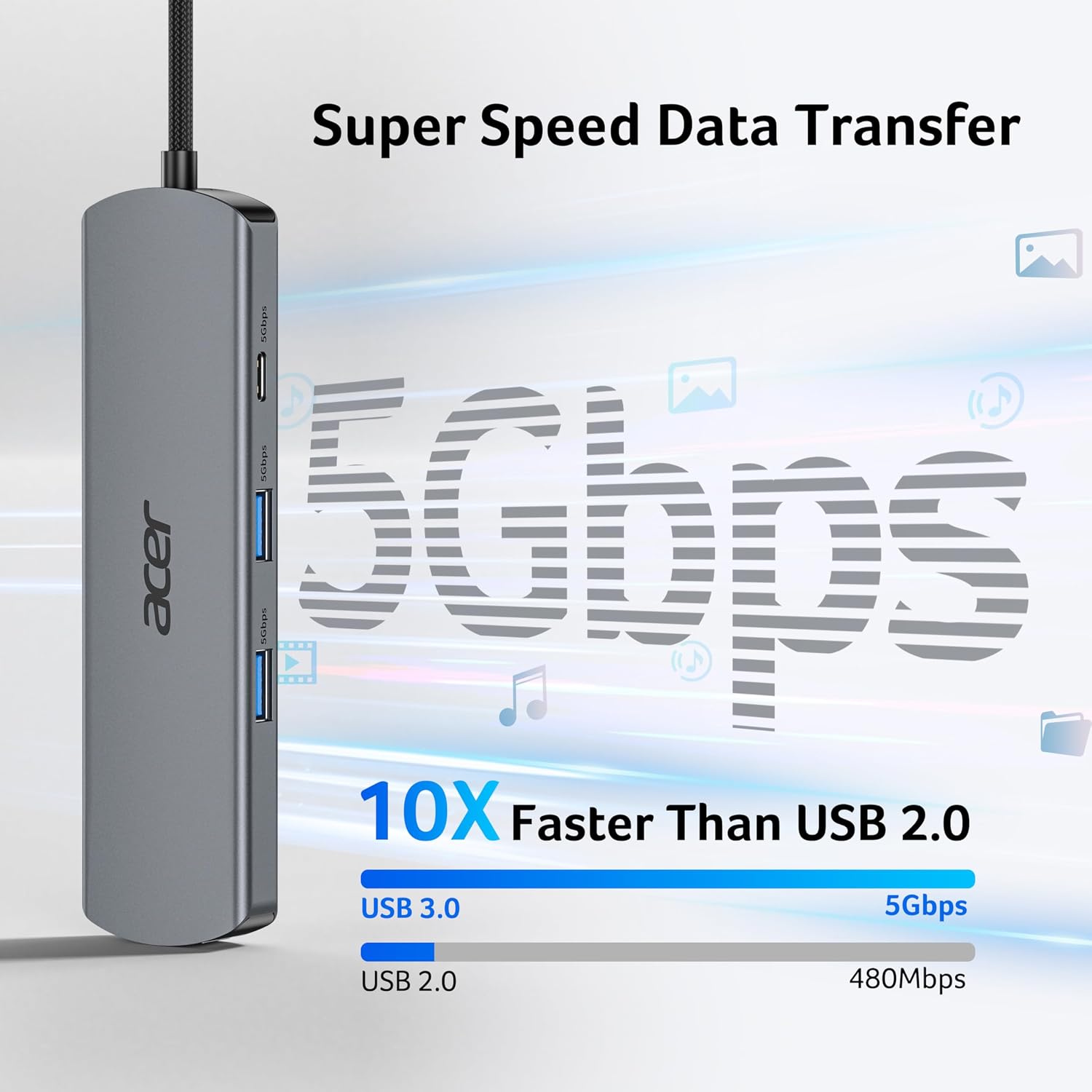
- Data ports: Two USB-A and one USB-C, up to 5Gbps
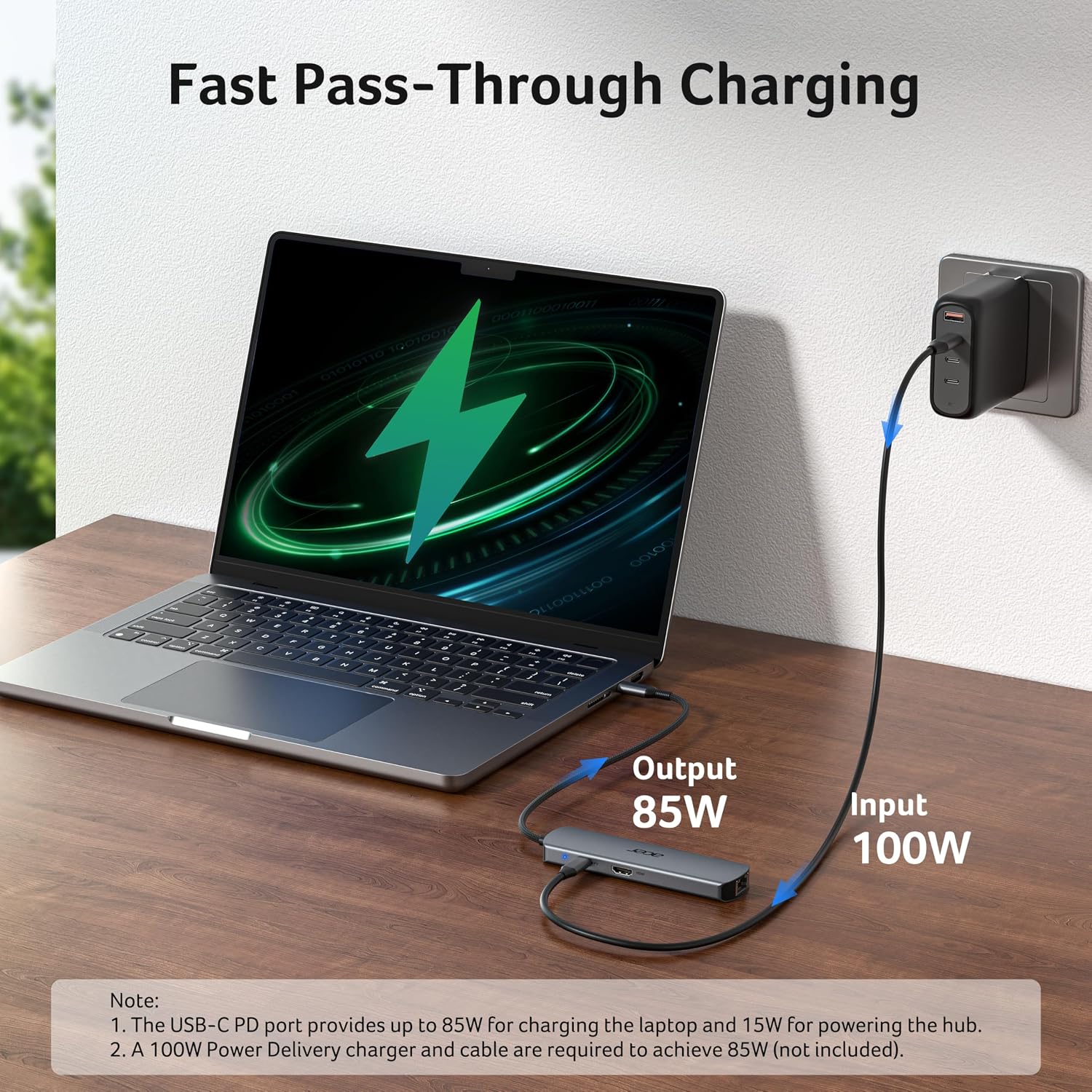
- Charging: USB-C Power Delivery up to 100W
- Material and colour: Aluminium, grey
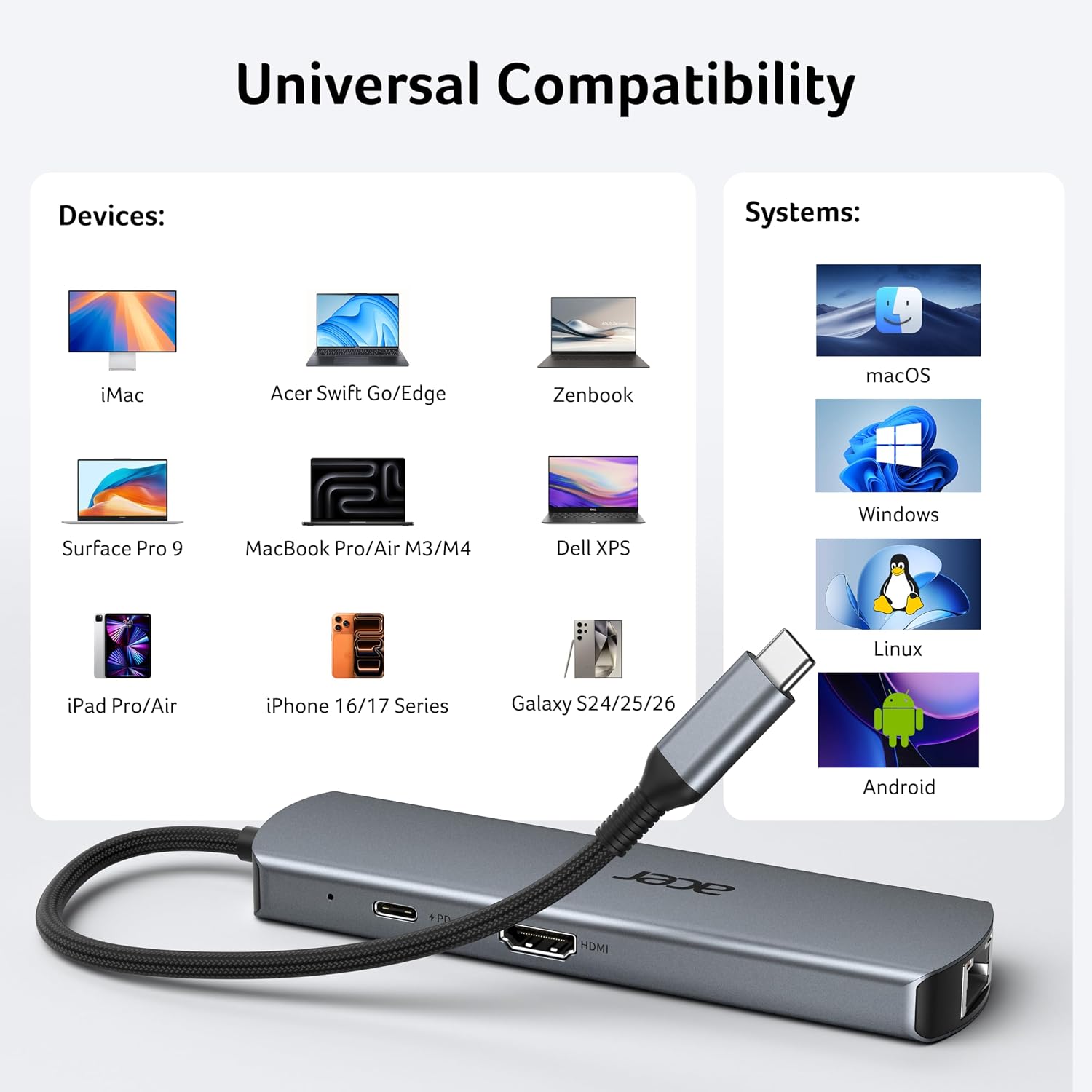
- Compatibility: USB-C 3.1 or Thunderbolt 3/4 ports with DisplayPort Alternate Mode, Windows, macOS and Linux
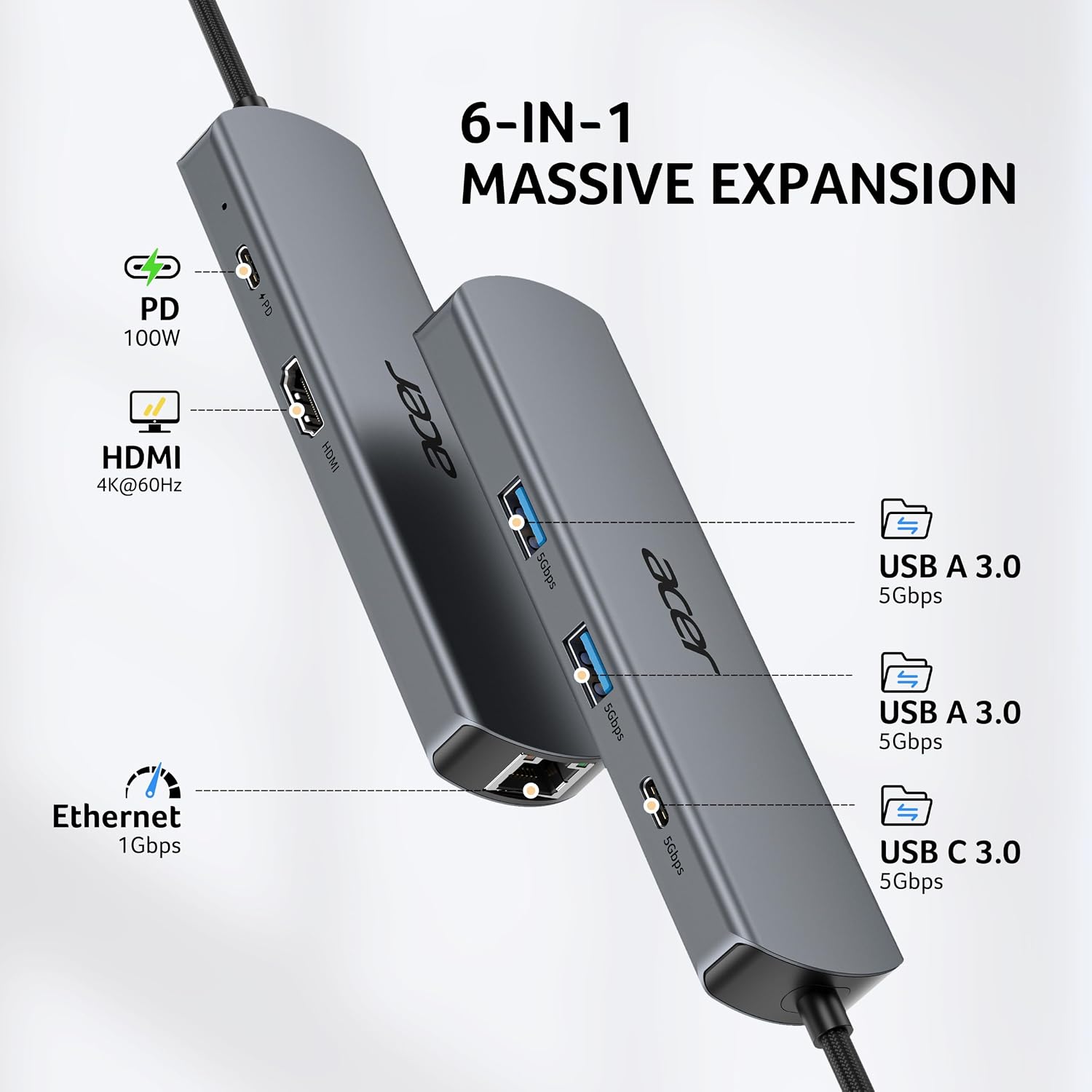
The separate functions make this hub useful when a slim device needs more than its built-in ports can provide. The HDMI connection supports a sharper, smoother 4K display at 60Hz, while a wired Ethernet connection can provide a direct network link for video calls, online classes or large file transfers. To reach 1Gbps Ethernet speeds, use a CAT6 or higher cable.
The USB-A and USB-C data ports handle peripherals and file transfers at up to 5Gbps. The USB-C PD port is for charging, the data ports do not support charging. It accepts up to 100W, with charging speed dependent on the connected device and cable. A charger rated at 45W or higher is recommended, and the device’s USB-C port must support Power Delivery.
Best use cases
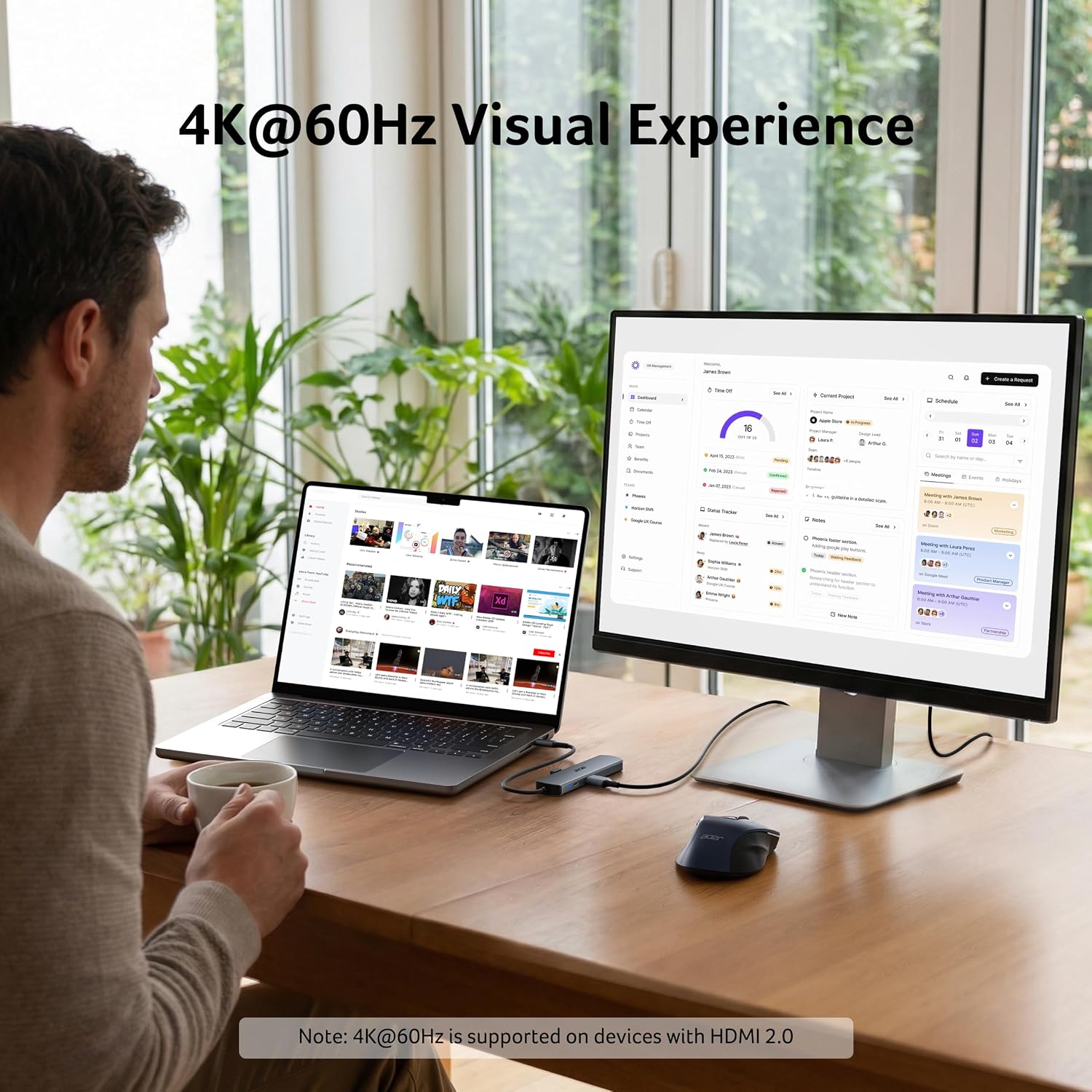
For a home or office desk, connect a monitor, wired network and USB accessories through one hub rather than choosing a basic adapter that only adds a single connection. It also suits mobile work: pack it with a compatible laptop or tablet and you can use the same mix of display, network and data connections in different workspaces.
Before relying on HDMI, make sure the device supports video output over USB-C. With macOS, external monitors connected through the HDMI port display the same content. Buyers highlight the useful range of ports and straightforward setup, feedback on build and connectivity is mixed, so real-world experience is not uniform.
How to use it
Connect the hub to a compatible USB-C port. Attach a monitor by HDMI, plug in USB accessories, and connect an Ethernet cable if you want a wired network. For wired gigabit speeds, use CAT6 or higher. To charge through the hub, connect a suitable USB-C PD charger to its PD port, charging speed varies with the device and cable. No extra driver is required for plug-and-play use.
Practical questions
Will HDMI work with every USB-C device? No. The device’s USB-C connection must support video output through DisplayPort Alternate Mode. Check that capability for the particular laptop, tablet or mobile phone before connecting a display.
Can the hub charge a laptop while its other ports are in use? The USB-C PD port supports up to 100W pass-through charging. The device must support USB-C Power Delivery, and charging speed depends on the device and cable.
Can I use the USB ports to charge accessories? The USB-A and USB-C data ports are intended for data transfer and do not support charging. Use the dedicated USB-C PD port for compatible device charging.
Buying verdict
Choose the Acer ODK5D0 if your compatible USB-C device needs several everyday connections in one hub: HDMI for a screen, Ethernet for a wired network, three high-speed data ports and a dedicated PD charging port. It brings these functions together for desk-based work, study or a more connected mobile setup.