

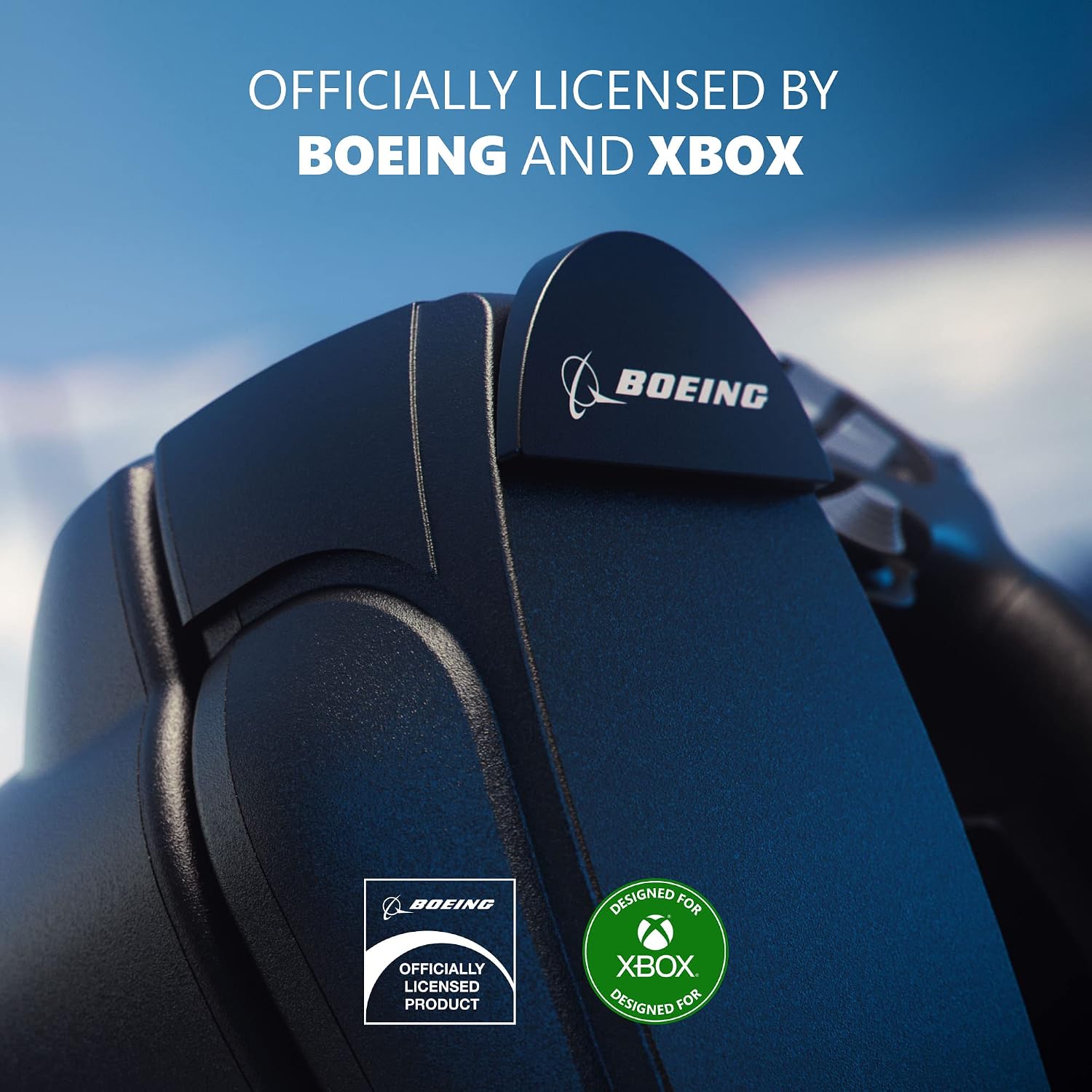
Thrustmaster TCA YOKE BOEING ED. 4460209 Flight Simulator Yoke, USB for PC and Xbox
Product description
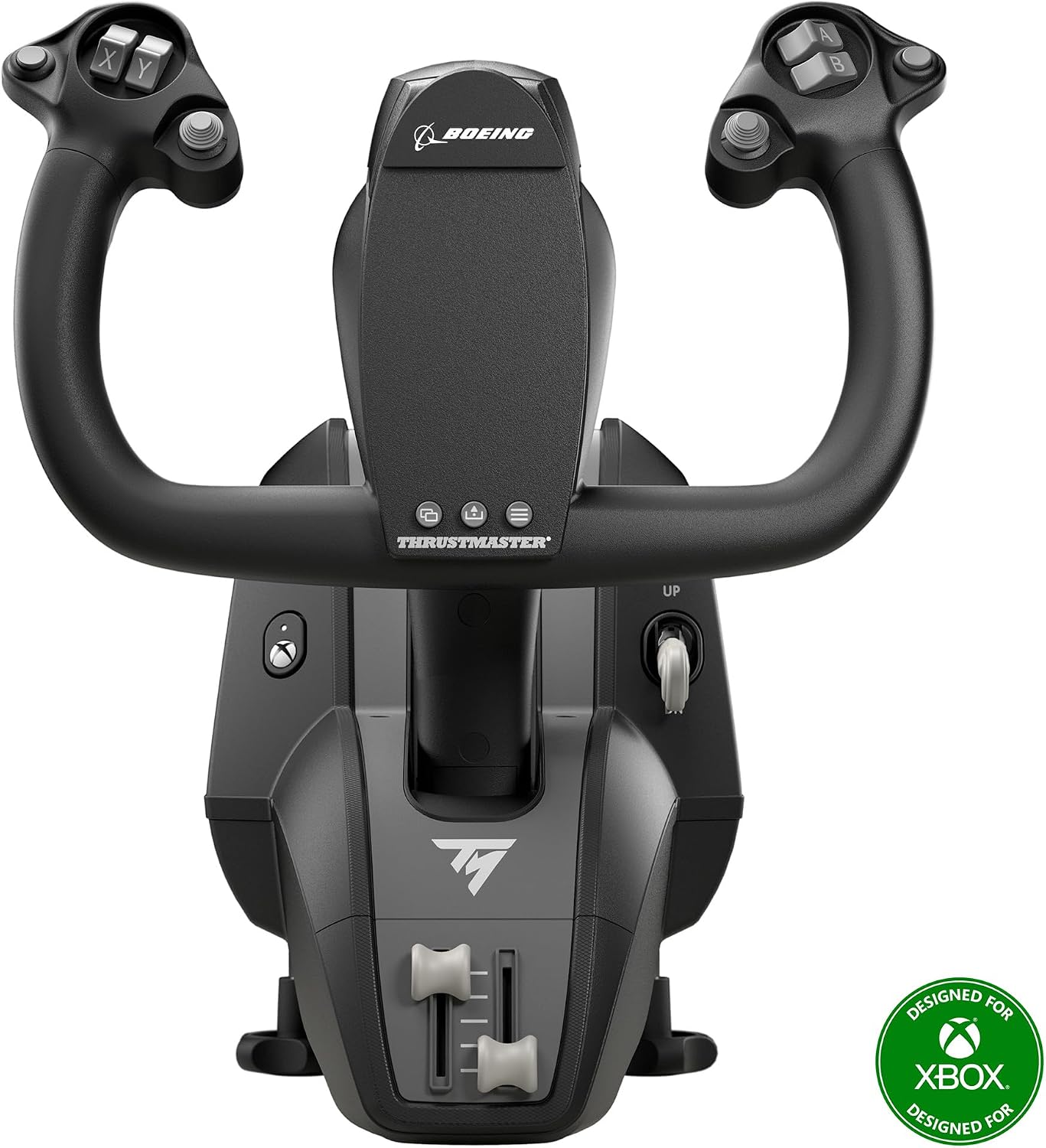
For flight simulation, a dedicated yoke offers a more focused way to steer than a general-purpose controller. The Thrustmaster TCA YOKE BOEING ED. is a USB flight yoke for PC and Xbox, bringing a purpose-built control into a home simulator setup. Its Boeing edition identity and compatibility with the listed platforms make it easy to match to the type of flight sim experience you want to build.
Use it as the central yoke input for a flight-simulation session at your desk or with a console. Would a dedicated yoke suit your setup better than a more general control? It is designed for people who want the feel and layout of a yoke as part of their sim experience, rather than simply adding another all-purpose input.
Everyday use
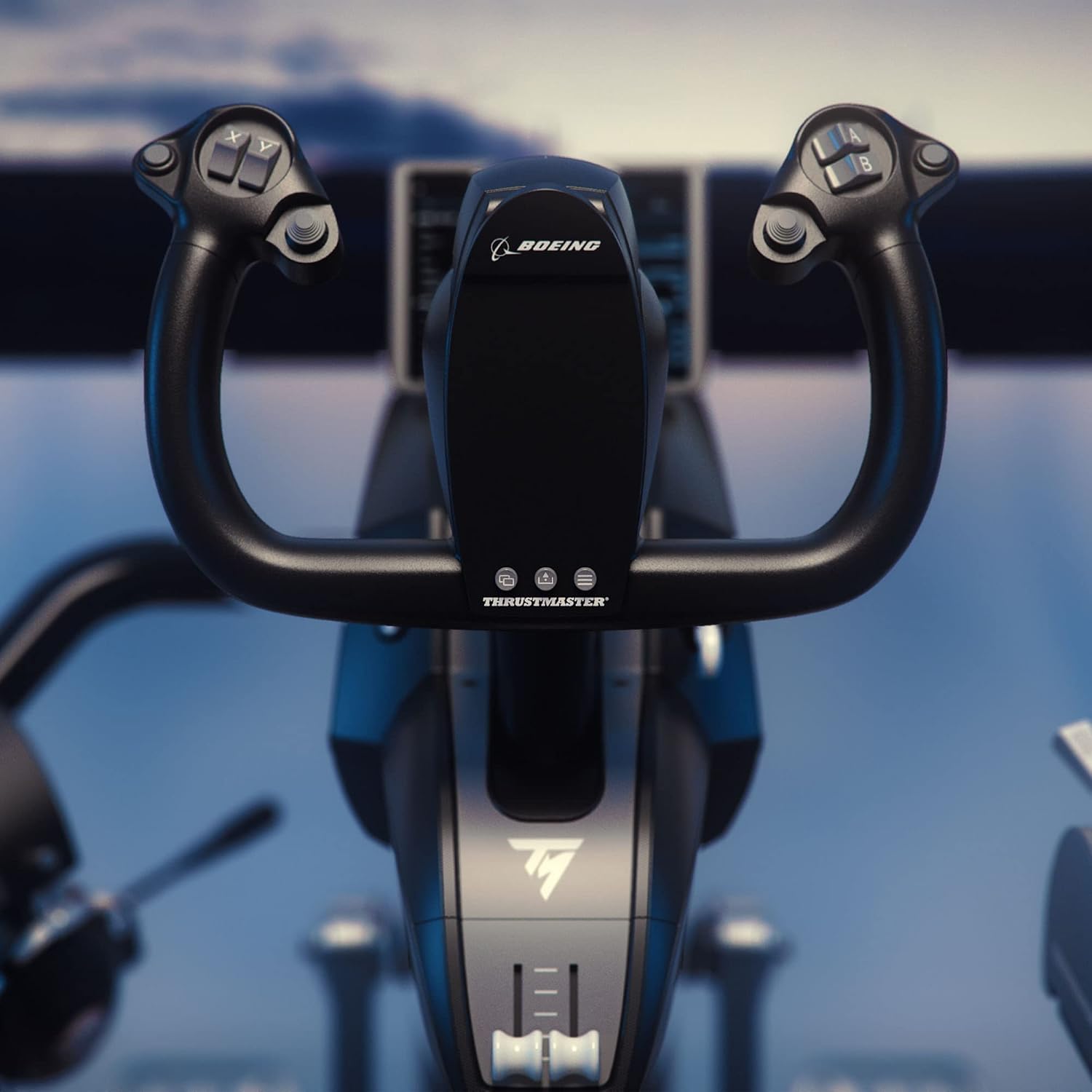
The yoke format gives flight simulation a clear, hands-on steering control. Connect it by USB to a PC or use it with Xbox One or Xbox Series X|S, as listed for this model. That makes it relevant for a setup centred on either computer or console play, with one dedicated control type to organise the experience around. The dimensions are 30.48 x 35.56 x 30.48 cm, so they’re useful to keep in mind when planning where the yoke will sit alongside your screen and other equipment.
Buyers often highlight the ergonomic feel and smooth operation. Some also describe using it with MSFS 2020 and X-Plane in their setups. Feedback on build quality, precision and reliability is mixed, so those impressions are best treated as individual experiences rather than a promise of results. The clearest reason to choose this model is its dedicated yoke format, USB connection and stated PC and Xbox use.
Specifications
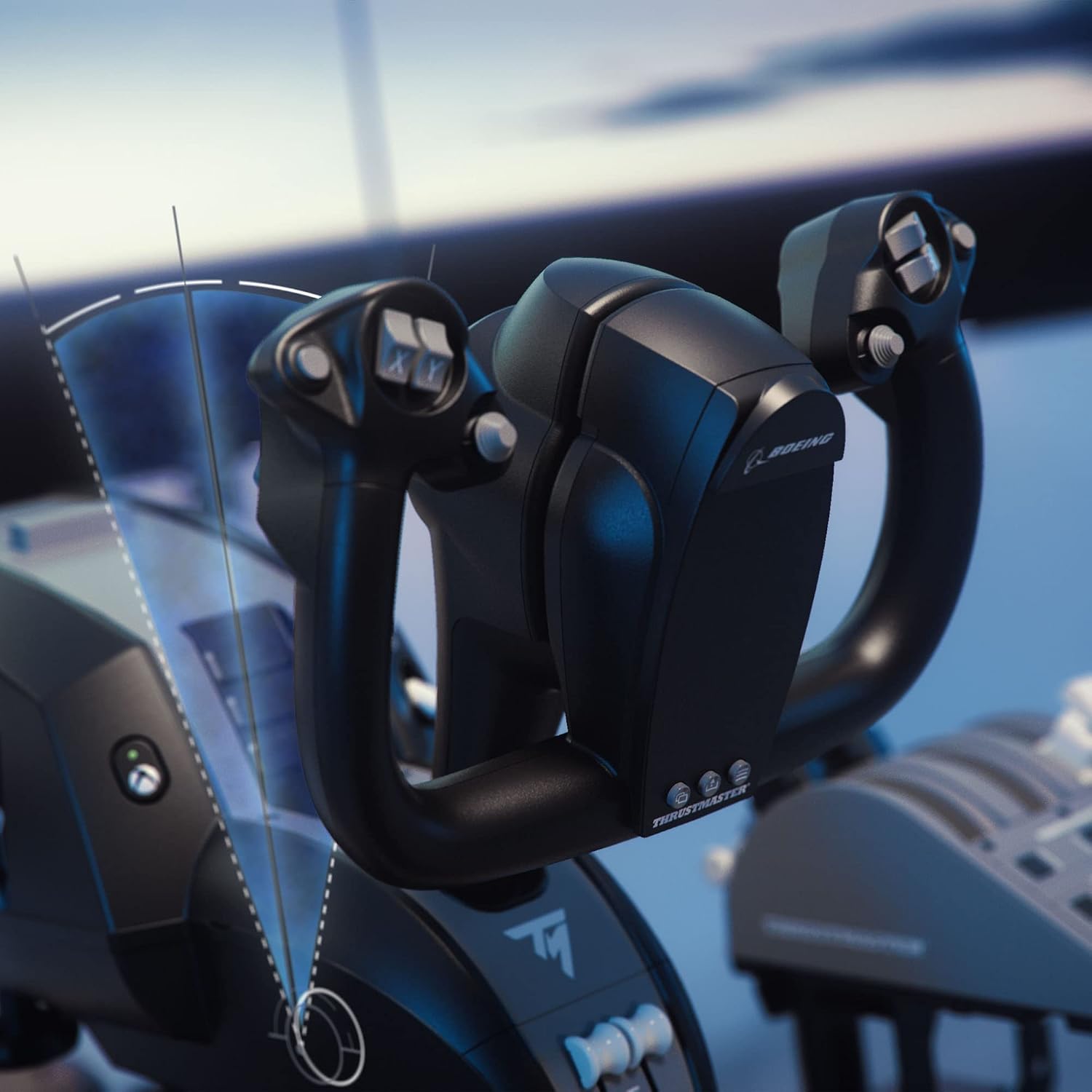

- Name: TCA YOKE BOEING ED.
- Type: Flight simulator yoke
- Connectivity: USB
- Compatibility: PC, Xbox One, Xbox Series X|S
- Dimensions: 30.48 x 35.56 x 30.48 cm
- Weight: 6.94 kg
- Model: 4460209
Where it shines
This model suits a flight-sim setup where a yoke is the preferred primary control. The Boeing edition styling gives it a specific aviation identity, while USB connectivity and the listed PC and Xbox platforms help it fit into different kinds of home gaming arrangements. It is also a useful choice for someone building a dedicated flight-simulation space who wants the control itself to be yoke-shaped, rather than relying on a general gaming input.

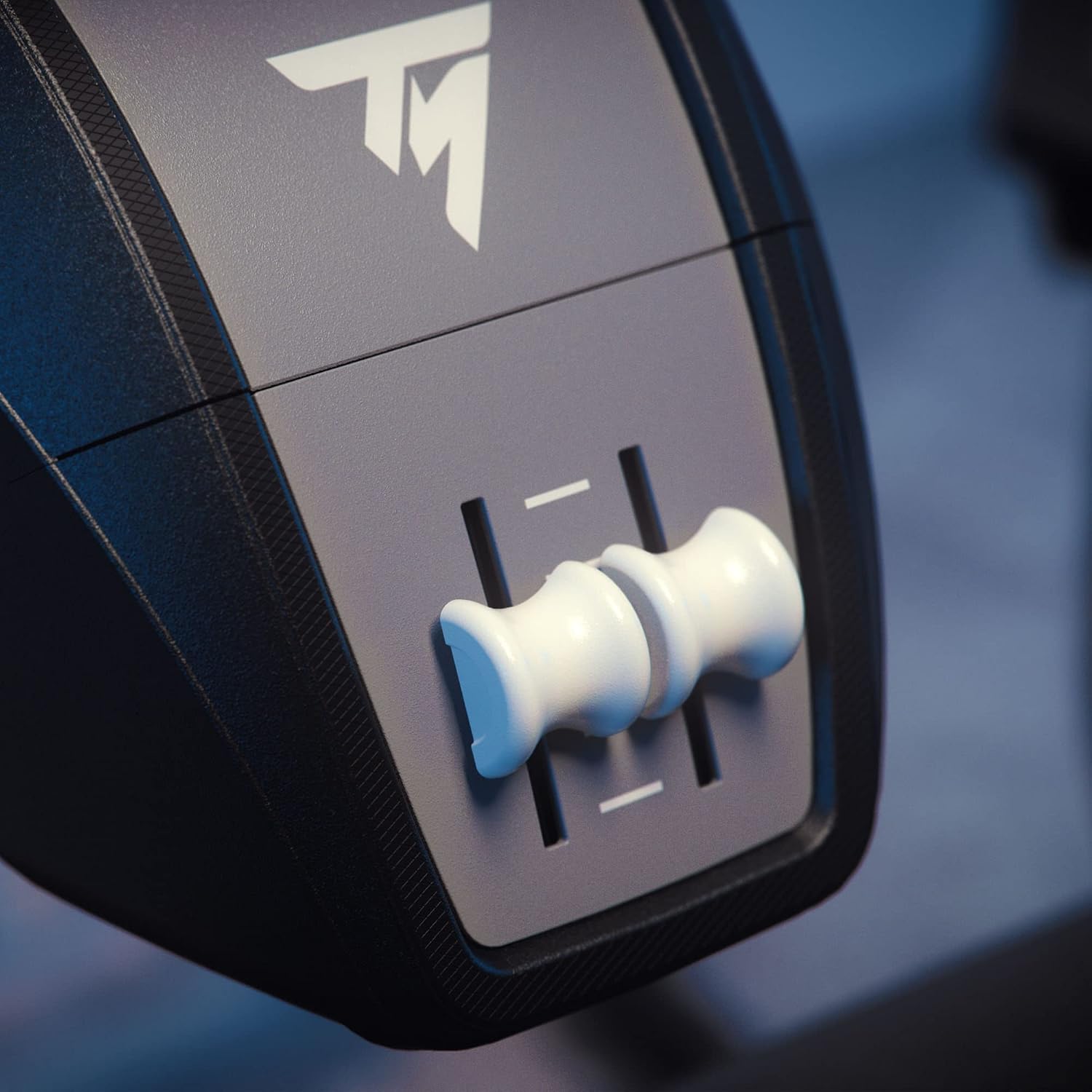
If you already play on PC, Xbox One or Xbox Series X|S, the stated platform support helps narrow the choice to a control designed for those environments. Some buyers report using it with MSFS 2020 and X-Plane, which may help inform how they’ve incorporated it into their own sim setups.
Is it worth it?
Worth considering if a dedicated flight yoke is the key part of your simulator setup and you want a USB model listed for PC and Xbox. Its defining benefits are practical: a yoke-style control, a Boeing edition identity and compatibility with the platforms named for the product. For flight-sim players looking to centre their setup on a yoke rather than a general-purpose controller, the Thrustmaster TCA YOKE BOEING ED. is built around that specific use.