

Logitech M235 910-002201 Wireless Mouse, 1000 DPI Optical Tracking, Grey
Reviews
Price
Product description
For laptop users who want more direct cursor control than a touchpad, the Logitech M235 offers wireless navigation in a compact, portable design.
Its optical tracking is rated at 1000 DPI, giving you precise cursor movement for everyday browsing, documents and office tasks.
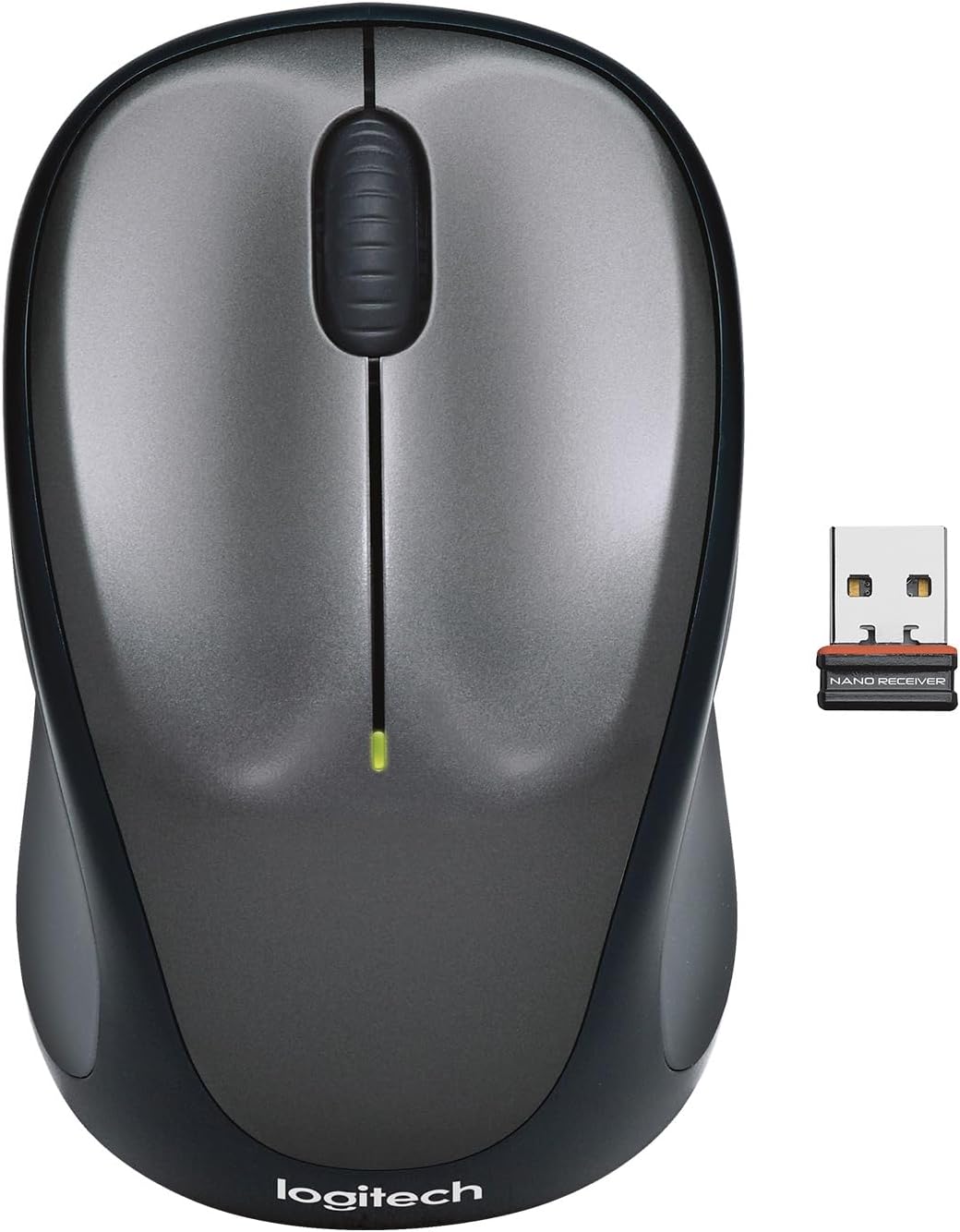
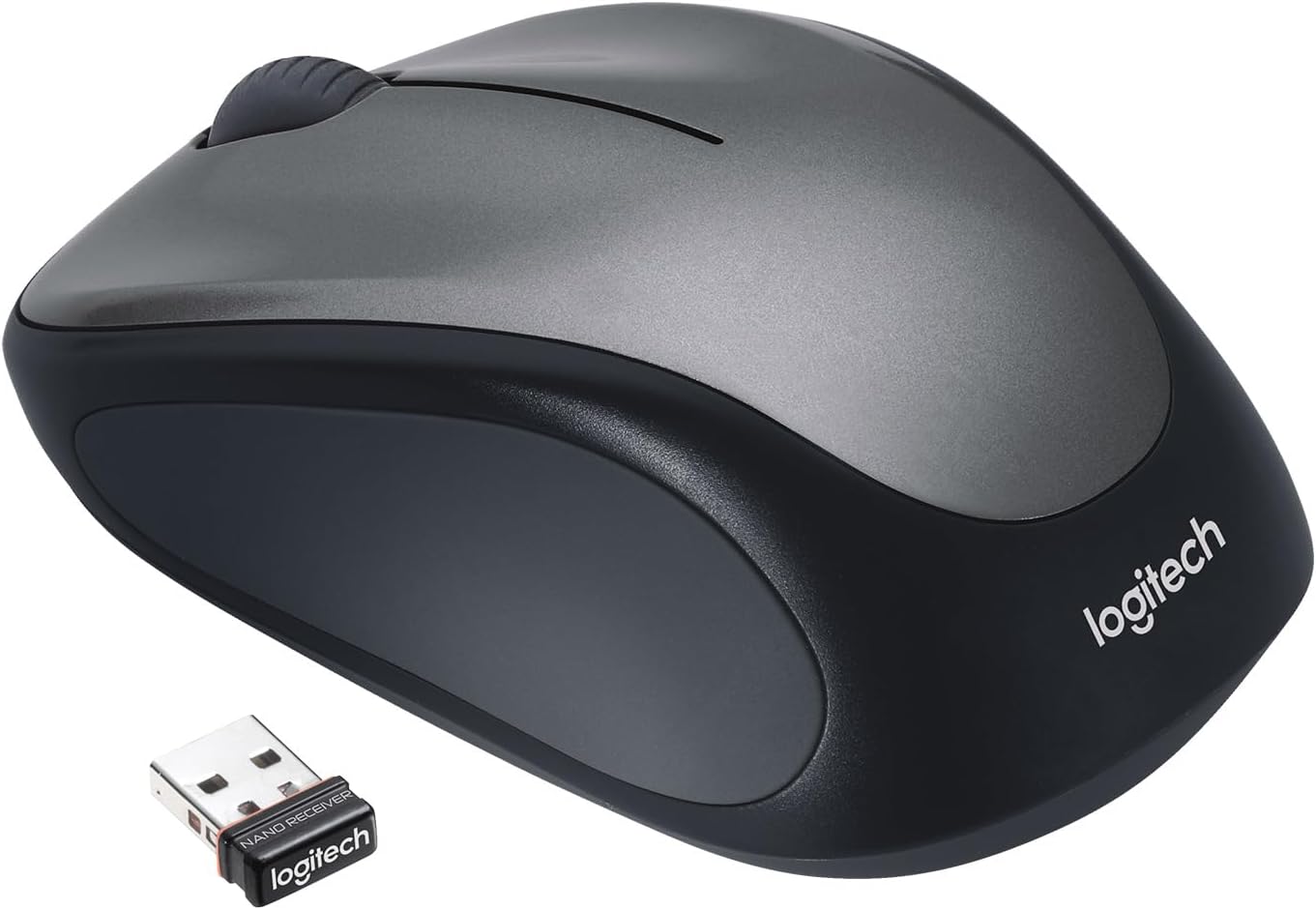
Connect the USB receiver to your computer to get started. The ambidextrous shape and soft rubber grips make it comfortable to use with either hand at home, at work or on the move.
Benefits
A separate mouse gives you a familiar way to navigate when working at a desk, and a more practical alternative to a built-in trackpad when using a laptop away from home. The M235’s controlled, line-by-line scrolling helps when moving through web pages and documents, while its optical sensor supports accurate cursor control across most surfaces.
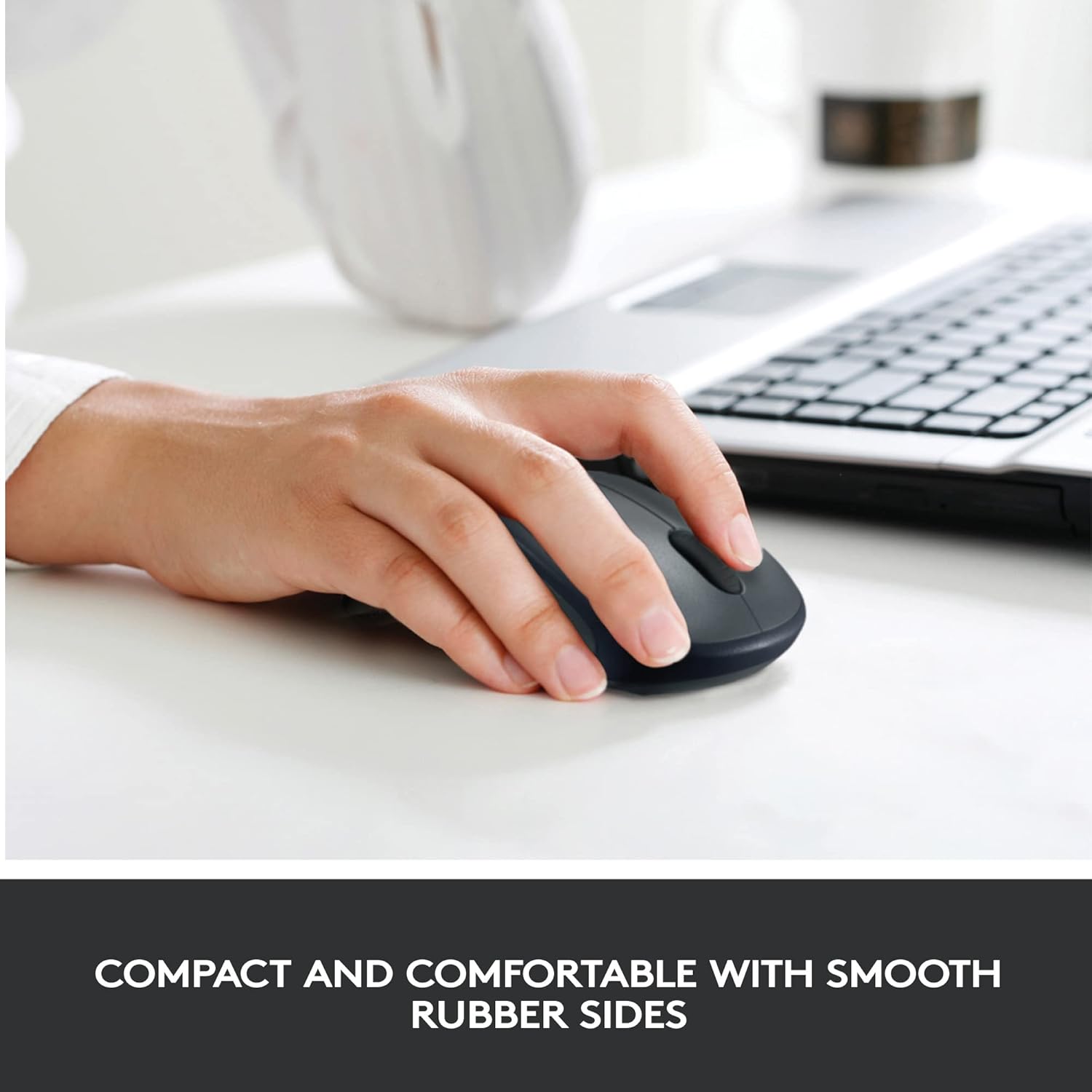
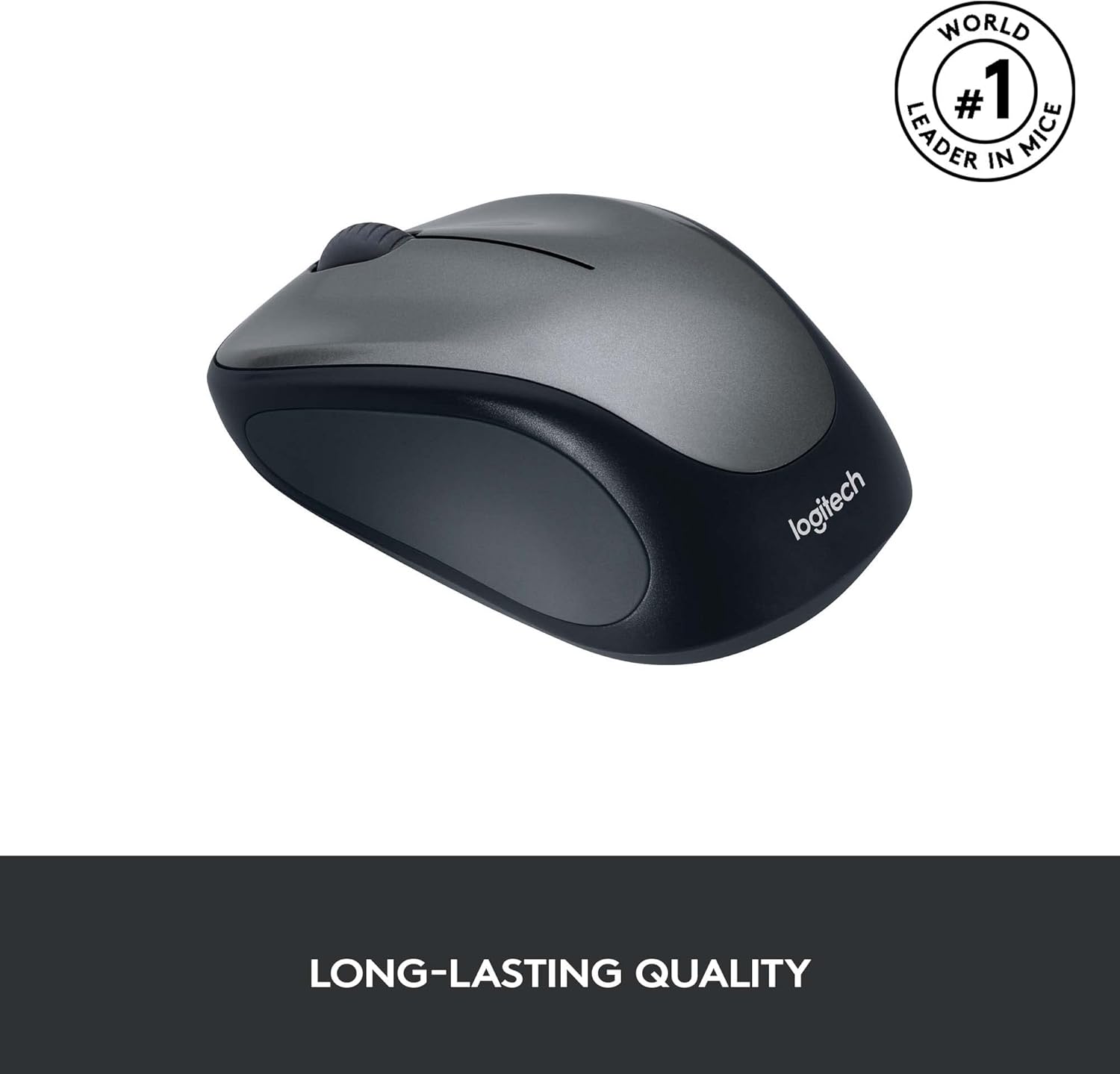
Its compact shape makes it easy to carry in a laptop bag between home, the office and other workspaces. With a wireless range of up to 10 metres, you can use it without staying right beside the computer. The ambidextrous design suits both left- and right-handed users, and the rubber grips add a comfortable point of contact during everyday use.
Key features
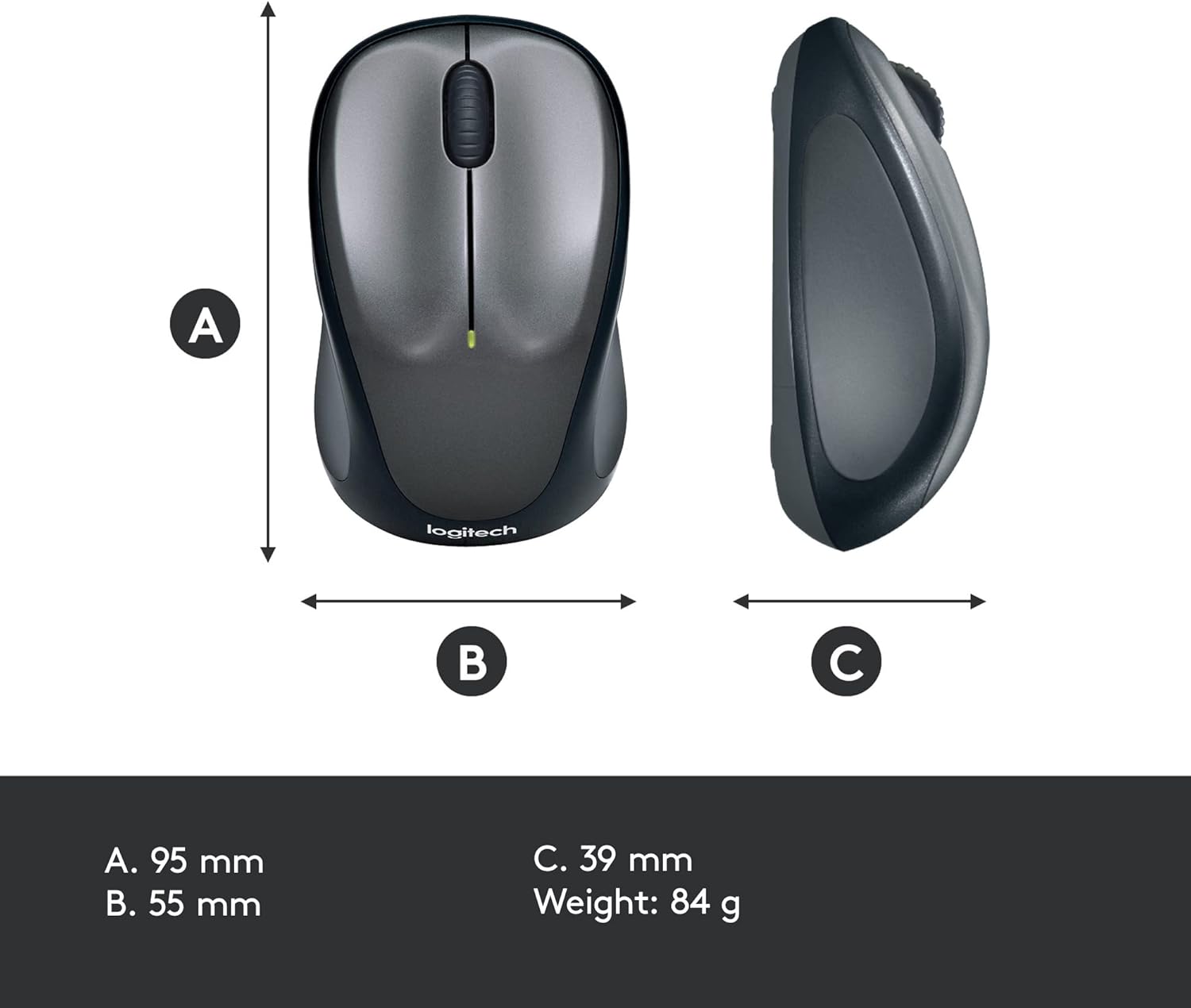
The M235 connects through its USB receiver and is designed for straightforward plug-and-play use with a laptop or PC. It uses 2.4 GHz wireless connectivity, with a stated range of up to 10 metres. The optical sensor has a maximum sensitivity of 1000 DPI, and the mouse has three buttons with a scroll wheel for everyday navigation.
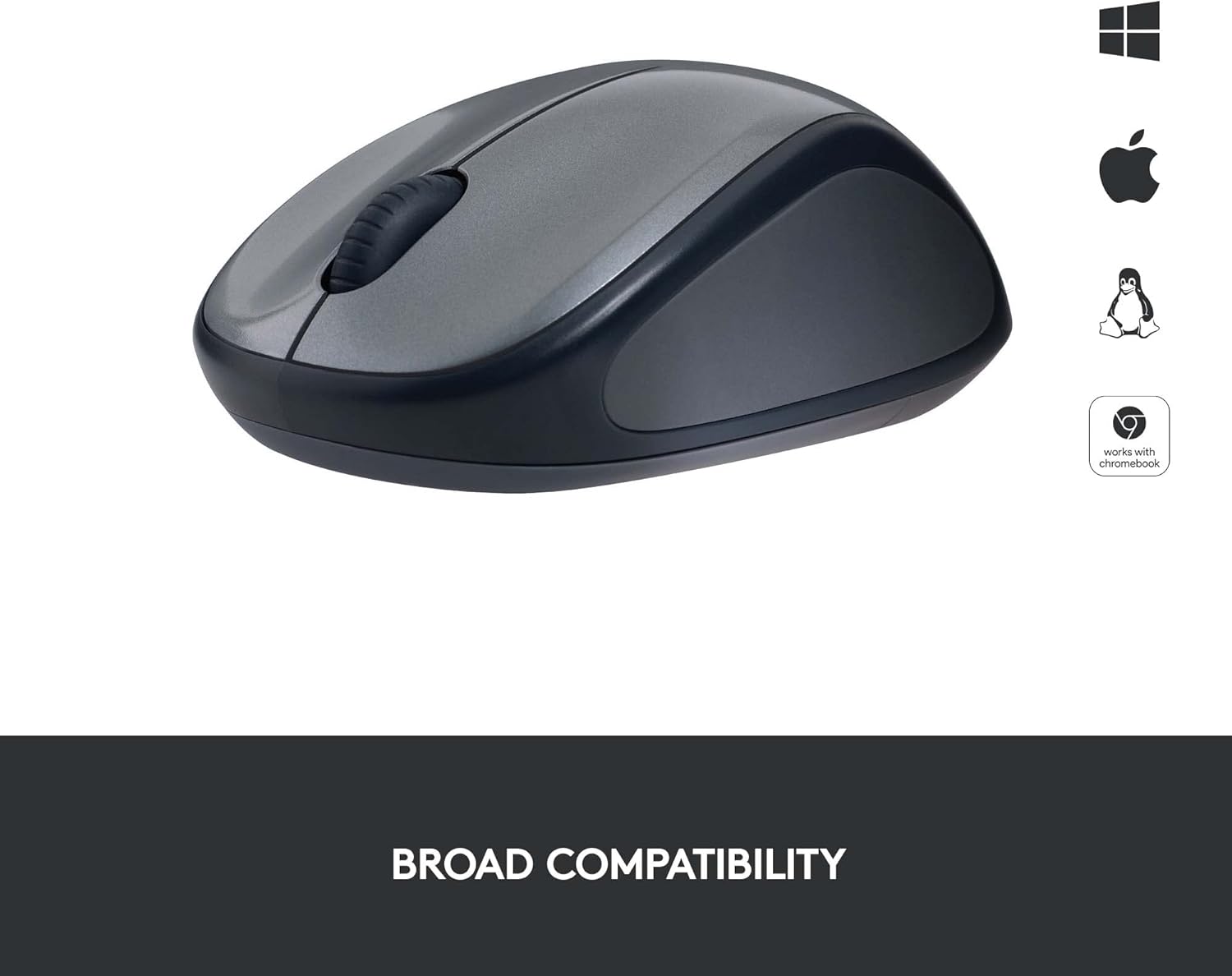
It is compatible with Windows, macOS, Chrome OS and Linux, making it a useful choice across a range of common computer setups. Chromebook users can also benefit from its Works with Chromebook certification. Its compact design is suited to people who move between locations rather than keeping a full-size mouse permanently at a desk.
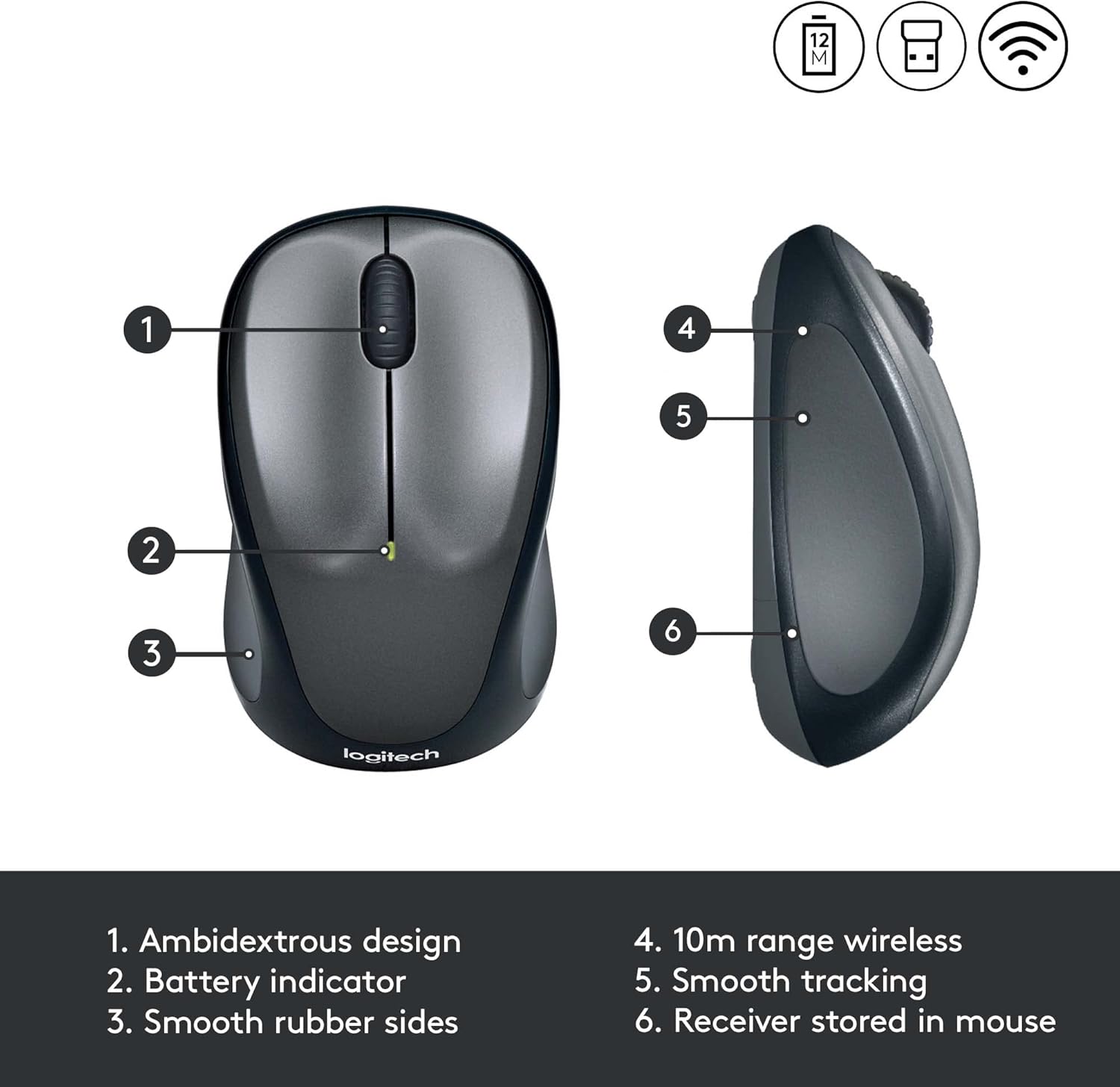
Battery life is rated at up to 12 months, helping reduce how often you need to change the battery. Actual battery life depends on use and computer conditions. Buyer feedback is positive about battery life, while comments on reliability and scrolling are mixed, some also find the compact size particularly small. These views are useful context when choosing a portable mouse, alongside the M235’s stated dimensions and features.
Tips for day-to-day use
Keep the USB receiver connected to the computer when you want to use the mouse, and use the on/off switch to manage power when it is not in use. The optical sensor and line-by-line scroll wheel are suited to routine tasks such as reading web pages, navigating spreadsheets and working through documents. For travel, its compact form makes it easy to pack with a laptop, at a desk, the wireless connection gives you room to position the mouse within its stated range.
Buying verdict
The Logitech M235 is suited to everyday computer use when you want a compact wireless mouse with optical tracking, a scroll wheel and support for either hand. Its USB receiver, broad operating-system compatibility and portable shape make it a practical companion for laptop users who want a simple alternative to touchpad navigation, whether working at home, in the office or on the go.