

UGREEN 25773 HDMI Capture Card, 2K@30Hz Capture and 4K Passthrough
Reviews
Price
Product description
The HDMI loop-out lets you play on a monitor while capturing the same source for a stream or recording. UGREEN’s 25773 capture card records at up to 2K@30Hz or 1080p@60fps. Its USB-C/USB-A connection and driver-free setup make it practical for a compatible computer or tablet.
Why it’s worth it
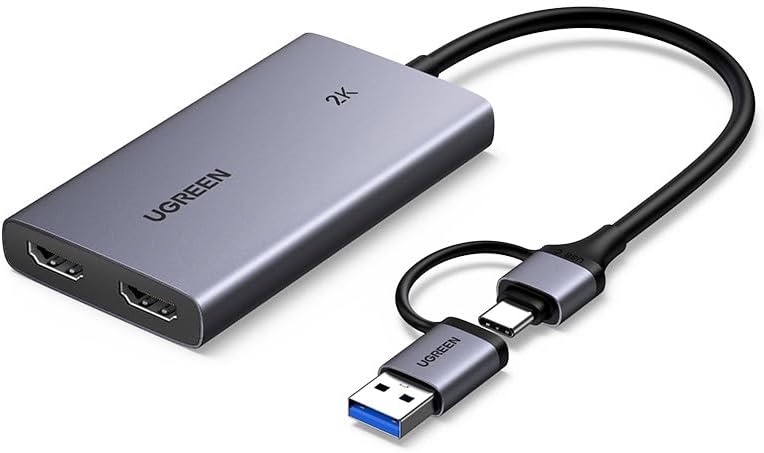
Capture and passthrough serve different parts of the same setup. Connect a console or camera to the HDMI input, send the capture output to your computer, and use the loop-out to view the source on a monitor or TV as you stream or record. This means you can keep a direct display connection while using capture software to handle the broadcast or saved footage.
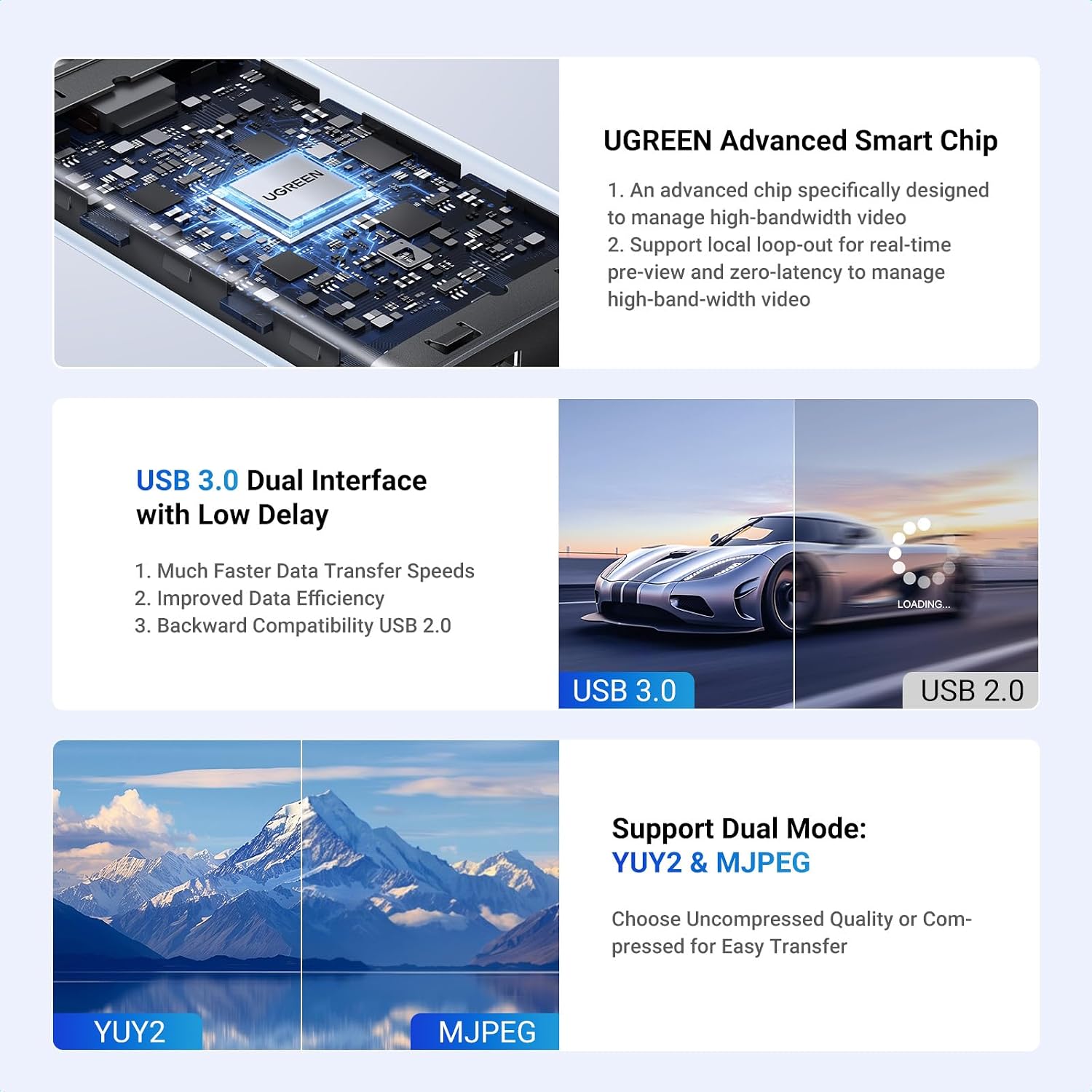
The capture resolution reaches 2K@30Hz or 1080p@60fps, while HDMI passthrough supports up to 4K in the specified formats. The aluminium housing is designed to help dissipate heat during use. Buyers highlight the straightforward setup and broad device compatibility, feedback on video and audio quality is mixed, so the results people report vary by setup.
The essentials
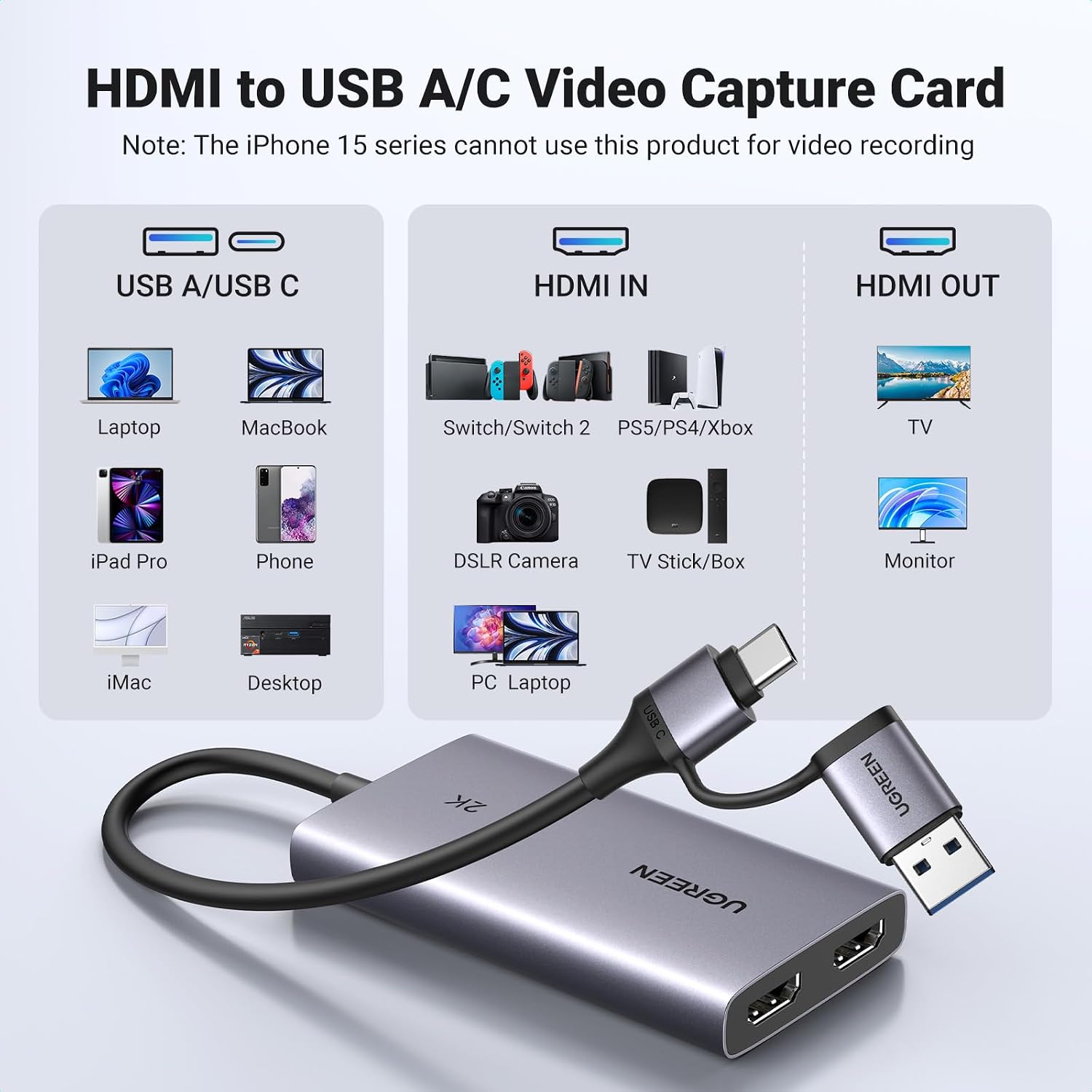
The HDMI input is suited to sources such as PS5, PS4, Xbox Series X/S, Nintendo Switch docks, DSLR cameras and camcorders. The USB capture connection works with computers and compatible tablets, including iPad models running iPadOS 17 or 18. Quest 3/3S/2/Pro support is listed when running V67 or later with Quest HDMI Link. Check that the device you want to capture from and the device receiving the capture are covered by these connection requirements.
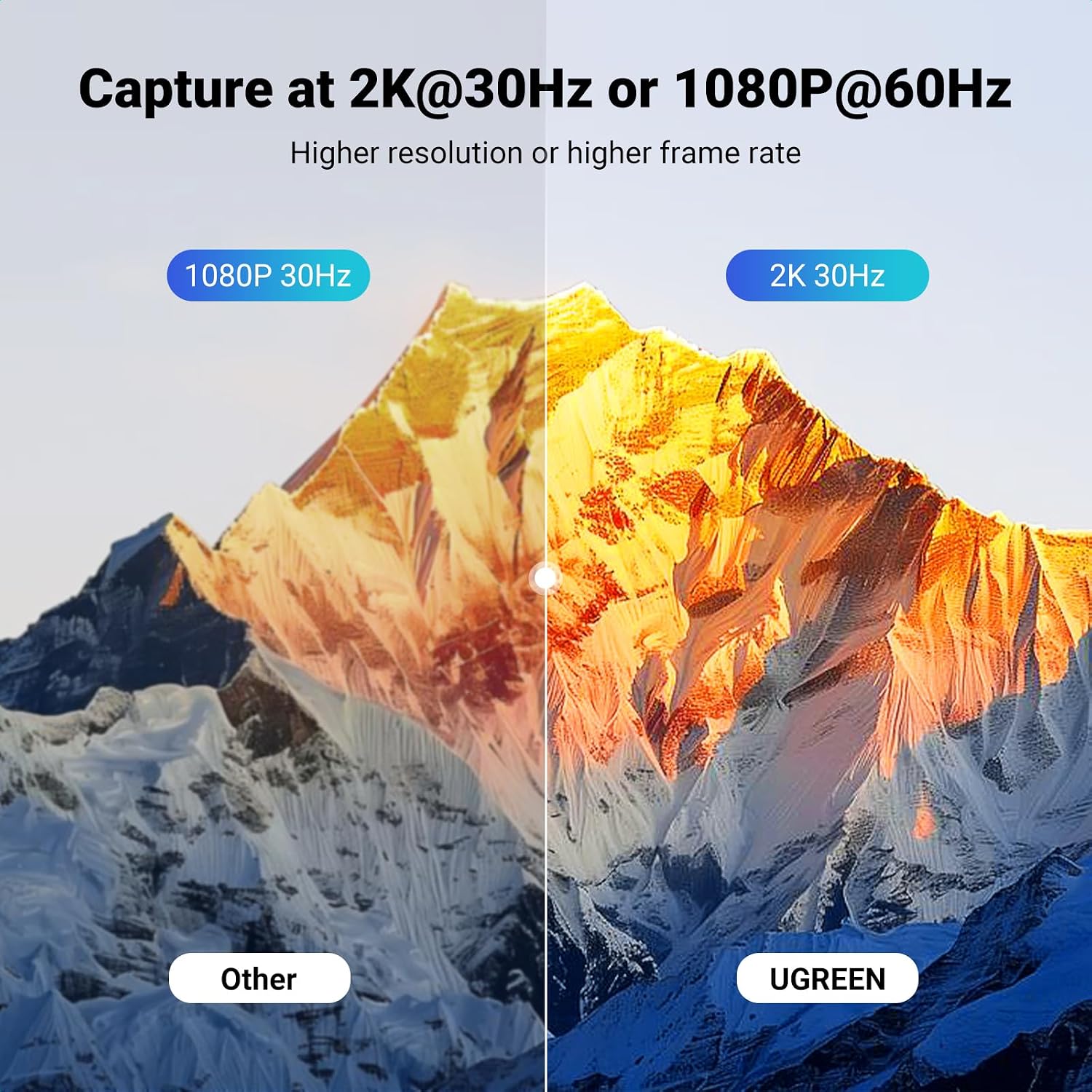
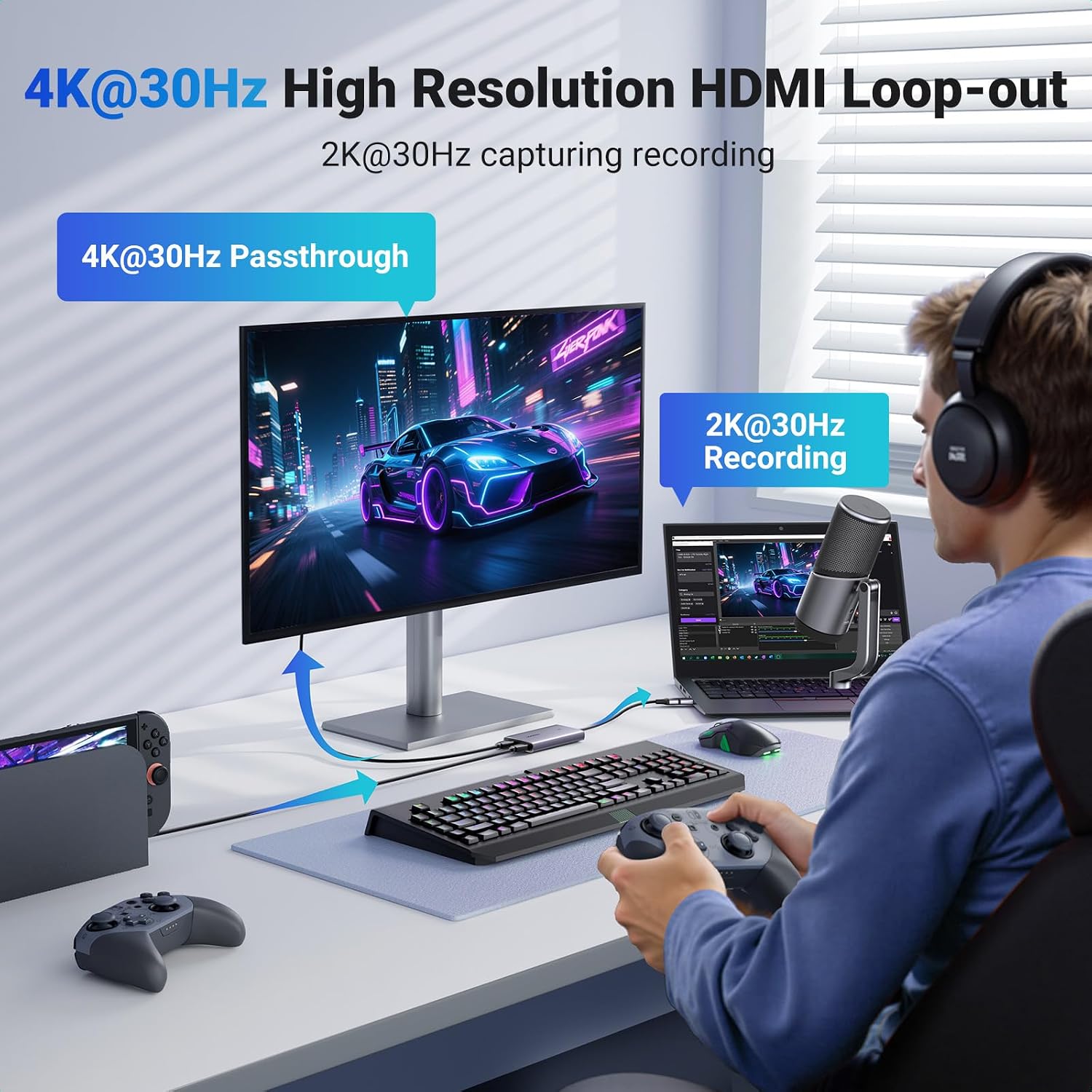
For your display, the HDMI loop-out supports 4K@60Hz (4:2:0), 4K@30Hz (4:4:4) and 1080p@120Hz. Capture resolution is a separate output: its maximum is 2K@30Hz or 1080p@60fps. That distinction is useful when choosing between a capture card and a simple HDMI connection: this model is designed to capture and pass the picture through at the same time, rather than only send a signal to a display.
How to use it
Connect the video source to HDMI input and the capture card to a USB-C or USB-A port on the receiving device using its integrated cable. Connect a monitor or TV to HDMI loop-out if you want to view the source separately. Then open compatible capture or streaming software, such as OBS Studio, Streamlabs, XSplit or QuickTime Player, and select the card as the video source. The device is plug-and-play and does not require a separate driver for the described setup.
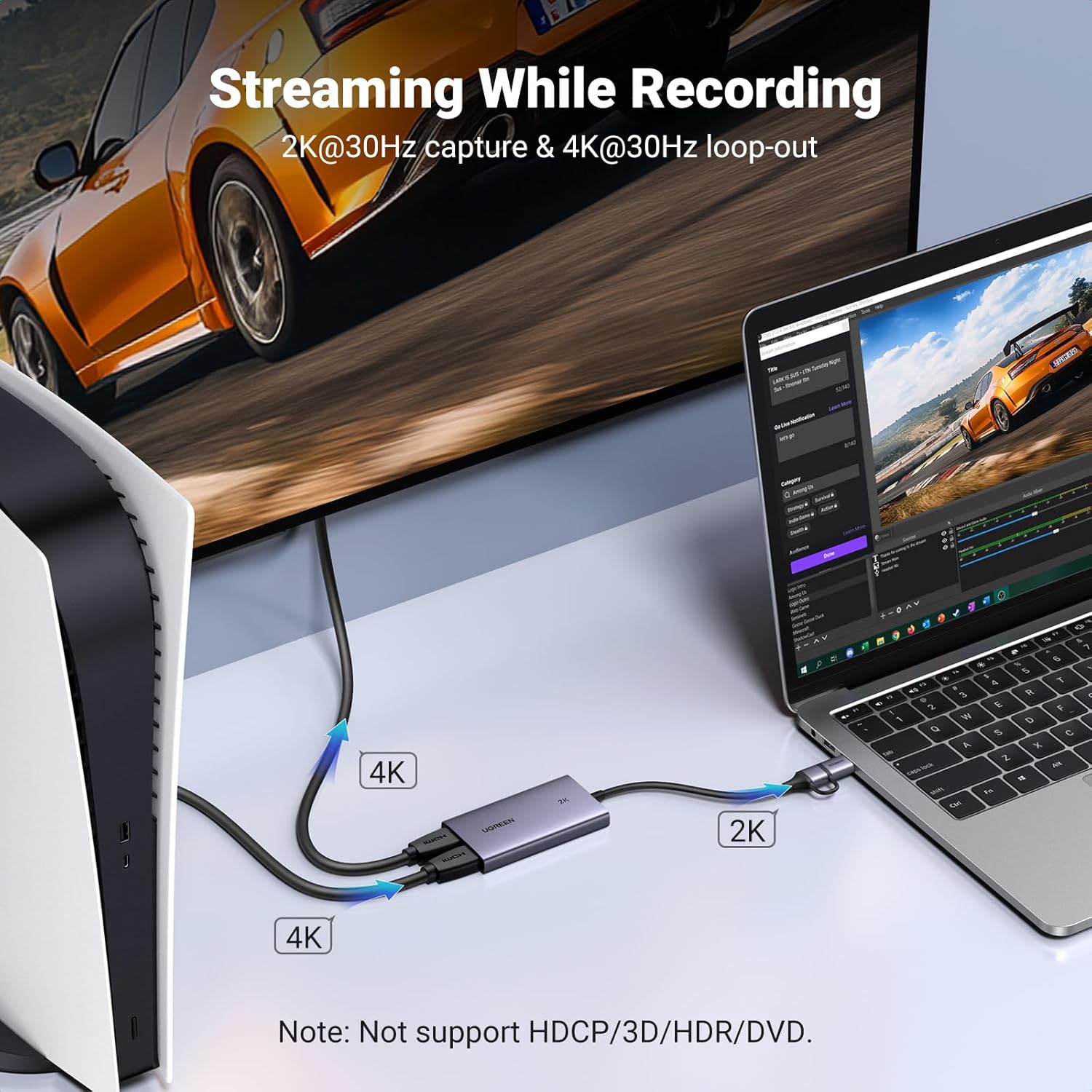
HDCP-protected signals are not supported, so HDCP needs to be disabled on a connected console where applicable. HDR, 3D and Blu-ray Disc content are also not supported. The manufacturer advises against keeping the card running continuously for more than 24 hours.
When it makes sense
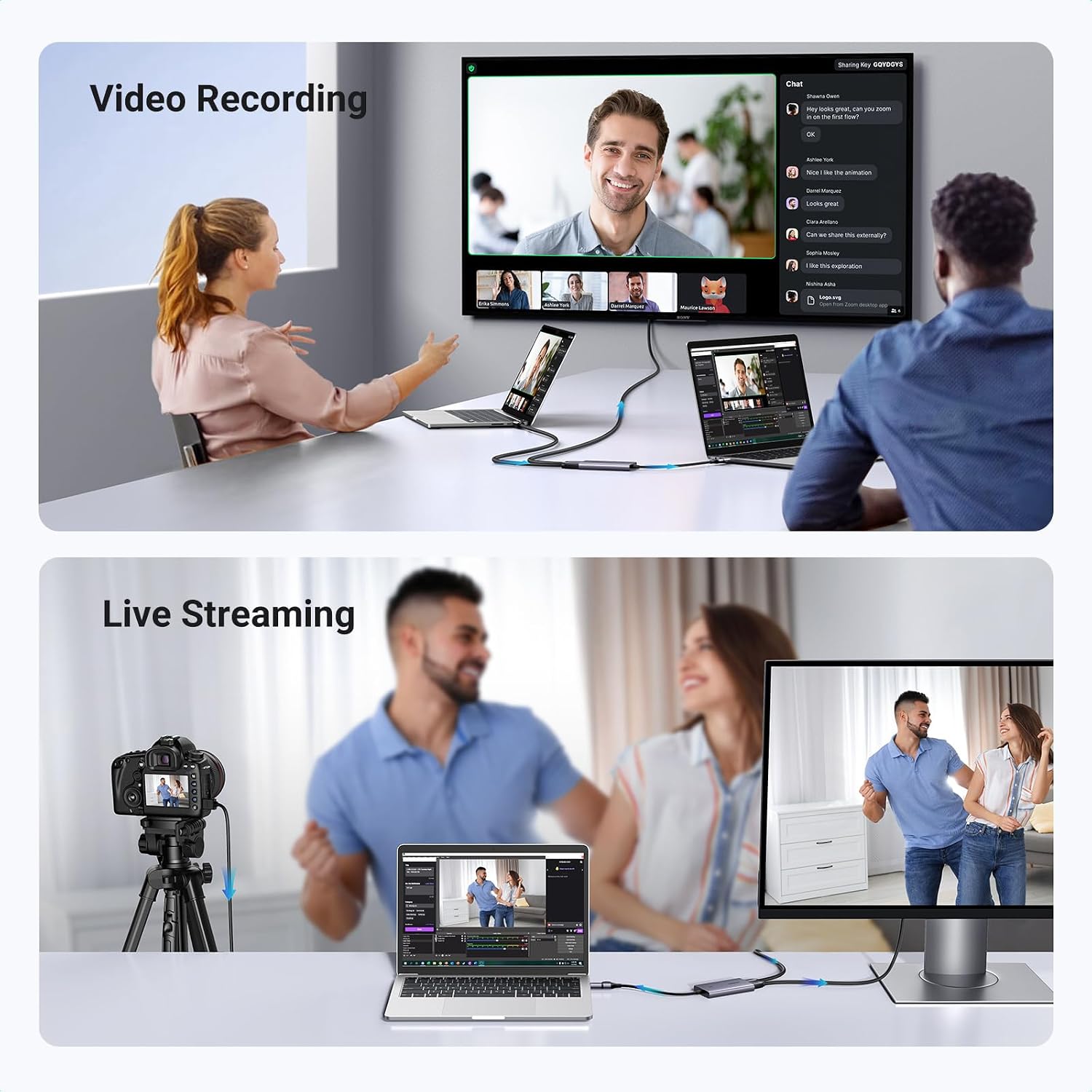
This card suits a desk or streaming setup where you want to record gameplay or camera video while keeping a separate HDMI display connected. For example, connect a console to the card, capture the feed in OBS on a computer, and use loop-out for the monitor. It also gives creators a straightforward way to bring a compatible HDMI camera into streaming or recording software without replacing the display connection. Choose it when simultaneous capture and HDMI passthrough are useful to your workflow.