

AV Access C20 KVM Dock for Two Laptops and Two Monitors, 4K, 60W PD
Reviews
Price
Product description
For a home office or gaming desk that needs to switch between two laptops while using two monitors, the AV Access C20 combines a dual-screen KVM switch with a docking station. Connect the laptops through its two USB-C MST inputs, then share the HDMI displays and connected peripherals from one setup.
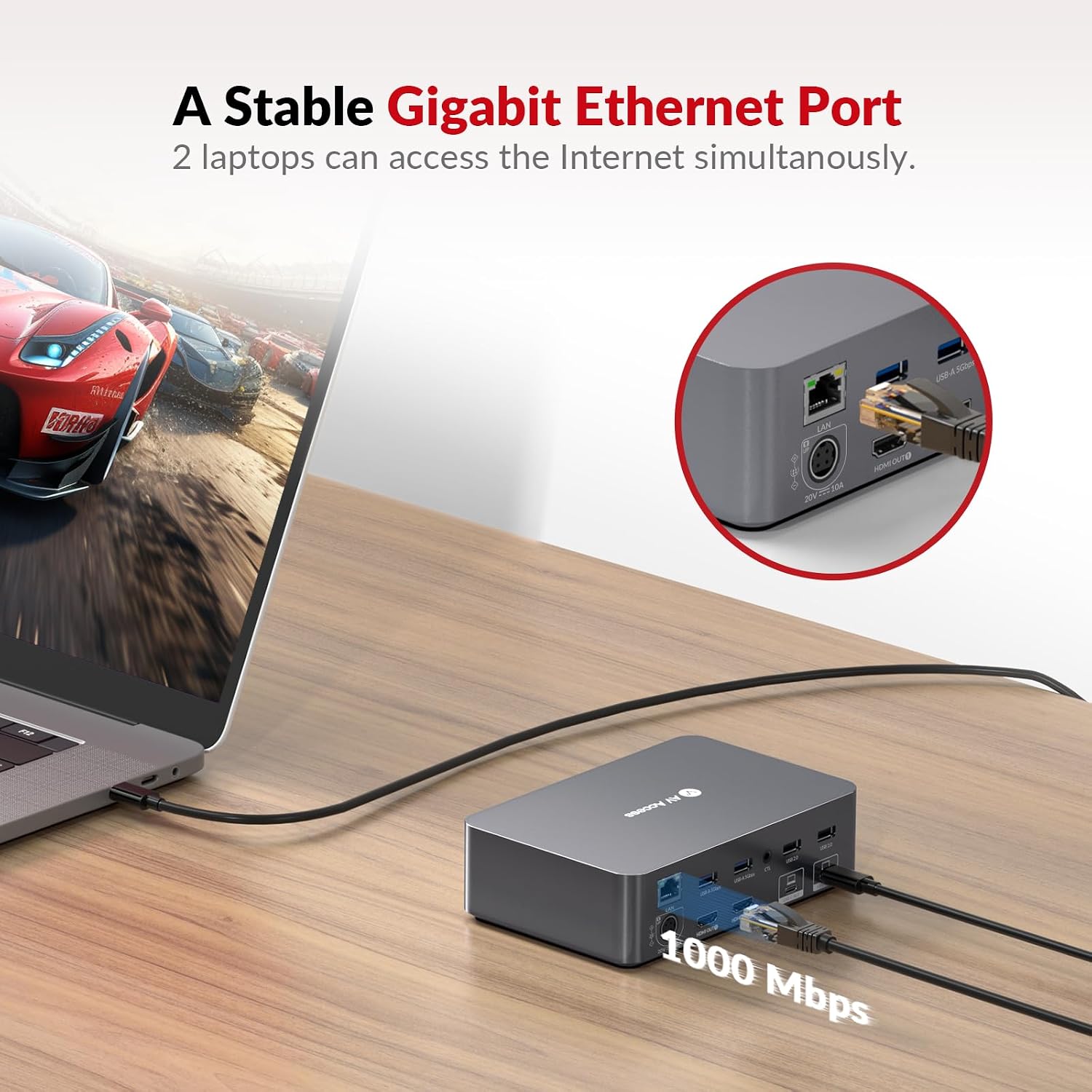
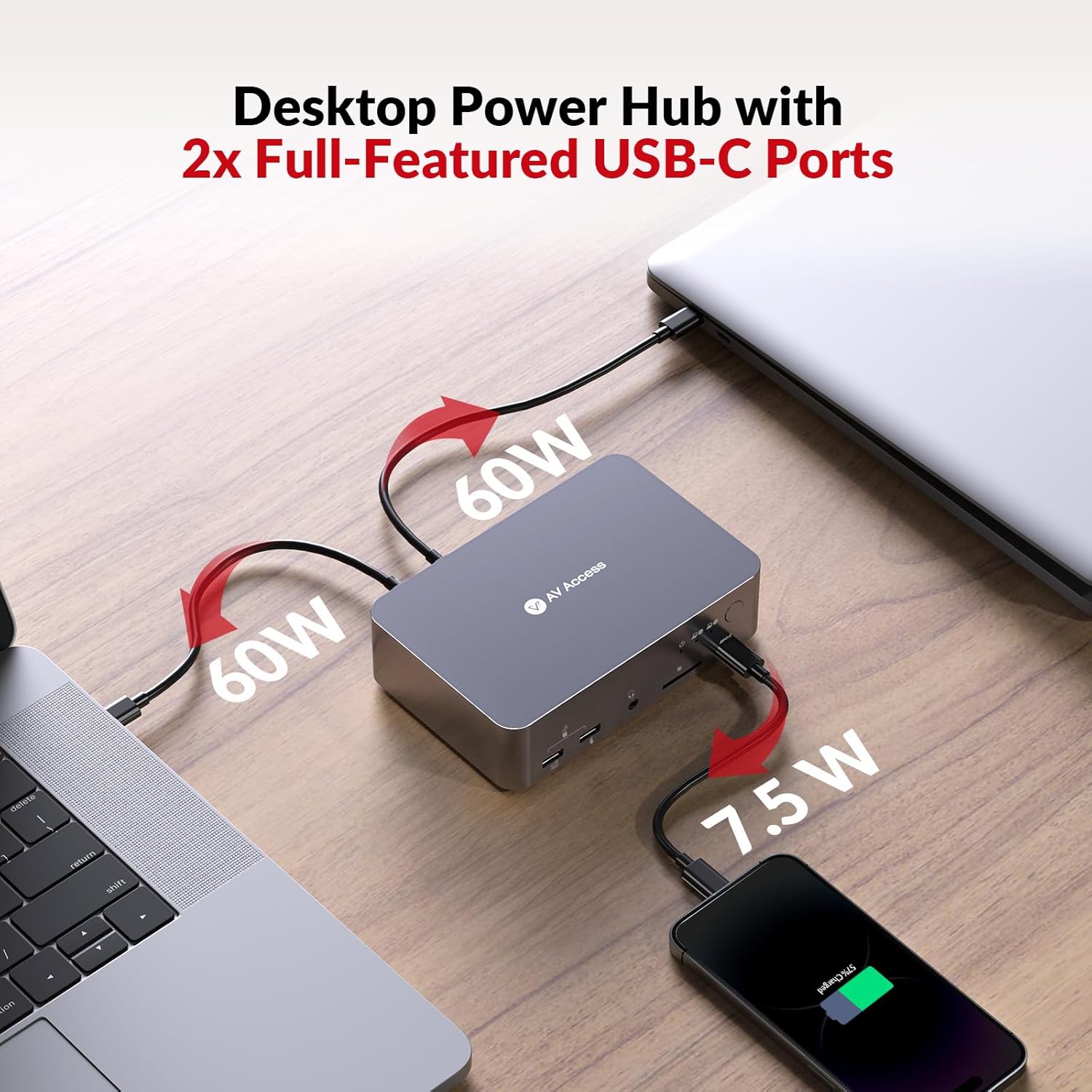
It also provides up to 60W power delivery to each laptop, helping keep both machines charged while connected. Ethernet, USB, audio and SD card connections bring everyday desk accessories together at the dock.
At a glance
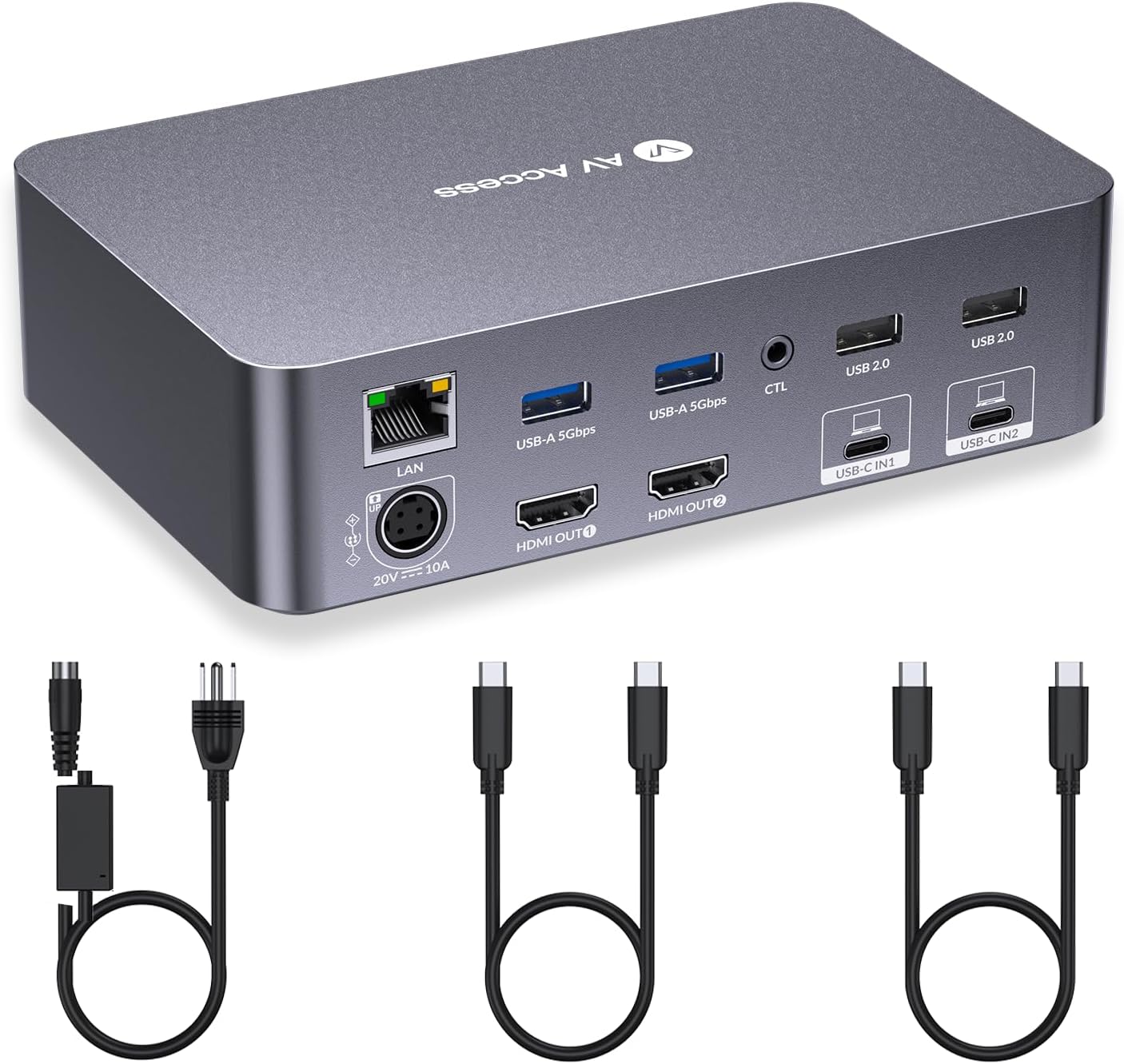
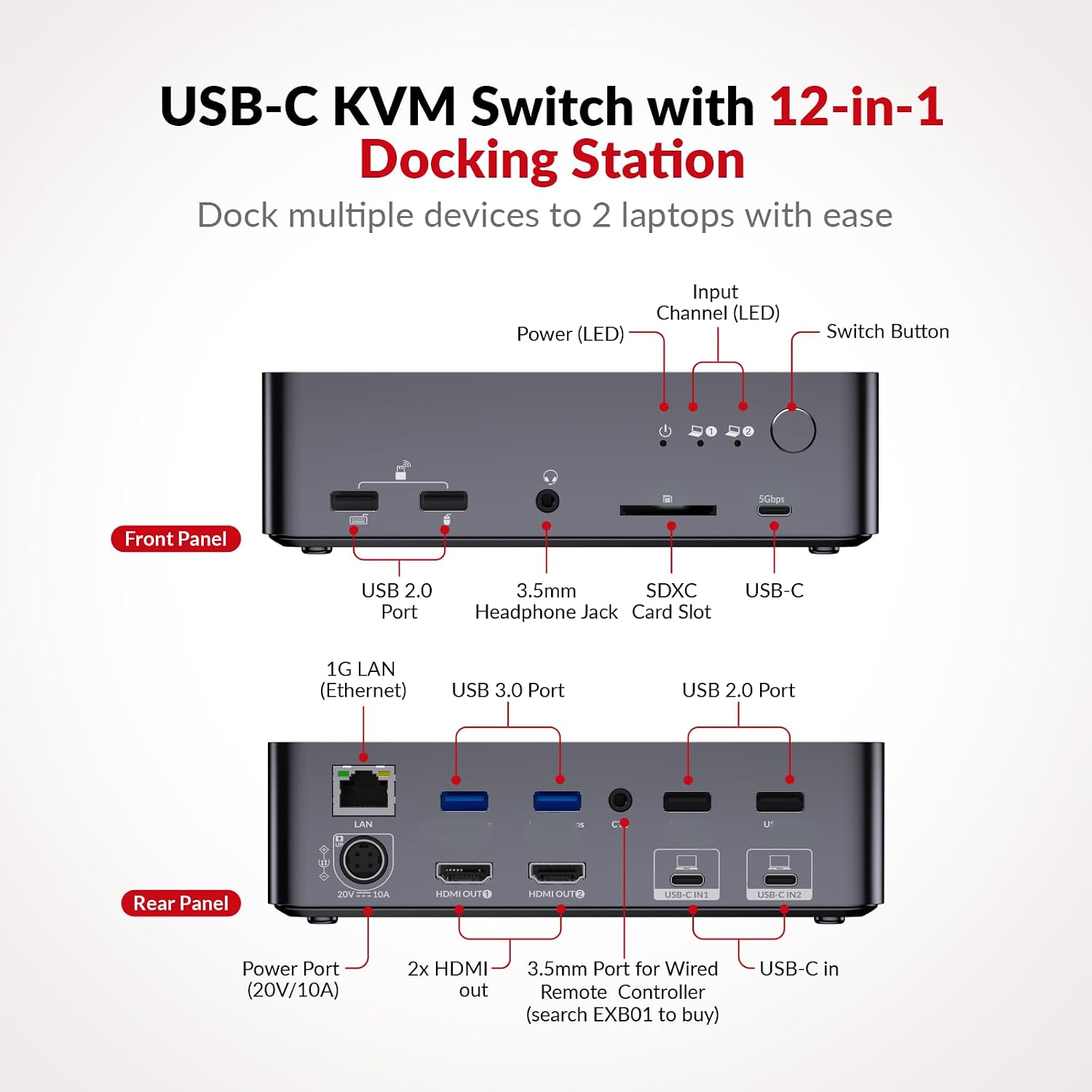
The C20 has two USB-C inputs and two HDMI outputs for a two-laptop, two-monitor arrangement. Its video modes include up to 4K at 60Hz, 2560 × 1440 at up to 144Hz and 1080p at up to 240Hz, with support for HDMI 2.0 and DP 1.4a over USB-C. This gives you display options for a mixed work and gaming setup, with the refresh rate depending on the chosen resolution and connected equipment.
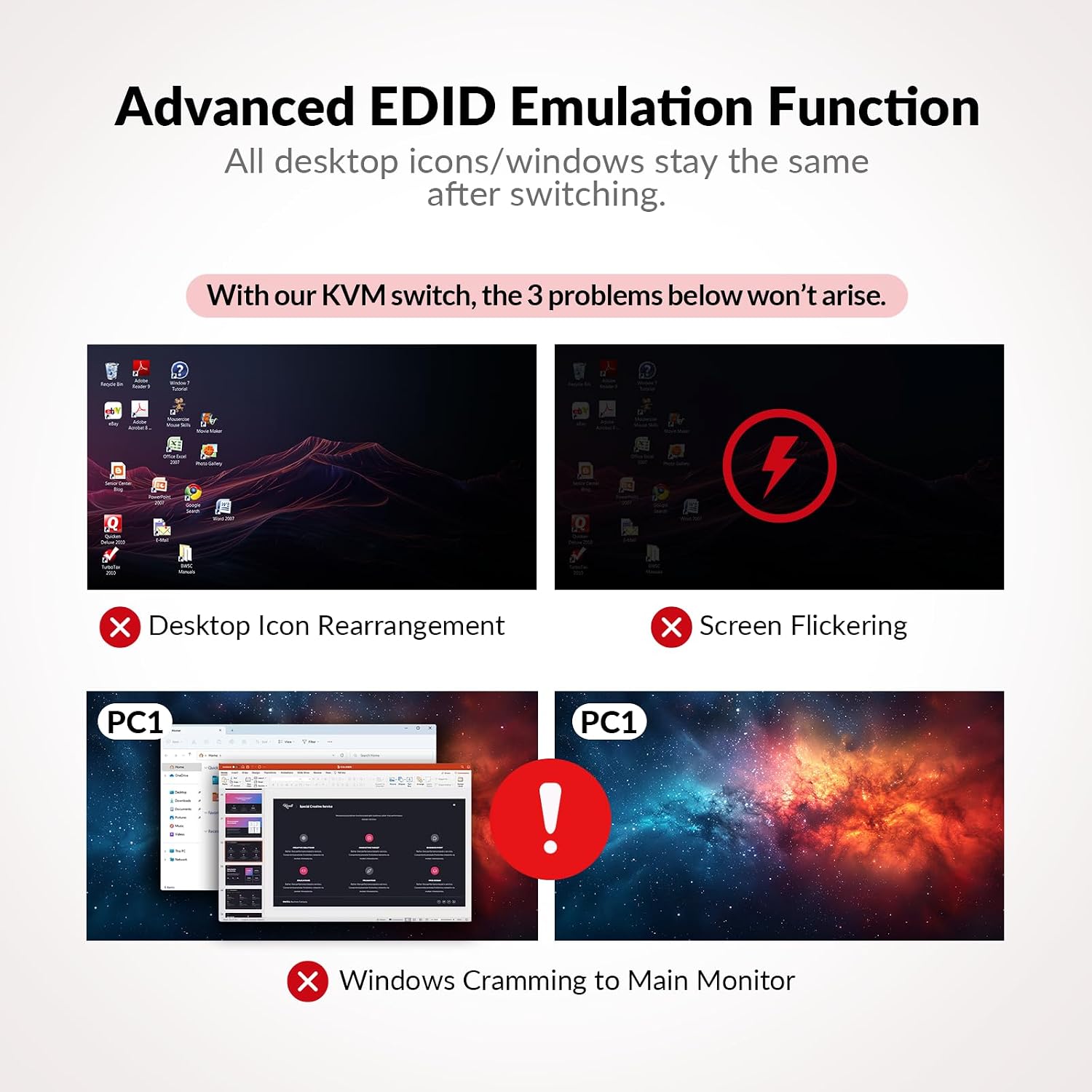
The dock has two USB 3.0 ports, four USB 2.0 ports, one USB-C port, a 1G Ethernet port, a 3.5mm headset connection and an SD card slot. EDID emulation and automatic PC wake are designed to make switching between laptops straightforward, press the front button to change computers, with switching taking around 2–3 seconds.
How it fits
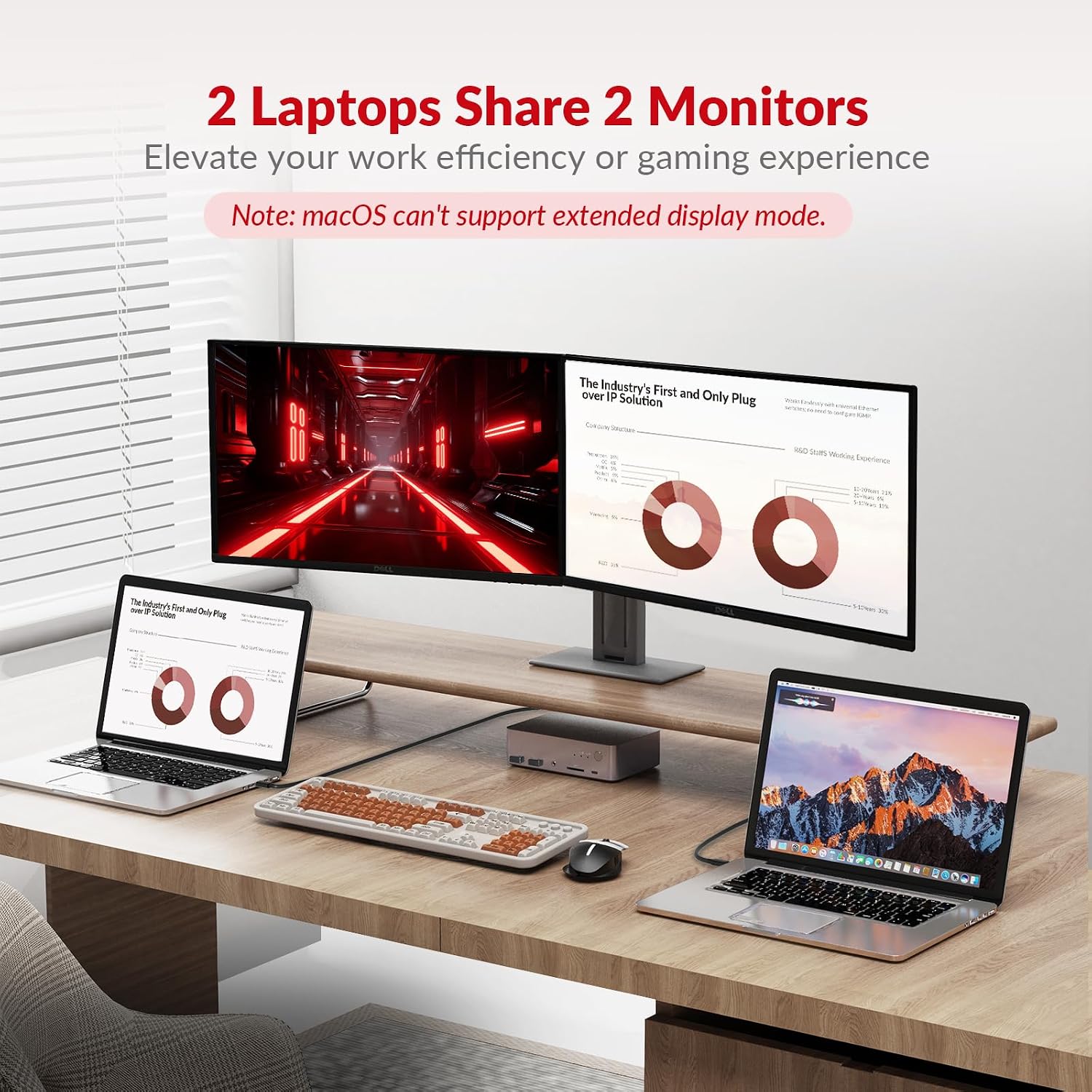
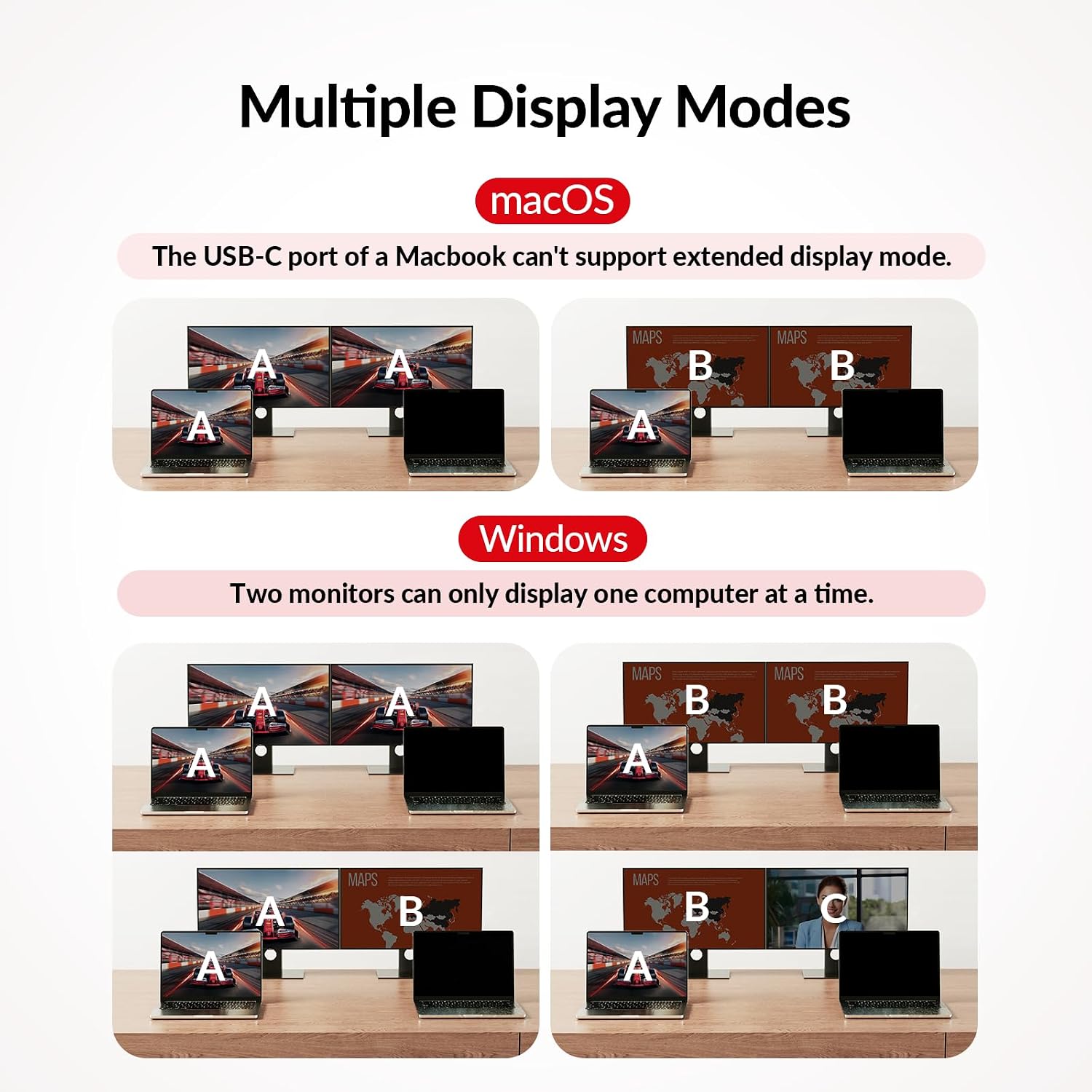
For extended displays across two monitors, the connected USB-C laptop needs to support DP Alt Mode and DP MST. macOS does not support MST for extended dual screens, so the two displays show duplicated content instead. This is a useful compatibility point to bear in mind when planning a mixed-device workstation.
A practical setup is to leave each laptop connected to its own USB-C input, with the monitors and shared desk accessories connected to the dock. When moving from a work laptop to a personal machine, use the front switch to move the setup across rather than reconnecting each peripheral individually. The USB-C connections support video input and data transfer, and the dock can deliver up to 60W to each PC.
Getting the most from it
Match the display mode to the task: the listed high-refresh options include 144Hz at 2560 × 1440 and up to 240Hz at 1080p, while 4K is supported at up to 60Hz. The USB-C input and laptop must support the display mode you intend to use. For gaming, the higher refresh-rate modes give you a documented option for compatible sources and displays, for general desk work, the two-monitor arrangement keeps separate windows visible across both screens.
Compared with a basic KVM focused on switching computers and displays, the C20 also brings charging, 1G Ethernet, an SD card slot, headset audio and multiple USB connections into the same desk hub. Connect frequently used peripherals once, then switch between the two laptop inputs as needed. The dock does not support FreeSync, G-Sync or Dell Display Manager.
When it makes sense
It’s a good fit if you regularly use two laptops at one desk and want to share two monitors and a set of peripherals without rebuilding the connection each time. The combination of dual USB-C inputs, up to 60W charging per PC, 1G Ethernet and a range of USB connections makes it particularly suited to a home office that also accommodates gaming. If your laptops support the required display modes, the C20 brings switching, display connections and everyday docking functions into one workstation hub.