

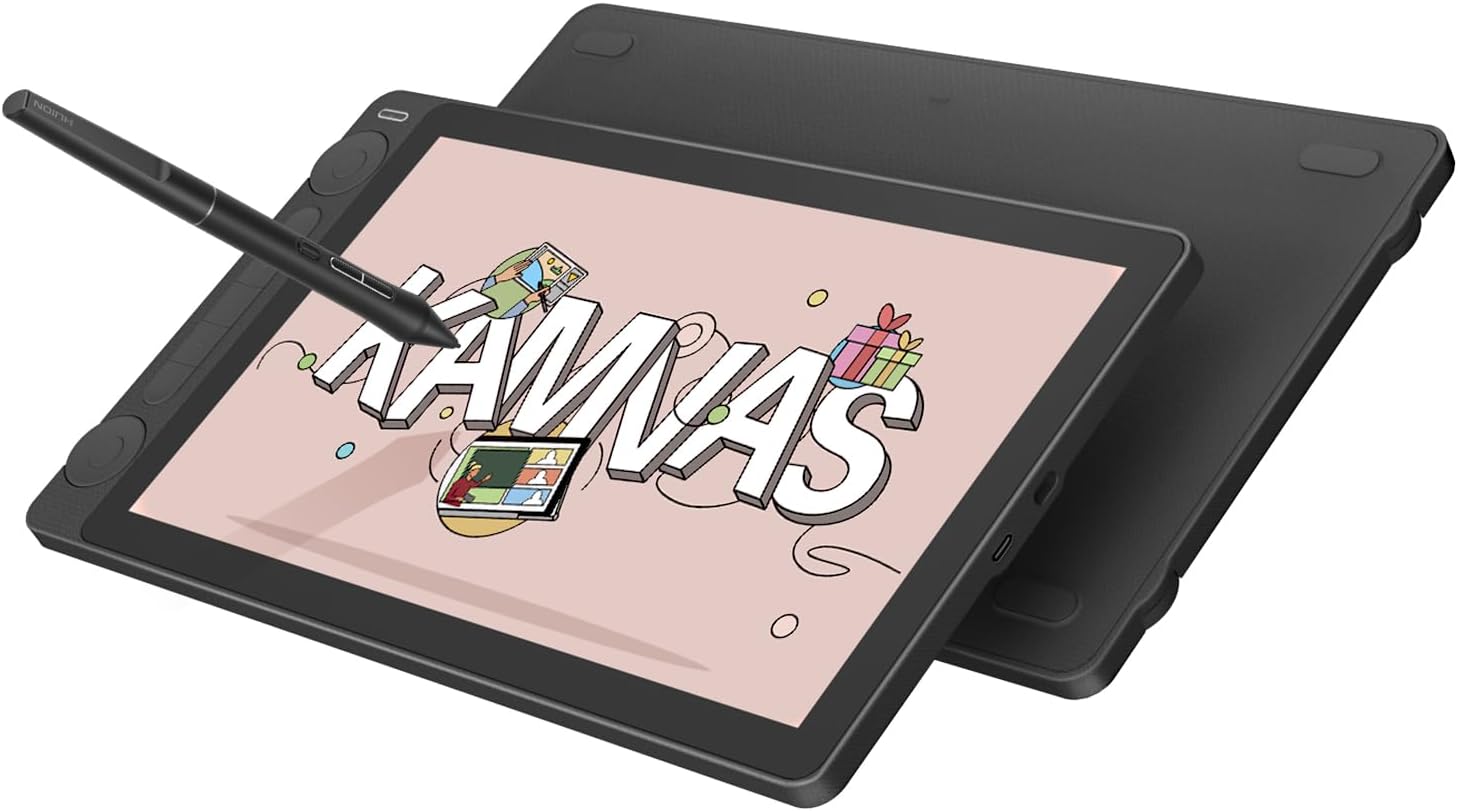
HUION Kamvas 13 Gen 3 drawing tablet with screen, PenTech 4.0, dual dials
Product description
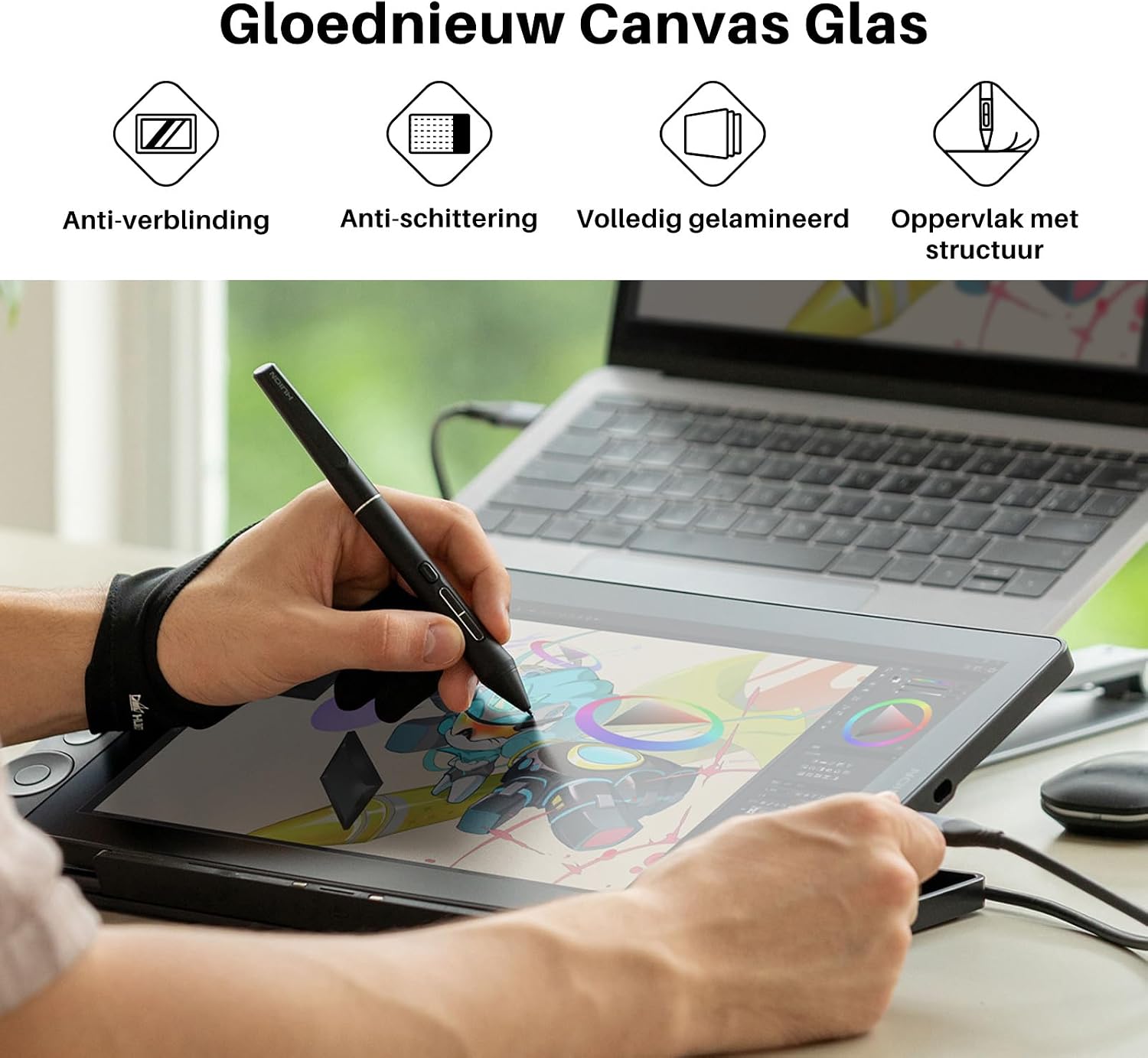
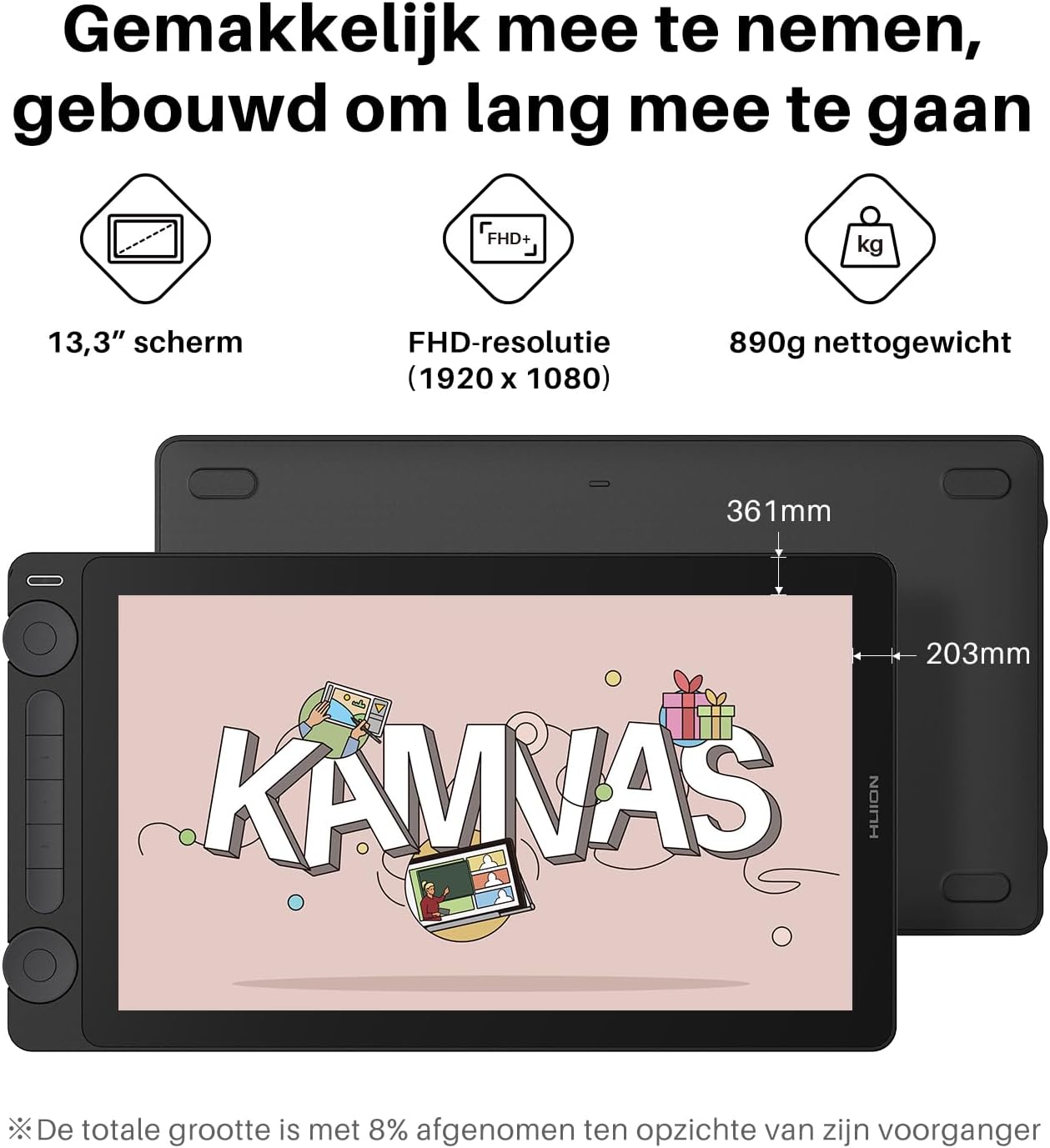
For digital artists, illustrators, animators and designers who want to draw directly on a display, the HUION Kamvas 13 Gen 3 combines a 13.3-inch screen with a digital pen designed to capture fine strokes. Its fully laminated, anti-glare glass gives the drawing surface a paper-like texture, helping make sketching and editing feel more direct.
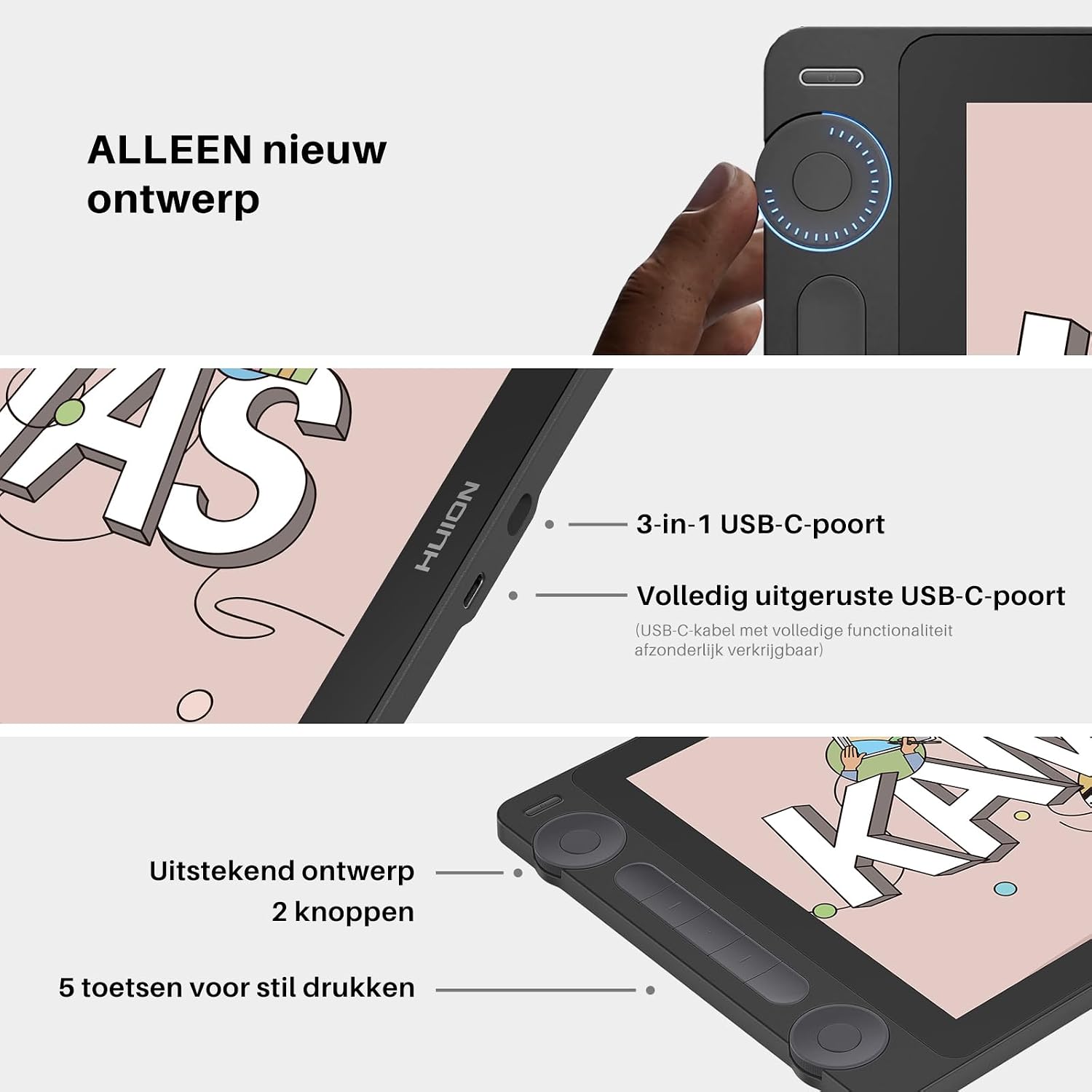
Two dial controllers and five silent press keys put common adjustments within reach, so canvas, brush and other settings can be controlled as you work.
Key specifications
- Display: 13.3-inch LCD, 1920x1080 native resolution
- Screen: Fully laminated glass with anti-glare processing and anti-sparkle properties
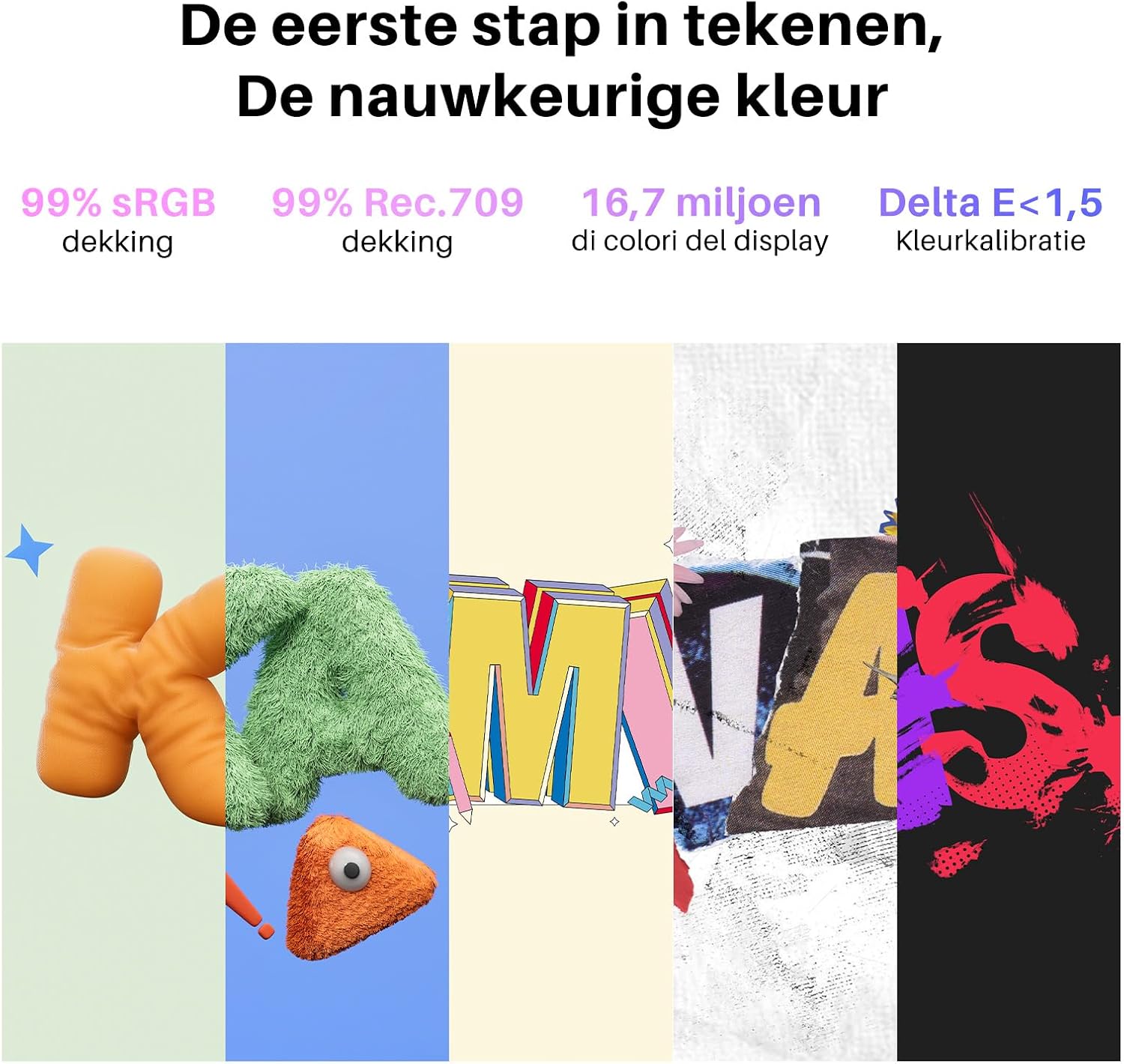
- Colour: 99% sRGB and Rec.709 coverage, factory calibration to ΔE<1.5
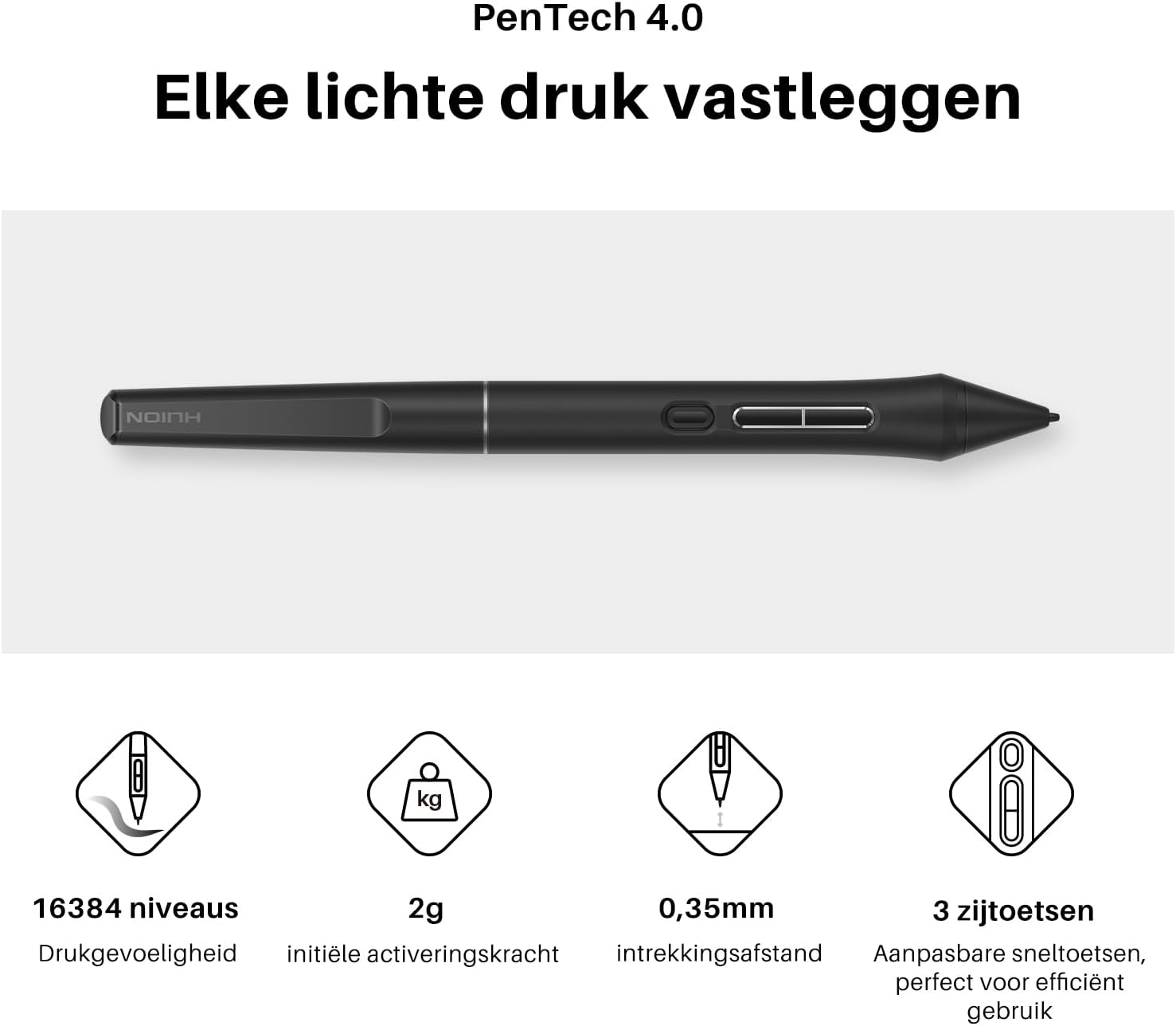
- Pen: PenTech 4.0 PW600L, 16,384 pressure levels, 2g initial activation force, tilt auto-alignment and three side buttons
- Controls: Two dial controllers and five silent press keys
- Included components: Digital pen and USB cable
What it works with
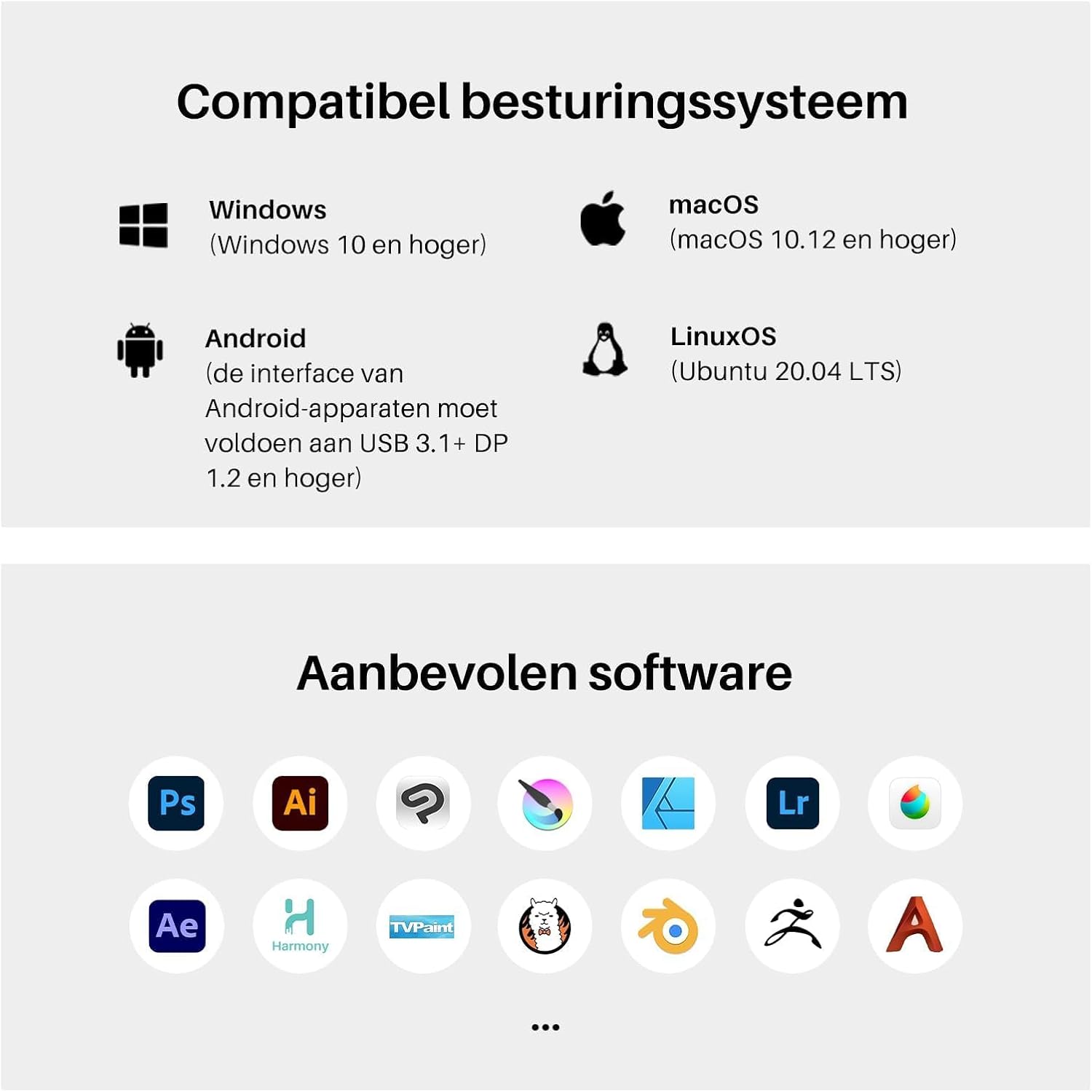
Use the Kamvas 13 Gen 3 with a PC, Mac, Android device or Linux system. Supported operating systems include Windows 10 or later, Mac OS 10.12 or later and Ubuntu 20.04 LTS. Android devices need to support USB 3.1 Gen 1 and DP 1.2. The tablet supports mainstream creative software, making it suitable for illustration, graphic design, photo editing, comics and animation workflows.
The dual-interface design supports cable connection, with a full-featured USB-C cable available separately for connecting to a PC, laptop or Android phone. For a desk-based setup, the screen gives you a direct drawing surface, when choosing between this and a screen-free graphics tablet, the key difference is that your work appears beneath the pen as you draw.
Usage tips
Set the two dials and five press keys to suit the controls you use most. They can adjust canvas, brushes, sliders, flow, opacity, frames and other parameters, helping reduce interruptions while you work. A practical setup might use one dial for canvas adjustments and the other for brush size, with the press keys assigned to frequently used actions.
The PW600L pen’s 2g initial activation force is designed to register gentle strokes, while its 16,384 pressure levels support transitions from light marks to bolder lines. Its three side buttons provide additional controls at the pen, and tilt auto-alignment helps keep the cursor and nib tracking in line. The anti-glare, paper-like surface is suited to extended drawing and editing sessions where a more tactile screen feel is welcome.
Final verdict
The Kamvas 13 Gen 3 brings a drawing screen, pressure-sensitive PenTech 4.0 stylus and hands-on shortcut controls together in one tablet. Its colour coverage and factory calibration are useful considerations for visual work, while the dials and keys help tailor the setup to a creative routine. It’s a good fit if you want to sketch, illustrate or edit directly on a 13.3-inch display and work with a compatible PC, Mac, Android device or Linux system.