

HUION Kamvas Pro 16 GT1561 4K Pen Display, 15.6-inch, Anti-Glare
Product description
Product specs
For drawing, painting or editing photos at a desk, the HUION Kamvas Pro 16 gives you a 15.6-inch screen to work directly on. Its 4K resolution keeps interface details and artwork sharp. Would a more natural pen-to-screen feel help with detailed work? The full-laminated display and tilt-sensitive stylus are designed for just that.
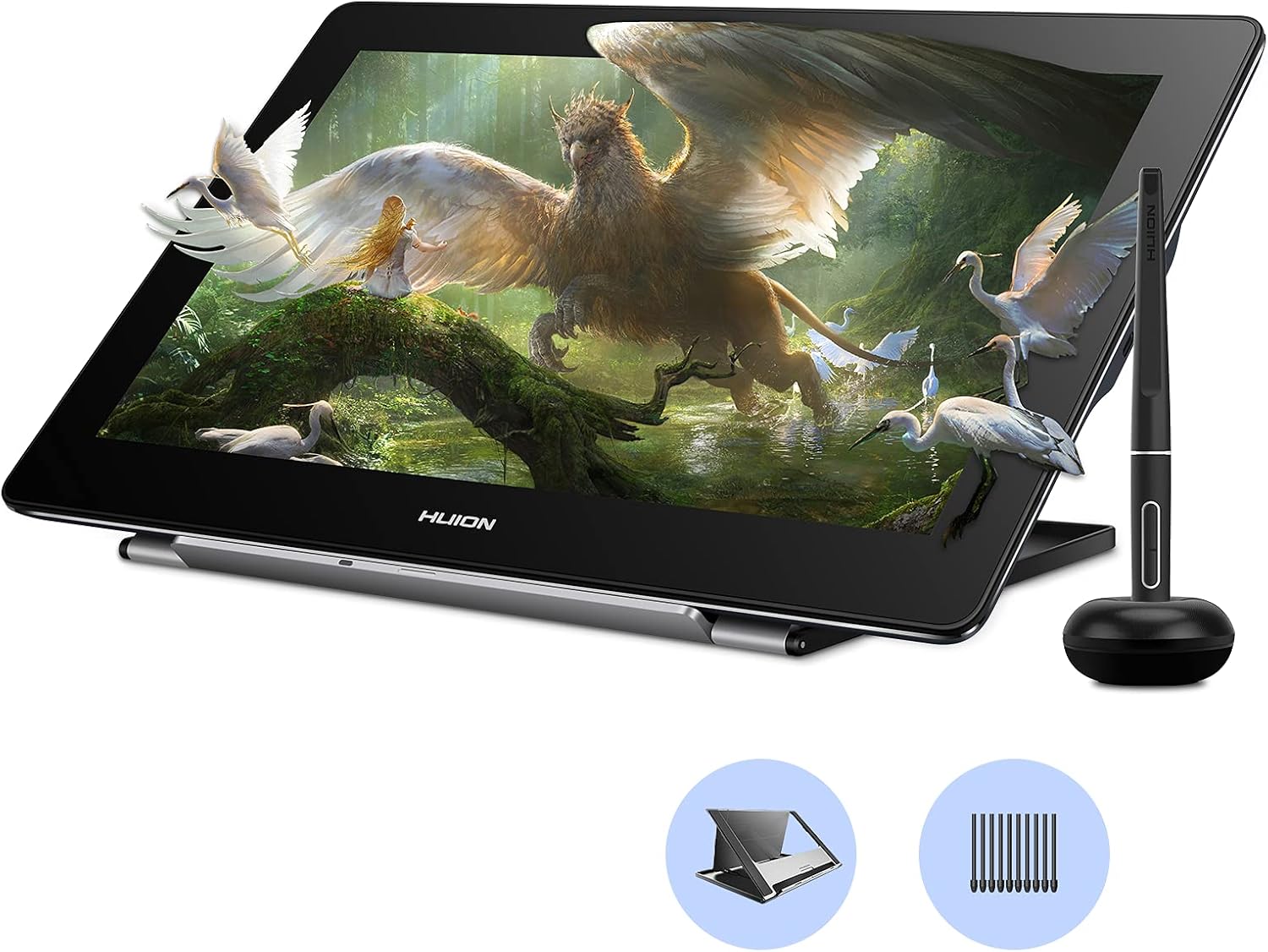
- Name: HUION Kamvas Pro 16
- Model: GT1561
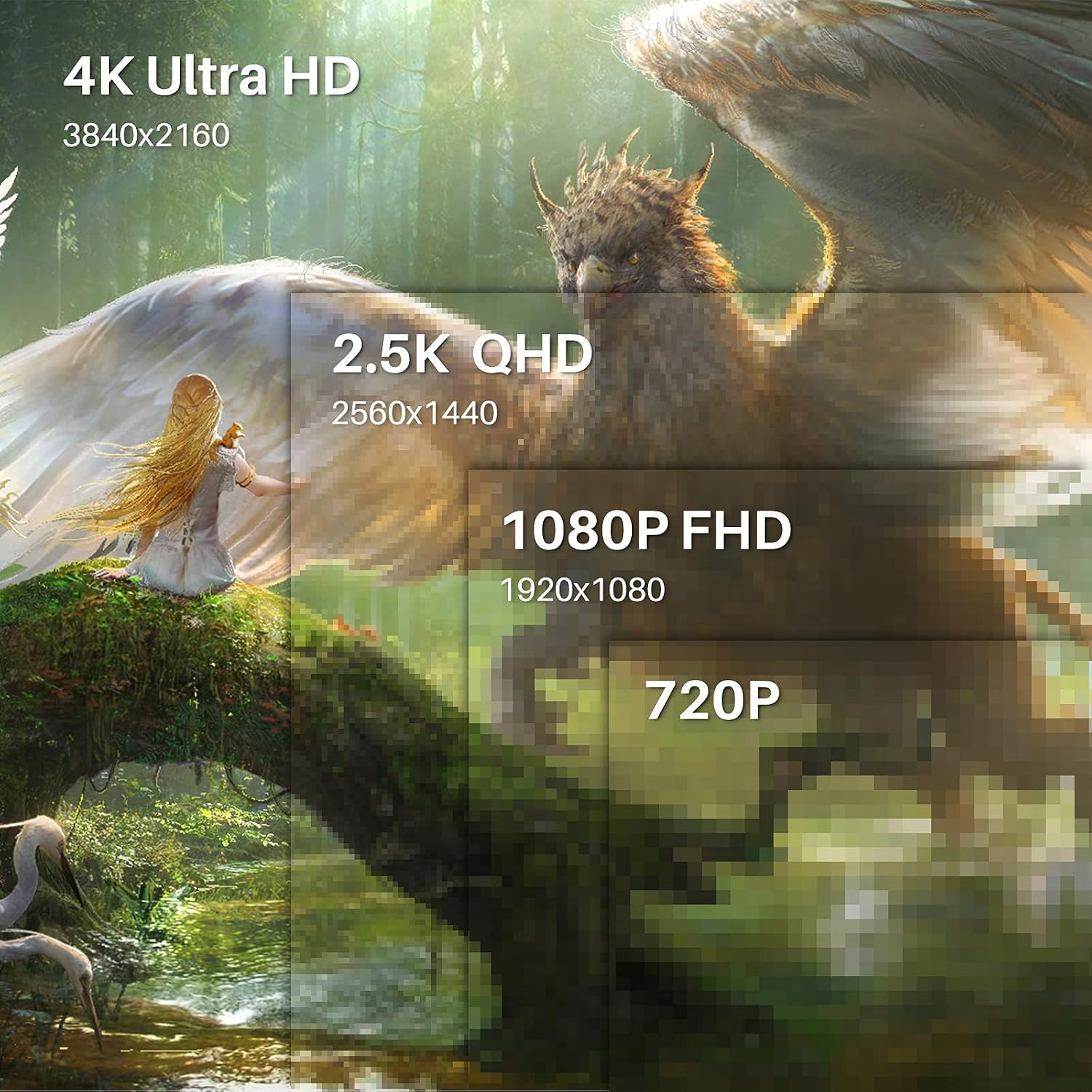
- Display: 15.6-inch LCD, 3840 x 2160 native resolution
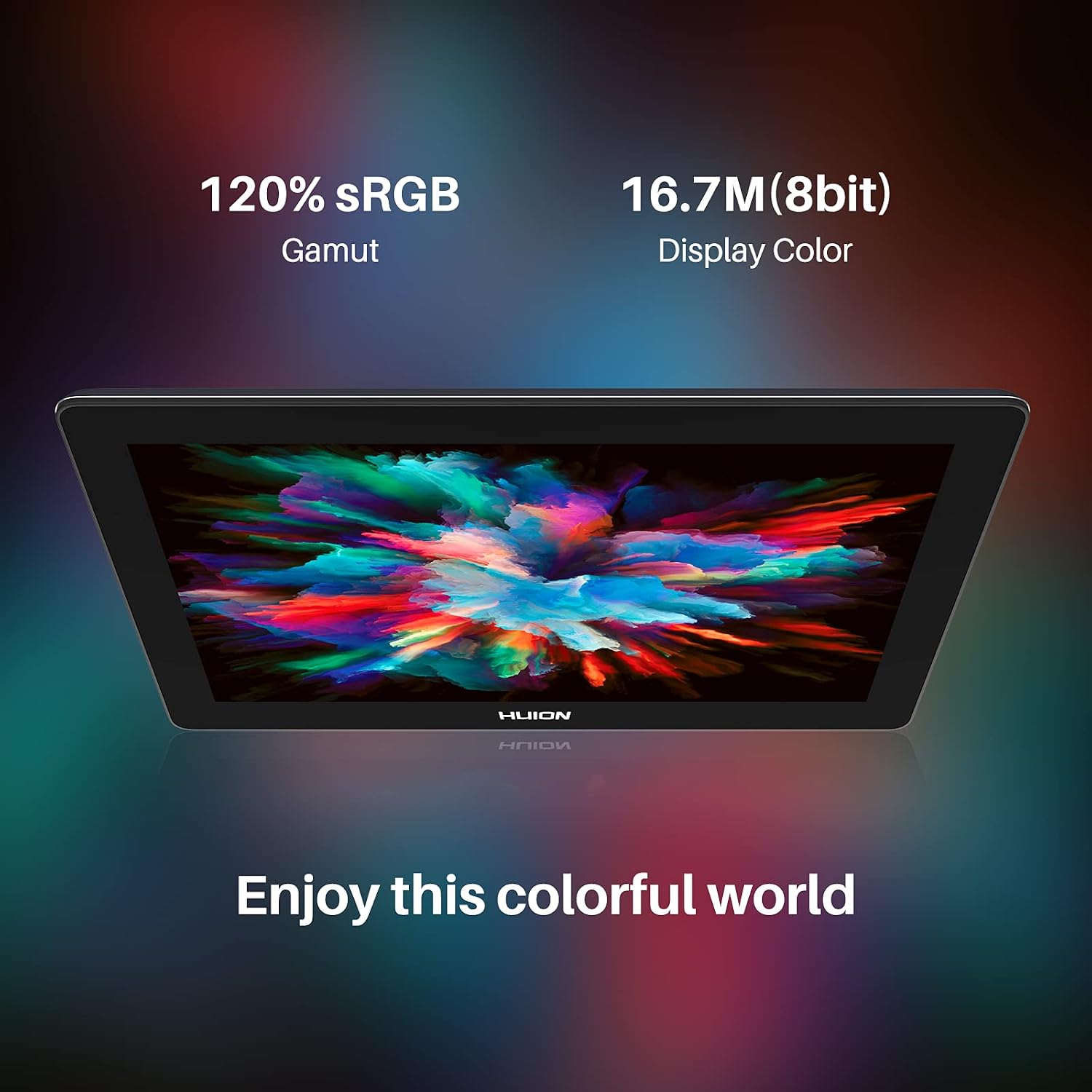
- Colour: 120% sRGB gamut and 16.7 million display colours
- Pen: 8192 pressure levels, ±60° tilt recognition and ±0.3 mm accuracy
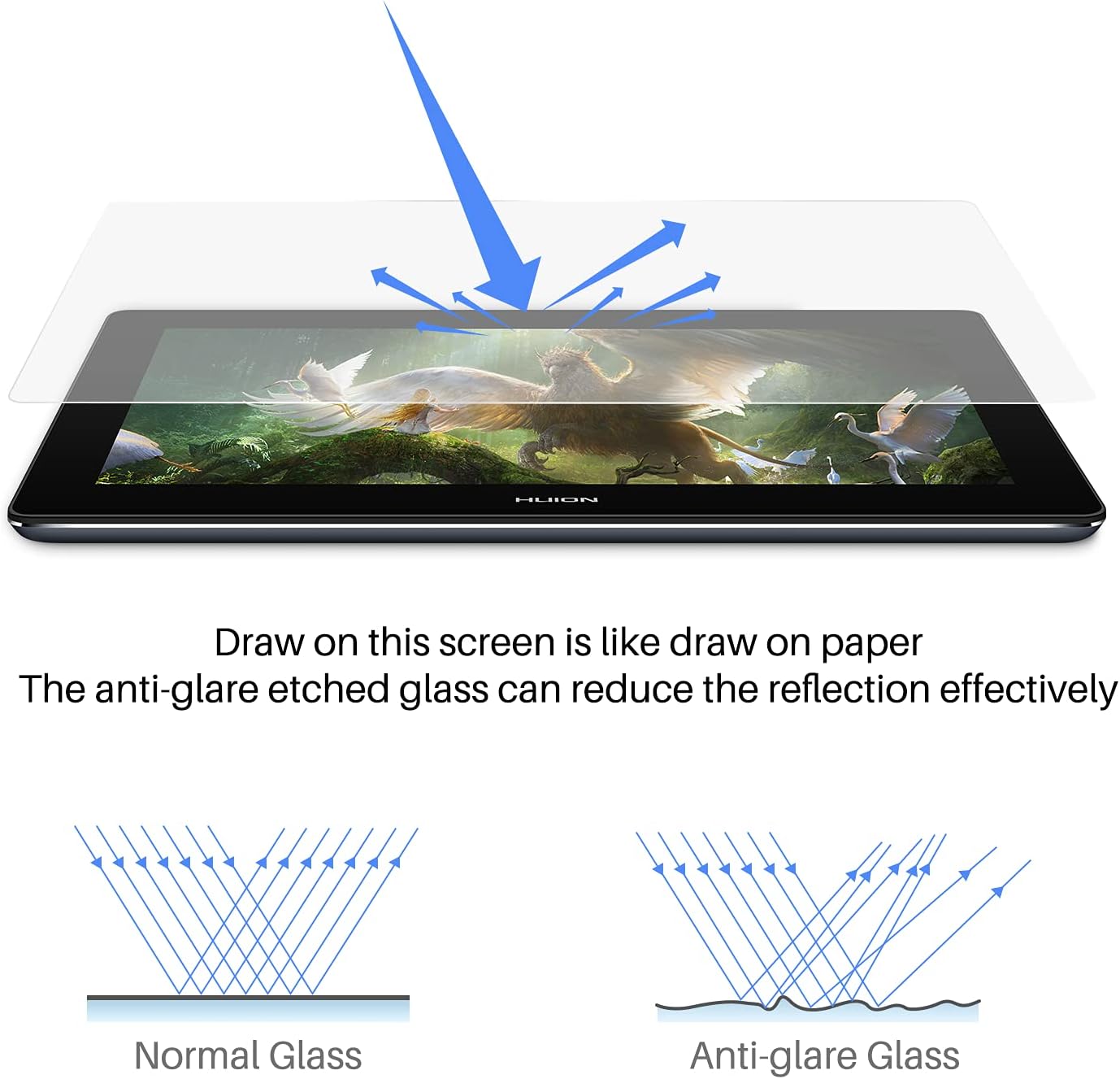
- Display features: IPS panel, full lamination and anti-glare glass
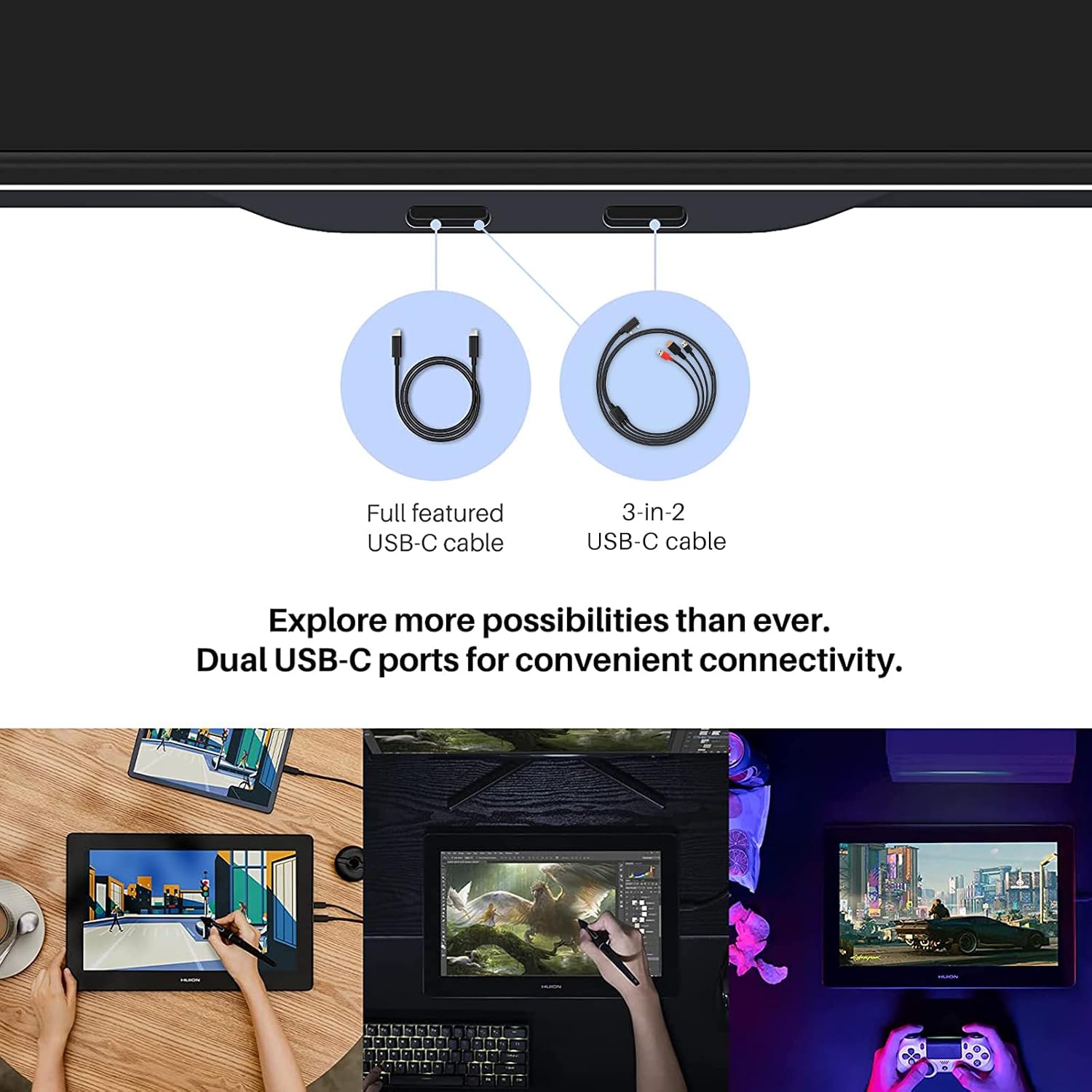
- Connectivity: Dual USB-C ports, HDMI via the 3-in-1 cable
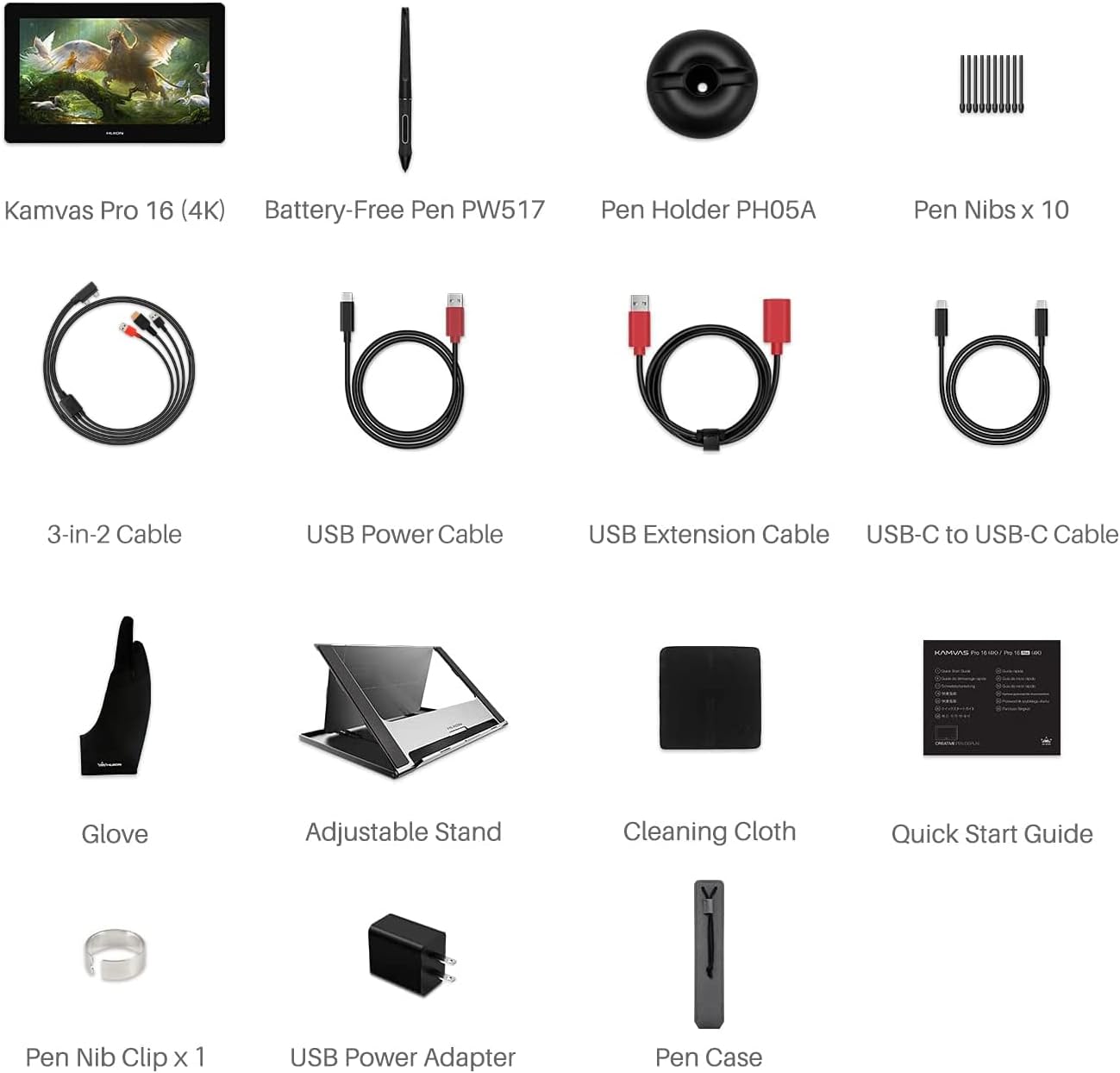
- What’s included: Pen display, digital pen, 3-in-2 cable, USB extension cable, USB-C to USB-C cable, USB power cable and adapter, foldable ST200 stand, PH05A pen holder, 10 pen nibs, nib clip, glove, cleaning cloth and quick-start guide
The anti-glare surface helps manage reflections, while full lamination reduces the gap between the pen tip and cursor. This supports a more direct drawing feel, and the IPS panel provides a 178° viewing angle. For artwork where colour and fine detail matter, the 4K panel and stated colour gamut give you useful visual detail on the working surface.
Everyday compatibility
Use the Kamvas Pro 16 with a Windows computer running Windows 7 or later, or a Mac running macOS 10.12 or later. It also works with Android phones and tablets that support USB 3.1 Gen and DP 1.2. Connection options include the 3-in-1 HDMI cable or a full-featured USB-C cable with a power cable. Check that your Android device meets the stated USB and DisplayPort requirements before connecting.
The display is suited to digital illustration, graphic design, photo and video editing, as well as tasks such as signing documents, making diagrams and taking notes. Compared with a separate pen tablet that you use while looking at another screen, this pen display lets you draw on the image itself, which can make tracing, retouching and placing details feel more direct.
Tips for day-to-day use
Set the display on the included foldable ST200 stand for a working angle that suits your desk, then keep the digital pen and spare nibs close by in the included holder. The pen recognises tilt up to ±60° and 8192 pressure levels, giving you input for varied strokes and pressure-sensitive work. Its stated ±0.3 mm accuracy is particularly relevant when positioning fine details or making precise edits.
For a typical home studio session, connect the display to your computer, open your chosen creative software and use the screen as the drawing surface while you sketch, paint or retouch. The anti-glare glass is useful in a bright workspace, and the included cleaning cloth helps with routine screen care.
Practical questions
Which computers and mobile devices can I use it with? It supports Windows 7 or later and macOS 10.12 or later. Android phones and tablets need USB 3.1 Gen and DP 1.2 support.
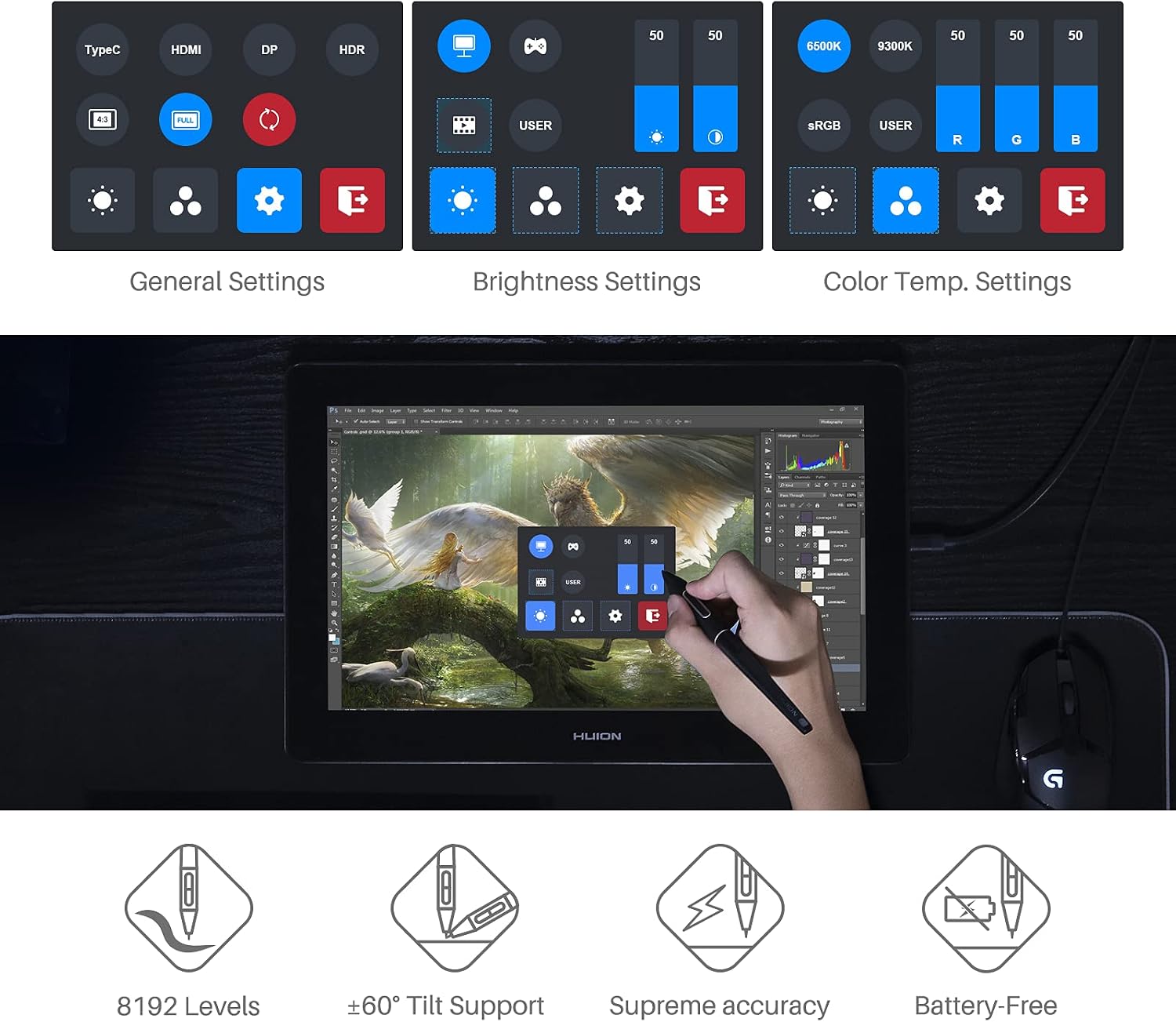
What does the digital pen offer? It supports 8192 pressure levels, ±60° tilt recognition and stated accuracy of ±0.3 mm. The pen can also adjust on-screen display settings such as brightness and colour temperature.
What is supplied for setup and use? The package includes the pen display and digital pen, connection and power cables with a power adapter, the foldable ST200 stand, PH05A pen holder, 10 nibs, a nib clip, glove, cleaning cloth and quick-start guide.
Buying verdict
Choose the HUION Kamvas Pro 16 if you want a 4K pen display for drawing or editing directly on screen, with an anti-glare laminated surface and a tilt-sensitive stylus. Its 15.6-inch working area, included stand and multiple connection options make it a practical fit for a creative desk setup.